Collection:
Timer Apps
DragTime

DragTime lets you create timers, reminders, and calendar events with a simple menu bar drag. It learns your habits on-device, turning intuitive gestures into effortless, private time management.

Structure your focus with intentional intervals. Run Pomodoro sessions, create countdowns, launch quick drag-and-drop timers, trigger reminders, block distractions, analyze focus habits, track deep work, sync with calendars, automate breaks, and turn abstract intention into visible, ticking commitment.
Structure your focus with intentional intervals. Run Pomodoro sessions, create countdowns, launch quick drag-and-drop timers, trigger reminders, block distractions, analyze focus habits, track deep work, sync with calendars, automate breaks, and turn abstract intention into visible, ticking commitment.
DragTime lets you create timers, reminders, and calendar events with a simple menu bar drag. It learns your habits on-device, turning intuitive gestures into effortless, private time management.
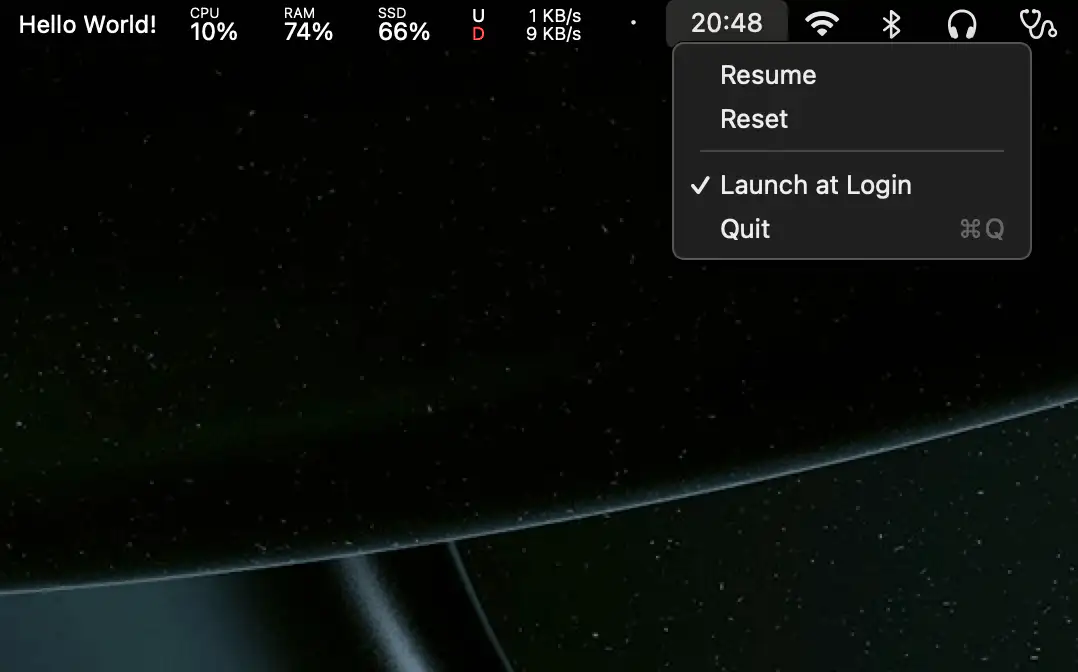
A lightweight, minimal menu bar stopwatch that keeps time without fuss. Start, pause, or reset instantly, all in a clean, friendly little tool.
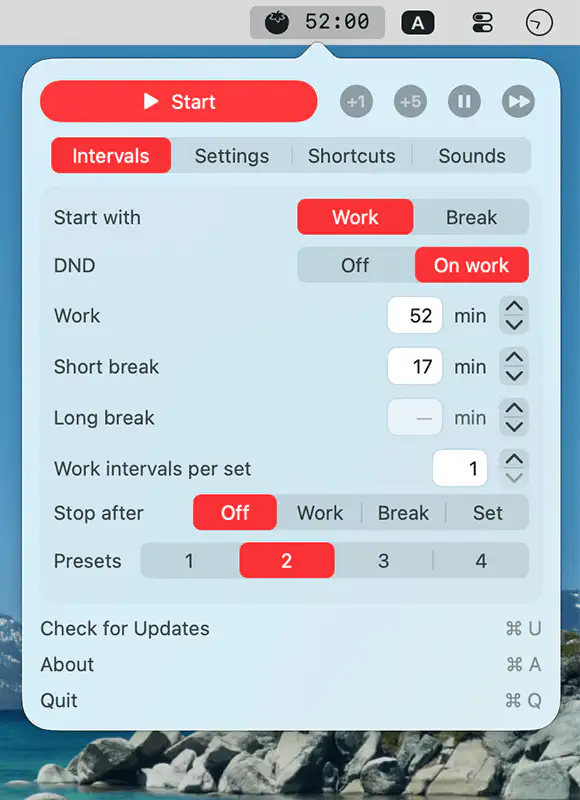
TomoBar is a flexible Pomodoro timer that blends into your menu bar, adapts to your pace, and offers clear, customizable notifications to keep your workflow steady without breaking your concentration.
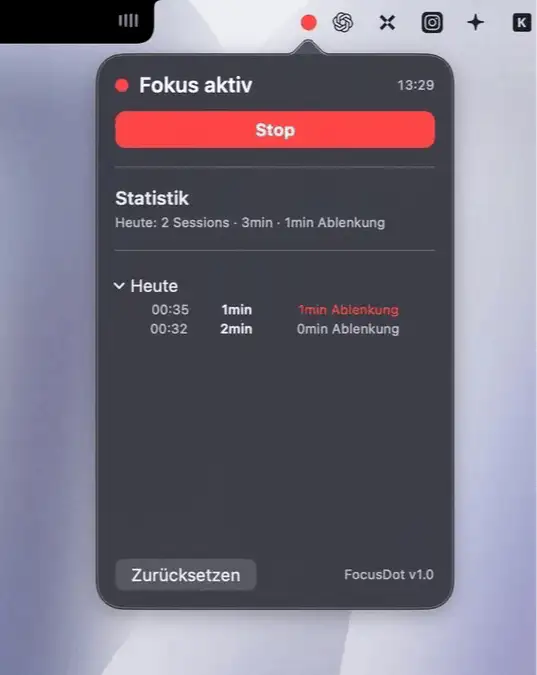
FocusDot notices when you drift off to YouTube or social media and gently nudges you back into flow. It runs quietly in your menu bar, and everything stays local on your Mac.
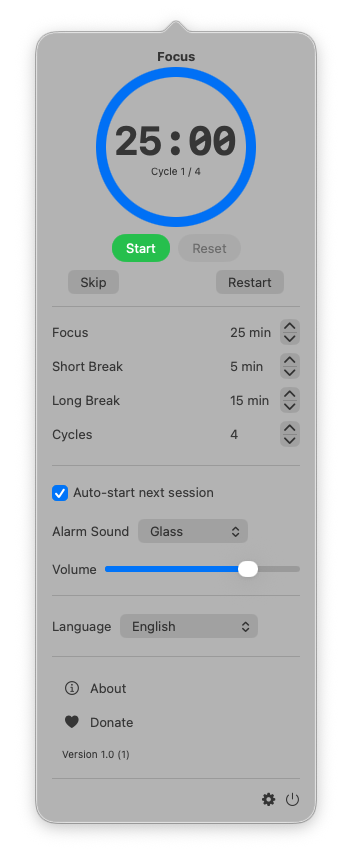
TimeMate helps you stay focused and balanced throughout the day with a clean, minimalist Pomodoro timer that turns your workflow into smooth, focused sessions and effortless breaks.
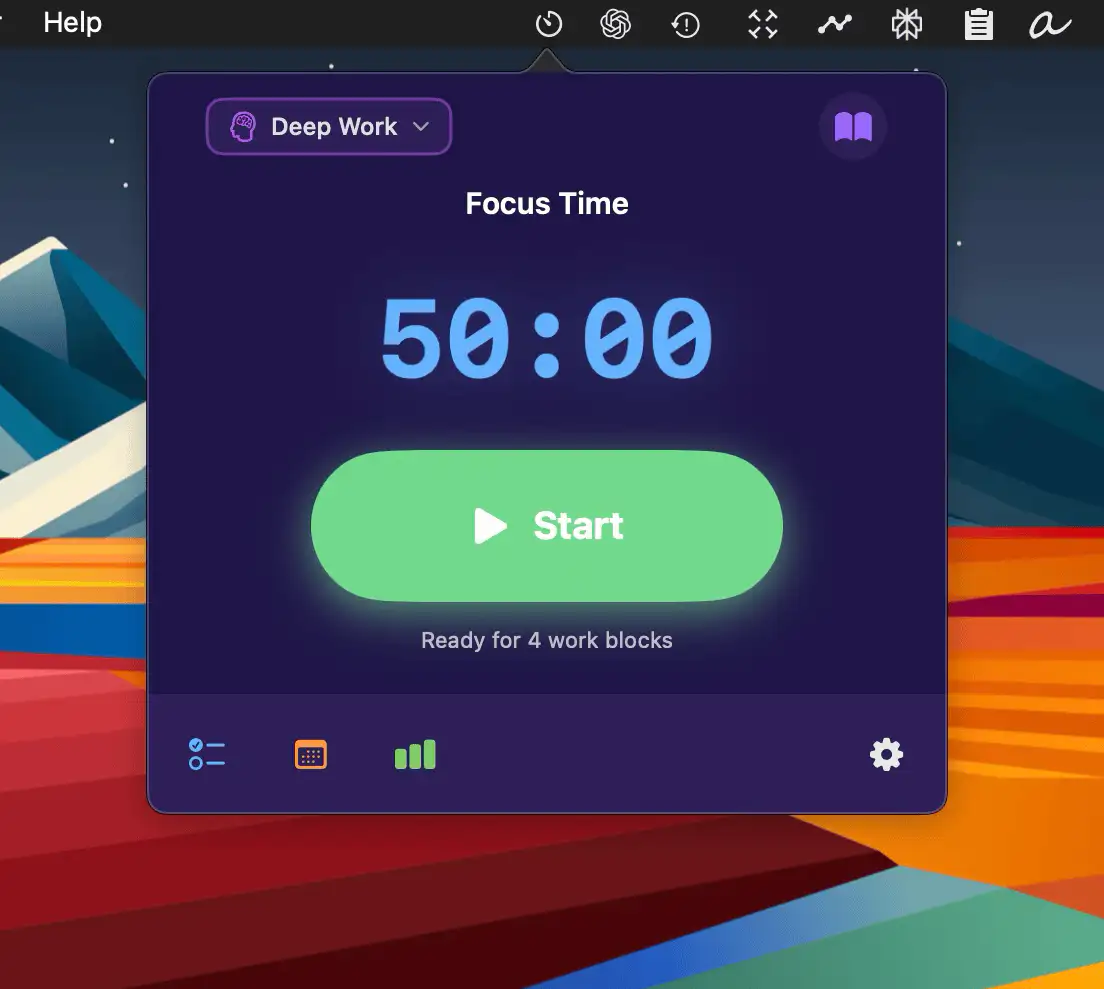
Focusly is a minimal, privacy-first focus timer for macOS that syncs with your calendar, tracks your deep-work sessions, and keeps you in flow with smart breaks and effortless simplicity.
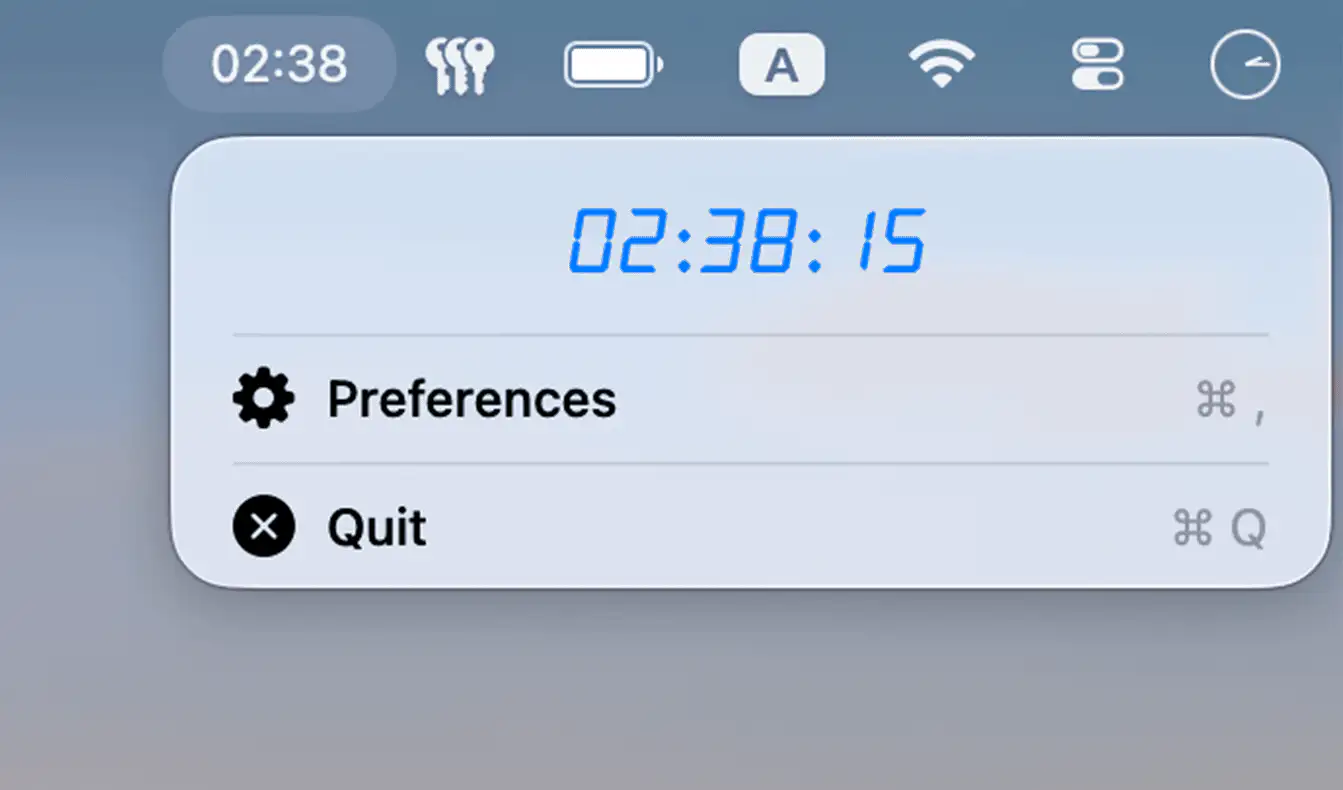
Peep is a minimal macOS menu bar app that gently tracks your daily screen time, offering subtle visual nudges to help you stay mindful and balanced while using your computer.
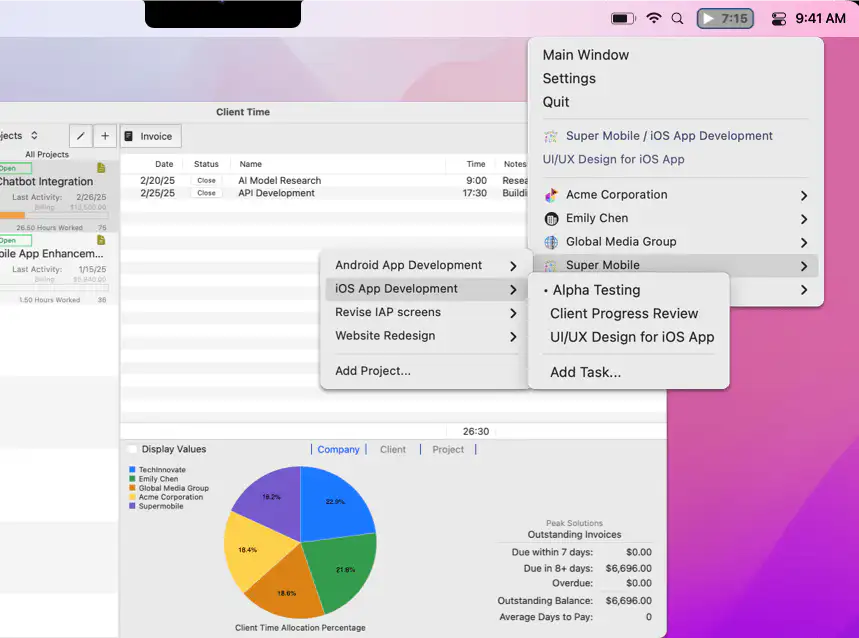
Track time and create professional invoices right from your Mac menu bar. Client Time Pro helps you capture every billable minute and get paid faster without interrupting your workflow.
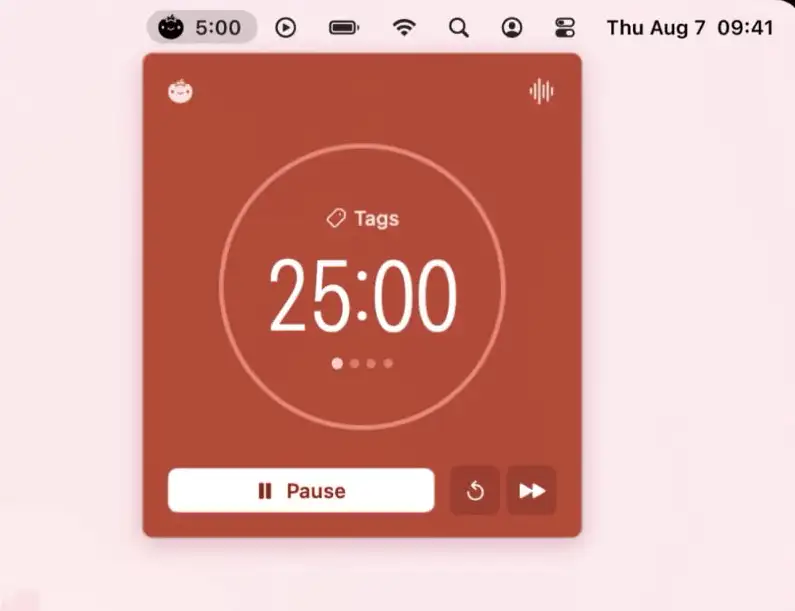
Pommy is a clean, native Mac menu bar app that brings focus and calm with Pomodoro sessions, breaks, and soundscapes—privacy-first, beautifully simple, and synced seamlessly across your devices.
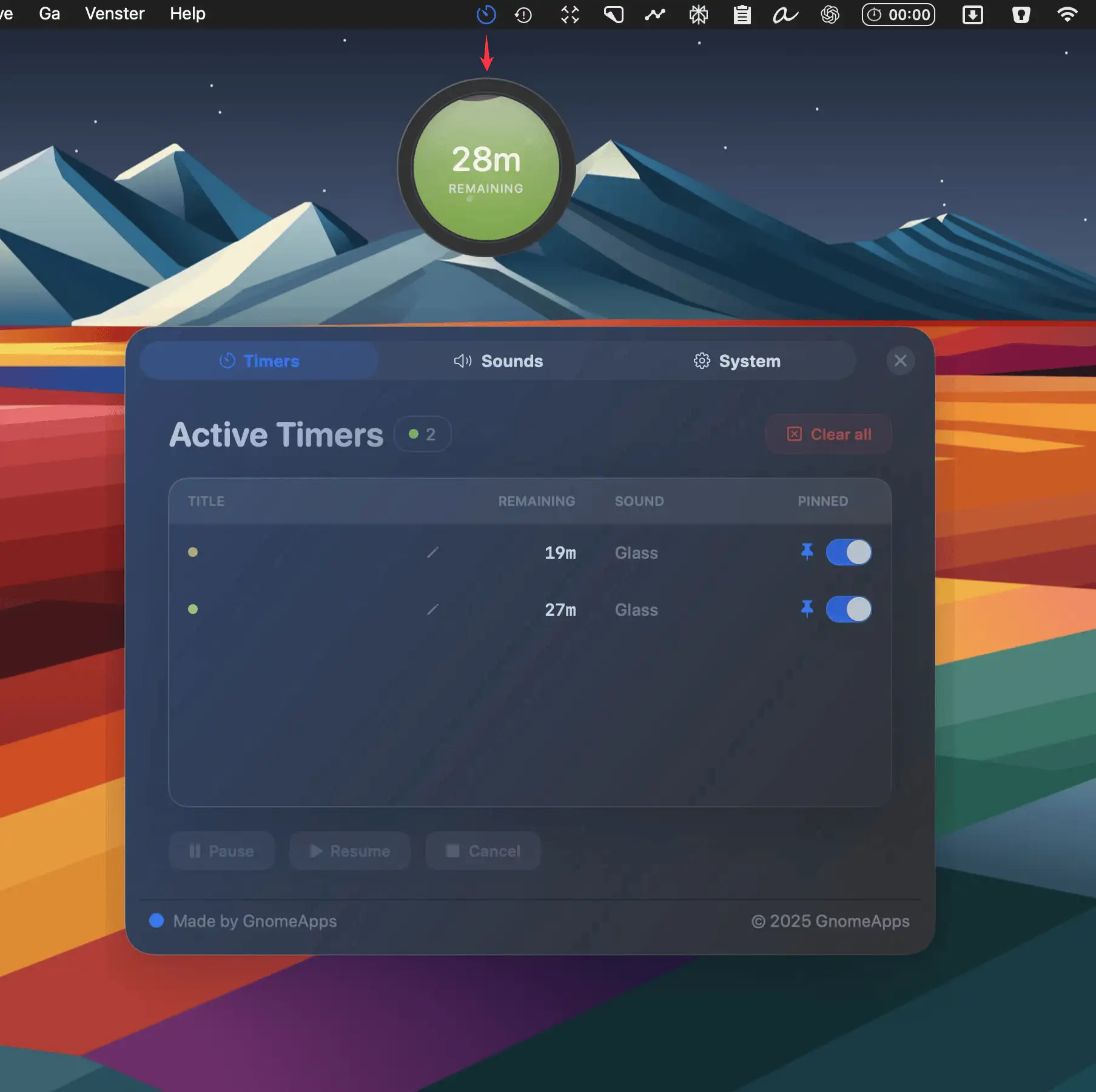
Liquid Timer is a playful Mac menu bar app for managing unlimited floating timers, each with its own look, sound, and animation—perfect for deep work, quick tasks, or oven pizza.