
Collection:
Timer Apps
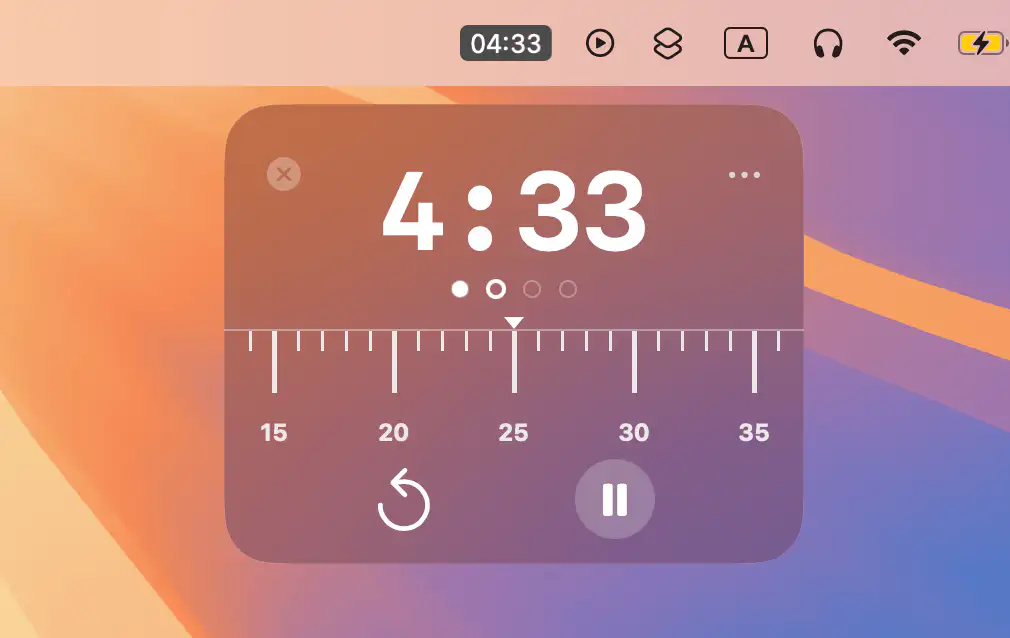
Structure your focus with intentional intervals. Run Pomodoro sessions, create countdowns, launch quick drag-and-drop timers, trigger reminders, block distractions, analyze focus habits, track deep work, sync with calendars, automate breaks, and turn abstract intention into visible, ticking commitment.
Collection:
Timer Apps
JustLockIn
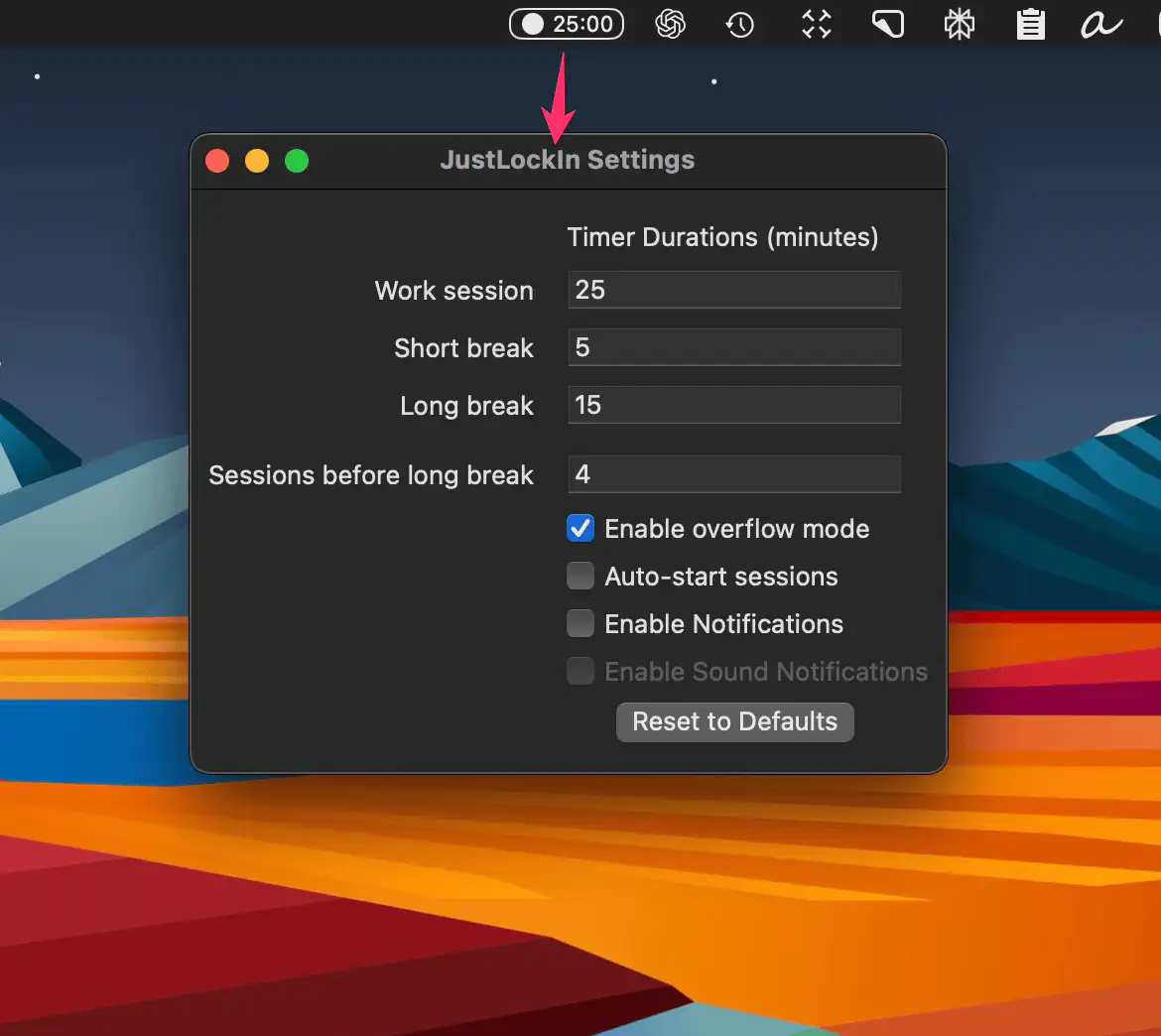
A clean, distraction-free pomodoro app that lives in your Mac’s menu bar. Start, pause, or extend focus sessions with one click, customize your workflow, and stay in the zone.
Collection:
Timer Apps
Caps Lock Focus Stopwatch
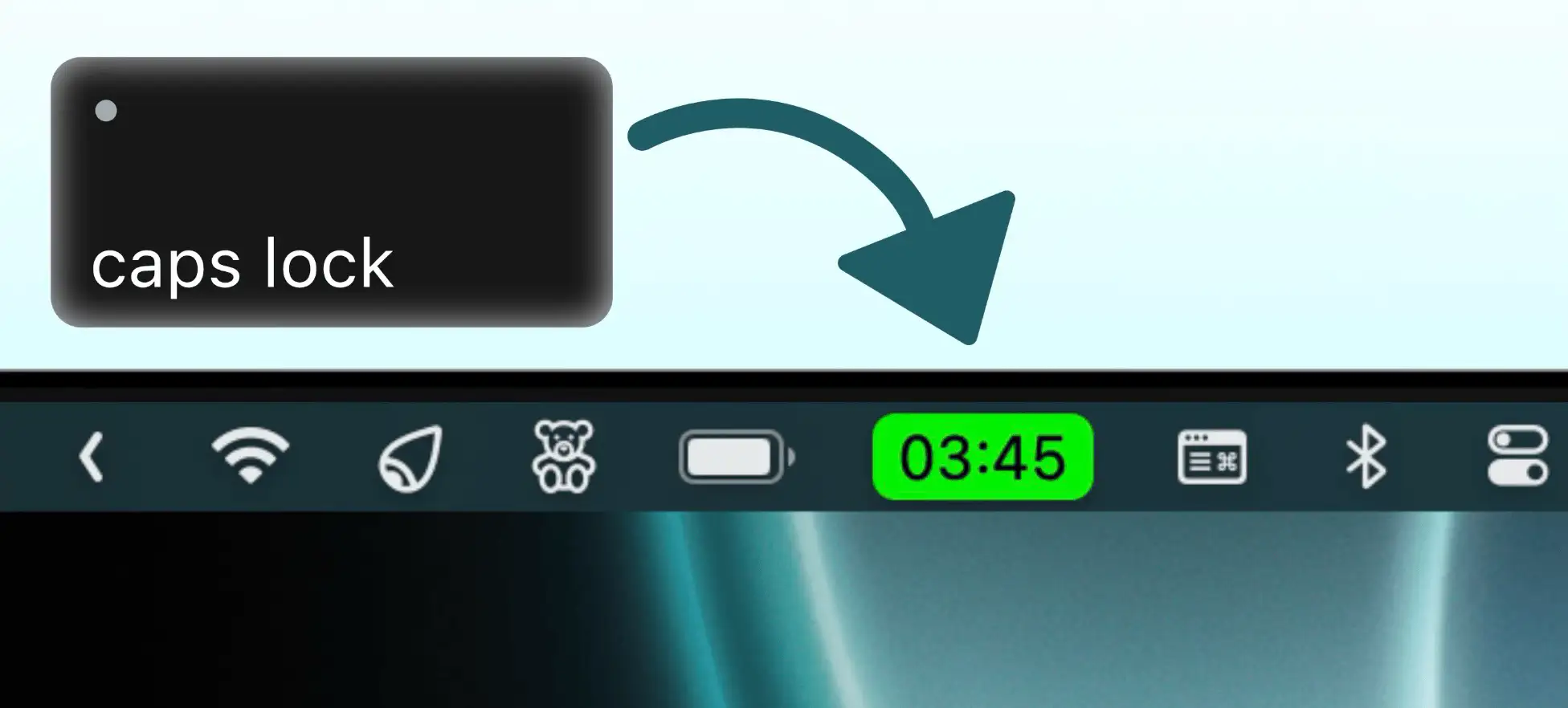
Turn your Caps Lock key into the fastest stopwatch trigger on macOS. Start and stop with a single tap, and track your time effortlessly—right from your menu bar.
Collection:
Timer Apps
Motivation Timer
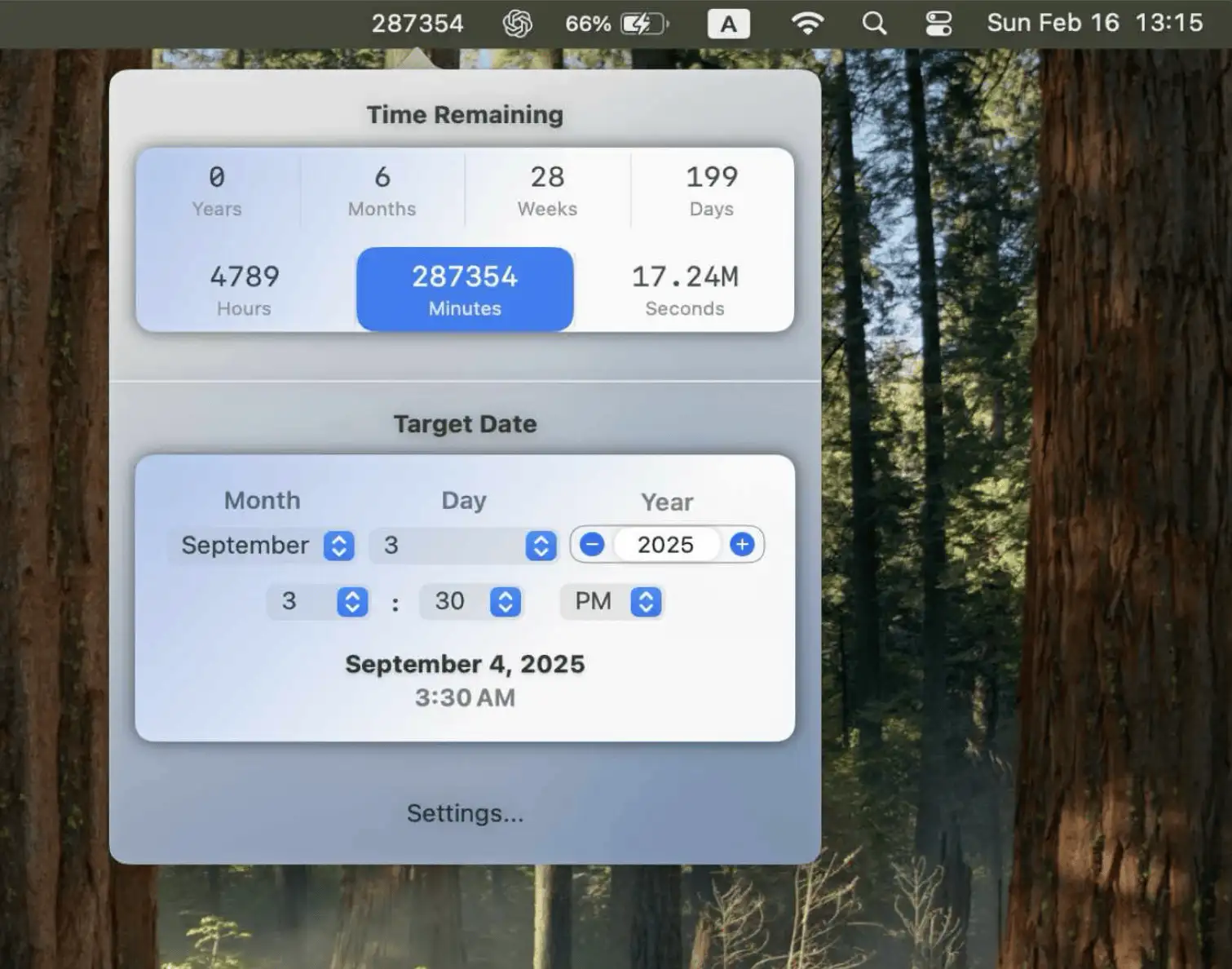
Motivation Timer is a sleek Mac app that shows a live countdown to any future or past date—right in your menu bar. A subtle, powerful reminder of how little time we truly have.
Collection:
Timer Apps
pomo™
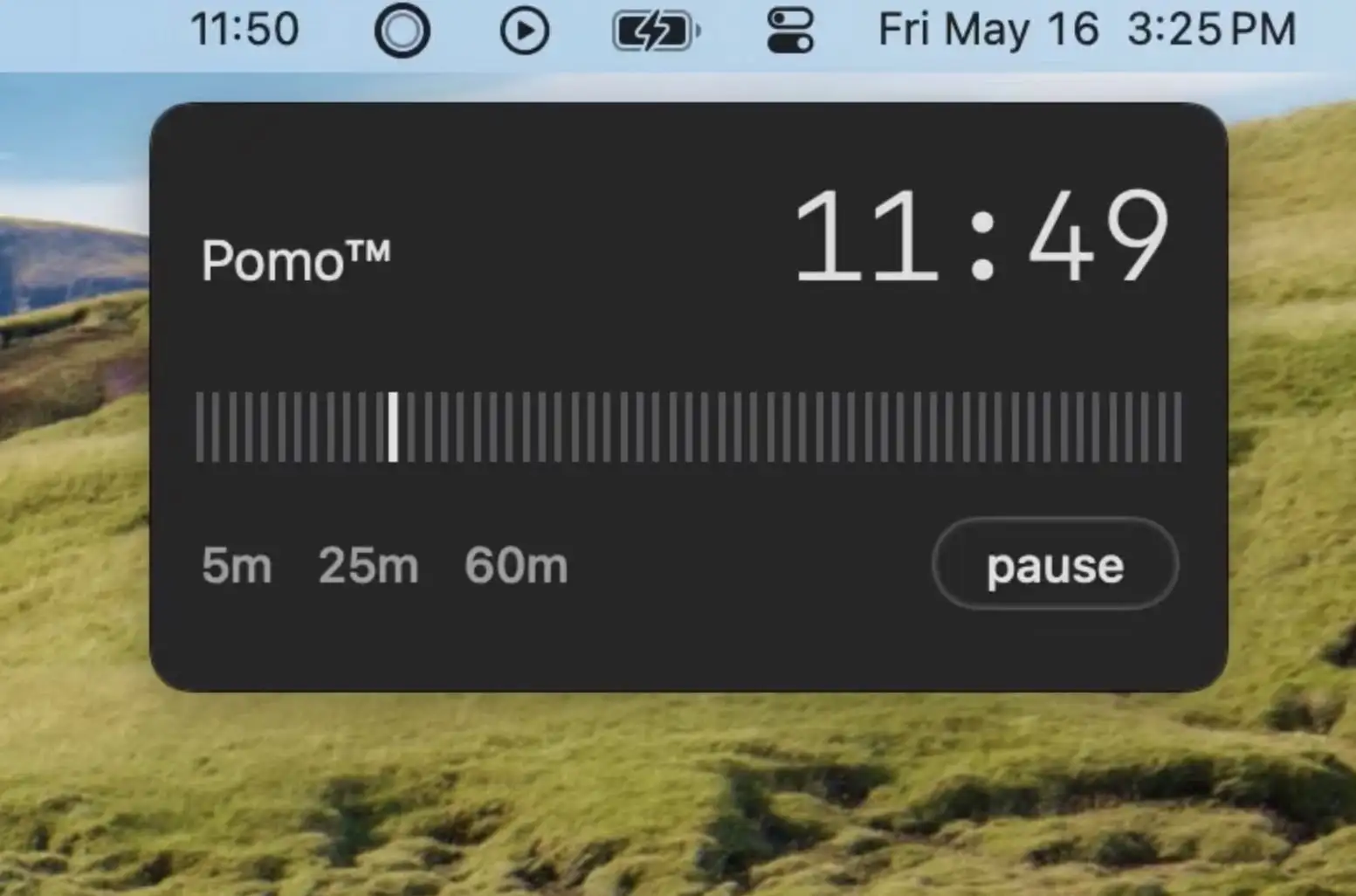
pomo™ is a minimal macOS timer that helps you focus with clean design, gentle sounds, and zero distractions—perfectly tuned to your rhythm and built with privacy in mind.
Collection:
Timer Apps
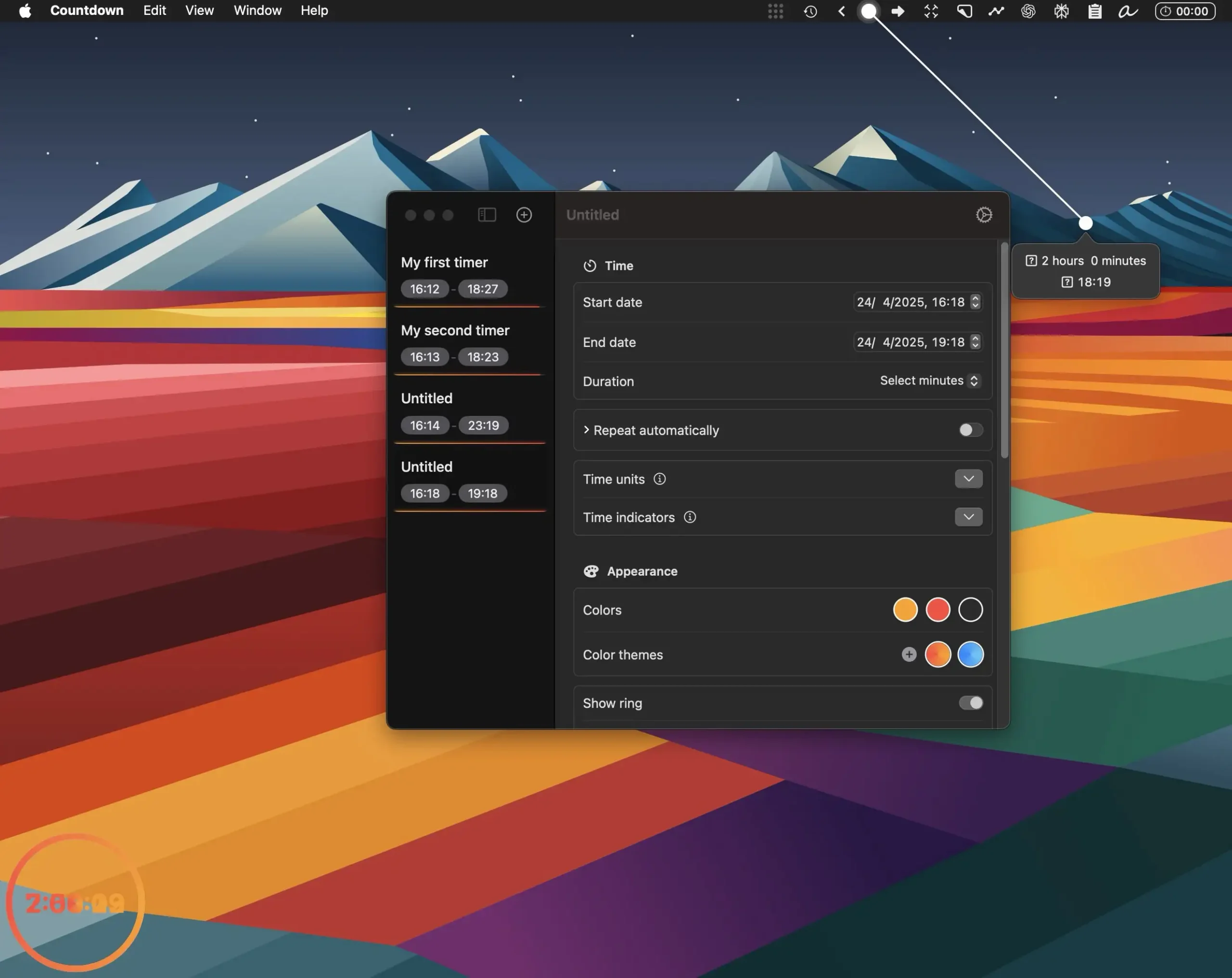
Countdown Timer Pro
Collection:
Timer Apps
Chunk
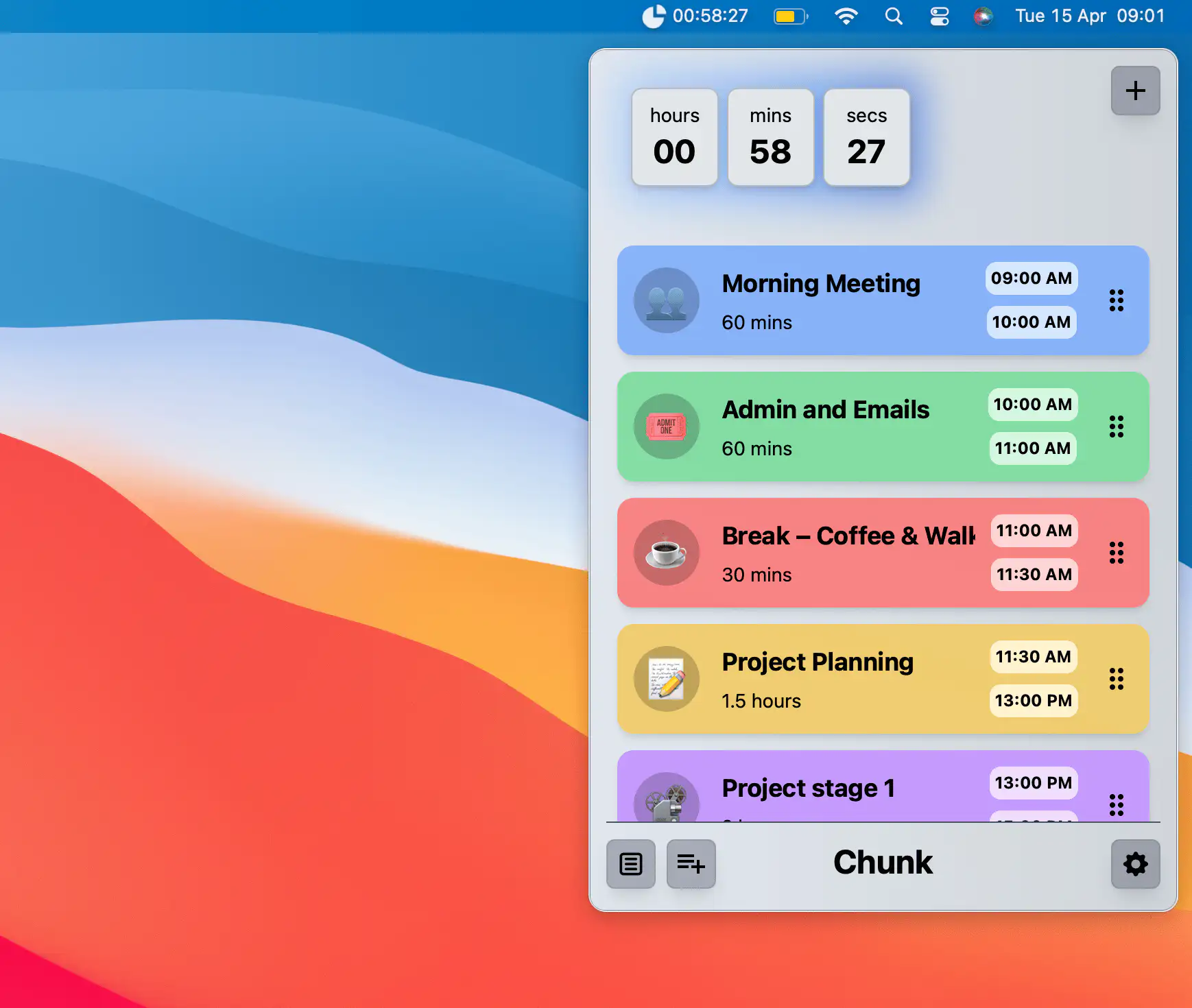
Chunk is a time-blocking app that lets you drag your day into focused blocks, synced both ways with your Apple, Google and Outlook calendars. A live countdown in the menu bar keeps you on track.
Collection:
Timer Apps
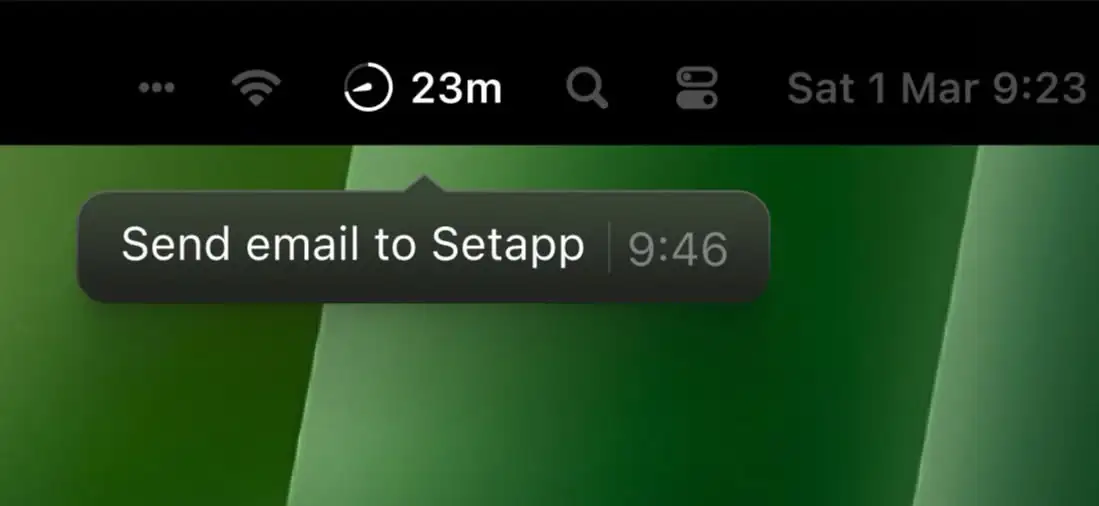
DeskMinder
Collection:
Timer Apps
Dropclock
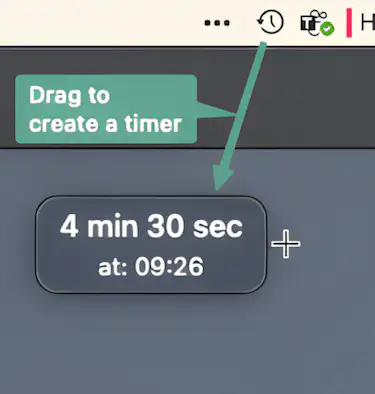
Dropclock lets you create timers instantly with a simple drag-and-drop gesture. No complicated menus—just click the menu bar icon, drag to set the time, and release to start your timer.
Collection:
Timer Apps
