Collection:
Cleaning Apps
DiskPress
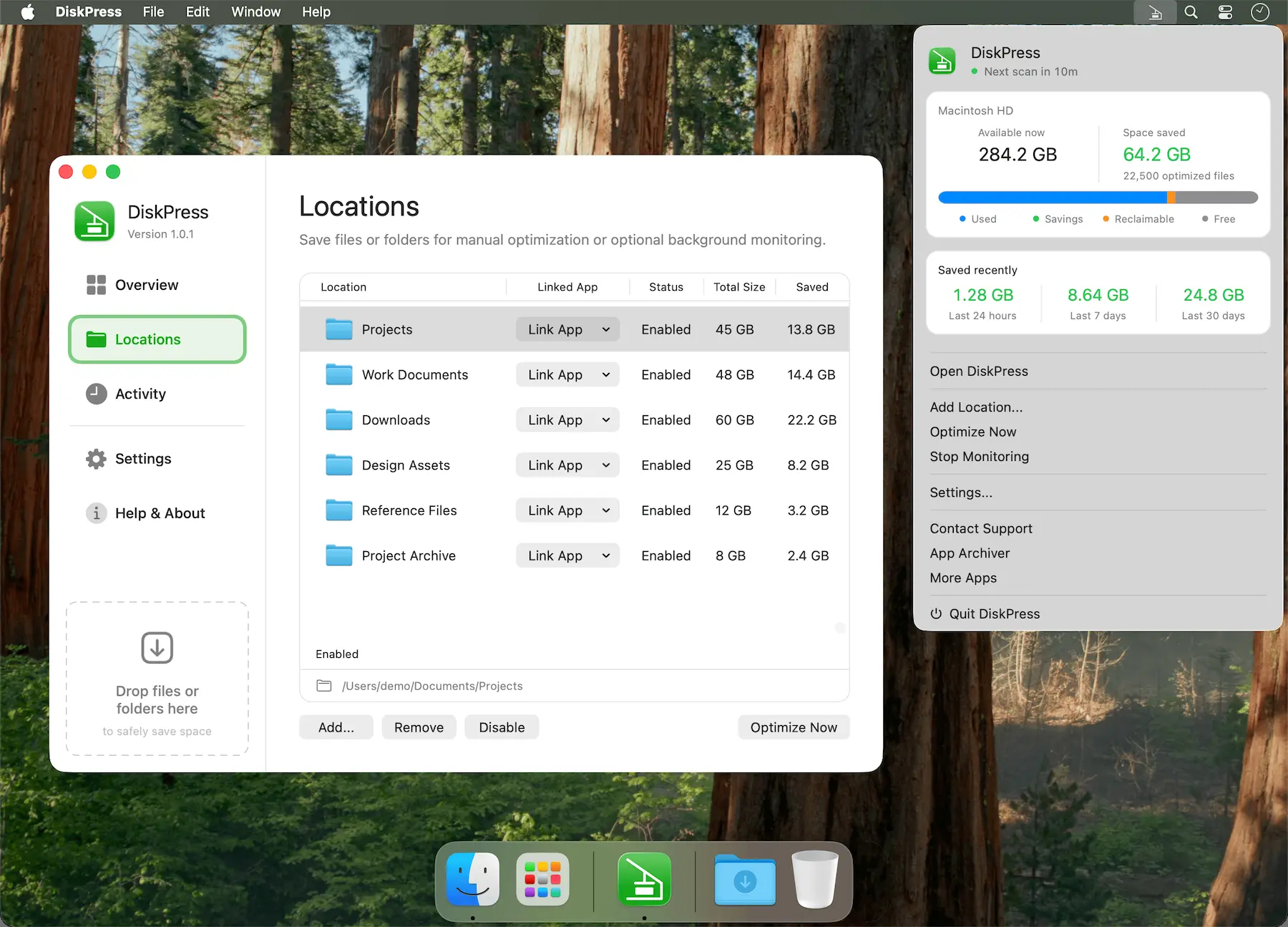
Free up Mac storage without deleting your files. DiskPress combines native compression and APFS deduplication to reduce storage usage while keeping files in place, accessible, and entirely on your Mac.

Declutter your Mac in seconds. Quit unused apps, hide desktop chaos, free up storage and memory, remove junk files, manage duplicates, and automate folder cleanup. These menu bar tools keep your workspace lean, calm, and under control.
Declutter your Mac in seconds. Quit unused apps, hide desktop chaos, free up storage and memory, remove junk files, manage duplicates, and automate folder cleanup. These menu bar tools keep your workspace lean, calm, and under control.
Free up Mac storage without deleting your files. DiskPress combines native compression and APFS deduplication to reduce storage usage while keeping files in place, accessible, and entirely on your Mac.
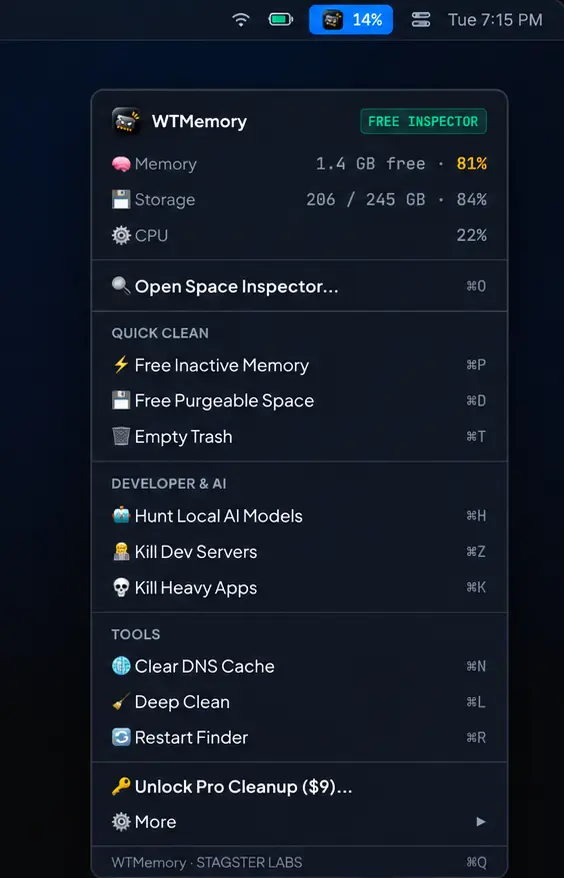
WTMemory monitors RAM, storage and system processes in real time, helping uncover AI model files, developer caches, rogue processes, reclaimable space, and with one-click cleanup.
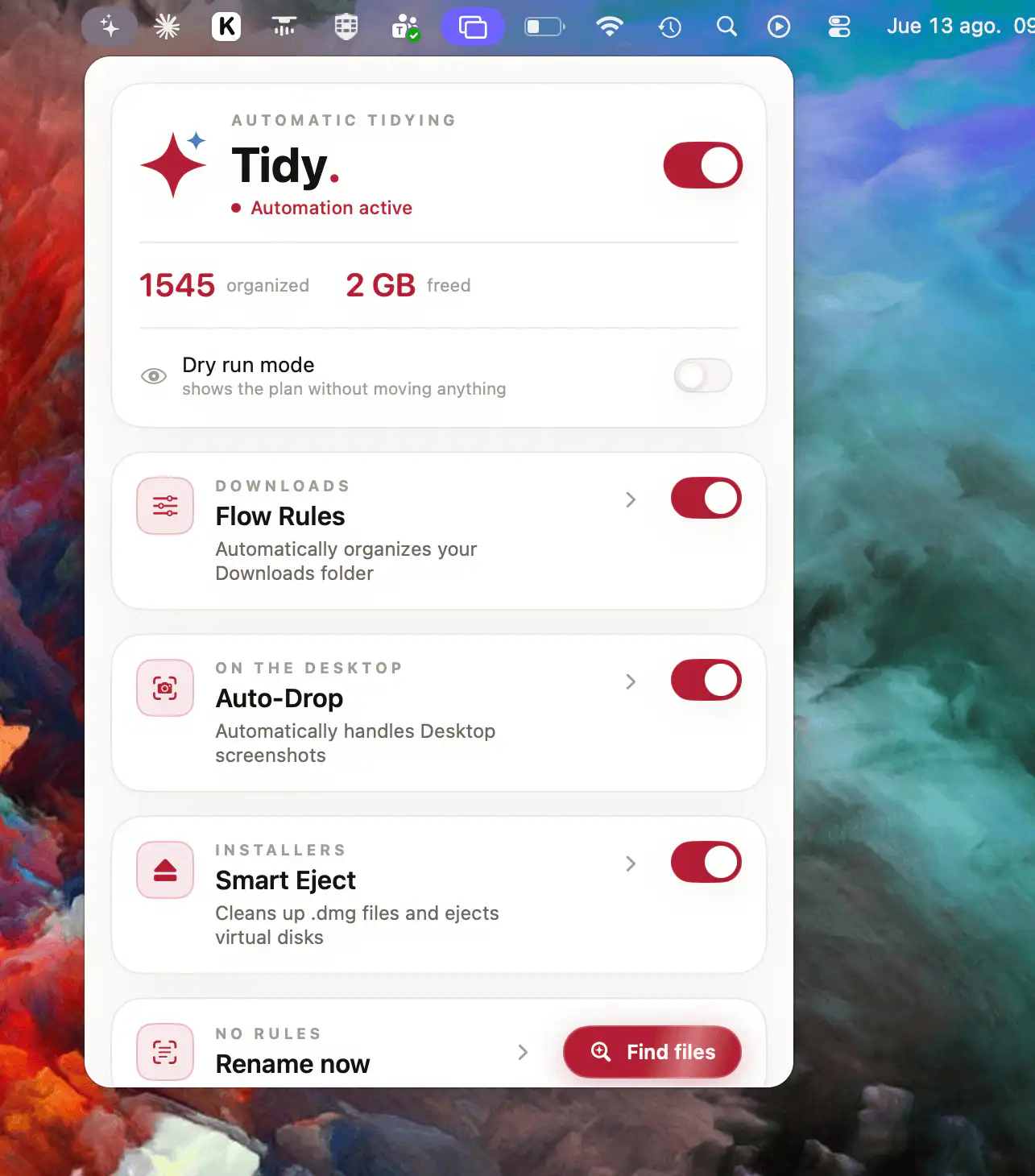
Tidy automatically organizes Downloads and Desktop files with smart rules. It uses on-device OCR to understand file contents, finds text in scanned PDFs, and keeps every action reversible with previews and one-click undo.
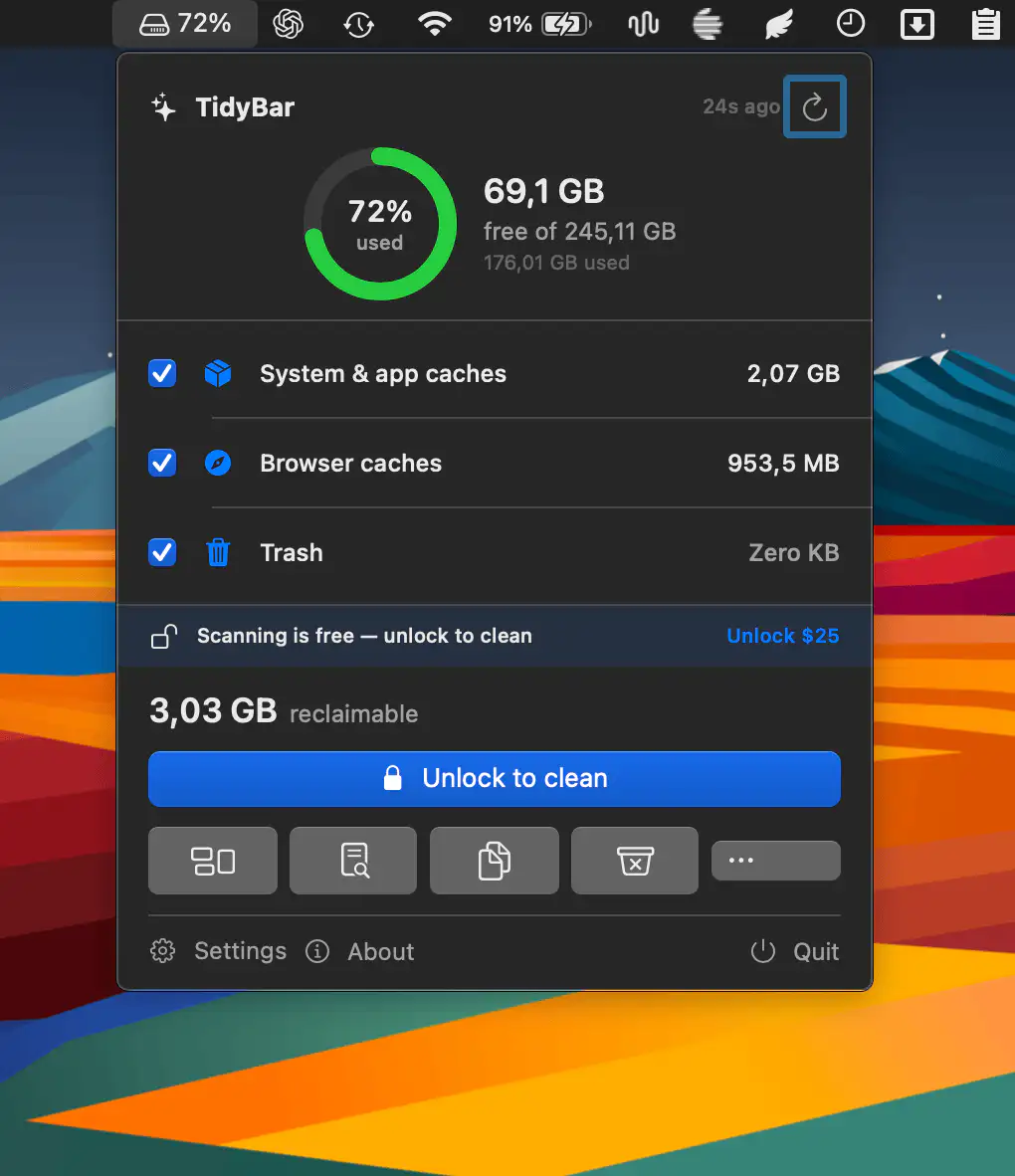
This menu bar app scans your disk for reclaimable space and helps you free gigabytes with a single action. It visualizes storage usage, removes leftovers, finds duplicates, and cleans development clutter.
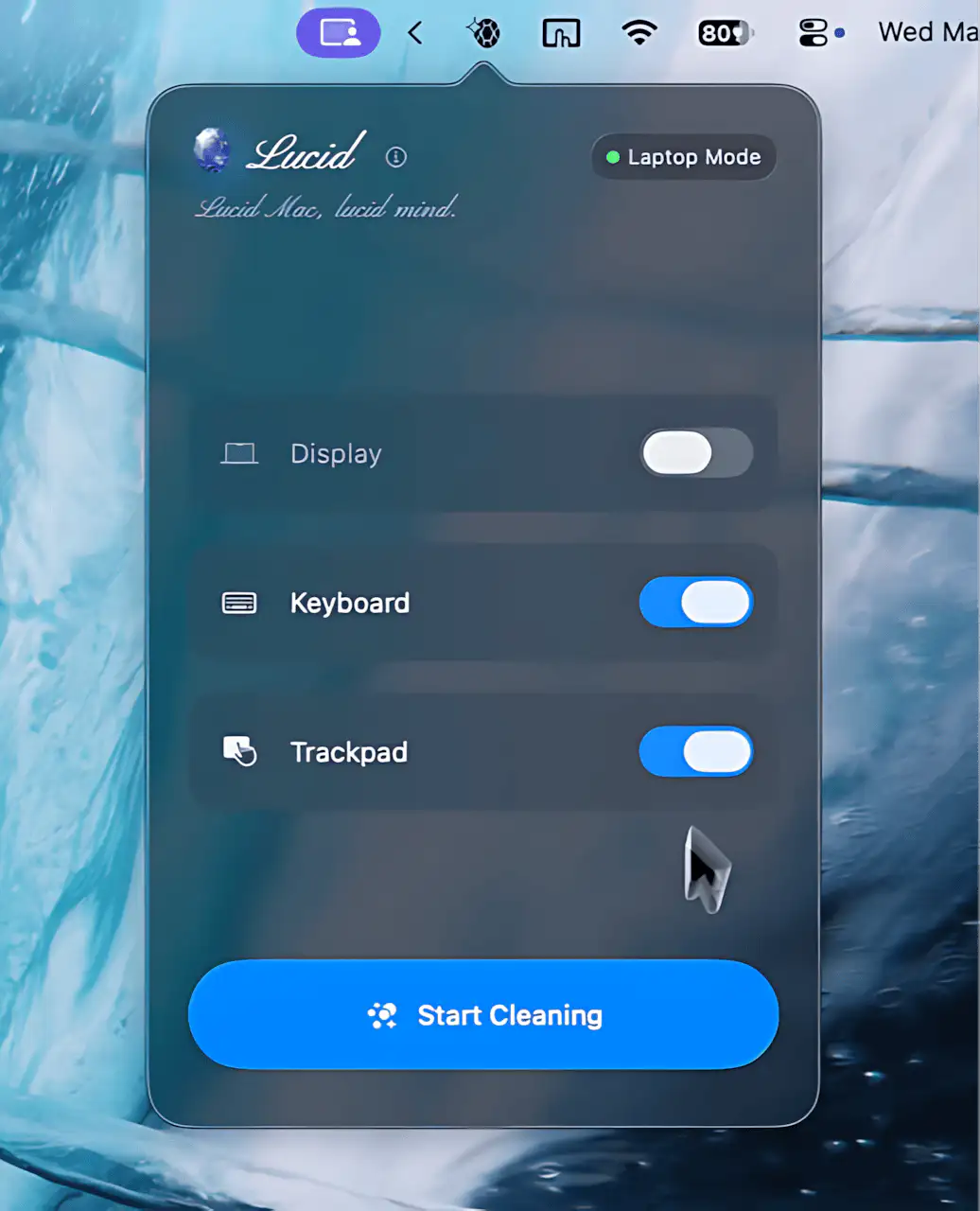
Lucid creates a dedicated cleaning mode for your Mac, darkening the screen and disabling input devices so you can safely remove dust, smudges, and fingerprints without triggering unwanted actions.
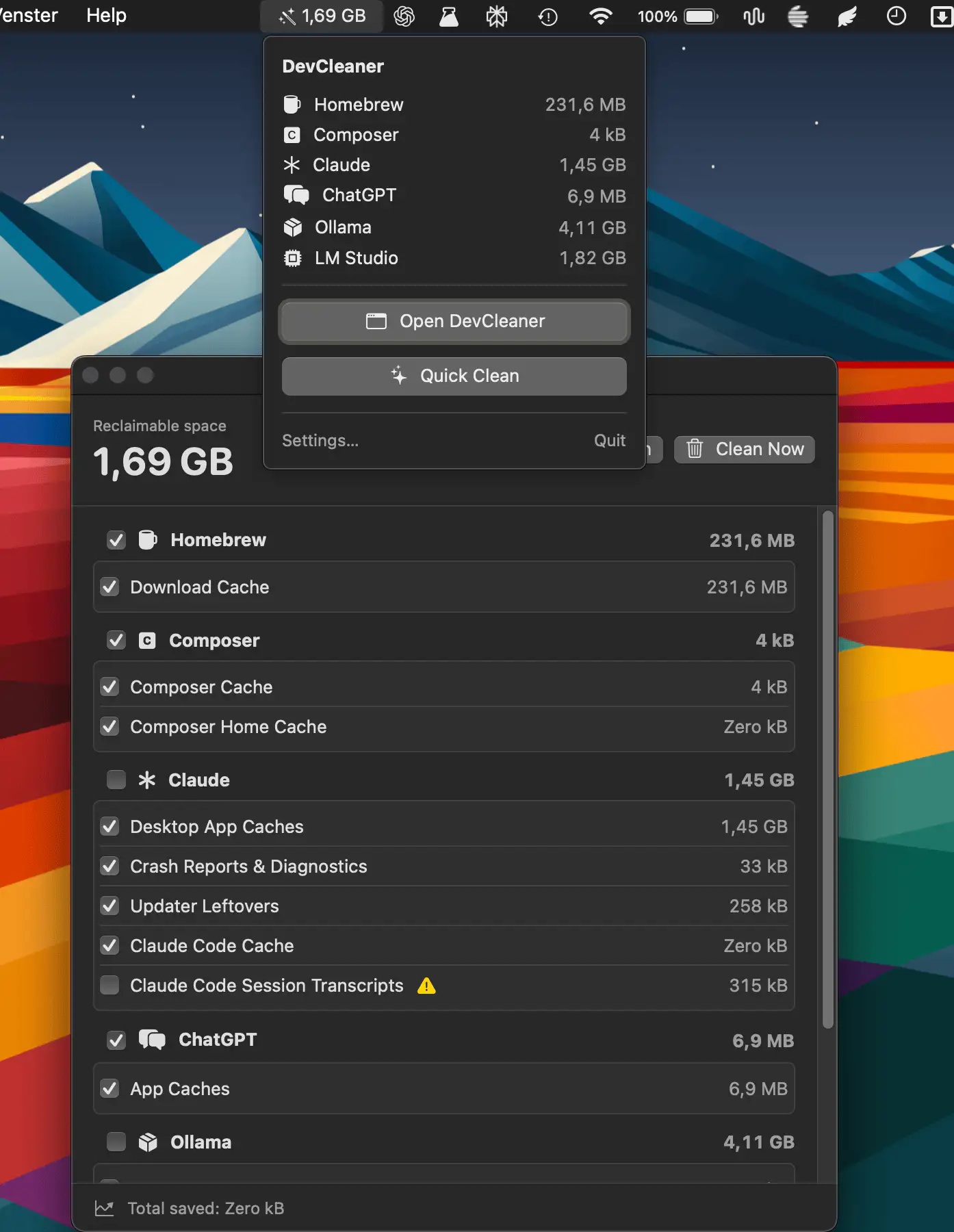
DevCleaner helps developers reclaim wasted disk space by scanning caches, build artifacts, old simulators, and AI tool leftovers across 22 ecosystems.
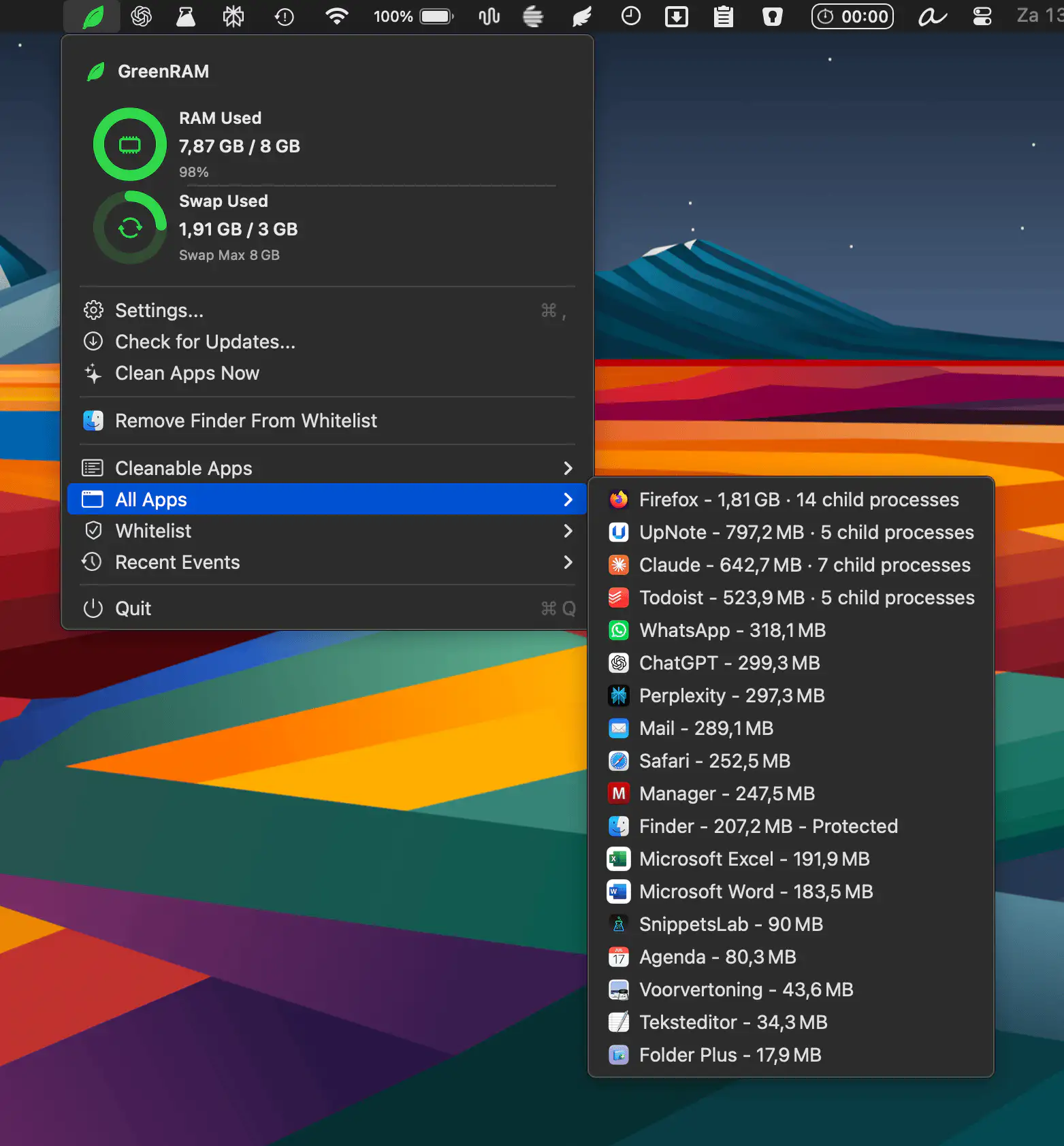
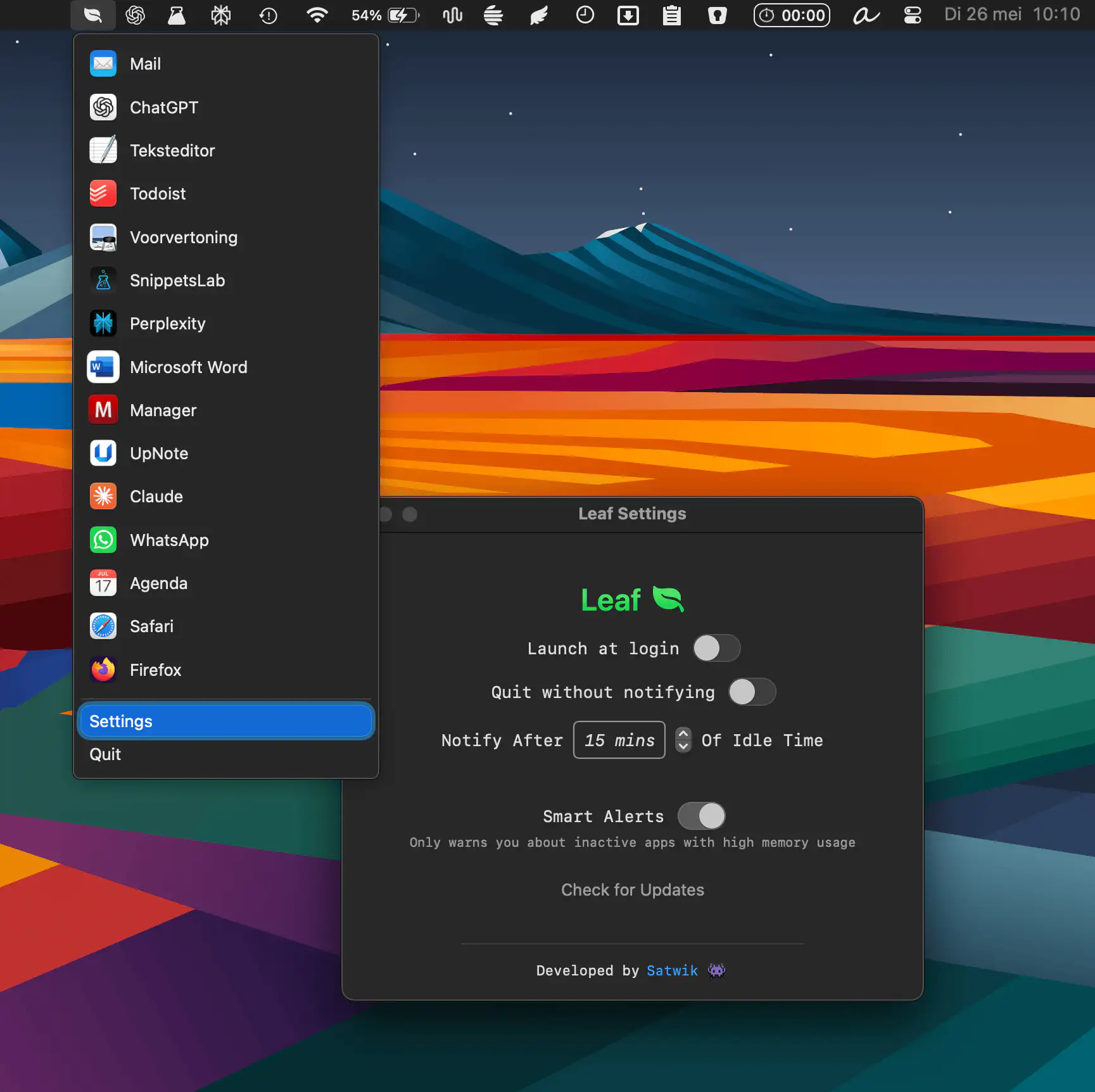
GreenRAM helps keep your Mac responsive by monitoring memory usage and automatically closing long-idle background apps. With customizable rules, smart app handling, and whitelist support, it reduces memory pressure without interfering with the app you’re actively using.
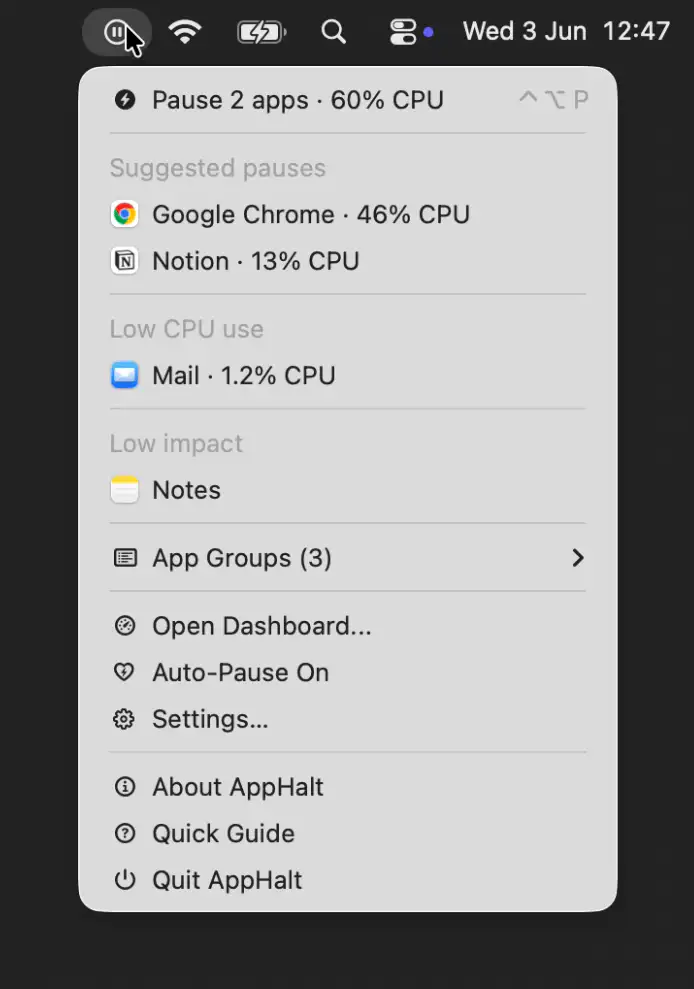
AppHalt helps keep your Mac responsive by pausing unused apps without closing their windows, tabs, or documents. It offers a simple way to reduce background activity while keeping your workspace fully intact.
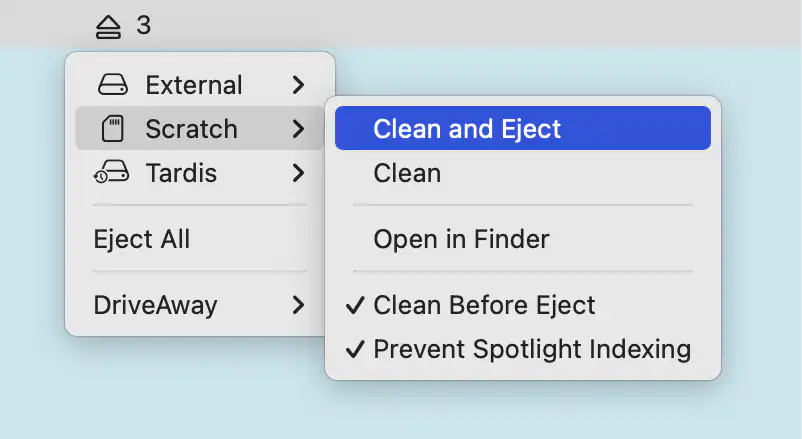
Driveaway cleans external drives before ejecting, removing macOS metadata like DS_Store and Spotlight files. It detects volumes in real time, supports one-click eject, and keeps storage tidy across platforms.