Collection:
Cleaning Apps
Ephemeral
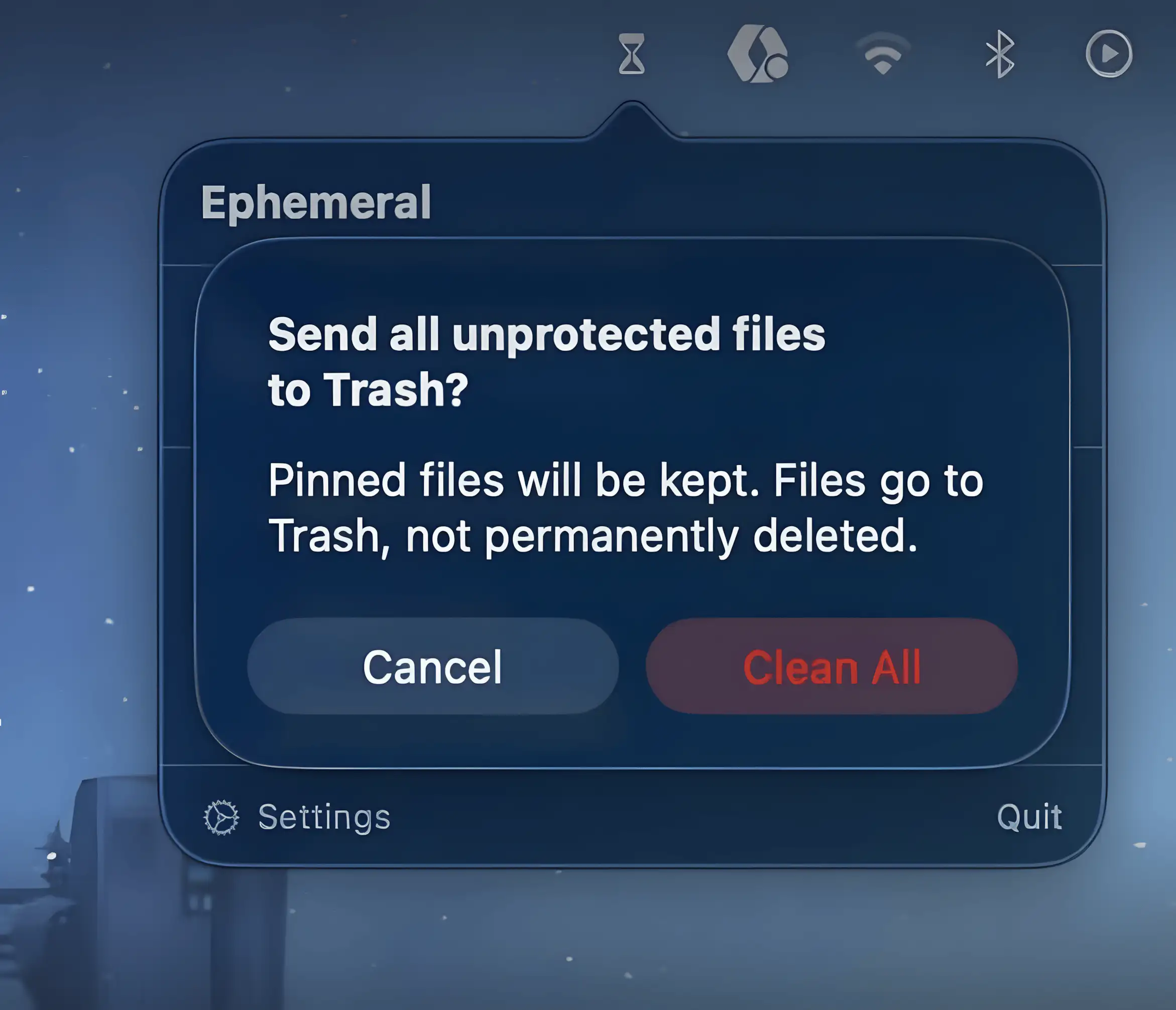
Ephemeral keeps temporary files from piling up by automatically sending them to Trash after a set time. Drop files in, forget about them, and your folders quietly stay tidy without constant manual cleanup.
The next time a site asks for a code, you’ll just tap it in. iPhone · iPad · Mac

Declutter your Mac in seconds. Quit unused apps, hide desktop chaos, free up storage and memory, remove junk files, manage duplicates, and automate folder cleanup. These menu bar tools keep your workspace lean, calm, and under control.
Declutter your Mac in seconds. Quit unused apps, hide desktop chaos, free up storage and memory, remove junk files, manage duplicates, and automate folder cleanup. These menu bar tools keep your workspace lean, calm, and under control.
Ephemeral keeps temporary files from piling up by automatically sending them to Trash after a set time. Drop files in, forget about them, and your folders quietly stay tidy without constant manual cleanup.

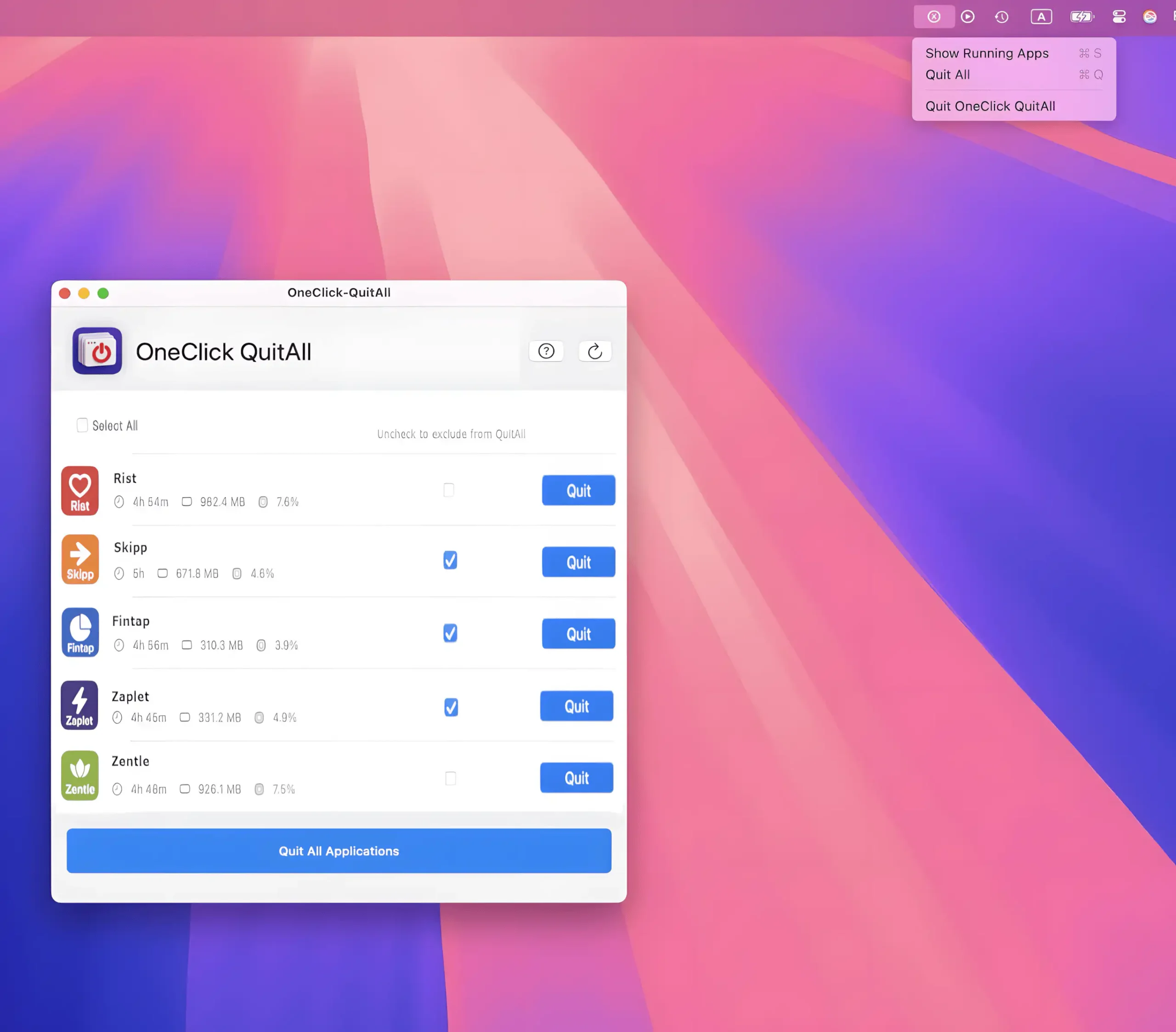
Closes every open app on your Mac with a single click or shortcut, giving you an instant clean slate. Choose which apps to exclude, quit selected ones in bulk, or simply hide everything.
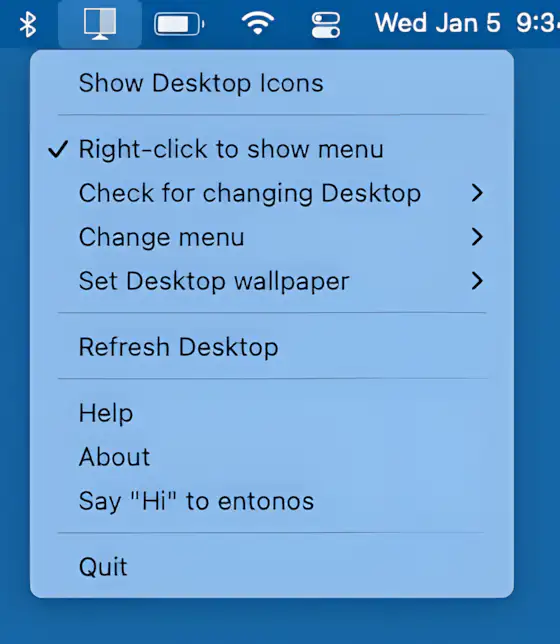
Hide Icons cleanly hides your Mac desktop clutter by overlaying a blank background, keeping your workspace distraction-free. Lightweight, customizable, and ideal for multi-desktop setups.

With just a tap, Kleanly lets you completely disable your keyboard and trackpad, allowing you to clean them without turning your Mac off.
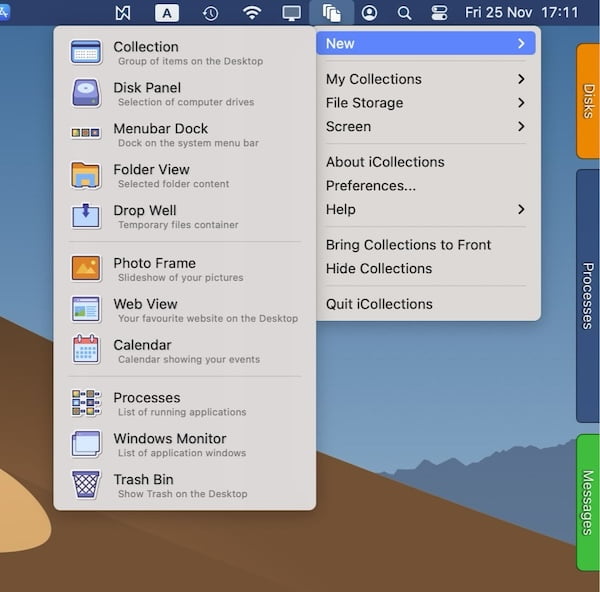
With iCollections, you can organize your desktop by grouping icons, folders, and files into customizable containers (collections).

Tired of having a cluttered desktop and apps using power in the background? This menu bar app lets you automatically closes apps when you don’t use them anymore.

App Cleaner & Uninstaller allows you to completely remove programs from your Mac. In the menu bar, you can see information and quickly access a list of your applications, unused programs, startup items, and manage available updates for applications.

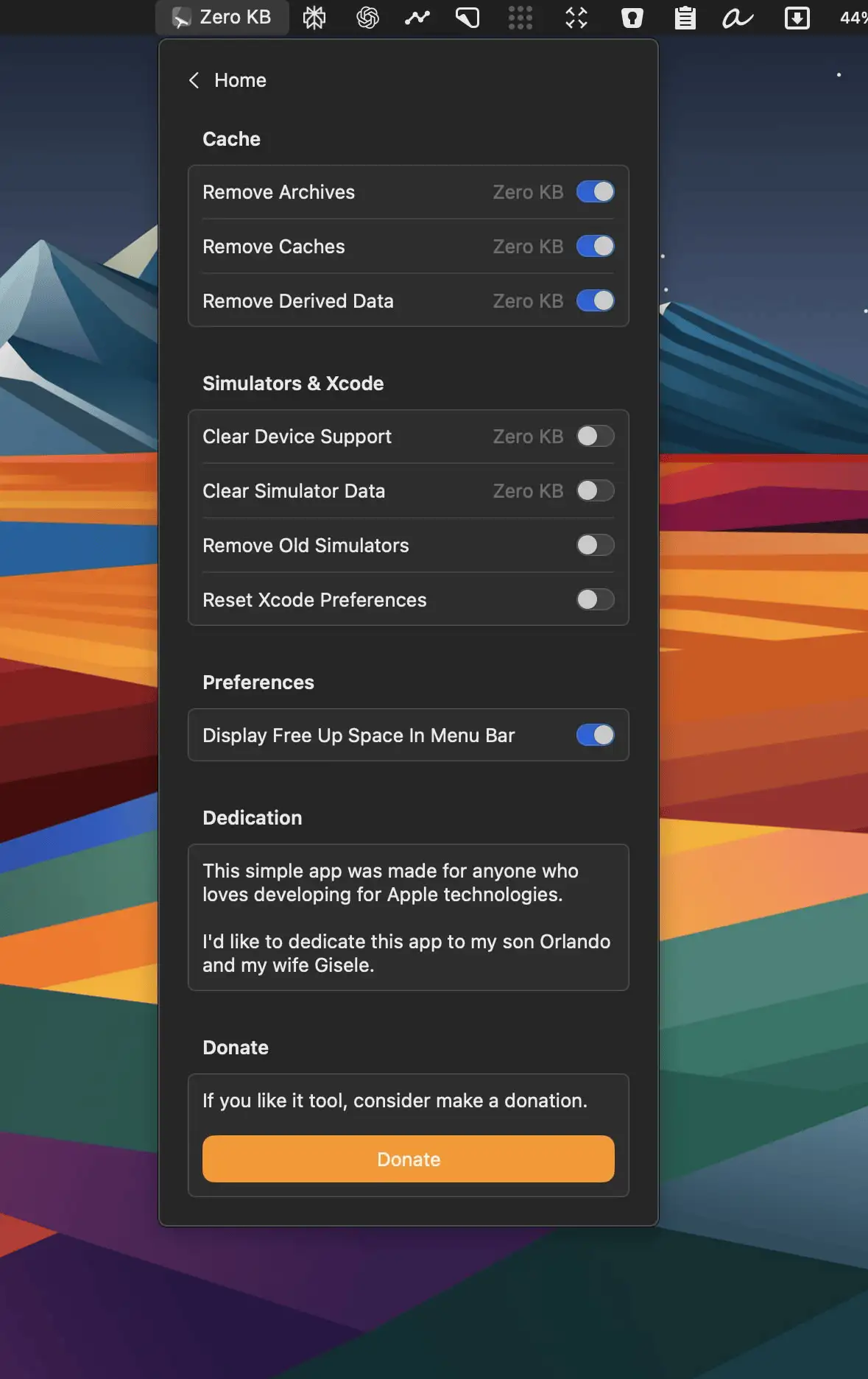
This menu bar app helps you free up unused RAM and speed up your Mac. Once you launch the app, it shows the memory usage on your Mac, including the memory used by a single application launched on your system.