Collection:
Clipboard Managers
Copyback
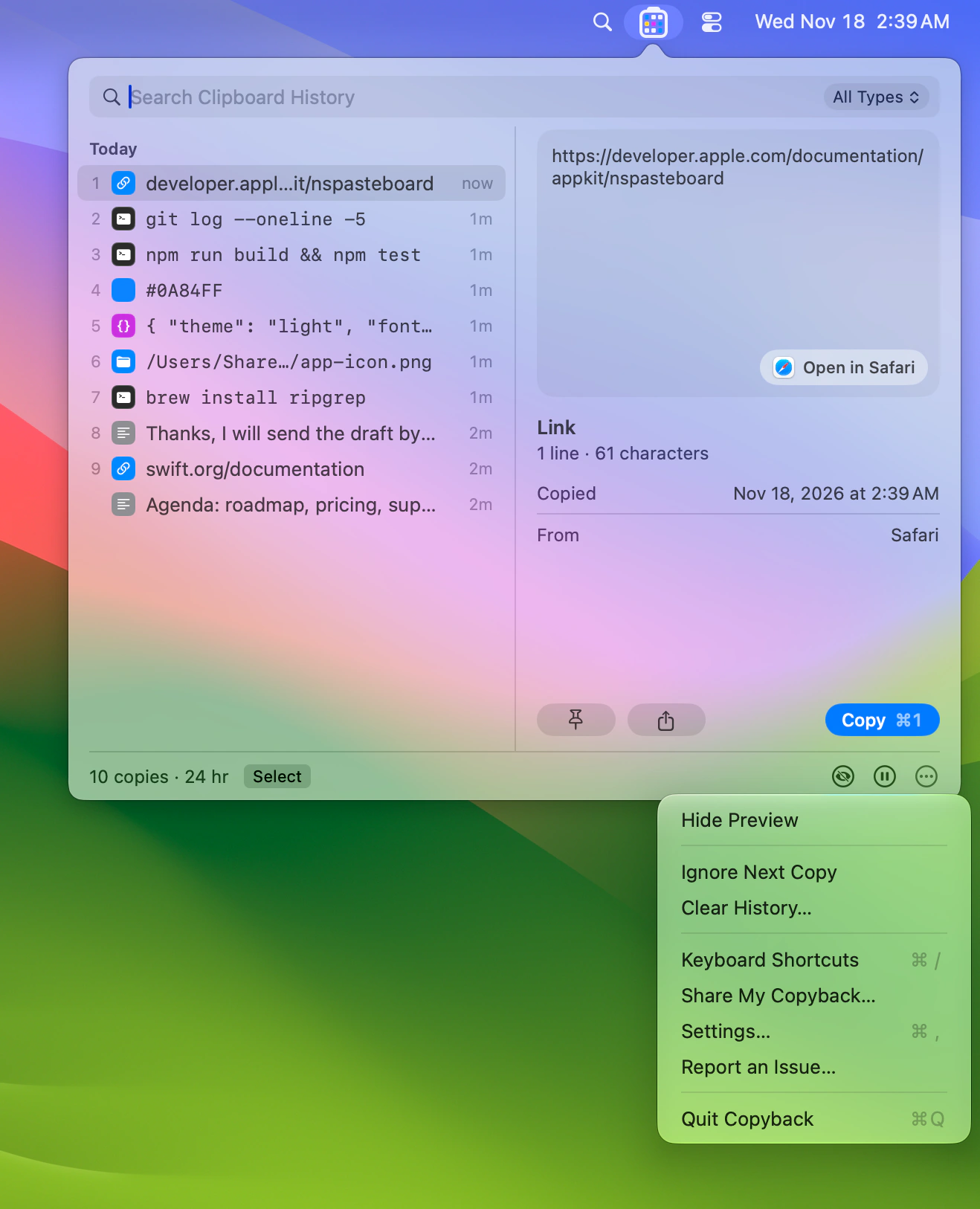
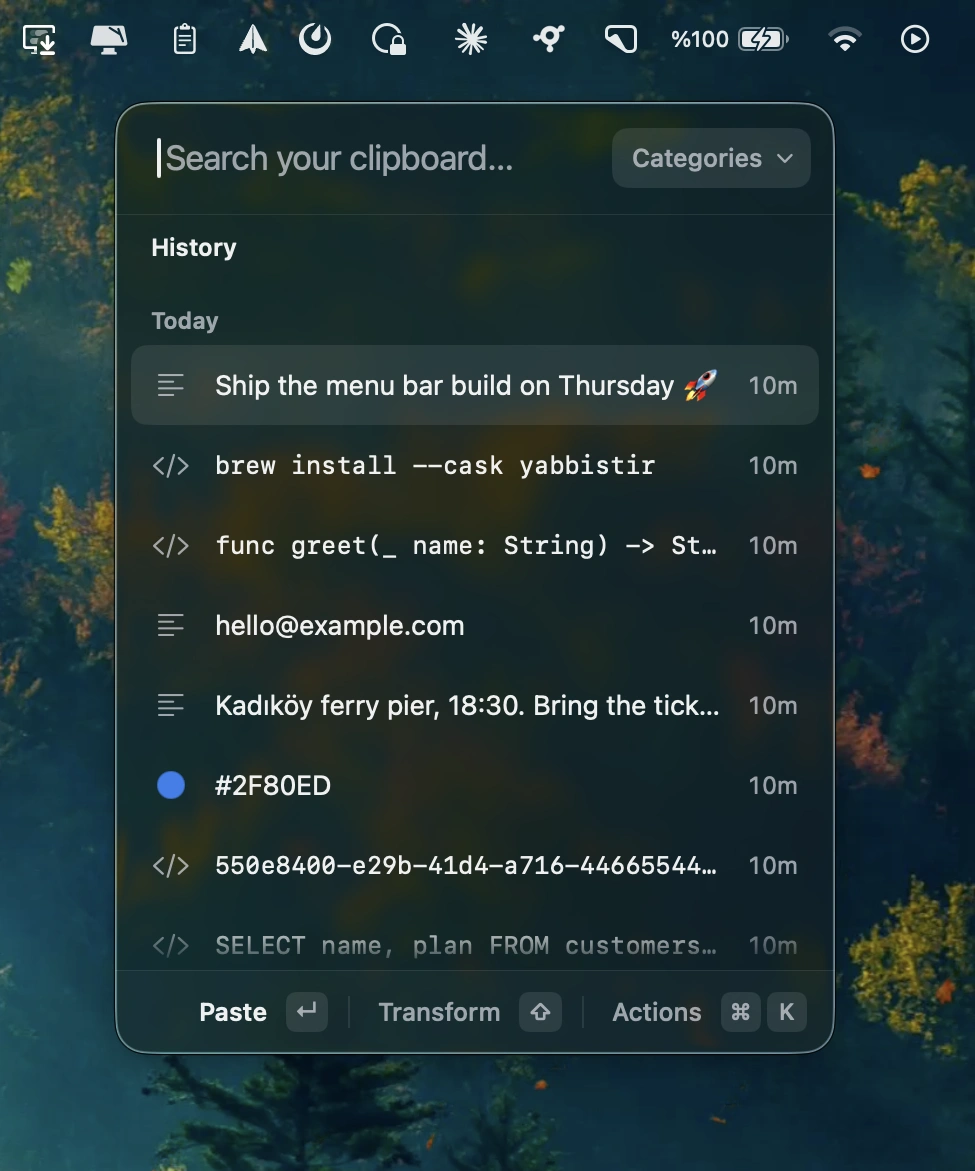
Keep an encrypted clipboard history, with your last nine copies shown as colored cells in the menu bar. Search text, links, code and words inside screenshots, and paste several copies in order.

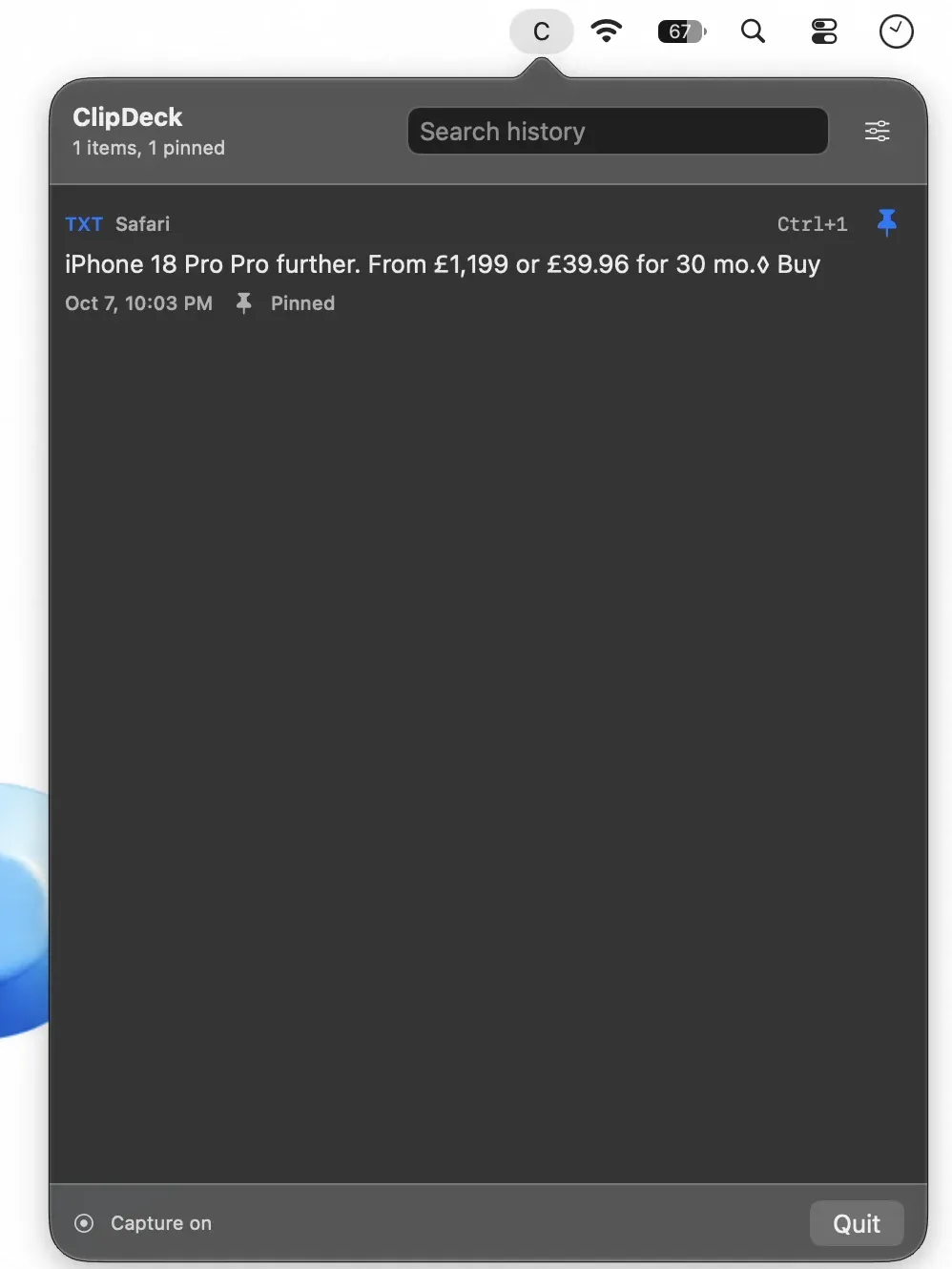
Never lose what you copied. Store, search, organize, and instantly reuse text, images, files, and snippets from your clipboard history. From minimal, privacy-first tools to powerful snippet managers with sync and automation, everything stays one click away.
Never lose what you copied. Store, search, organize, and instantly reuse text, images, files, and snippets from your clipboard history. From minimal, privacy-first tools to powerful snippet managers with sync and automation, everything stays one click away.
Keep an encrypted clipboard history, with your last nine copies shown as colored cells in the menu bar. Search text, links, code and words inside screenshots, and paste several copies in order.
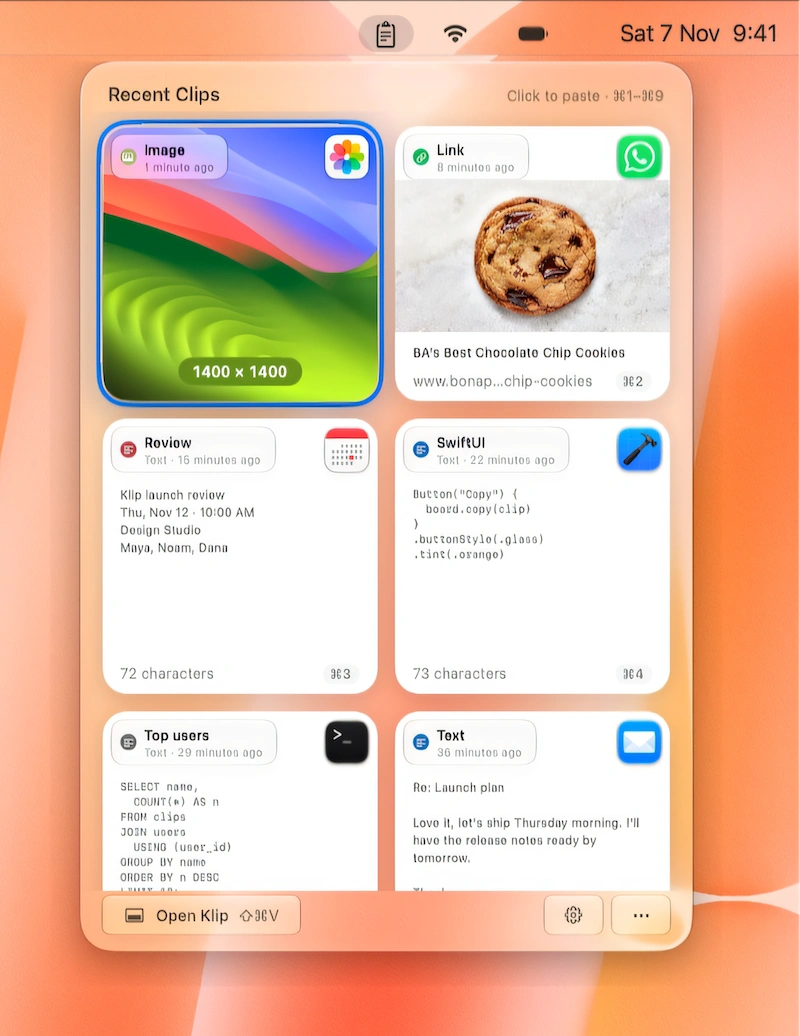
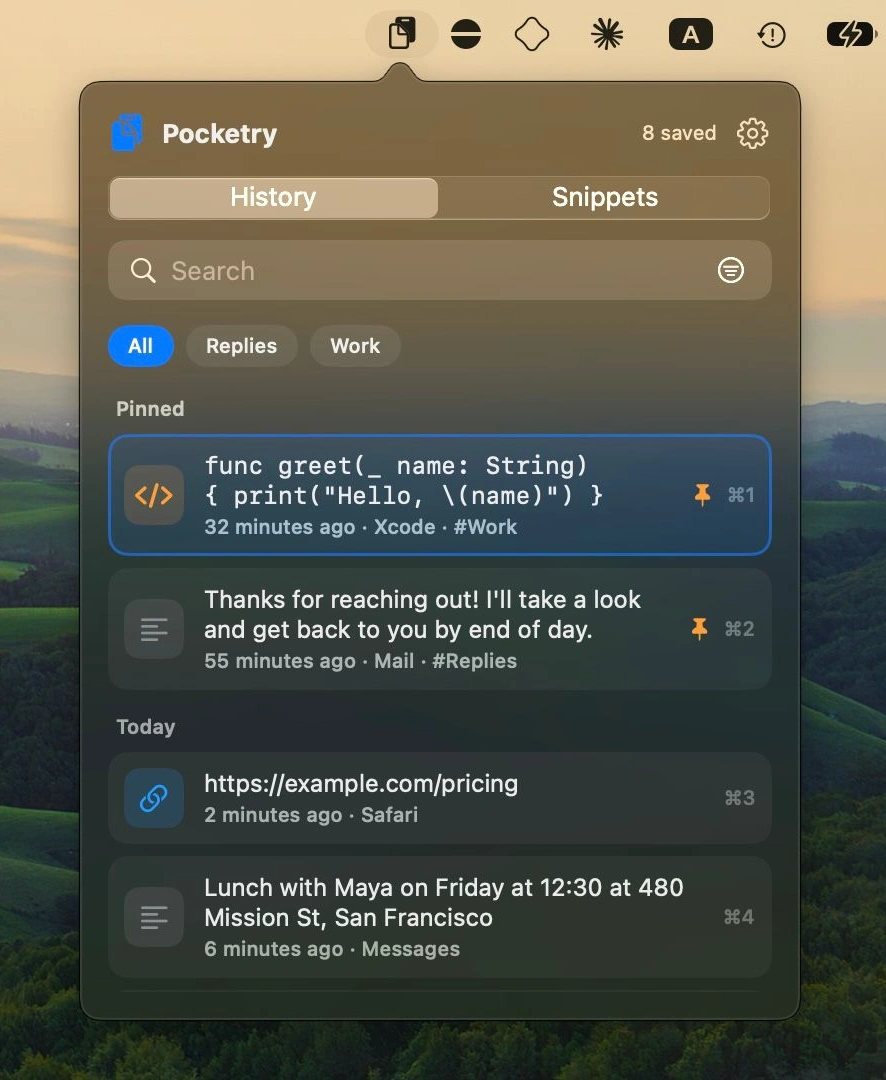
Keep everything you copy within reach with a visual clipboard history, instant paste, searchable clips and handy pinboards. Sync across Mac, iPhone and iPad.
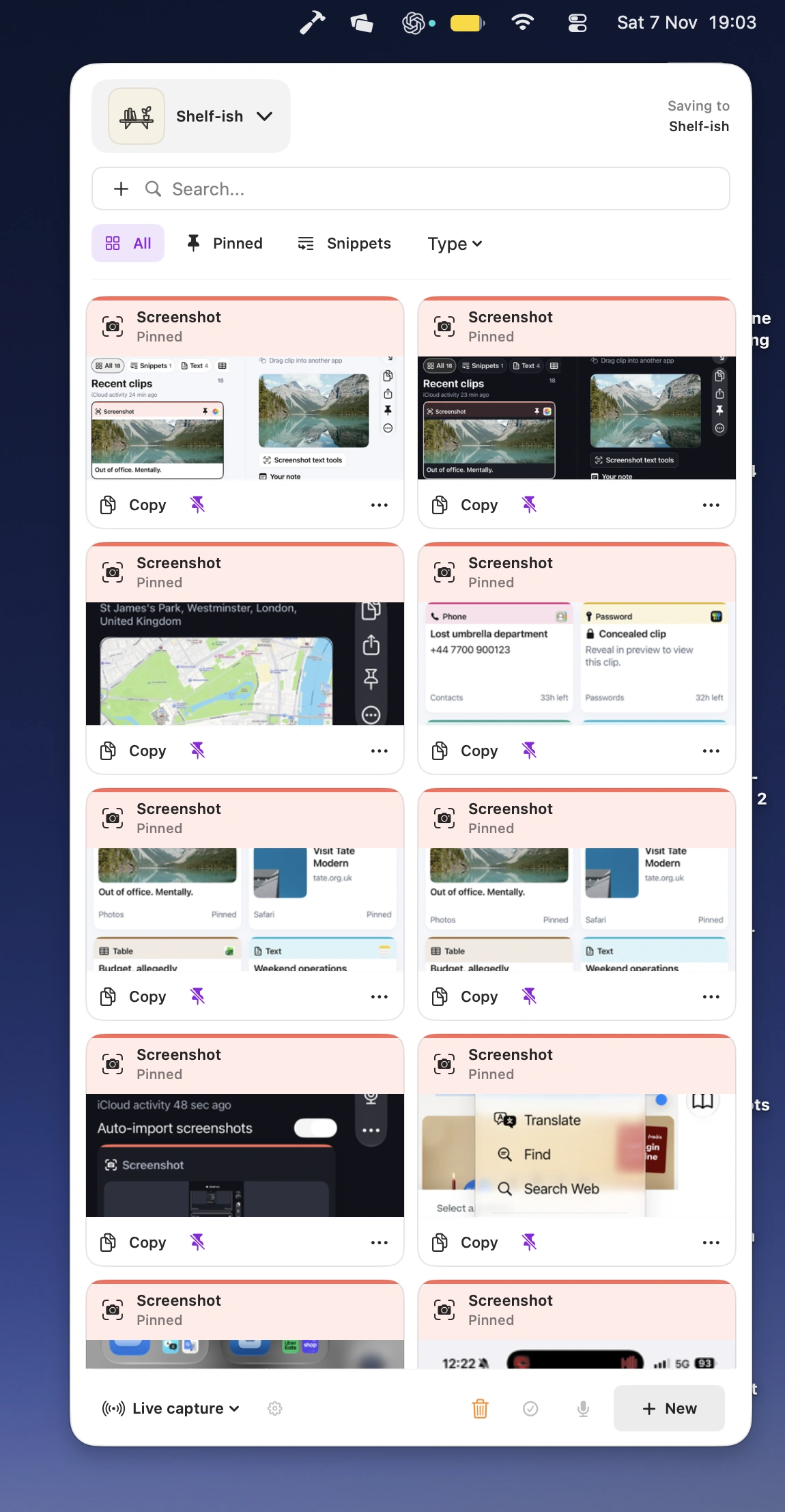
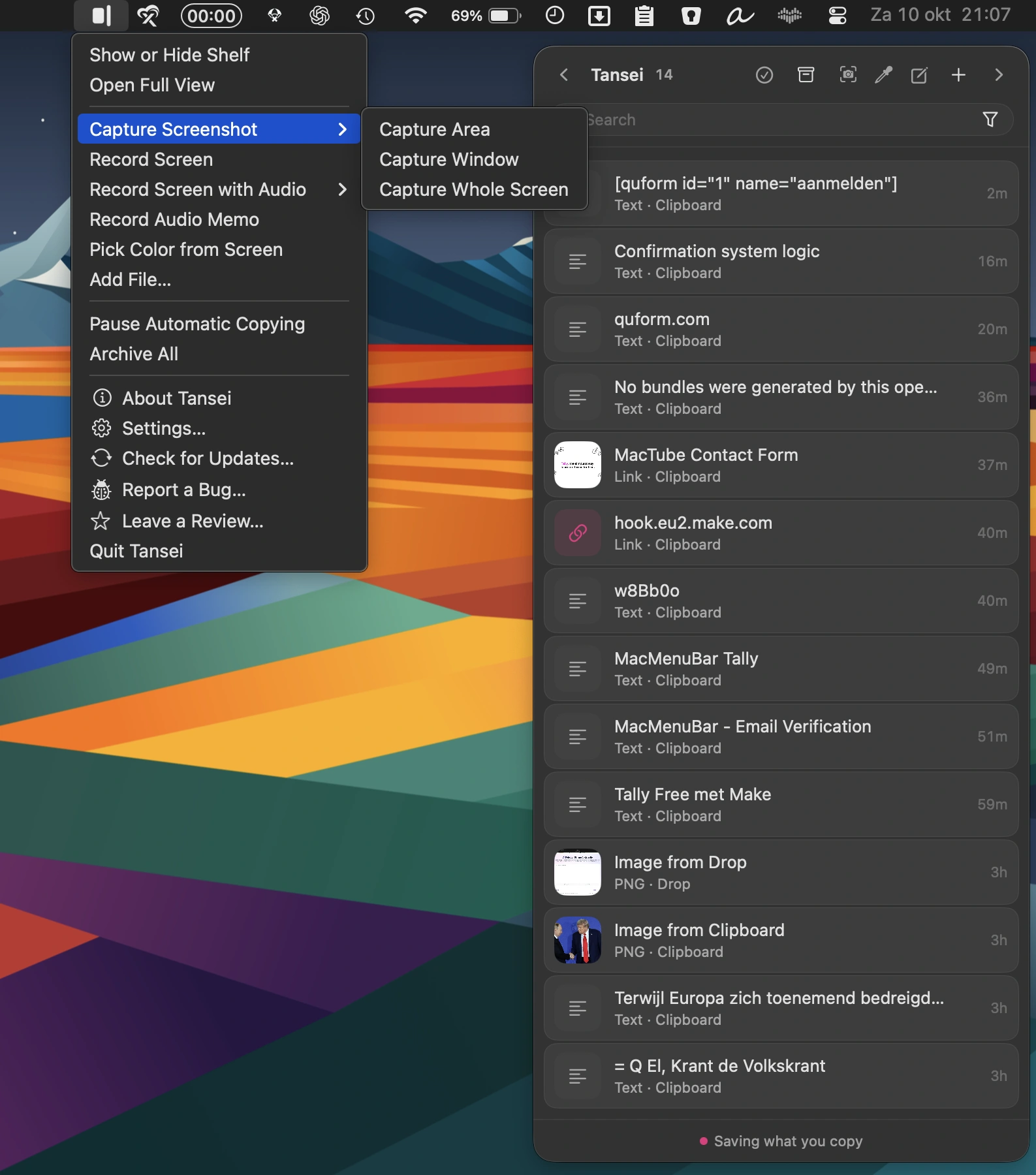
Keep useful snippets, links, files, images, audio notes and code close at hand with this private, local-first shelf. Pin important items, let temporary clips expire automatically, and quickly search, preview and paste anything you need. Optional AI features add smart tagging, transcription and text analysis, while iCloud sync keeps everything available across your Macs.
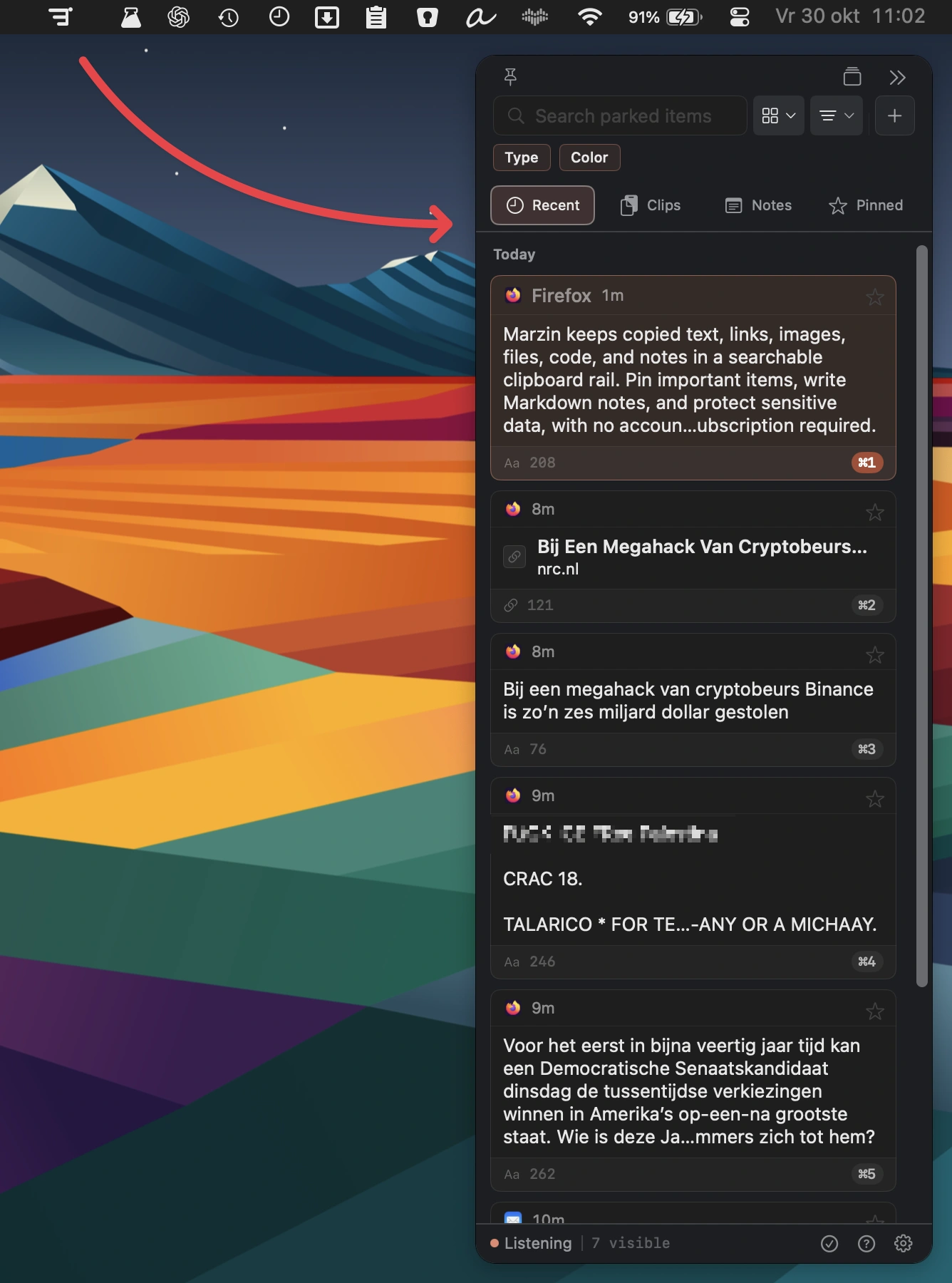
Marzin keeps copied text, links, images, files, code, and notes in a searchable clipboard rail. Pin important items, write Markdown notes, and protect sensitive data, with no account or subscription required.
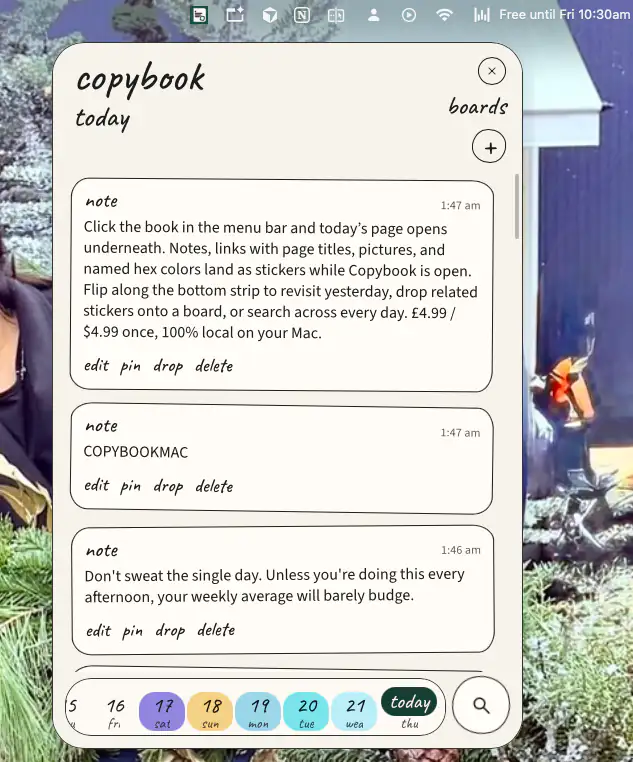
Keep copied notes, links, images, and colors on each day’s page, right from your menu bar. Search past entries, pin important items, and group related clips into boards.