Work longer without wearing yourself down. Get gentle reminders to stretch, blink, breathe, hydrate, fix your posture, rest your eyes, track screen time, or play calming sounds, all from your menu bar so healthy habits become part of your workflow.
Show me the free apps only
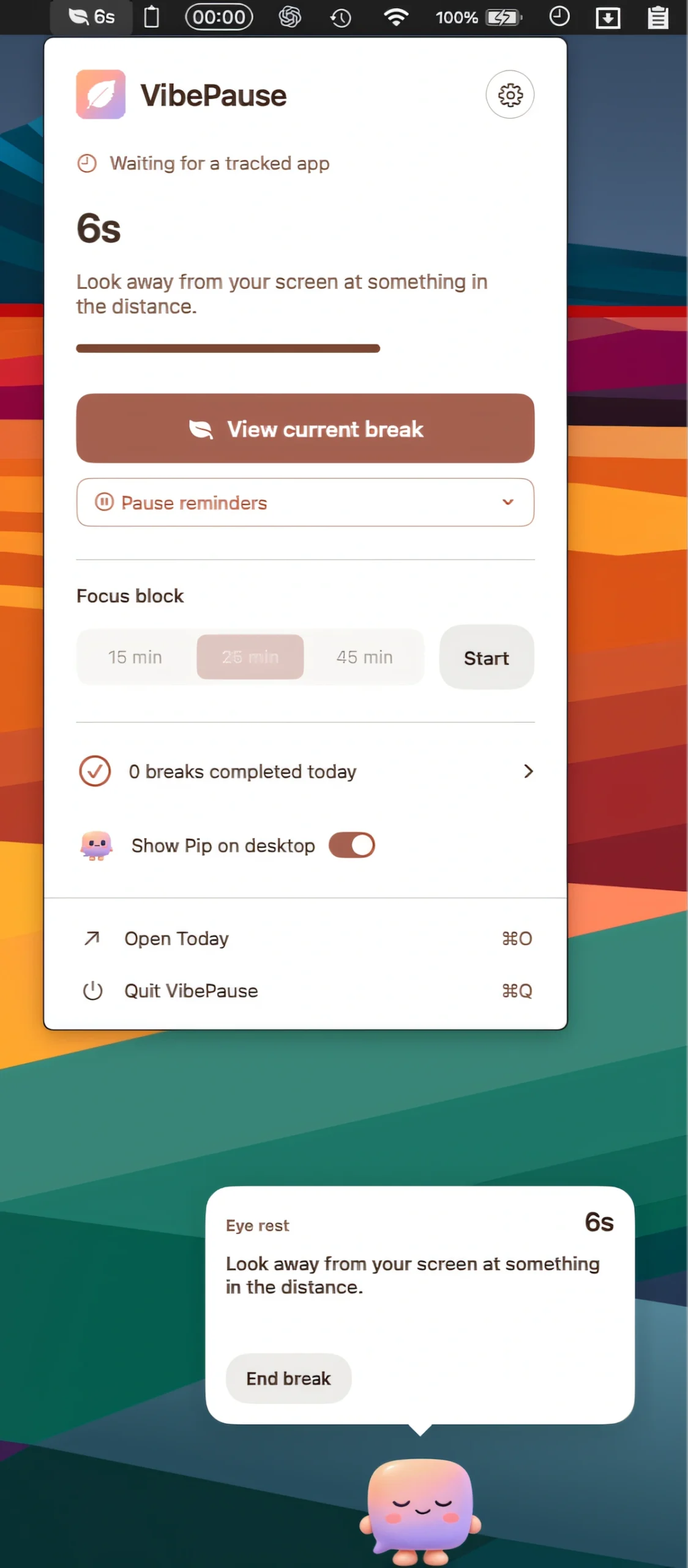
VibePause tracks coding sessions across your favorite editors and terminals, reminding you to rest your eyes, stretch, or hydrate. Guided breaks and the optional desk companion Pip help you take regular breaks without interrupting your workflow.
Visit
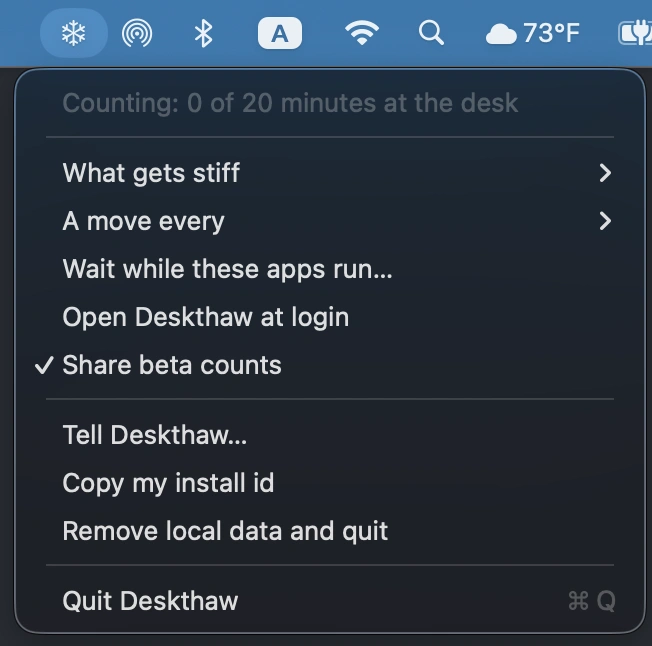
Deskthaw offers short, guided seated stretches for stiff necks, shoulders and lower backs, waiting until you’re free from calls and fullscreen apps before suggesting a move.
Visit Watch
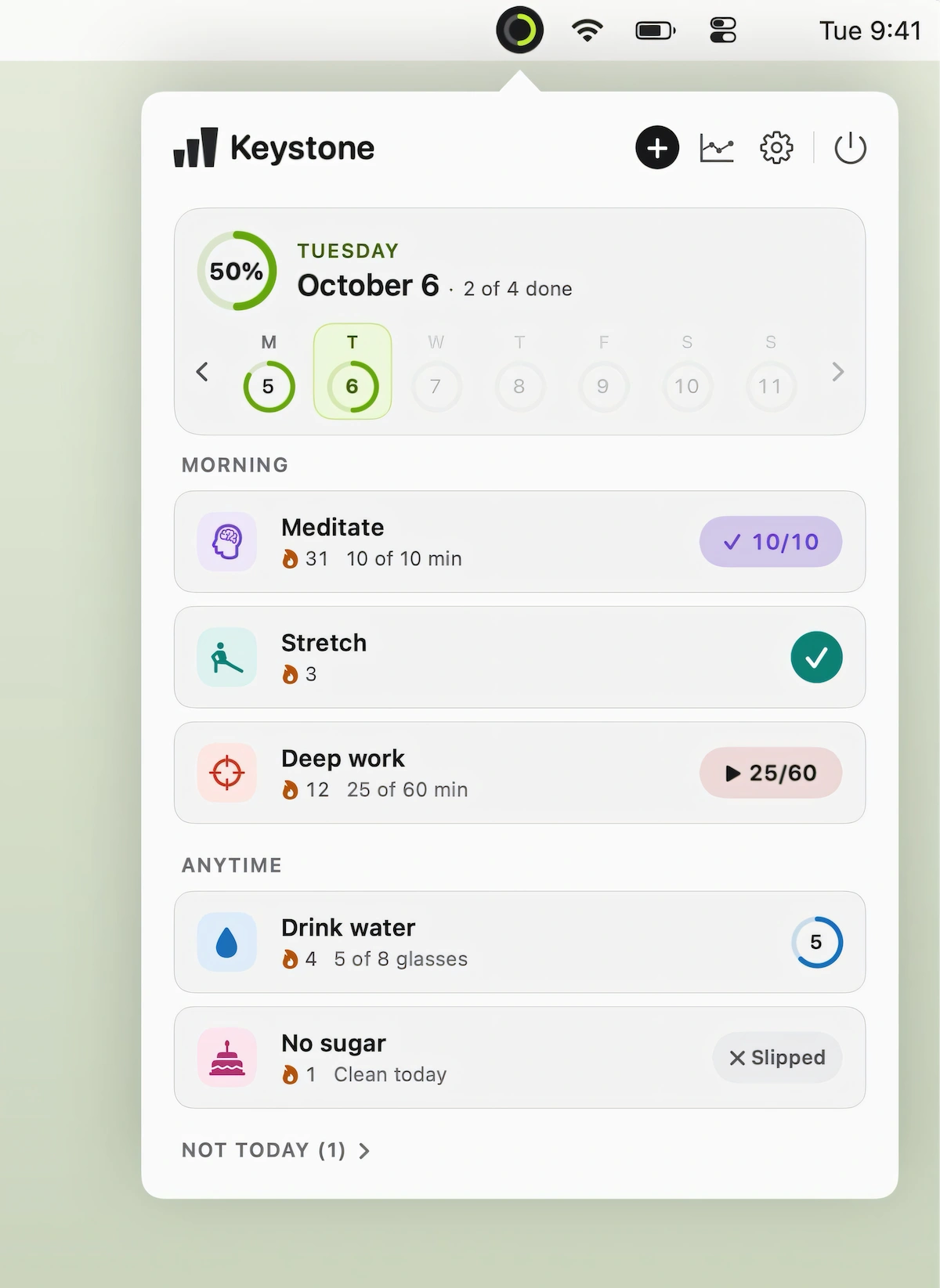
Keystone makes habit tracking simple with one-click check-ins, forgiving streaks, reminders, and desktop widgets, while flexible schedules and clear progress views help you build consistent daily routines.
Visit
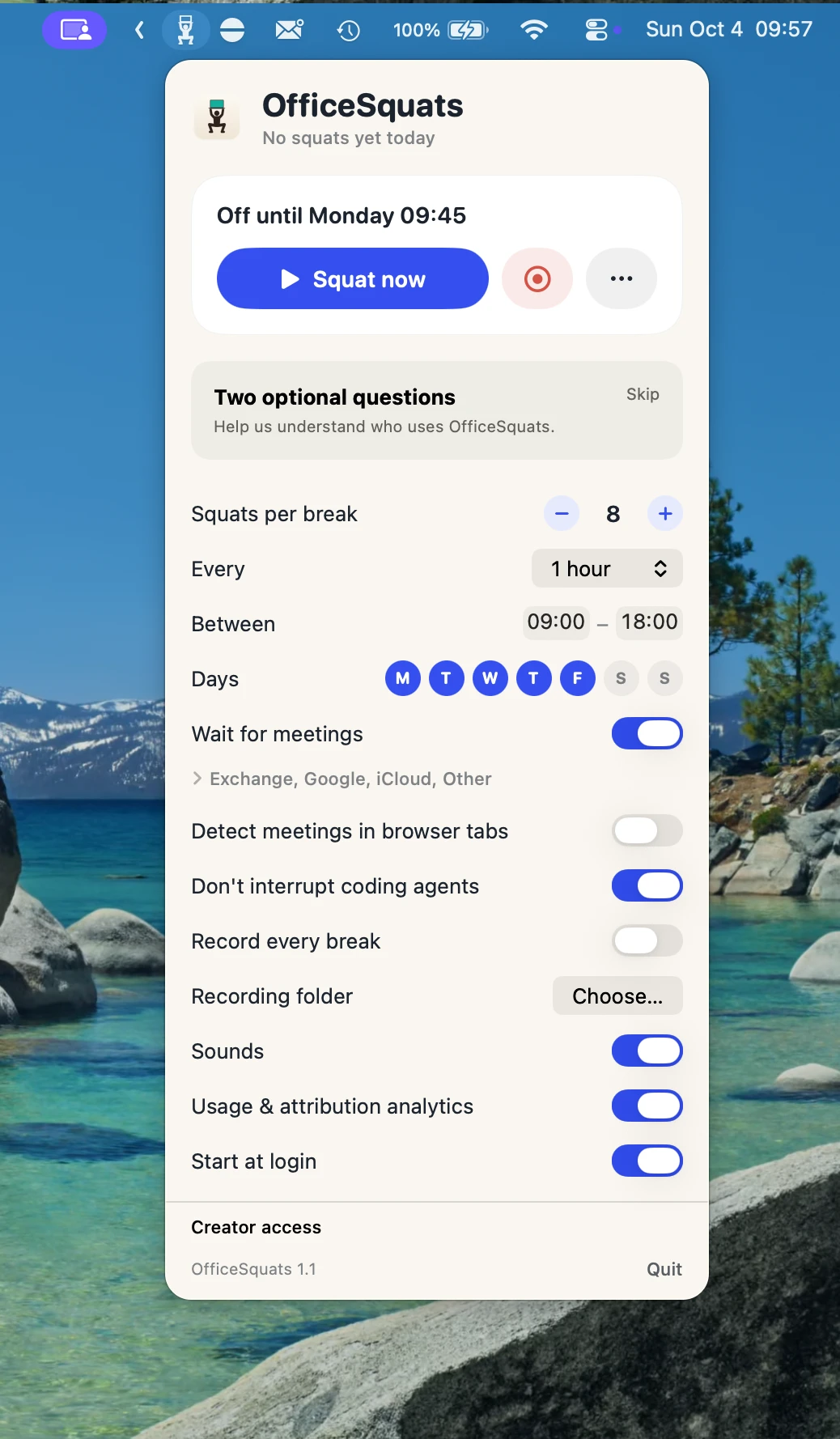
OfficeSquats locks your Mac until you complete a set of squats counted by your camera, turning regular work breaks into quick workouts. Calendar-aware scheduling avoids interruptions during meetings and focused work.
Visit Watch
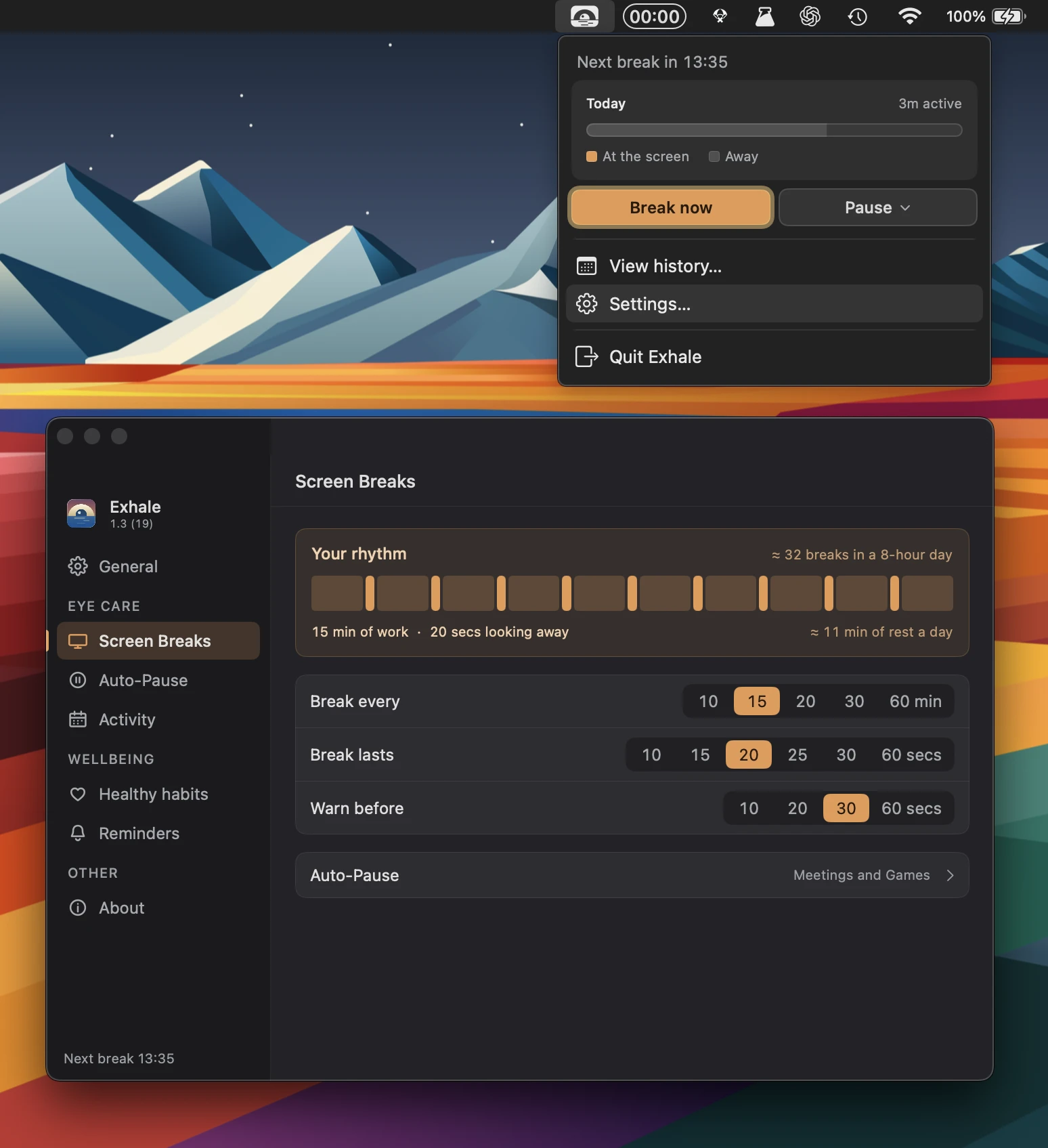
Exhale helps you take regular breaks for your eyes, posture and hydration without getting in the way. Smart reminders adapt to meetings, inactivity and skipped breaks, while keeping your history private.
Visit
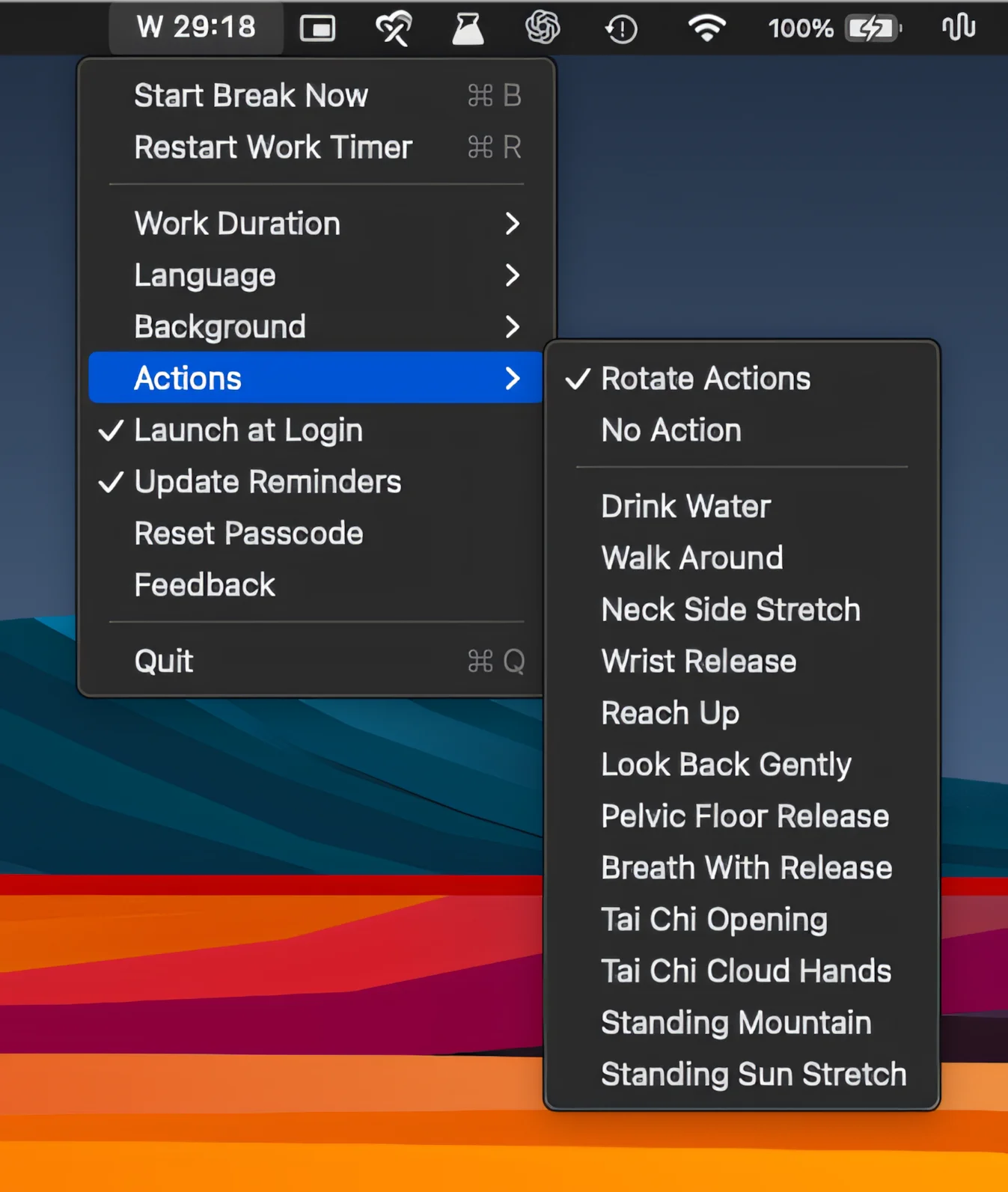
Turn screen breaks into real pauses with full-screen guided rests, customizable backgrounds, breathing and movement prompts, flexible work intervals, and just enough friction to make taking breaks easier.
Visit
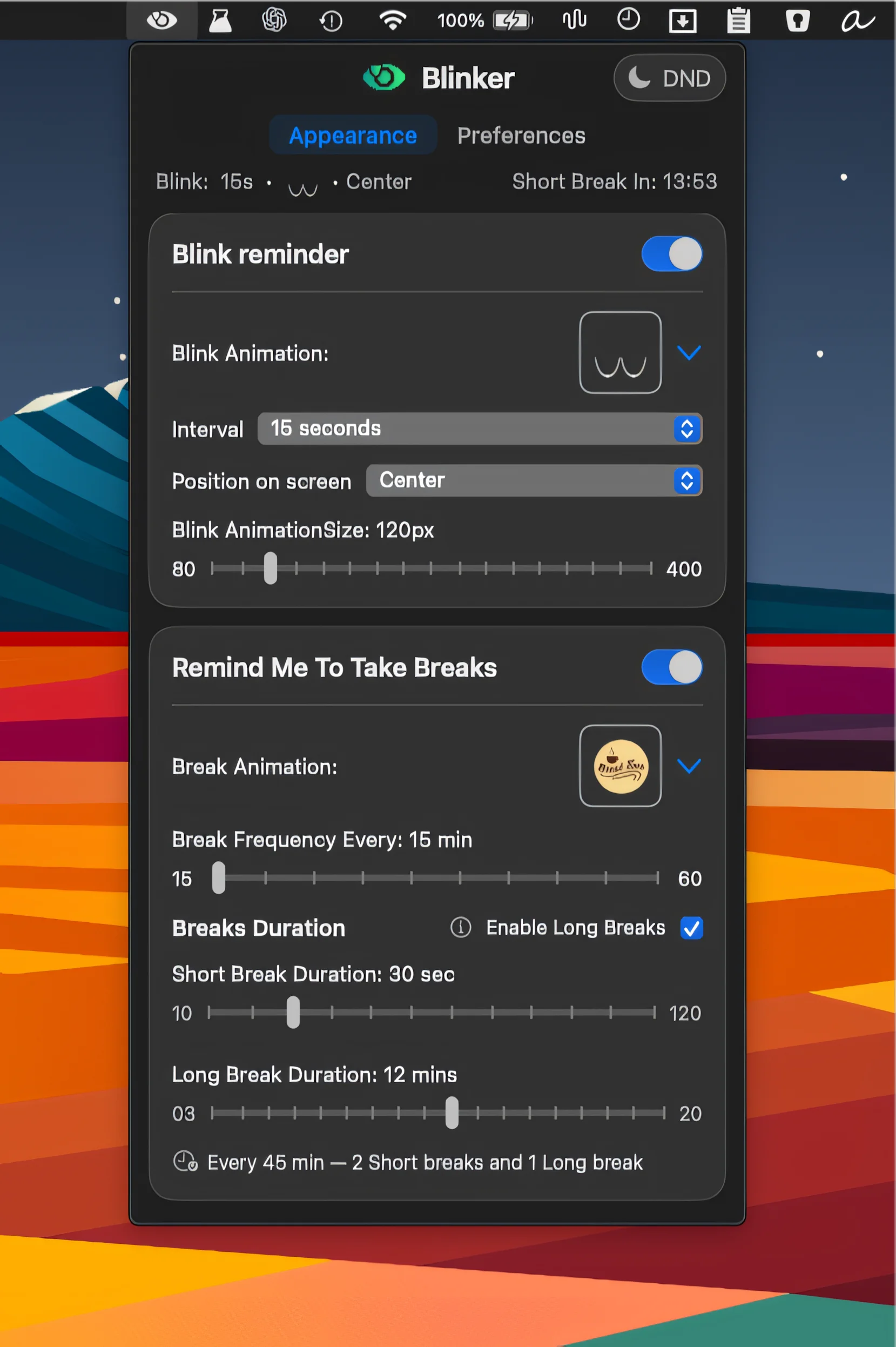
Blinker helps protect your eyes with gentle reminders to blink and take regular breaks. Based on the 20-20-20 rule, it uses customizable animations and timing without interrupting your workflow.
Visit
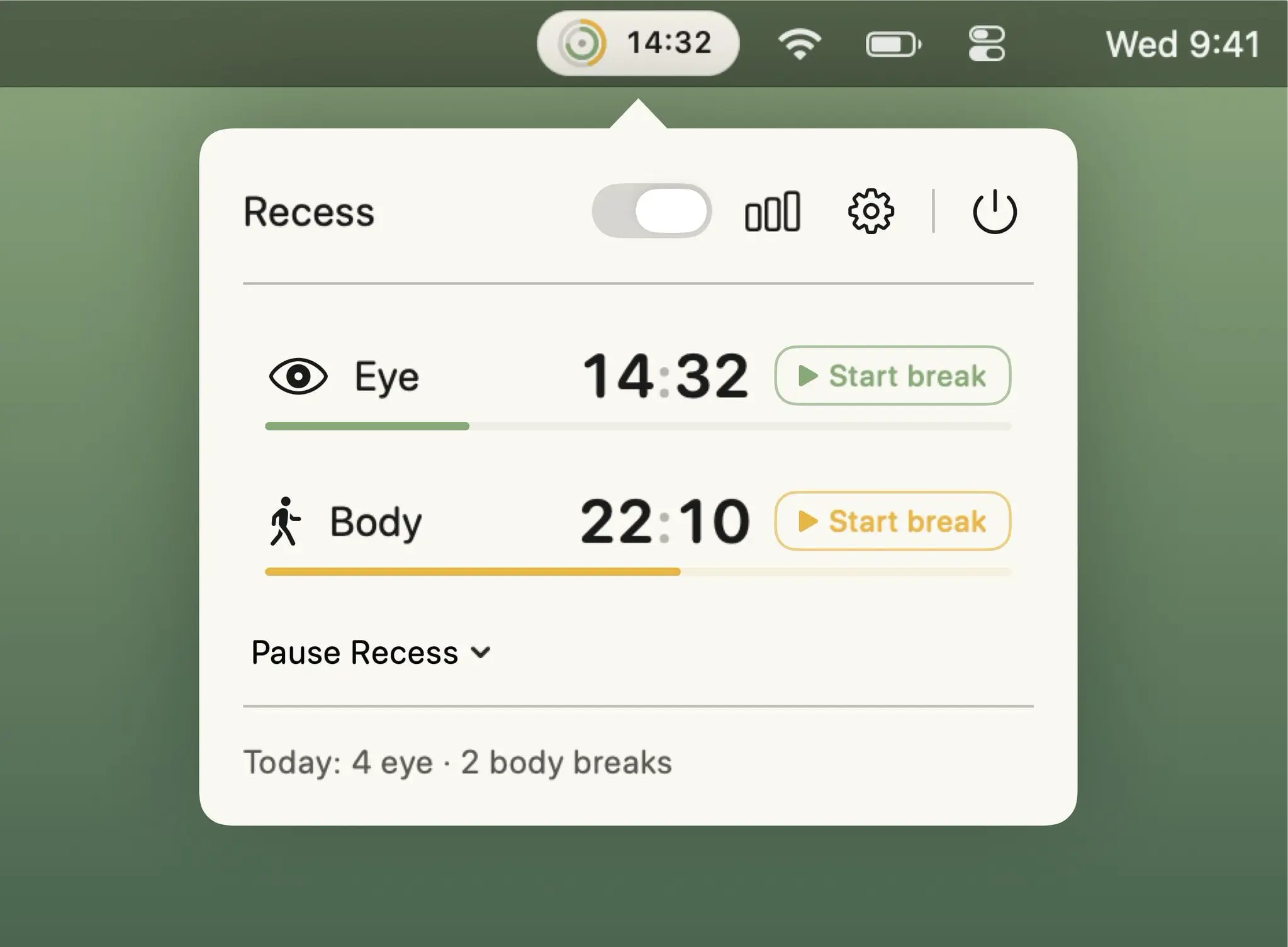
Independent eye and body break timers with guided full-screen reminders, smart Focus and call pauses, plus 60-day logs and weekly reports.
Visit
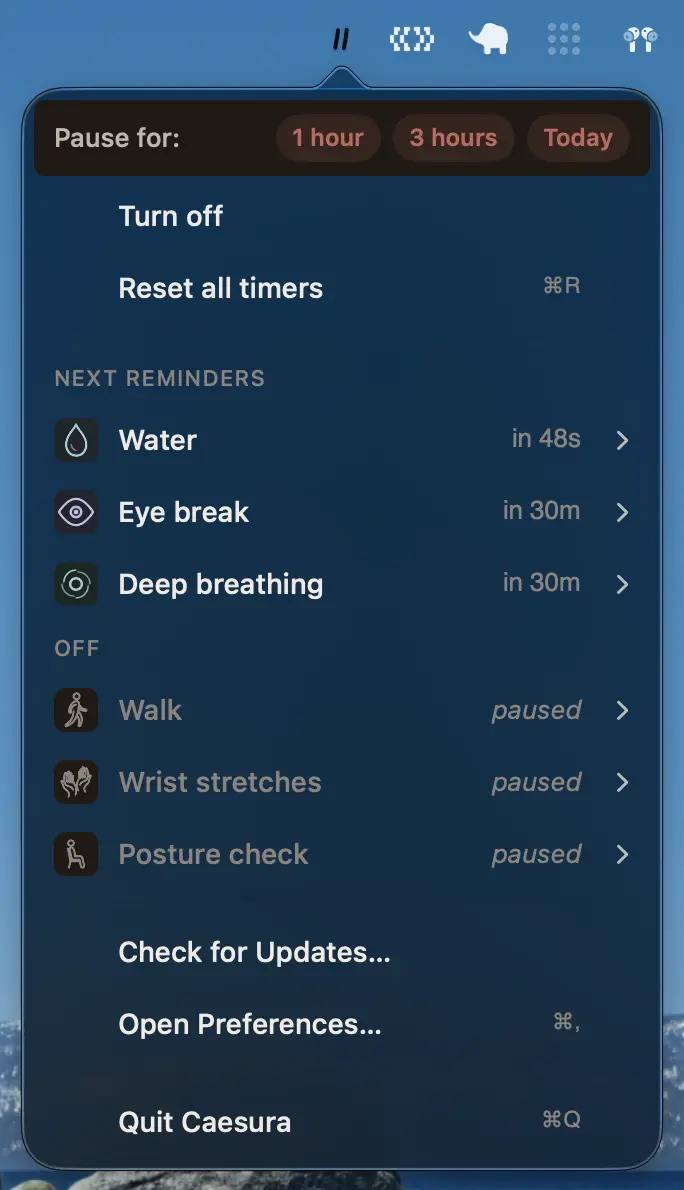
Caesura helps you develop healthier screen habits with reminders to drink, move, stretch, rest your eyes, adjust your posture and breathe, each with flexible schedules.
Visit
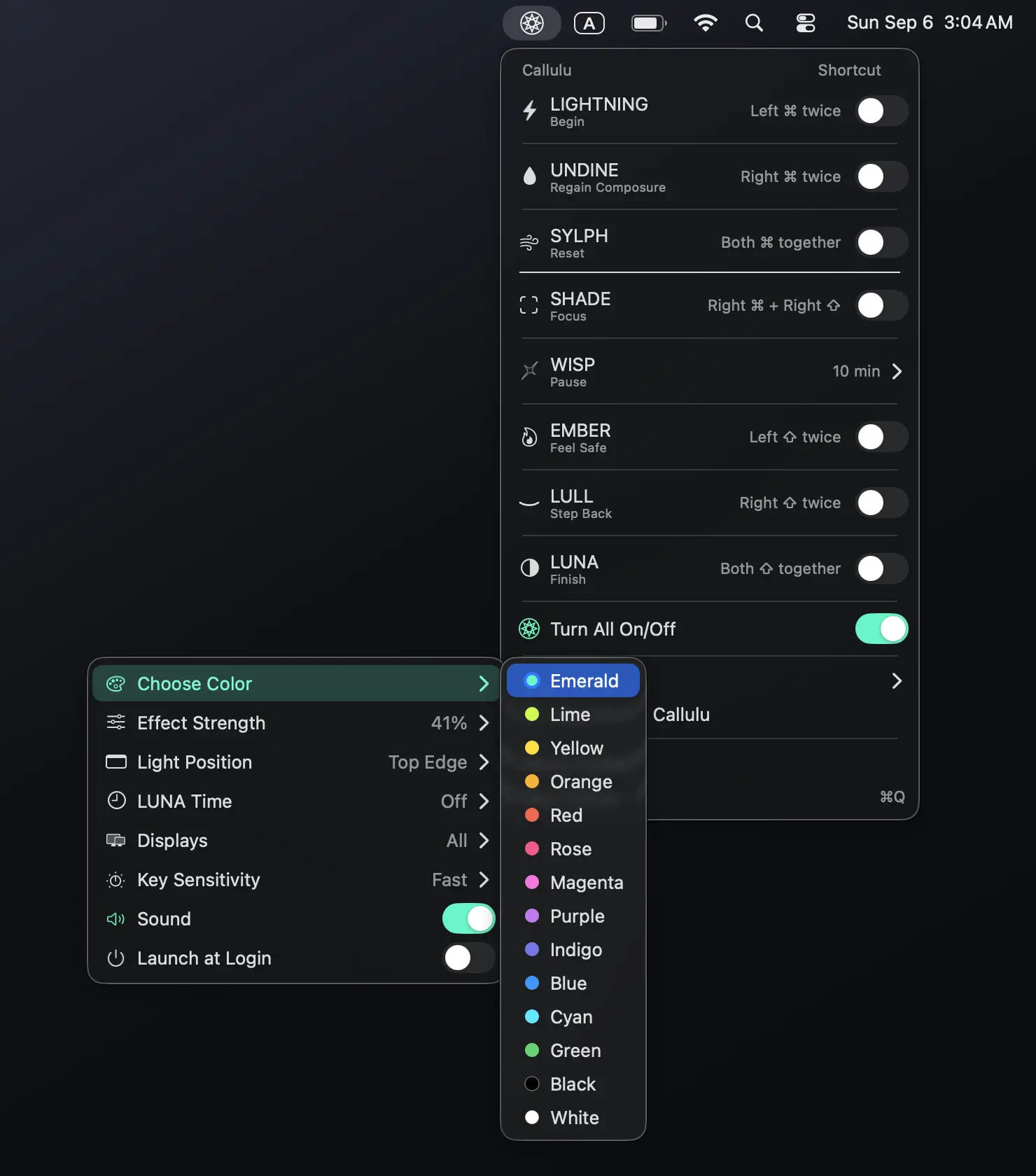
Callulu offers eight visual cues to help you start, focus, pause, reset and finish your workday. No timers, tracking or notifications, but just simple signals for a more mindful way of working.
Visit
