Collection:
Menu Bar Managers
Bartender Pro
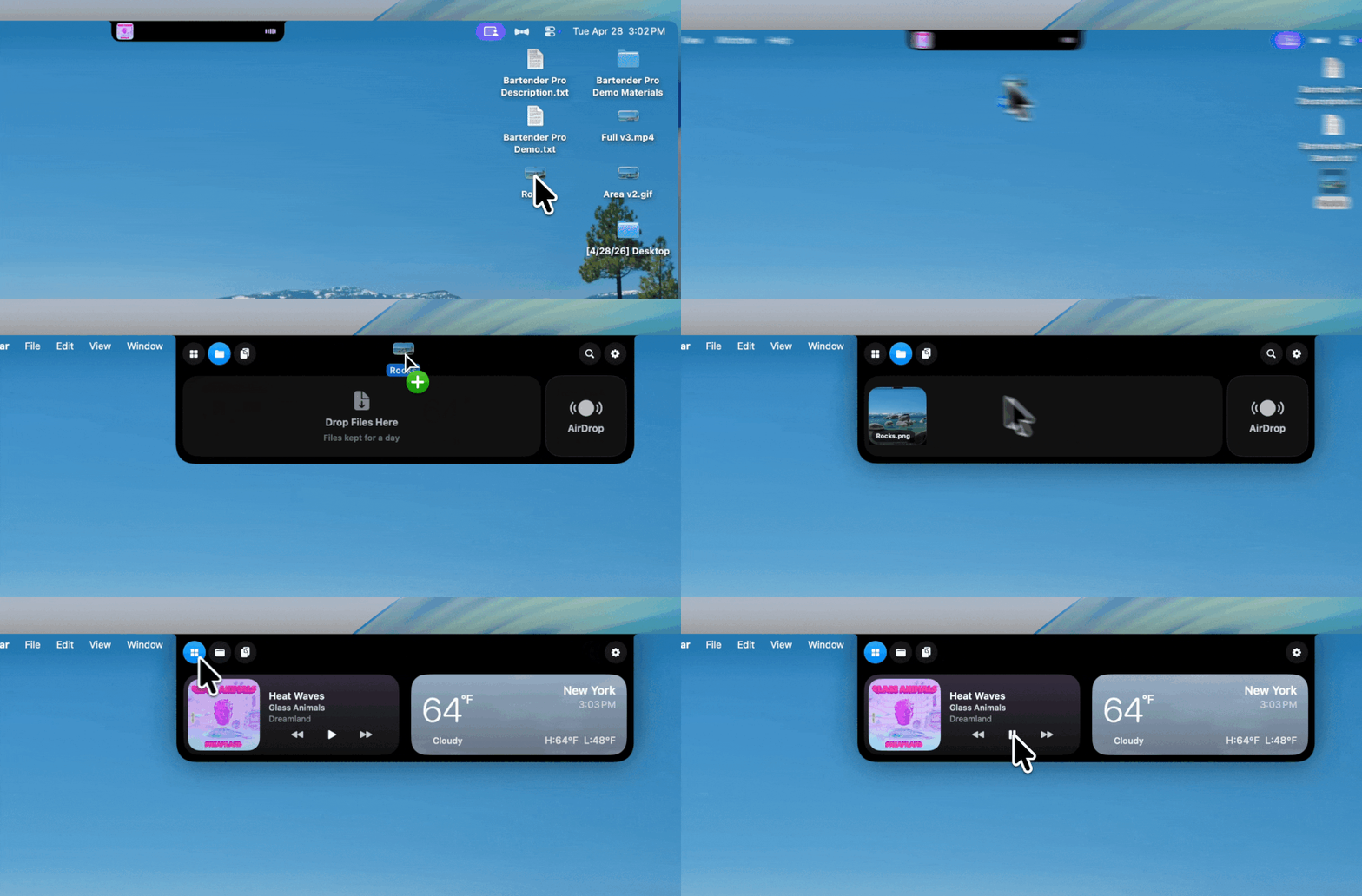
Bartender Pro now includes Top Shelf, a clever upgrade that turns your MacBook notch into a surprisingly useful hub for files, weather, meetings, music, and quick access to everyday tools.

Keep your menu bar calm and under control. Hide, reveal, group, space, recolor, restyle, or reorganize menu bar icons, tame the notch, add custom text or badges, and build a cleaner, more intentional top bar that fits how you work.
Keep your menu bar calm and under control. Hide, reveal, group, space, recolor, restyle, or reorganize menu bar icons, tame the notch, add custom text or badges, and build a cleaner, more intentional top bar that fits how you work.
Bartender Pro now includes Top Shelf, a clever upgrade that turns your MacBook notch into a surprisingly useful hub for files, weather, meetings, music, and quick access to everyday tools.
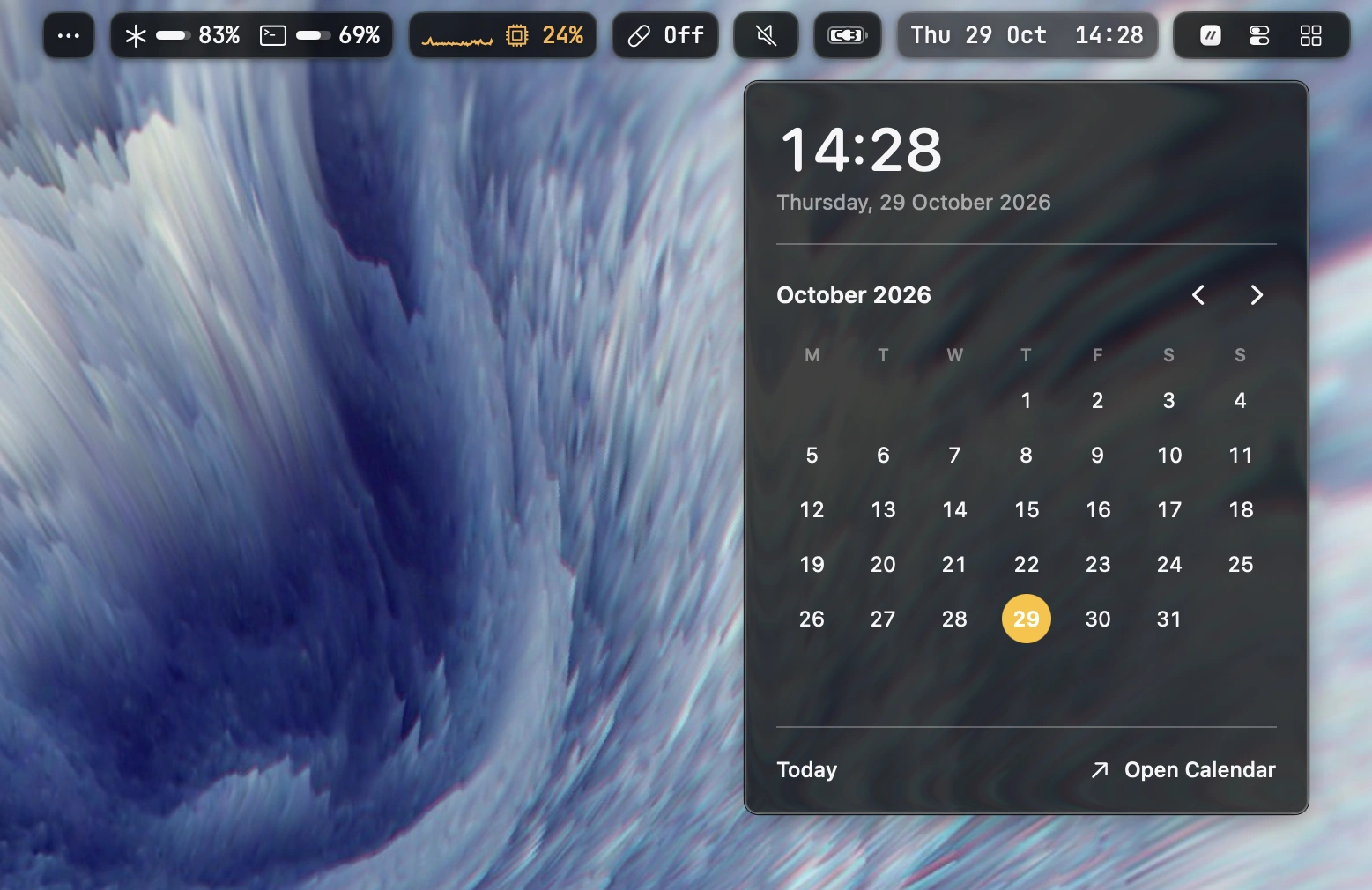
Customize your macOS menu bar with themes, system widgets, workspaces and interactive popups. Supports window managers, custom scripts and multiple displays. Highly configurable.
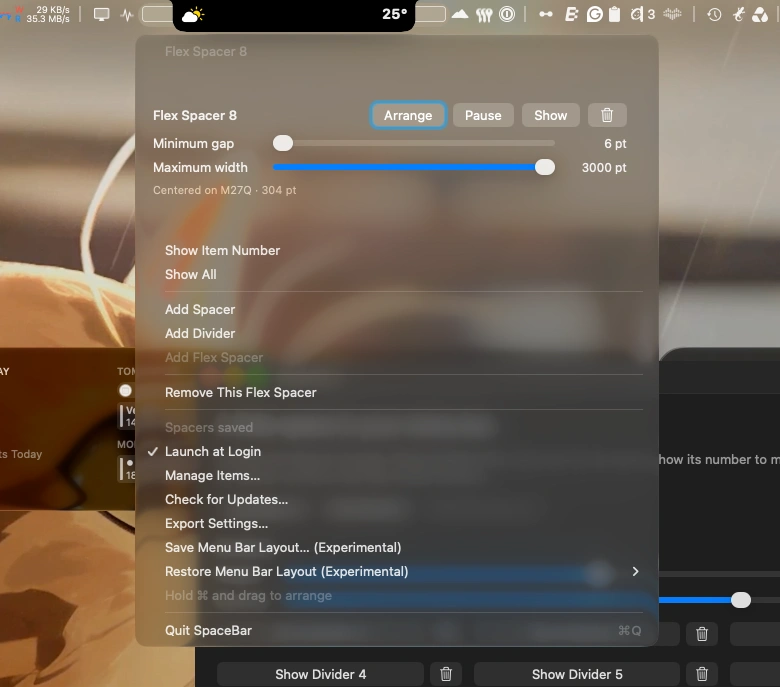
Customize your Mac’s menu bar with flexible spacers and subtle dividers. Arrange icons with ease and keep your menu bar neatly organized.
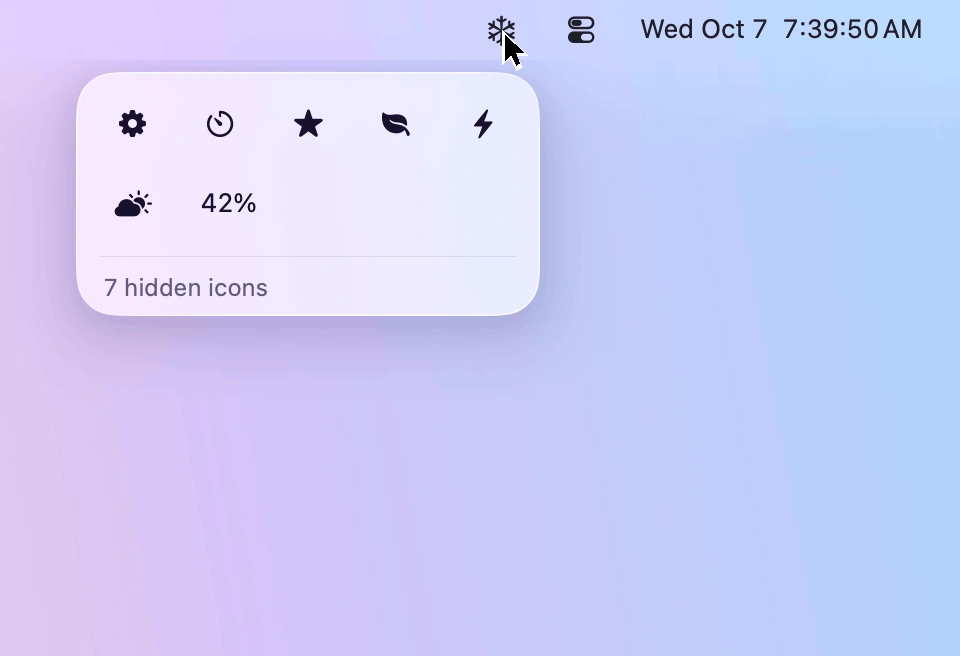
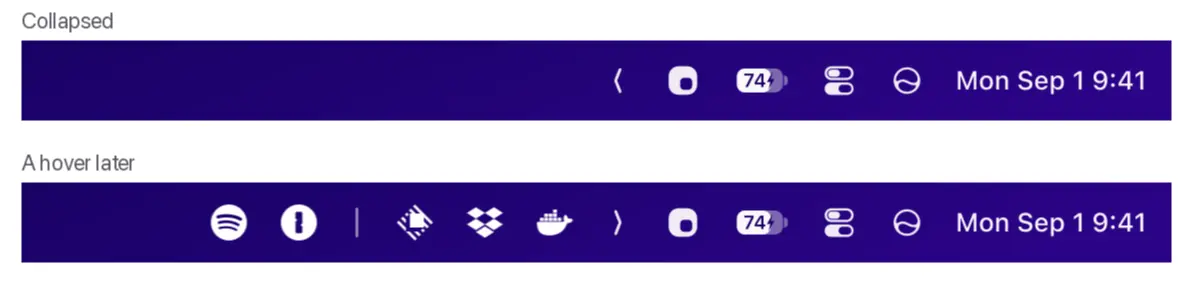
Keep your menu bar tidy by hiding rarely used icons and bringing them back with one click. Designed for macOS 26 and 27, Frost features Liquid Glass, customizable icon layouts, and easy access to hidden menus.
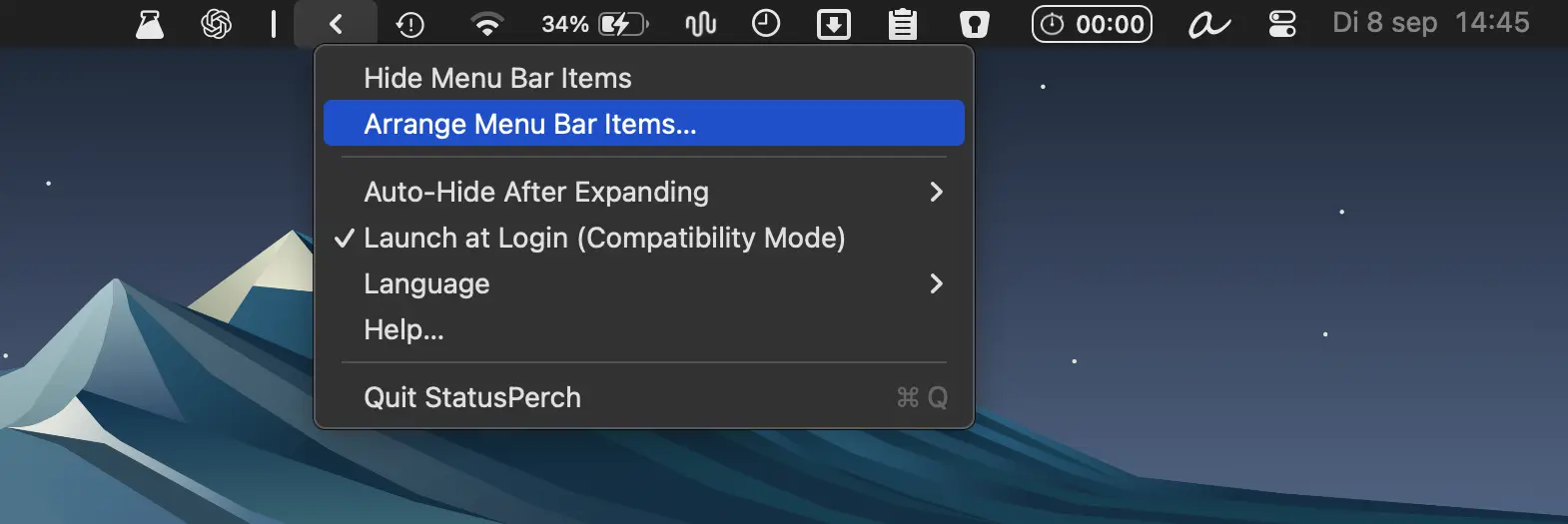
Organize cluttered macOS status icons with a movable boundary, one-click hiding, and automatic hiding options. Lightweight and privacy-friendly, with no account or permissions required.