Collection:
Menu Bar Managers
Bartender Pro
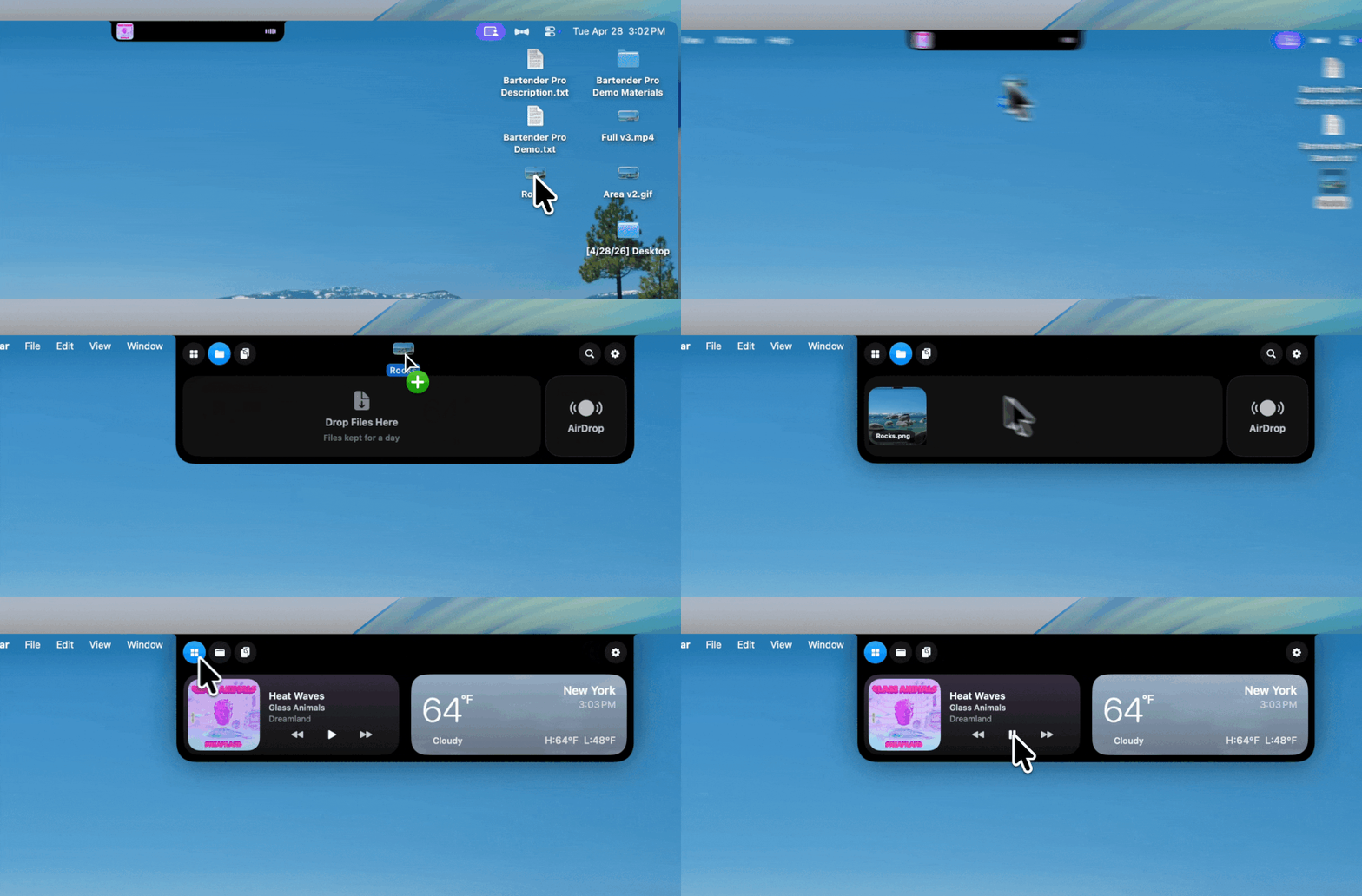
BartenderPro now includes Top Shelf, a clever upgrade that turns your MacBook notch into a surprisingly useful hub for files, weather, meetings, music, and quick access to everyday tools.
The next time a site asks for a code, you’ll just tap it in. iPhone · iPad · Mac

Keep your menu bar calm and under control. Hide, reveal, group, space, recolor, restyle, or reorganize menu bar icons, tame the notch, add custom text or badges, and build a cleaner, more intentional top bar that fits how you work.
Keep your menu bar calm and under control. Hide, reveal, group, space, recolor, restyle, or reorganize menu bar icons, tame the notch, add custom text or badges, and build a cleaner, more intentional top bar that fits how you work.
BartenderPro now includes Top Shelf, a clever upgrade that turns your MacBook notch into a surprisingly useful hub for files, weather, meetings, music, and quick access to everyday tools.
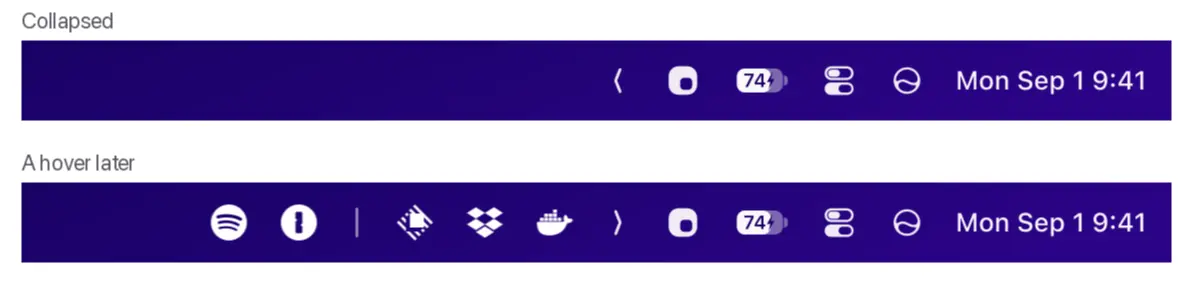
Pelmet keeps a crowded menu bar tidy by hiding and organizing icons, restoring them on hover, and adding app launchers. Built for macOS 27.
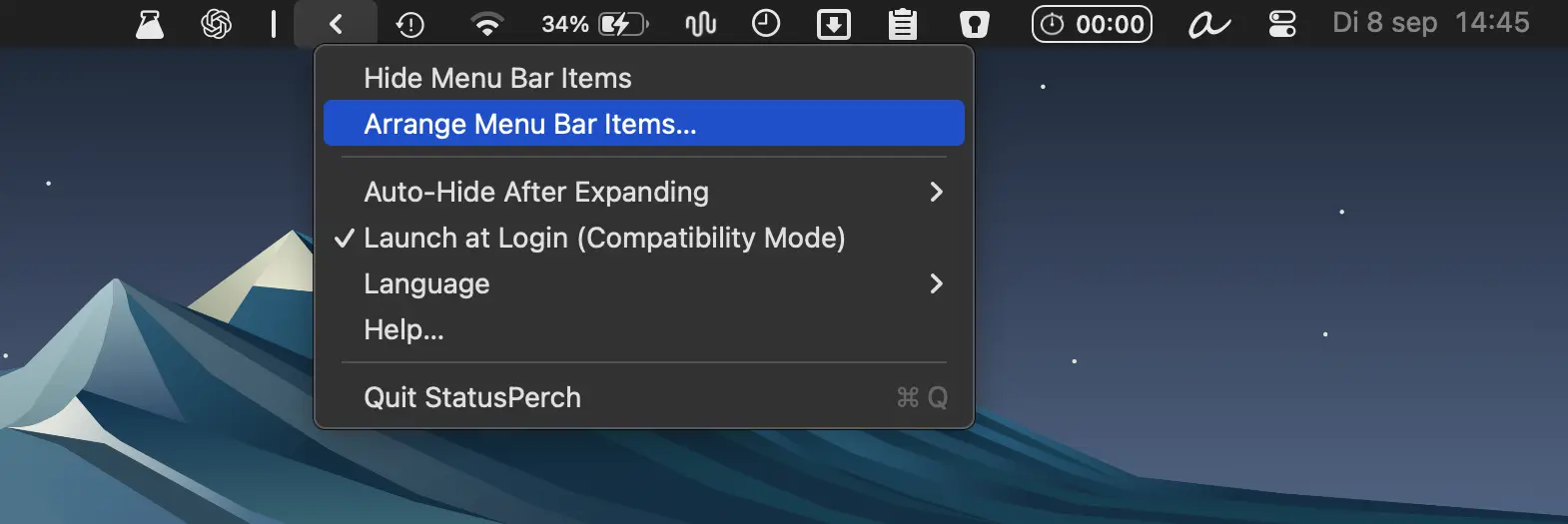
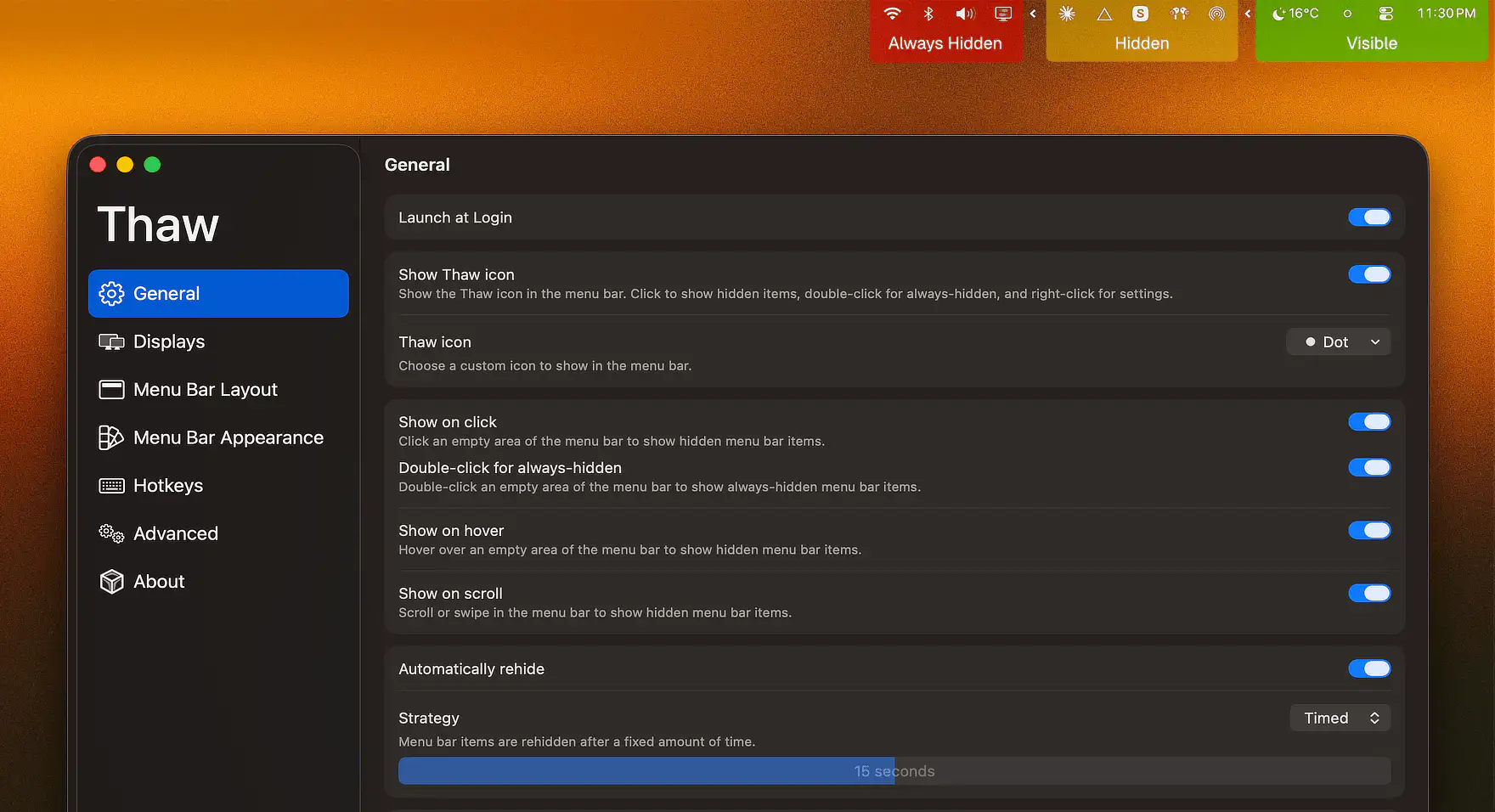
Organize cluttered macOS status icons with a movable boundary, one-click hiding, and automatic hiding options. Lightweight and privacy-friendly, with no account or permissions required.

This menu bar app transforms SketchyBar into a polished, ready-to-use desktop with built-in widgets for clipboard history, screenshots, window snapping, system monitoring, media controls, weather, meetings, and dozens of other everyday tasks.
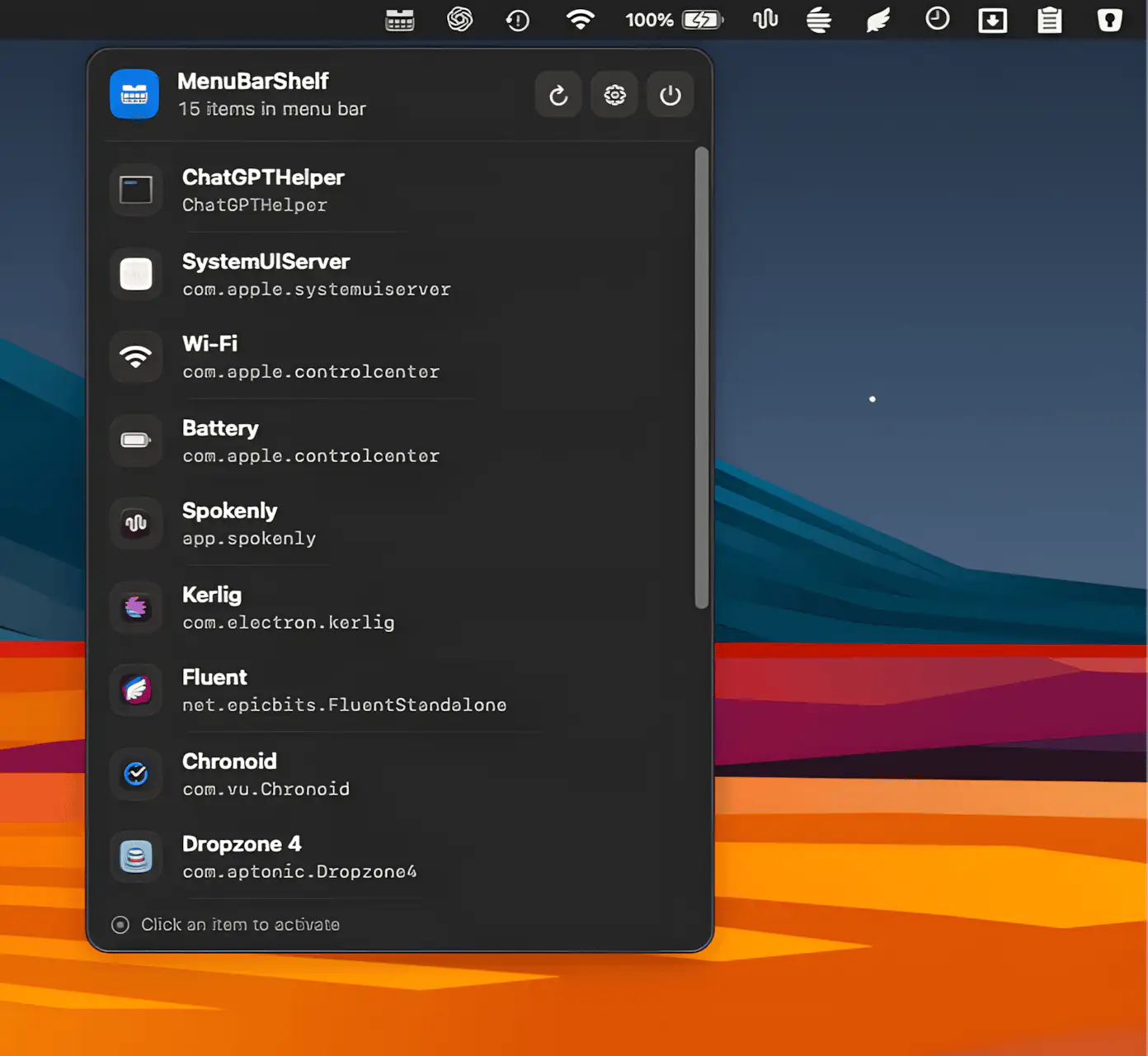
MenuBarShelf keeps overcrowded Mac menu bars manageable by gathering every icon, even the ones sacrificed to the notch, into a clean native popover.
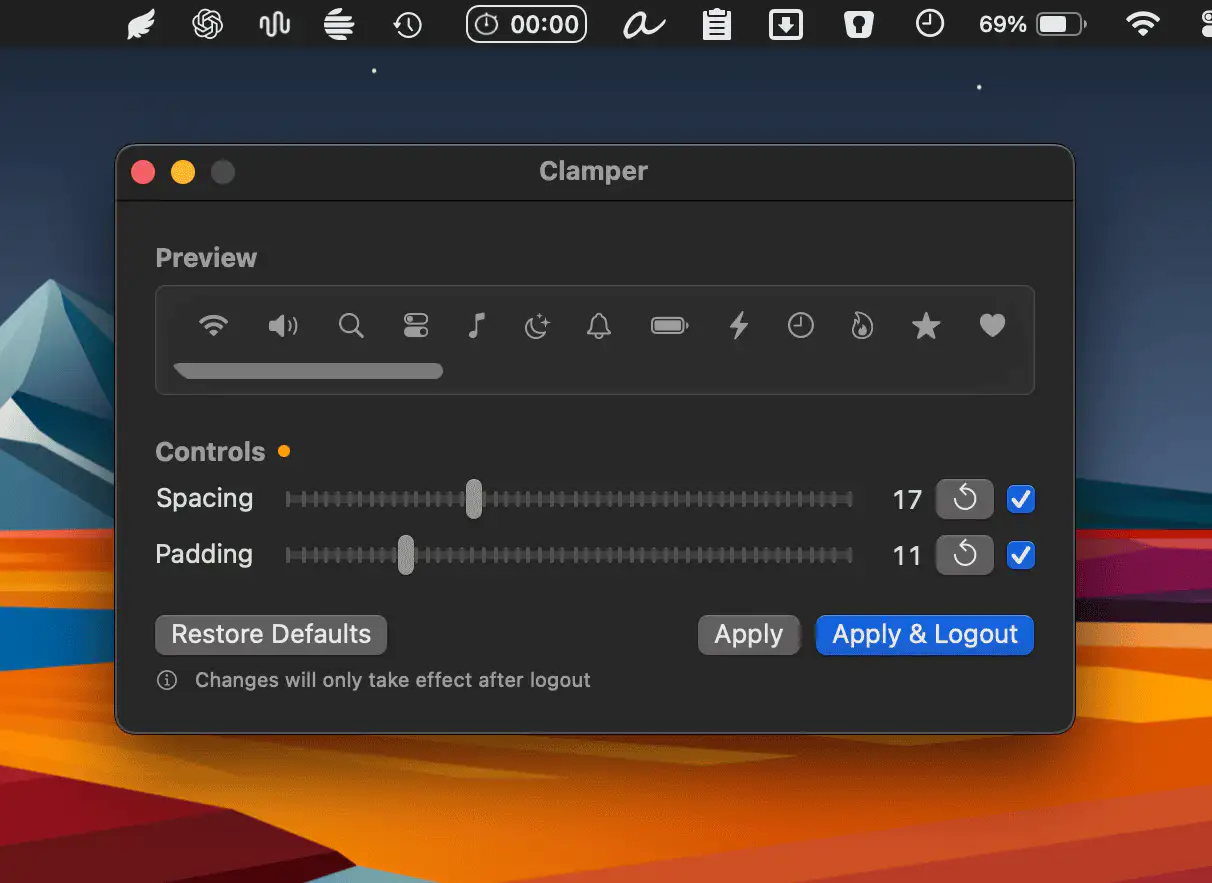
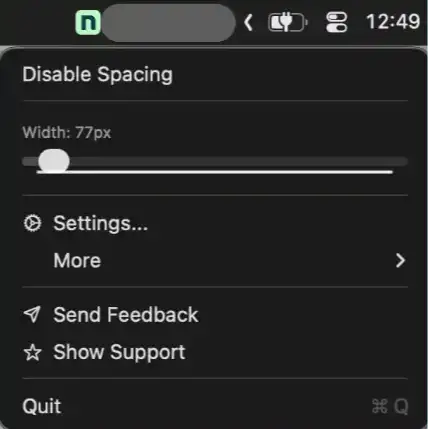
Clamper gives you precise control over the spacing and padding of your macOS menu bar icons, complete with real-time preview and subtle haptic feedback. A single click restores everything to default.
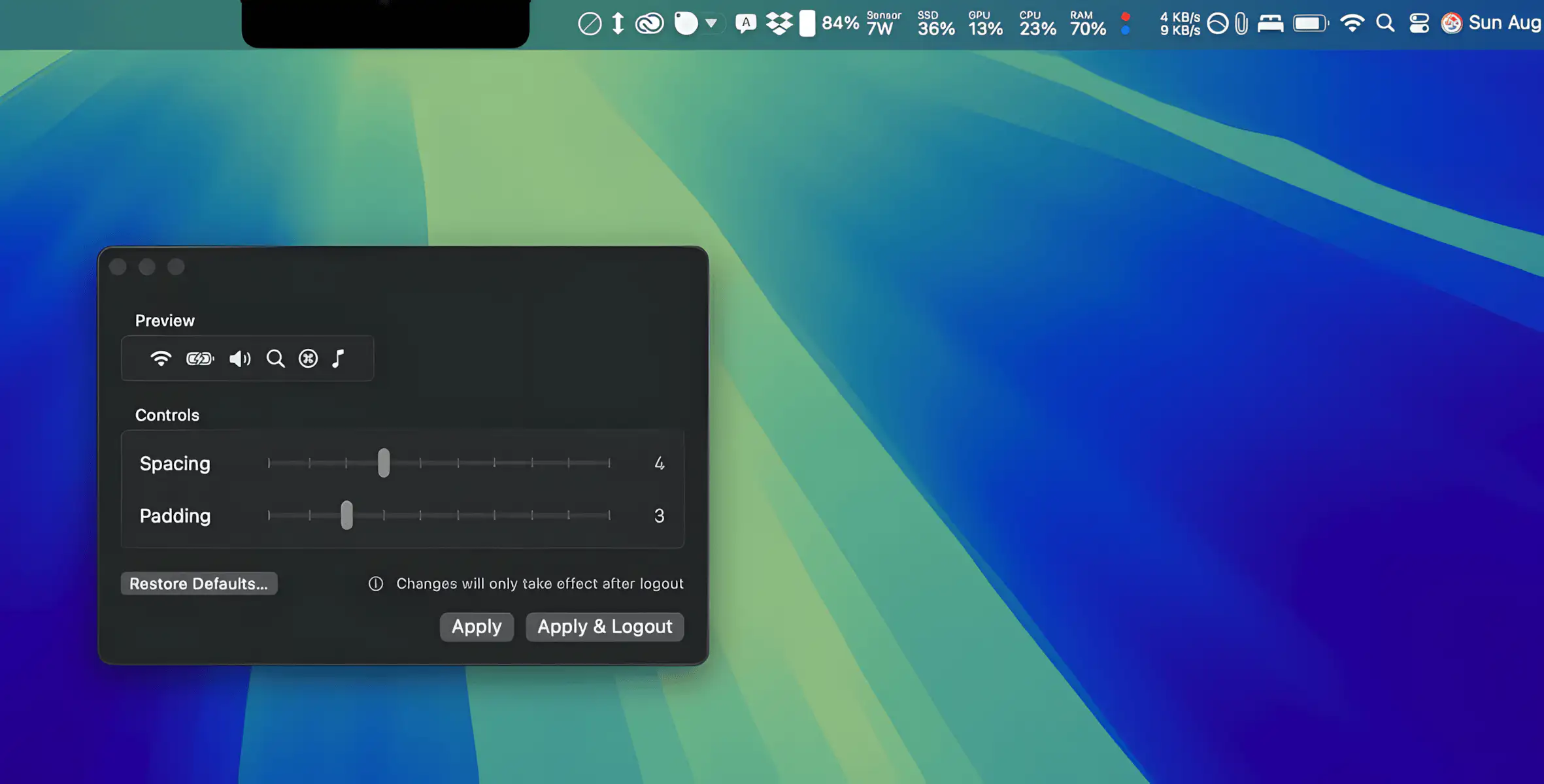
TighterMenubar lets you fine-tune menu bar spacing for a cleaner, more compact layout, so all your items stay visible without slipping behind the notch.