Collection:
Security Apps
QuickOTP Authenticator & Passkeys
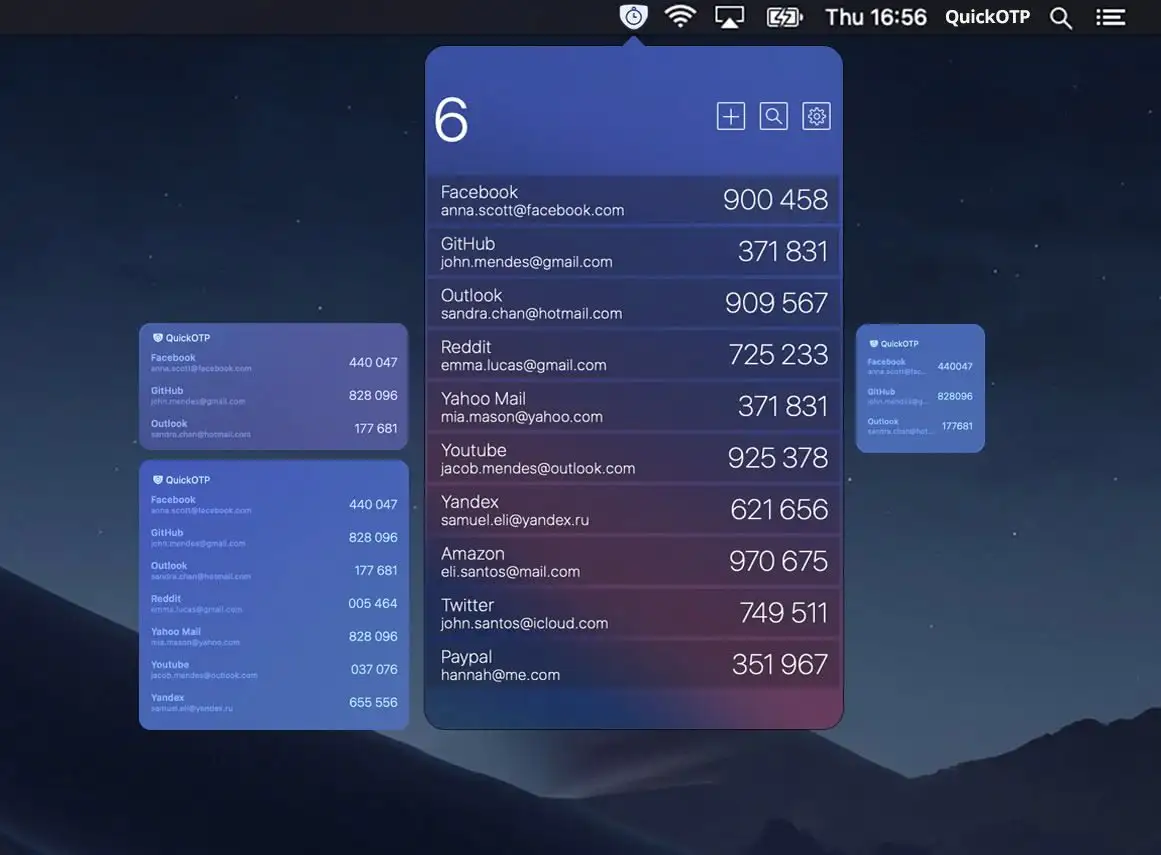
QuickOTP Authenticator & Passkeys is a fast, privacy-first macOS menu bar app for managing 2FA codes and Passkeys, secure, offline, and seamlessly integrated with Apple Keychain.

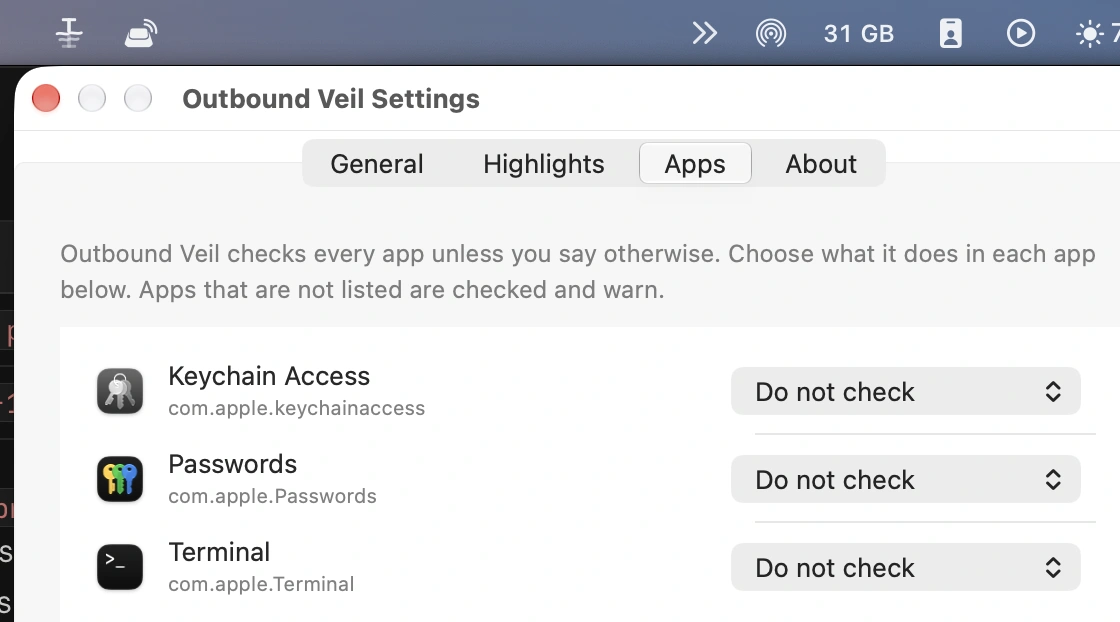
Protect your Mac, your data and your privacy in real time. Monitor network activity, control outgoing connections, manage VPNs and DNS, secure apps with locks and 2FA, detect surveillance, prevent theft, automate backups and guard against malware directly from your menu bar.
Protect your Mac, your data and your privacy in real time. Monitor network activity, control outgoing connections, manage VPNs and DNS, secure apps with locks and 2FA, detect surveillance, prevent theft, automate backups and guard against malware directly from your menu bar.
QuickOTP Authenticator & Passkeys is a fast, privacy-first macOS menu bar app for managing 2FA codes and Passkeys, secure, offline, and seamlessly integrated with Apple Keychain.
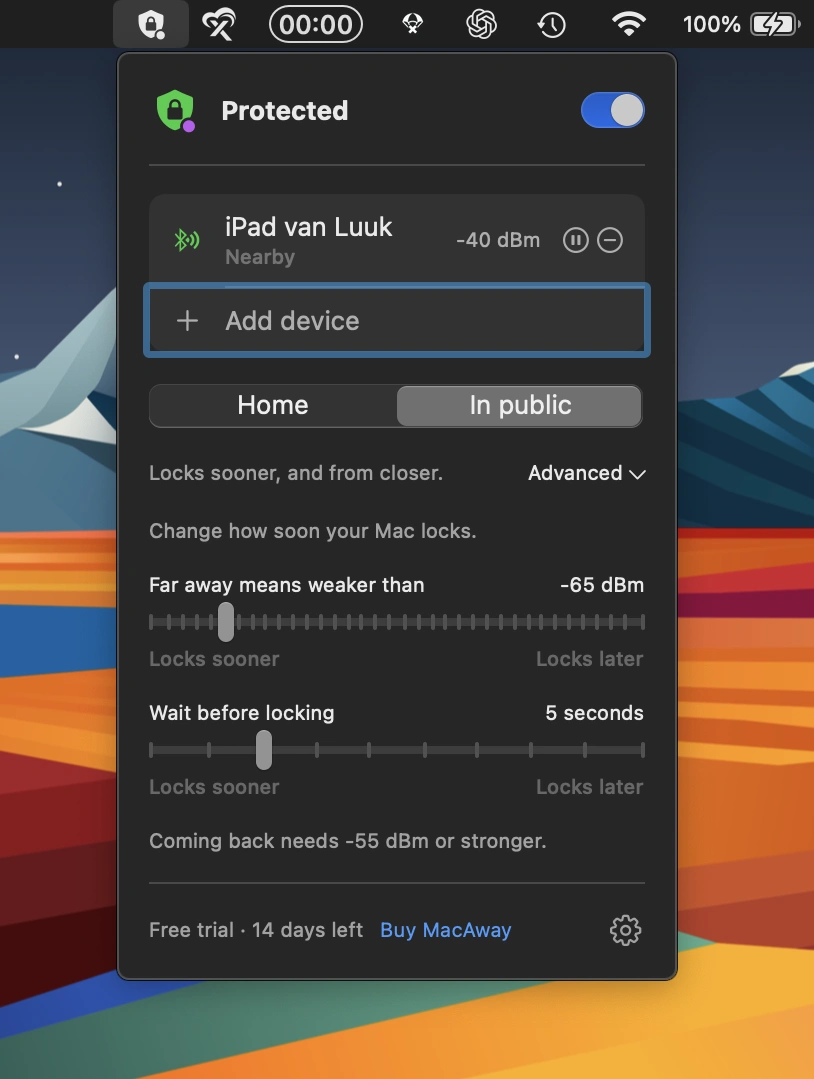
This menu bar app automatically locks your Mac when you walk away, using your iPhone, Apple Watch or AirTag. Customizable security settings adapt to your surroundings, with no subscriptions or data leaving your Mac.
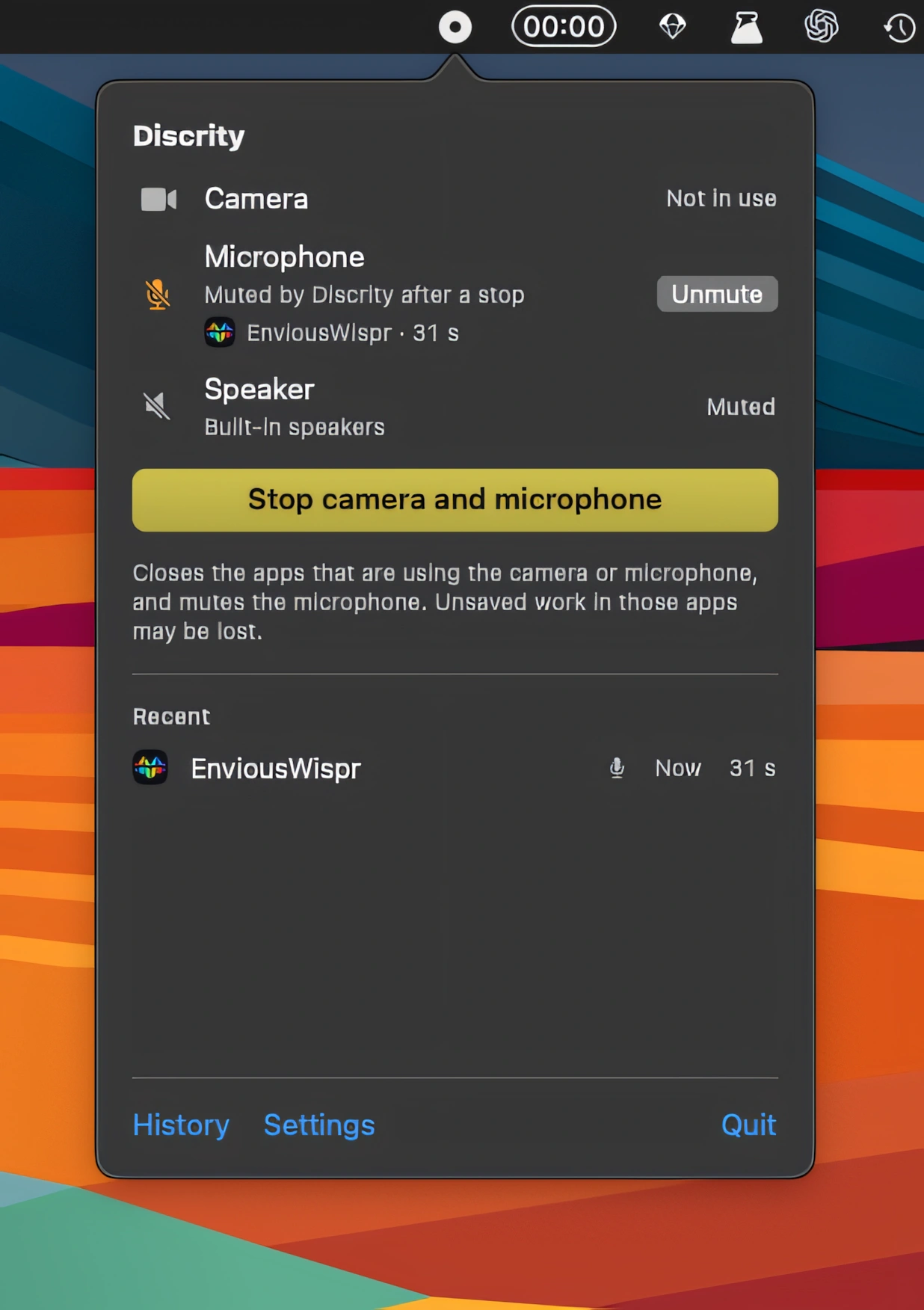
Discrity monitors camera, microphone and speaker activity, showing which apps are using them and when. It also keeps usage history, monitors your Mac while locked, and includes speaker protection.
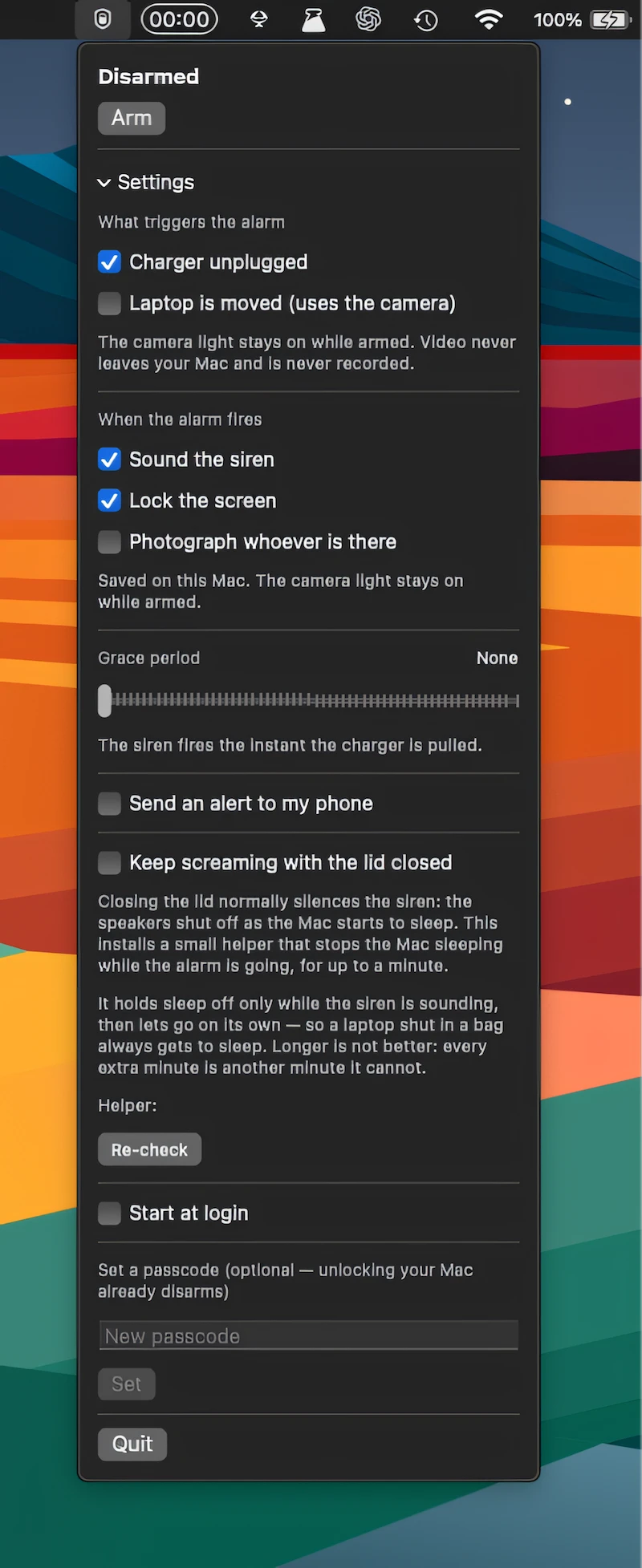
Deter Mac theft with a loud alarm that detects movement, charger removal, or lid closure, locks the screen, takes photos, and sends alerts to your phone.
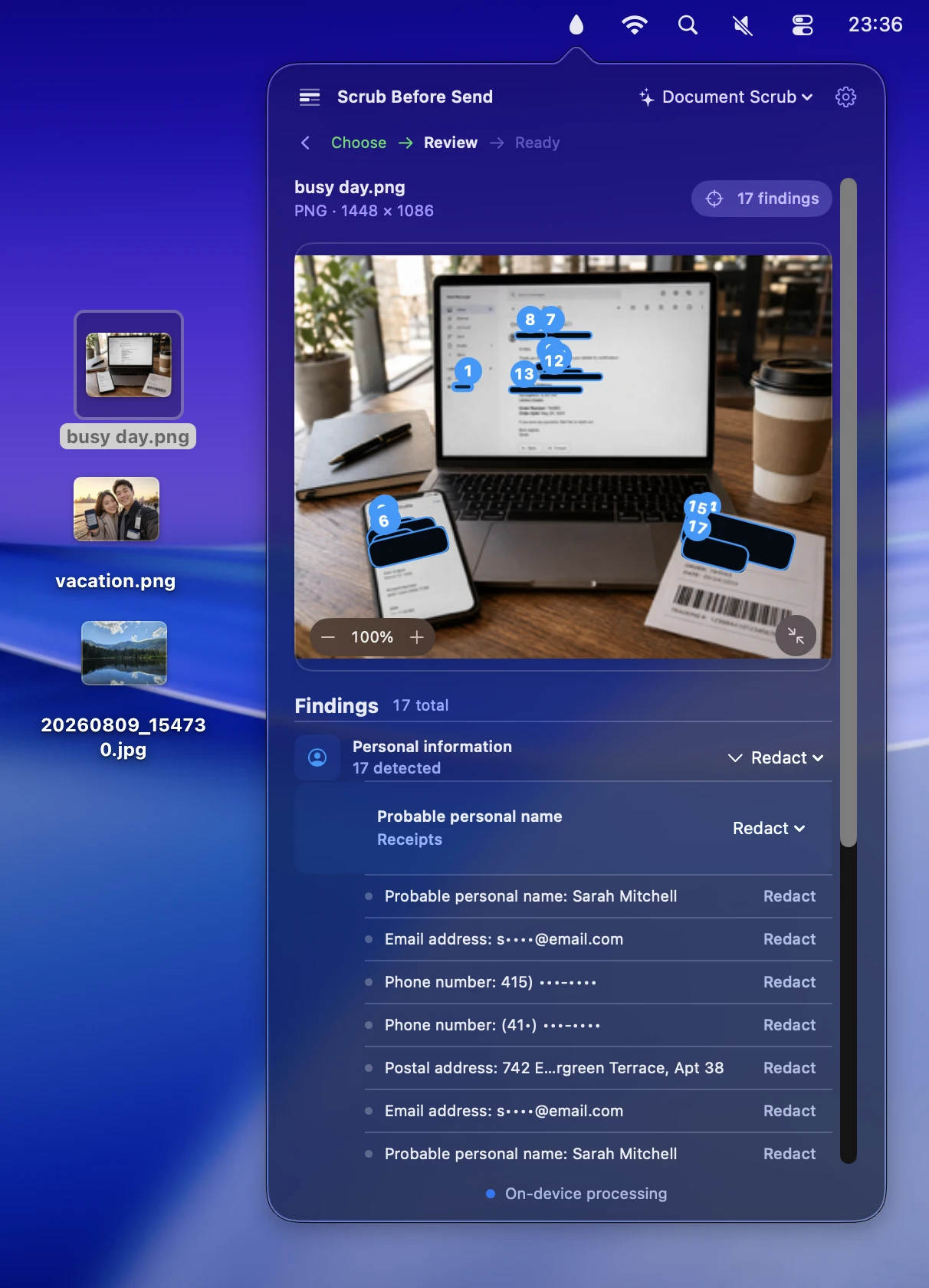
Scrub Before Send protects your privacy when sharing photos by removing hidden metadata, detecting sensitive text, and blurring, pixelating, or covering faces before sharing.
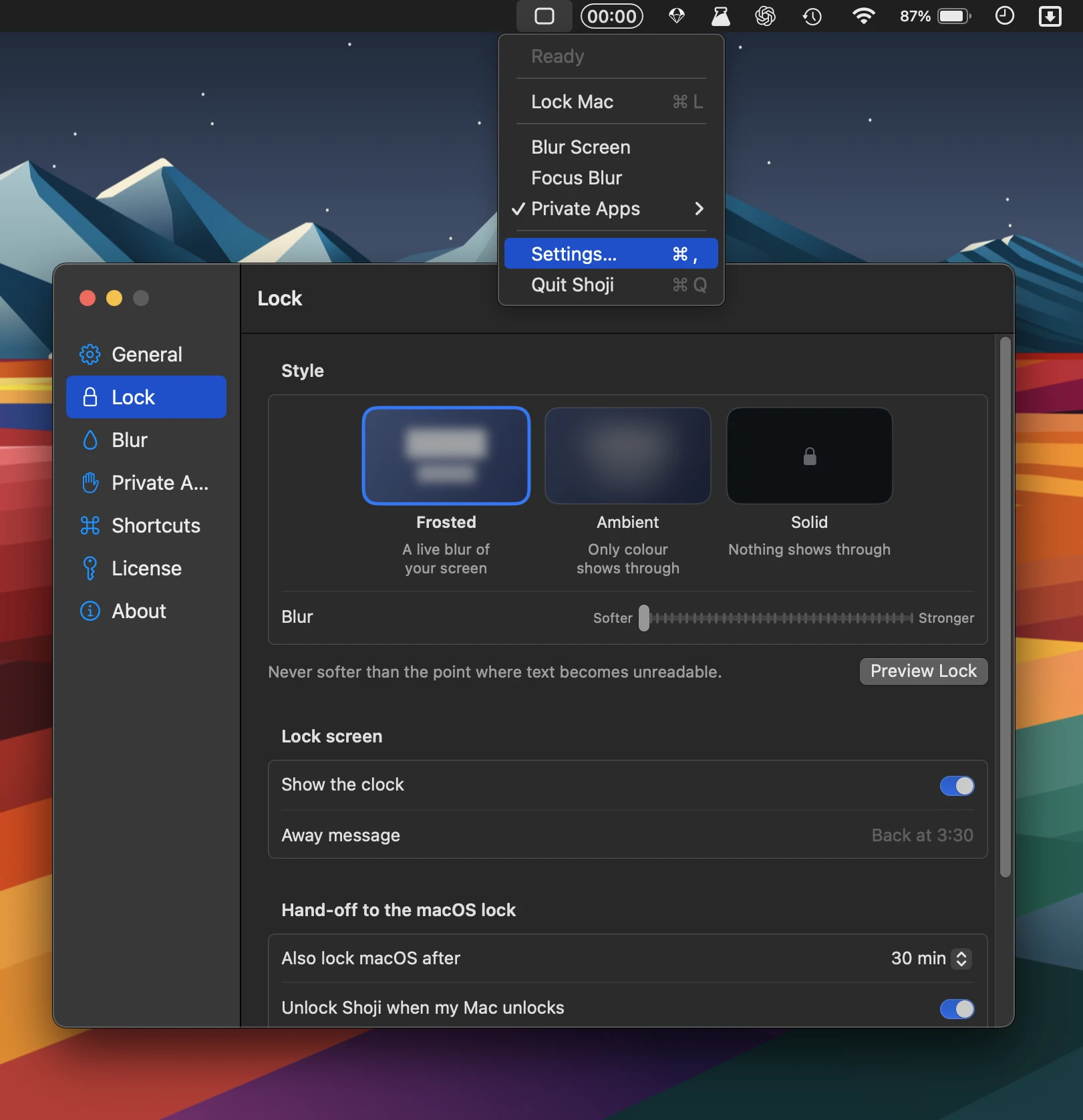
Shoji adds instant privacy with a soft screen blur, app-specific locking, and Touch ID authentication, while keeping windows, music, and downloads running without permissions, accounts, or analytics.
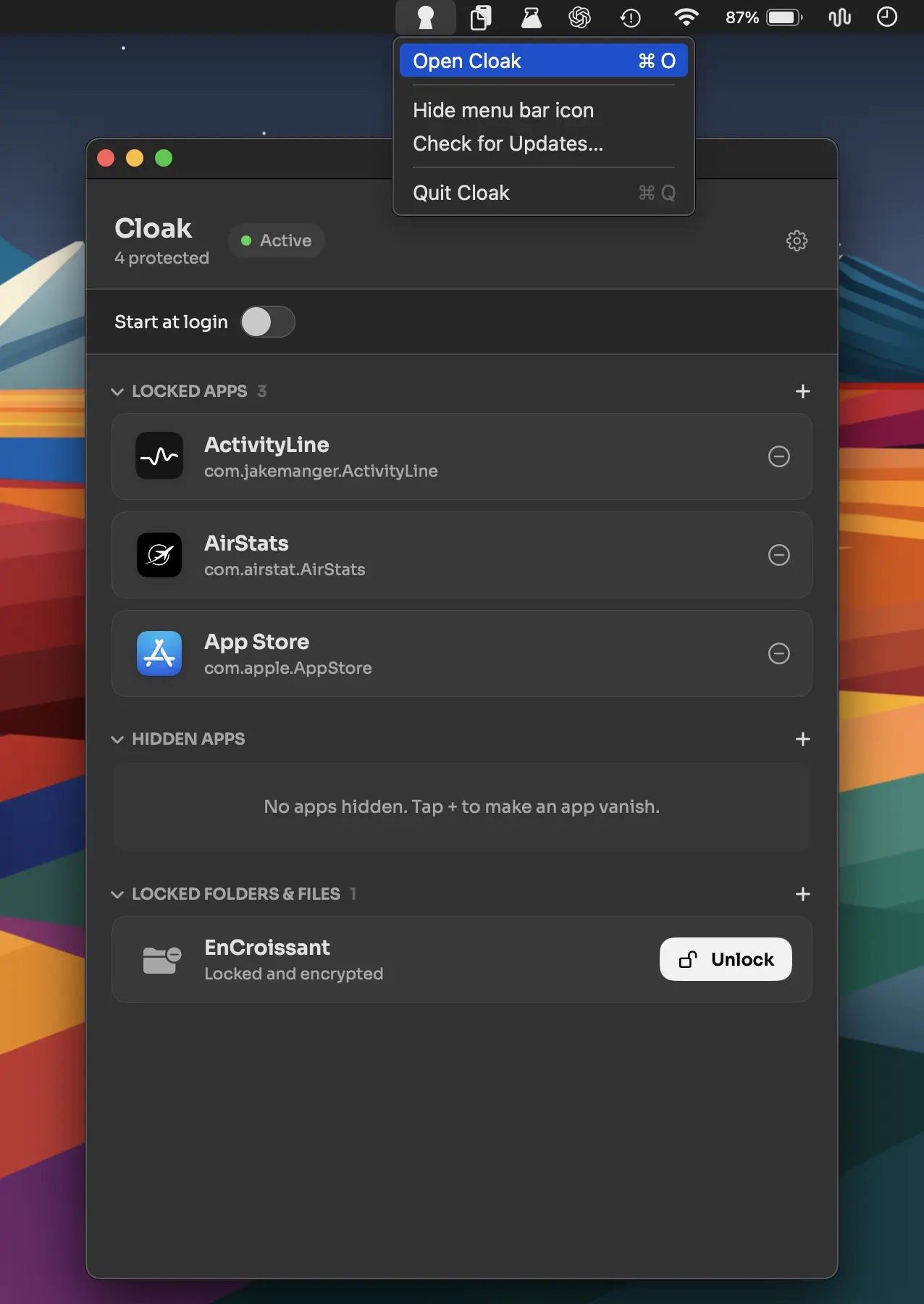
Lock, hide, and encrypt apps, files, and folders with Touch ID or a password. Cloak keeps everything on your Mac, with AES-256 encryption, no account or cloud, and intruder photos.
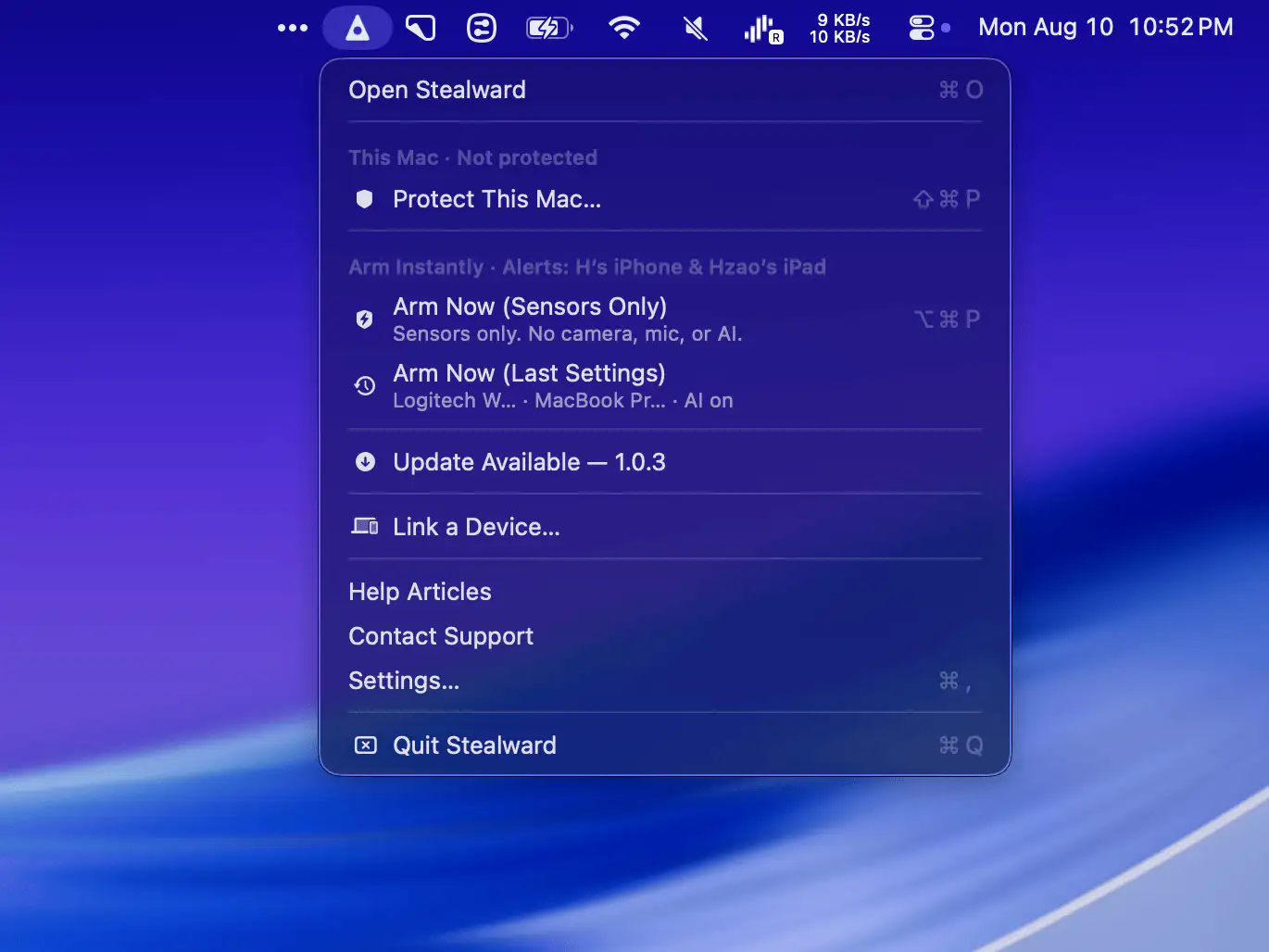
Protect your Mac and belongings when you step away in public spaces. Stealward combines anti-theft alerts, movement and charger monitoring, encrypted live video, recording, and AI-powered threat detection.
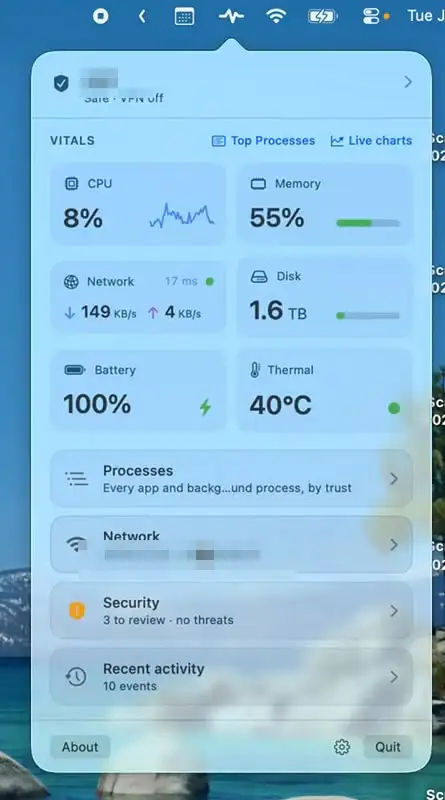
Mojo Pulse monitors your Mac’s performance, security, network activity, battery health, and hardware status, with clear alerts when something needs attention. A quiet companion that helps keep your Mac running smoothly.
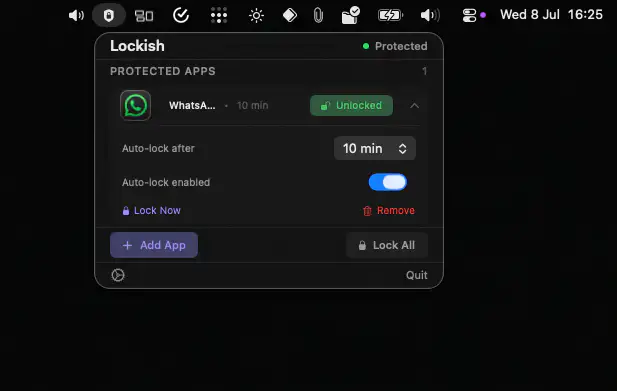
Lockish adds Touch ID protection to individual Mac apps, keeping sensitive tools private without locking your entire screen. It works fully on-device, requires no Screen Recording permission, and offers a one-time purchase.