Collection:
Sleep Control Apps
Wakr
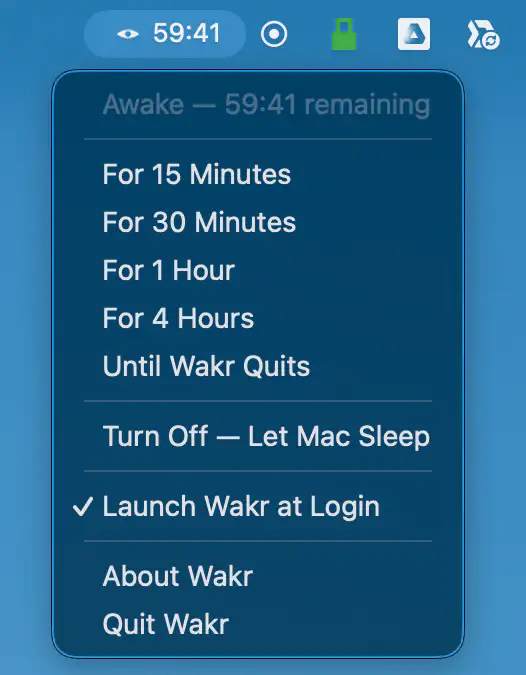
Wakr keeps your Mac awake for exactly as long as you need, with flexible timers, app-based sessions, live countdowns, battery protection, and no account or tracking.

Take full control over when your Mac sleeps or stays awake. Schedule sleep, prevent idle timeouts, disable clamshell restrictions, simulate activity, manage power behavior or automate WiFi and Bluetooth actions when your Mac sleeps or wakes, all directly from your menu bar.
Take full control over when your Mac sleeps or stays awake. Schedule sleep, prevent idle timeouts, disable clamshell restrictions, simulate activity, manage power behavior or automate WiFi and Bluetooth actions when your Mac sleeps or wakes, all directly from your menu bar.
Wakr keeps your Mac awake for exactly as long as you need, with flexible timers, app-based sessions, live countdowns, battery protection, and no account or tracking.
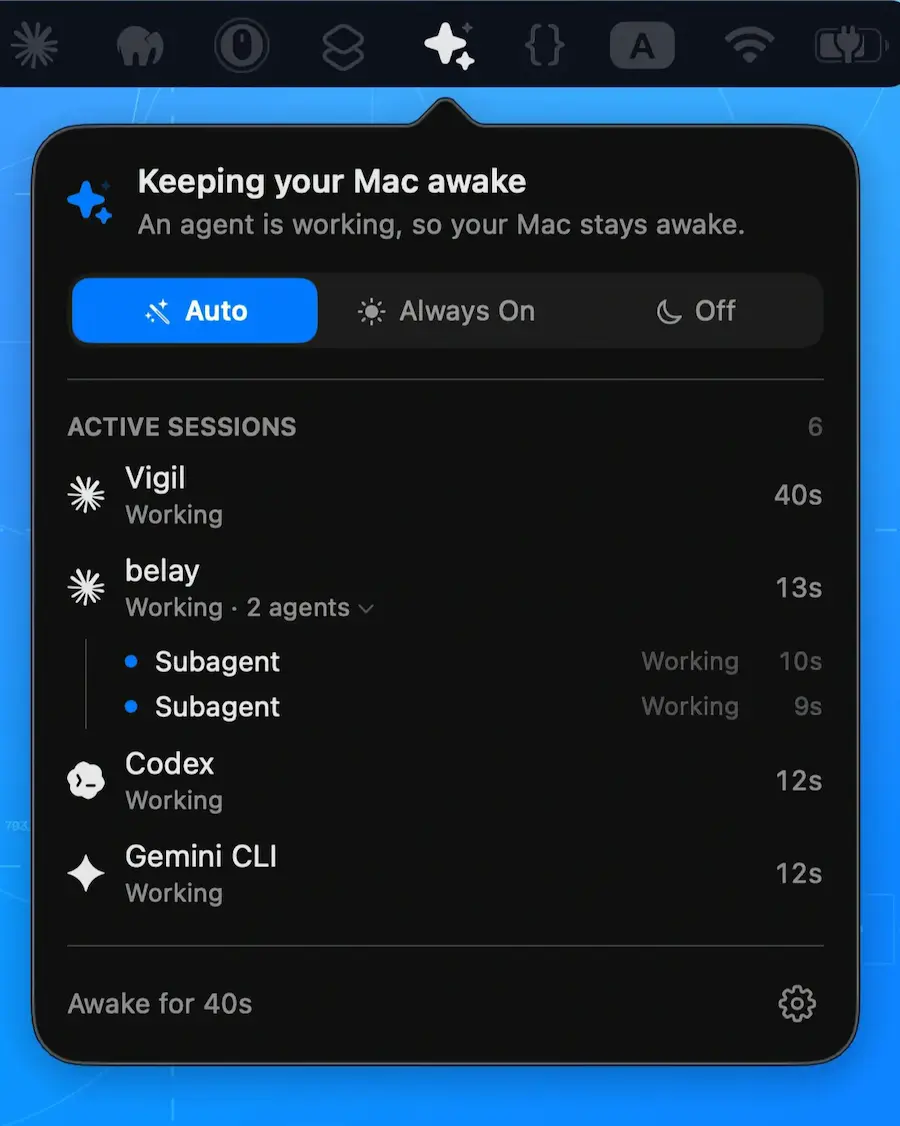
Belay keeps your Mac awake while coding agents work, then lets it sleep normally when they’re done. Supports Claude Code, Codex CLI, Gemini CLI, Cline, and custom tools.
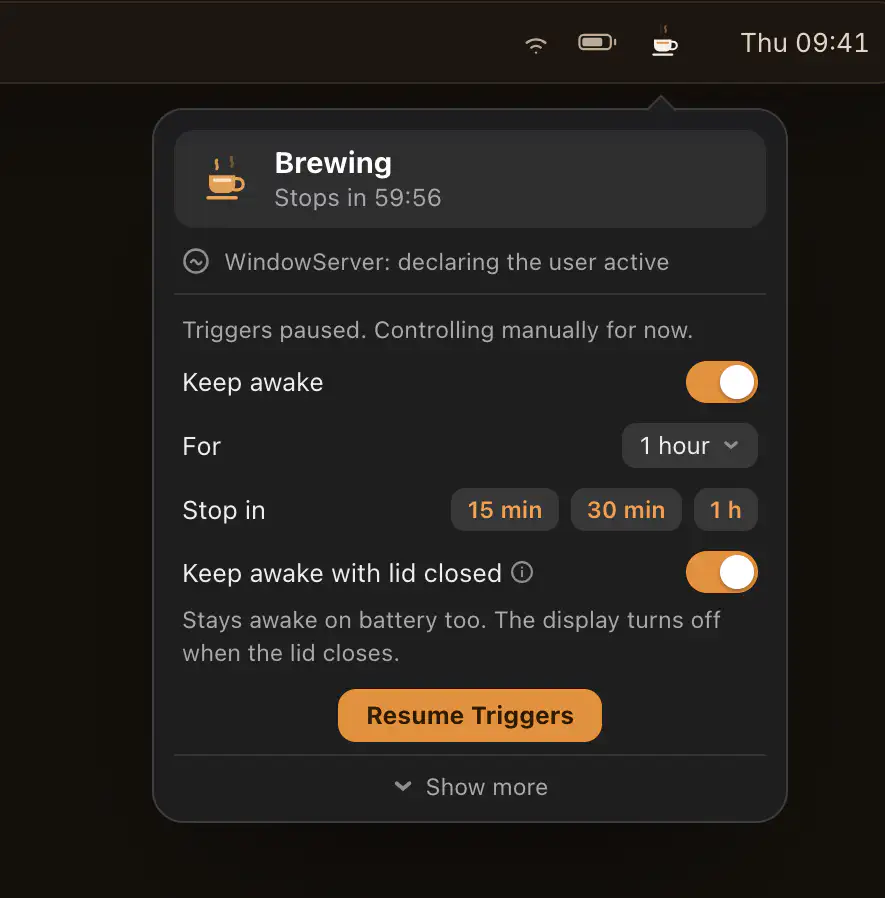
Keep your Mac awake with smart triggers, timed sessions, AI agent detection, closed-display mode, and headless Mac tools, giving you precise control for coding, gaming, meetings, servers, and automation.
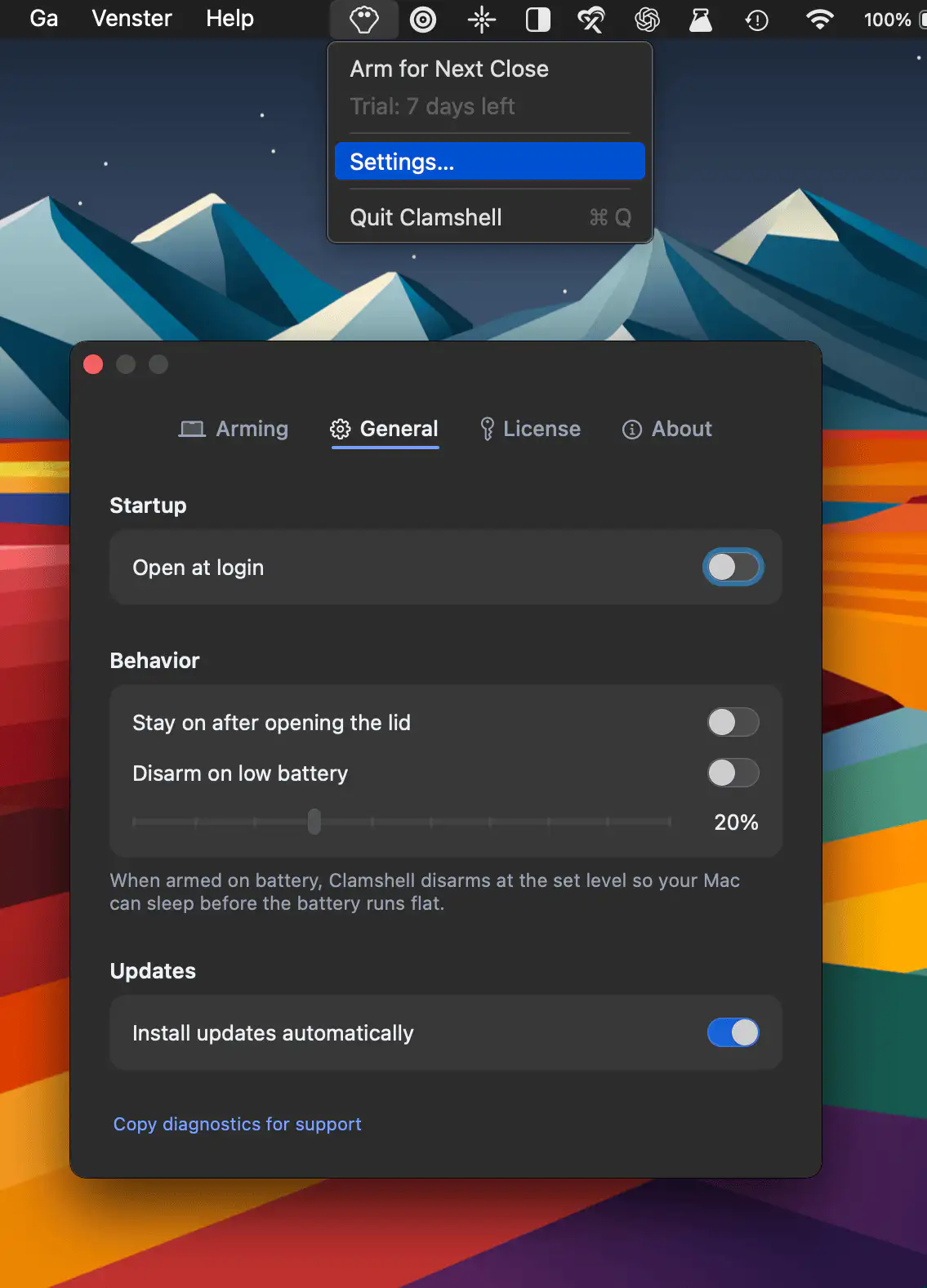
Clamshell keeps your MacBook running when the lid is closed, dimming the internal display while work continues uninterrupted. It handles power changes and restores normal sleep behavior once reopened.
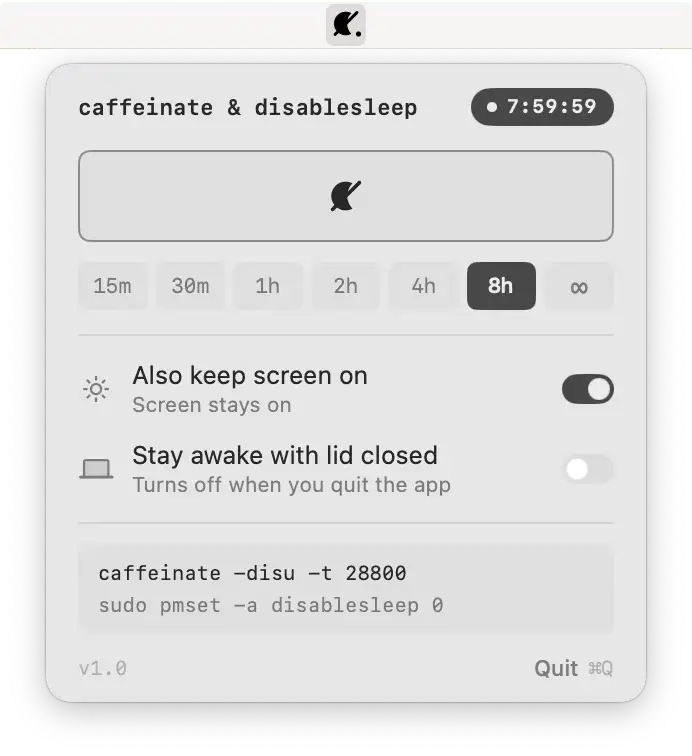
Keep your Mac awake with one click, even with the lid closed. A lightweight open-source utility brings caffeinate and disablesleep controls together with timed sessions and transparent system commands.
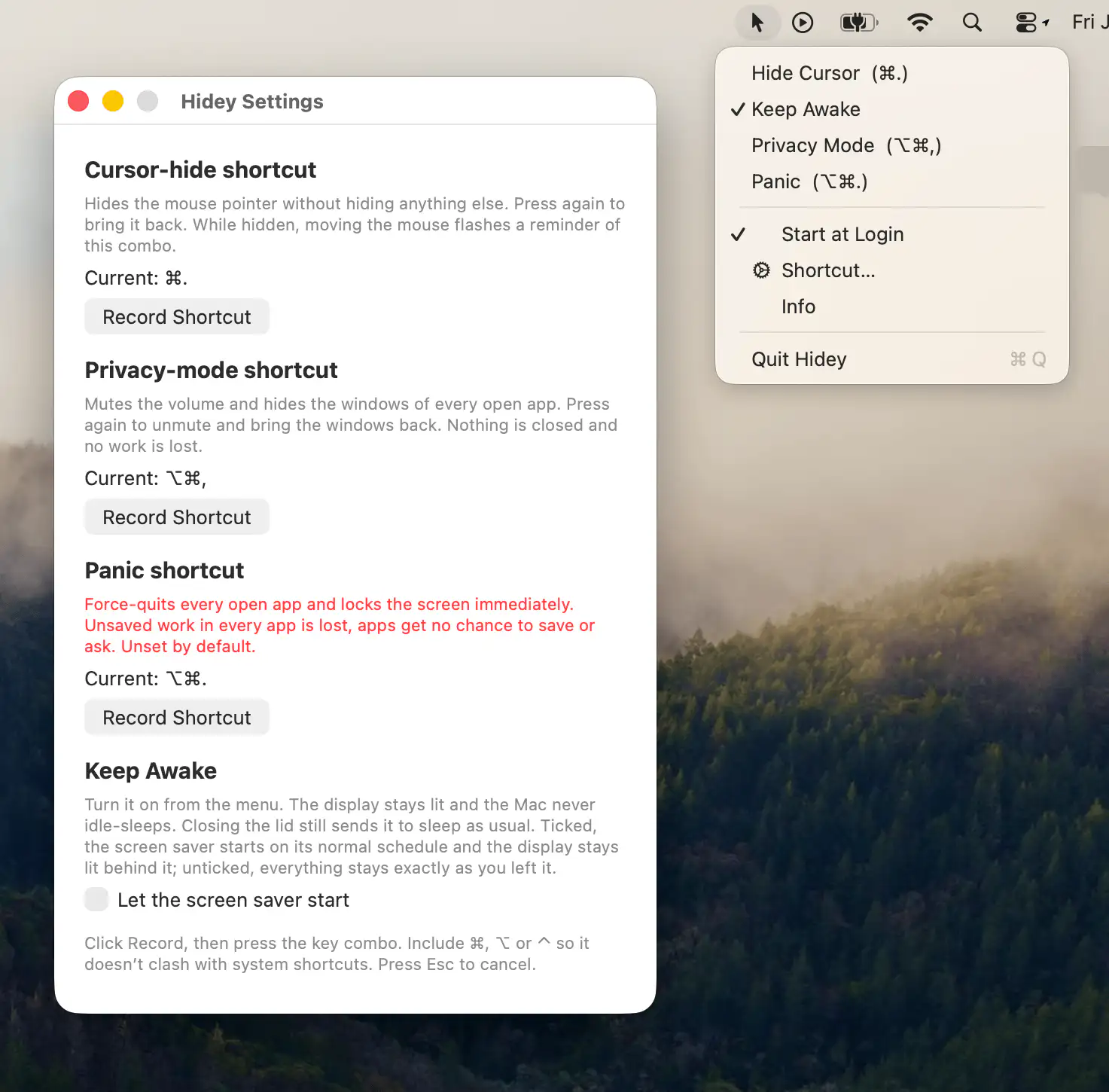
Hidey provides quick shortcuts to hide the cursor, keep your Mac awake, activate privacy mode, and instantly secure your workspace.
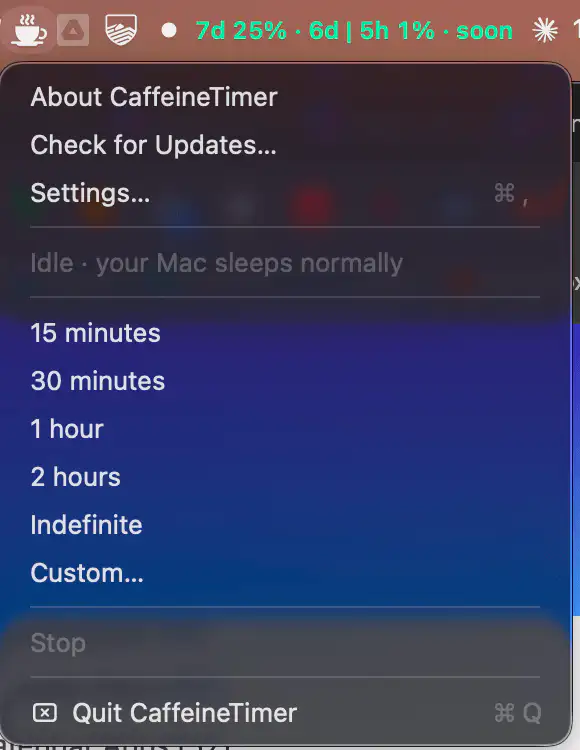
CaffeineTimer keeps your Mac awake with a lightweight countdown timer. Set a duration, track the remaining time, and let your Mac return to normal sleep mode automatically when the timer ends.
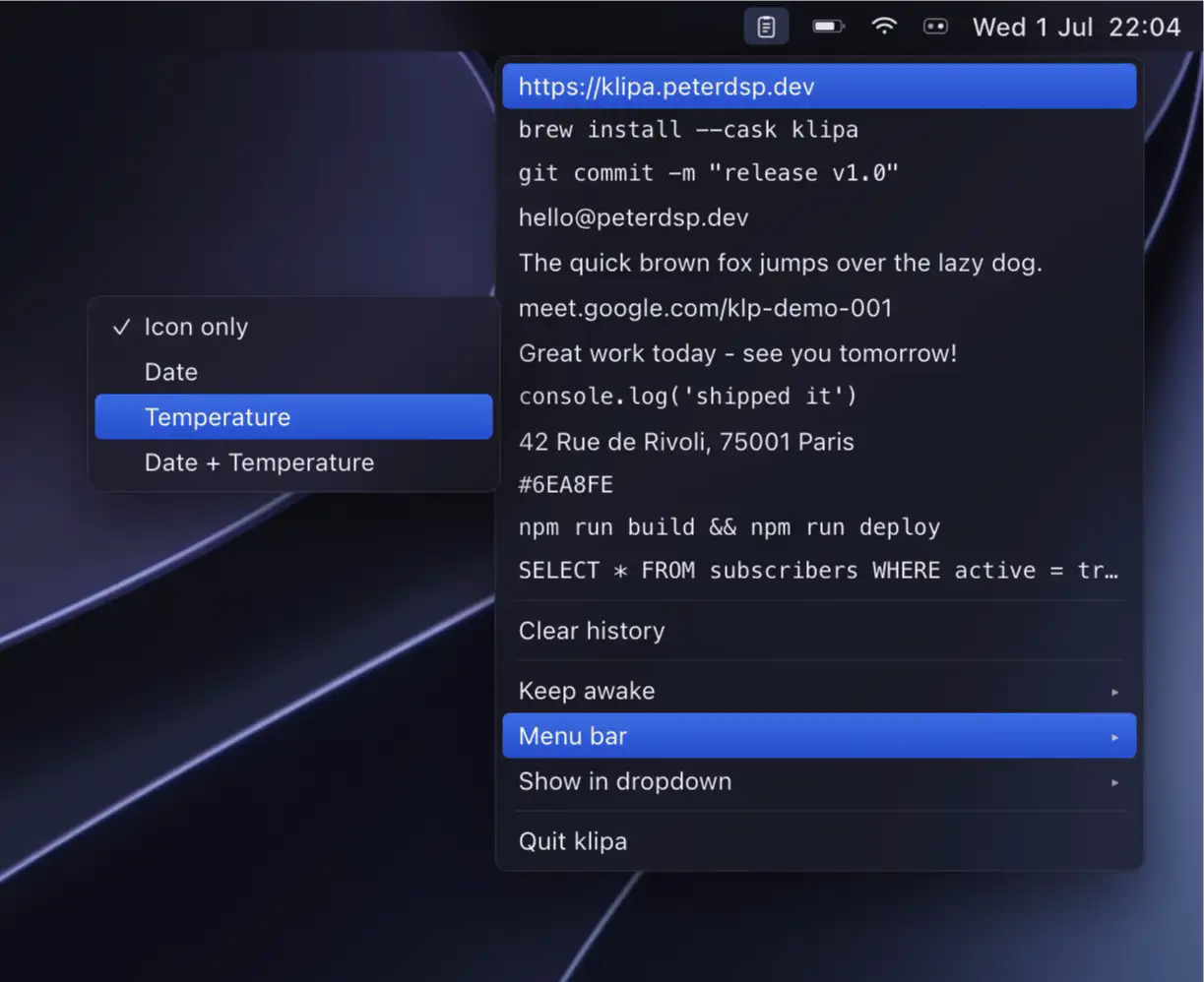
Klipa pairs a fast, private clipboard manager with flexible keep-awake sessions. Recent copies drop down for instant pasting, everything stays on your device, and nothing ever touches a network.
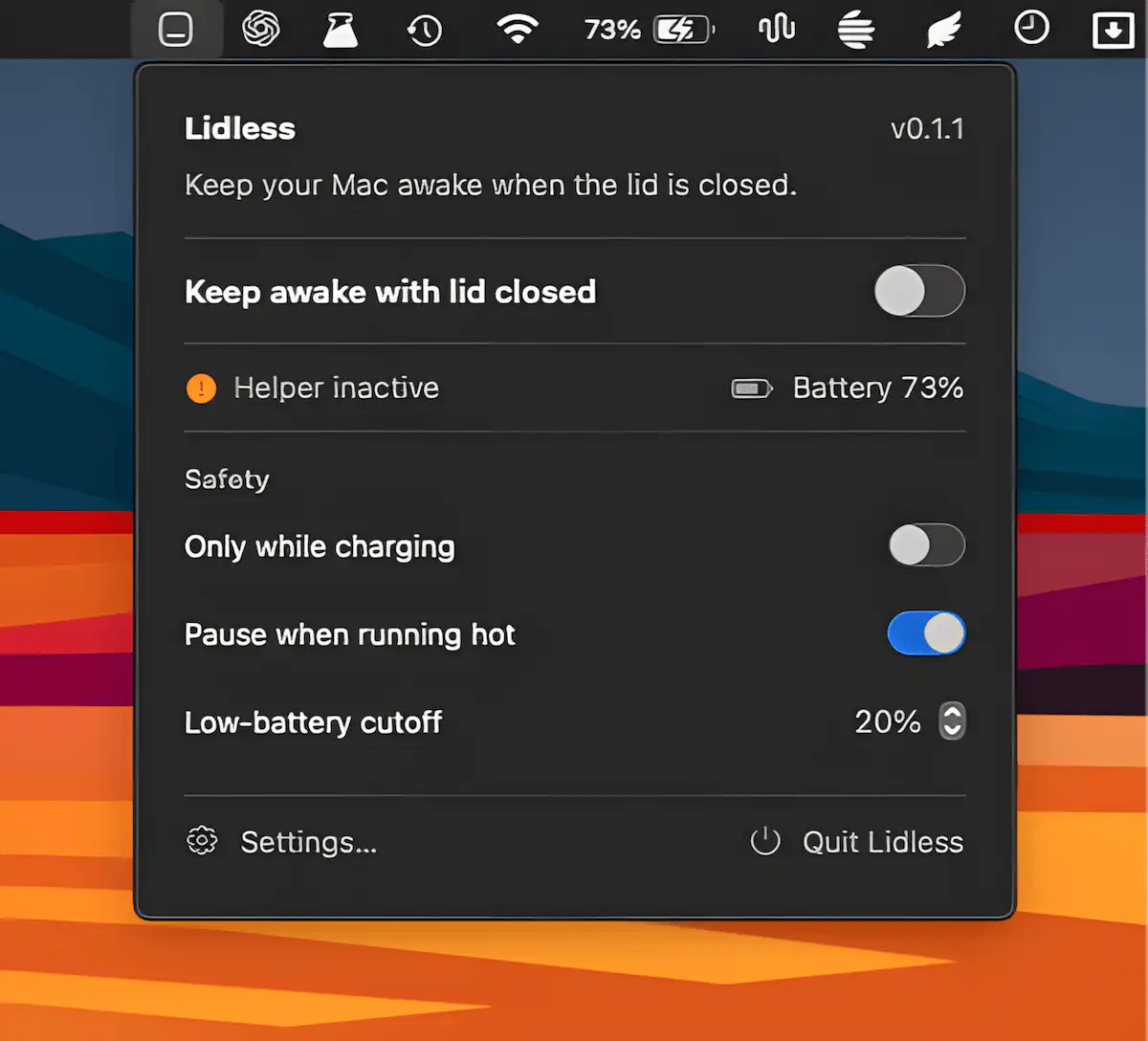
Lidless keeps your Apple Silicon Mac awake even with the lid closed, making it ideal for long-running tasks, coding agents, and remote workflows. It includes temperature monitoring, battery safeguards, and auto-off timers.
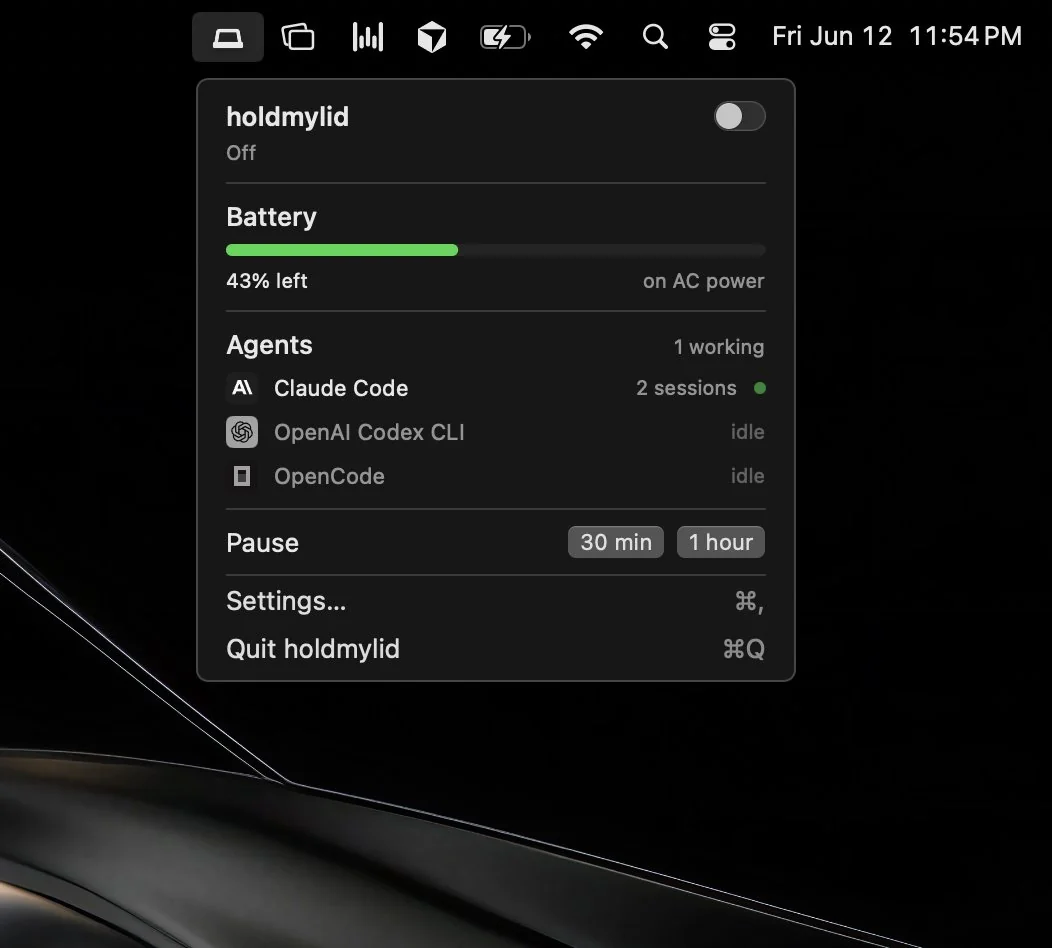
Hold My Lid keeps AI coding agents running even when your MacBook lid is closed, while smart battery safeguards prevent unwanted drain.