
Collection:
System Stats
Understand what your Mac is really doing. Monitor CPU, GPU, memory, disk activity, temperatures, fans, battery health, network performance and per-process usage in real time, directly from your menu bar with clear visuals and detailed diagnostics.
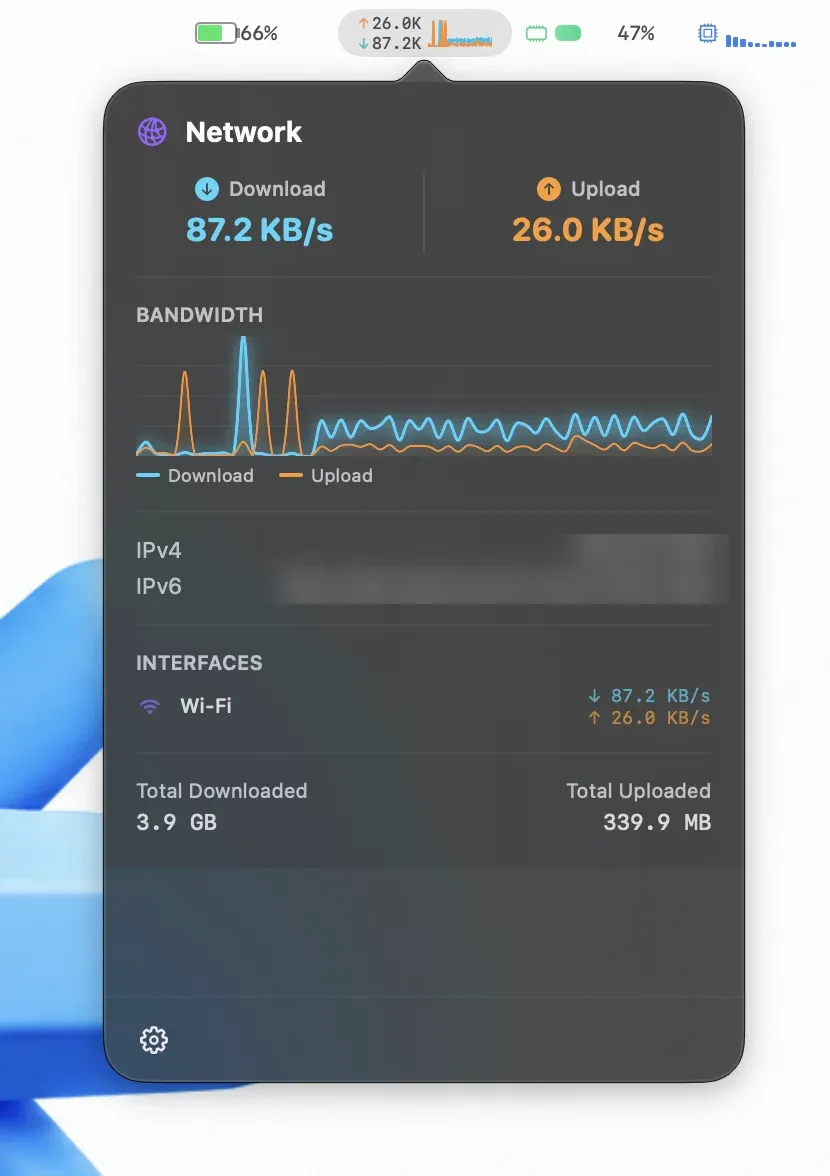
Collection:
System Stats
ThermPort
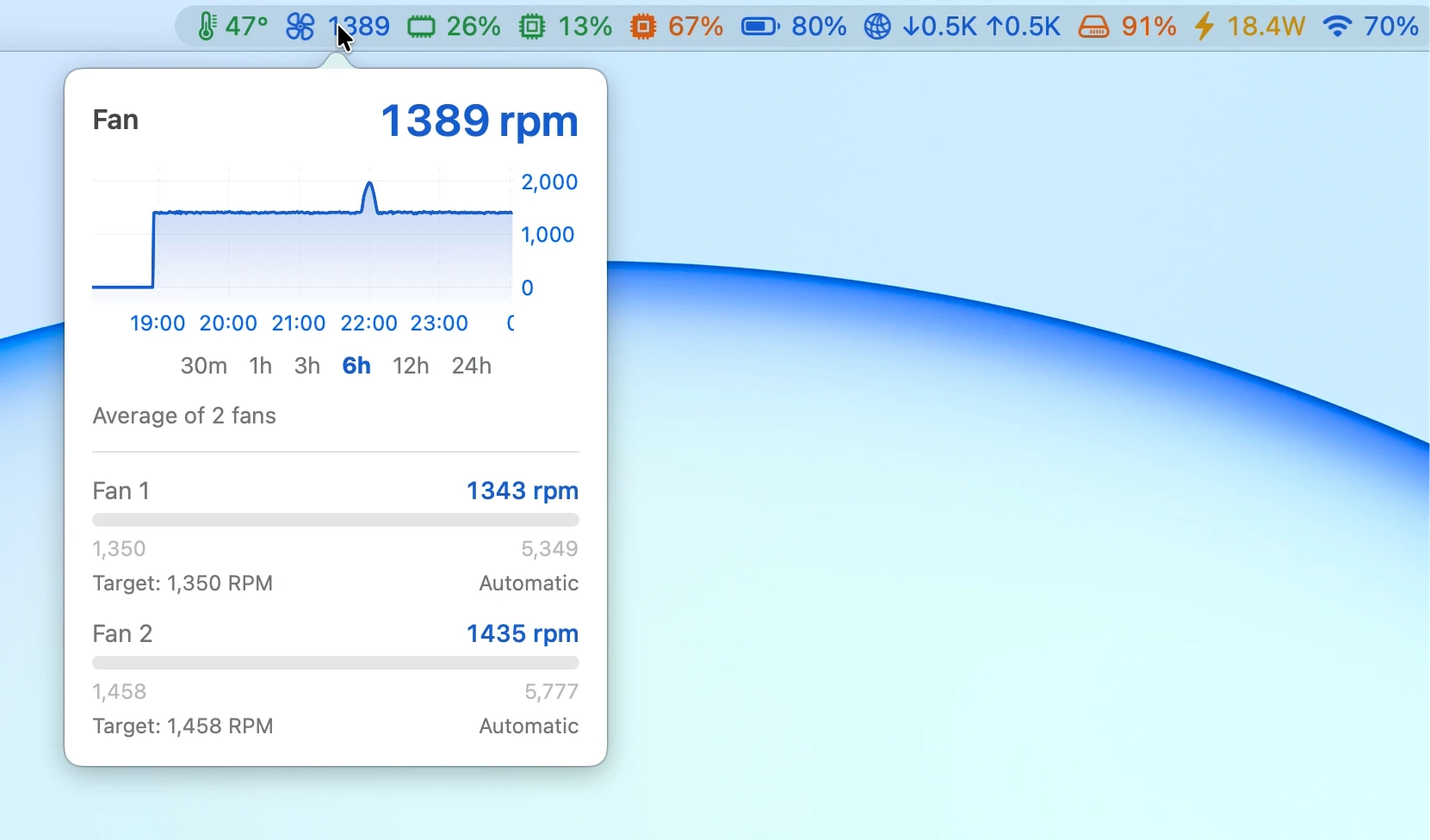
ThermPort monitors CPU temperature, memory, GPU, battery, network, disk, power and Wi-Fi, with live charts, alerts, long-term history and detailed reports.
Collection:
System Stats
Vitals
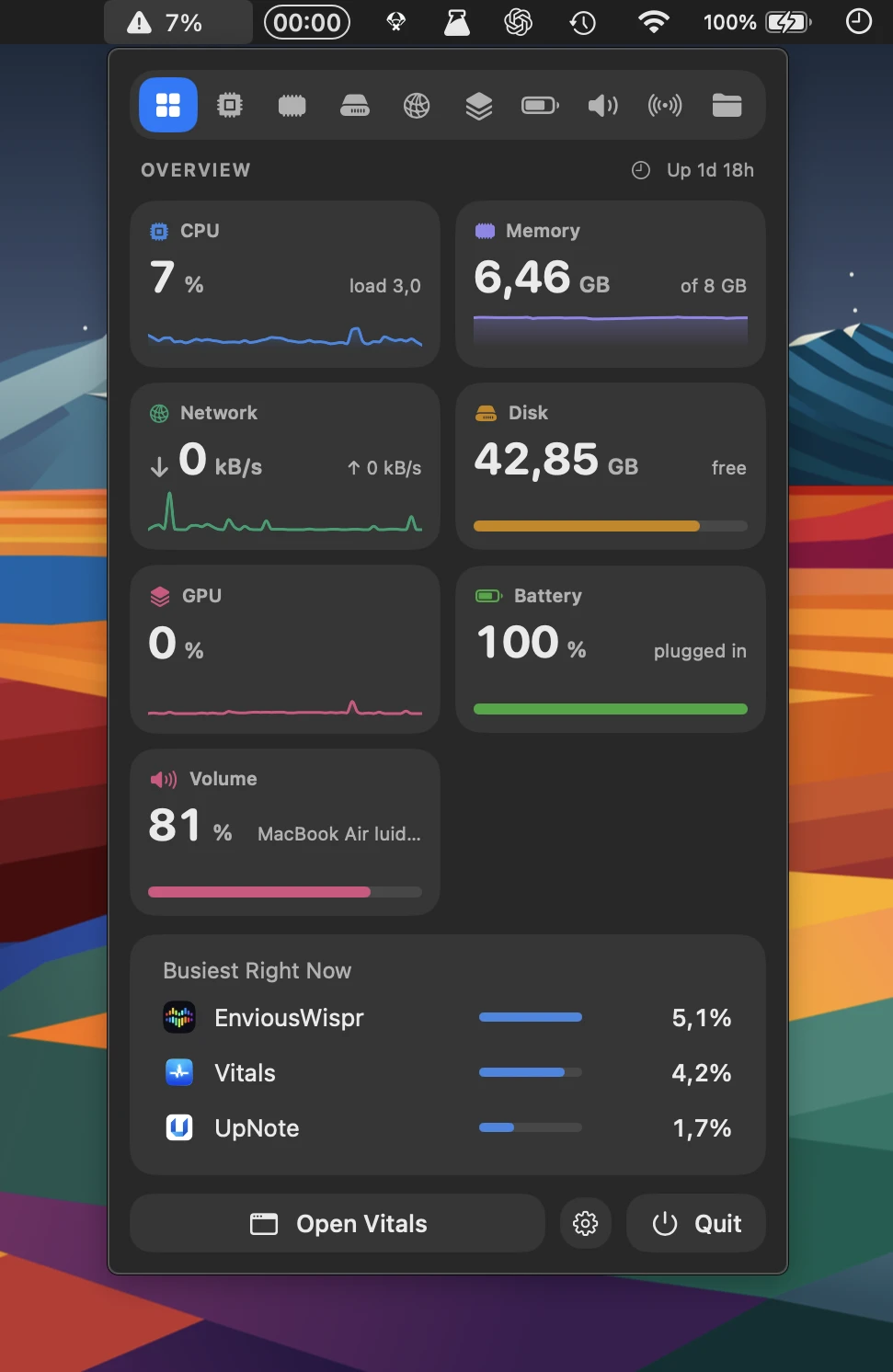
Vitals makes Mac system monitoring easier to understand by grouping processes under the apps they belong to. Track CPU, memory, energy, disk and network usage, with 30 days of history and alerts.
Collection:
Battery Apps | System Stats
MacMetra
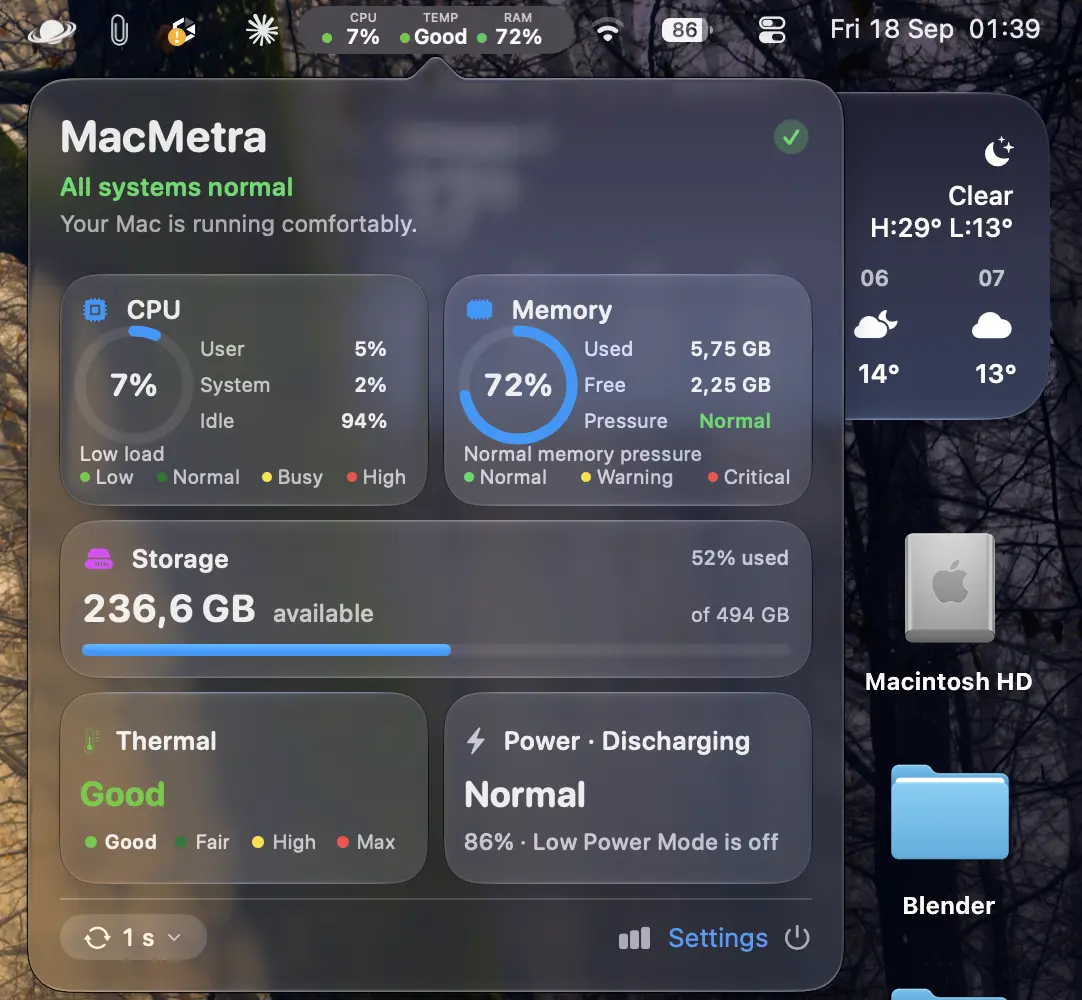
Monitor CPU, memory, storage, thermal state and power from one compact dashboard, with configurable menu bar readings, fast updates and a fully sandboxed app with no network access.
Collection:
Cleaning Apps | System Stats
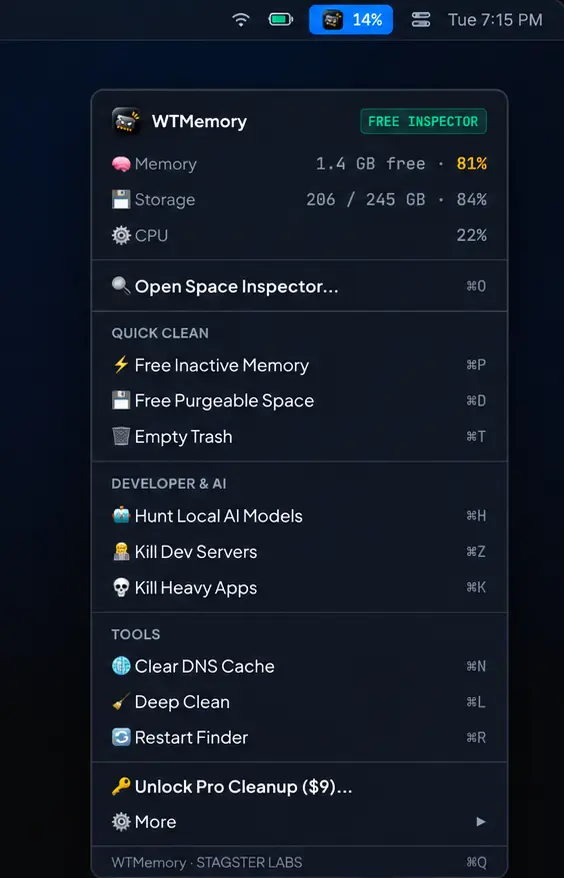
WTMemory
Collection:
System Stats
RAMkeeper
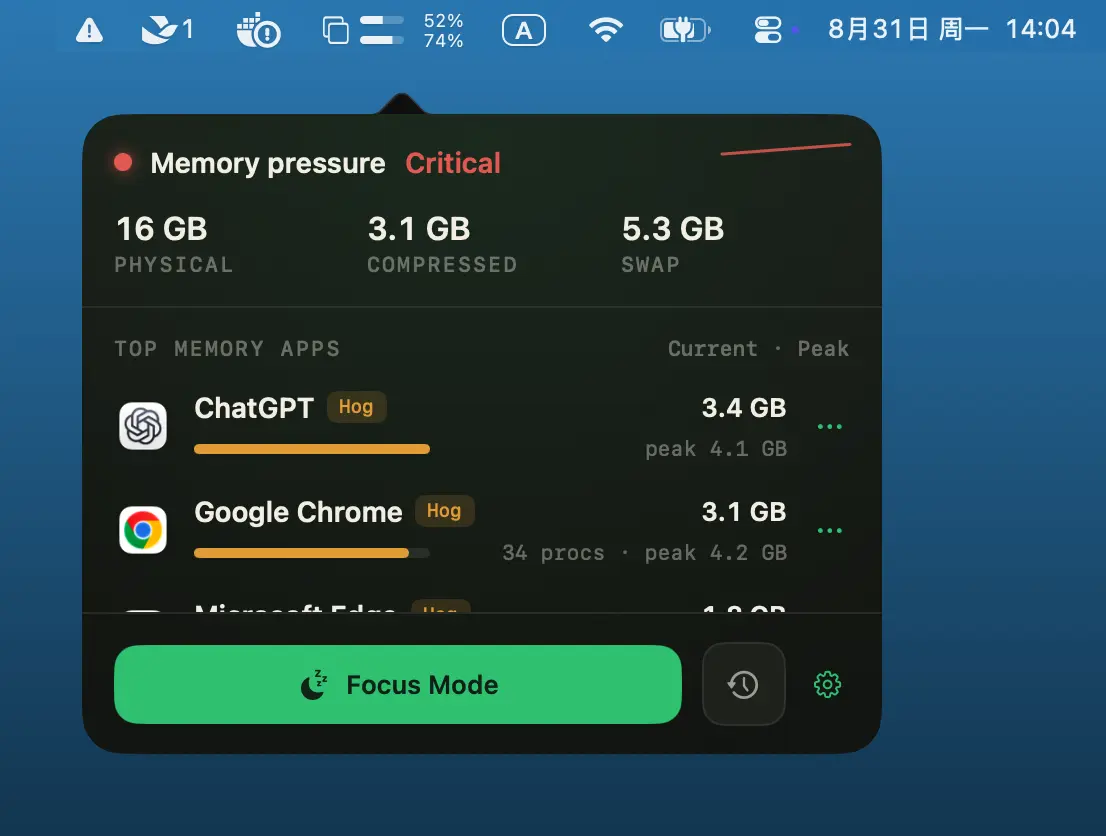
RAMKeeper shows where your Mac’s memory is being used, groups browser processes by app, and provides Focus Mode, memory thresholds, and gentle restarts to keep demanding apps under control.
Collection:
System Stats
ActivityLine
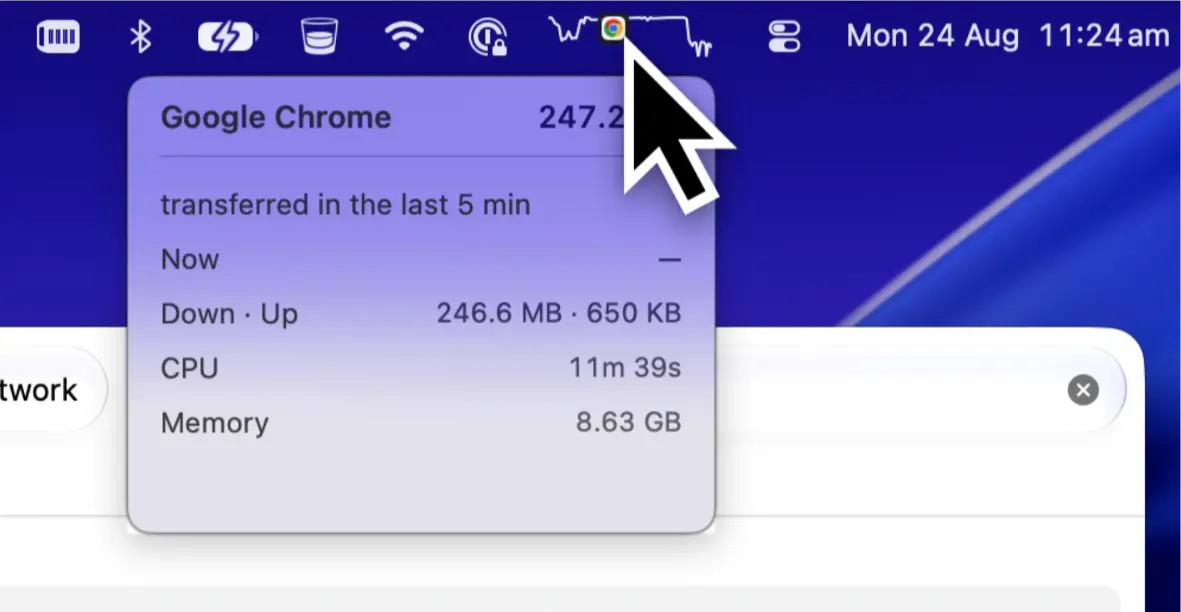
Monitor CPU, GPU, RAM, network, and app activity in a single live line. ActivityLine highlights what’s using the most resources, keeping performance insights simple and unobtrusive.
Collection:
System Stats
MacMonitor
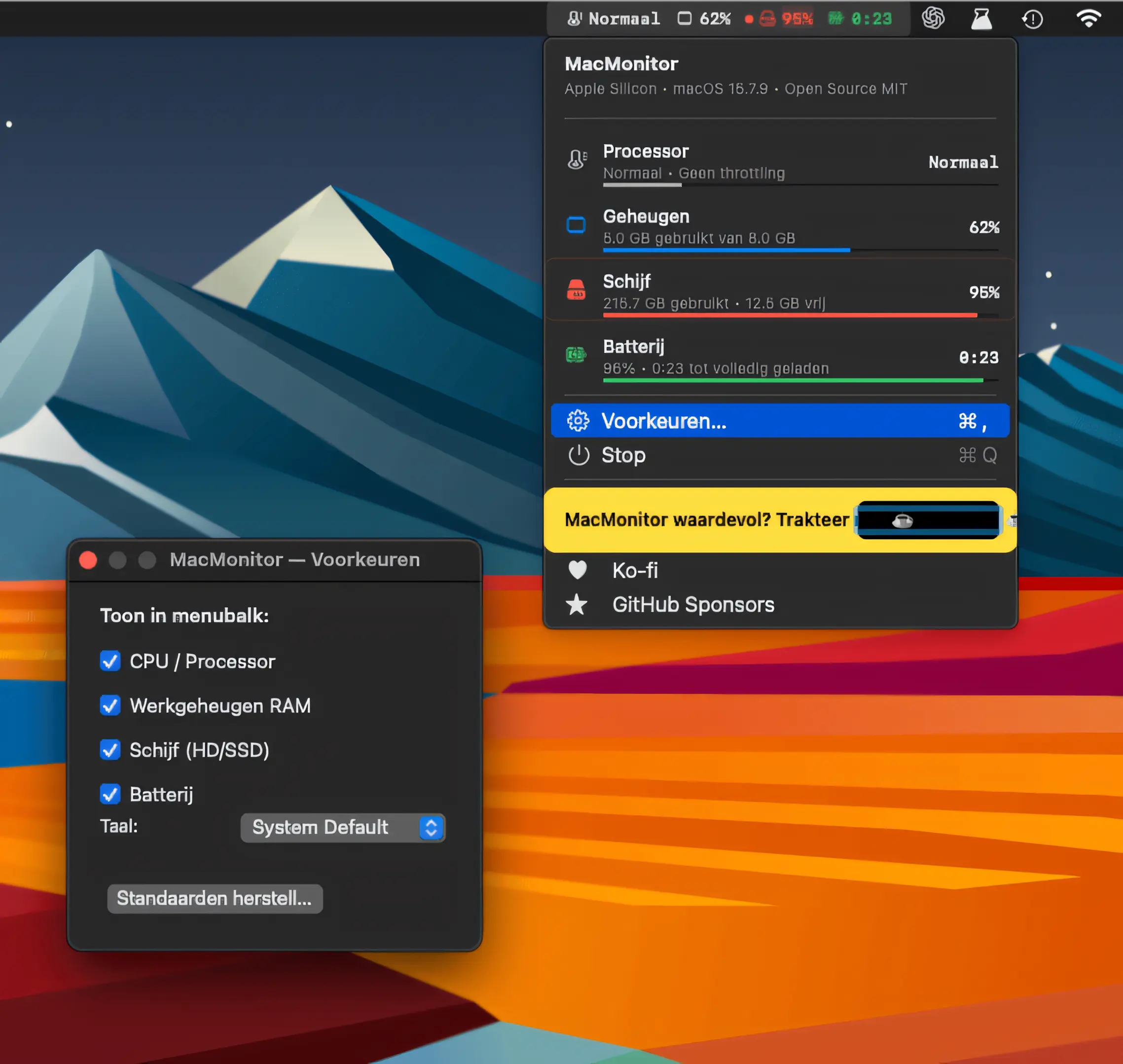
MacMonitor keeps CPU thermal state, RAM, disk space, and battery status visible at a glance. Lightweight and open source, it runs natively in Swift with no telemetry or bloat.
Collection:
System Stats
AirStats
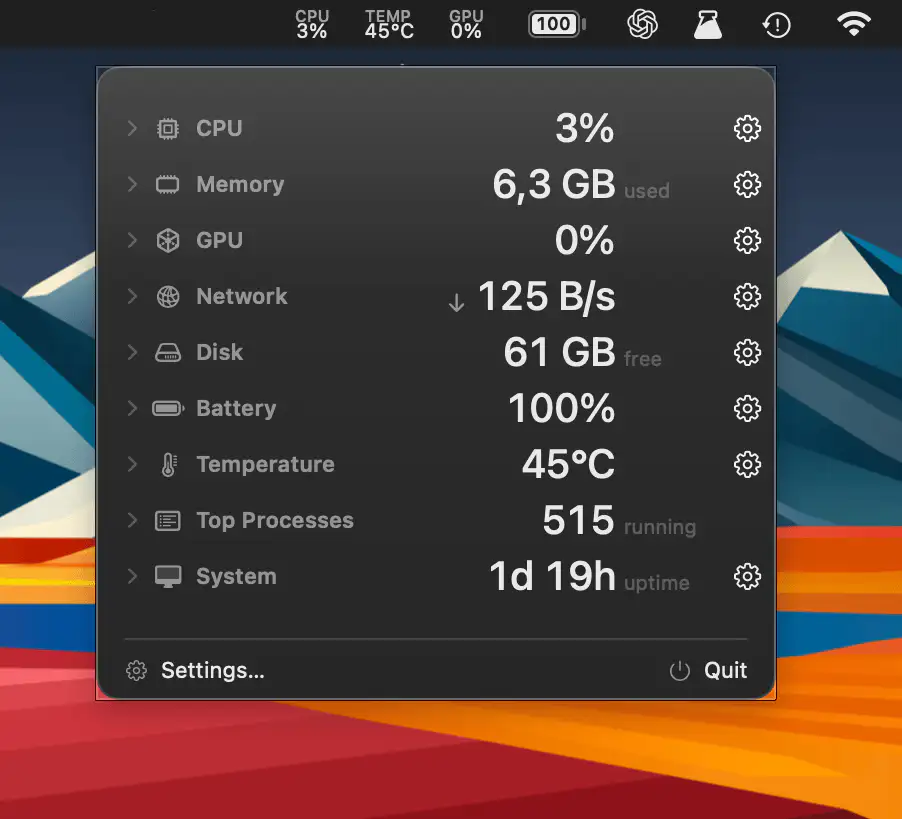
AirStats is a lightweight system monitor that shows CPU, memory, GPU, network, disk, battery, temperature, and process activity, with a customizable menu bar panel and optional desktop overlay.
Collection:
System Stats
Pulsr
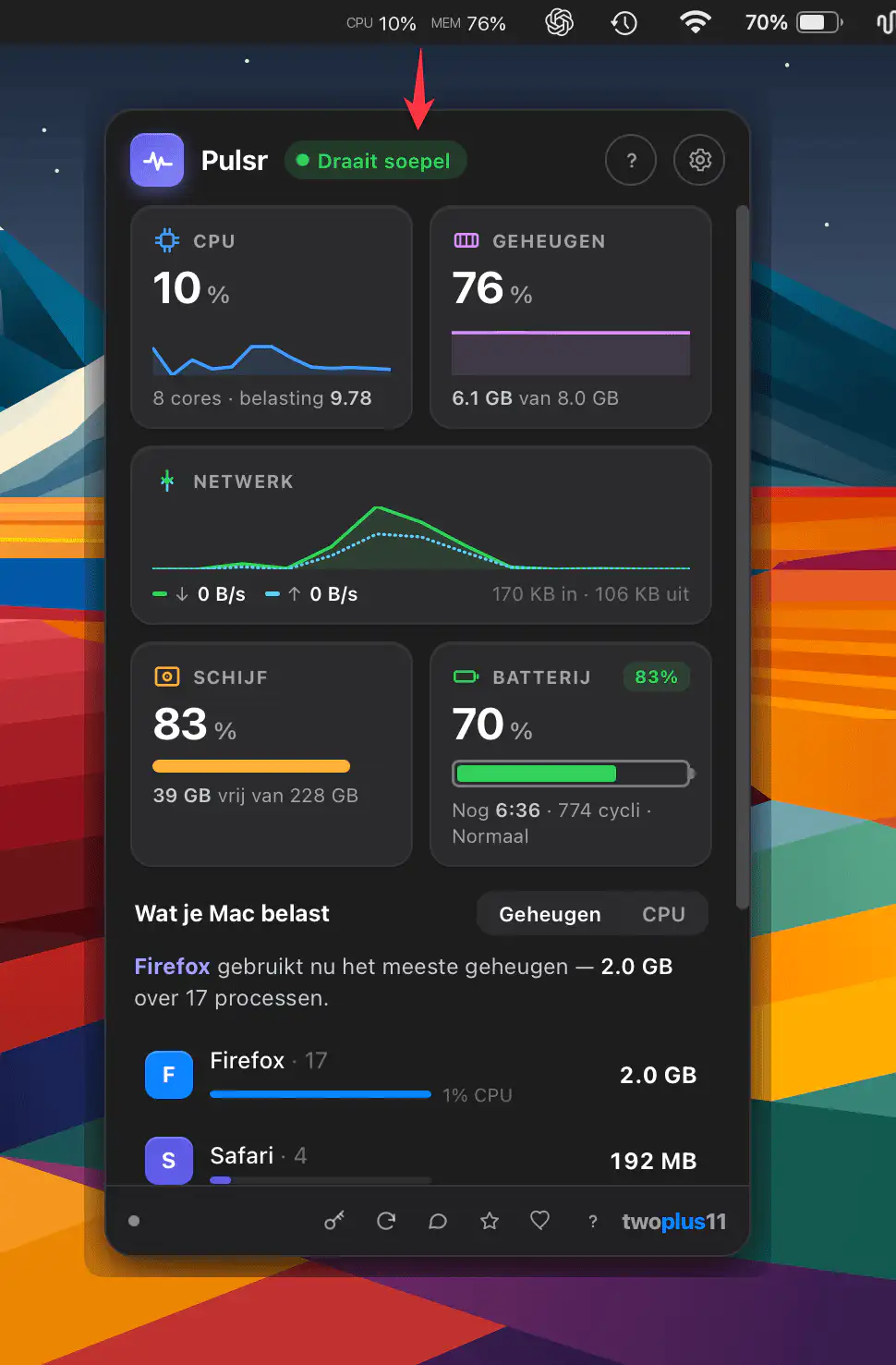
Pulsr keeps your Mac’s key system stats visible while explaining what’s happening in plain language. Quickly identify resource-hungry apps, bring them to the foreground or quit them, while all monitoring stays local.