Collection:
Time Apps
Await
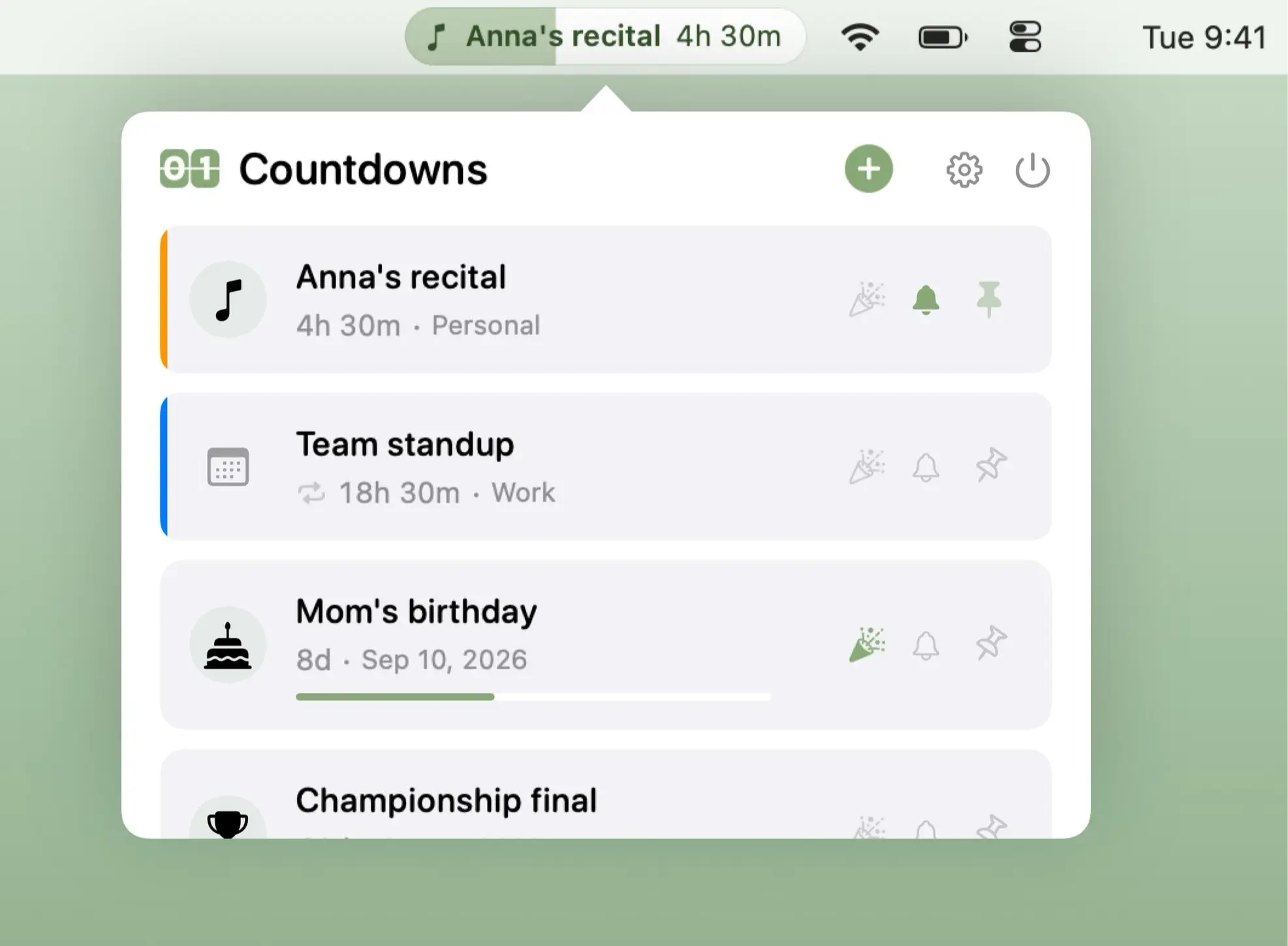
Await tracks important dates and events with live countdowns, calendar integration, recurring events, time-zone awareness, and optional full-screen celebrations across every connected display.

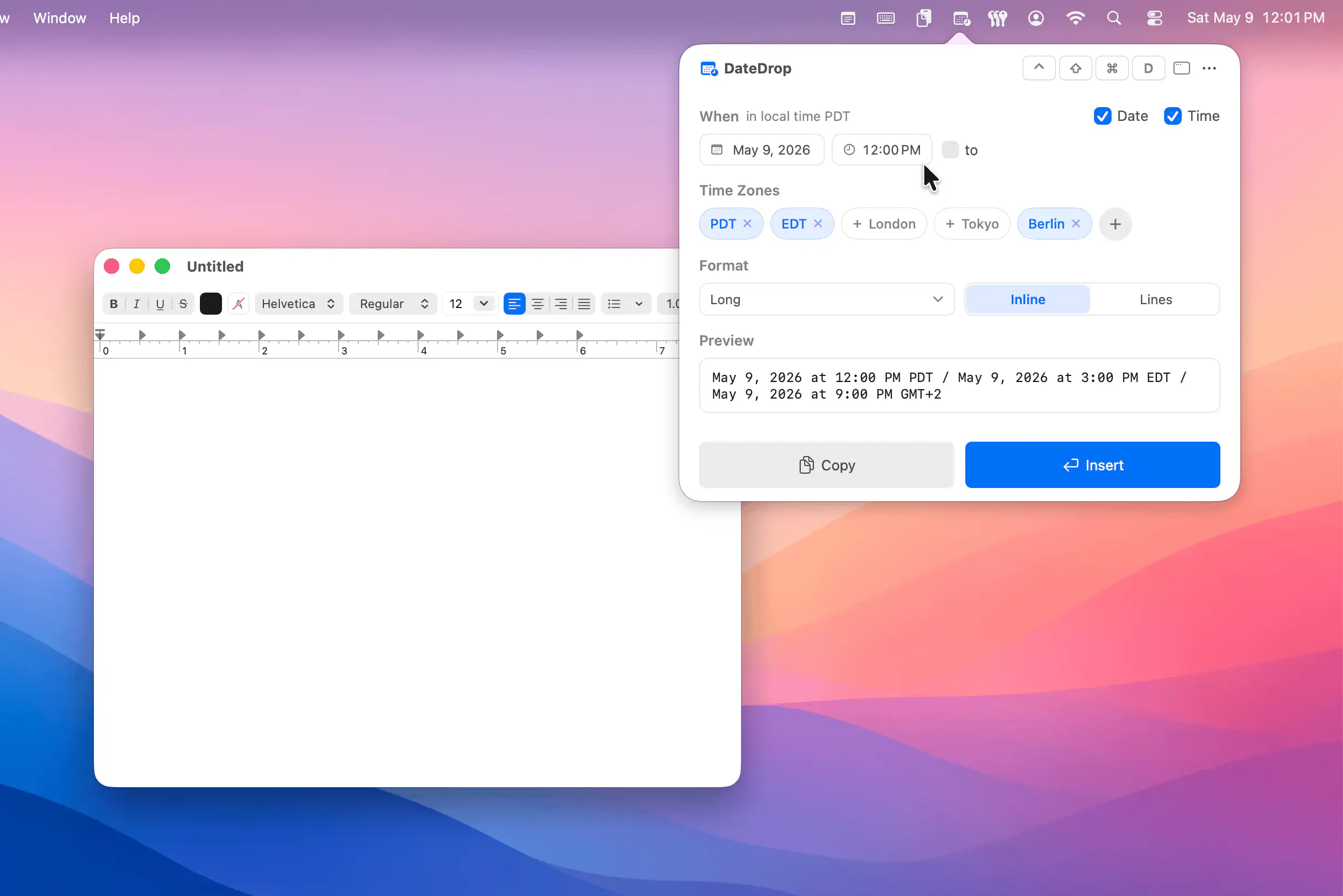
Make time visible, tangible and slightly less abstract. Track countdowns, milestones and year progress, display multiple time zones, log work sessions, schedule reminders, prevent eye strain, guide breaks, show fuzzy or UTC time, and surface subtle cues that keep you aware of how your day unfolds.
Make time visible, tangible and slightly less abstract. Track countdowns, milestones and year progress, display multiple time zones, log work sessions, schedule reminders, prevent eye strain, guide breaks, show fuzzy or UTC time, and surface subtle cues that keep you aware of how your day unfolds.
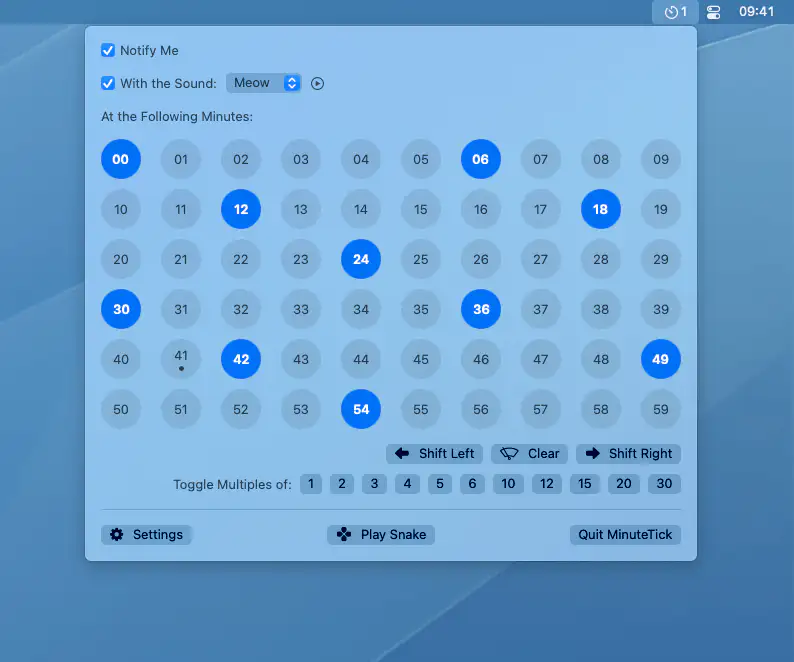
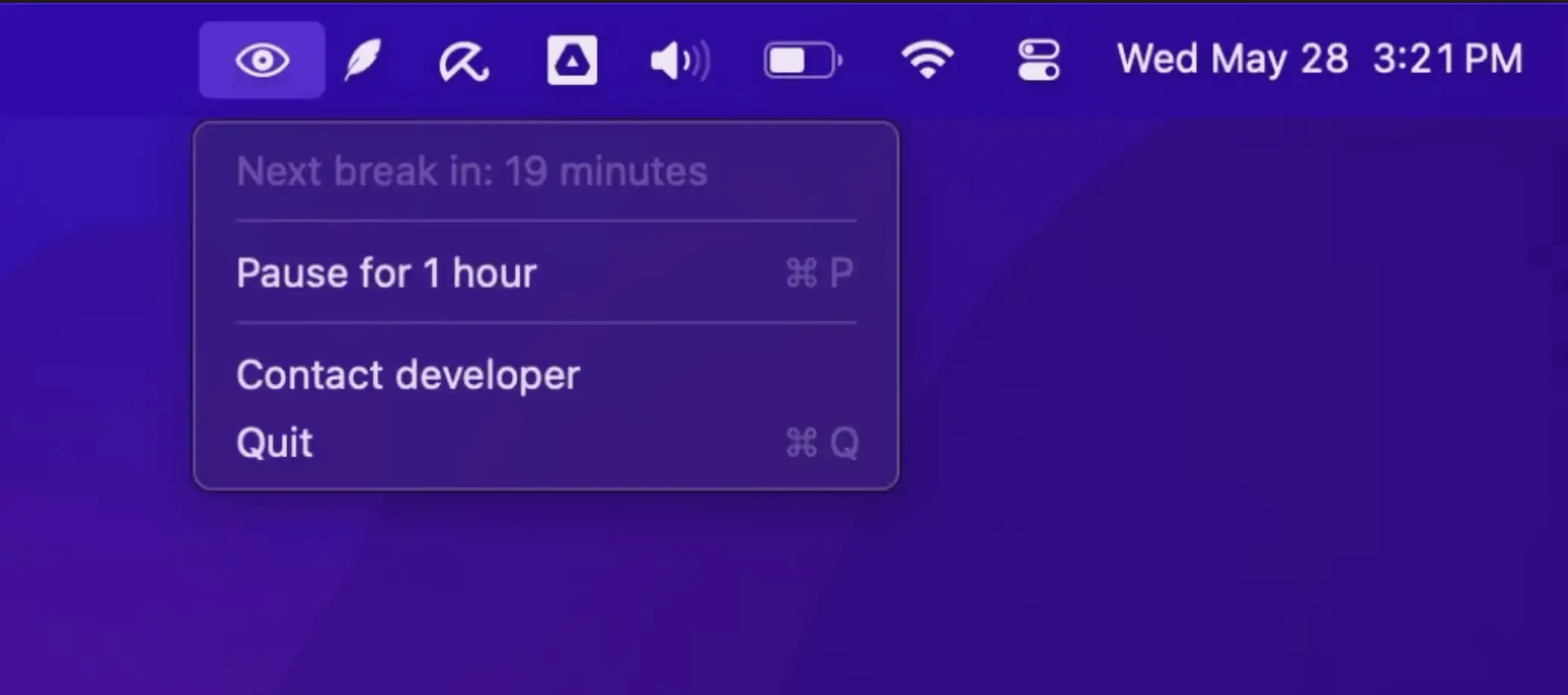
MinuteTick adds subtle, customizable time cues to your Mac’s menu bar. Helping you focus, take breaks, and stay mindful throughout the day without disrupting your flow.
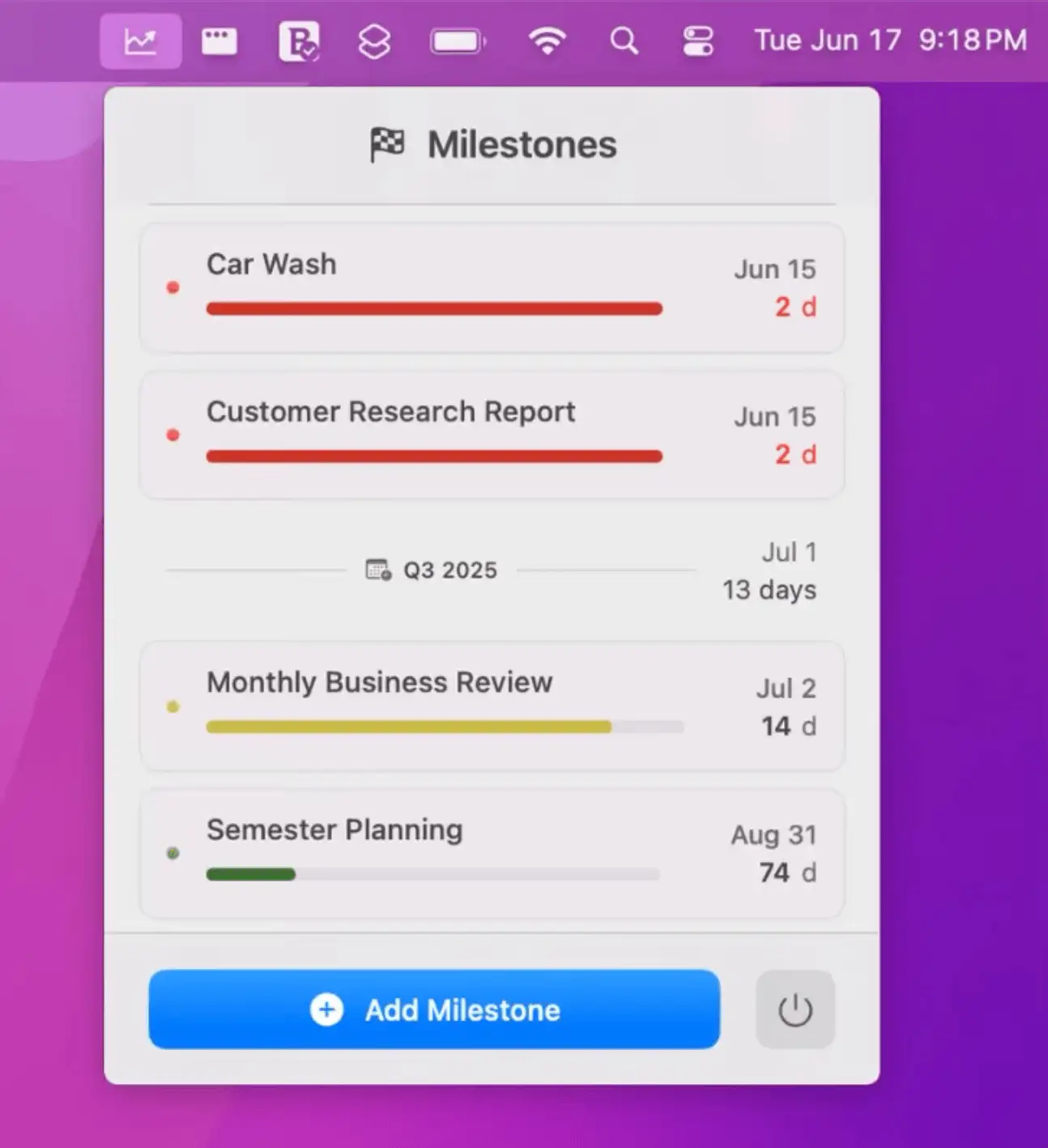
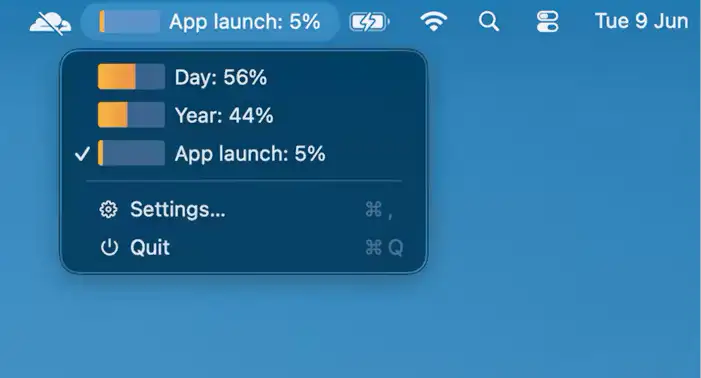
A simple, friendly menu bar app to track important dates and milestones at a glance—no clutter, no subscriptions, just clear progress bars where you need them most.
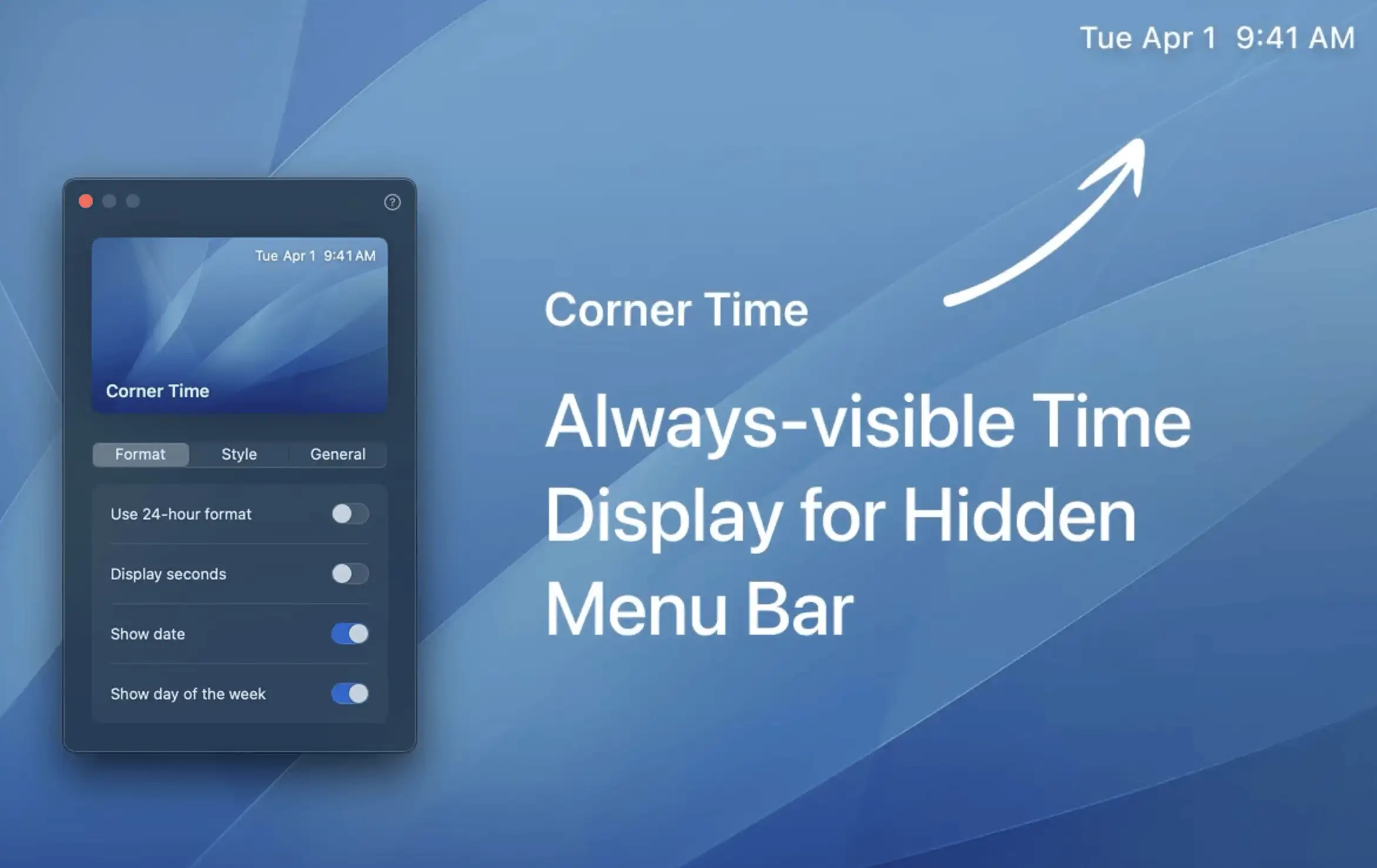
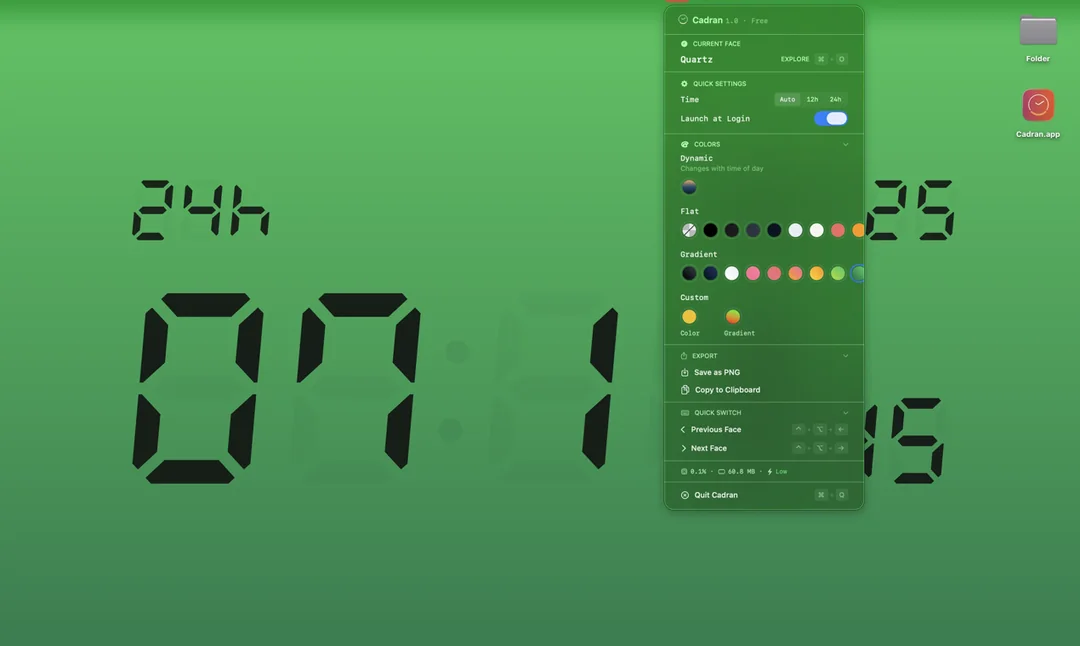
Corner Time keeps the clock visible even when your Mac menu bar is hidden—perfect for notch users who want quick, effortless access to the time with a touch of style.
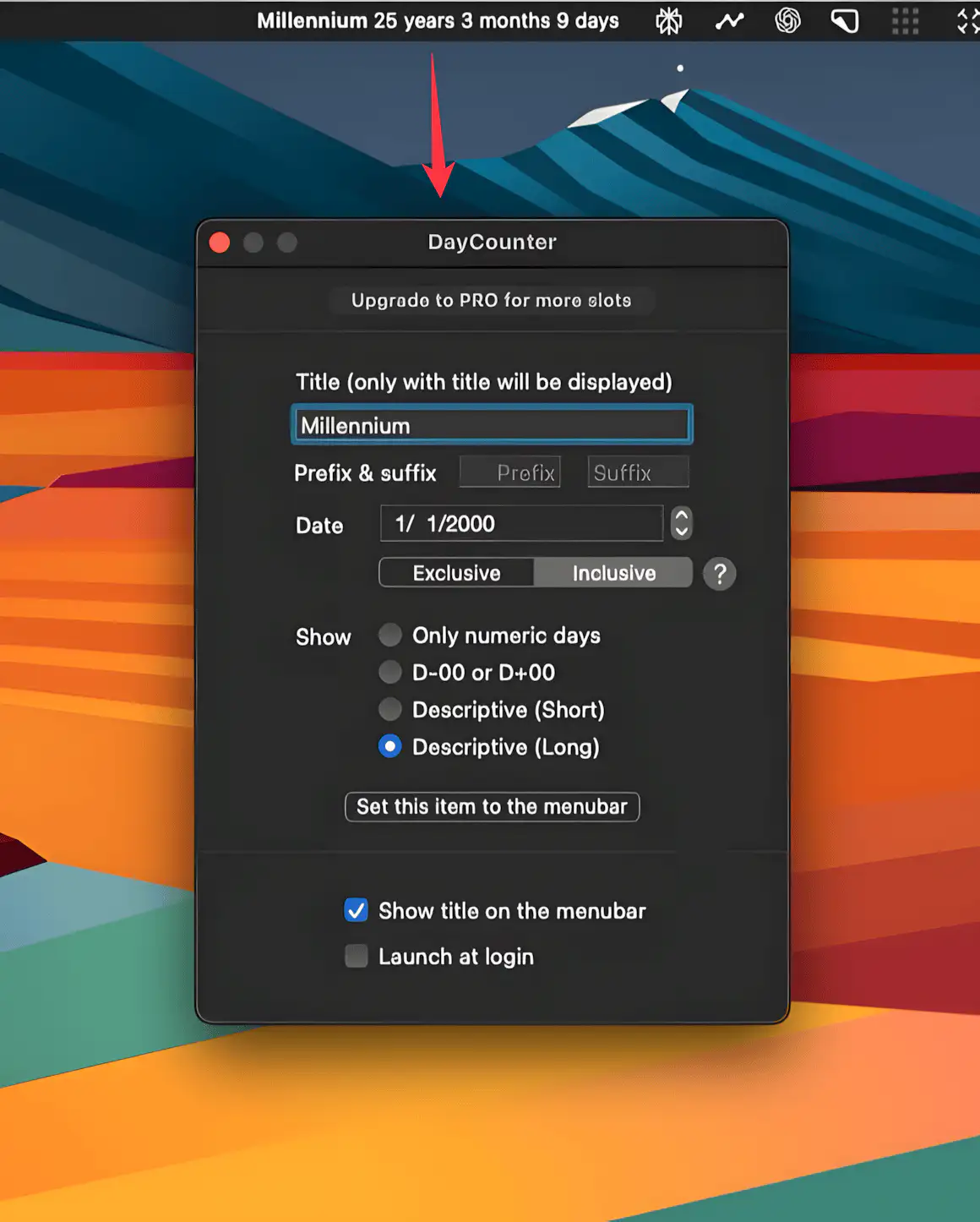
This menubar app counts down to your big day—or up from it—with customizable, locale-aware displays. Simple, subtle, and always right where you need it.