
Collection:
Window Managers
Take control of every window on your screen. Snap, resize, tile, blur, pin, group, rename Spaces, restore layouts, automate hot corners, switch between windows and tabs, and design precise multi display setups that match your workflow instead of fighting it.
Collection:
Window Managers
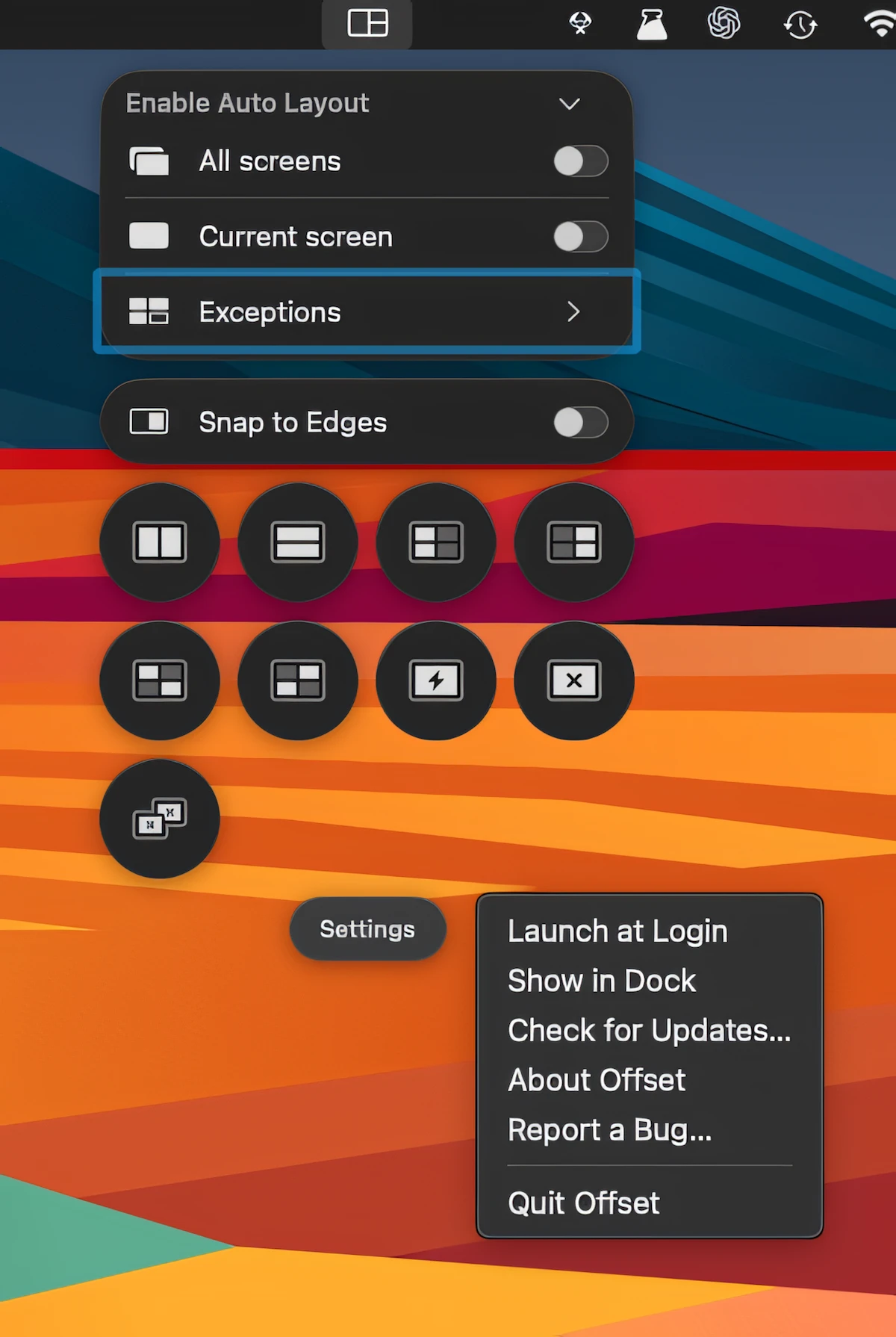
Snapset
Collection:
Window Managers
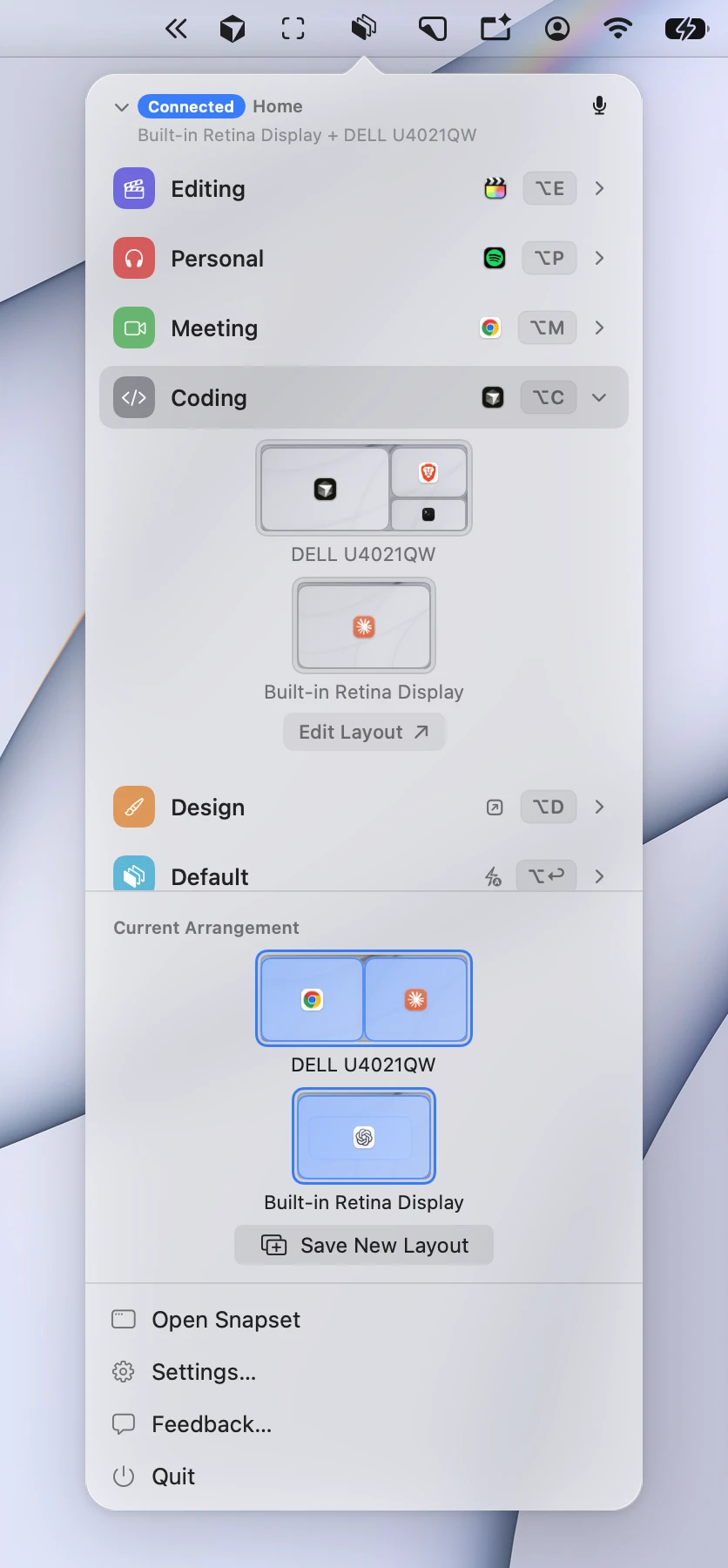
Hammerdeck
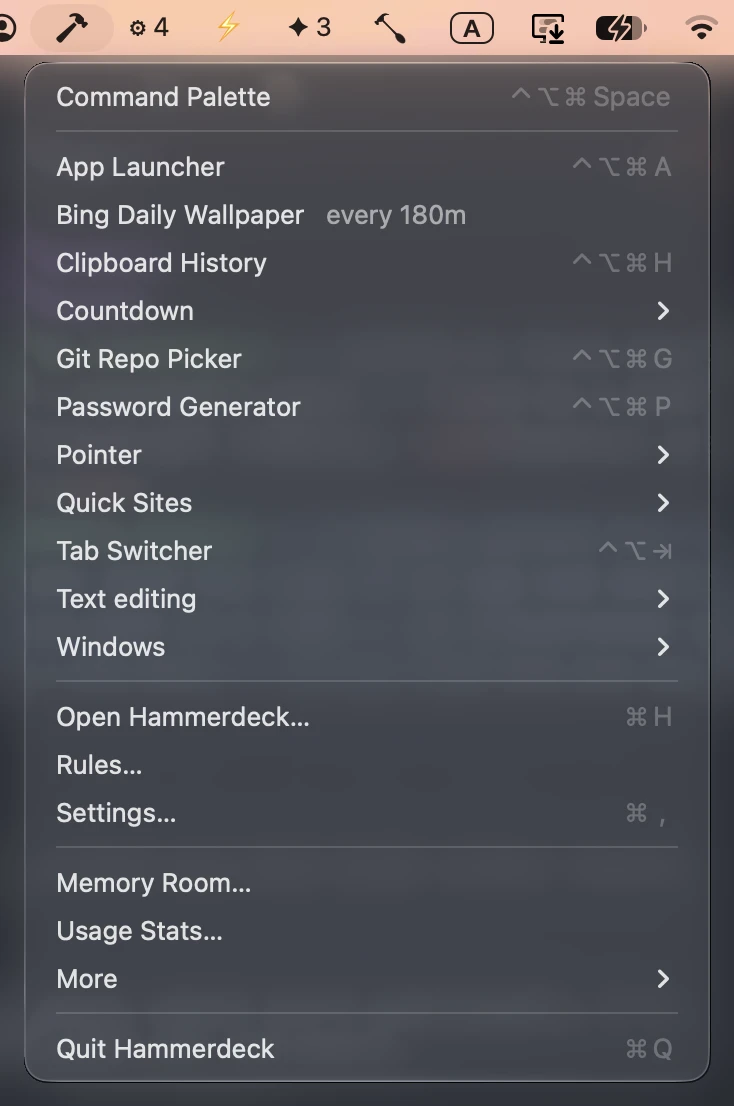
Control windows across multiple displays with keyboard shortcuts, grids, snapping, swapping and one-key undo. Hammerdeck also rebuilds layouts automatically when displays are connected, with flexible rules and automation.
Collection:
Window Managers
Desktops
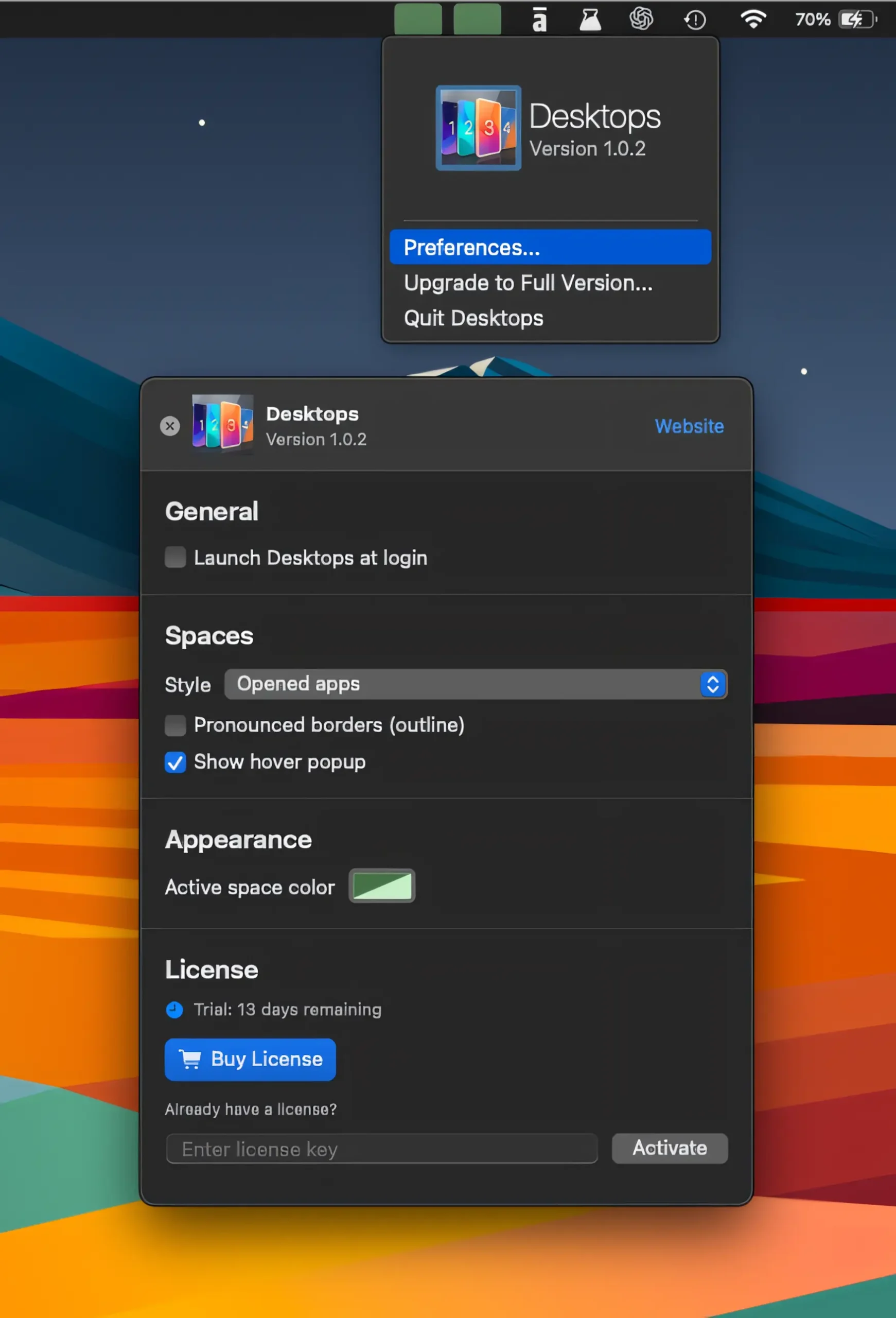
Keep track of your virtual desktops at a glance, switch between Spaces with a click, and see apps on nearby desktops without losing your flow.
Collection:
Window Managers
DocTabs
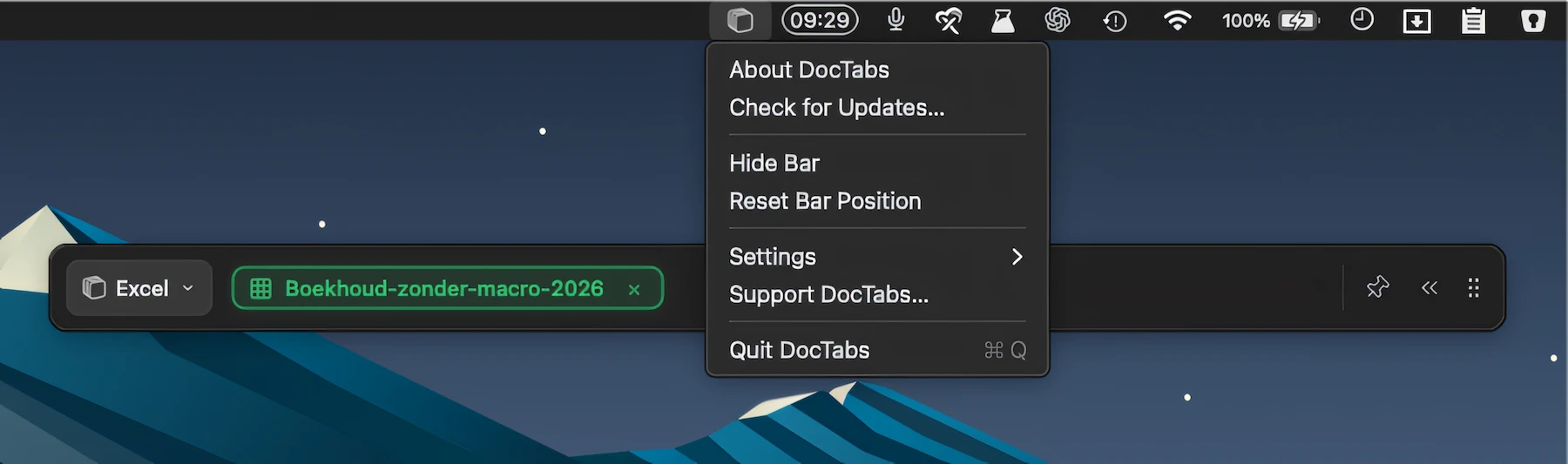
Instantly switch between open Word, Excel, and PowerPoint documents with a handy tab row, keeping every file one click away without opening separate windows.
Collection:
Window Managers
Resettle
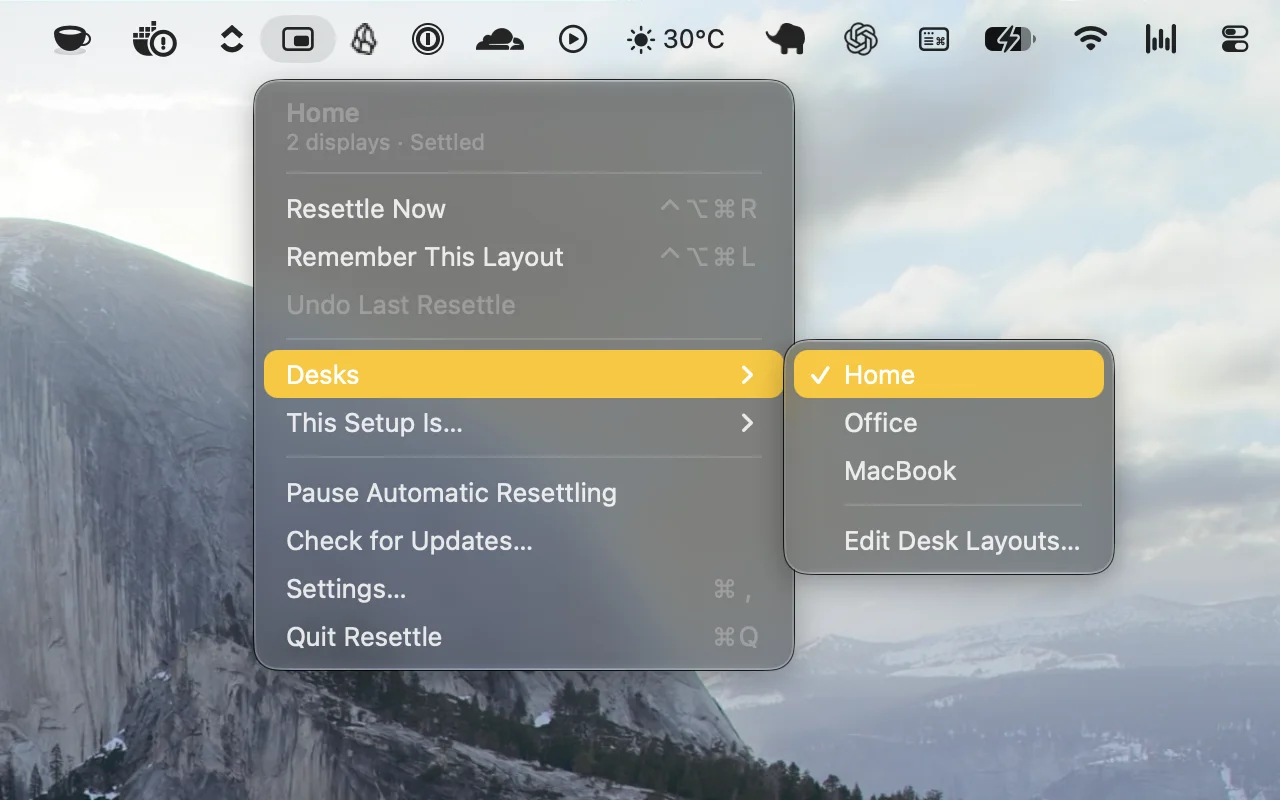
Automatically restores your window layouts when you dock, connect displays, or wake your Mac. Resettle remembers each setup, adapts to changes, and puts your windows back where they belong.
Collection:
Window Managers
Split
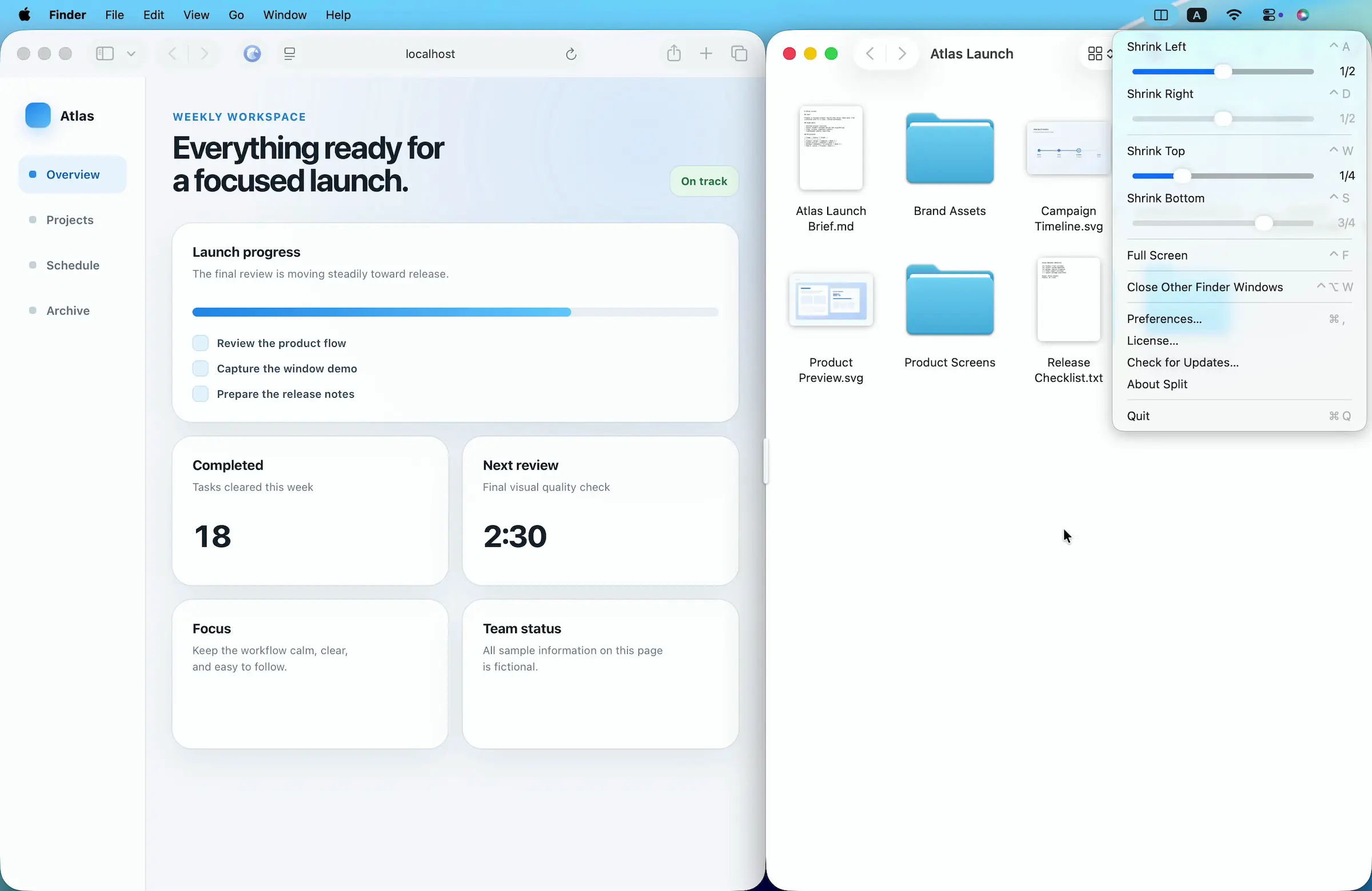
Arrange Mac windows with shortcuts or drag-and-drop, then resize paired windows together using a shared divider. Set custom layouts and ratios for a flexible, organized workspace.
Collection:
Window Managers
Tack
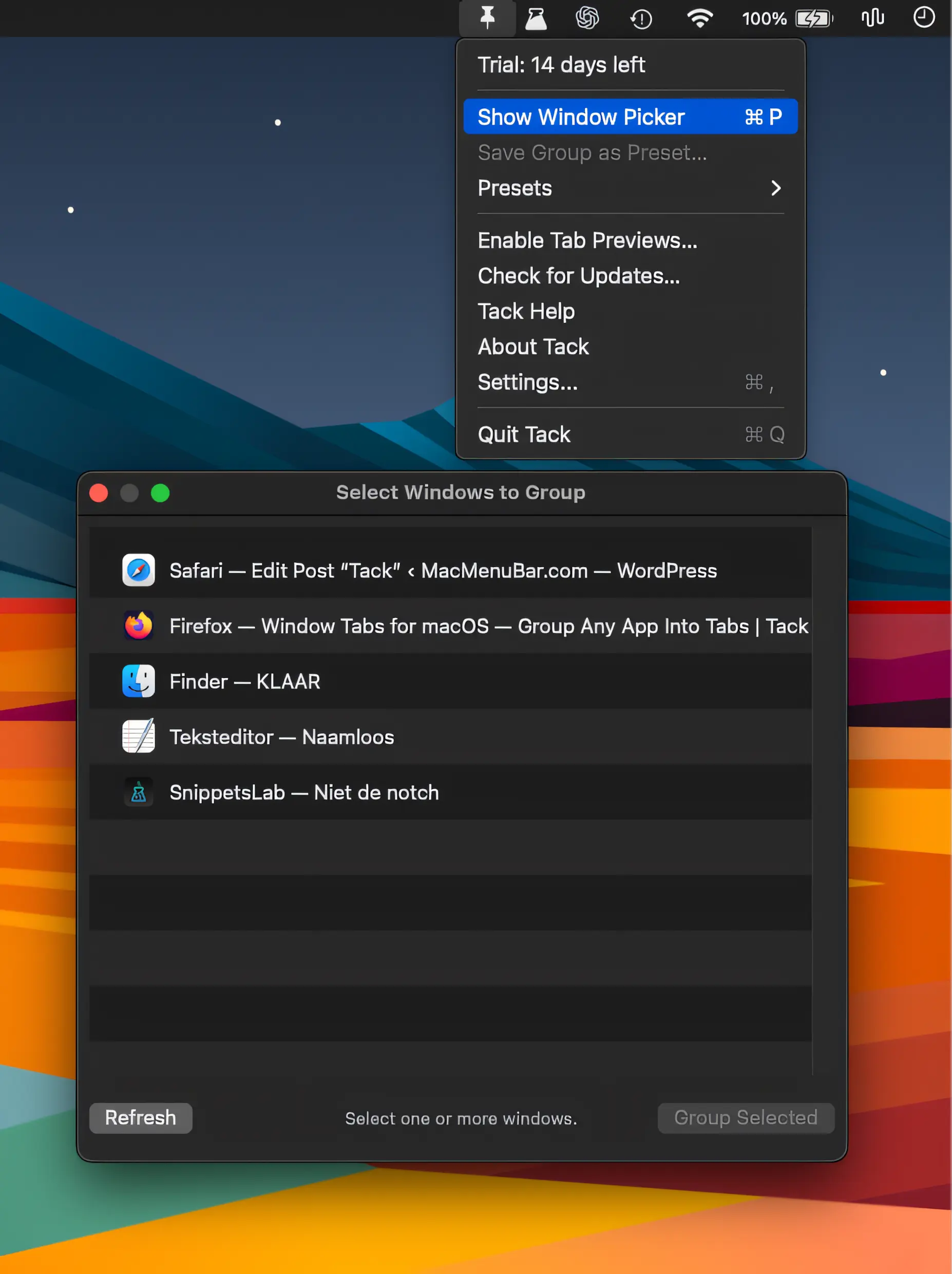
Tack groups windows from any Mac app into a single tabbed window, making it easy to keep related work together. Drag to group, reorder tabs, detach windows, and restore sessions.
Collection:
Window Managers
Workflo
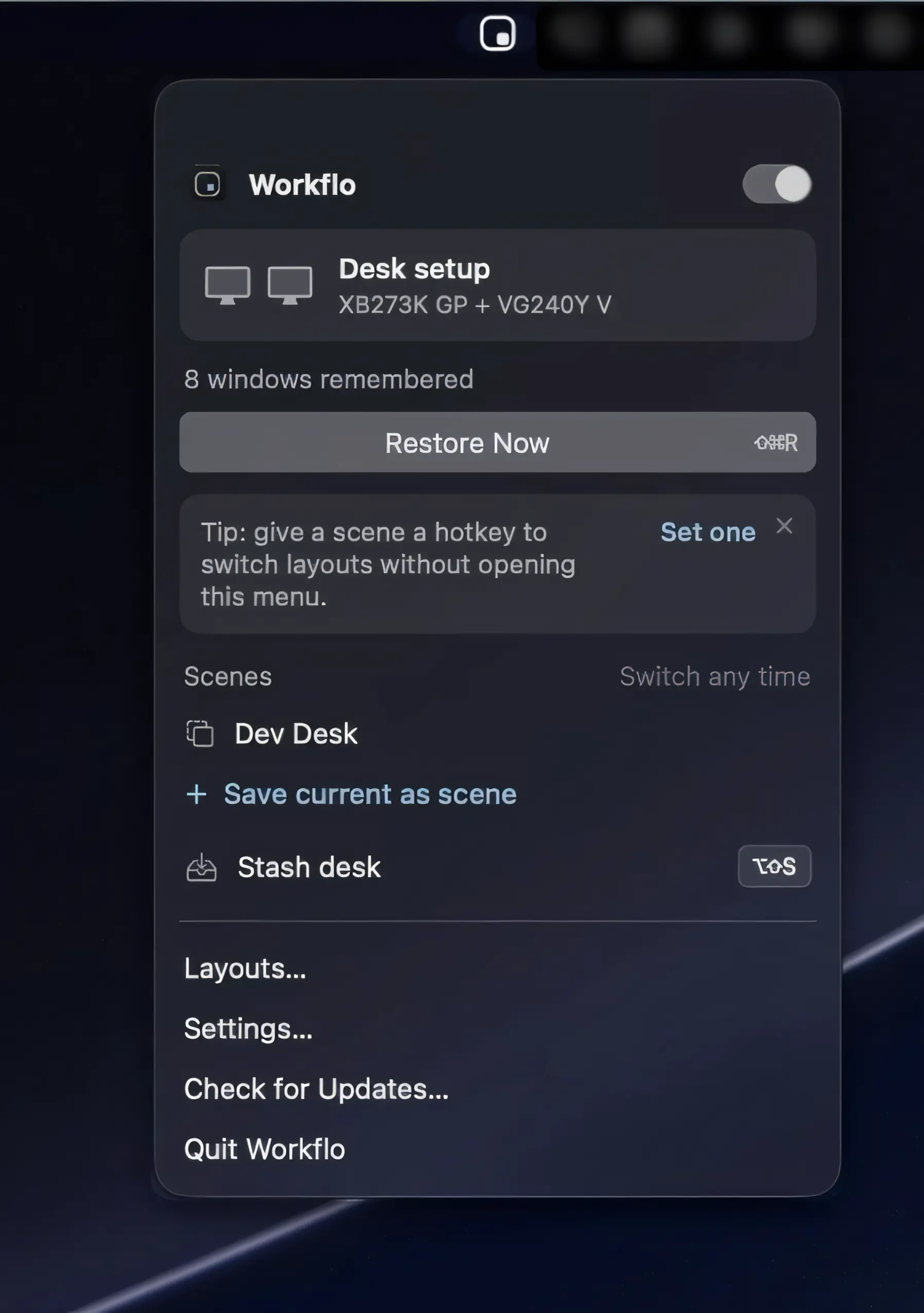
Workflo automatically prepares your Mac for calls and focused work, applying saved window layouts based on your calendar, schedule, and display setup. Private by design, with no Screen Recording access required.
Collection:
Window Managers
DesktopTitle
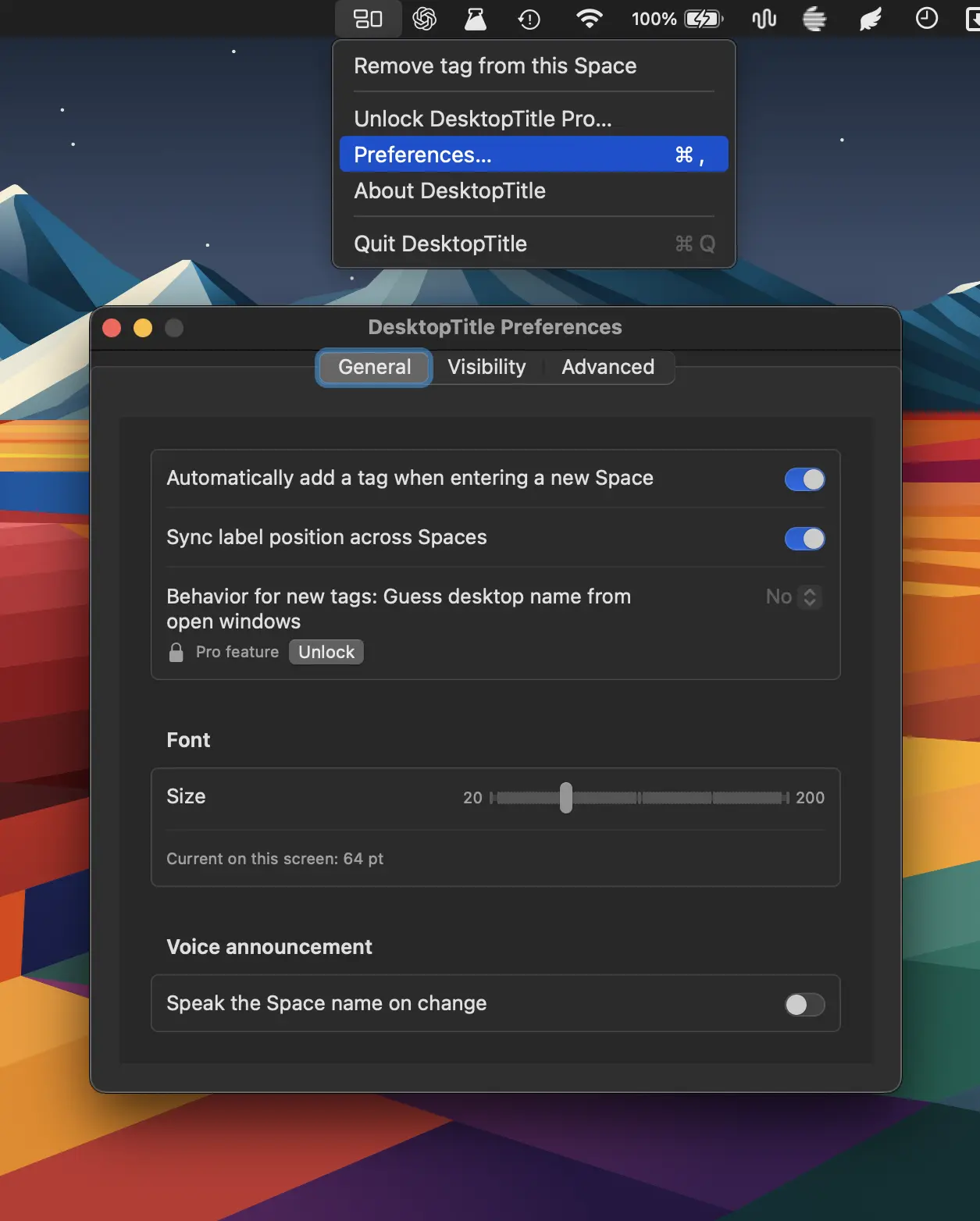
DesktopTitle keeps you oriented across multiple Spaces with always-visible, customizable desktop names. Rename each Space in one click and instantly know whether you’re in Work, Personal, Design, Code, or more.