Collection:
Window Managers
Resettle
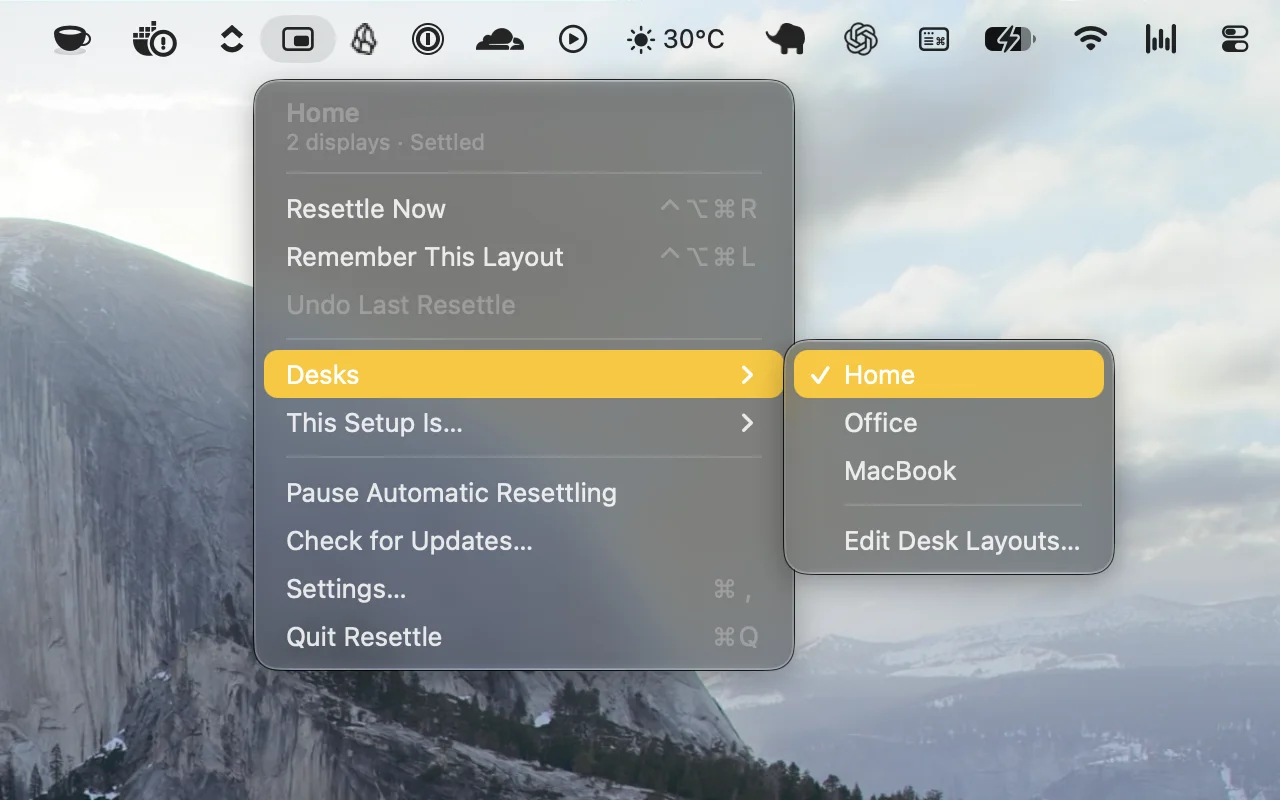
Automatically restores your window layouts when you dock, connect displays, or wake your Mac. Resettle remembers each setup, adapts to changes, and puts your windows back where they belong.

Take control of every window on your screen. Snap, resize, tile, blur, pin, group, rename Spaces, restore layouts, automate hot corners, switch between windows and tabs, and design precise multi display setups that match your workflow instead of fighting it.
Take control of every window on your screen. Snap, resize, tile, blur, pin, group, rename Spaces, restore layouts, automate hot corners, switch between windows and tabs, and design precise multi display setups that match your workflow instead of fighting it.
Automatically restores your window layouts when you dock, connect displays, or wake your Mac. Resettle remembers each setup, adapts to changes, and puts your windows back where they belong.
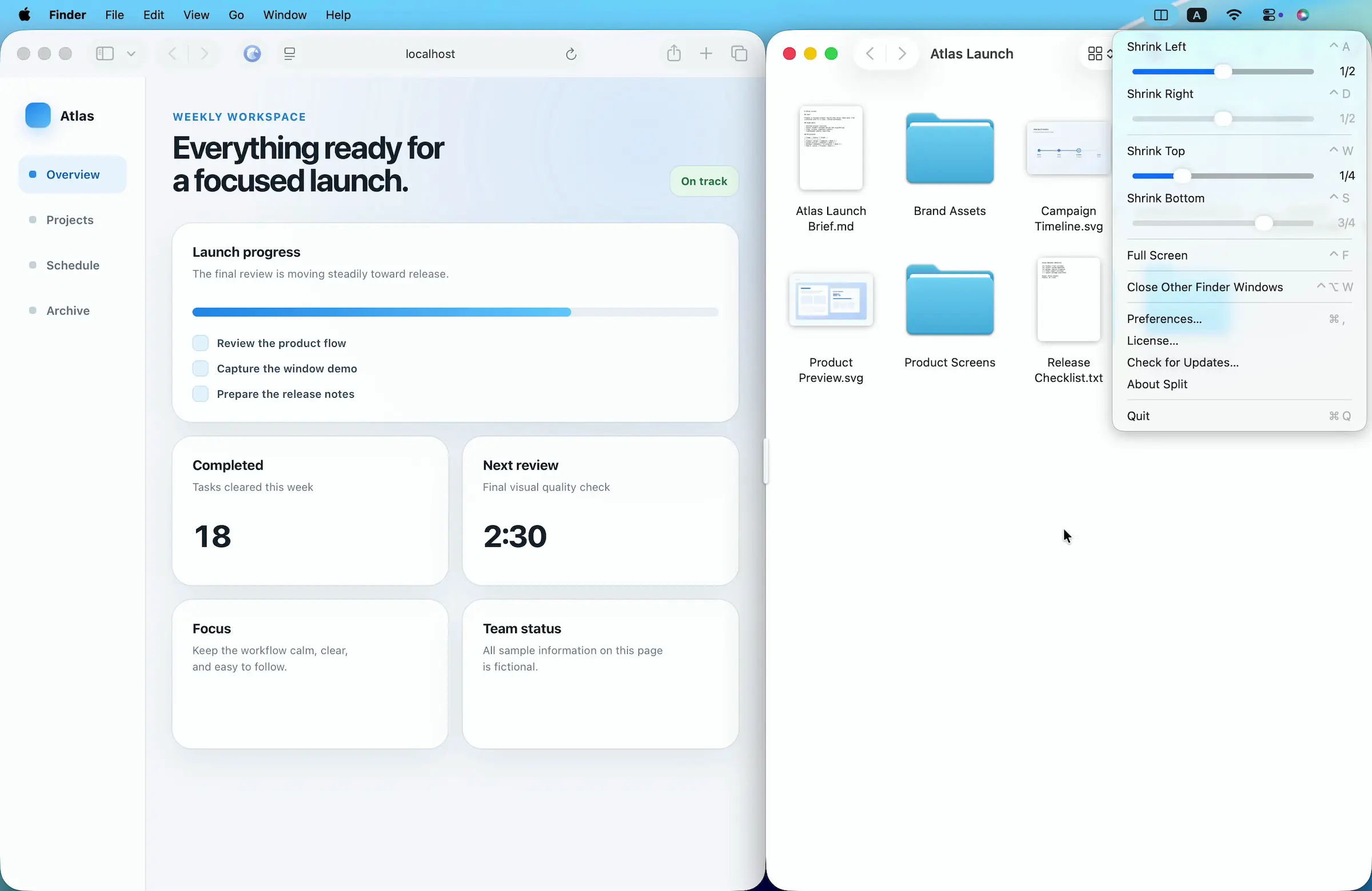
Arrange Mac windows with shortcuts or drag-and-drop, then resize paired windows together using a shared divider. Set custom layouts and ratios for a flexible, organized workspace.
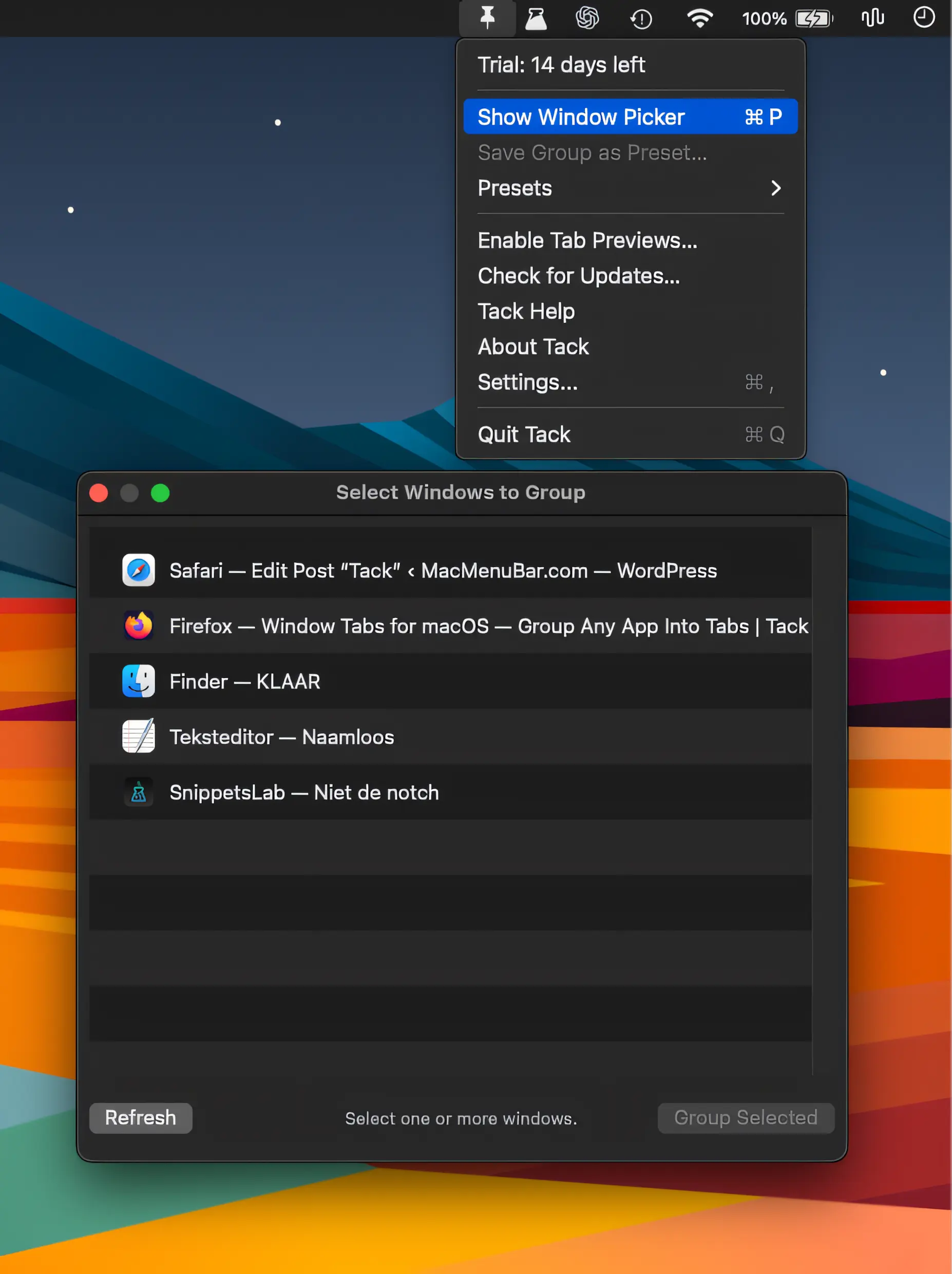
Tack groups windows from any Mac app into a single tabbed window, making it easy to keep related work together. Drag to group, reorder tabs, detach windows, and restore sessions.
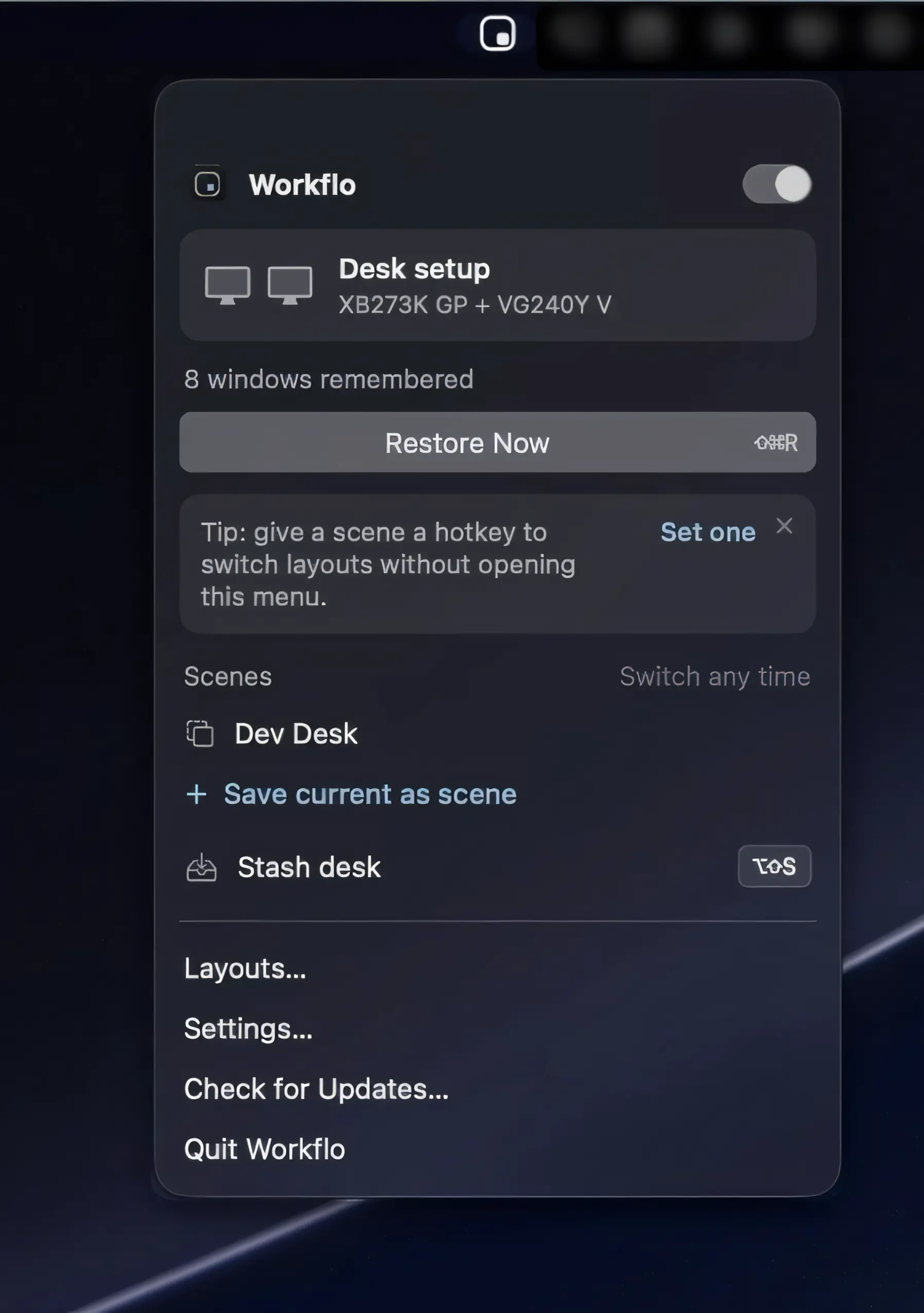
Workflo automatically prepares your Mac for calls and focused work, applying saved window layouts based on your calendar, schedule, and display setup. Private by design, with no Screen Recording access required.
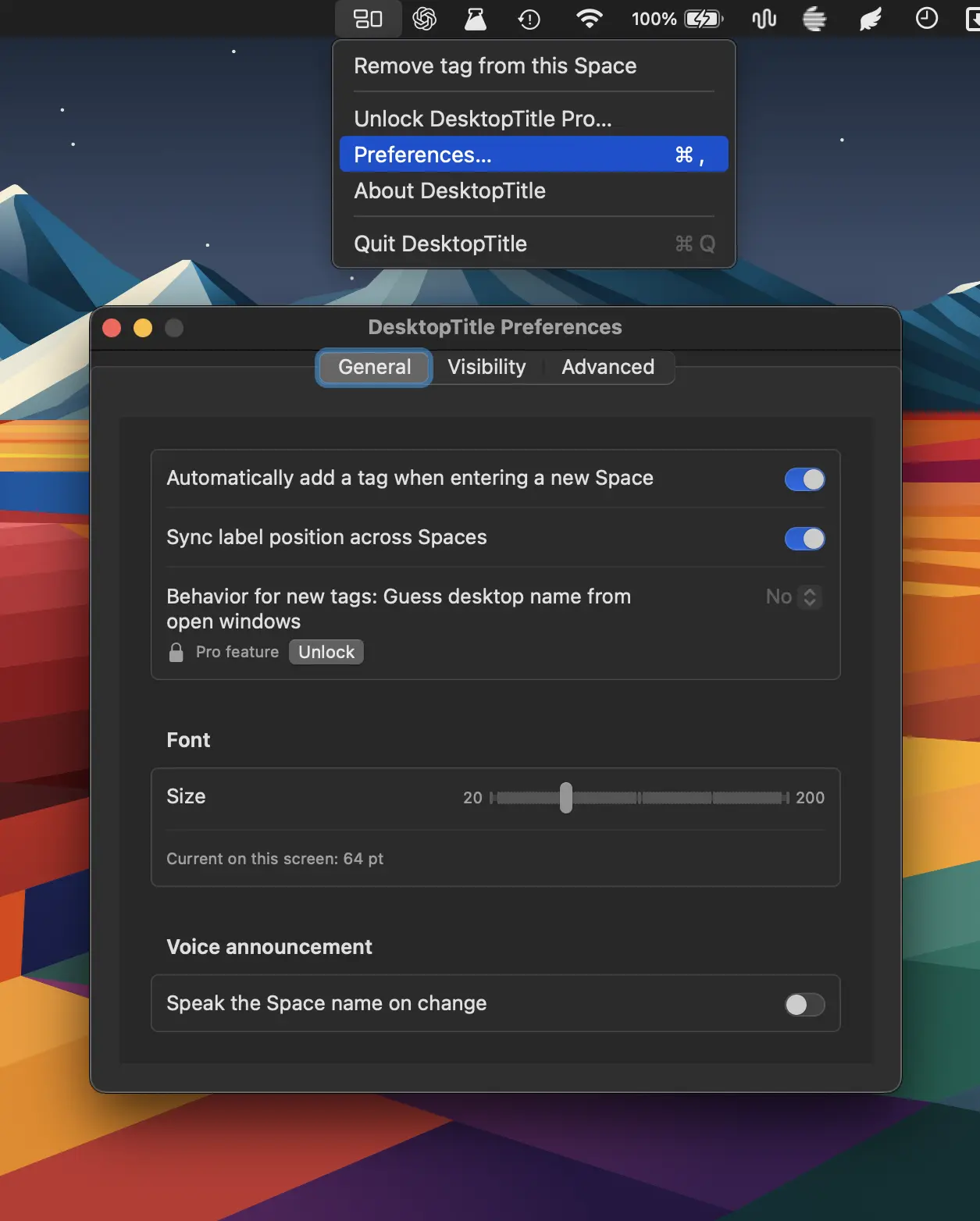
DesktopTitle keeps you oriented across multiple Spaces with always-visible, customizable desktop names. Rename each Space in one click and instantly know whether you’re in Work, Personal, Design, Code, or more.
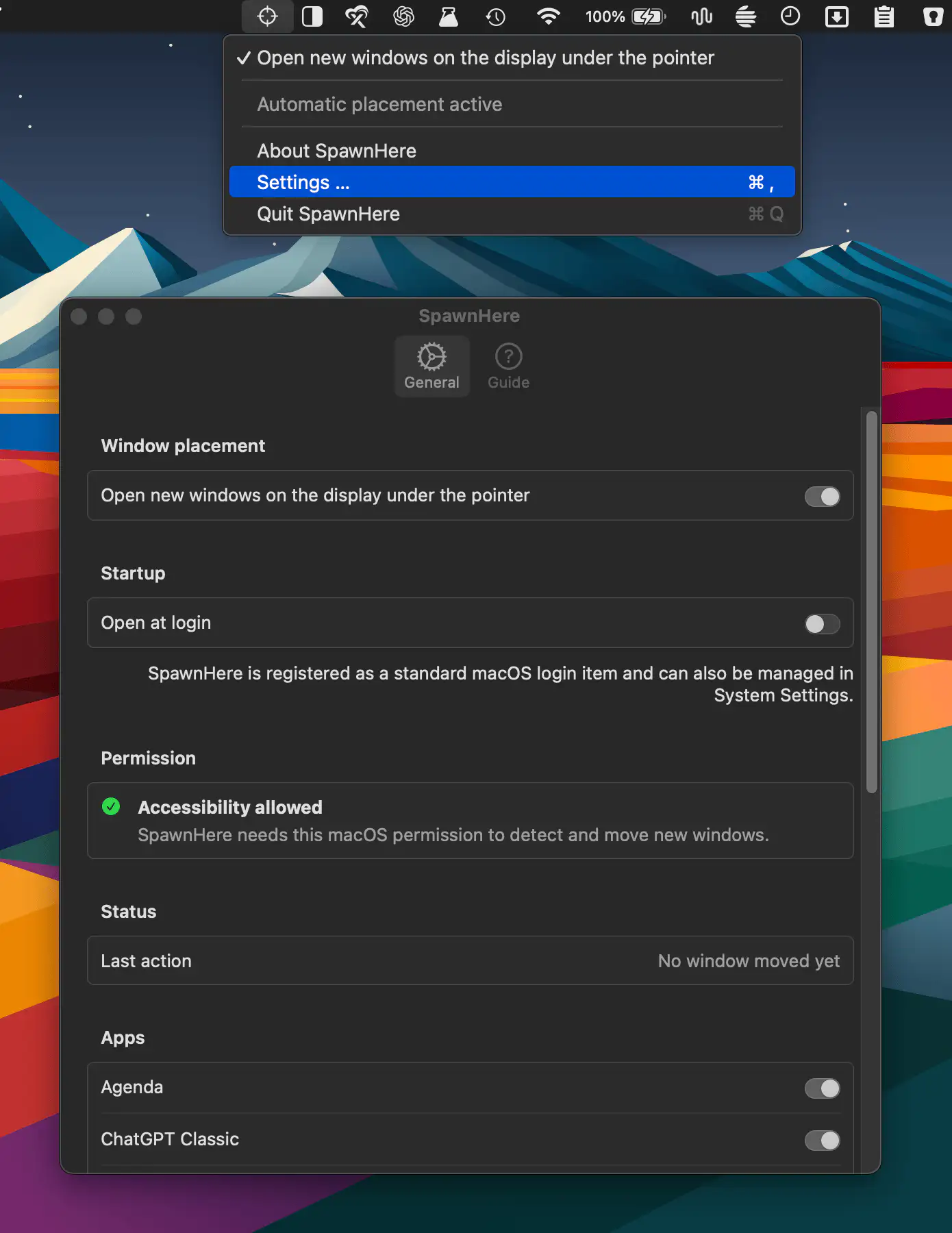
SpawnHere automatically places newly created app windows on the display beneath your pointer, making multi-monitor workflows more convenient. It works across compatible apps while keeping controls simple and settings private.
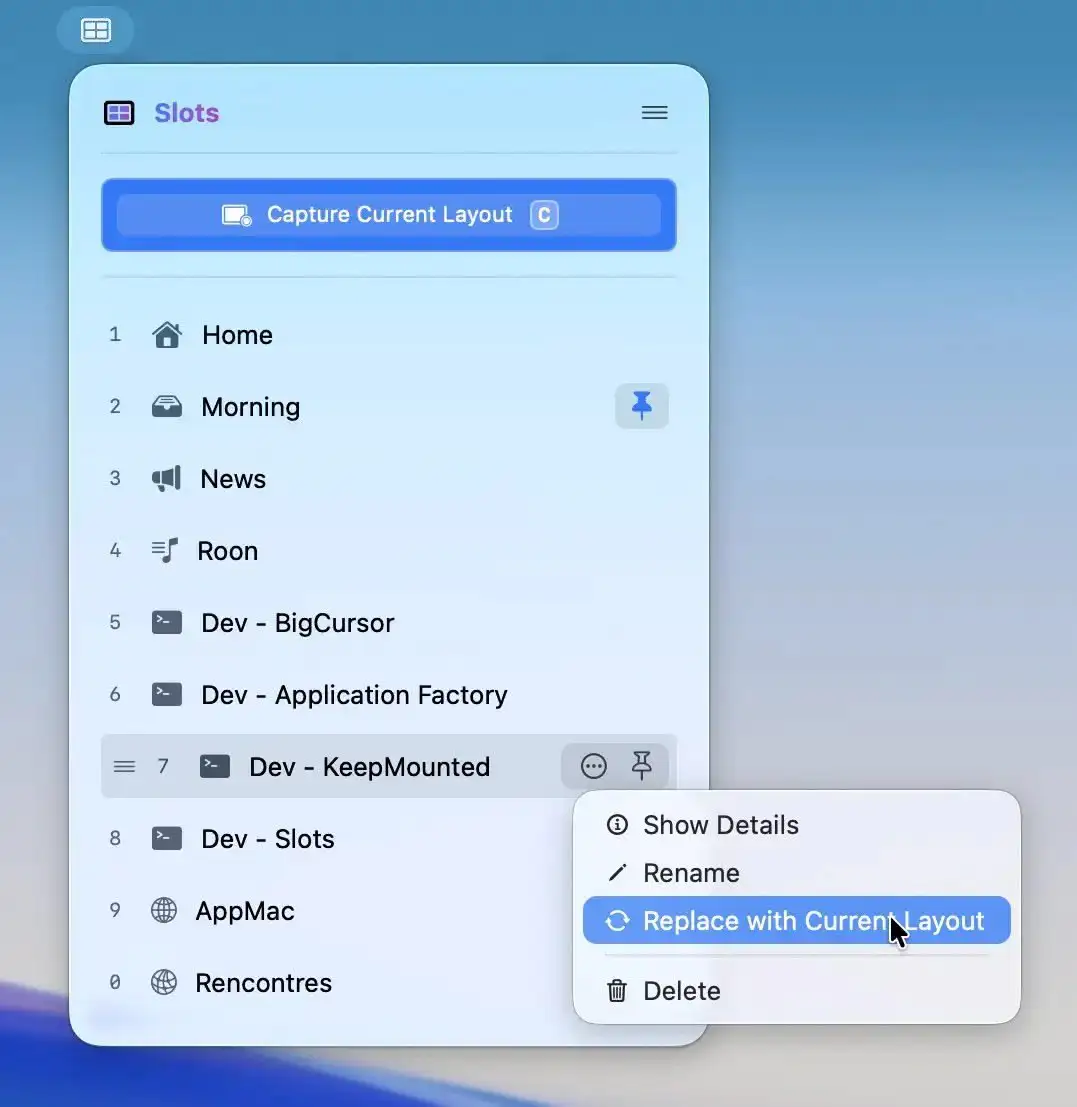
Slots lets you capture a perfectly arranged workspace and restore it instantly, relaunching apps and placing windows exactly where they belong. For supported apps, even tabs and documents return, all in a fast, native experience.
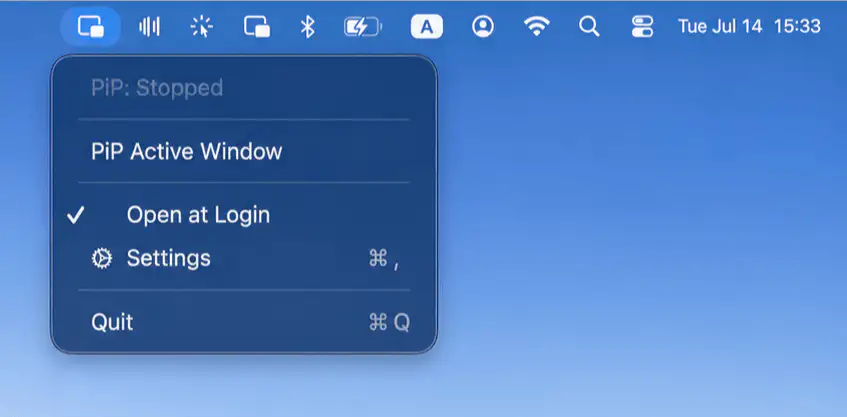
Pocket Screen keeps important content visible while you work with compact, always-on-top reference windows. Resize, reposition, adjust opacity, and stay focused with flexible controls.
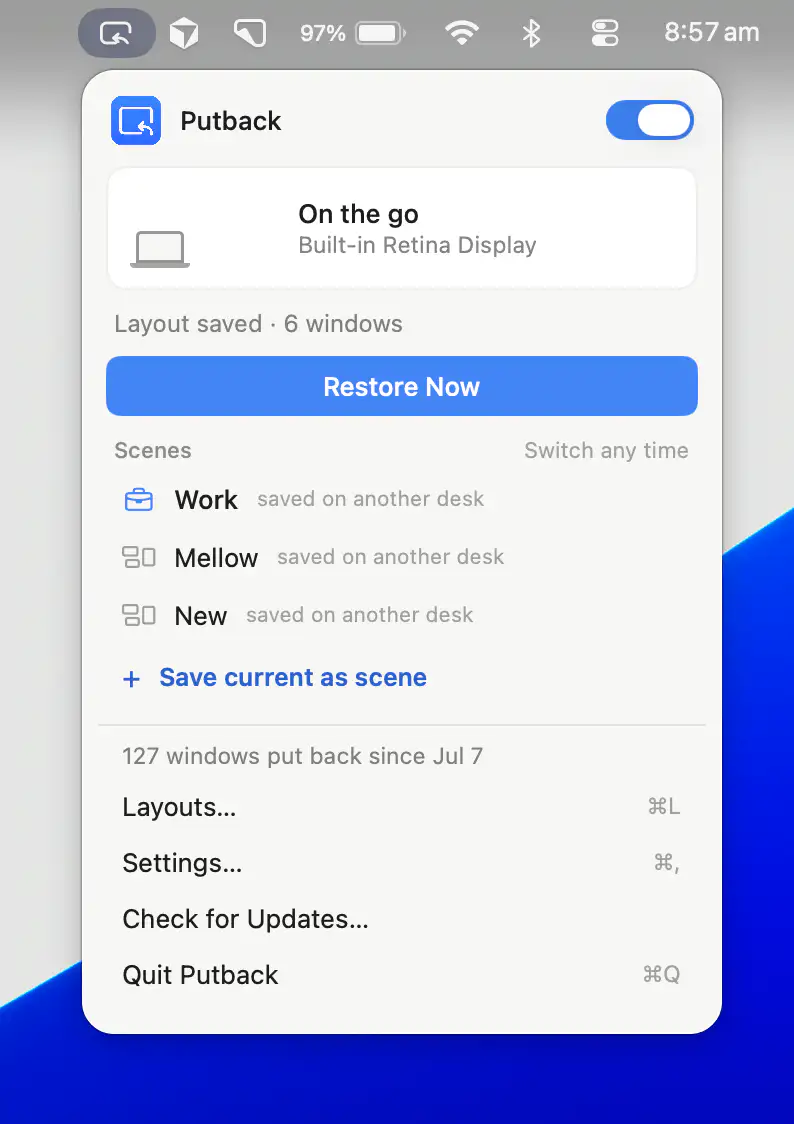
Putback restores your Mac’s window layouts when switching between display setups. Create custom Scenes for apps, windows, and wallpapers, then recall your ideal workspace instantly.
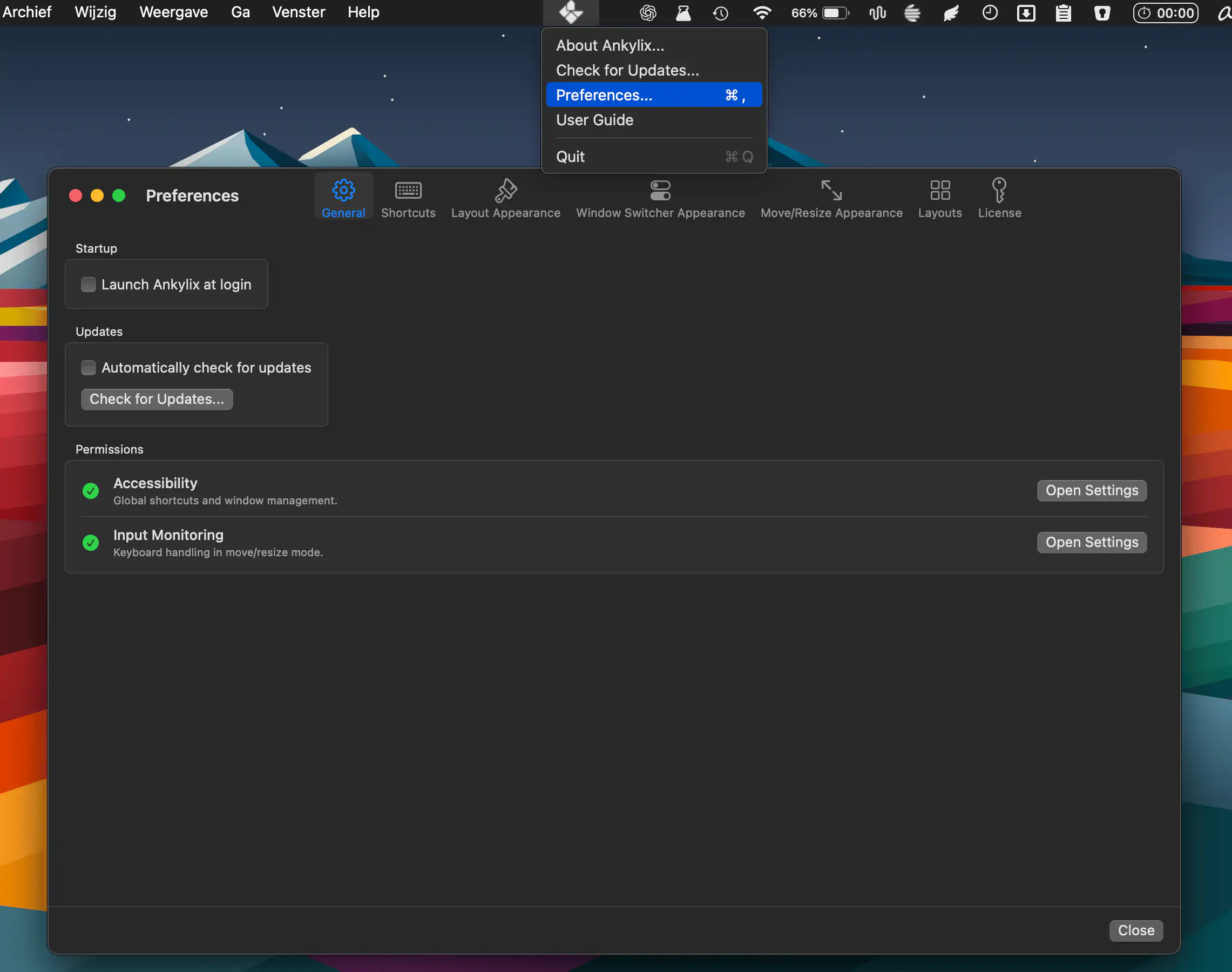
Ankylix brings Vimium-style keyboard control to macOS window management. Switch, tile, move, and resize windows using customizable key hints while keeping your hands on the keyboard.