Collection:
Window Managers
Cue
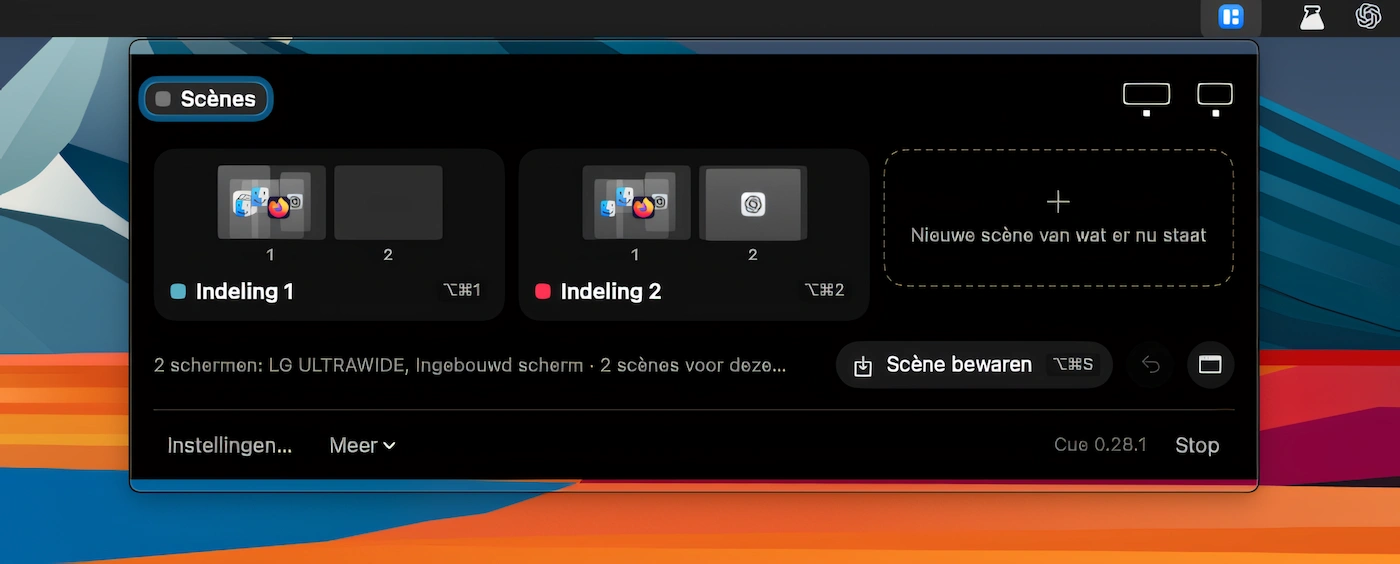
Save window layouts across multiple displays as scenes, then restore them with a keystroke. Cue remembers each monitor, supports automatic scene switching and is accessible from the menu bar or notch.

Take control of every window on your screen. Snap, resize, tile, blur, pin, group, rename Spaces, restore layouts, automate hot corners, switch between windows and tabs, and design precise multi display setups that match your workflow instead of fighting it.
Take control of every window on your screen. Snap, resize, tile, blur, pin, group, rename Spaces, restore layouts, automate hot corners, switch between windows and tabs, and design precise multi display setups that match your workflow instead of fighting it.
Save window layouts across multiple displays as scenes, then restore them with a keystroke. Cue remembers each monitor, supports automatic scene switching and is accessible from the menu bar or notch.
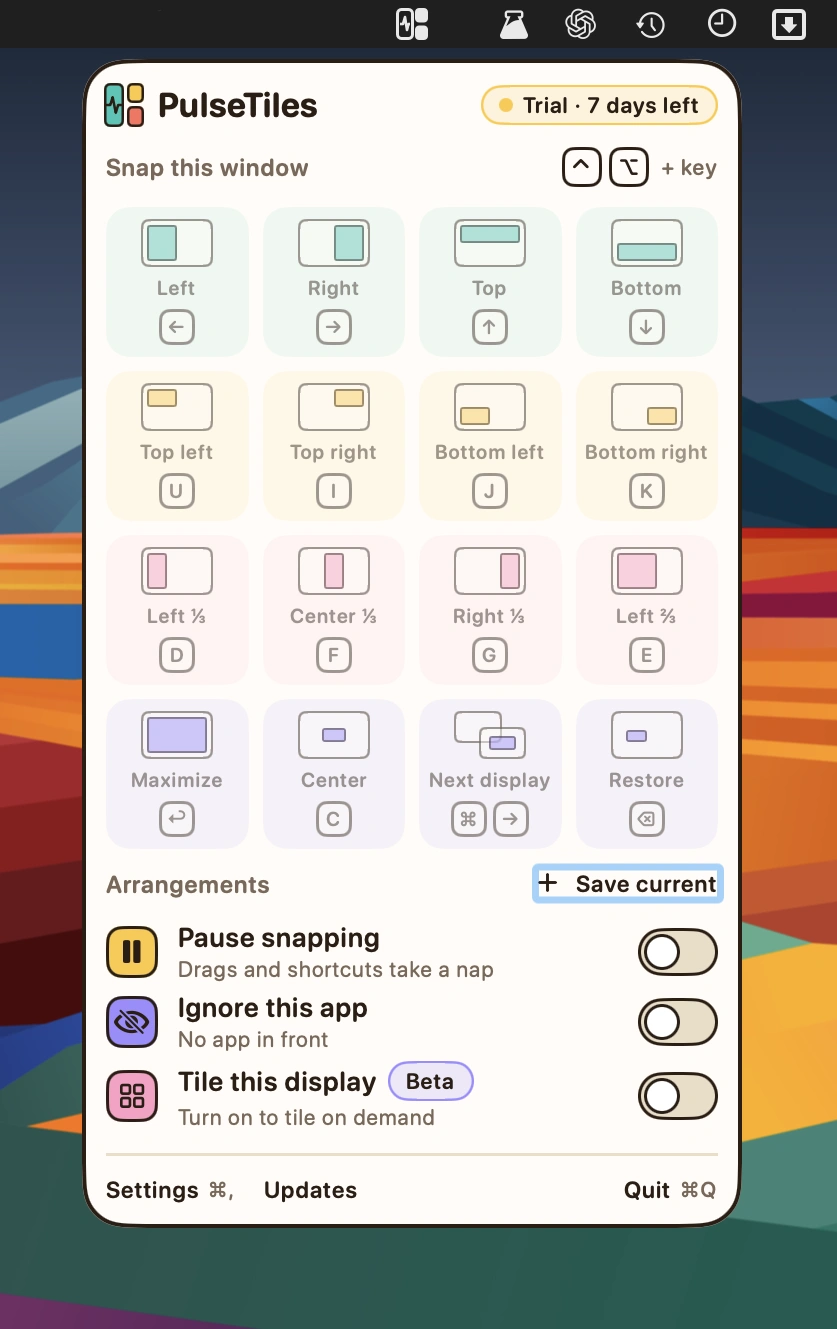
Snap windows into place with intuitive drag-and-drop controls, customizable keyboard shortcuts and a quick launcher. Save window arrangements, adjust spacing and position windows across multiple displays.
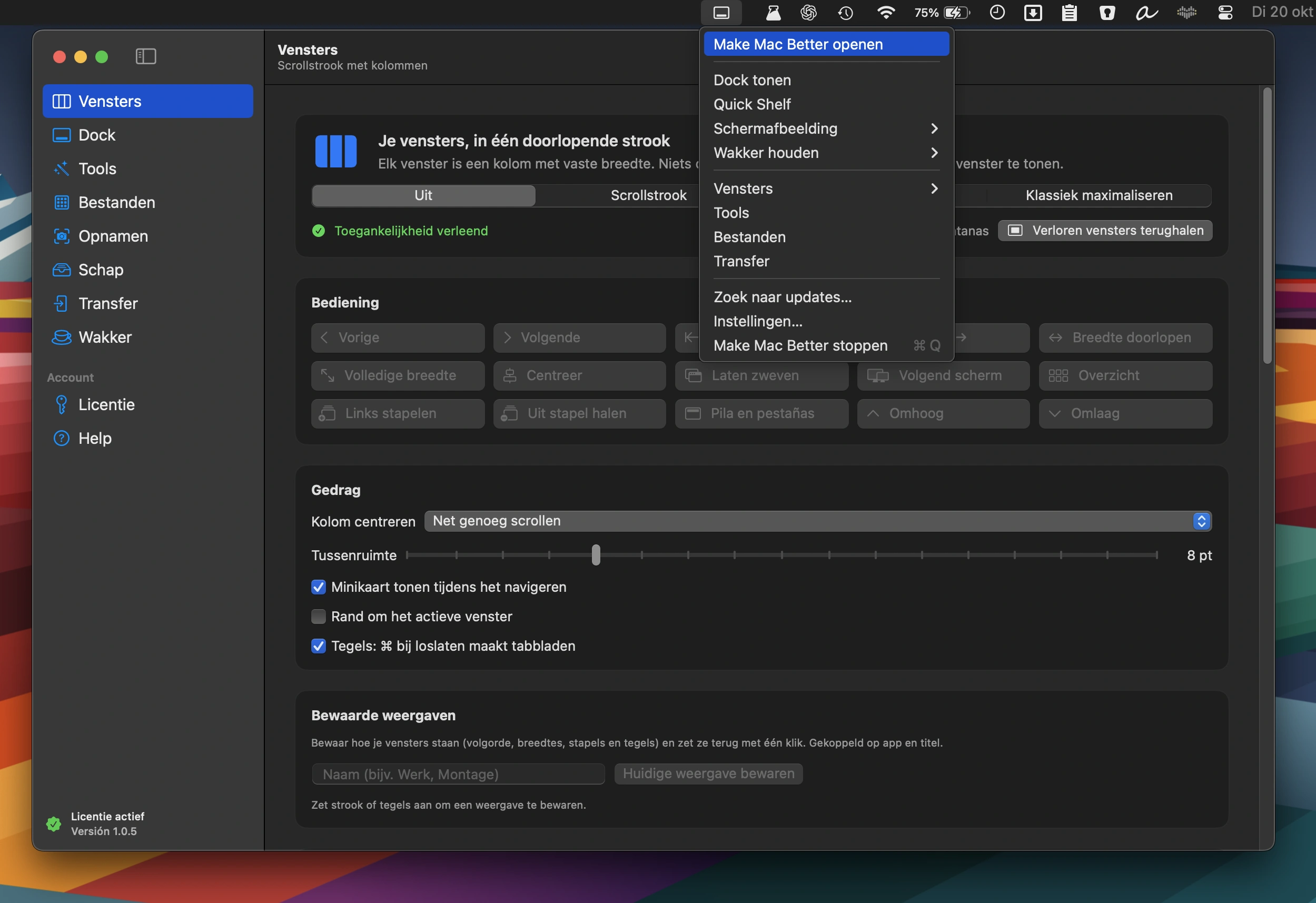
An all-in-one Mac toolkit featuring window management, a second Dock with widgets, 38 file, video, PDF and image tools, photo transfers, screenshot editing, and a Keep Awake mode.
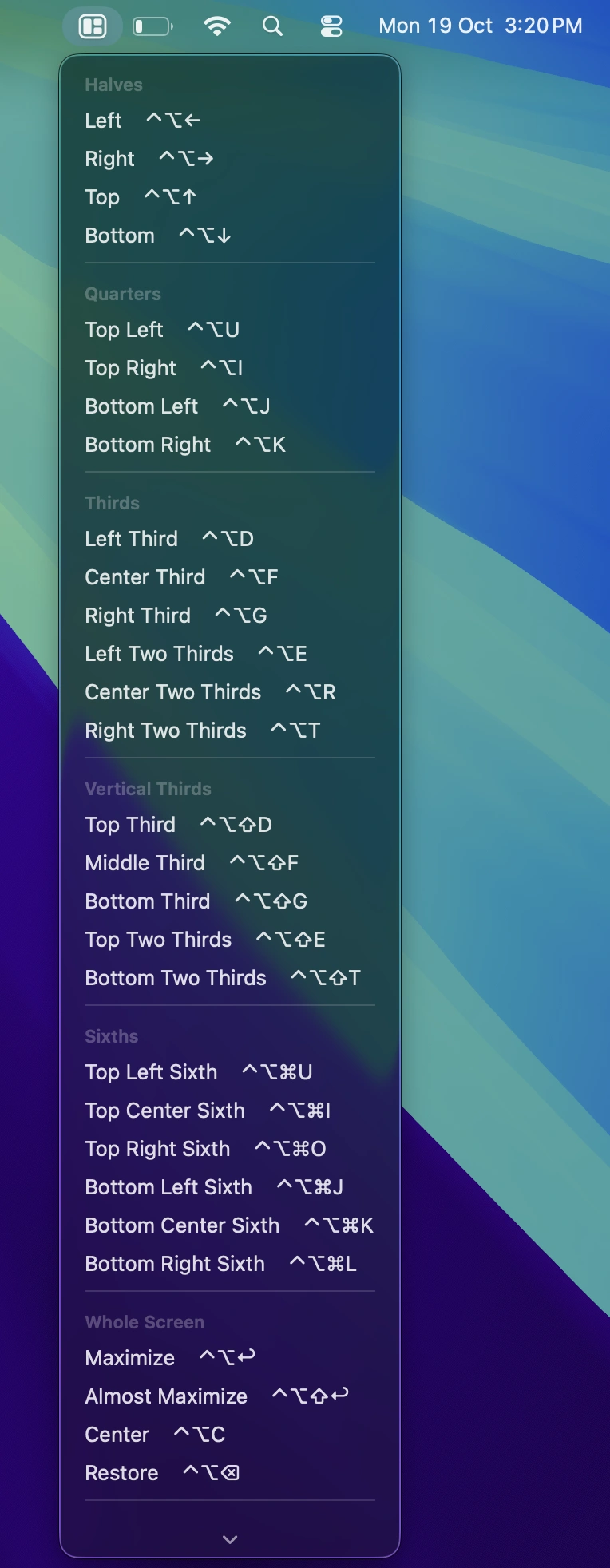
Snap windows into place, save custom layouts as workspaces, and restore entire setups with a shortcut. Includes smart window snapping and app-specific rules.
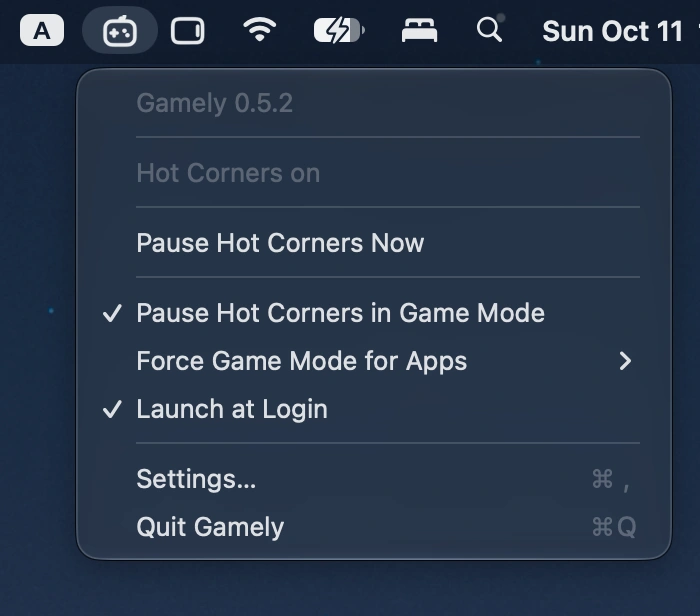
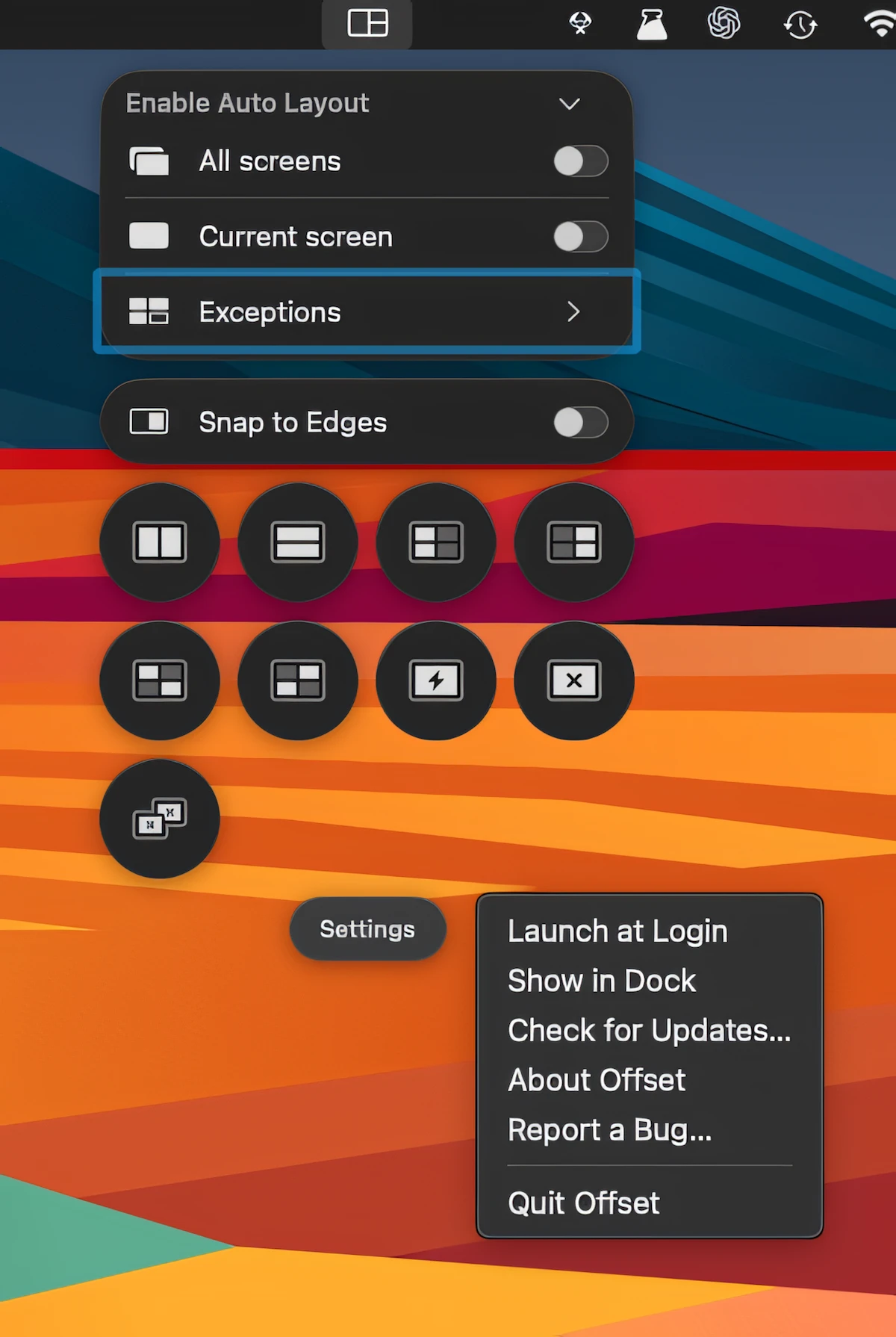
This menu bar app automatically disables all four Hot Corners when macOS Game Mode activates, preventing accidental interruptions during fullscreen gaming and restoring your original settings afterward.
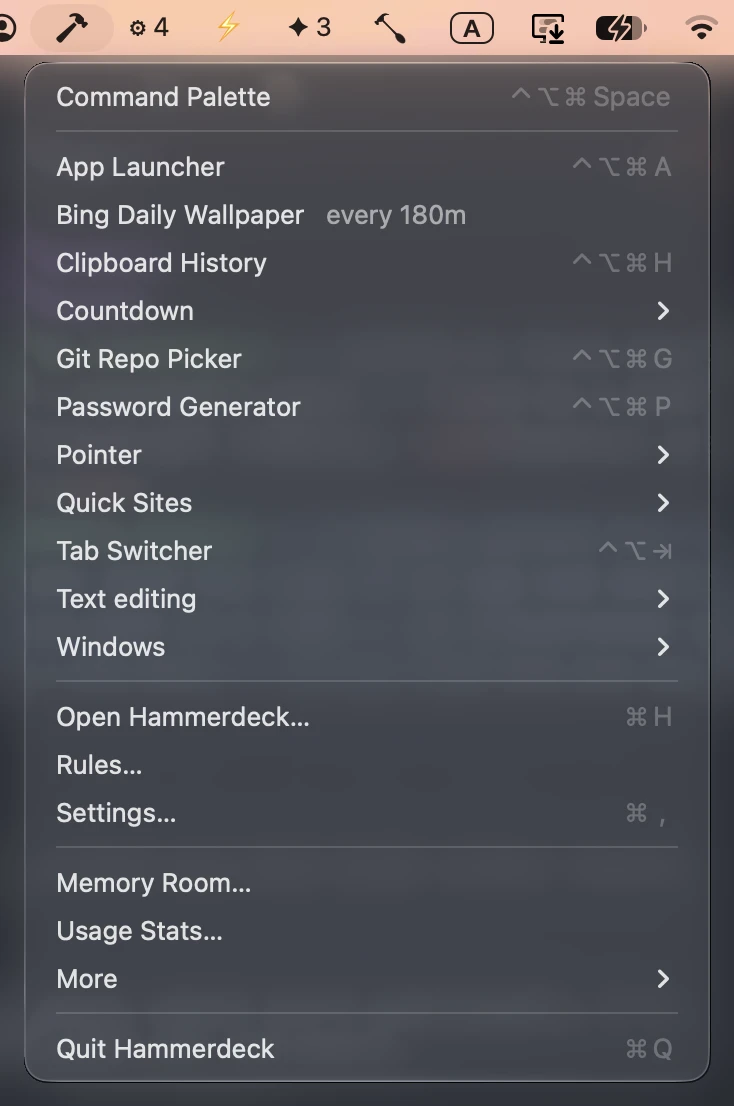
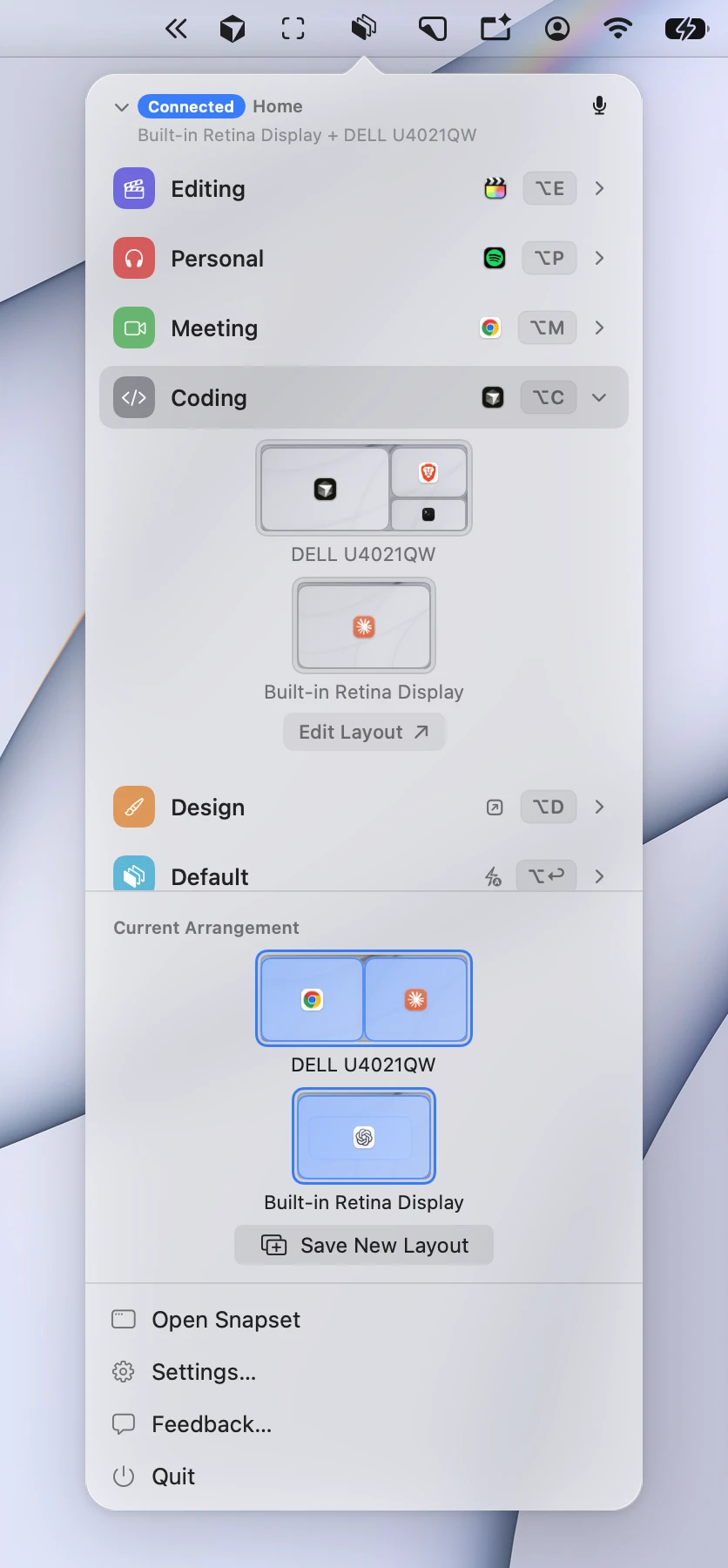
Control windows across multiple displays with keyboard shortcuts, grids, snapping, swapping and one-key undo. Hammerdeck also rebuilds layouts automatically when displays are connected, with flexible rules and automation.
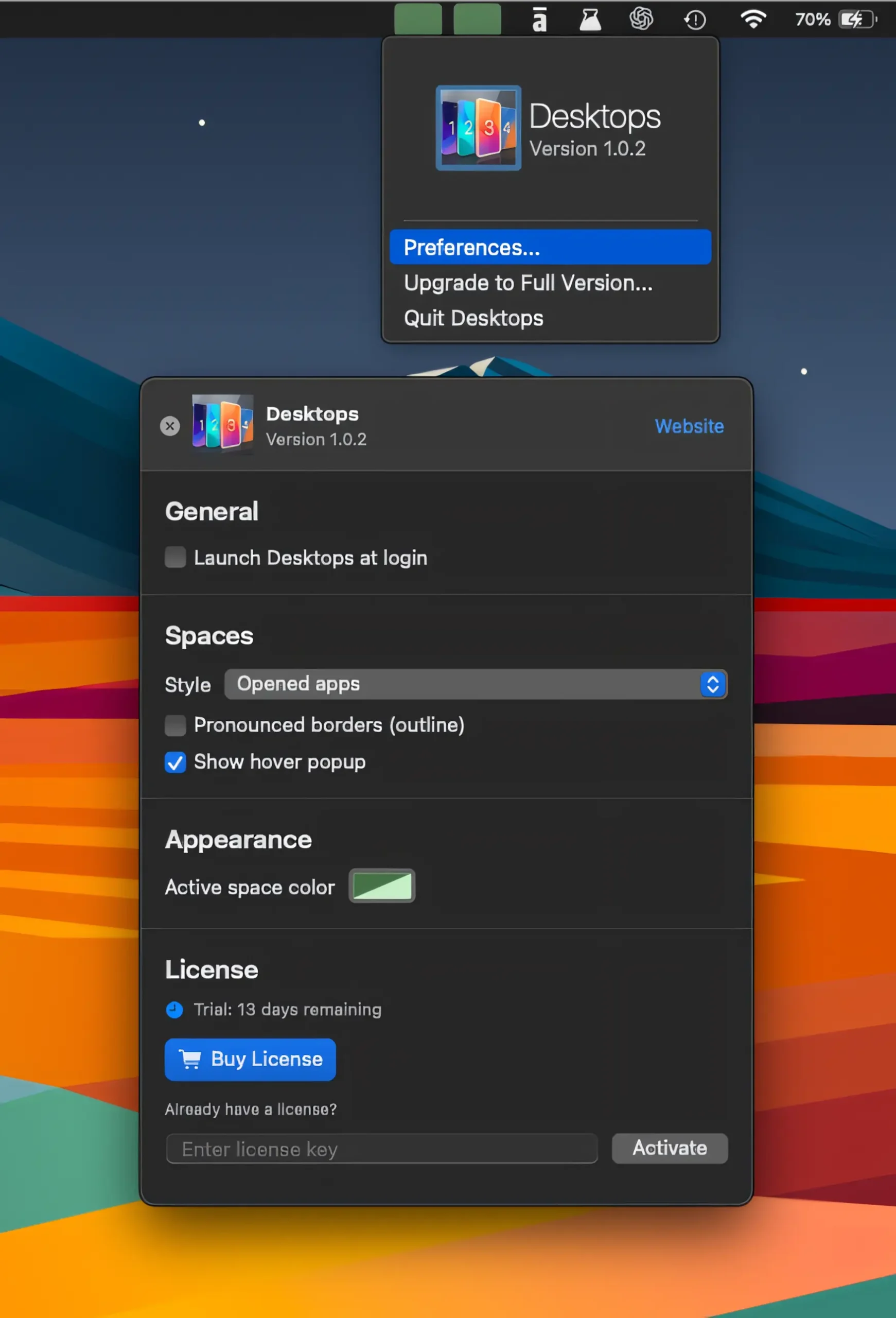
Keep track of your virtual desktops at a glance, switch between Spaces with a click, and see apps on nearby desktops without losing your flow.

Instantly switch between open Word, Excel, and PowerPoint documents with a handy tab row, keeping every file one click away without opening separate windows.