Collection:
Cleaning Apps
Quit All Apps

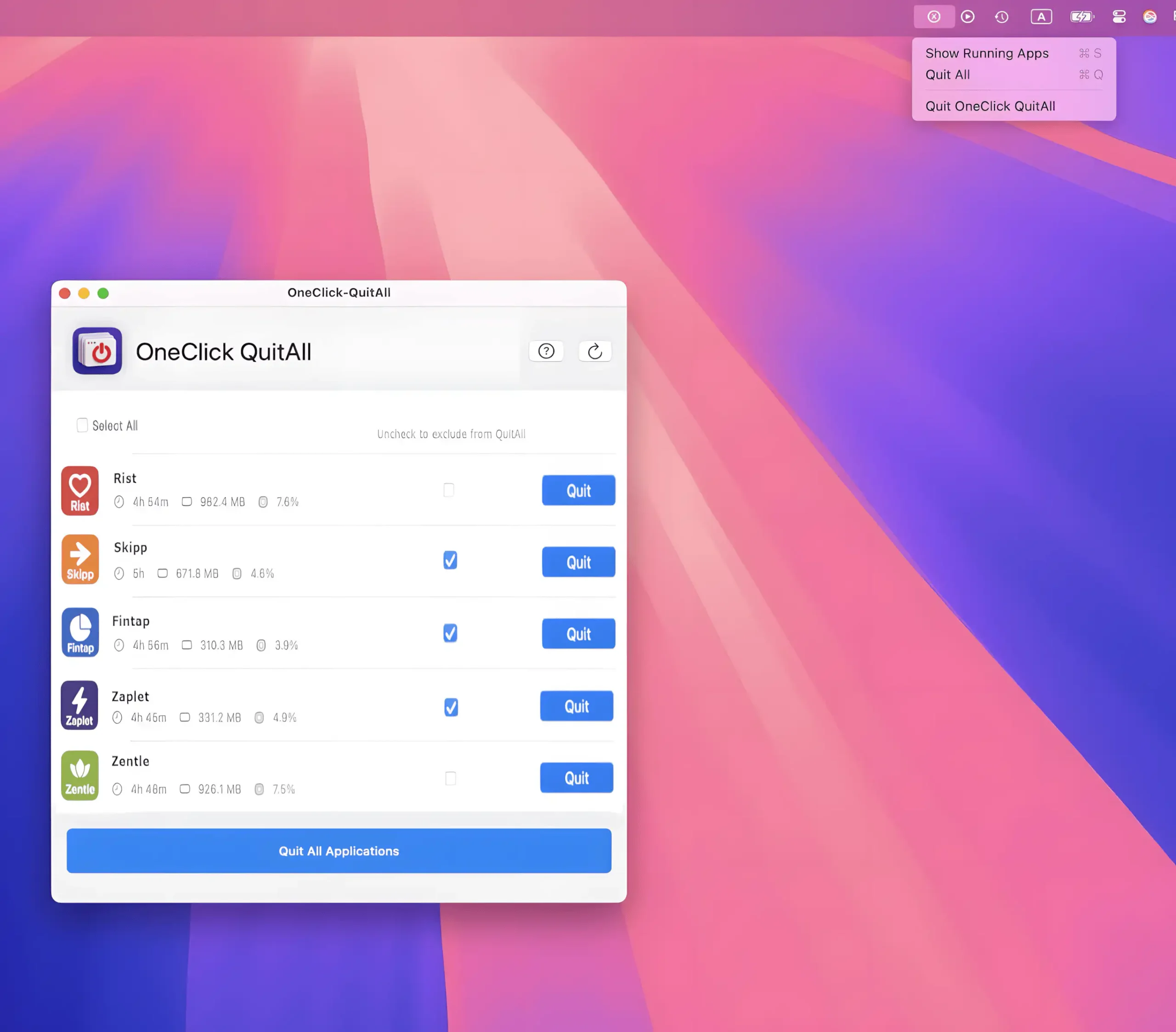
Closes every open app on your Mac with a single click or shortcut, giving you an instant clean slate. Choose which apps to exclude, quit selected ones in bulk, or simply hide everything.

Declutter your Mac in seconds. Quit unused apps, hide desktop chaos, free up storage and memory, remove junk files, manage duplicates, and automate folder cleanup. These menu bar tools keep your workspace lean, calm, and under control.
Declutter your Mac in seconds. Quit unused apps, hide desktop chaos, free up storage and memory, remove junk files, manage duplicates, and automate folder cleanup. These menu bar tools keep your workspace lean, calm, and under control.
Closes every open app on your Mac with a single click or shortcut, giving you an instant clean slate. Choose which apps to exclude, quit selected ones in bulk, or simply hide everything.
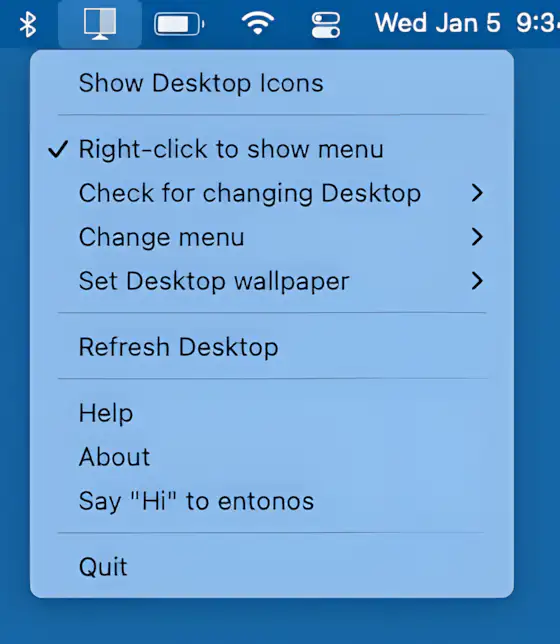
Hide Icons cleanly hides your Mac desktop clutter by overlaying a blank background, keeping your workspace distraction-free. Lightweight, customizable, and ideal for multi-desktop setups.

With just a tap, Kleanly lets you completely disable your keyboard and trackpad, allowing you to clean them without turning your Mac off.
End of content
End of content