Declutter your Mac in seconds. Quit unused apps, hide desktop chaos, free up storage and memory, remove junk files, manage duplicates, and automate folder cleanup. These menu bar tools keep your workspace lean, calm, and under control.
Show me the free apps only
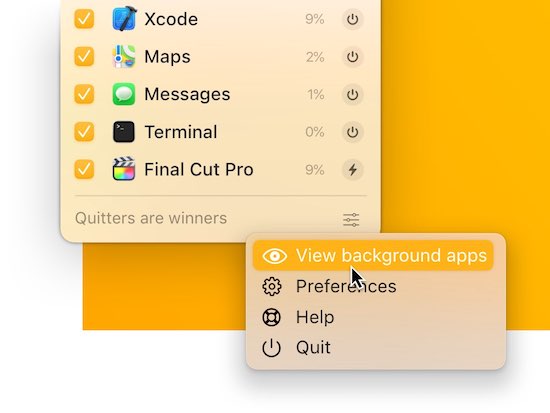
Quit one, some, or all apps from one tidy spot in your menu bar. Apps will prompt you to save any unsaved work before they close.
Visit Watch
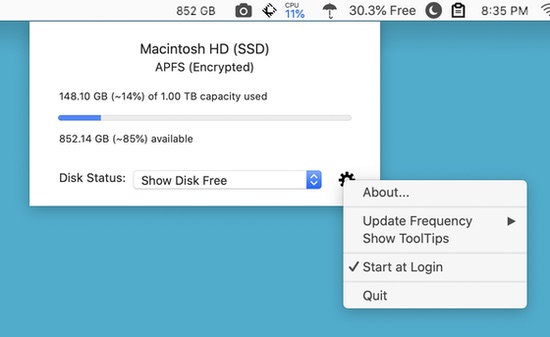
Disk-O lets you check the utilization of your Mac’s built-in storage device so you always know how much space is being used and how much is available.
Visit Watch
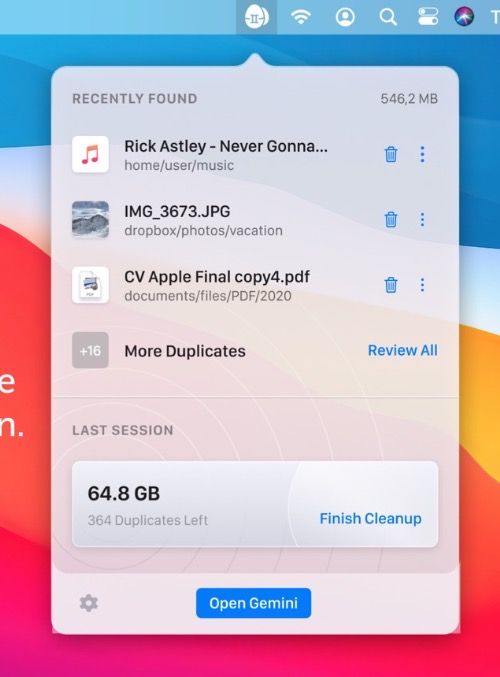
Keep your Mac duplicate-free at all times. Gemini lives in your menu bar. There it spots new copies and notifies you about them. You can view duplicates in detail or quickly destroy them.
Visit Watch
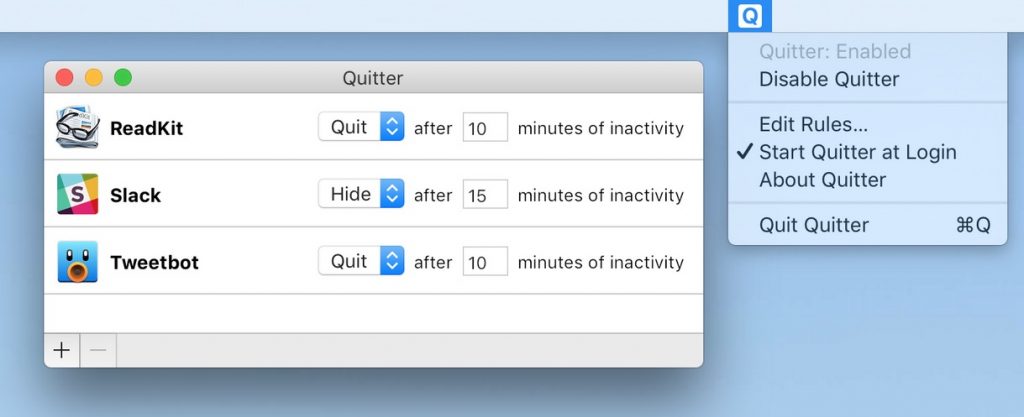
Quitter automatically hides or quits apps after periods of inactivity, helping you keep your Mac organized and your battery life extended throughout the day.
Visit Watch
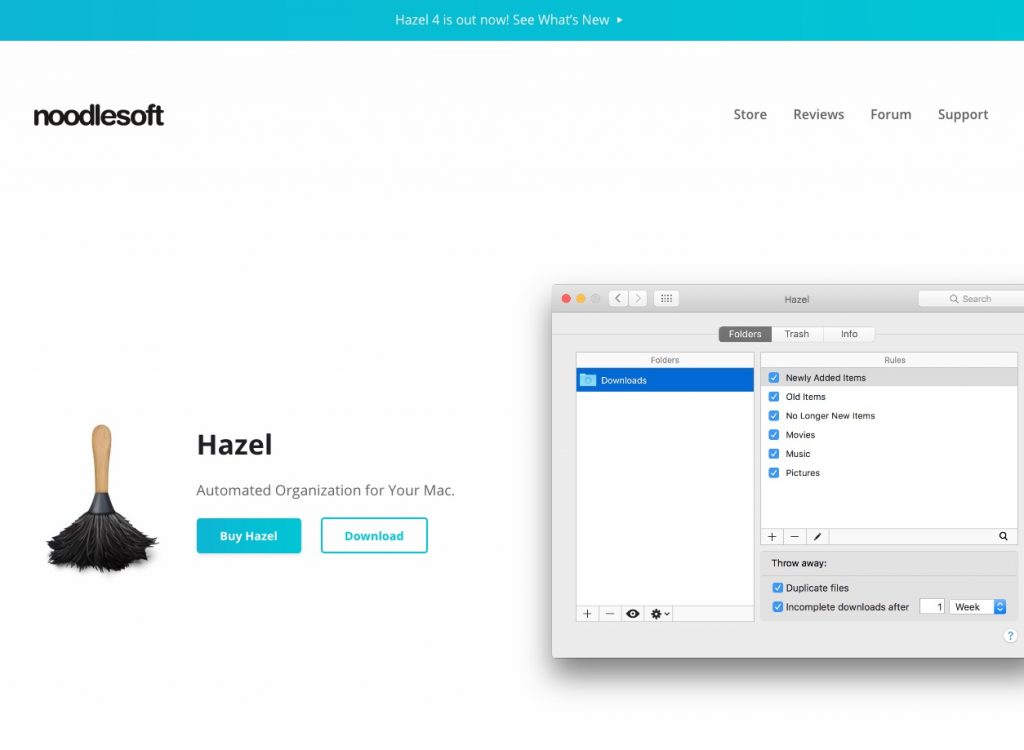
With Hazel you can create rules for organizing and cleaning folders. You can start and stop Hazel, open the Hazel app window, and even run individual rules from the menu bar.
Visit Watch
End of content
End of content

