Collection:
Clipboard Managers
ClipStack
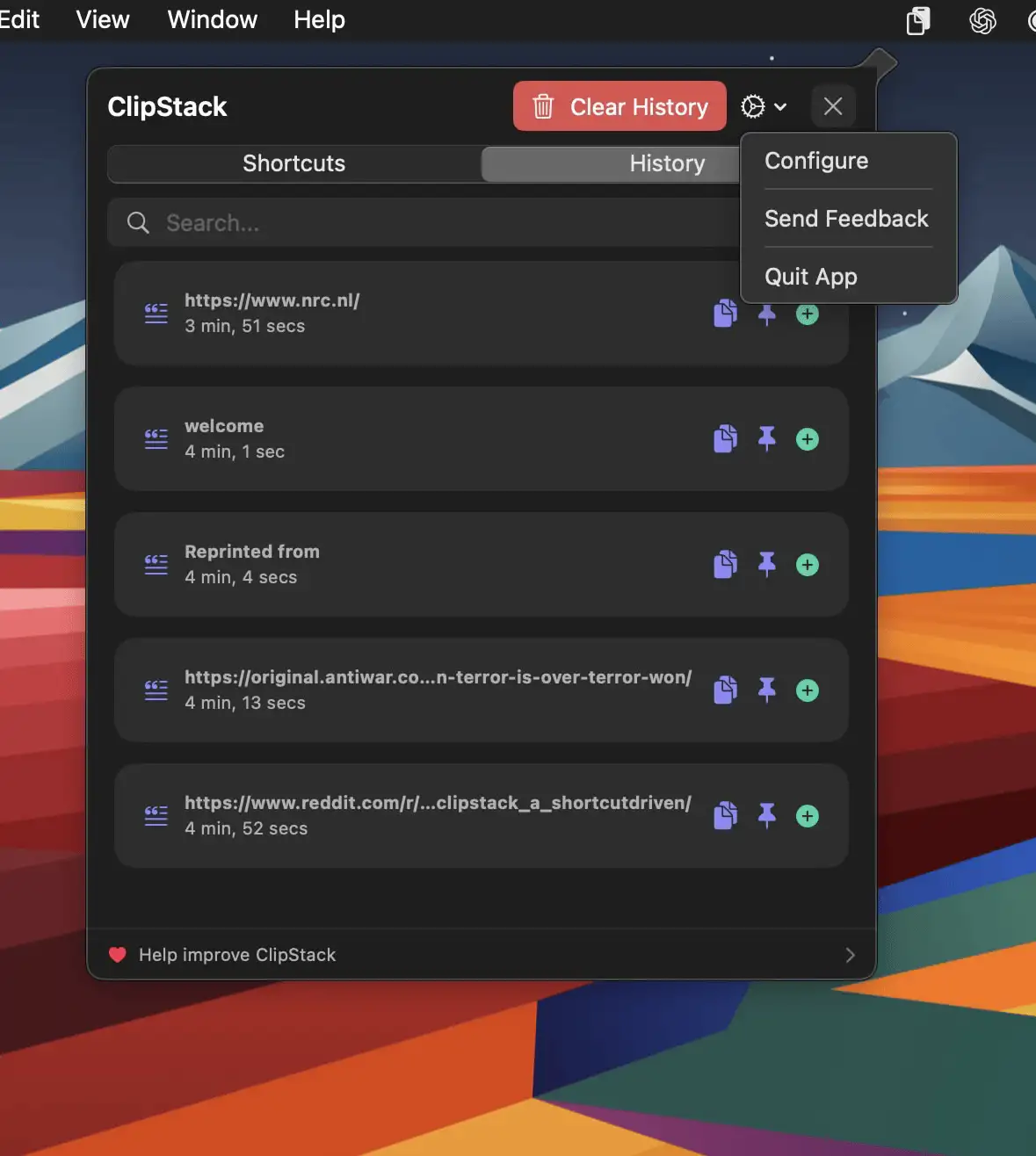
ClipStack gives you instant access to your most-used text snippets, right from the menu bar—with full support for Shortcuts.

Never lose what you copied. Store, search, organize, and instantly reuse text, images, files, and snippets from your clipboard history. From minimal, privacy-first tools to powerful snippet managers with sync and automation, everything stays one click away.
Never lose what you copied. Store, search, organize, and instantly reuse text, images, files, and snippets from your clipboard history. From minimal, privacy-first tools to powerful snippet managers with sync and automation, everything stays one click away.
ClipStack gives you instant access to your most-used text snippets, right from the menu bar—with full support for Shortcuts.
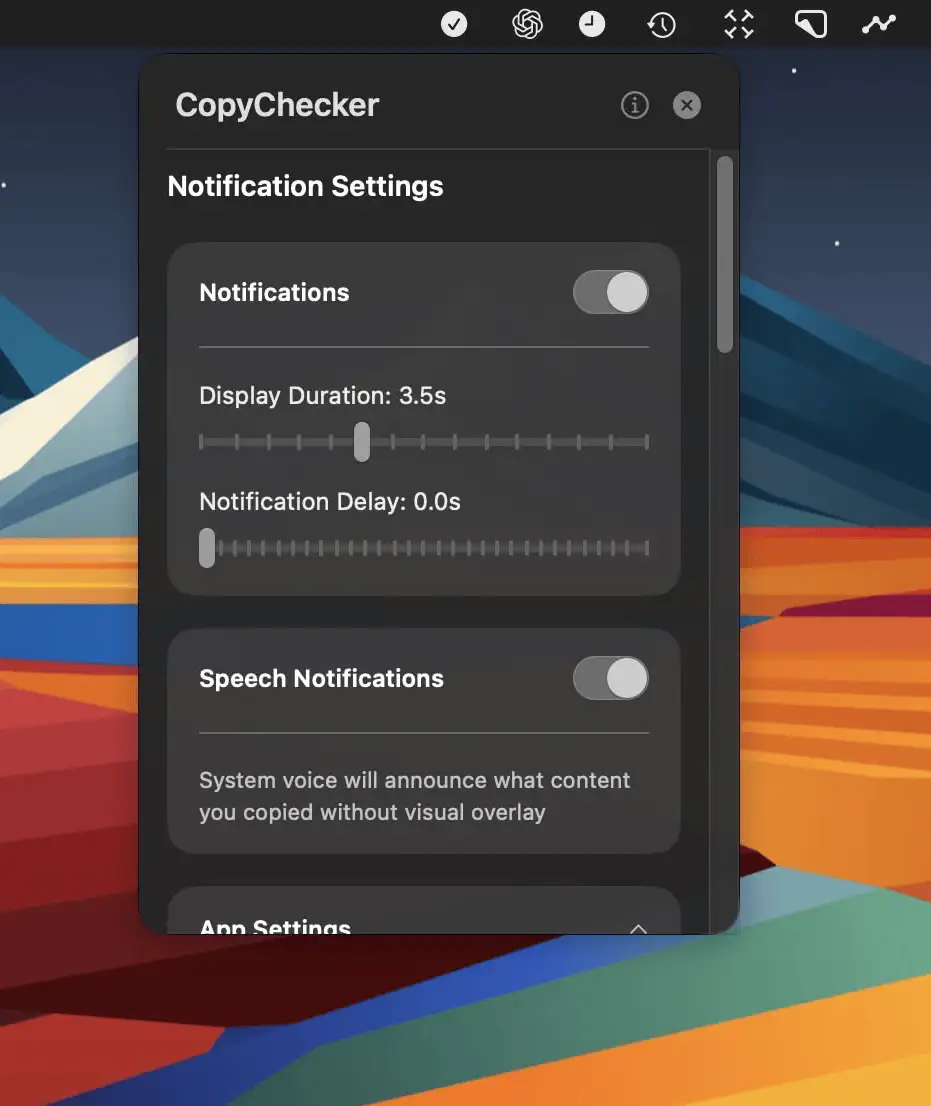
CopyChecker is a Mac menu bar app that confirms what you copy with instant visual or spoken alerts—helping you avoid mistakes and stay focused on your work.
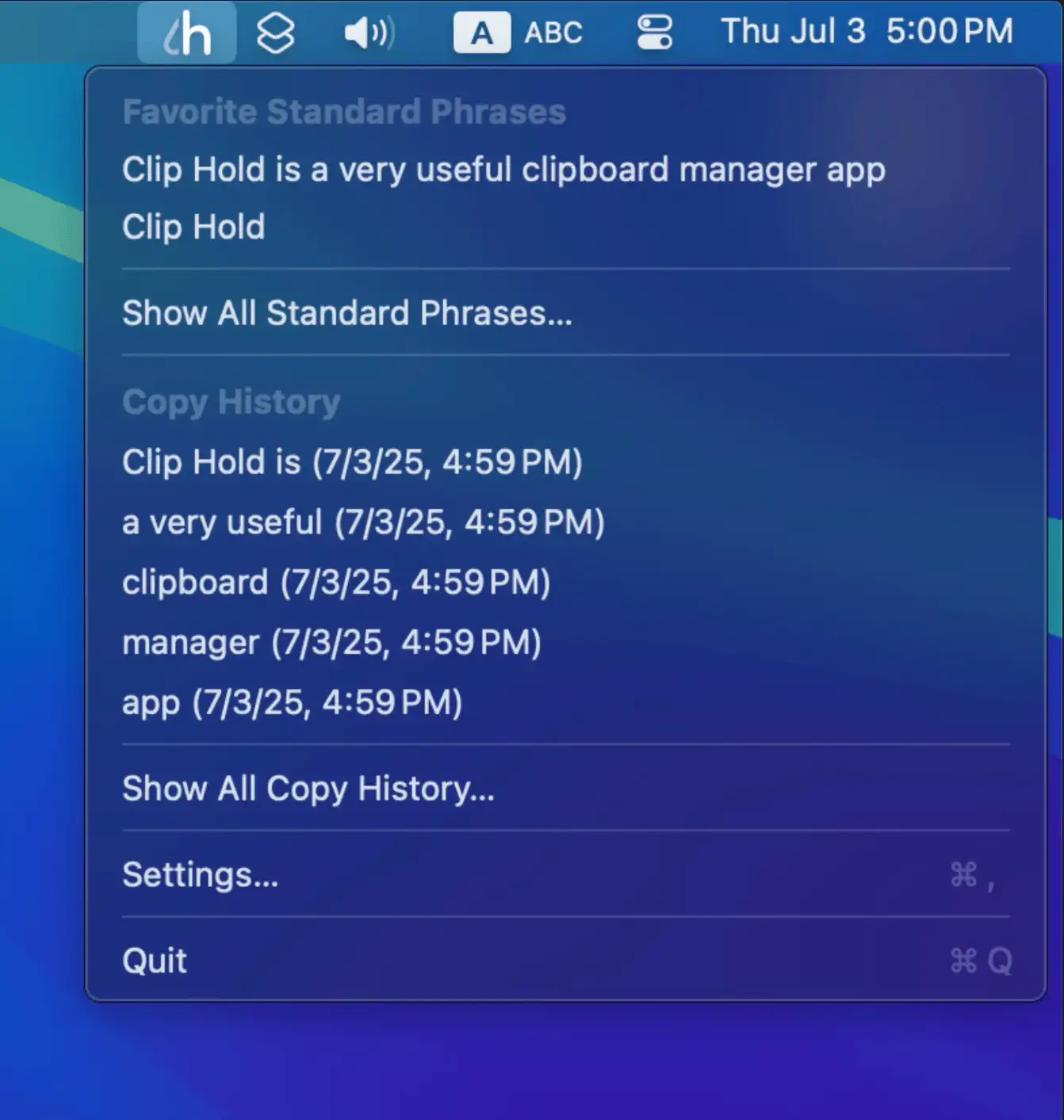
Clip Hold is a convenient macOS menu bar app for managing clipboard history and standard phrases, featuring quick access, customizable shortcuts, easy import/export, and privacy-focused clipboard monitoring.
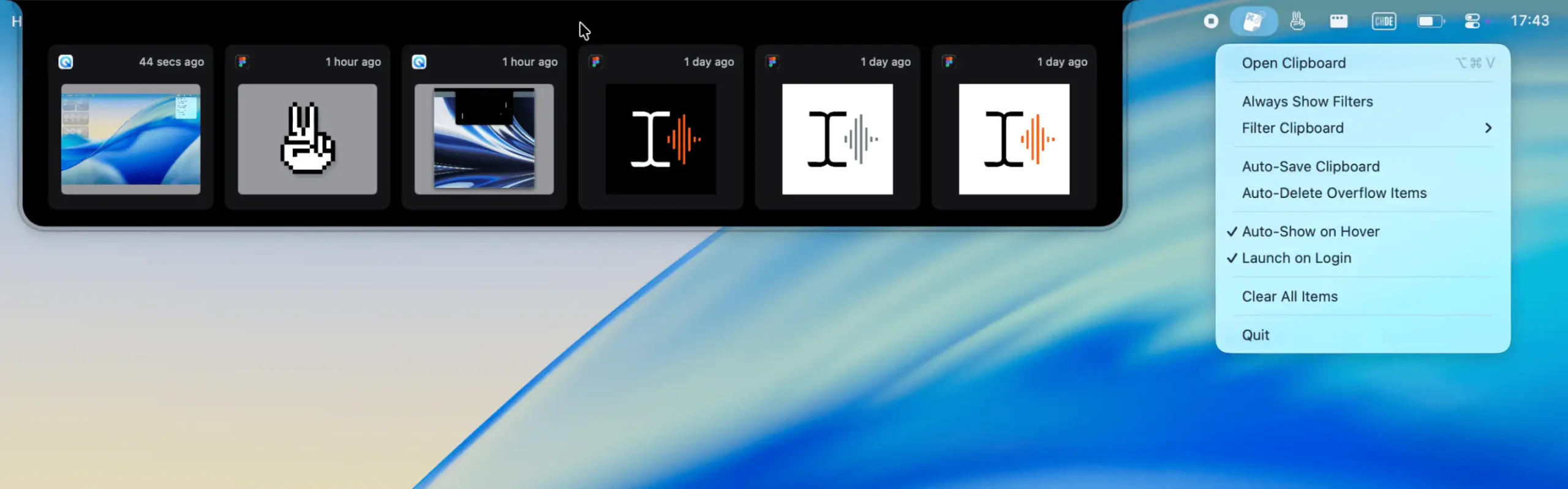
A lightweight, visual clipboard for your most recent copies—text, images, files, or colors—always visible from your menu bar. Snippet helps you glance, reuse, and move on.
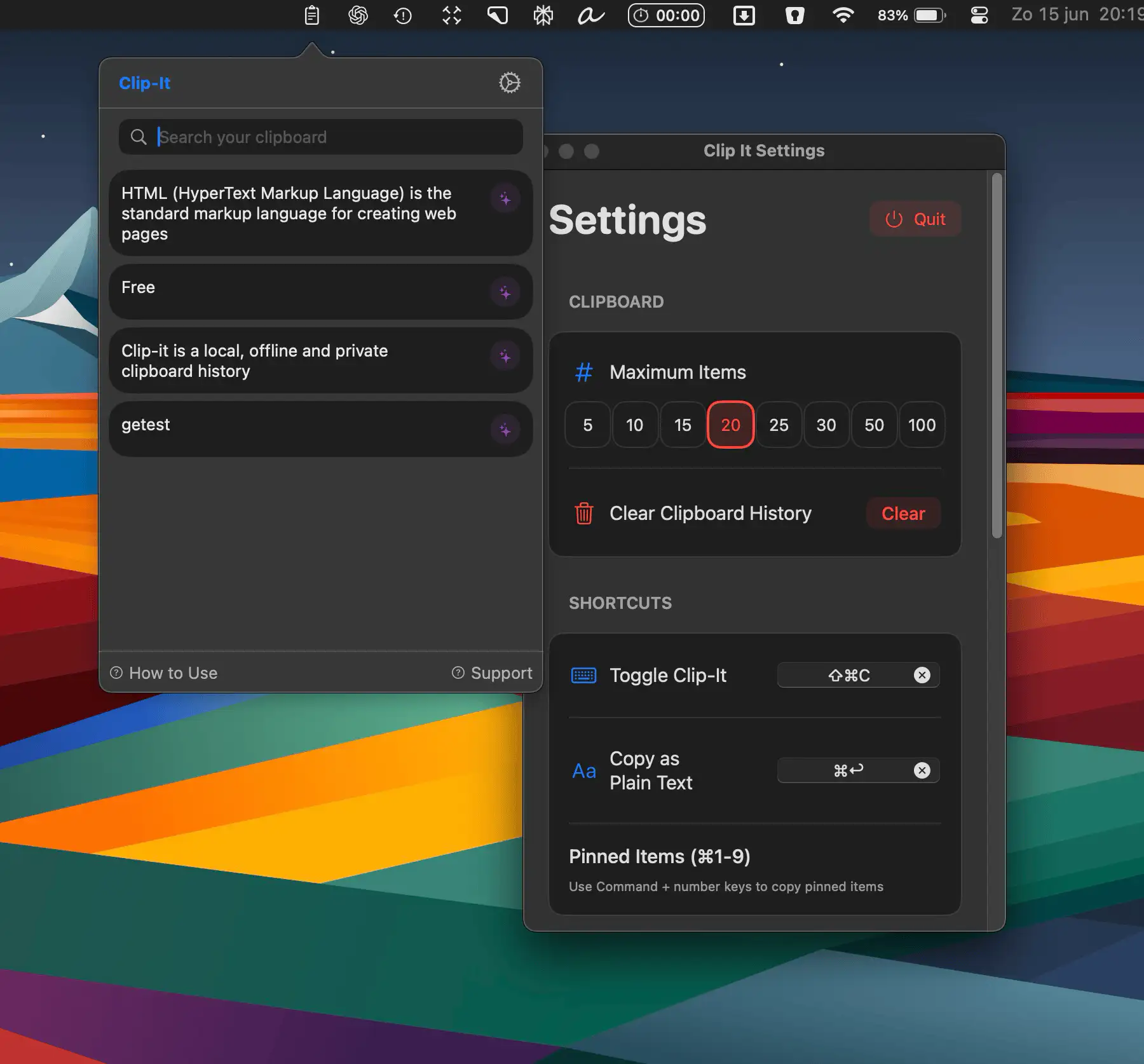
Clip-it is a fast, secure clipboard history manager for macOS that keeps your copied text organized, private, and always within reach—right from your menu bar.
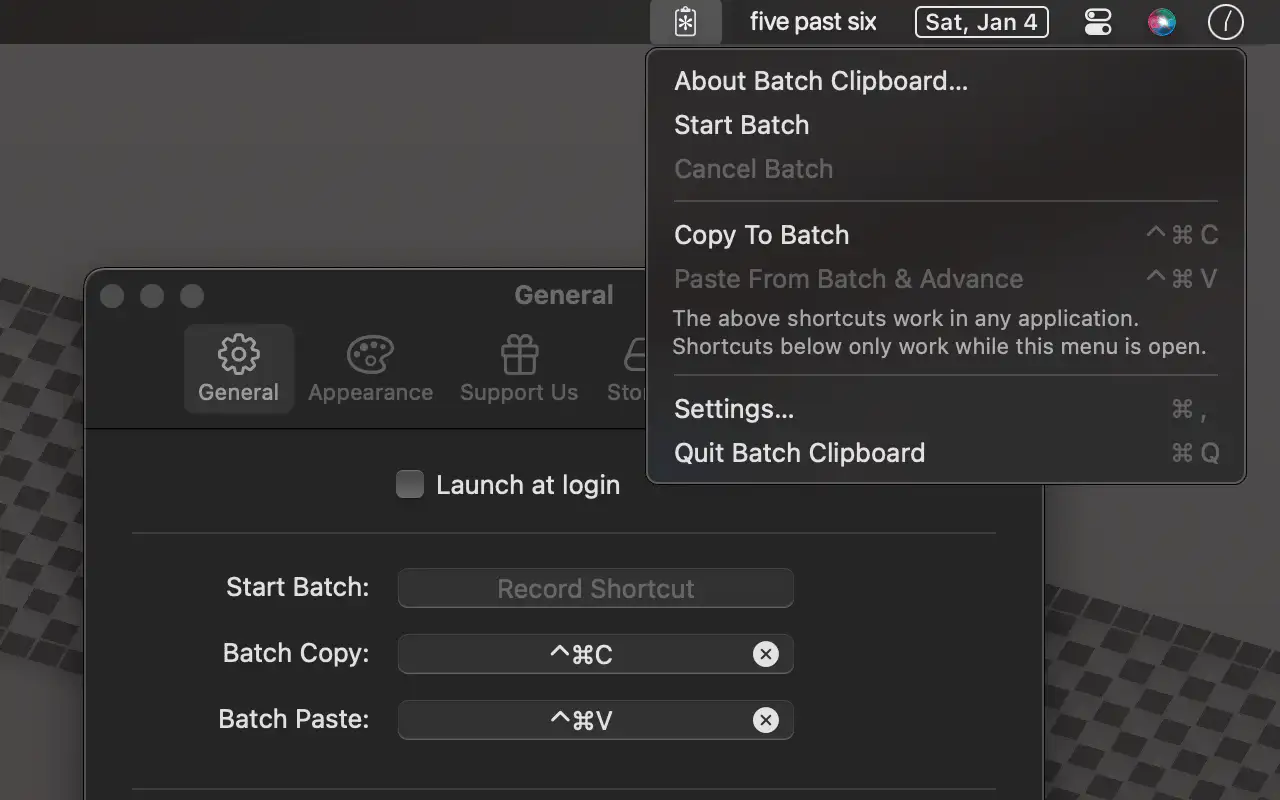
Batch Clipboard is a minimalistic menu bar app that lets you copy and paste multiple items in sequence—simple, fast, and private, without the clutter of full clipboard managers.
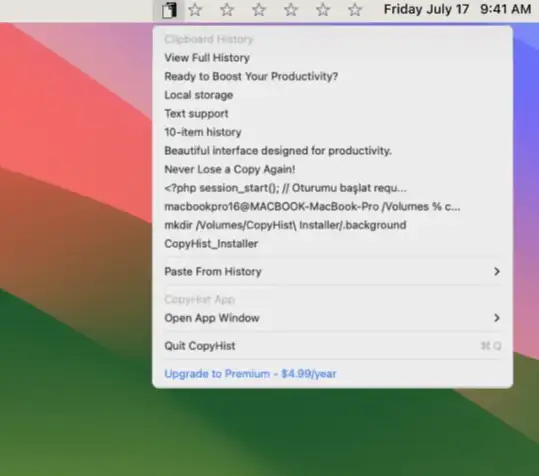
CopyHist keeps everything you copy—texts, images, files—instantly searchable, neatly organized, and always private, all in a fast, lightweight app that feels right at home on your Mac.
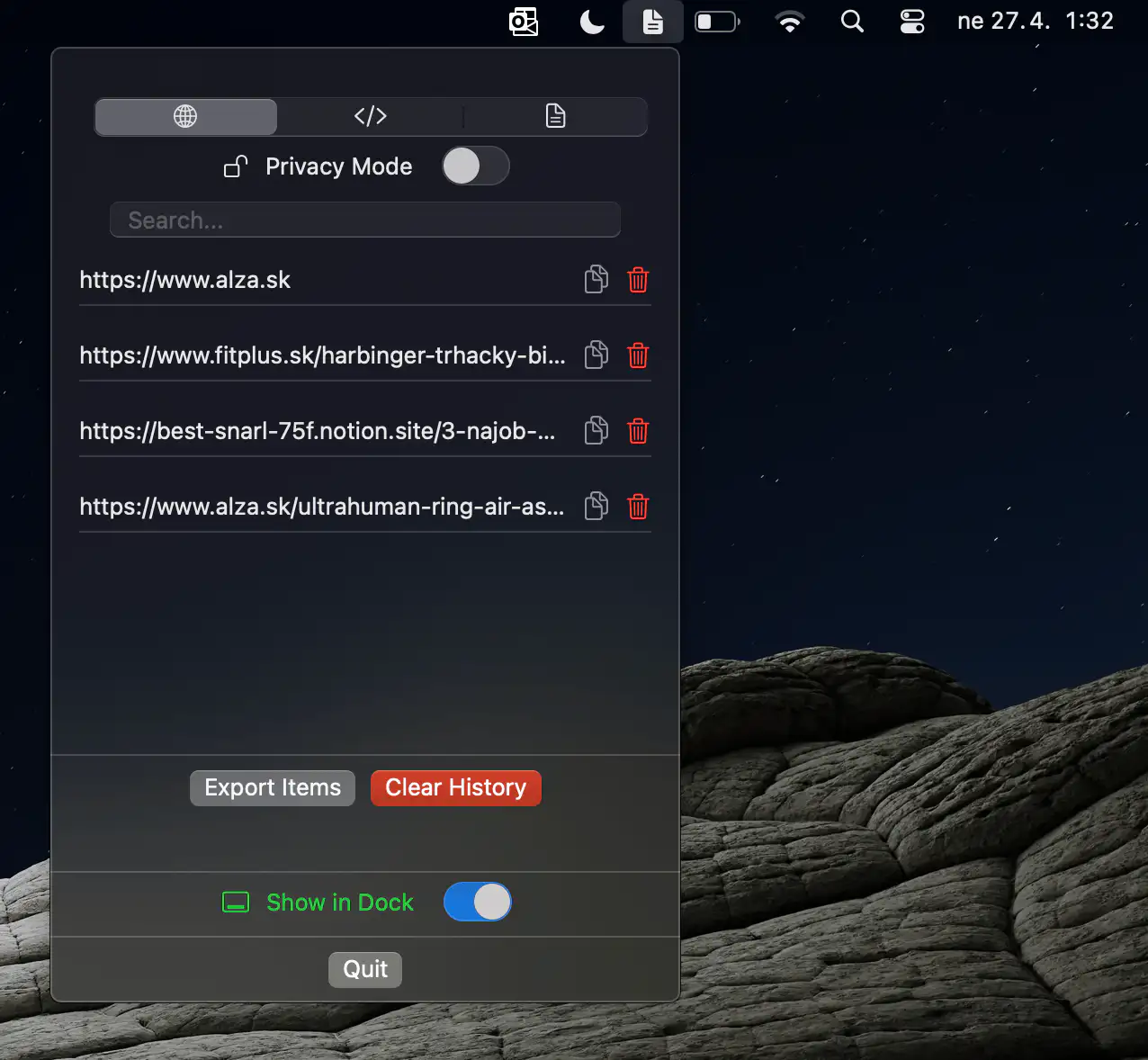
ClipSort is a lightweight, privacy-first clipboard manager that keeps your snippets organized, searchable, and always within easy reach from your Mac’s menu bar.