Never lose what you copied. Store, search, organize, and instantly reuse text, images, files, and snippets from your clipboard history. From minimal, privacy-first tools to powerful snippet managers with sync and automation, everything stays one click away.
Show me the free apps only
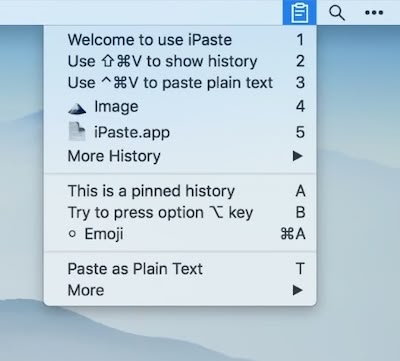
iPaste is a clipboard manager that accepts text, images, files, and other forms for pasting. You may also bookmark your frequently used history, update your clipboard history, and arrange everything in groups.
Visit

CleanClip automatically saves all your copy history. When you click the menu bar icon, it will display all the copy history. Right-clicking the menu bar icon will show some options.
Visit

This menu bar app is an iCloud-backed snippets and clipboard manager. Quickly paste your frequently-used snippets of text and access them, along with your clipboard history, from all your iCloud devices.
Visit

Quickly access your clipboard history whenever you need it. You can search, edit, delete, and paste clipboard history items as plain text into active apps.
ClipBook skips passwords and other sensitive data. Unlimited clipboard history.
Visit

This clipboard management tool lets you store any kind of temporary data: text, link, image and even code. It supports syncing clipboard records across all iOS and macOS devices via iCloud.
Visit
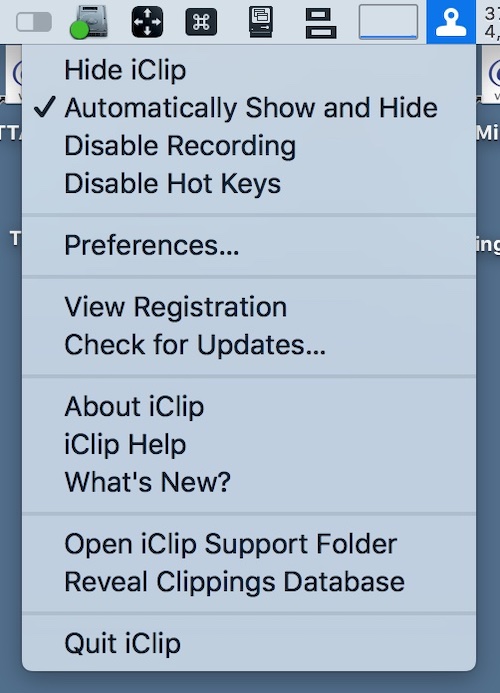
iClip is a clipboard recorder, saving everything you copy: plain-text, rich-text, images, files, anything. The menu bar app organizes stored clips into multiple sets and keeps them ready to paste in an instant.
Visit Watch
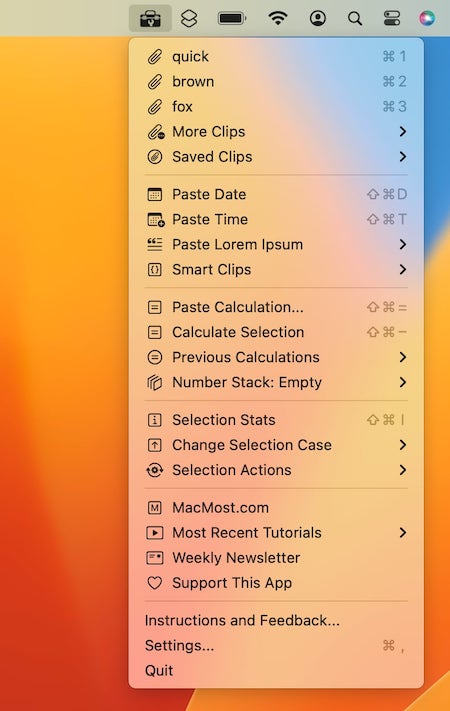
Access your clipboard history, save clips, use programmable Smart Clips, paste the date or time, insert example text, perform calculations and paste the result or replace the selection, convert numbers to words, sorts lines and much more.
Visit
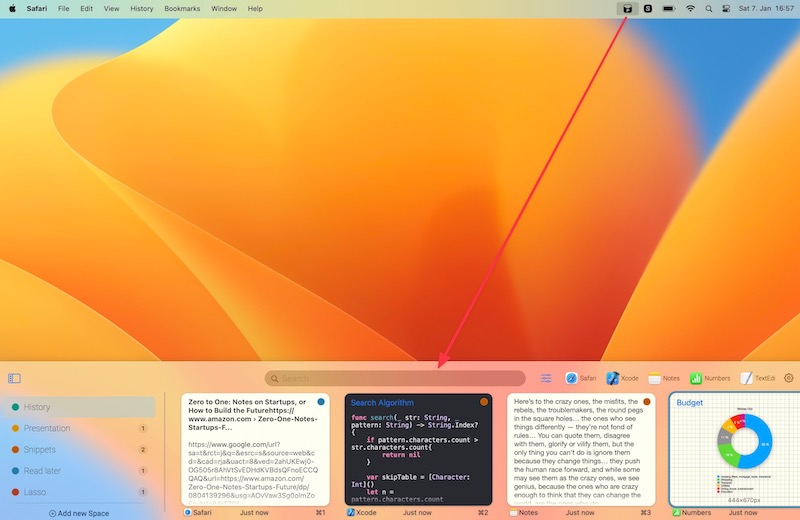
Pasty is a menu bar app that provides you with an interface for retrieving and organizing your clipboard history. You can search by content, source application, and type of content.
You can even access your most frequently used copied items by pinning them to a dedicated Space.
Visit
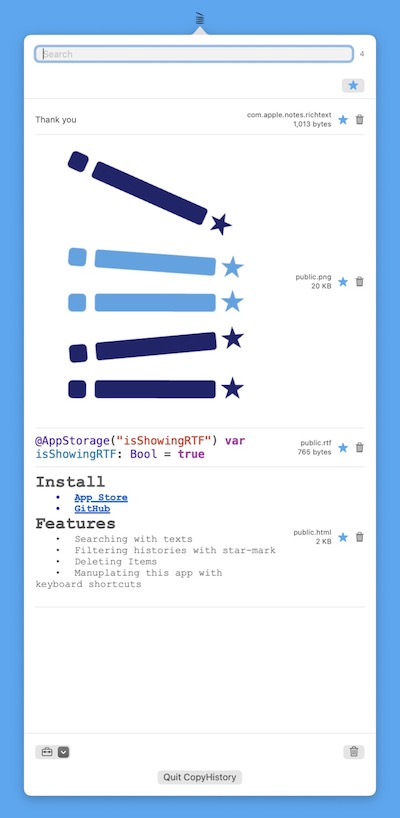
You can access your copy history, including images, with this menu bar app. Additionally, there is a delete option and a search option.
Visit Watch
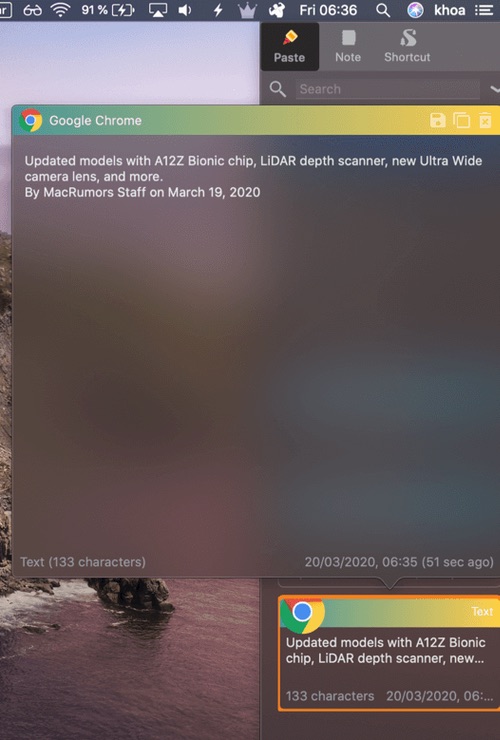
PastePal allows you to easily manage your pasteboard history with a variety of file types support like text and images. This menu bar app also comes with a note and shortcut manager.
Visit
