
Collection:
Display Apps
Take full control of how your Mac looks and behaves. Adjust brightness, contrast, resolution, and color, manage multiple monitors, lock docks in place, blur distractions, fine-tune window focus, and switch display profiles instantly from your menu bar.
Collection:
Display Apps | Health Apps
Lumiv
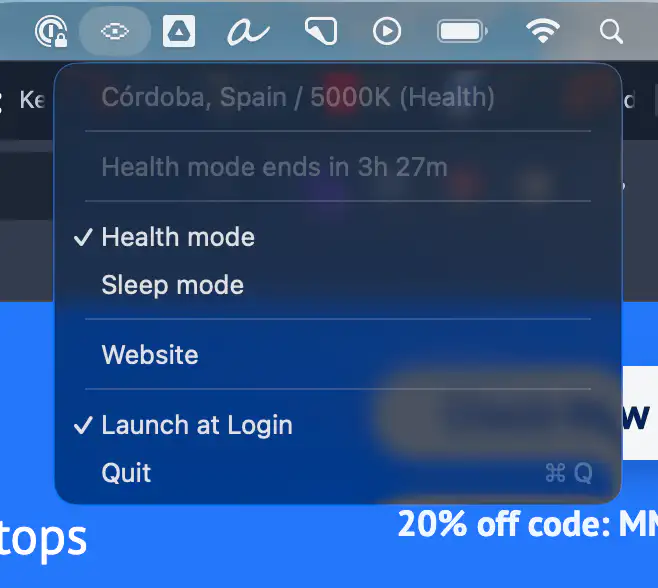
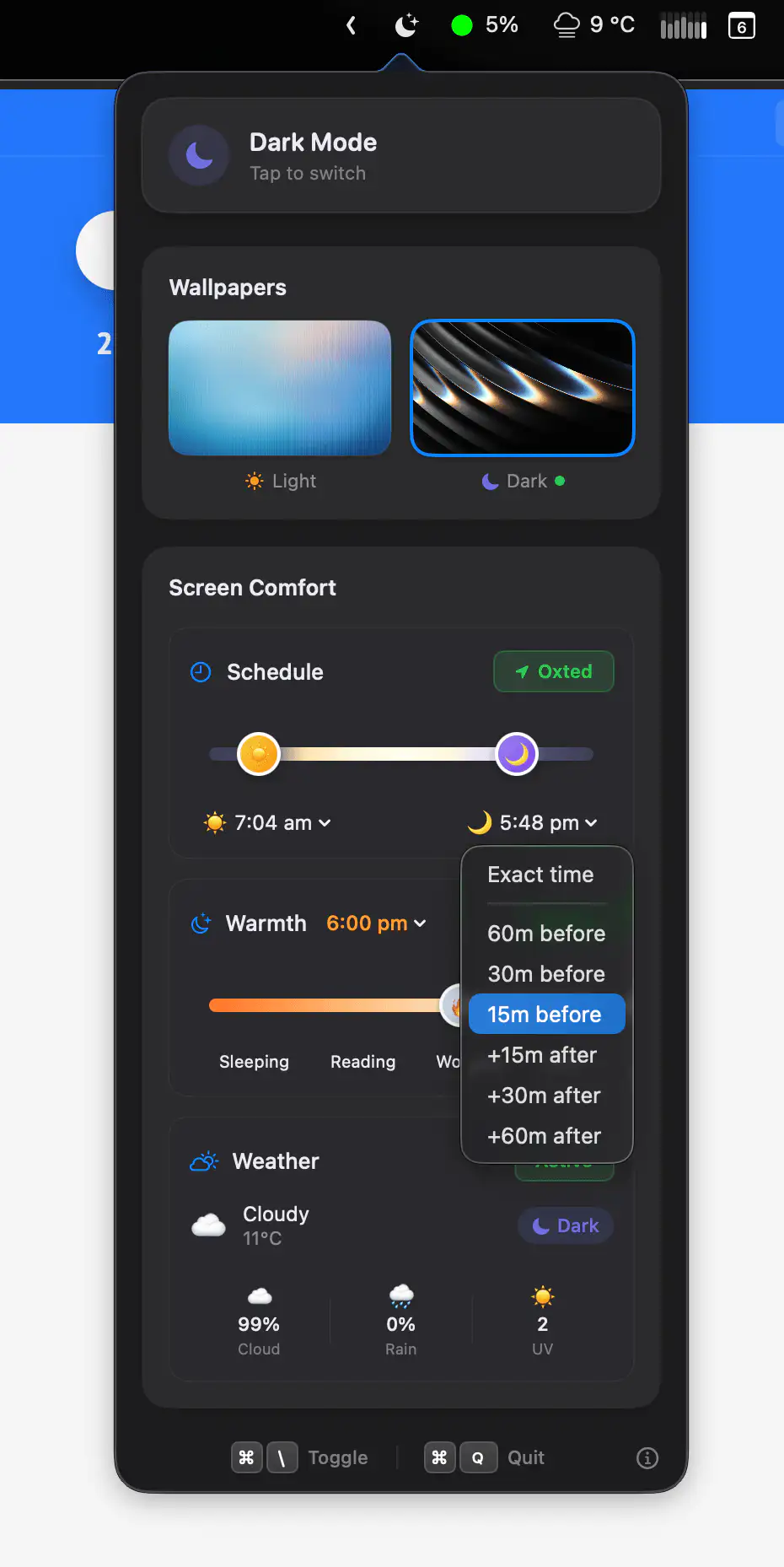
Lumiv intelligently adjusts your screen’s color temperature throughout the day, reducing eye strain during long work sessions and supporting better sleep at night. It adapts to your location and routine, so your eyes can finally relax.
Collection:
Display Apps
Darki
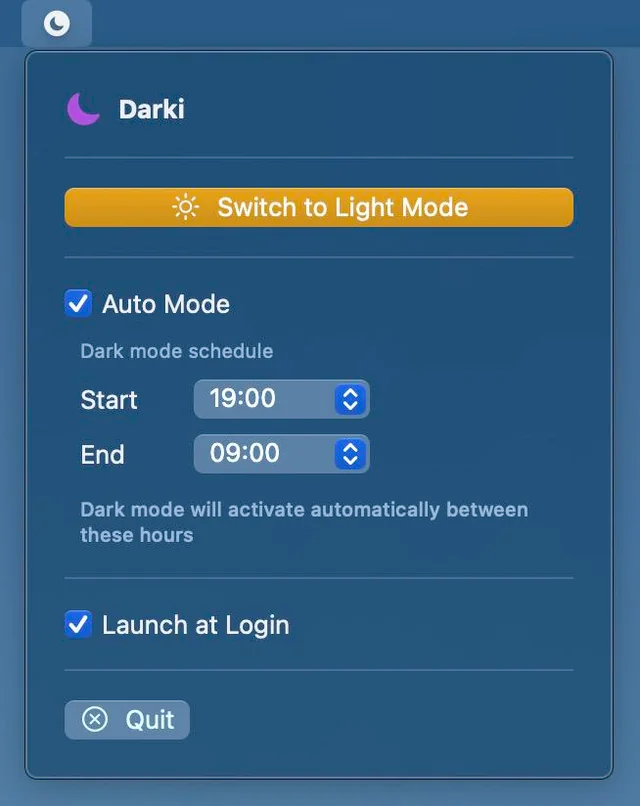
Darki switches between Light and Dark mode on your schedule, offers instant one-click control, and quietly runs at login so your Mac always matches the moment.
Collection:
Display Apps
Montr
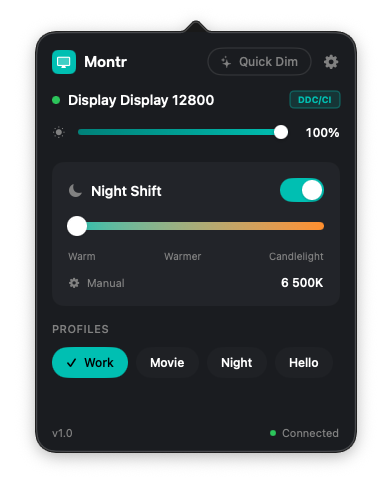
Montr gives precise hardware-level control over brightness, contrast, and color across all monitors, with smart profiles that switch automatically based on displays, time, or power state.
Collection:
Display Apps
DisplayMode Menu
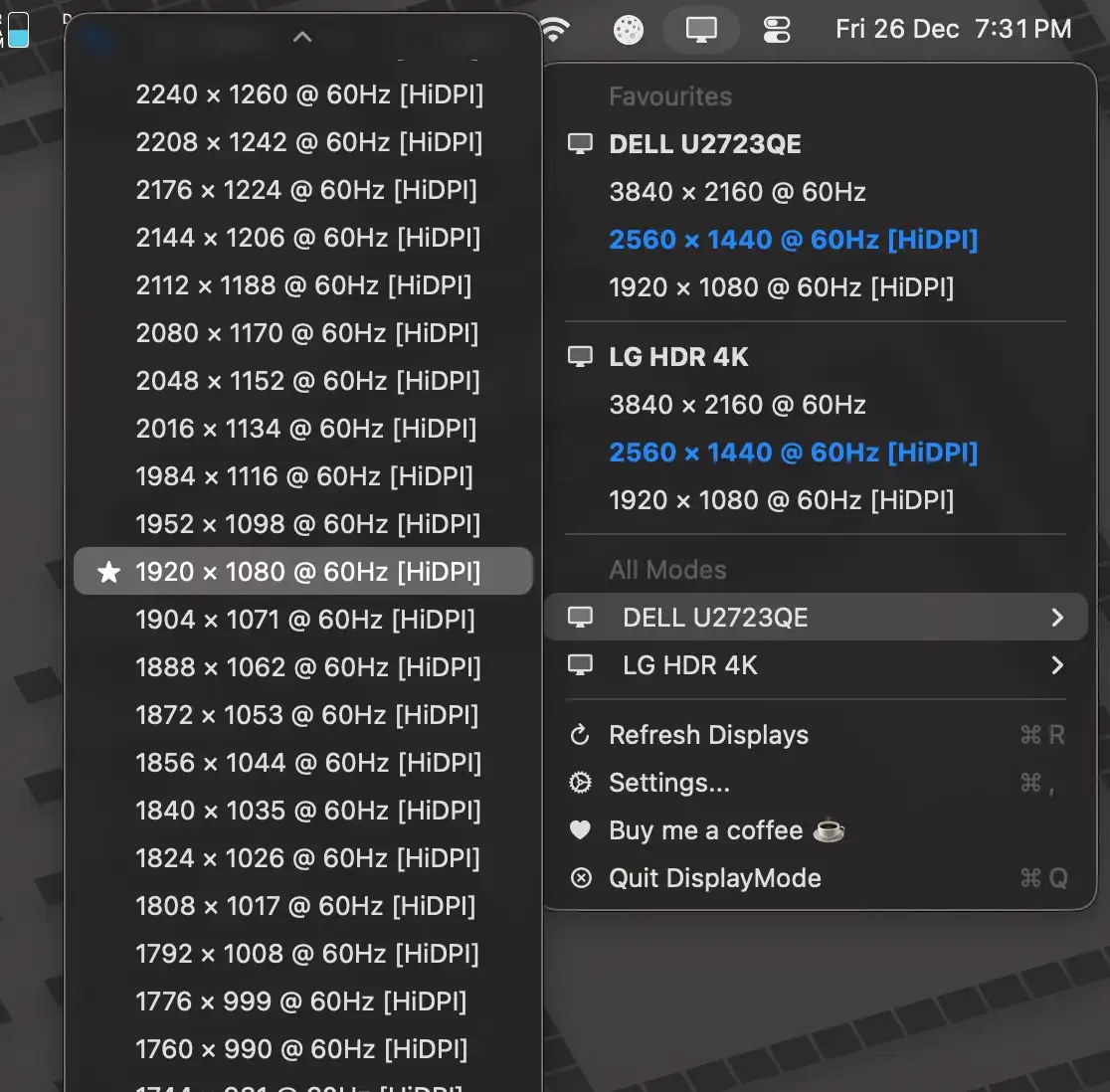
Switch display resolutions from the menu bar with ease. Save favorites, manage each display separately, and trigger changes via Shortcuts without digging through macOS settings.
Collection:
Display Apps | Launcher Apps
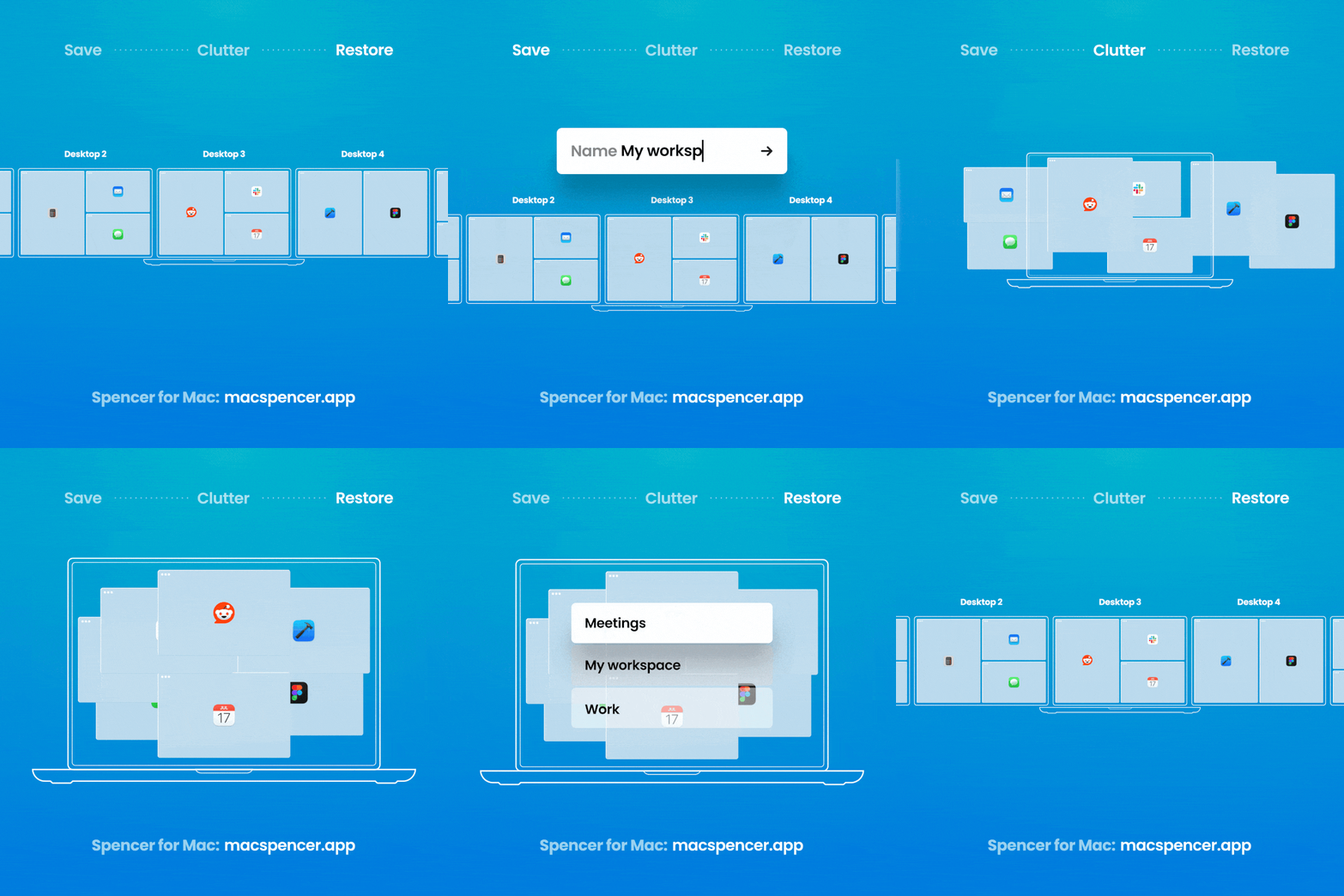
Spencer
Collection:
Display Apps
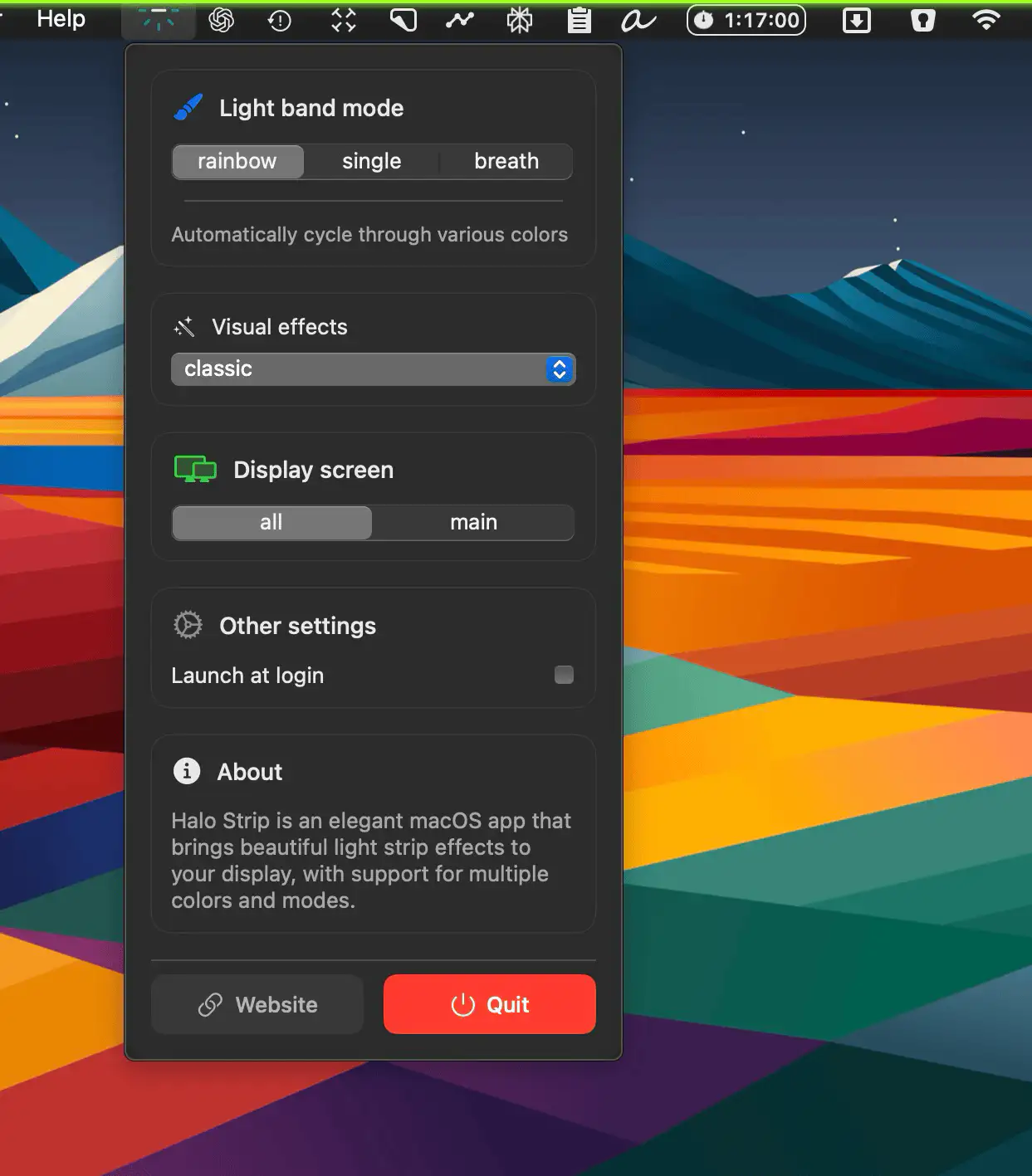
HaloStrip
Collection:
Display Apps
DockAnchor
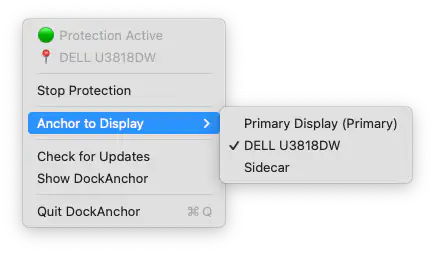
DockAnchor keeps your macOS Dock fixed to the display you choose, preventing it from jumping to other monitors when your cursor hits the screen edge.
Collection:
Display Apps
DesktopRenamer
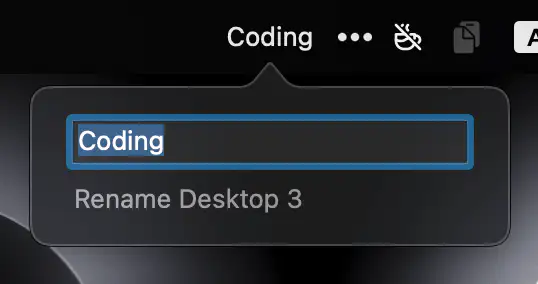
DesktopRenamer shows your custom desktop names in the menu bar and Mission Control, keeping you organized without disabling SIP.
Collection:
Display Apps
Beeno
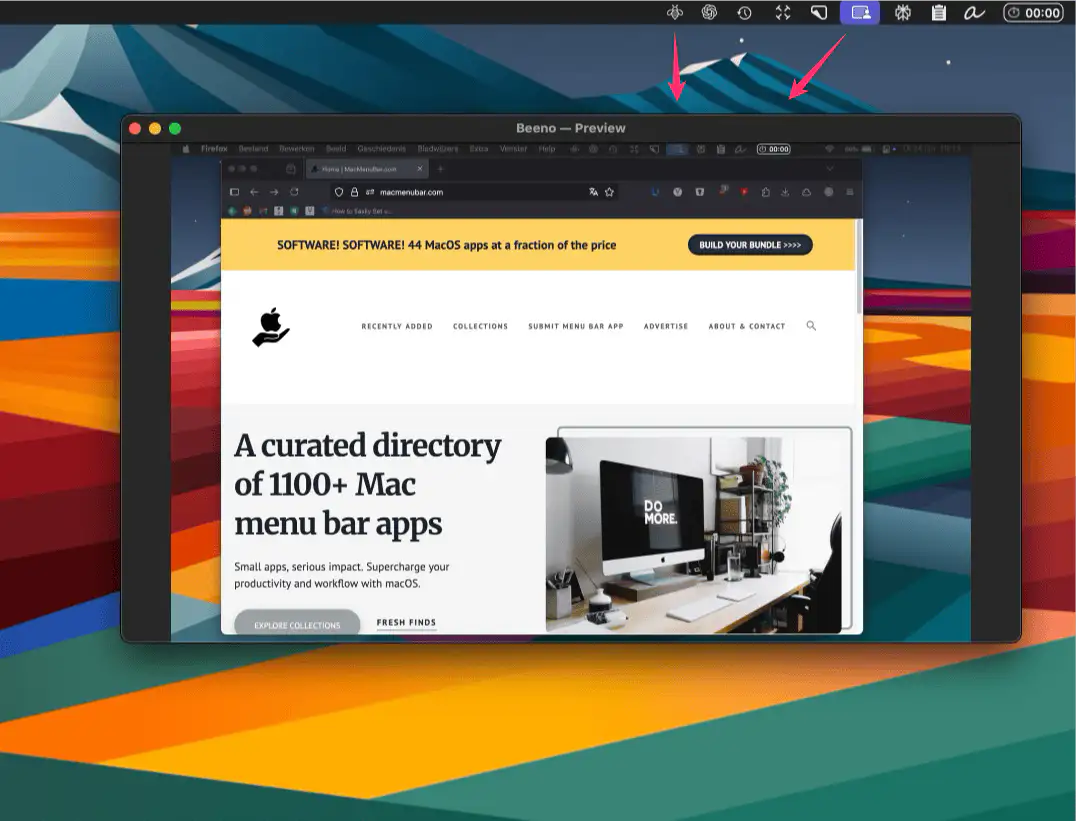
Beeno mirrors any external screen onto your main display — perfect for creative shoots, presentations, or sharing detailed views with clients in real time.