Take control of every click and keystroke. Customize gestures, remap keys, automate shortcuts, smooth scrolling, simulate activity, switch keyboards intelligently, add typing sounds, or even replay input actions, all directly from your menu bar.
Show me the free apps only
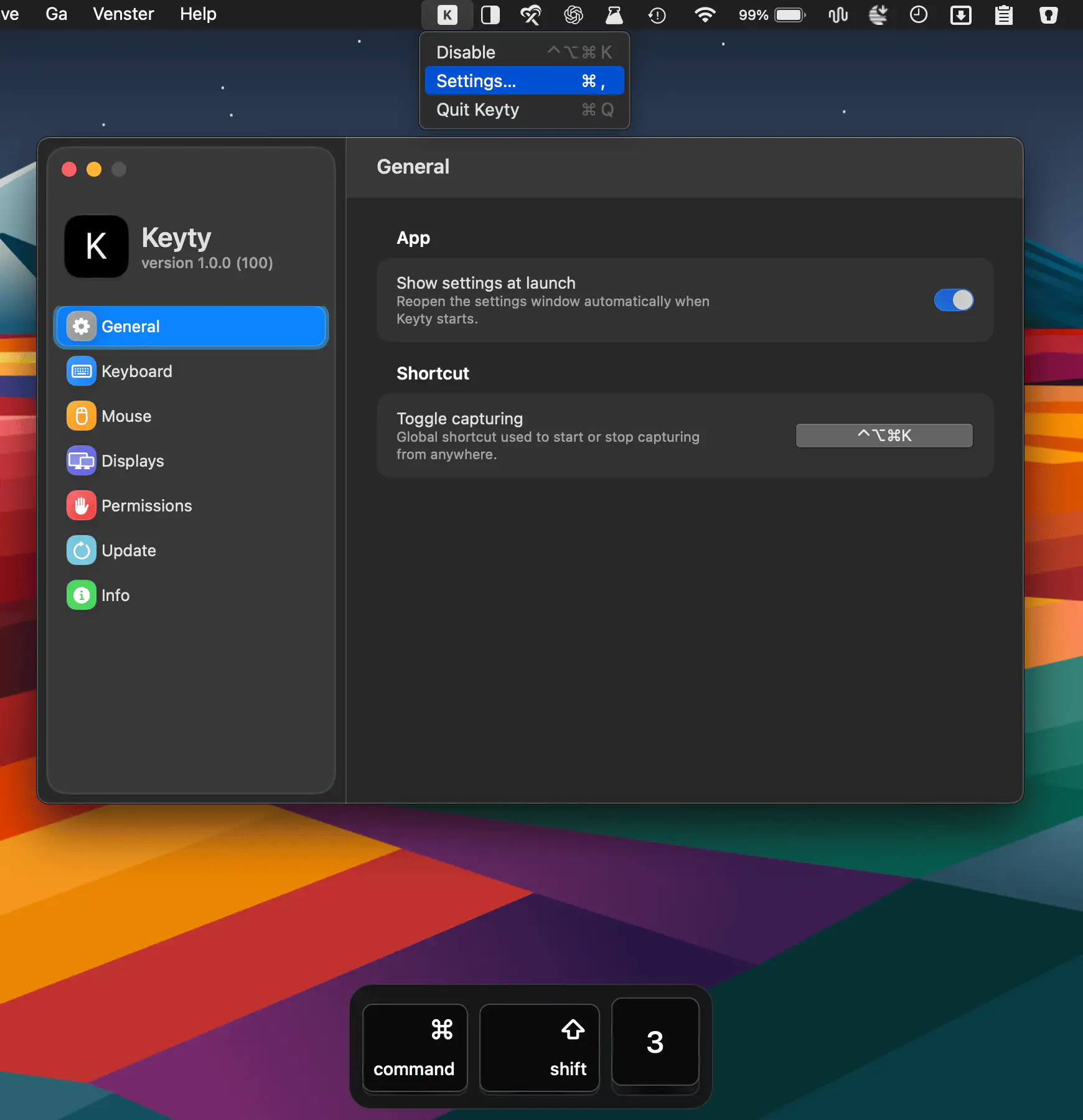
Keyty visualizes keyboard shortcuts, keystrokes, mouse clicks, and scrolling in real time, making screen recordings, demos, presentations, tutorials, and livestreams easier to follow.
Visit
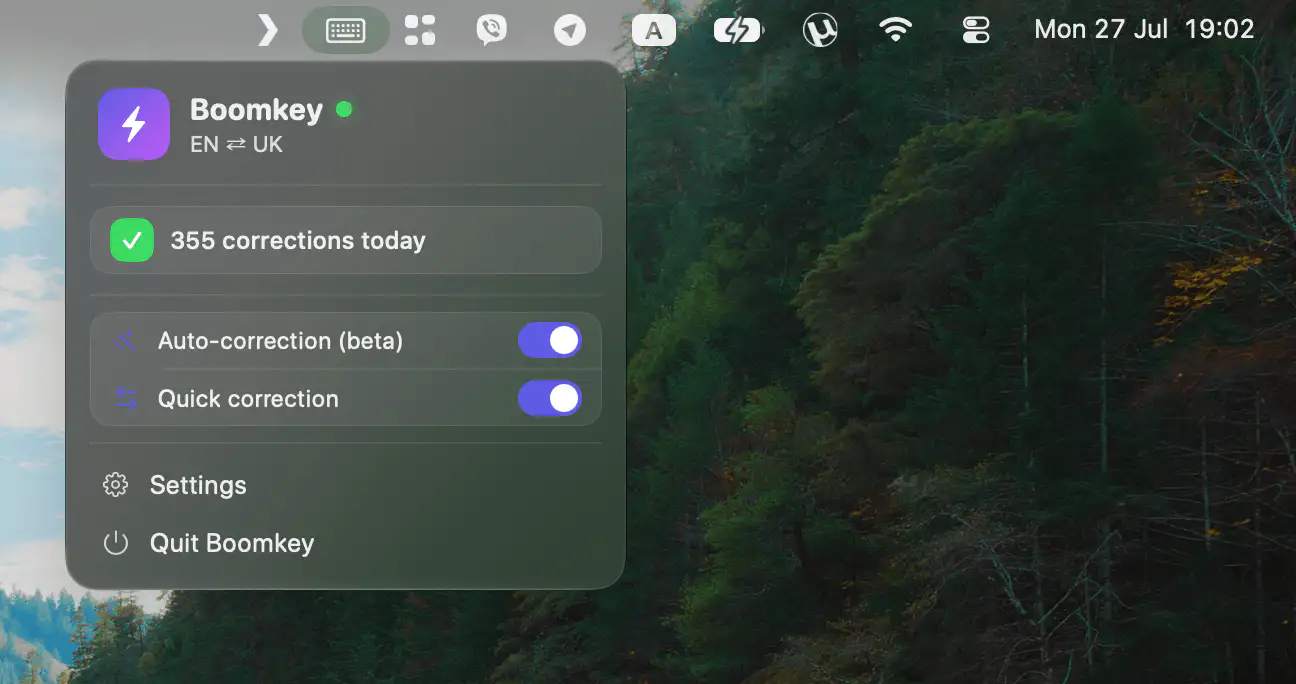
Boomkey fixes text typed in the wrong keyboard layout with a single keystroke, automatically correcting mistakes across apps while supporting 50+ languages and layouts for effortless multilingual typing.
Visit
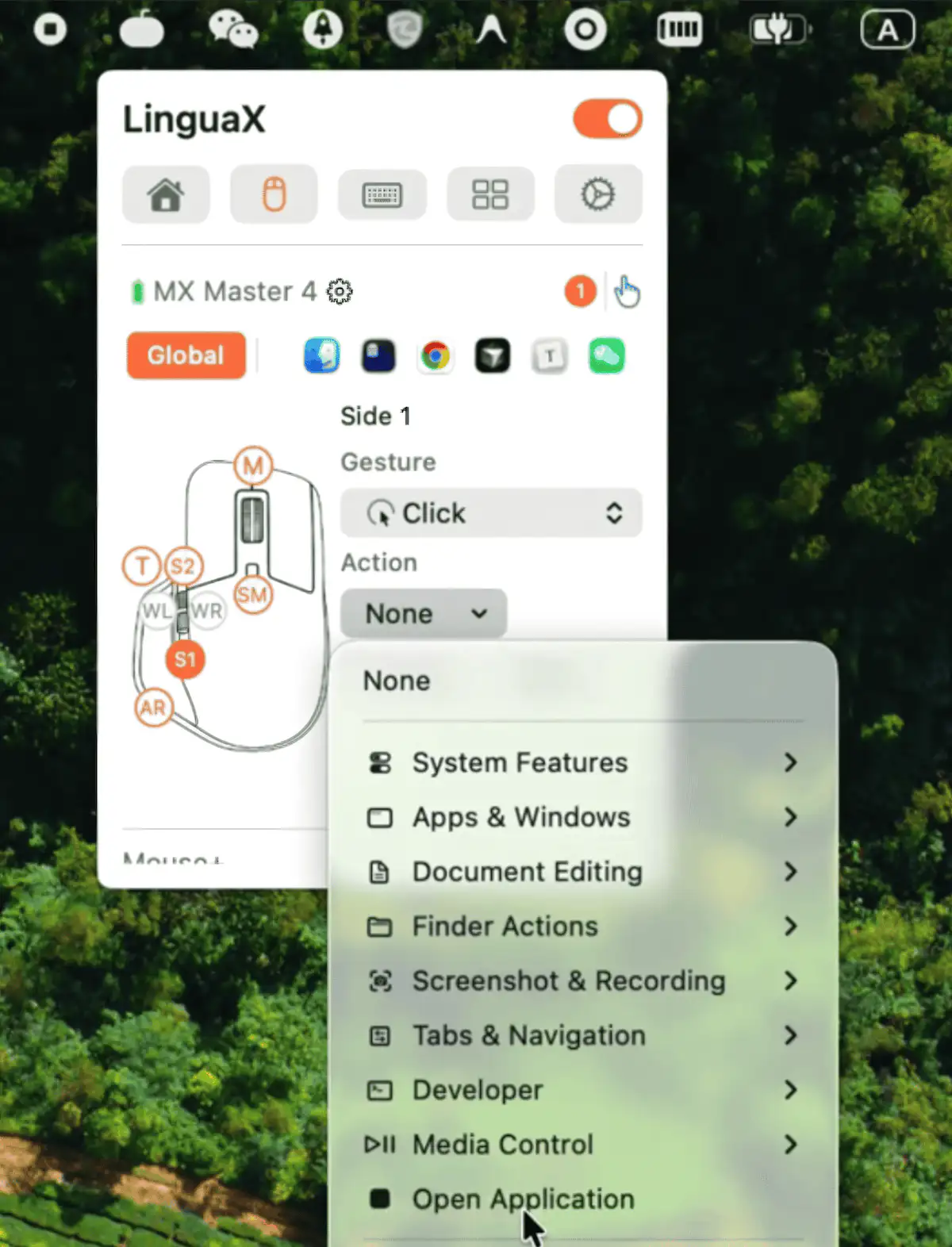
LinguaX makes any third-party mouse feel at home on macOS, with tunable smooth scrolling and per-app button mapping. Hold a side button for push-to-talk dictation, and let input sources switch automatically as your context changes.
Visit Watch
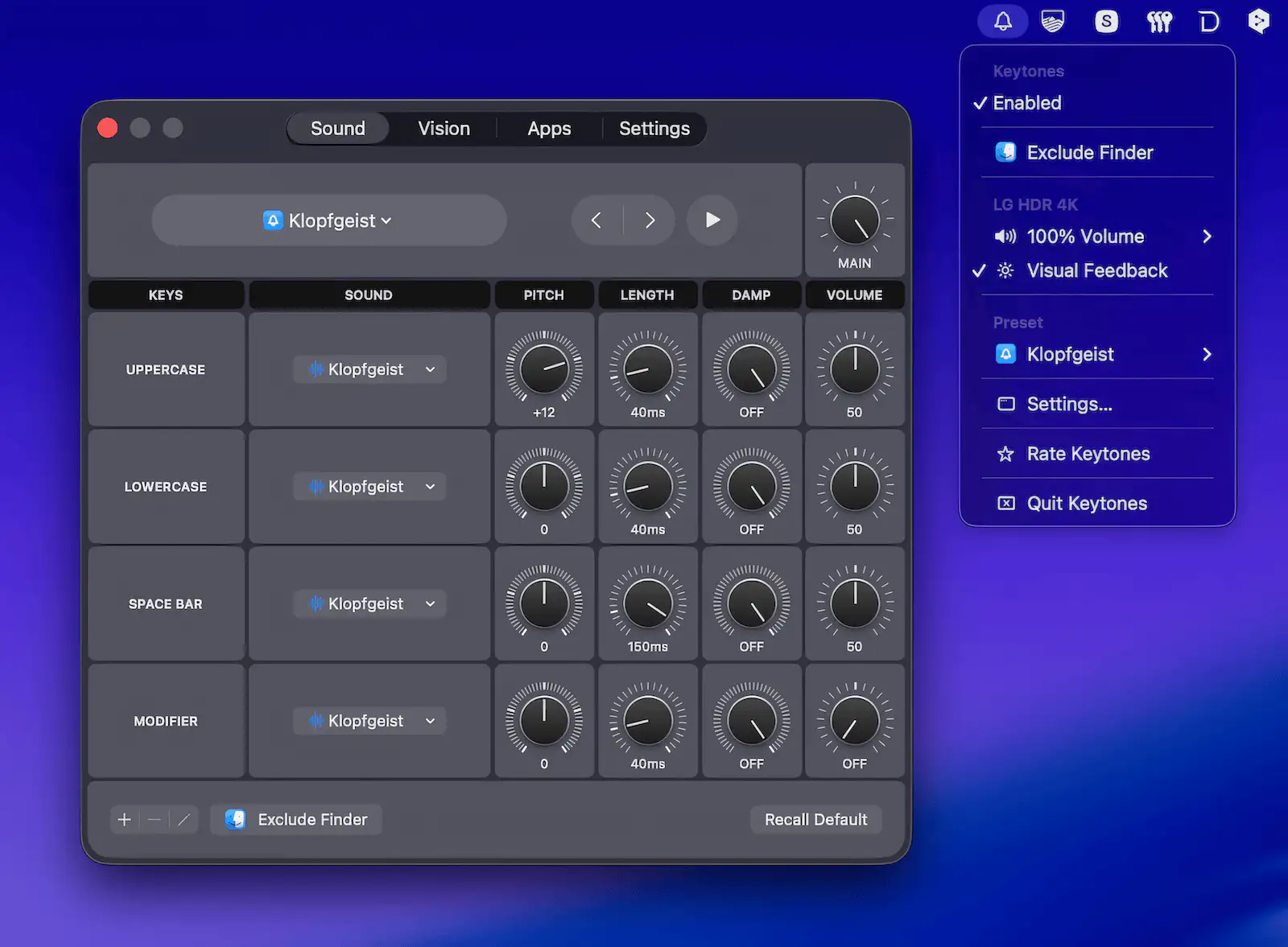
Add customizable audio feedback to every keystroke, with distinct sounds for letters, modifiers, and spaces. Keytones helps catch accidental Caps Lock and Shift presses while offering optional visual feedback.
Visit
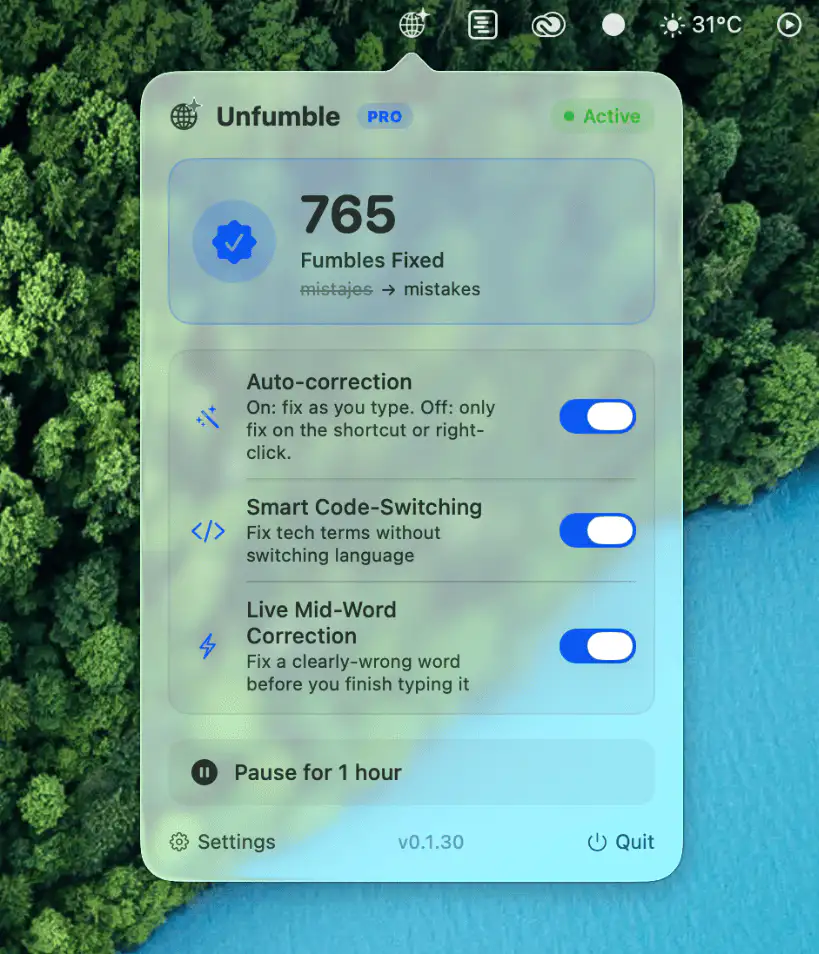
Unfumble automatically switches keyboard layouts and fixes typing mistakes as you write. Built for multilingual users, it keeps the right input source active for a smoother, frustration-free workflow.
Visit
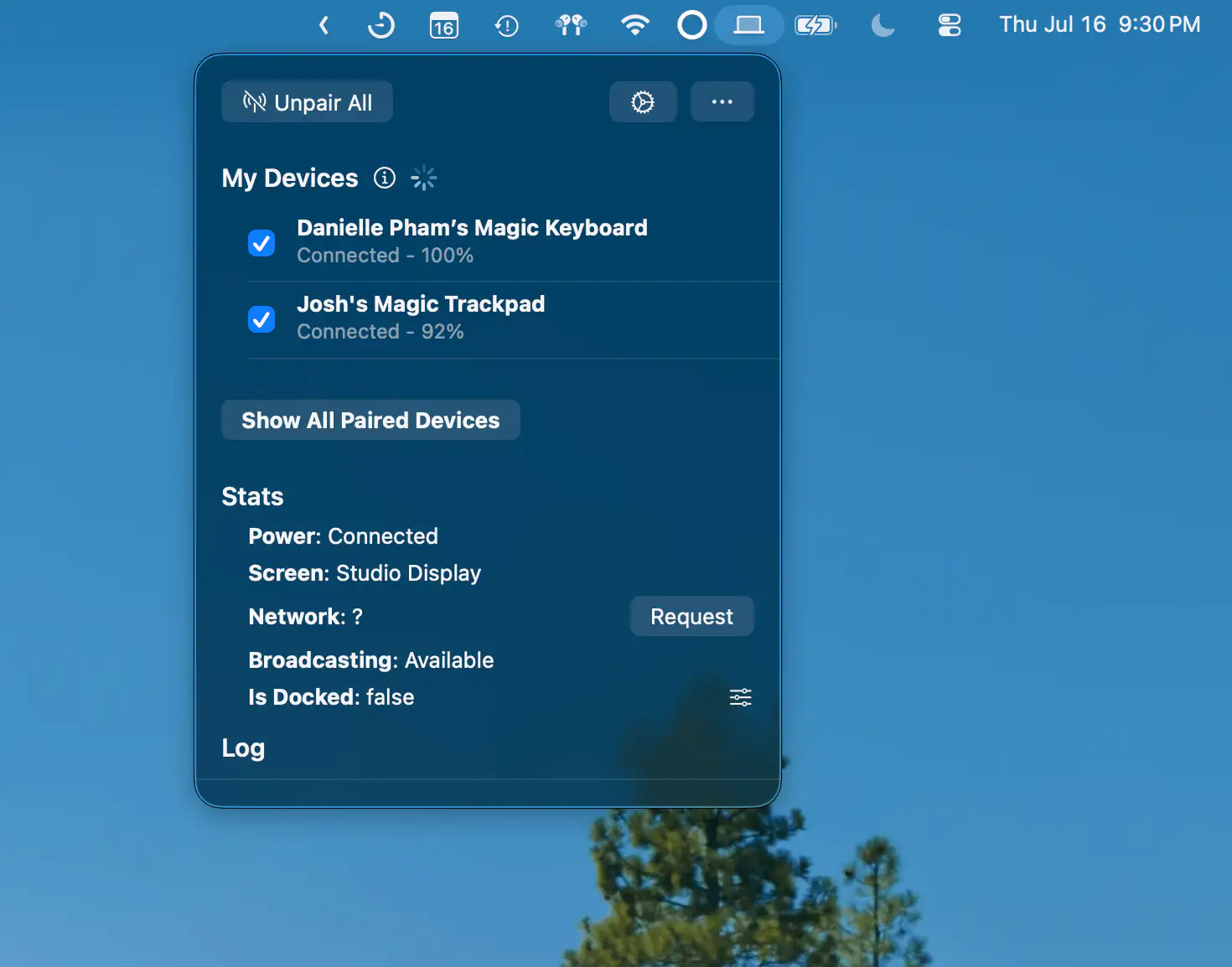
Magic Device Switch makes it easy to move Magic Keyboard, Magic Mouse, and Magic Trackpad between multiple Macs. Switch devices automatically when docking, even across different Apple IDs.
Visit Watch
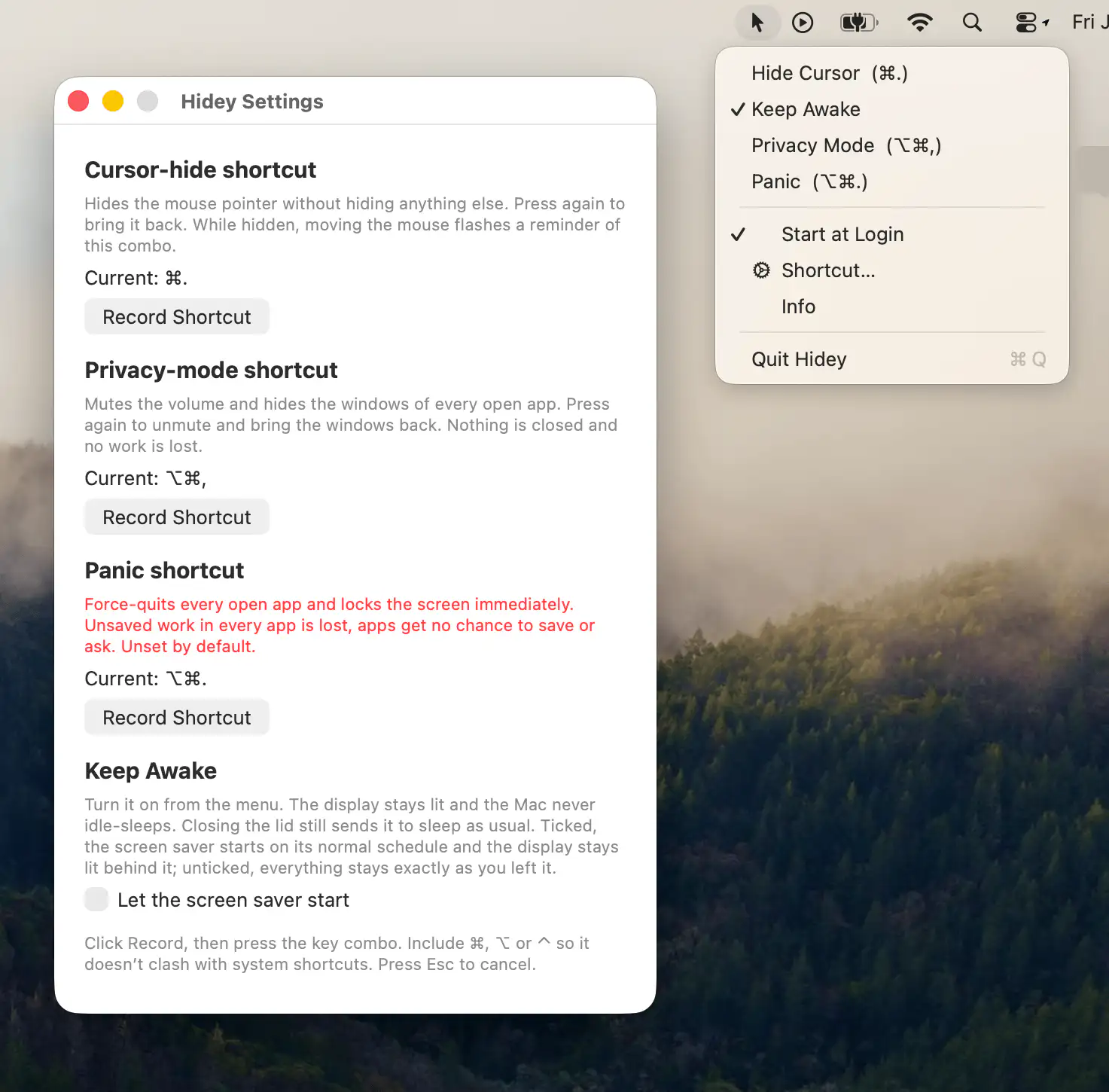
Hidey provides quick shortcuts to hide the cursor, keep your Mac awake, activate privacy mode, and instantly secure your workspace.
Visit
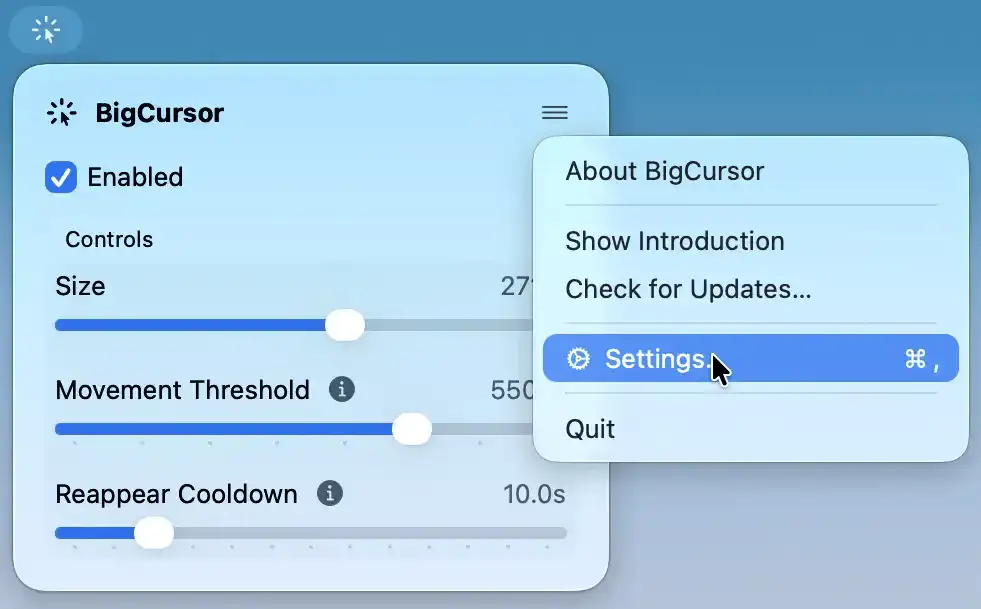
BigCursor makes your pointer easier to spot on large displays by enlarging it while you move and hiding it again when idle. It also offers adjustable size and smart triggers.
Visit
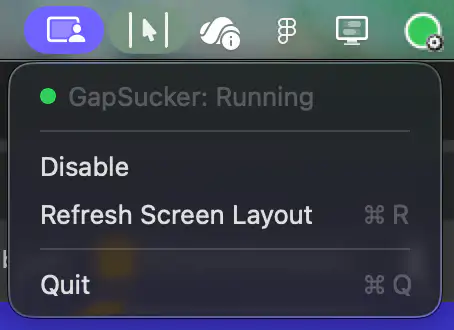
GapSucker makes multi-monitor setups feel like one continuous workspace by automatically moving your cursor across display gaps. It intelligently detects adjacent screens and can be enabled or disabled with a single click.
Visit
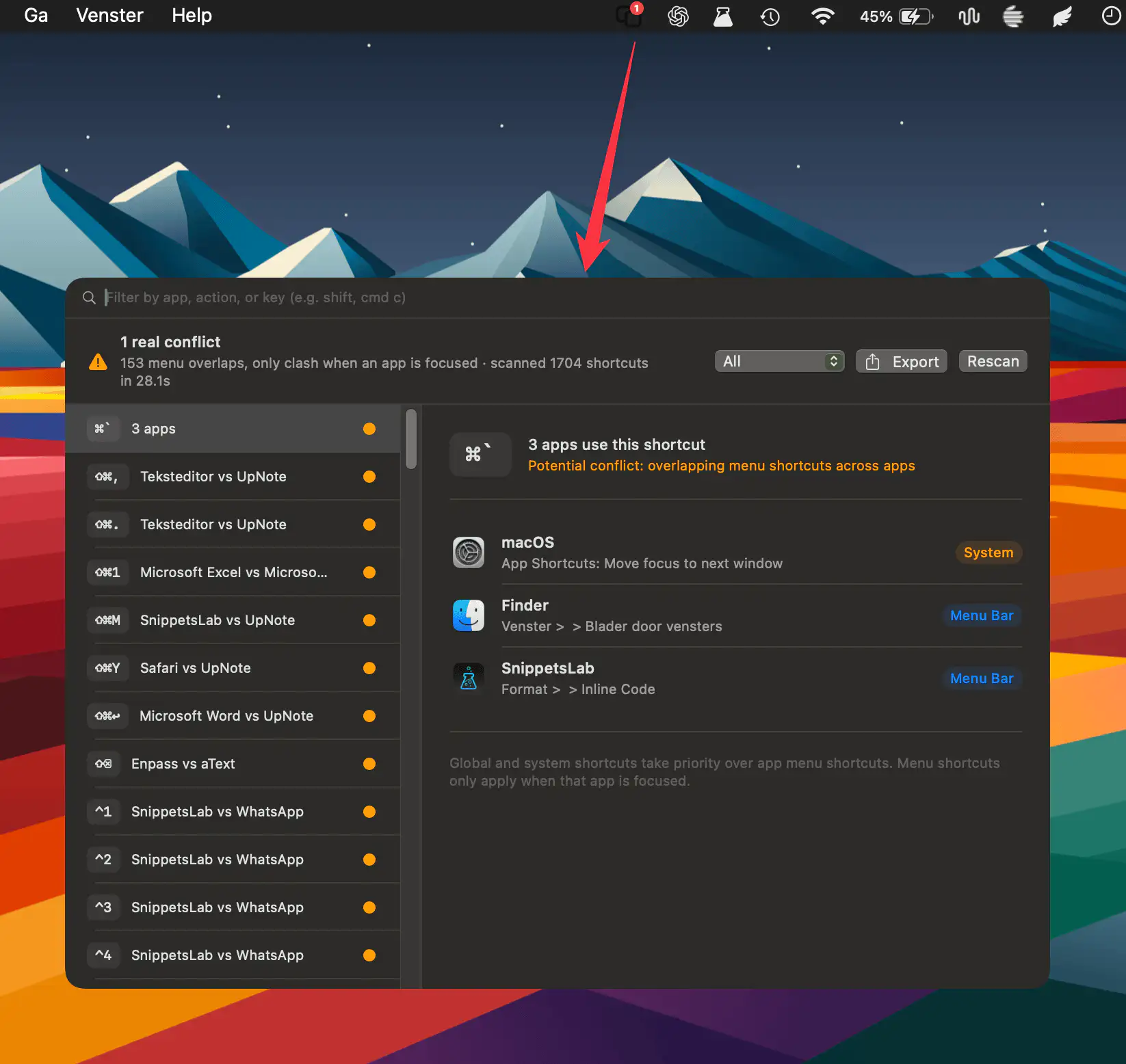
HotkeyClash scans running apps, system shortcuts, and automation configs on macOS to detect overlapping keyboard shortcuts and reveal conflicts in a clear, unified overview.
Visit