Collection:
Keyboard & Mouse Apps
Click
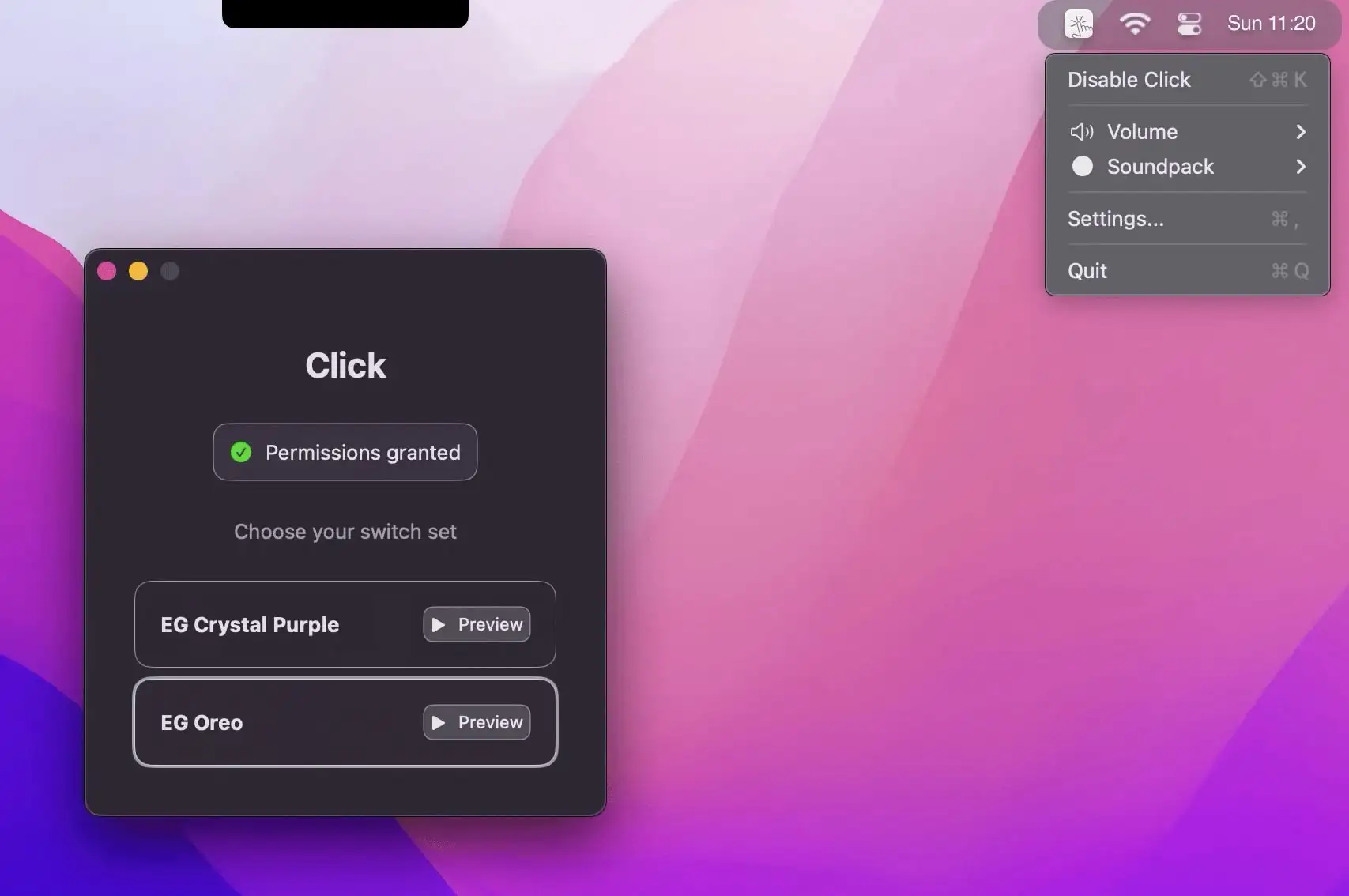
This menu bar app bring the authentic sound of mechanical keyboards to your Mac with Click—featuring premium switch recordings and zero latency.

Take control of every click and keystroke. Customize gestures, remap keys, automate shortcuts, smooth scrolling, simulate activity, switch keyboards intelligently, add typing sounds, or even replay input actions, all directly from your menu bar.
Take control of every click and keystroke. Customize gestures, remap keys, automate shortcuts, smooth scrolling, simulate activity, switch keyboards intelligently, add typing sounds, or even replay input actions, all directly from your menu bar.
This menu bar app bring the authentic sound of mechanical keyboards to your Mac with Click—featuring premium switch recordings and zero latency.
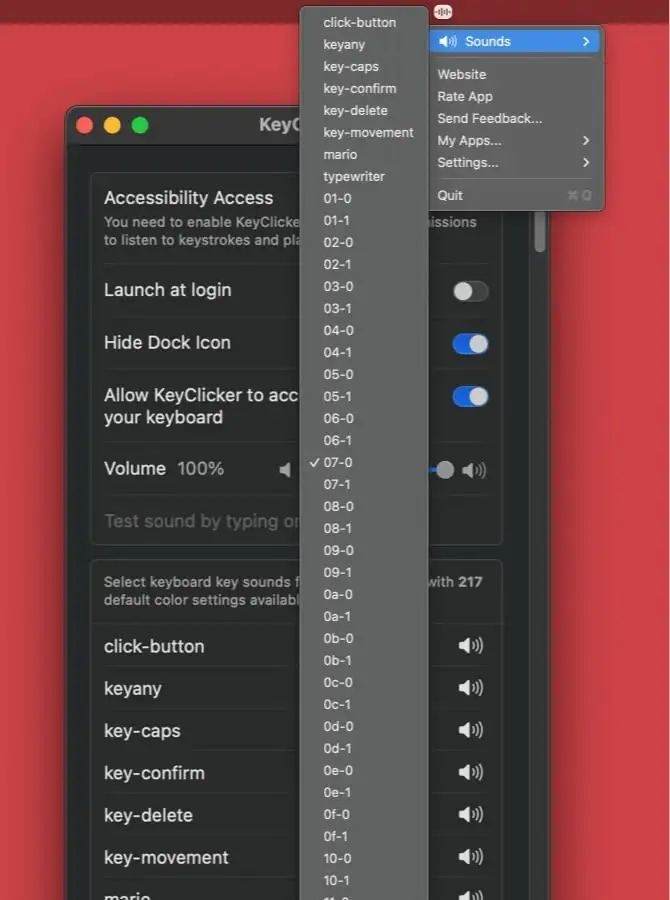
KeyClicker is a menu bar app that brings the authentic typing sounds of over 200 mechanical keyboards and typewriters to life.
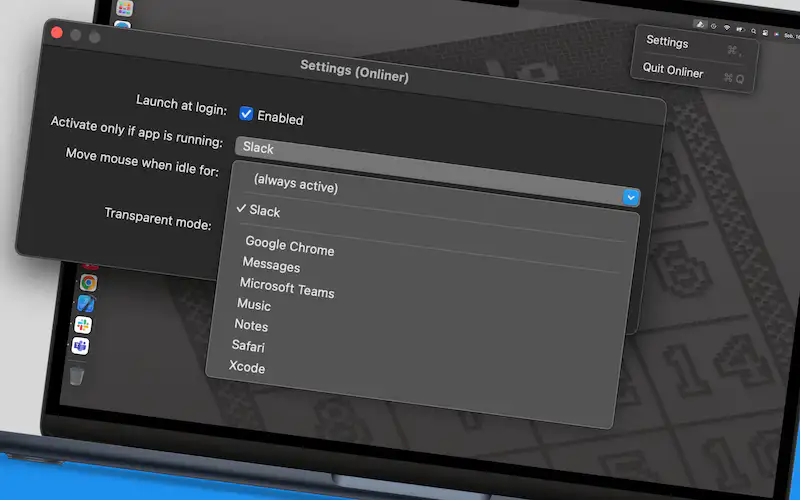
Onliner keeps you “online” effortlessly by simulating undetectable mouse activity in the background. Ideal for remote workers and professionals, Onliner ensures uninterrupted focus and avoids idle status notifications. Simple, efficient, and smarter than any mouse jiggler.
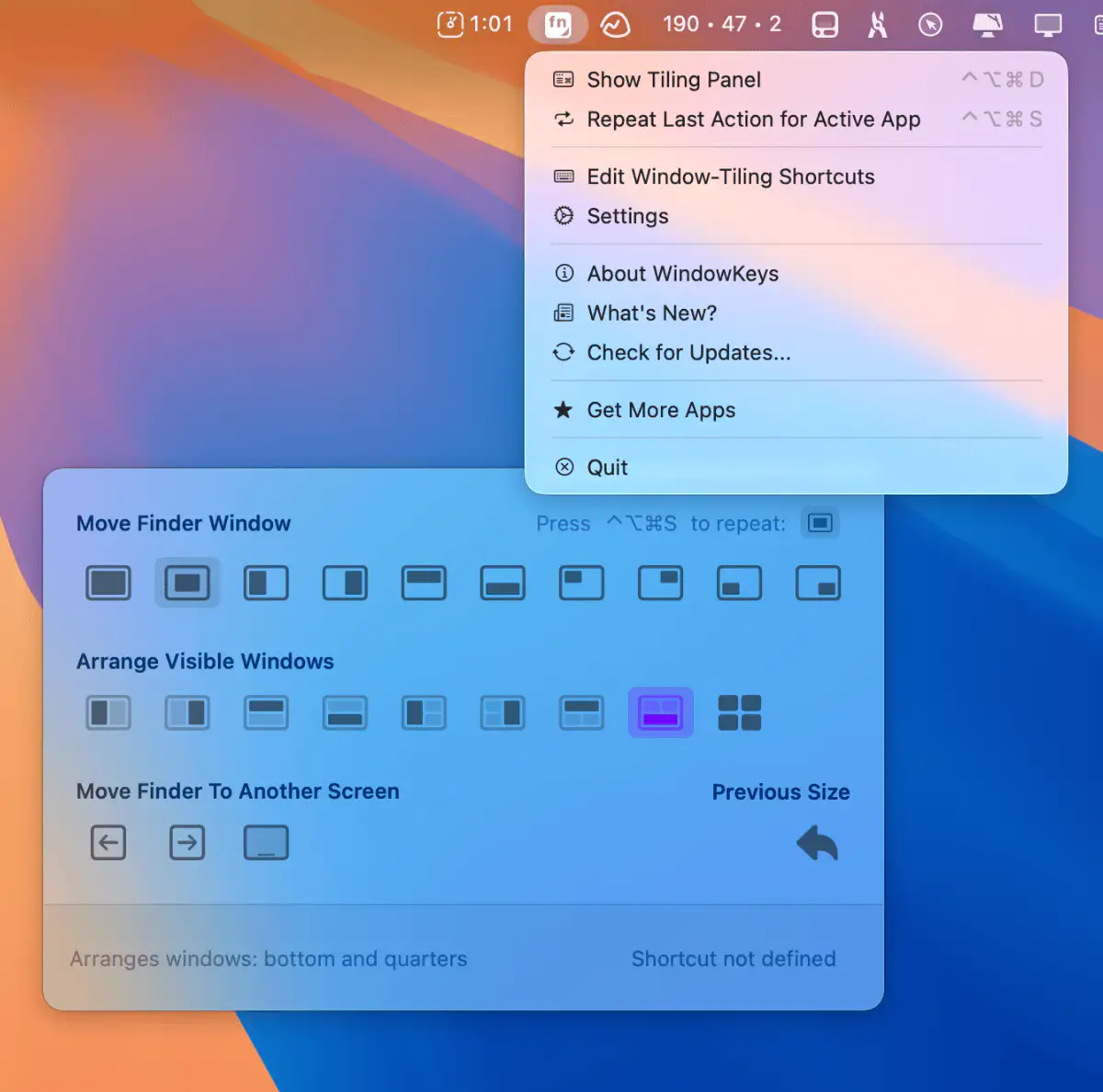
Customize macOS window tiling shortcuts and use them on any keyboard. This menu bar app gives you full control with a handy command panel—simple, flexible, and always within reach.

This menu bar app lets you seamlessly switch Apple peripherals (Magic Keyboard, Magic Mouse, and Magic Trackpad) between two Macs.
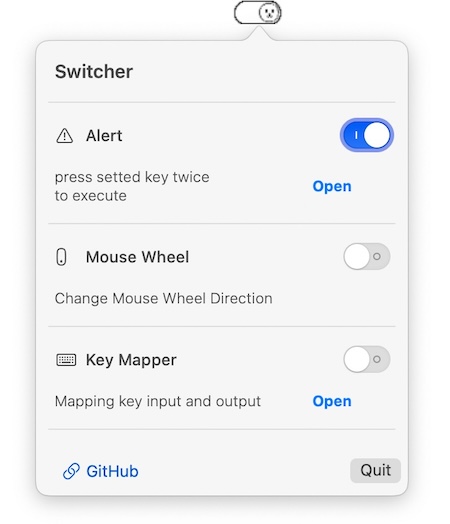
This menu bar app prevents the accidental closing of applications, for instance pressing cmd q by mistake.
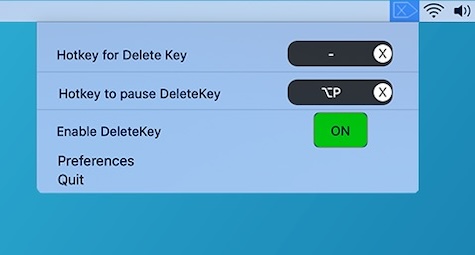
This menu bar app brings back the missing Delete Forward Key from many Mac keyboards on your keyboard. You can bind Forward Delete on any key or key combination.
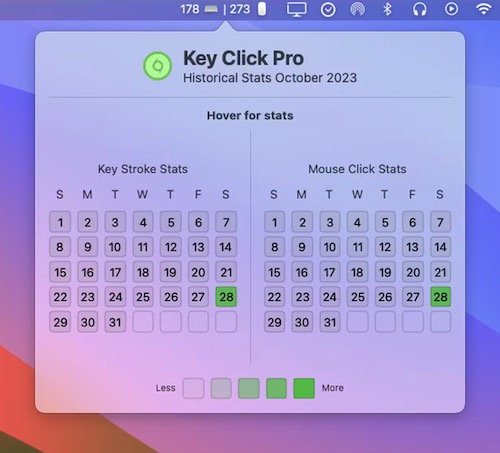
Key Click Pro is a menu bar app that is designed to track your keystrokes and mouse clicks, providing insights into your computer usage patterns and helping you gauge your productivity levels.