Take control of every click and keystroke. Customize gestures, remap keys, automate shortcuts, smooth scrolling, simulate activity, switch keyboards intelligently, add typing sounds, or even replay input actions, all directly from your menu bar.
Show me the free apps only
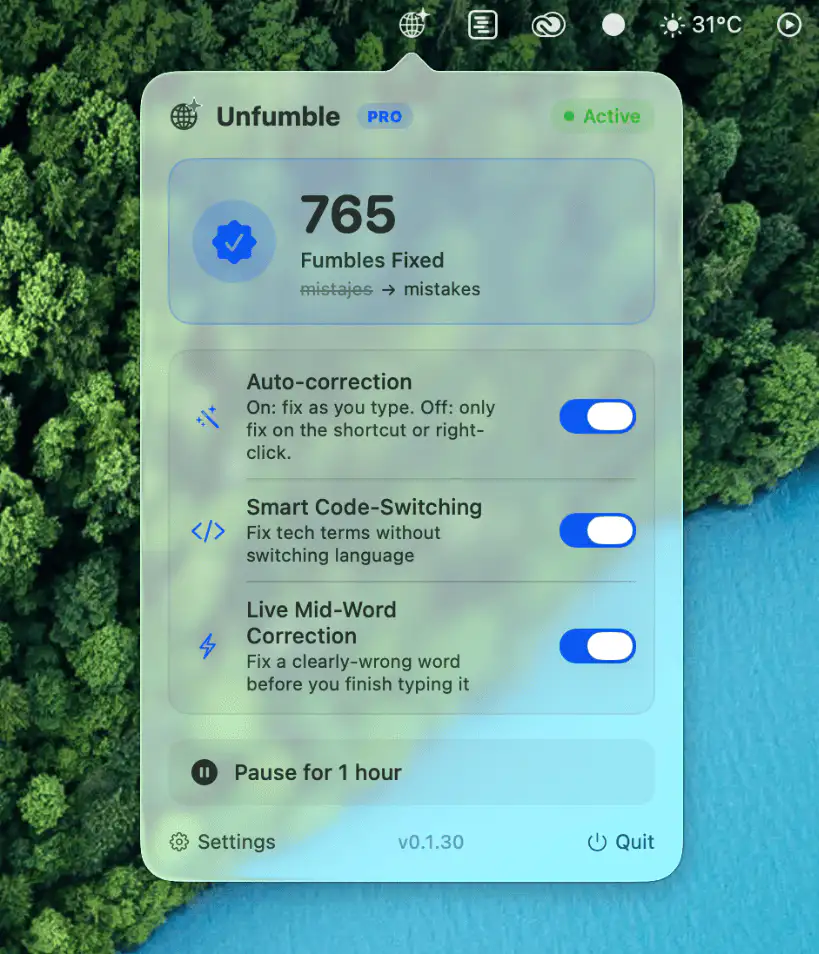
Unfumble automatically switches keyboard layouts and fixes typing mistakes as you write. Built for multilingual users, it keeps the right input source active for a smoother, frustration-free workflow.
Visit
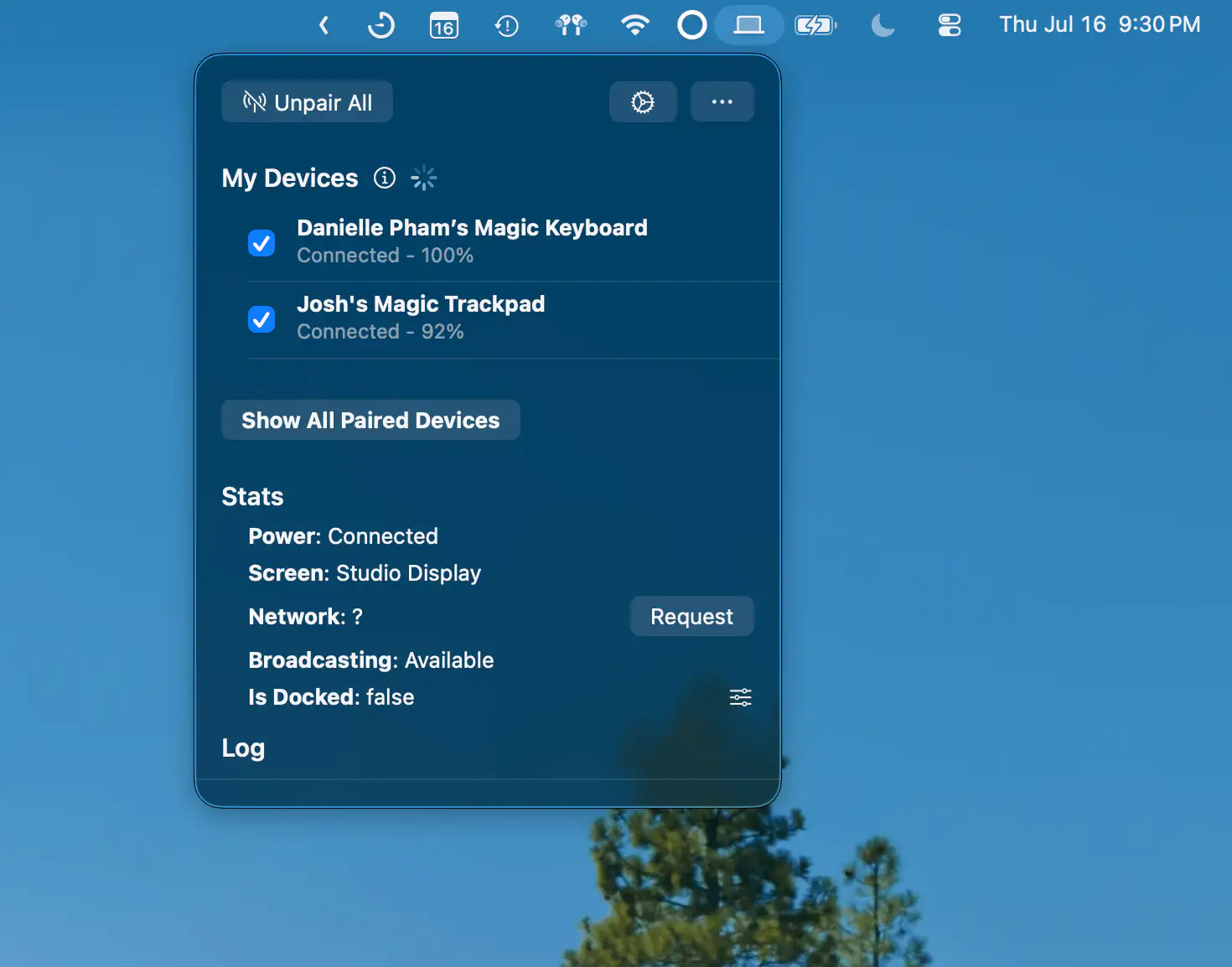
Magic Device Switch makes it easy to move Magic Keyboard, Magic Mouse, and Magic Trackpad between multiple Macs. Switch devices automatically when docking, even across different Apple IDs.
Visit Watch
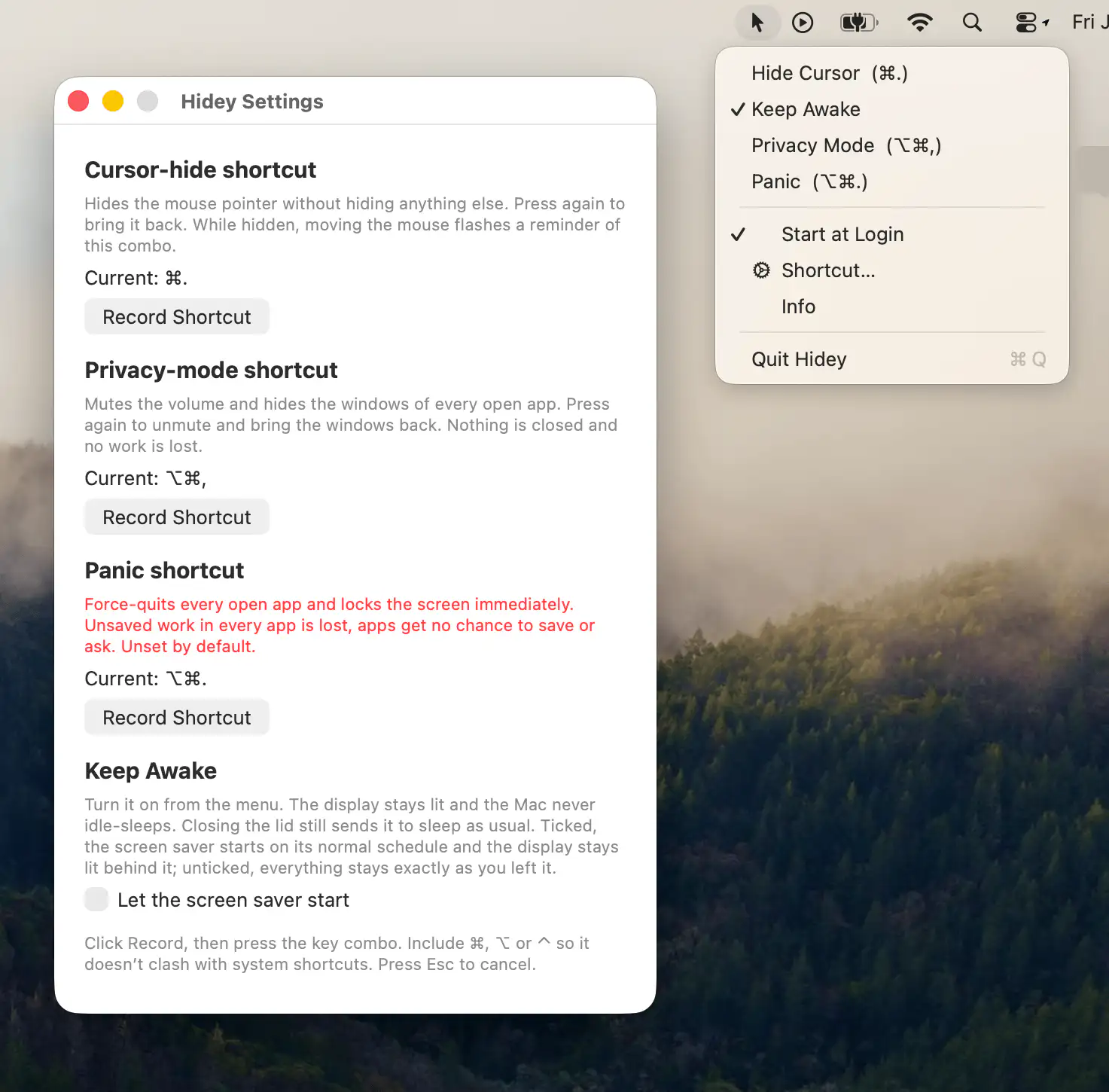
Hidey provides quick shortcuts to hide the cursor, keep your Mac awake, activate privacy mode, and instantly secure your workspace.
Visit
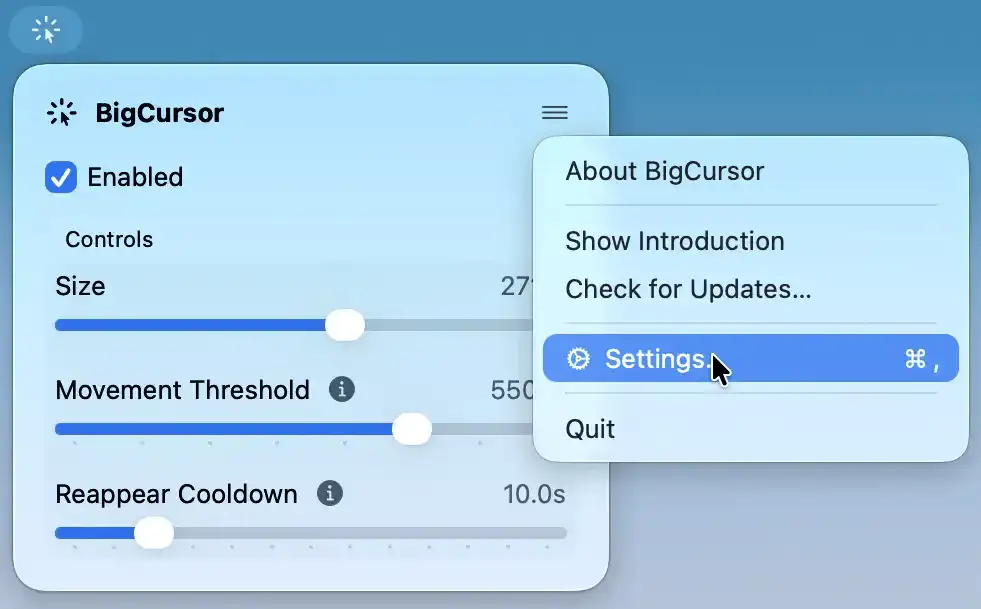
BigCursor makes your pointer easier to spot on large displays by enlarging it while you move and hiding it again when idle. It also offers adjustable size and smart triggers.
Visit
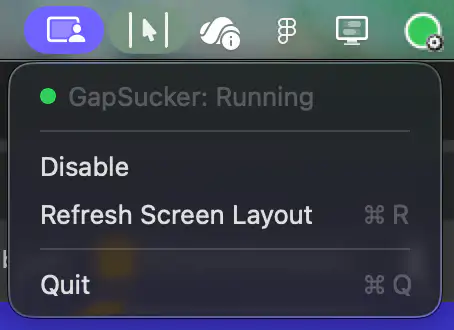
GapSucker makes multi-monitor setups feel like one continuous workspace by automatically moving your cursor across display gaps. It intelligently detects adjacent screens and can be enabled or disabled with a single click.
Visit
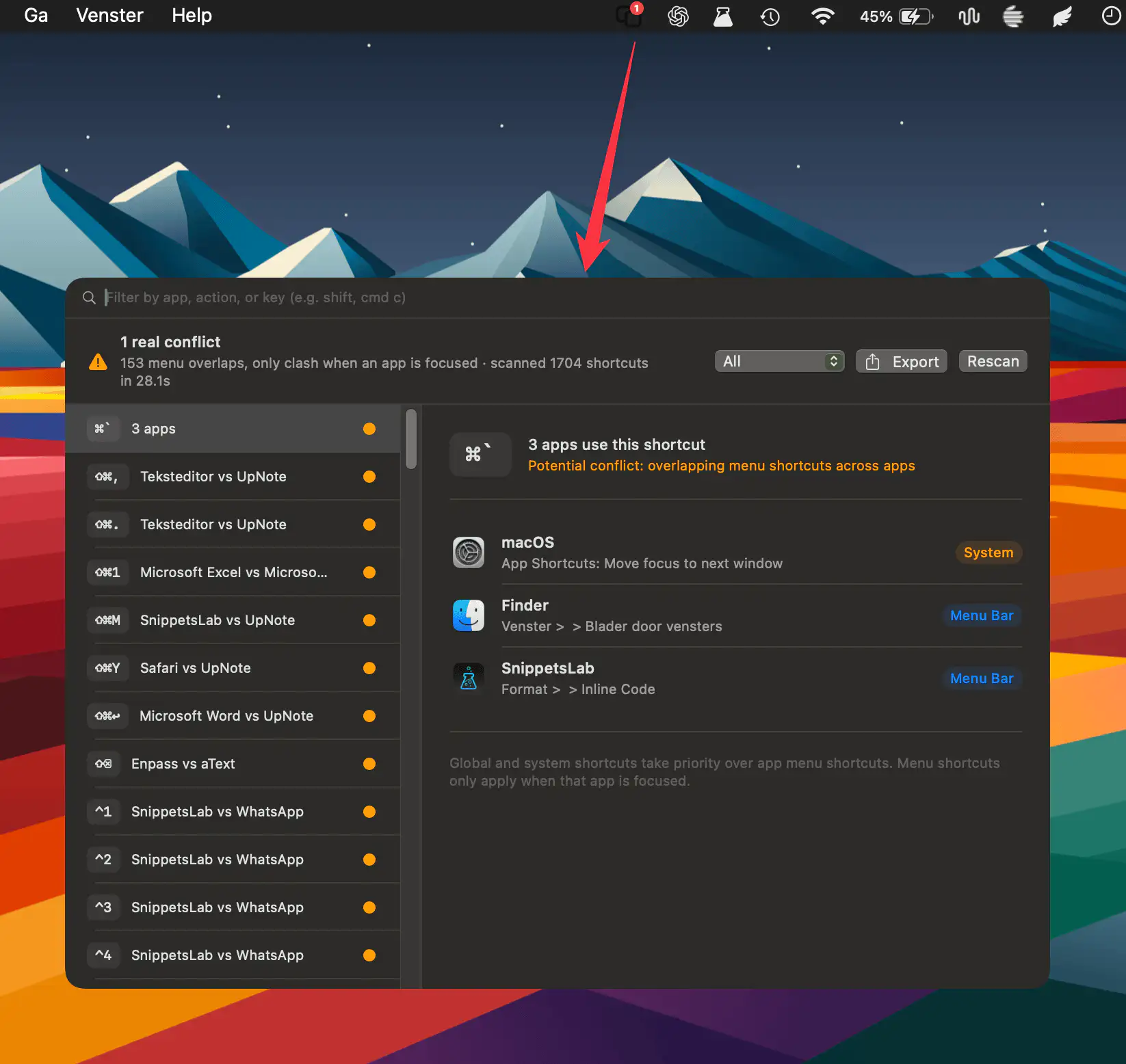
HotkeyClash scans running apps, system shortcuts, and automation configs on macOS to detect overlapping keyboard shortcuts and reveal conflicts in a clear, unified overview.
Visit
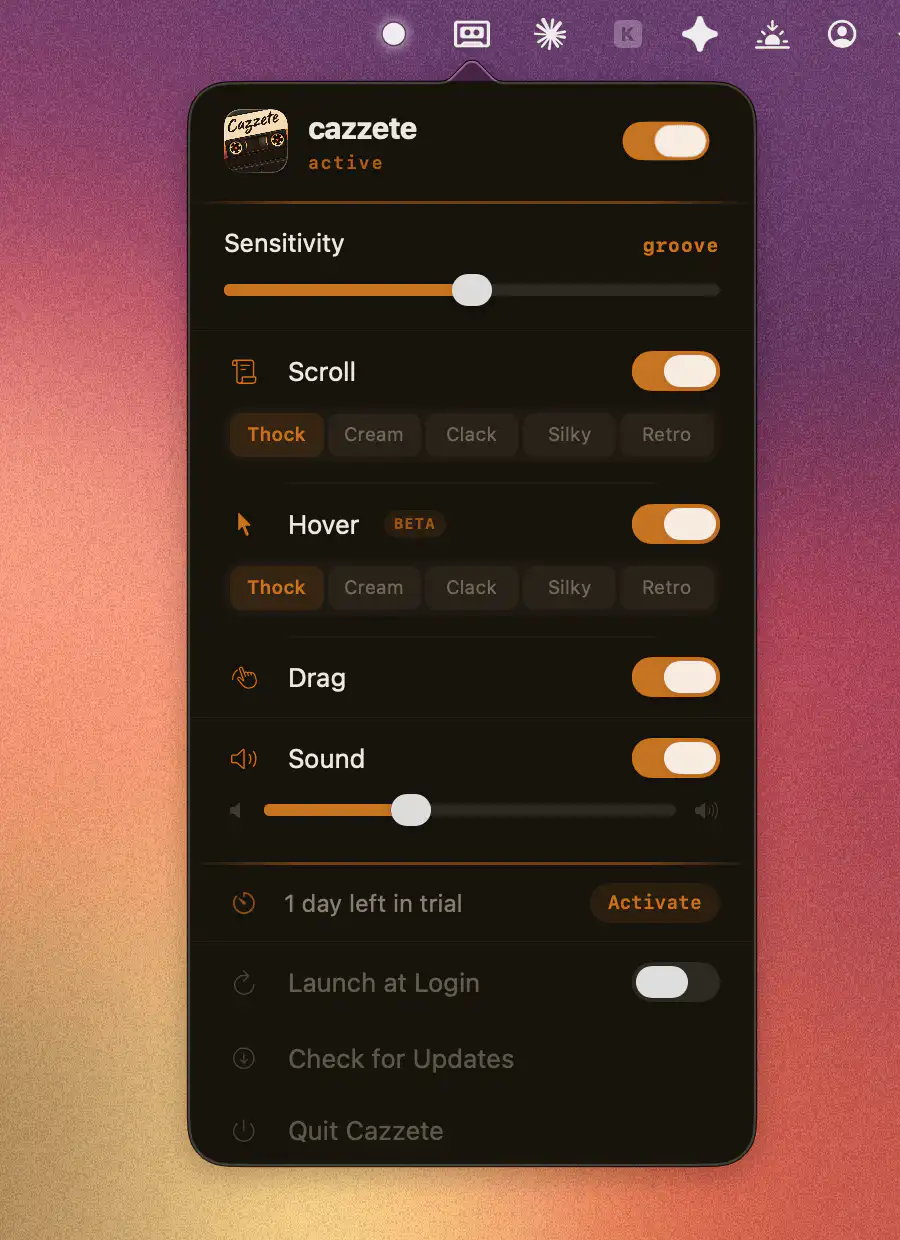
Cazzete brings haptic feedback to apps that never had it, extending your Mac’s trackpad sensations beyond Apple’s limited support. A simple way to make clicks, actions, and interactions feel more tactile and responsive.
Visit
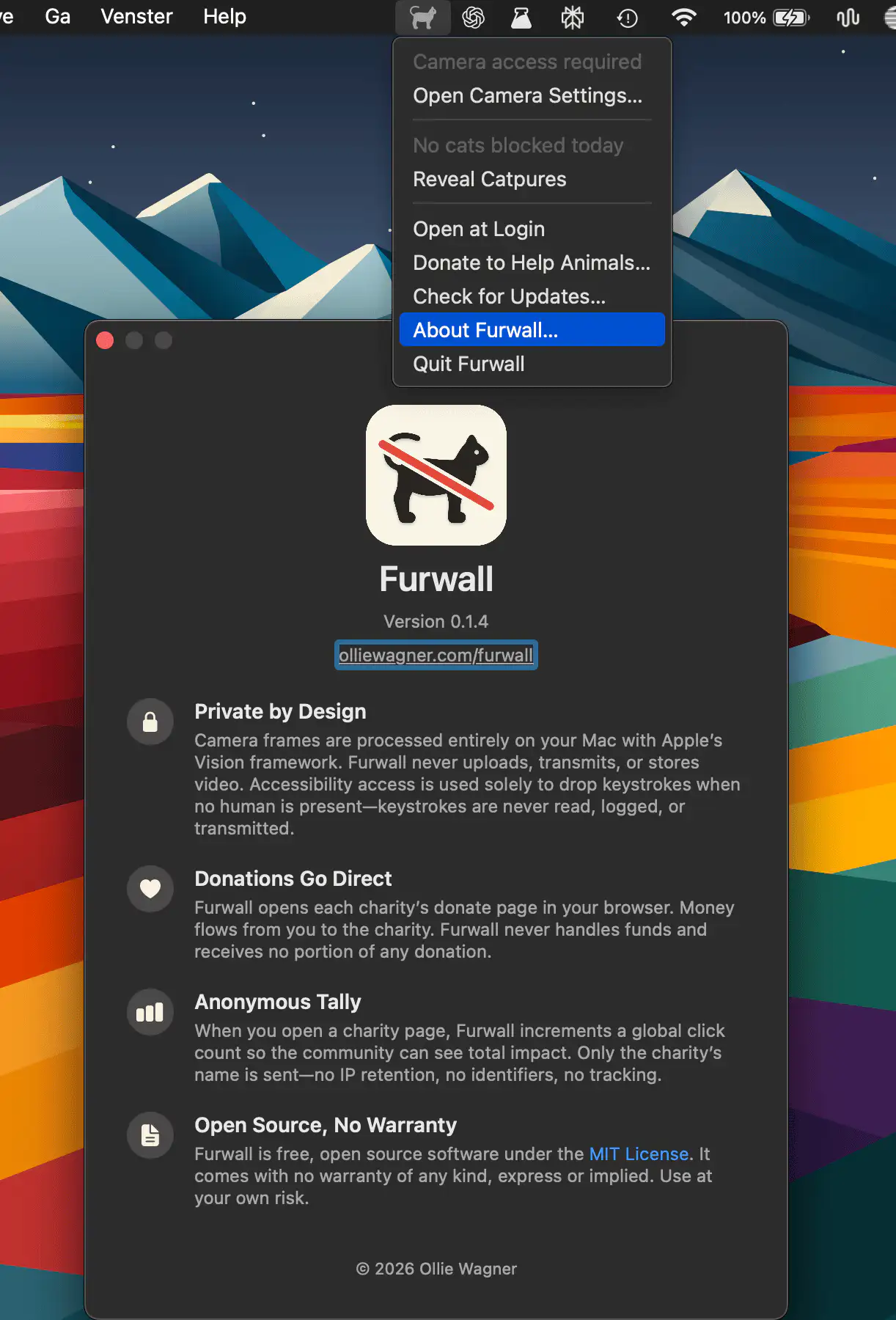
Furwall keeps curious cats from turning a casual keyboard stroll into a digital disaster. By watching your camera locally, it detects feline intrusions and quietly blocks accidental keystrokes before they cause trouble.
Visit Watch
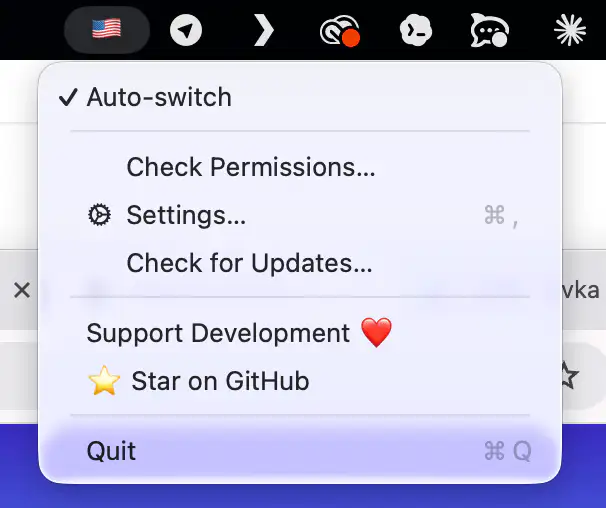
Mistyped your last word again? Tap ⌥ Alt and RuSwitcher quietly fixes it, converting text between any installed keyboard layouts.
Visit
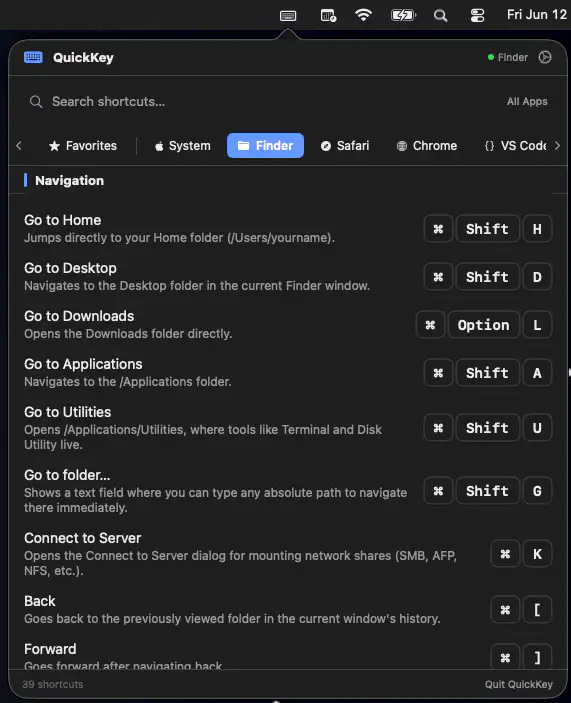
QuickKey keeps keyboard shortcuts close at hand by automatically showing commands for the app you’re using. Search, save favorites, and even trigger shortcuts instantly.
Visit
