

Collection:
Network Apps
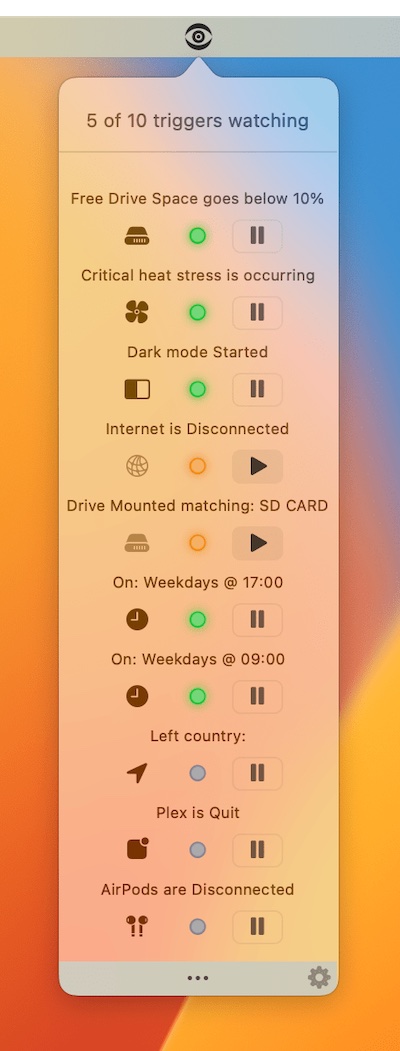
Stay in control of your connection. Monitor bandwidth, ping latency, IP addresses, DNS settings, VPN status, ports, and signal strength, automate network triggers, mount shares, switch proxies, and secure traffic directly from your menu bar.
Collection:
Network Apps
MenuPing
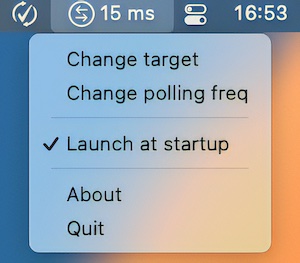
MenuPing is a menu bar app that checks how well the network is working. It pings a server on the Internet every seconds (configurable) and prints the result in a short way at the top of the screen.
Collection:
Network Apps
Shuttle

When you want to access another computer remotely, you’ll need the SSH protocol. Shuttle brings the SSH client to your menu bar.
Collection:
Network Apps
Public IP
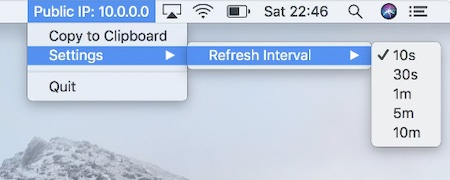
This menu bar app displays you public IP Address and is updated frequently. The frequency can be adjusted to meet your needs.
Collection:
Network Apps
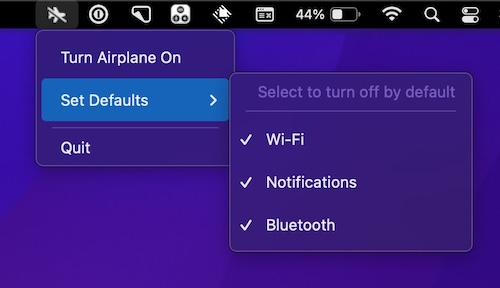
Airplane for Mac
End of content
End of content