Collection:
Network Apps
Catch
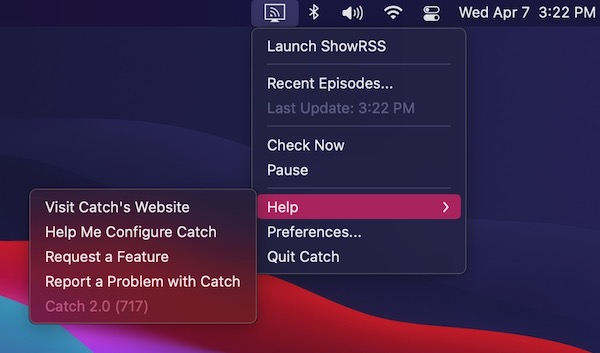
Catch is a menu bar app which enables you to download digital content made available via RSS. Simply add your feeds, and new episodes will be downloaded using your preferred BitTorrent client.

Stay in control of your connection. Monitor bandwidth, ping latency, IP addresses, DNS settings, VPN status, ports, and signal strength, automate network triggers, mount shares, switch proxies, and secure traffic directly from your menu bar.
Stay in control of your connection. Monitor bandwidth, ping latency, IP addresses, DNS settings, VPN status, ports, and signal strength, automate network triggers, mount shares, switch proxies, and secure traffic directly from your menu bar.
Catch is a menu bar app which enables you to download digital content made available via RSS. Simply add your feeds, and new episodes will be downloaded using your preferred BitTorrent client.
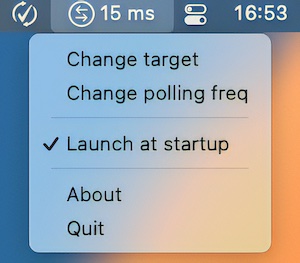
MenuPing is a menu bar app that checks how well the network is working. It pings a server on the Internet every second (configurable) and prints the result in a short way at the top of the screen.
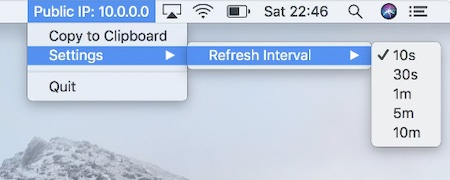
This menu bar app displays your public IP address and is updated frequently. The frequency can be adjusted to meet your needs.
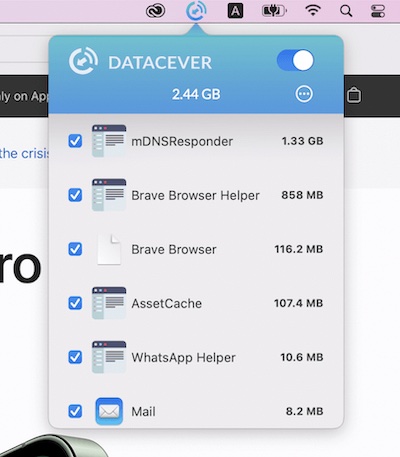
This menu bar app allows you to monitor and control internet traffic, allowing you to know what consumes your data plan. You can also specify quota for each application.
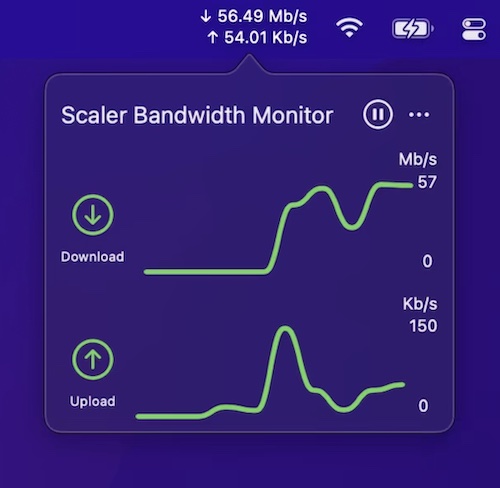
This menu bar app lets you track the current, combined incoming and outgoing network traffic of your device.
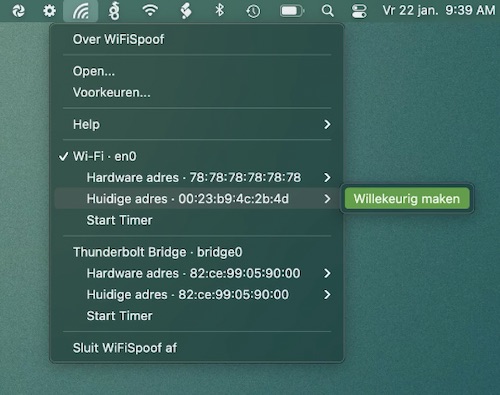
WiFiSpoof is a menu bar app that gives you a quick overview of the current state of your Mac’s network devices. It also protects your privacy while surfing public Wi-Fi networks.
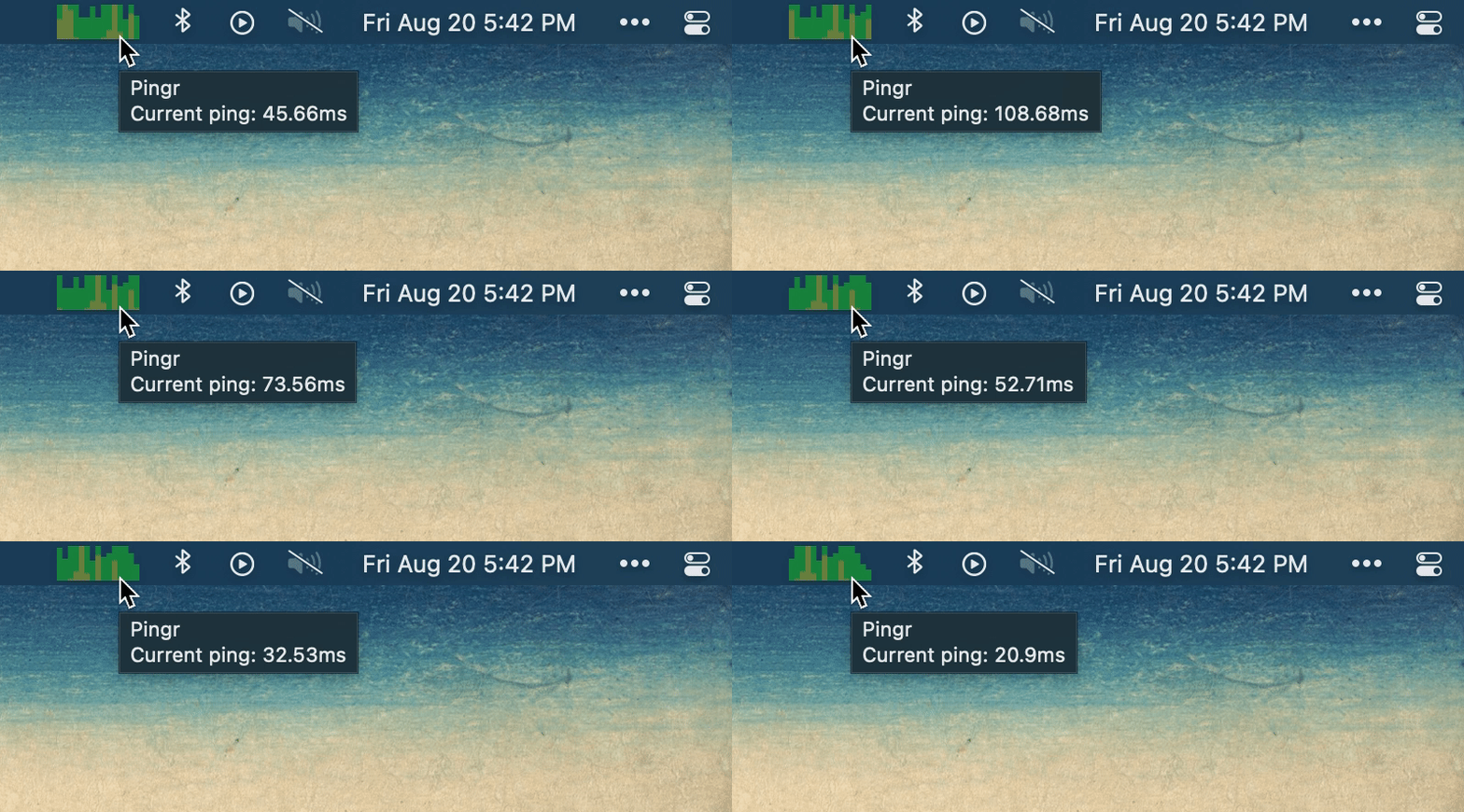
Pingr shows your current internet speed right in the menu bar with a clean, minimal widget — a quick at-a-glance check that tells you whether your connection is holding up without opening a speed test.