

Collection:
Network Apps
Stay in control of your connection. Monitor bandwidth, ping latency, IP addresses, DNS settings, VPN status, ports, and signal strength, automate network triggers, mount shares, switch proxies, and secure traffic directly from your menu bar.
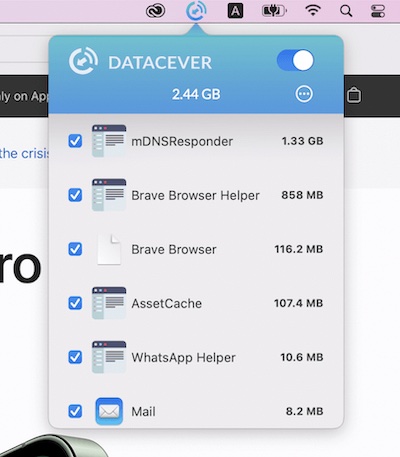

Collection:
Network Apps
Scaler Bandwith Monitor

This menu bar app lets you track the current, combined incoming and outgoing network traffic of your device.
Collection:
Network Apps
WiFiSpoof
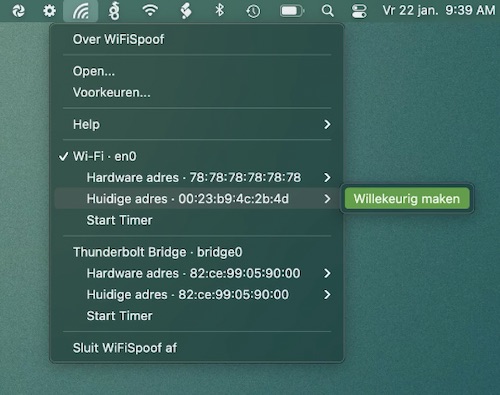
WiFiSpoof is a menu bar app that gives you a quick overview of the current state of your Mac’s network devices. It also protects your privacy while surfing public Wi-Fi networks.
Collection:
Network Apps
Speedy
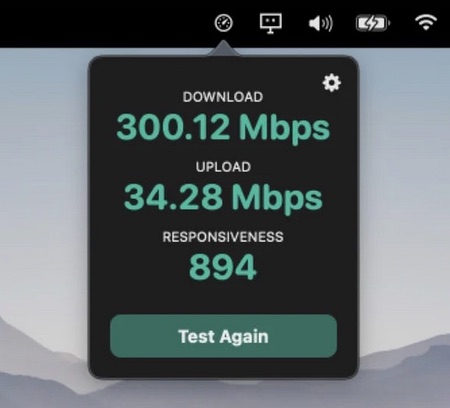
Speedy lets you perform a full speedtest in under ten seconds, directly from your menu bar through Apple’s servers.
Collection:
Network Apps
Pingr

Pingr shows your current internet speed right in the menu bar with a clean, minimal widget — a quick at-a-glance check that tells you whether your connection is holding up without opening a speed test.
End of content
End of content