Collection:
Network Apps | System Stats
Pi Stats
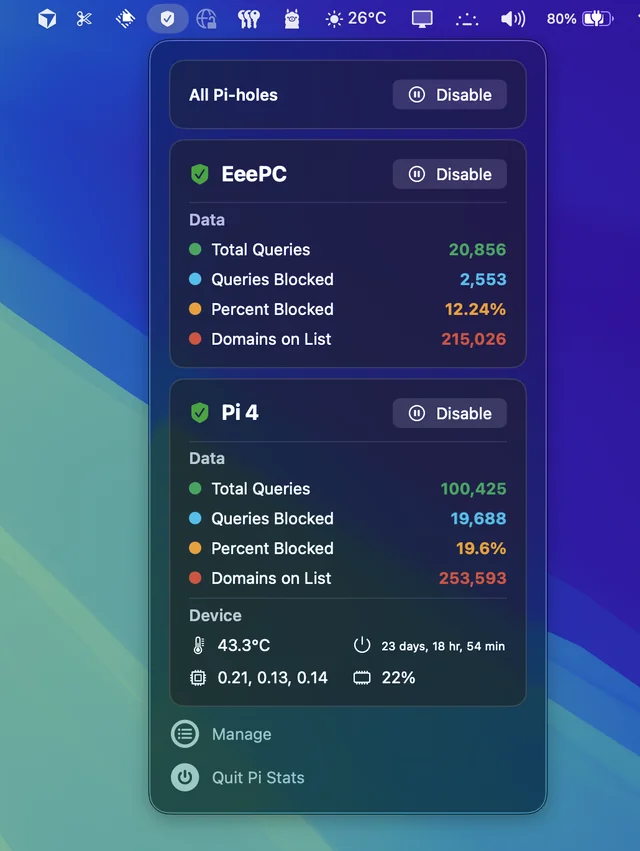
Follow up and manage the status of your Pi-hole(s). Comes in handy when you’re annoyed by having to open up the web interface every time you want to disable pihole.

Stay in control of your connection. Monitor bandwidth, ping latency, IP addresses, DNS settings, VPN status, ports, and signal strength, automate network triggers, mount shares, switch proxies, and secure traffic directly from your menu bar.
Stay in control of your connection. Monitor bandwidth, ping latency, IP addresses, DNS settings, VPN status, ports, and signal strength, automate network triggers, mount shares, switch proxies, and secure traffic directly from your menu bar.
Follow up and manage the status of your Pi-hole(s). Comes in handy when you’re annoyed by having to open up the web interface every time you want to disable pihole.
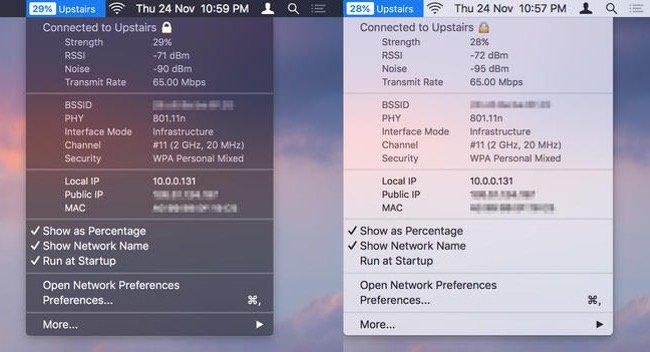
Wifiry allows you to see wireless signal strength right in your menu bar. You can check the strength, IP address, and speed of the connected WiFi network.
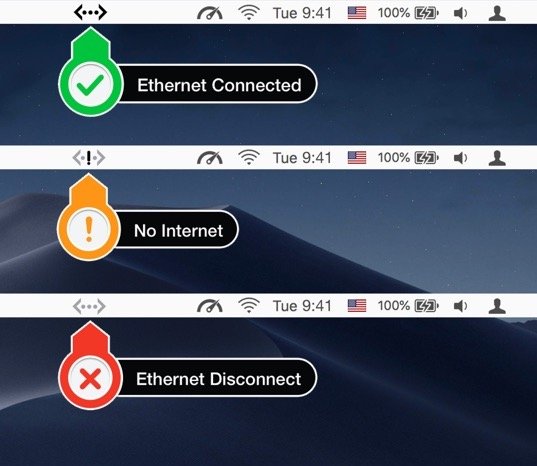
See the status of your LAN/Ethernet connection right from the menu bar. You can also check the status, IP address and speed of the ethernet adaptors.
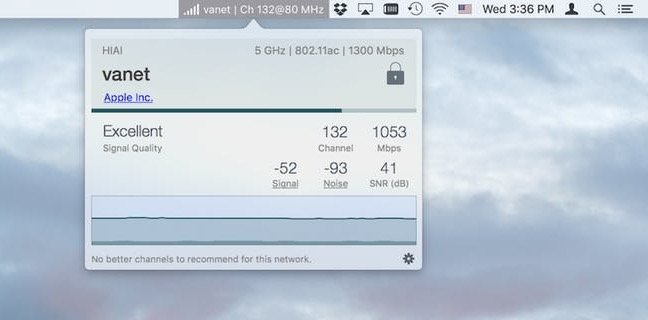
This menu bar app provides easy access to your Wi-Fi connection details, monitors the signal quality of your network, and can find and recommend alternative channels.

Check your internet connection quality directly in the menu bar with SimplePing, which updates your ping in real-time for instant connectivity feedback.
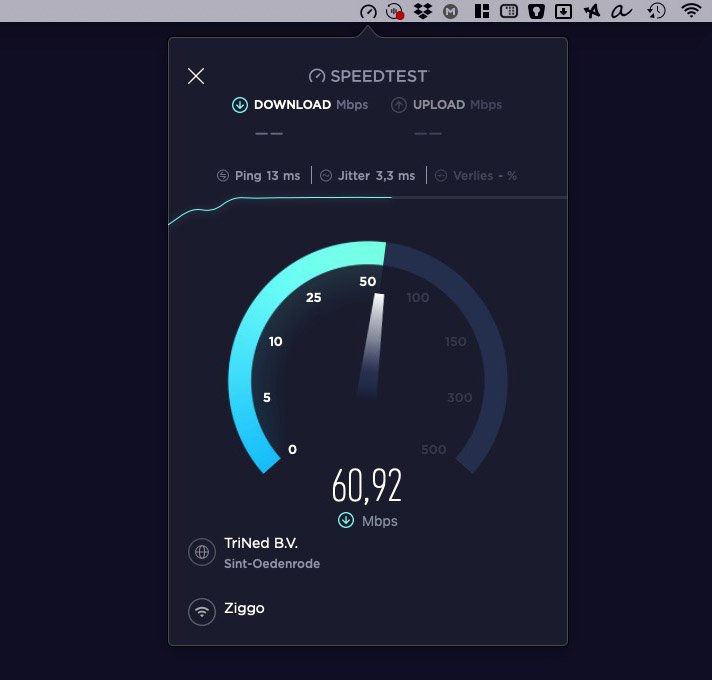
Launching a Speedtest straight from your Mac menu bar is the quickest way to check your connectivity.