Fresh finds for your menu bar. Most recently added apps on top – last updated: September 12, 2026
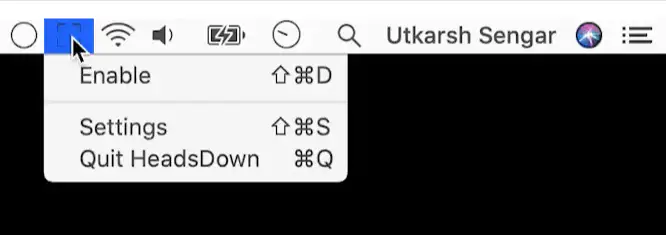
Heads Down detects your application of choice and automatically enables macOS’s “Do Not Disturb” feature. This menu bar app is for coders and designers and supports VS Code, Sublime Text, XCode, IntelliJ IDEA, Figma and Sketch.
Visit
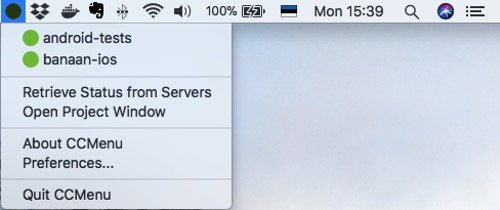
With CCMenu you can keep track of your repositories’ latest build status. It also sends notifications when a build status changes.
Visit
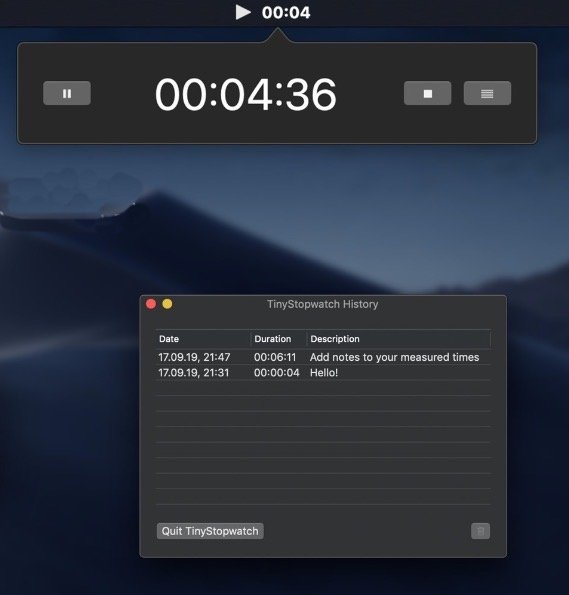
With TinyStopwatch you can easily keep track of the time you spent on work or other activities. During use, the time and current status (running, paused, stopped) are displayed in your menu bar.
Visit
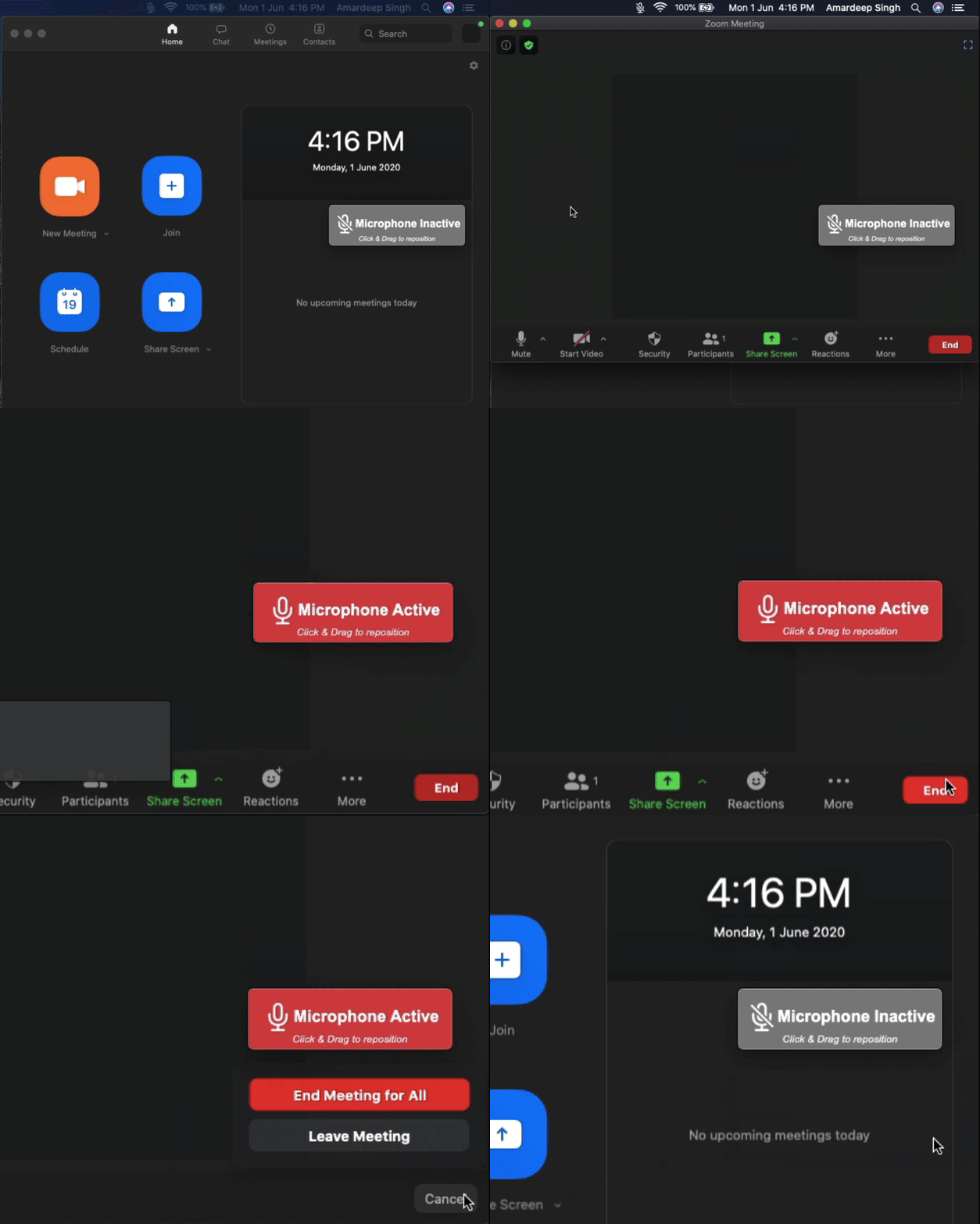
Be aware when your microphone is active in the background. MicCheck saves you from an embarrassing situation.
Visit
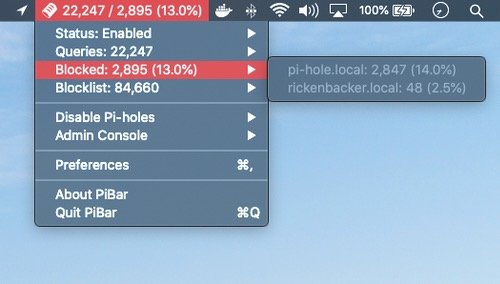
PiBar gives you all the tools you need to manage your Pi-hole right from your menu bar. It even supports multiple Pi-holes.
Visit
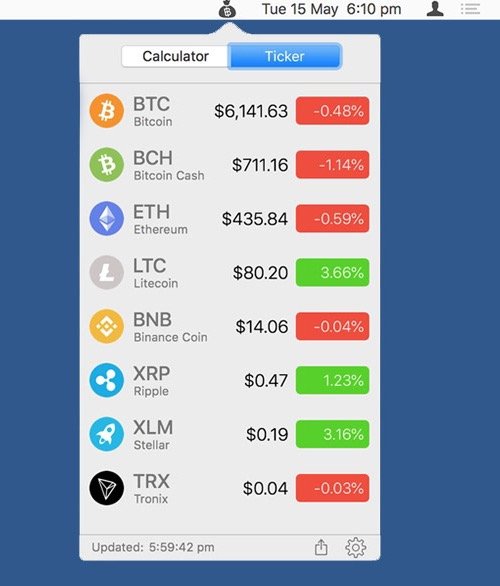
Live conversion between hundreds of crypto and fiat currencies in your menu bar. The free version is limited to 6 currencies.
Visit
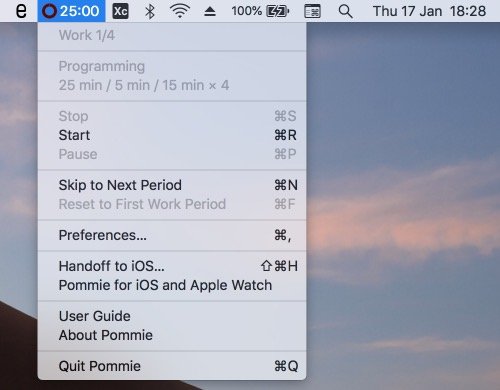
Increase your focus and boost your productivity by managing your time into strict work and break periods. This pomodoro app even has Apple Watch support.
Visit
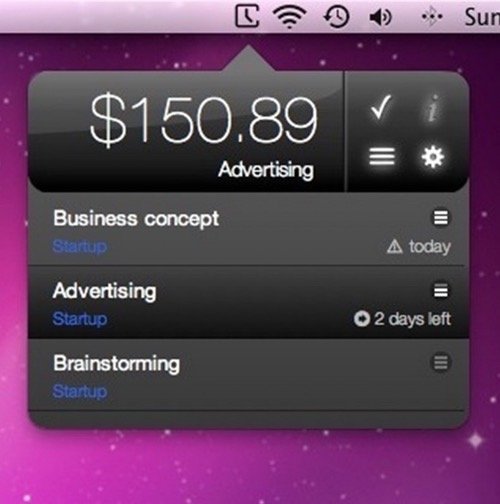
Minco is a minuscule time-tracker that lives in your menu bar. You can also create daily, weekly, monthly reports or review your work-time in the Calendar app.
Visit
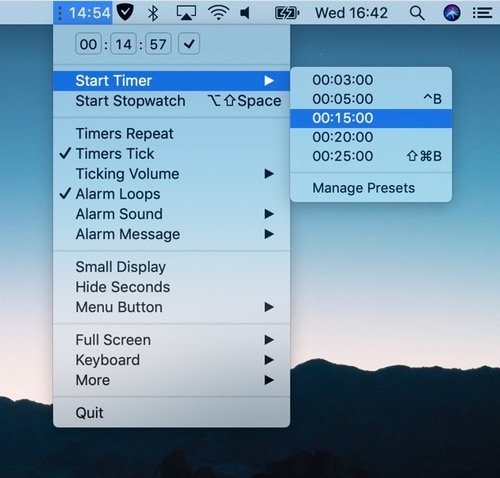
Timey is a simple timer and stopwatch that shows up in the menu bar. Time presets are the core part of the app.
Visit
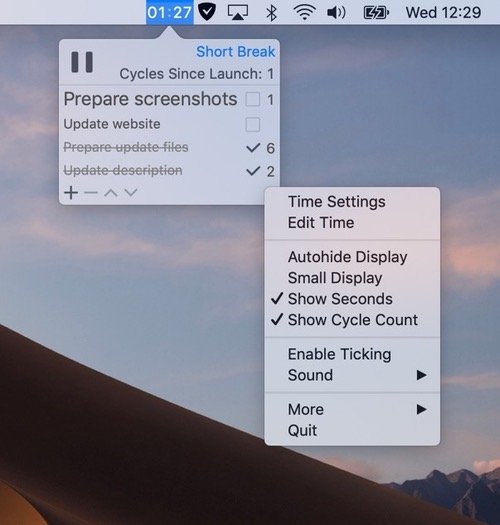
This lightweight Pomodoro and checklist app lets you customize your technique by changing the time of respective parts of the cycle and intervals between long breaks.
Visit
