Collection:
Time Apps
Menu Bar UTC
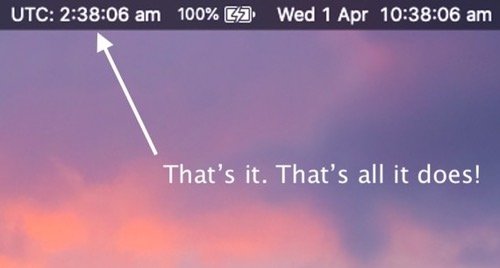
This app displays the UTC (Coordinated Universal Time) in your menu bar. Noting more, noting less.
The next time a site asks for a code, you’ll just tap it in. iPhone · iPad · Mac

This app displays the UTC (Coordinated Universal Time) in your menu bar. Noting more, noting less.
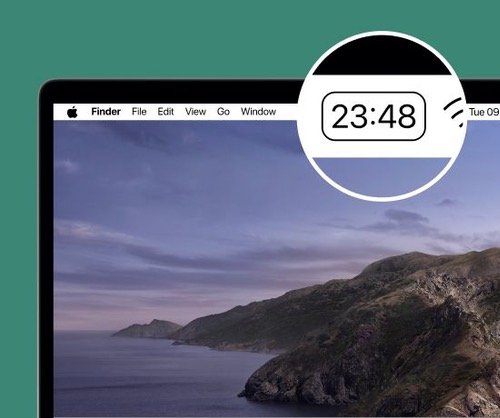
Whith this minimalistic pomodoro based focus timer you can divide your workflow into sections. Sleek, simple design! Flow also allows you to blacklist apps so you won’t get distracted.
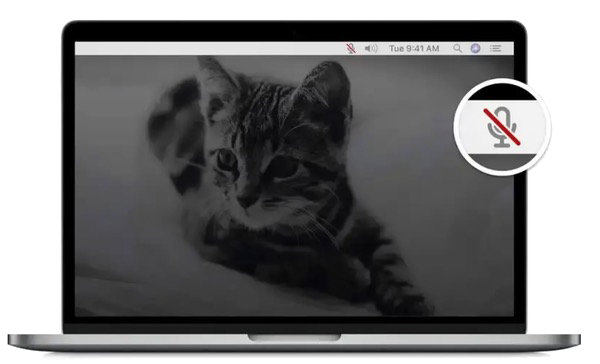
Mic Drop allows you to quickly mute and unmute yourself. This menu bar app mutes your audio at the system level and works with Zoom, Slack, Google Meet, Skype, Microsoft Teams, Discord, Vidyo, Houseparty, and many more.
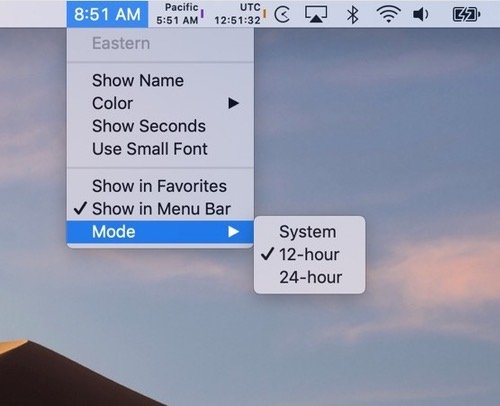
Clockey lets you add the time from as many timezones as you want to your menu bar. Quickly access any time zone with one click.
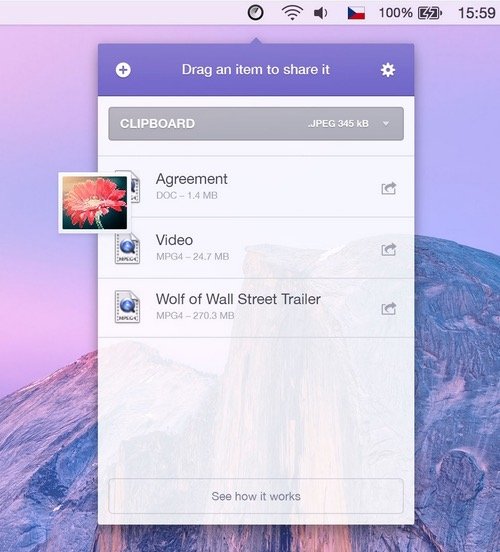
This menu bar app gives you a better AirDrop experience. It also works with computers that don’t support AirDrop, like Android and Windows PC.
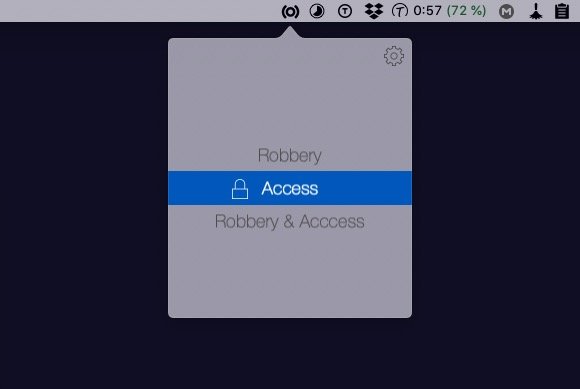
Plug Spy triggers actions in case of unexpected occurrences. Instant notification on you phone will give you additional security if you leave your Mac alone.