Collection:
Note Taking Apps
Tot
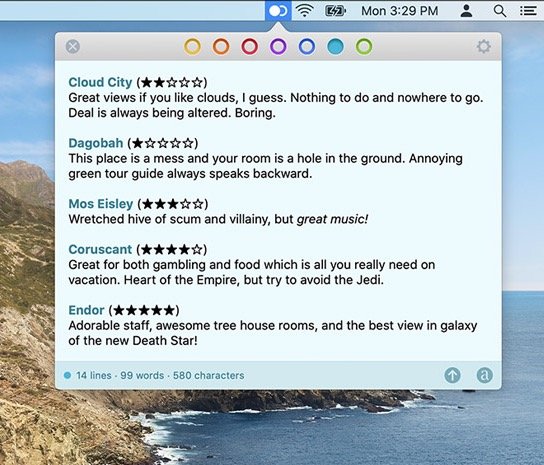
With Tot you can collect and edit text across your Mac, iPhone, and iPad, all via the menu bar. Seven color-coded dots let you organize your notes.
The next time a site asks for a code, you’ll just tap it in. iPhone · iPad · Mac

With Tot you can collect and edit text across your Mac, iPhone, and iPad, all via the menu bar. Seven color-coded dots let you organize your notes.
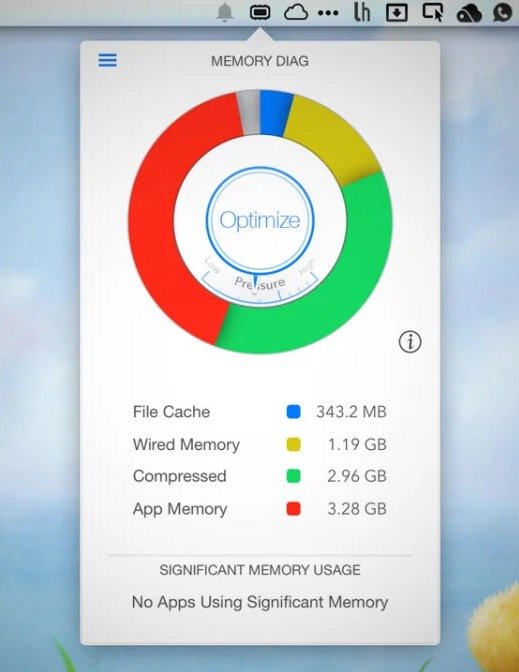
Memory Diag helps you to keep an eye on your systems memory. Quickly access detailed memory information and diagnosis with one click on your menu bar.
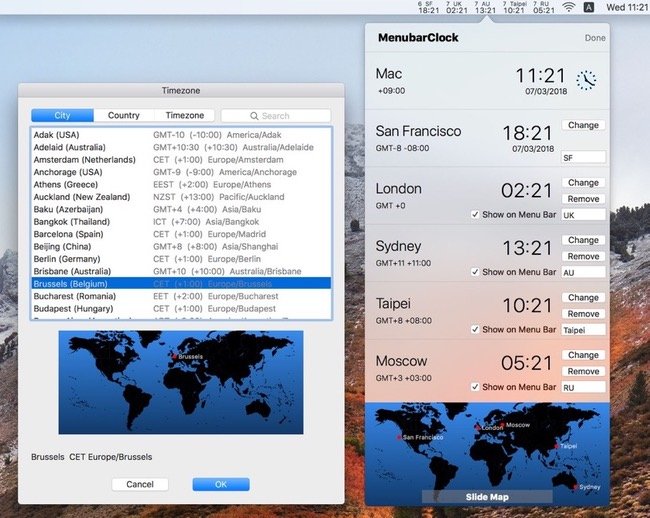
Track time across multiple time zones with up to five world clocks visible simultaneously in your menu bar for coordinating seamlessly across global teams and offices.

Compose and send out tweets from your desktop. Regardless of whatever you are doing on your Mac, you can tweet your heart out in literally seconds. Don’t let those thoughts get away!

Are you an app developer with an active subscription with Apple? This menu bar app displays all the apps you have for sale and how much you are making with each one.
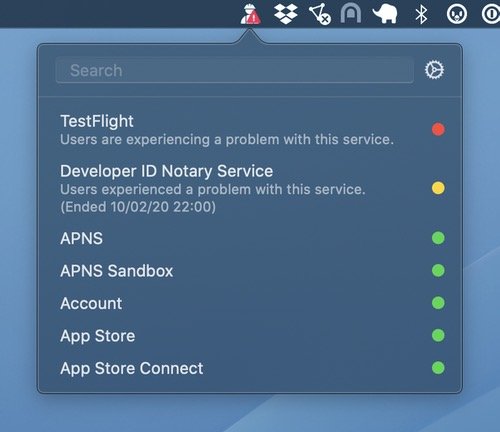
With StatusBuddy you can quickly check the status of Apple’s various online services, like iCloud, Apple Music, Apple TV+, and App Store Connect.
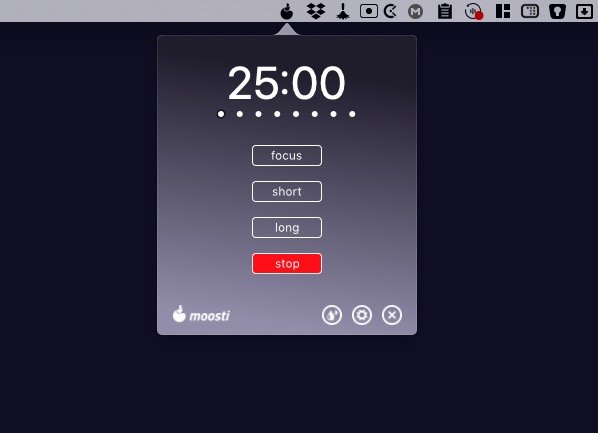
Moosti is a Pomodoro app but with more flexibility and extra features to boost your productivity. You can set the timer on ‘focus’ (10 to 60 minutes), Short Break (3 to 5 minutes) and Long Break (5 to 30 minutes).
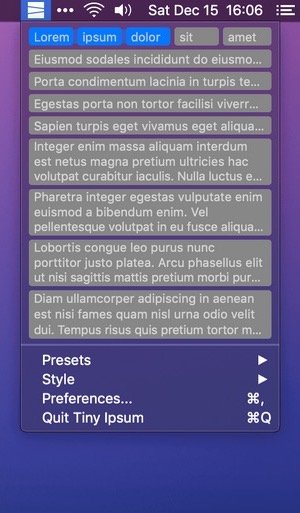
This menu bar app gives you quick access to a large array of placeholder text, also known as Lorem Ipsum – or simply Lipsum. Quickly copy a set of words, sentences, or paragraphs in a ready-to-paste format. You can choose from a variety of built-in Lipsum presets, or create your own.
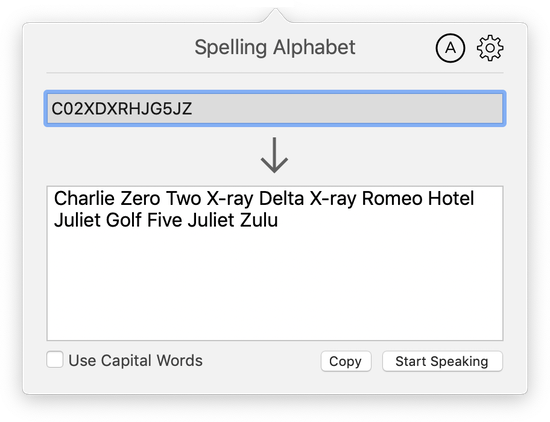
Eliminate mistakes reading letters and numbers by using clear, phonetic words from the NATO spelling alphabet. Spelling Alphabet runs in the background un-intrusively and is always available with just a click.