Collection:
Security Apps
Unplug Alarm
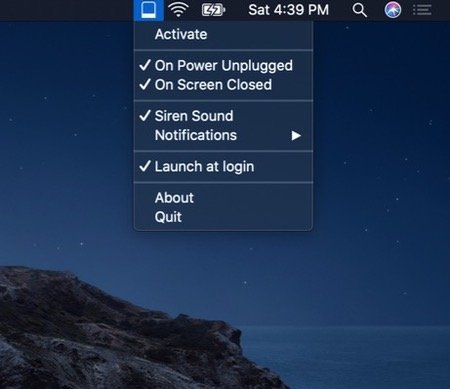
Protect your MacBook from theft when you’re working in remote spaces. Get notified when someone unplugs your MacBook from power or closes its screen.
The next time a site asks for a code, you’ll just tap it in. iPhone · iPad · Mac

Protect your MacBook from theft when you’re working in remote spaces. Get notified when someone unplugs your MacBook from power or closes its screen.
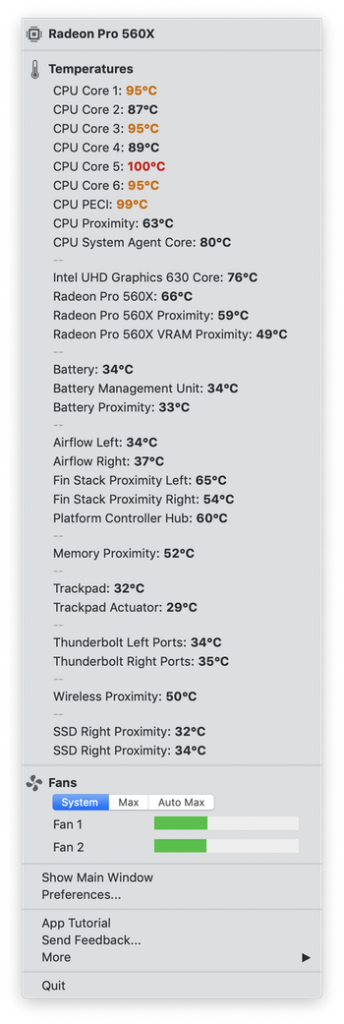
Quickly view CPU, GPU, logic board or hard drive temperatures, check battery health and the other hardware diagnostics. TG Pro supports all Macs from 2008 and newer.
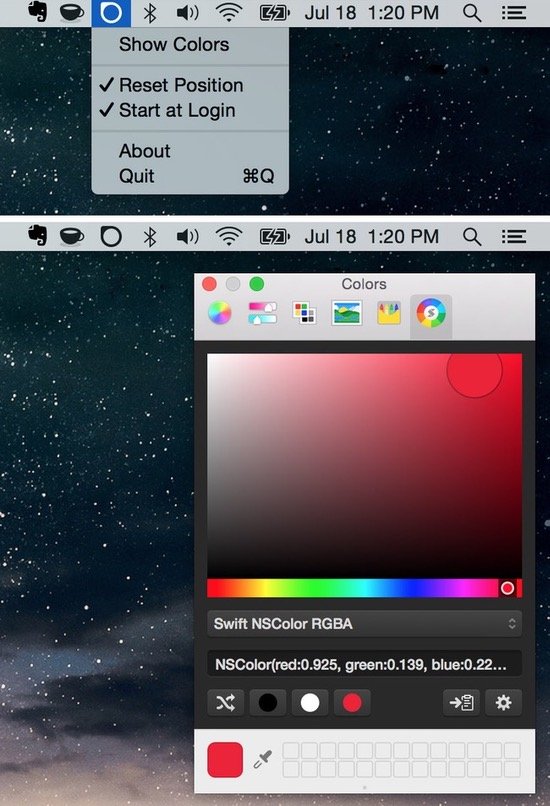
Menubar Colors is a Mac menu bar app that allows for quick access to the system-wide color panel.
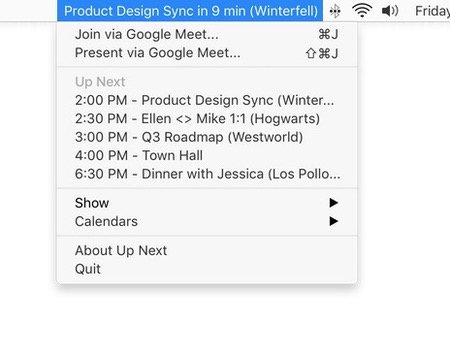
See your day at a glance. Up Next puts your next appointment in your menu bar, with the time remaining until that next meeting. Works with Google and iCloud calendars.
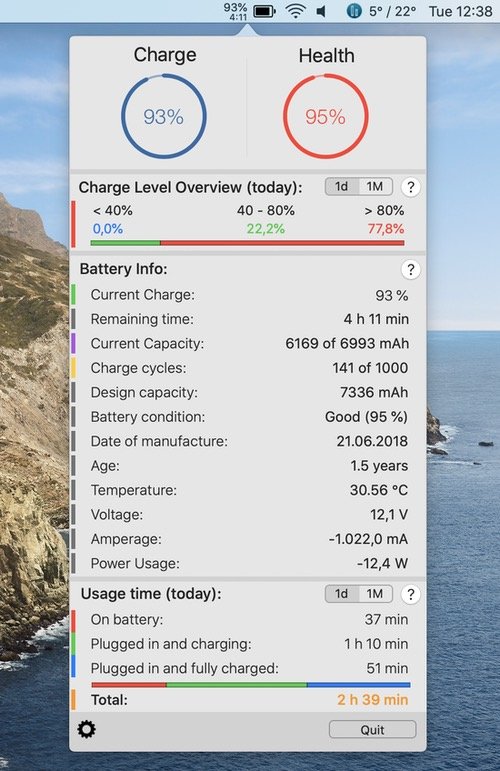
This menu bar app provides information and stats about your MacBook’s battery and records all these data as well as the total battery- and usage time of your notebook.
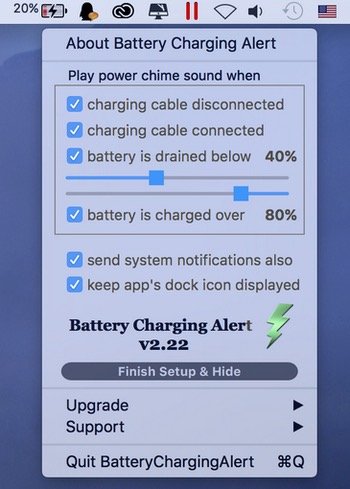
With the menu bar app, you receive an alert when your MacBook is plugged in or unplugged, and when your battery percentage reaches a preset level, so you know when to plug in your computer to keep it from dying or to unplug it and save your battery life.
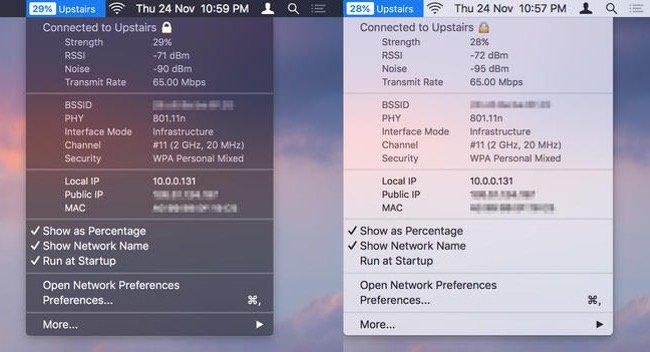
WiFi Wireless Signal Strength Explorer allows you to see wireless signal strength right in your menu bar. You can check the strength, IP address, and speed of the connected WiFi network.
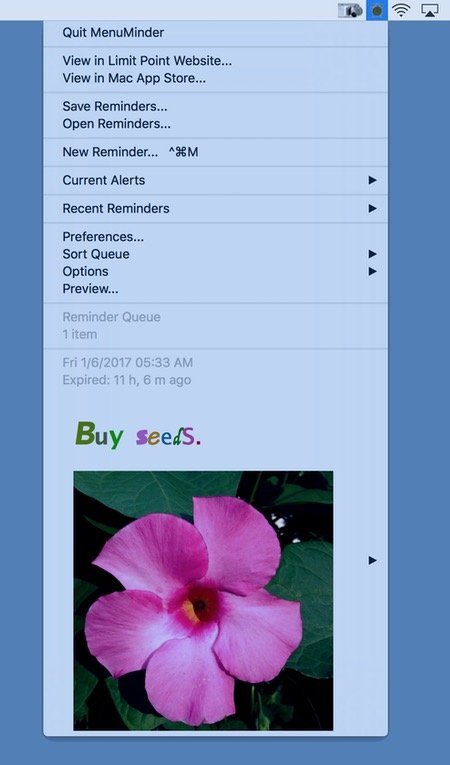
MenuMinder is a menu bar app for keeping your plans in order and making sure you are reminded of the tasks and plans you have set for yourself.
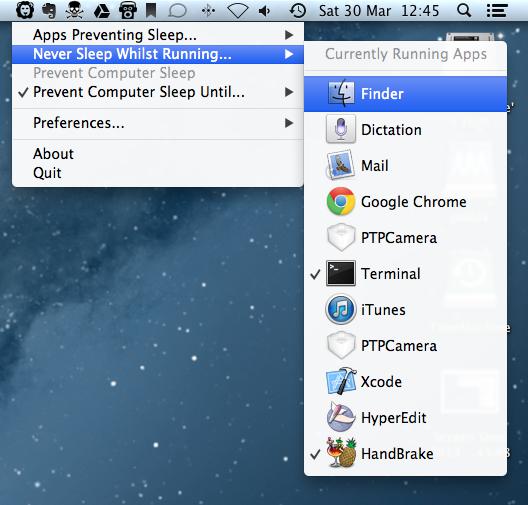
With Wimoweh you have better control over how your Mac sleeps. The app comes in handy when you’re waiting for a lengthy job to finish and want your Mac to sleep afterwards.