Collection:
Menu Bar Managers
Bartender Pro
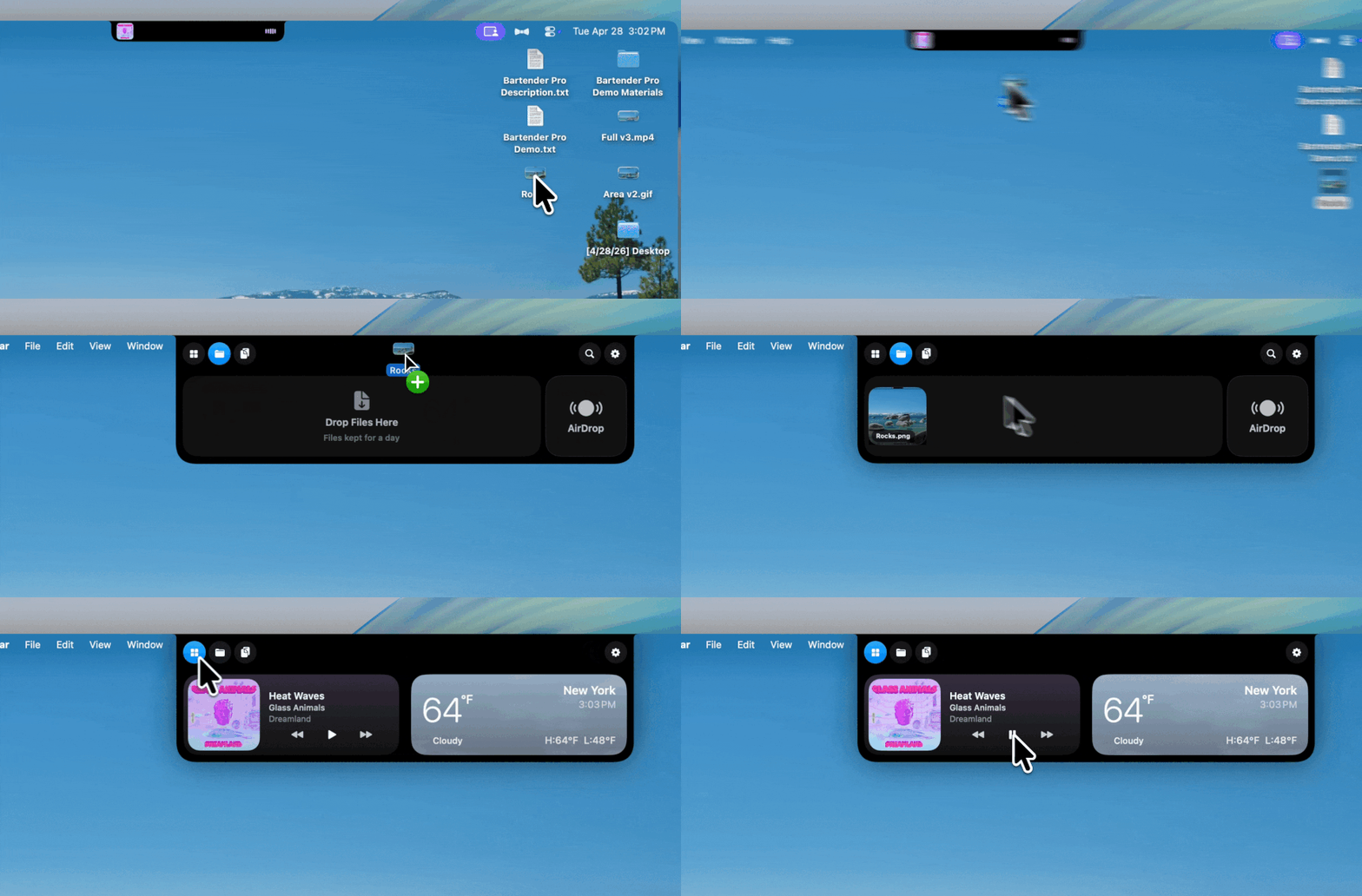
Bartender Pro now includes Top Shelf, a clever upgrade that turns your MacBook notch into a surprisingly useful hub for files, weather, meetings, music, and quick access to everyday tools.

Bartender Pro now includes Top Shelf, a clever upgrade that turns your MacBook notch into a surprisingly useful hub for files, weather, meetings, music, and quick access to everyday tools.
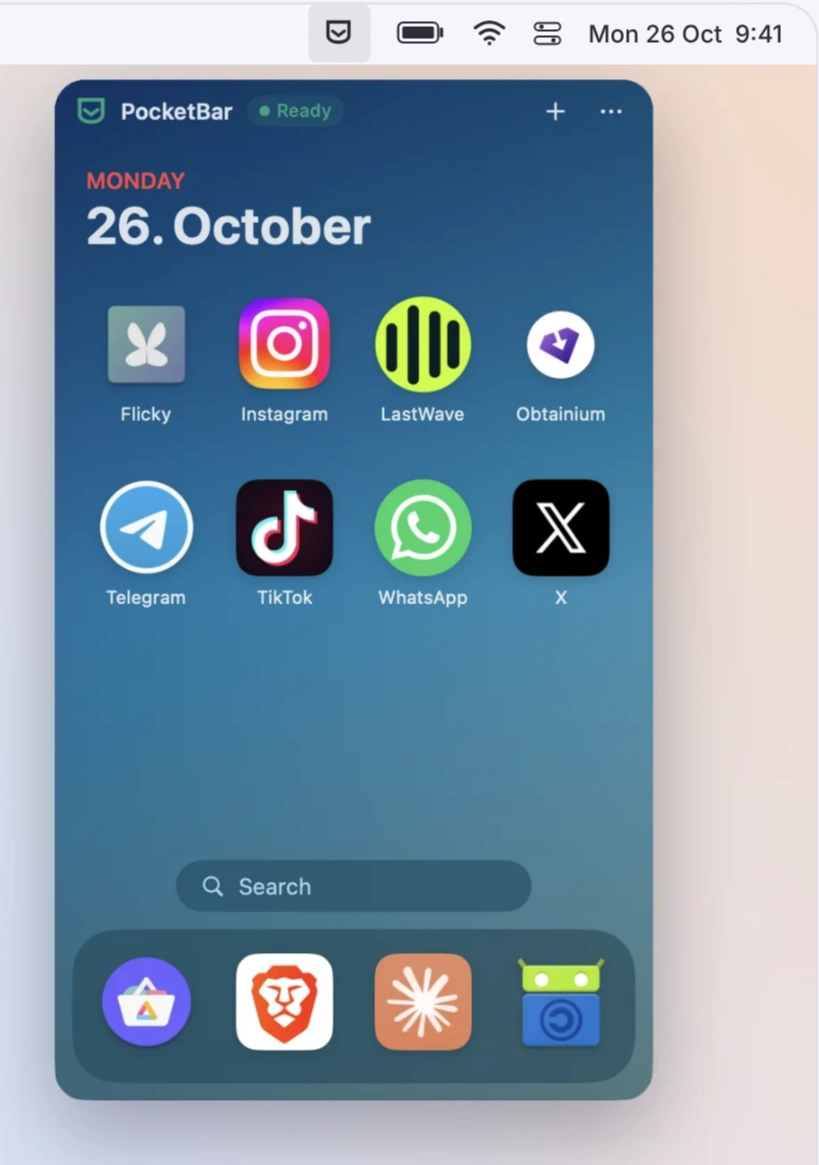
Bring your favourite Android apps to your Mac in compact, individual windows. Personalise the experience with custom themes and wallpapers, manage notifications, block ads, and install apps from multiple sources.
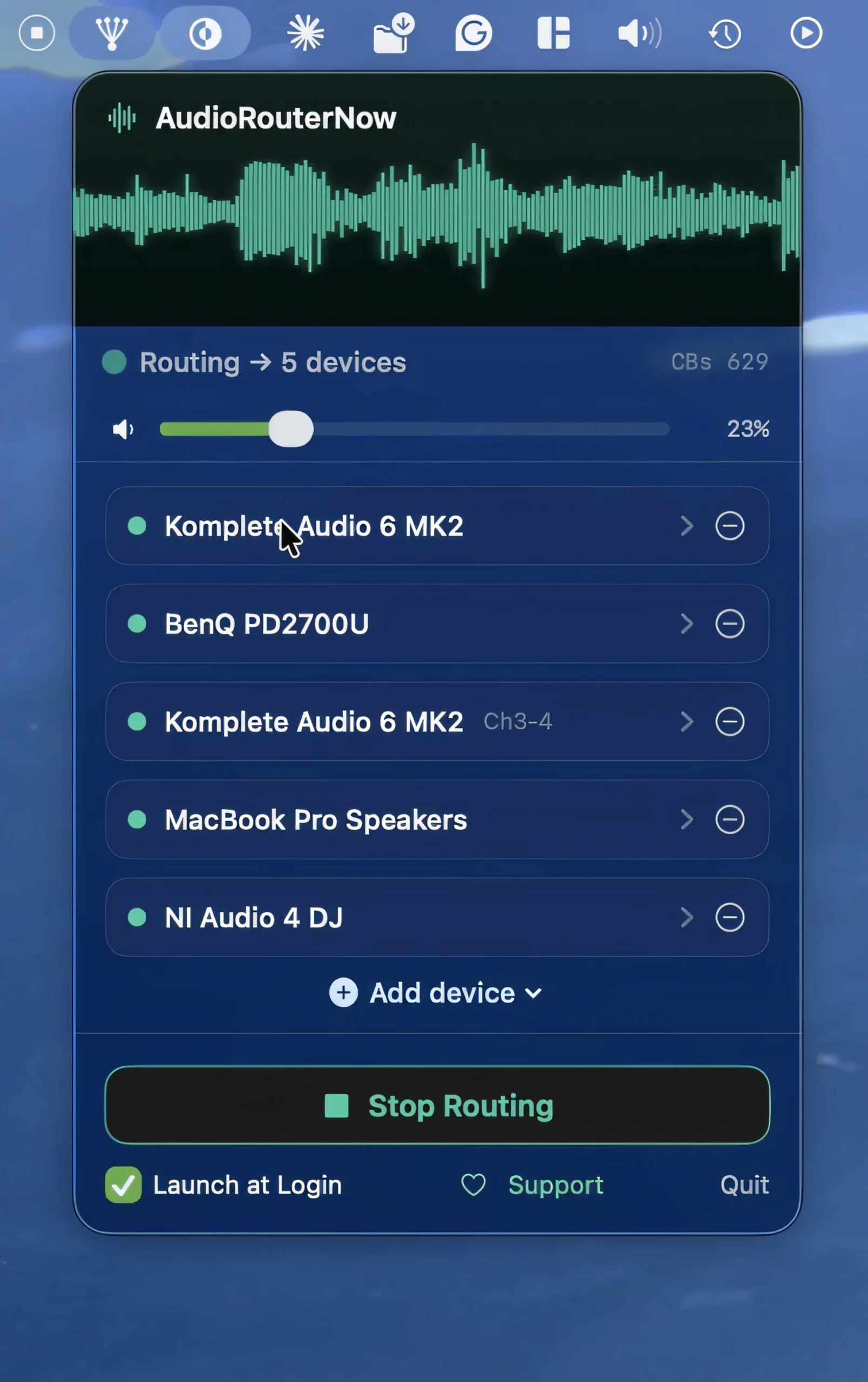
Play your Mac’s system audio through multiple outputs simultaneously, including speakers, headphones, and external interfaces. This utility preserves volume controls and remembers your setup across reboots.
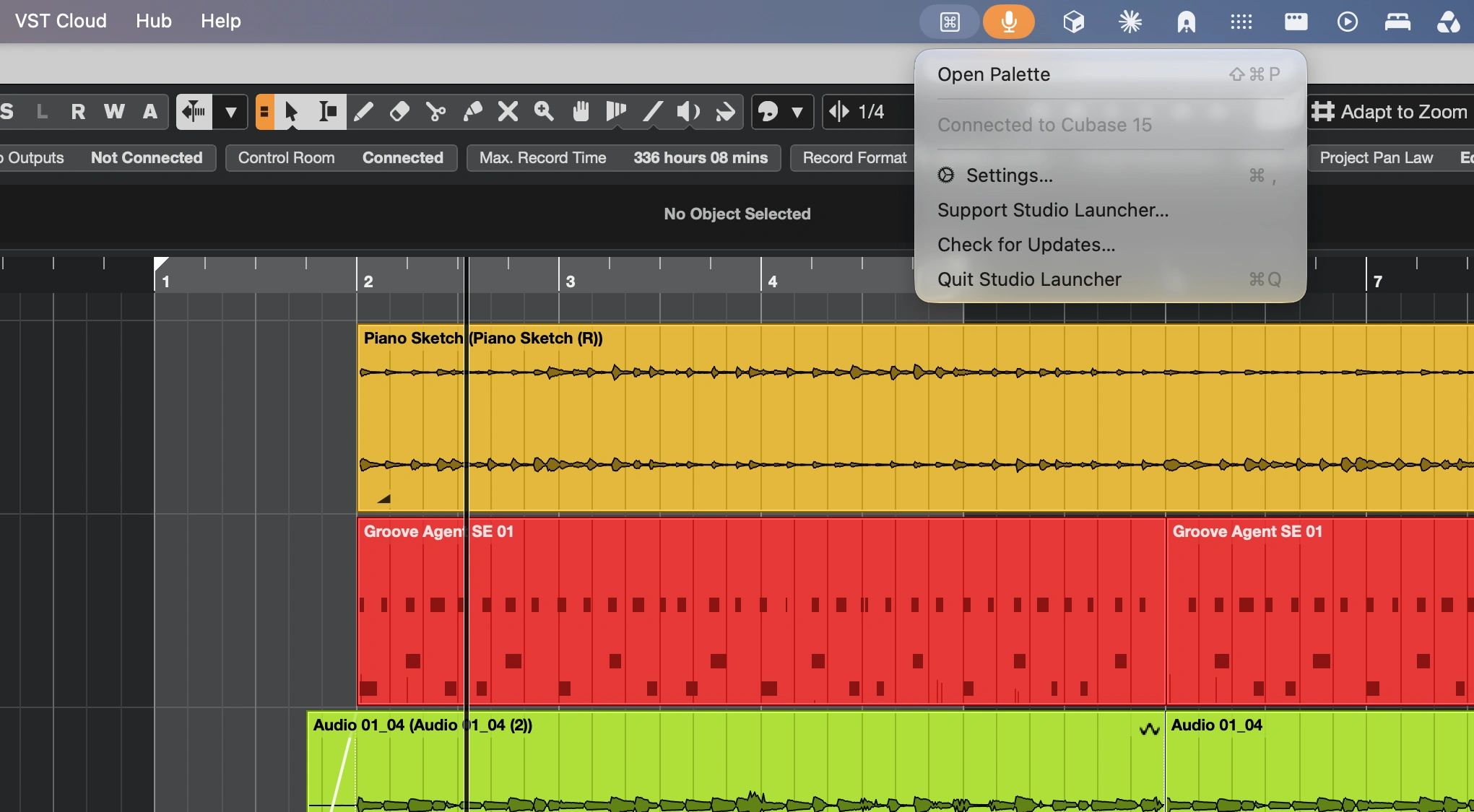
Launch Cubase commands, macros, plug-ins and FX chains instantly with a context-aware command palette. Customize shortcuts, automate workflows and enjoy personalized results, all without leaving Cubase.
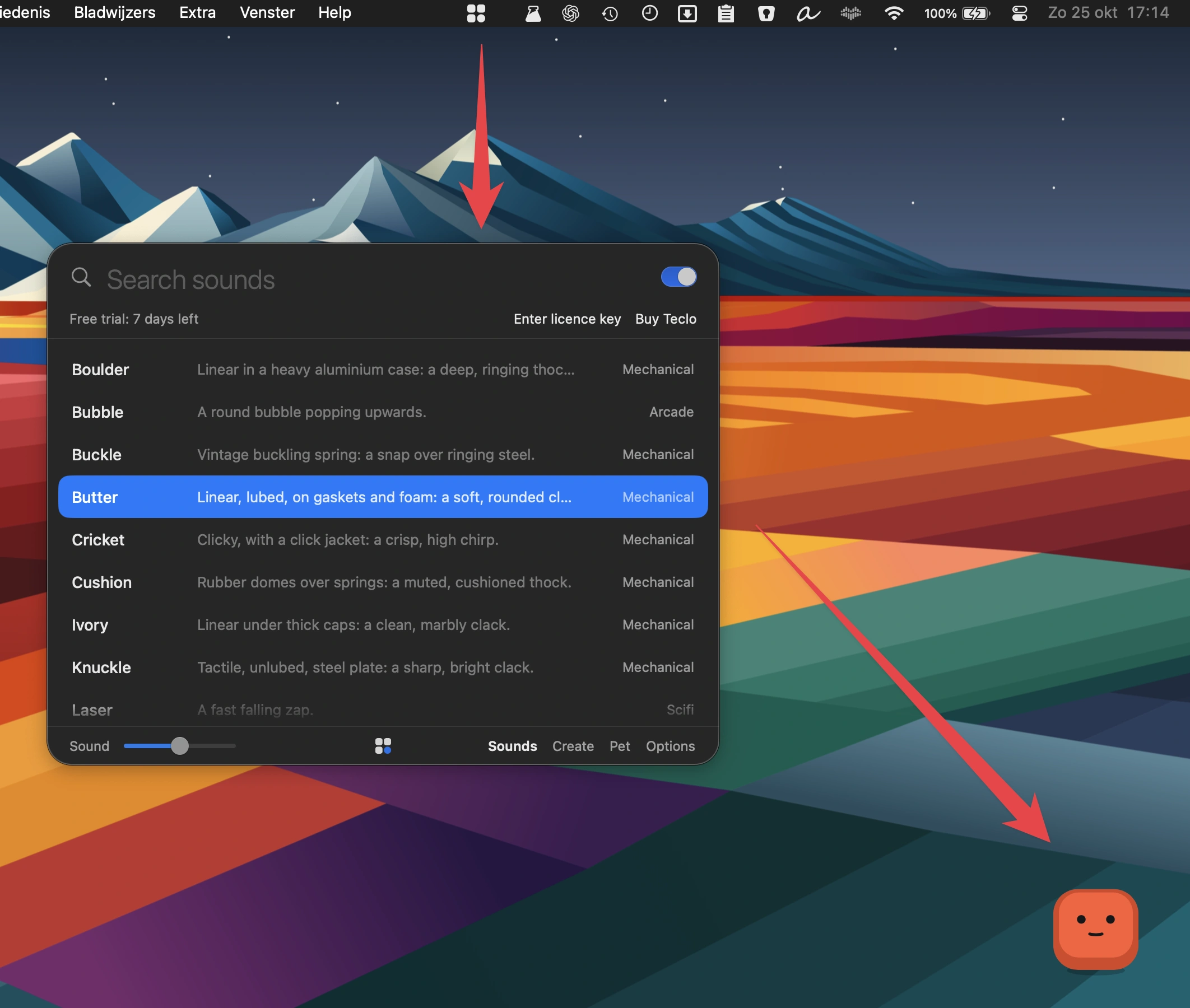
Bring satisfying mechanical keyboard sounds to every keystroke, with 16 sound packs across five moods, optional mouse clicks and a customizable keycap pet that reacts to your typing rhythm.
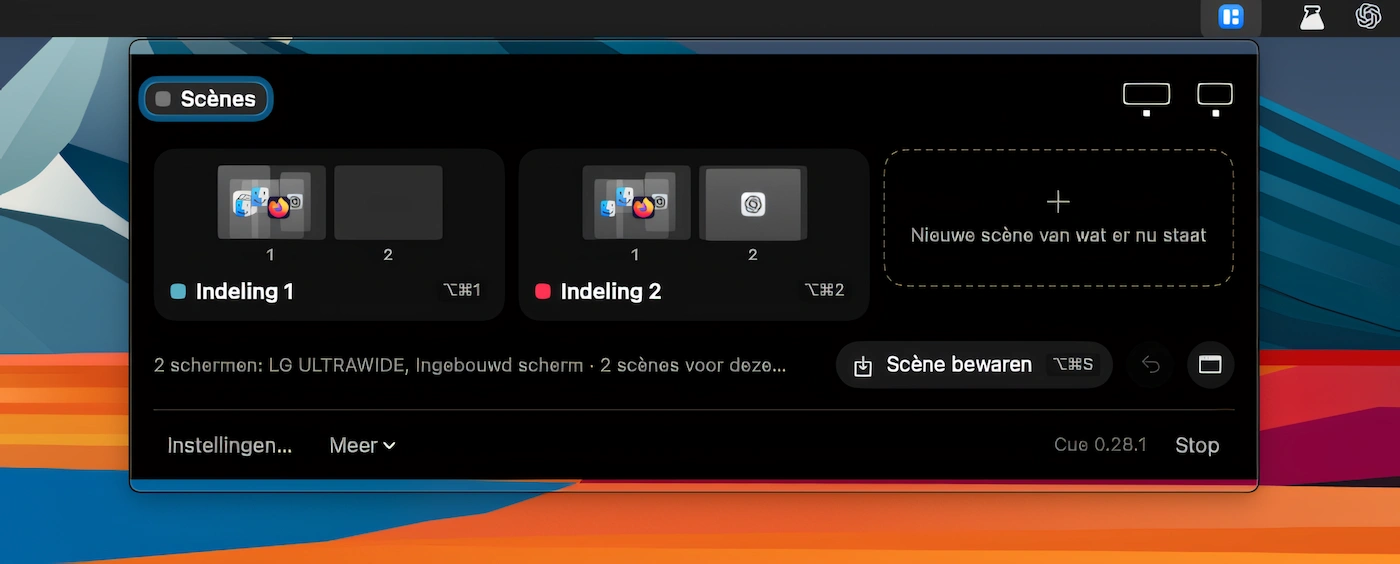
Save window layouts across multiple displays as scenes, then restore them with a keystroke. Cue remembers each monitor, supports automatic scene switching and is accessible from the menu bar or notch.
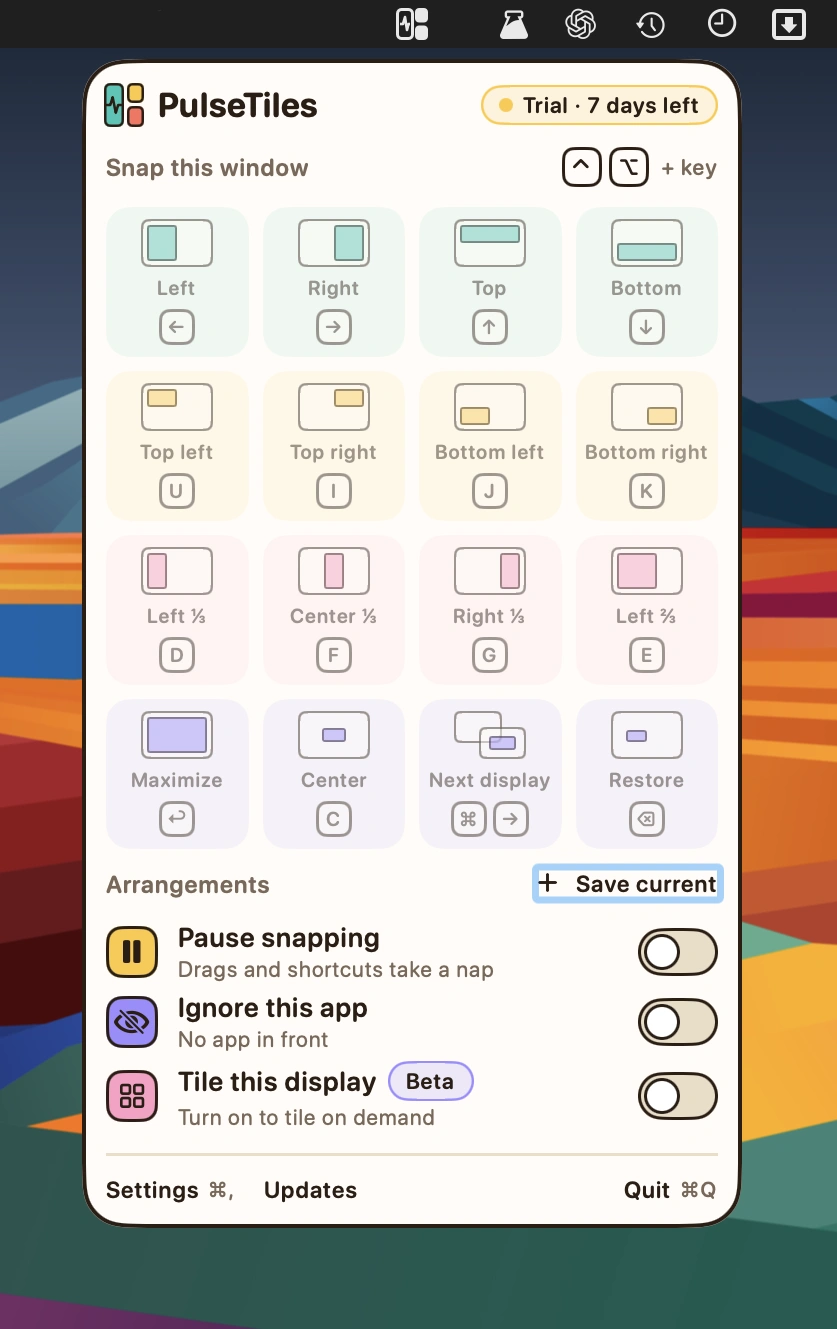
Snap windows into place with intuitive drag-and-drop controls, customizable keyboard shortcuts and a quick launcher. Save window arrangements, adjust spacing and position windows across multiple displays.
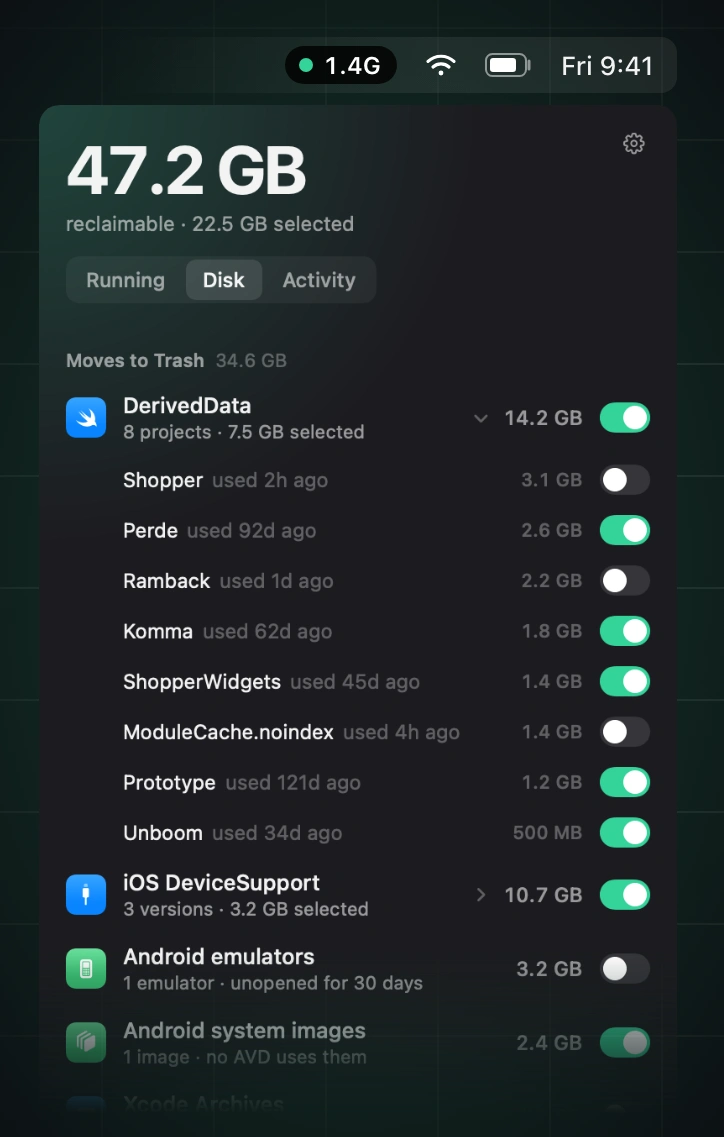
Reclaim memory by finding and stopping idle simulators, emulators, dev servers, containers, and lingering AI agent processes, while leaving databases, active builds, and pinned processes untouched.