Collection:
Menu Bar Managers
Bartender Pro
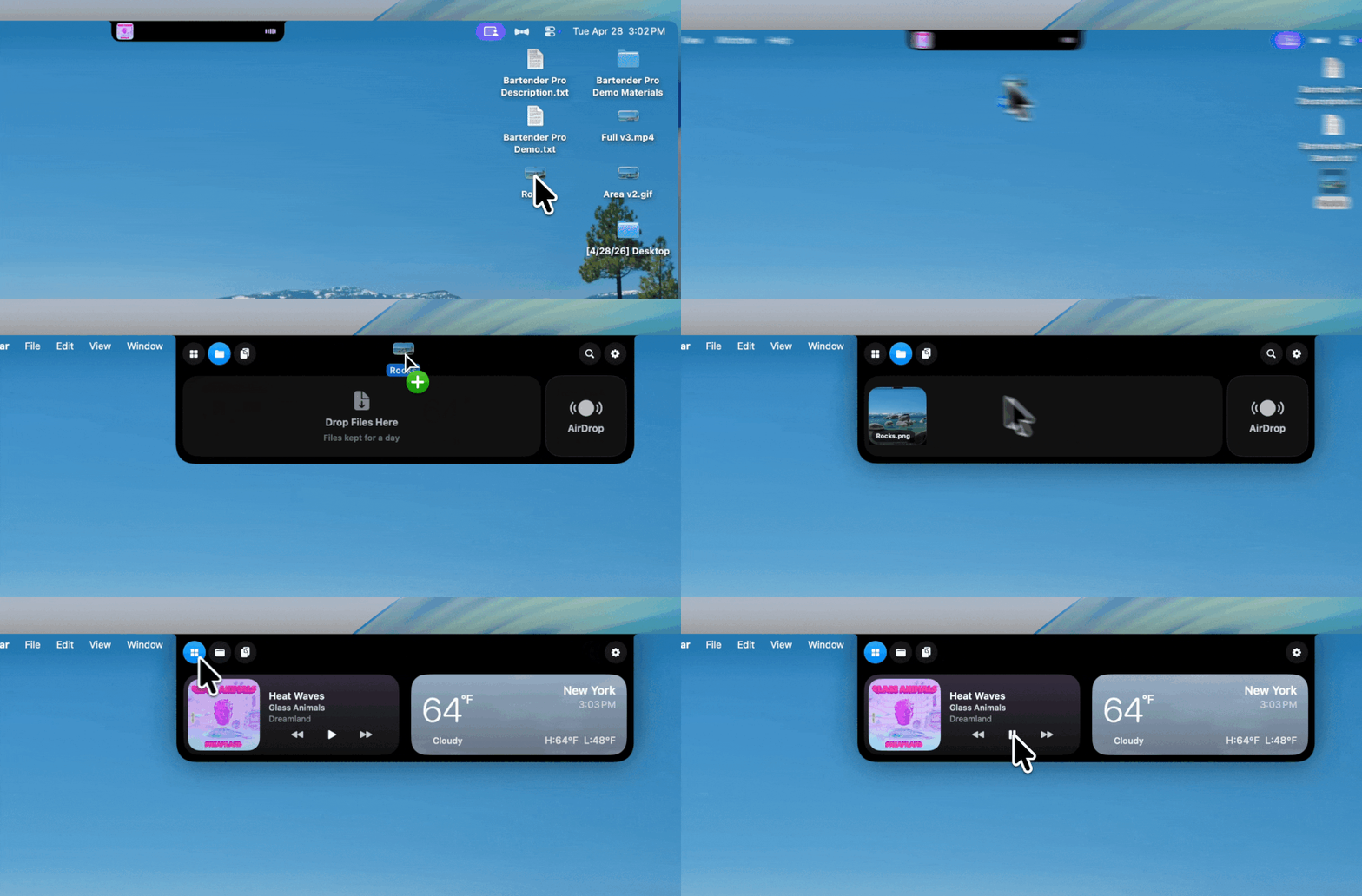
Bartender Pro now includes Top Shelf, a clever upgrade that turns your MacBook notch into a surprisingly useful hub for files, weather, meetings, music, and quick access to everyday tools.

Bartender Pro now includes Top Shelf, a clever upgrade that turns your MacBook notch into a surprisingly useful hub for files, weather, meetings, music, and quick access to everyday tools.
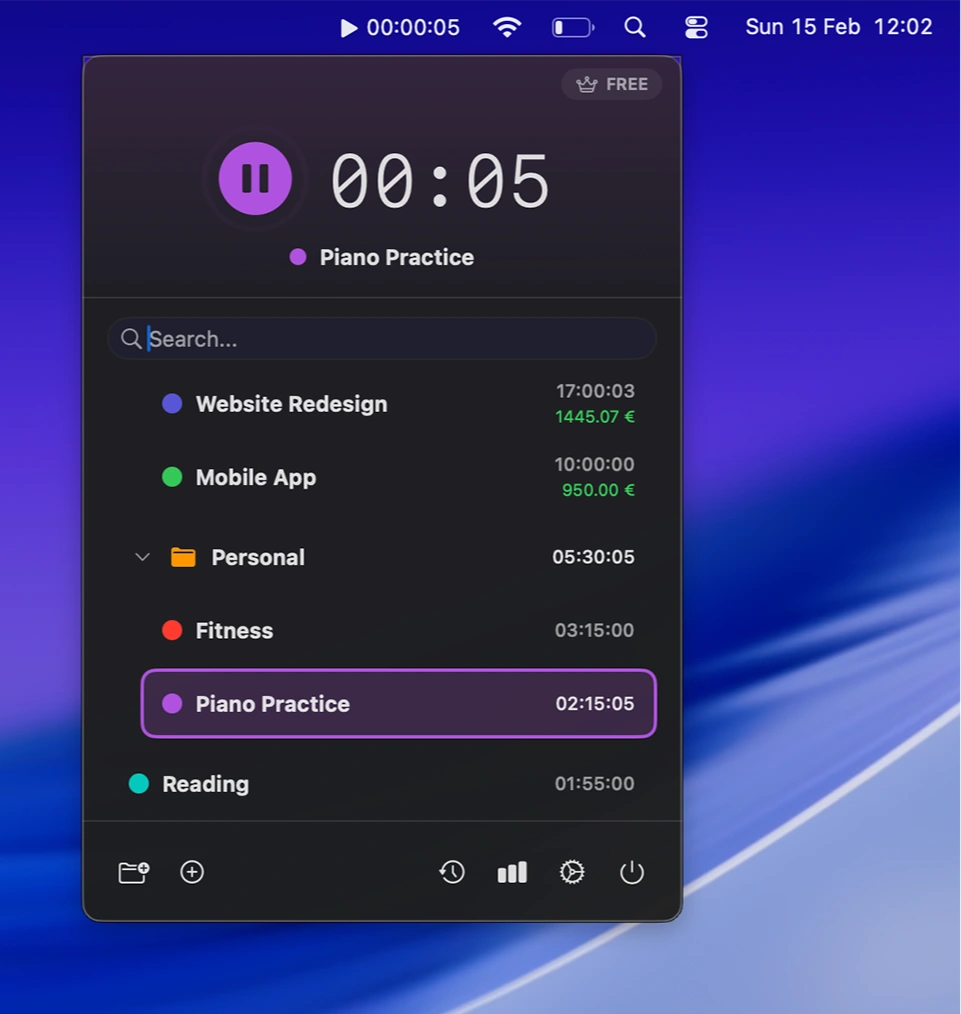
Track work sessions effortlessly with local time tracking, project organization, profitability insights, and detailed statistics. Export data or automate workflows, all without accounts, subscriptions, or cloud storage.
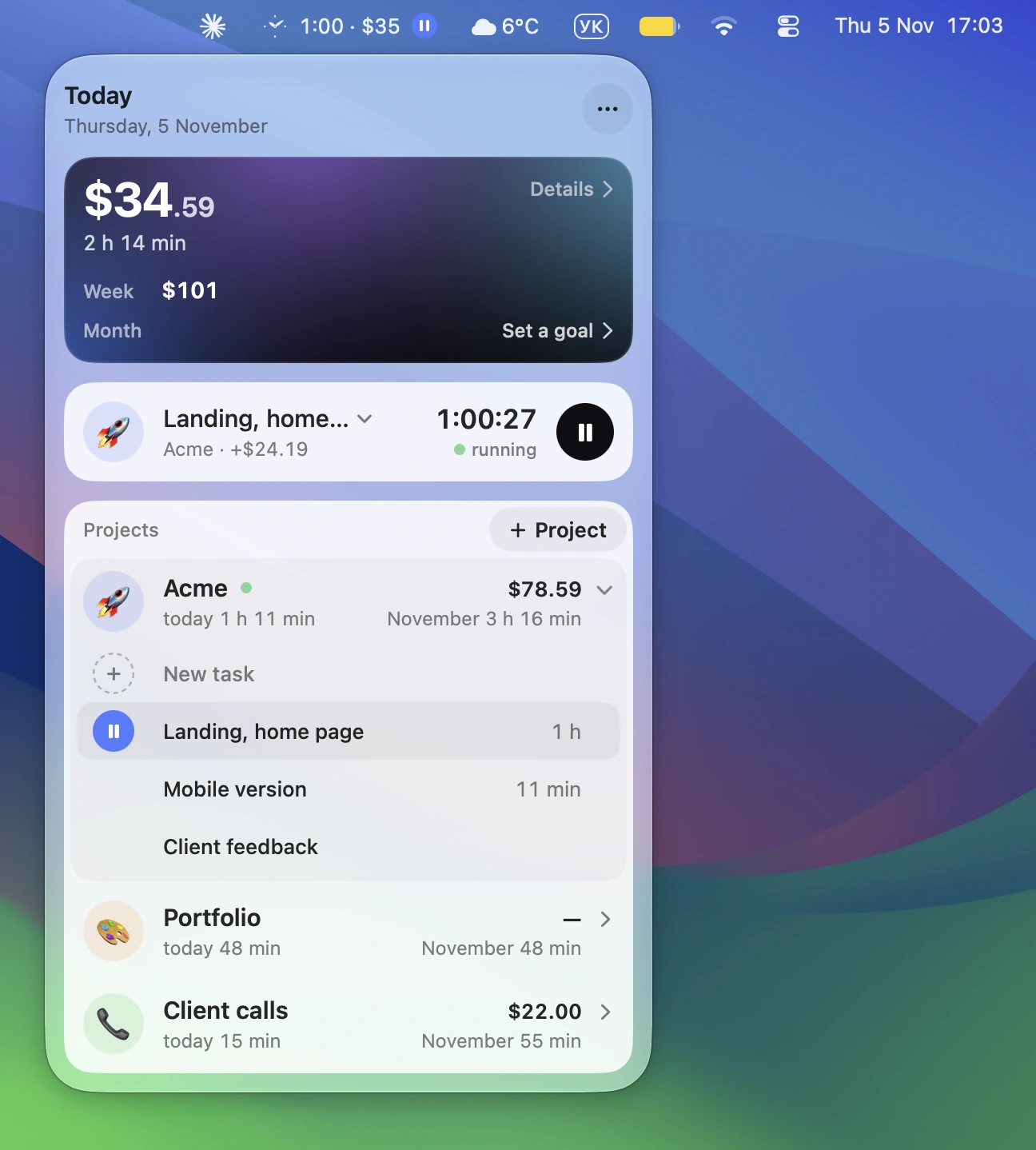
Track billable hours and earnings with a handy timer, project-based hourly rates and automatic call detection. Hourbloom also offers detailed reports payment tracking and one-click exports to Google Sheets.
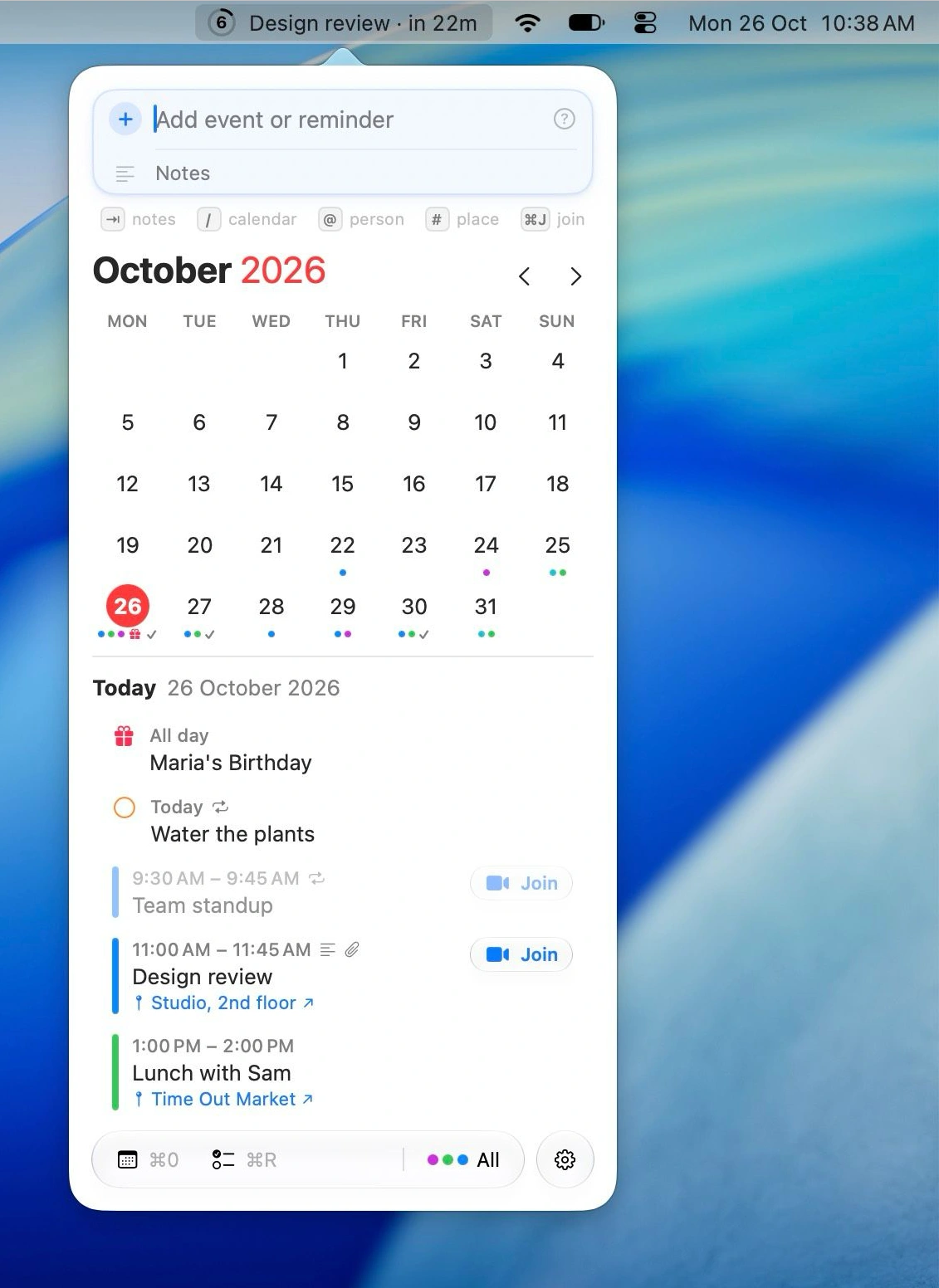
This menu bar app puts Calendar and Reminders at your fingertips, with a countdown to your next event and natural-language input for adding or rescheduling events and reminders. It also handles invitations, attachments and time zones, and can turn screenshots of posters or tickets into calendar entries.
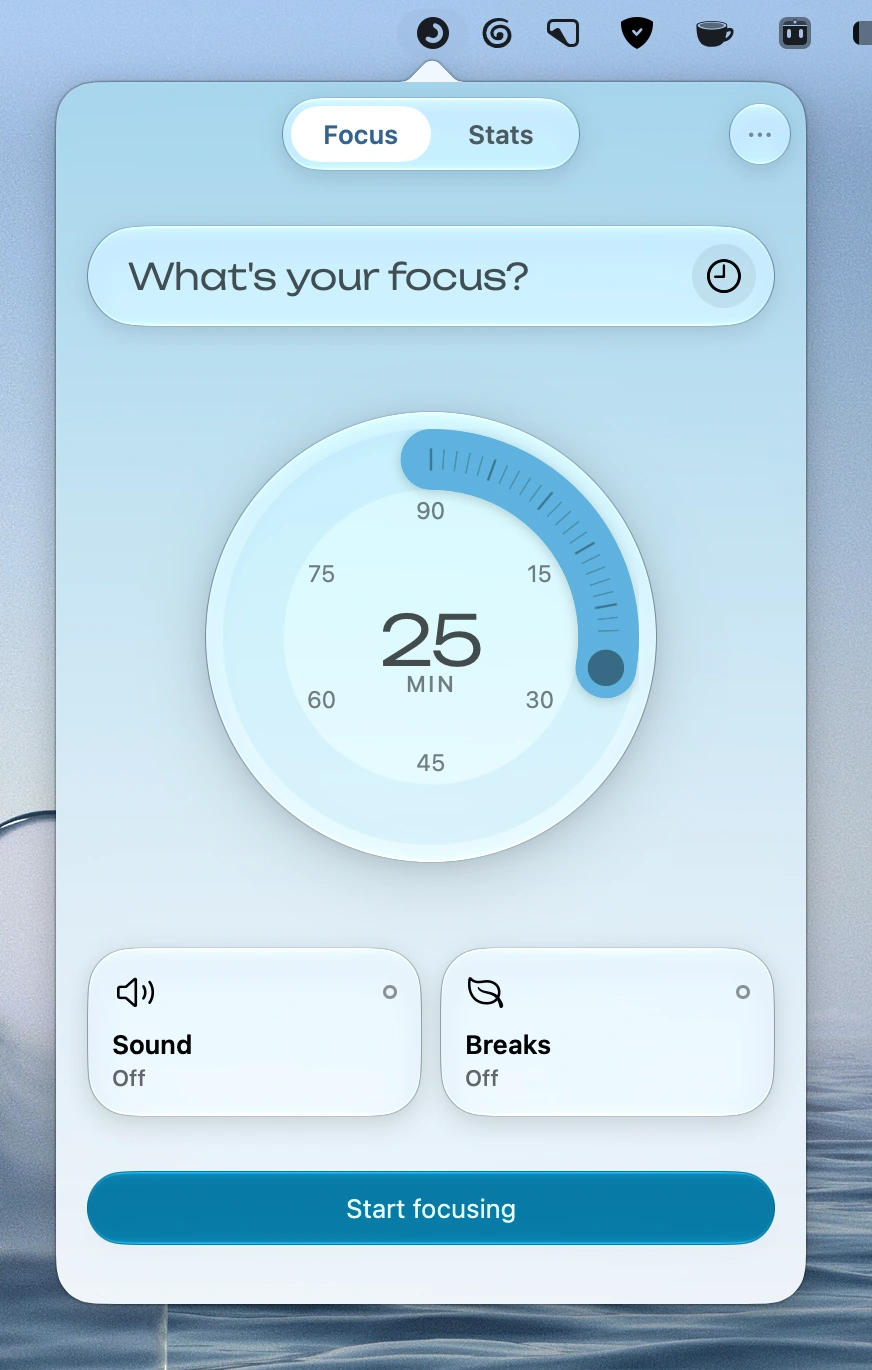
A thoughtfully designed focus timer with customizable sessions, personal check-ins and scheduled breaks. Features background sounds, Siri Shortcuts and Focus integration, with iCloud sync across Apple devices. Pro adds detailed stats and a floating timer.
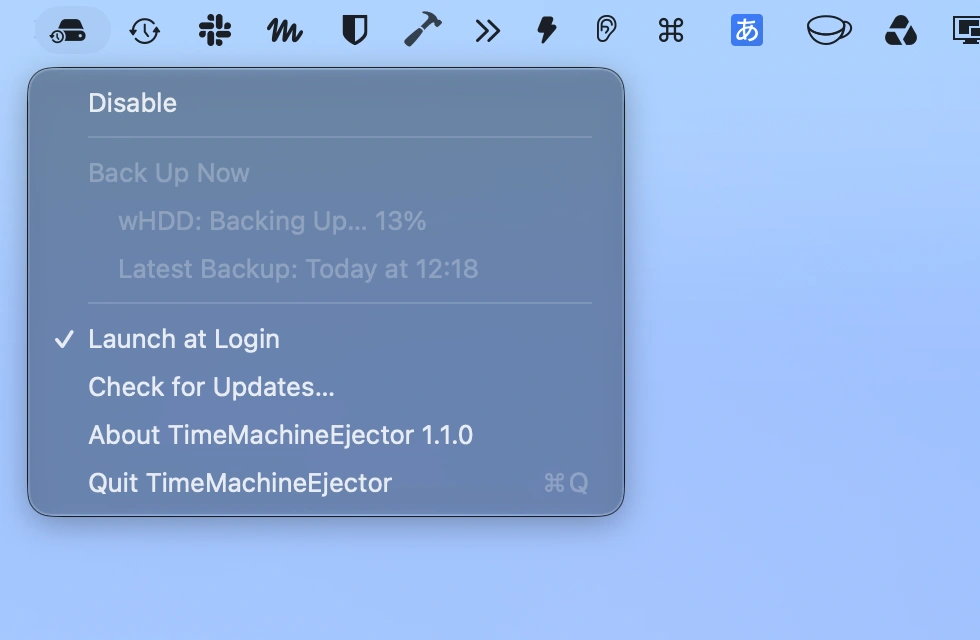
Automatically eject your Time Machine backup disk when backups finish. Scheduled backups continue uninterrupted, with automatic mounting and safe ejection after the backup and cleanup are complete.
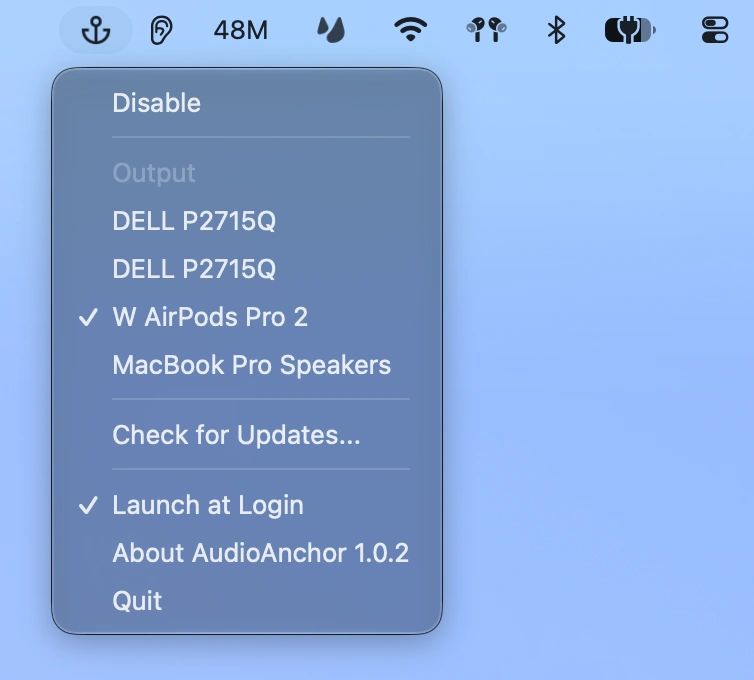
Keep your Mac’s audio output on your preferred device. AudioAnchor automatically switches back whenever macOS changes the output, even reconnecting Bluetooth headphones like AirPods.
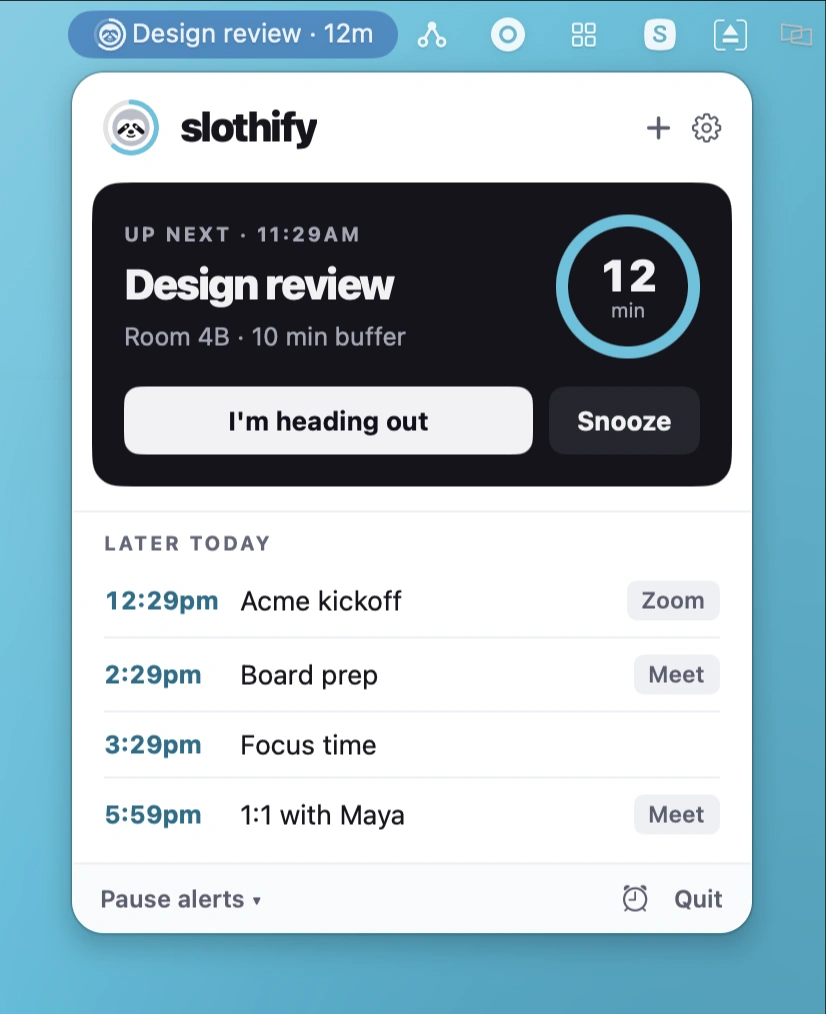
Keep track of upcoming meetings with calendar-based countdowns, full-screen reminders, one-click video call access, and customizable alerts that cut through macOS Focus when it matters.
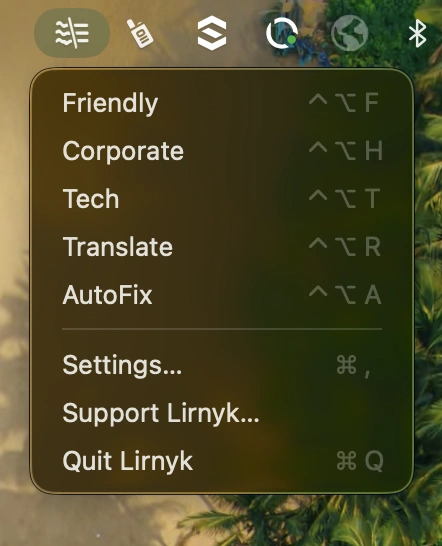
Rewrite selected text in any Mac app with a keyboard shortcut. Choose from built-in tones or create custom profiles for grammar, translation, and style. Use your own cloud AI key or run everything locally with Ollama.
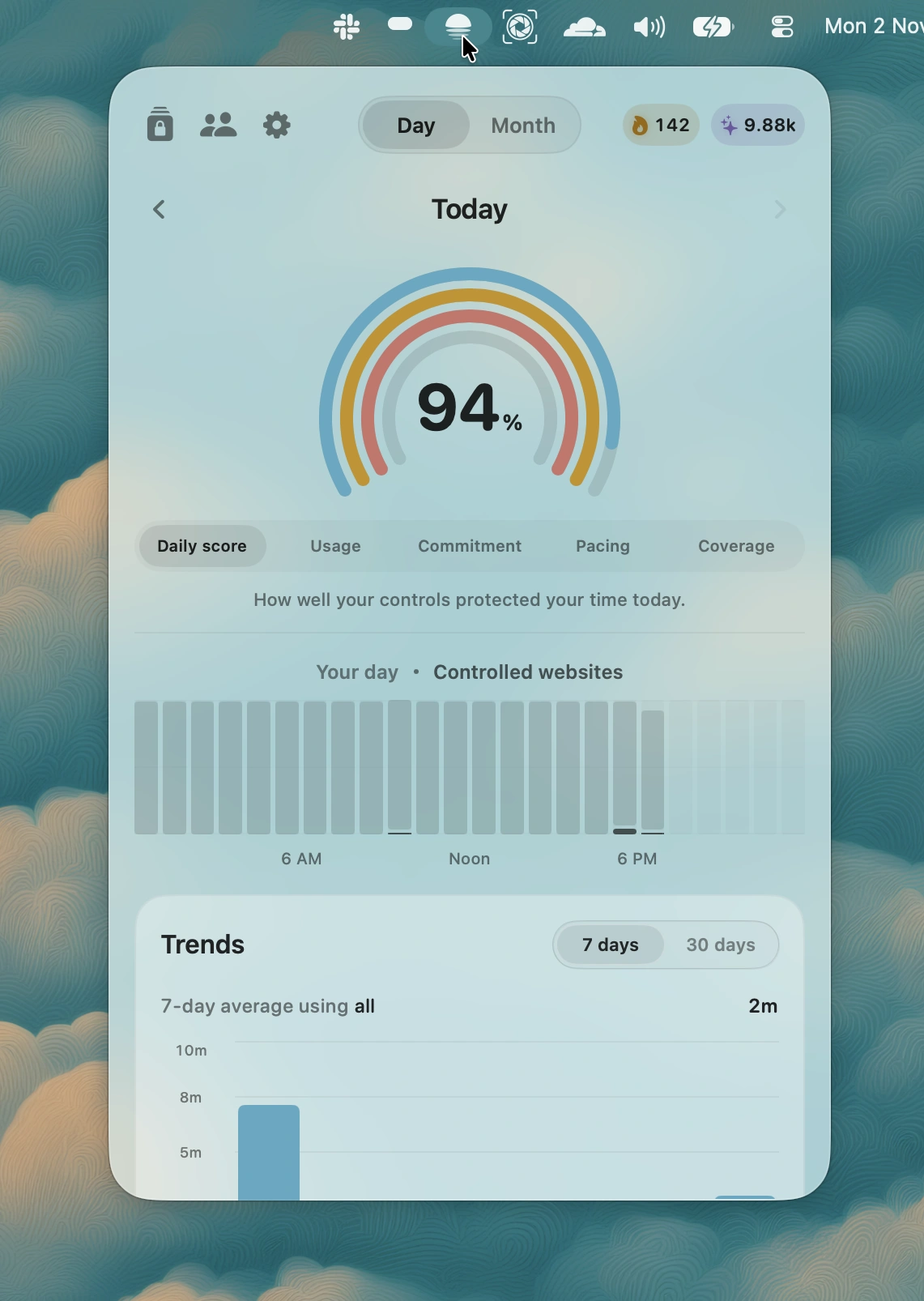
LightScroll helps you take control of screen time by adding a deliberate pause before opening distracting apps and websites. Set limits, protect your focus, and build healthier digital habits.