Collection:
Menu Bar Managers
Bartender Pro
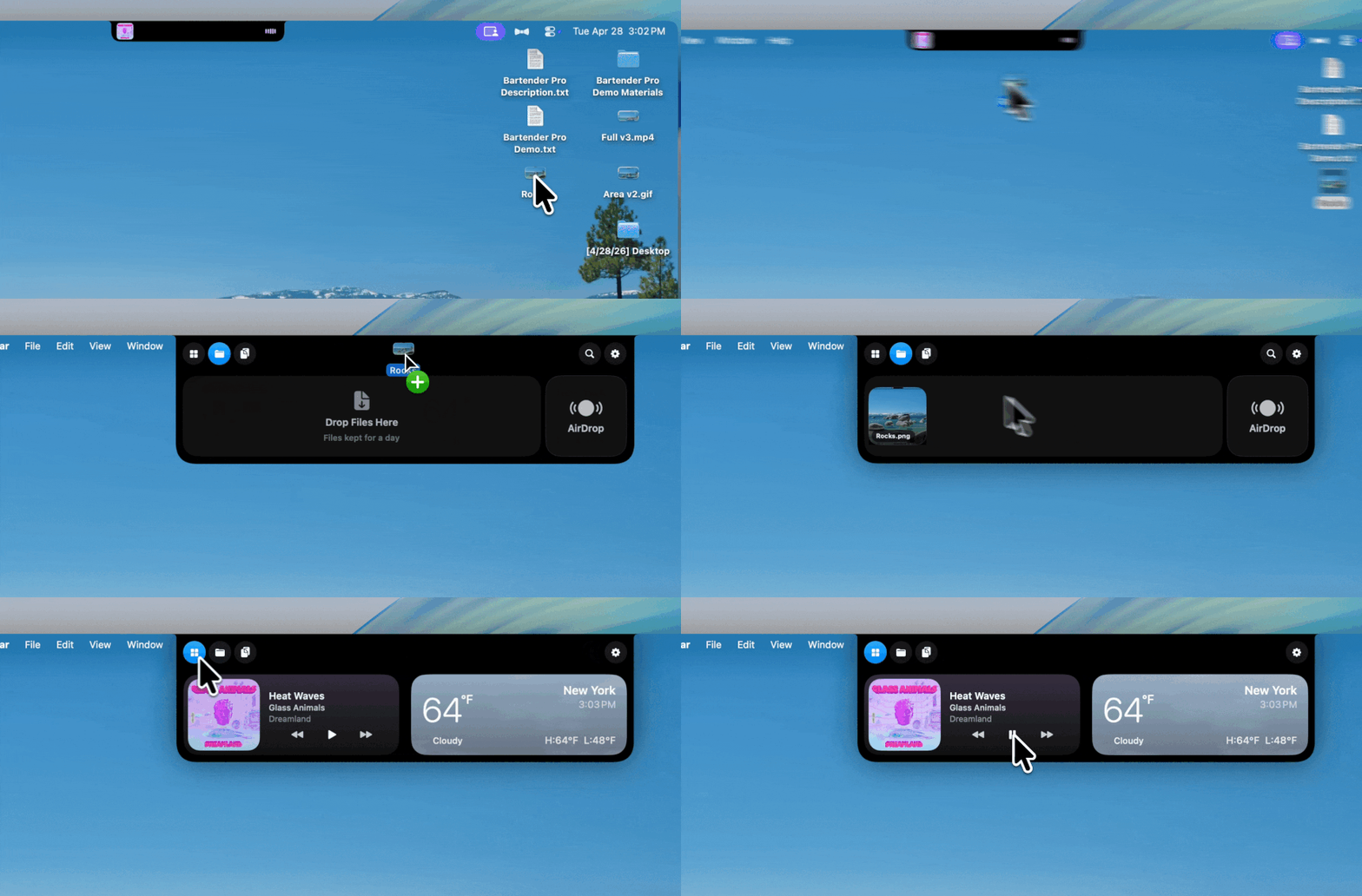
Bartender Pro now includes Top Shelf, a clever upgrade that turns your MacBook notch into a surprisingly useful hub for files, weather, meetings, music, and quick access to everyday tools.

Bartender Pro now includes Top Shelf, a clever upgrade that turns your MacBook notch into a surprisingly useful hub for files, weather, meetings, music, and quick access to everyday tools.
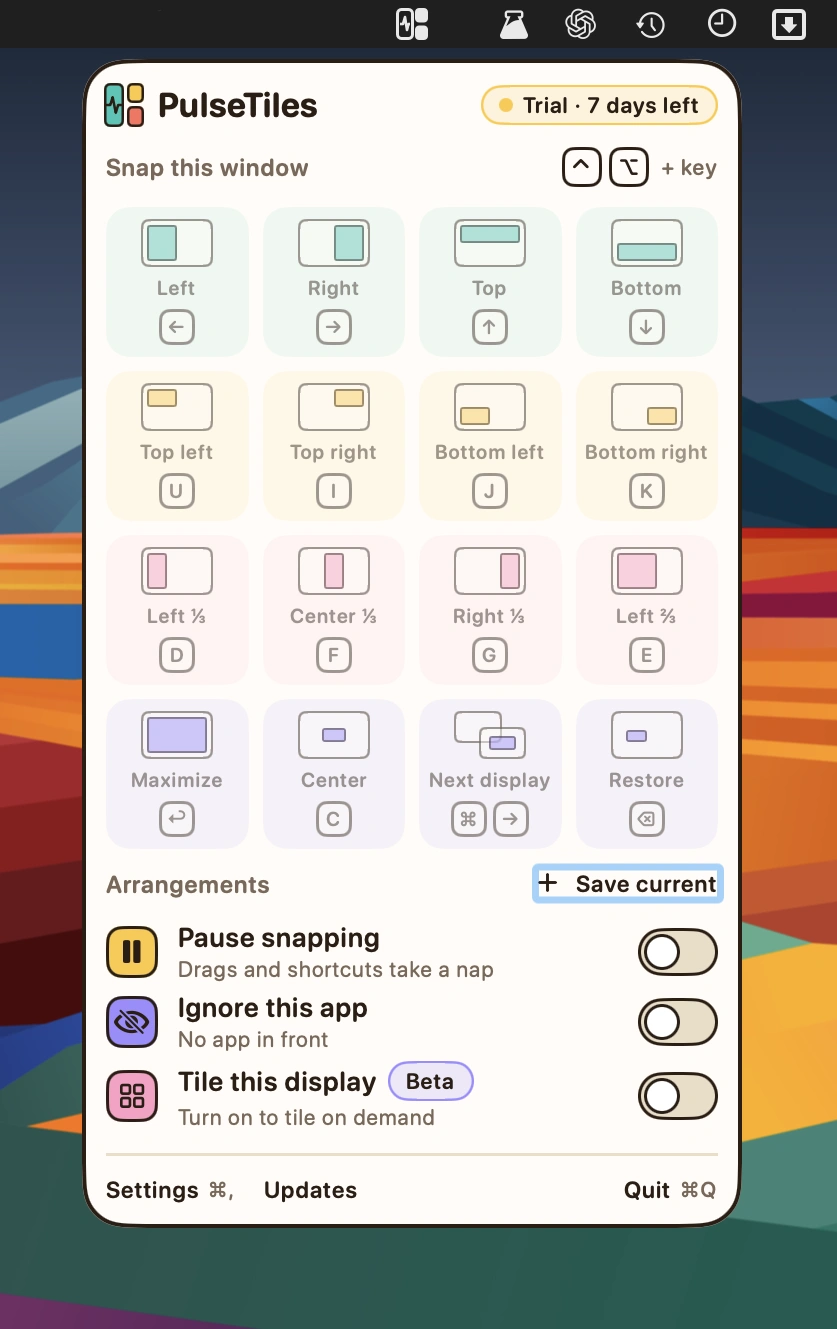
Snap windows into place with intuitive drag-and-drop controls, customizable keyboard shortcuts and a quick launcher. Save window arrangements, adjust spacing and position windows across multiple displays.
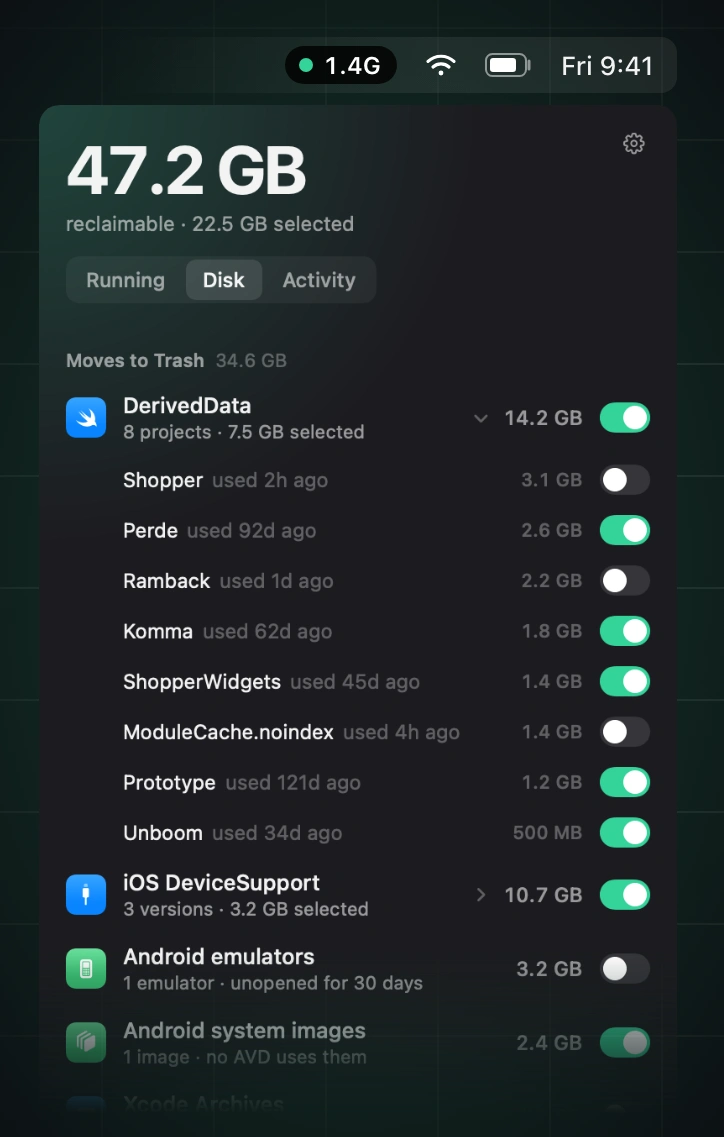
Reclaim memory by finding and stopping idle simulators, emulators, dev servers, containers, and lingering AI agent processes, while leaving databases, active builds, and pinned processes untouched.
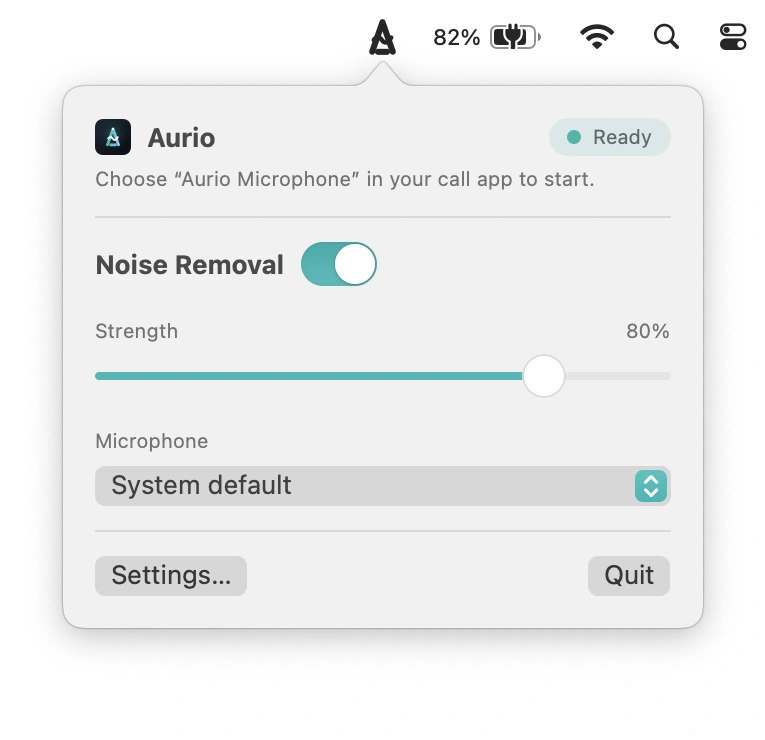
Remove background noise in real time, filtering out fans, keyboards and traffic. Works with any app that accepts microphone input, processing audio entirely on your Mac without requiring an account.
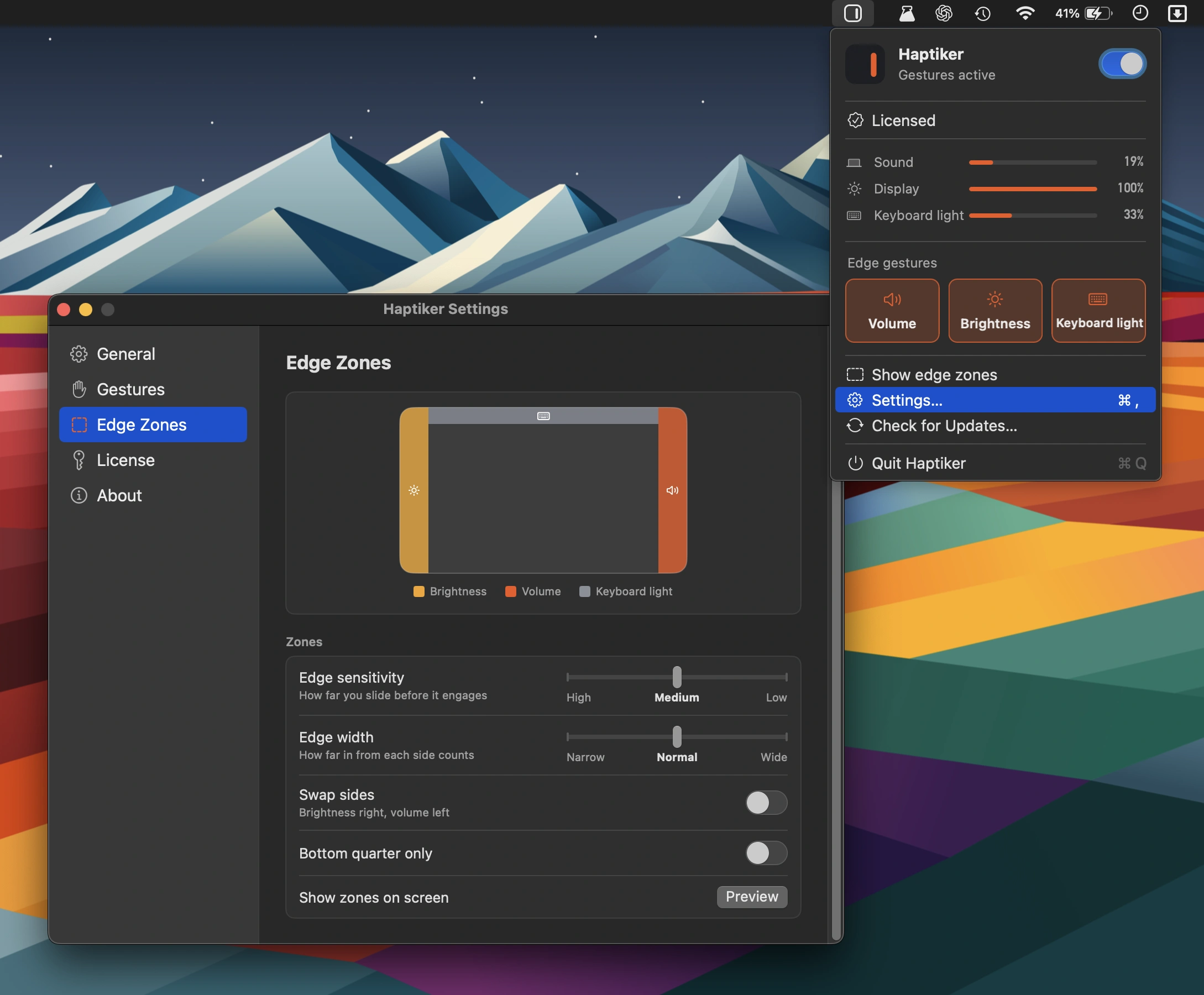
Turn your trackpad’s edges into handy controls for volume, display brightness, keyboard backlight and app switching, with haptic feedback and support for external displays. No subscription required.
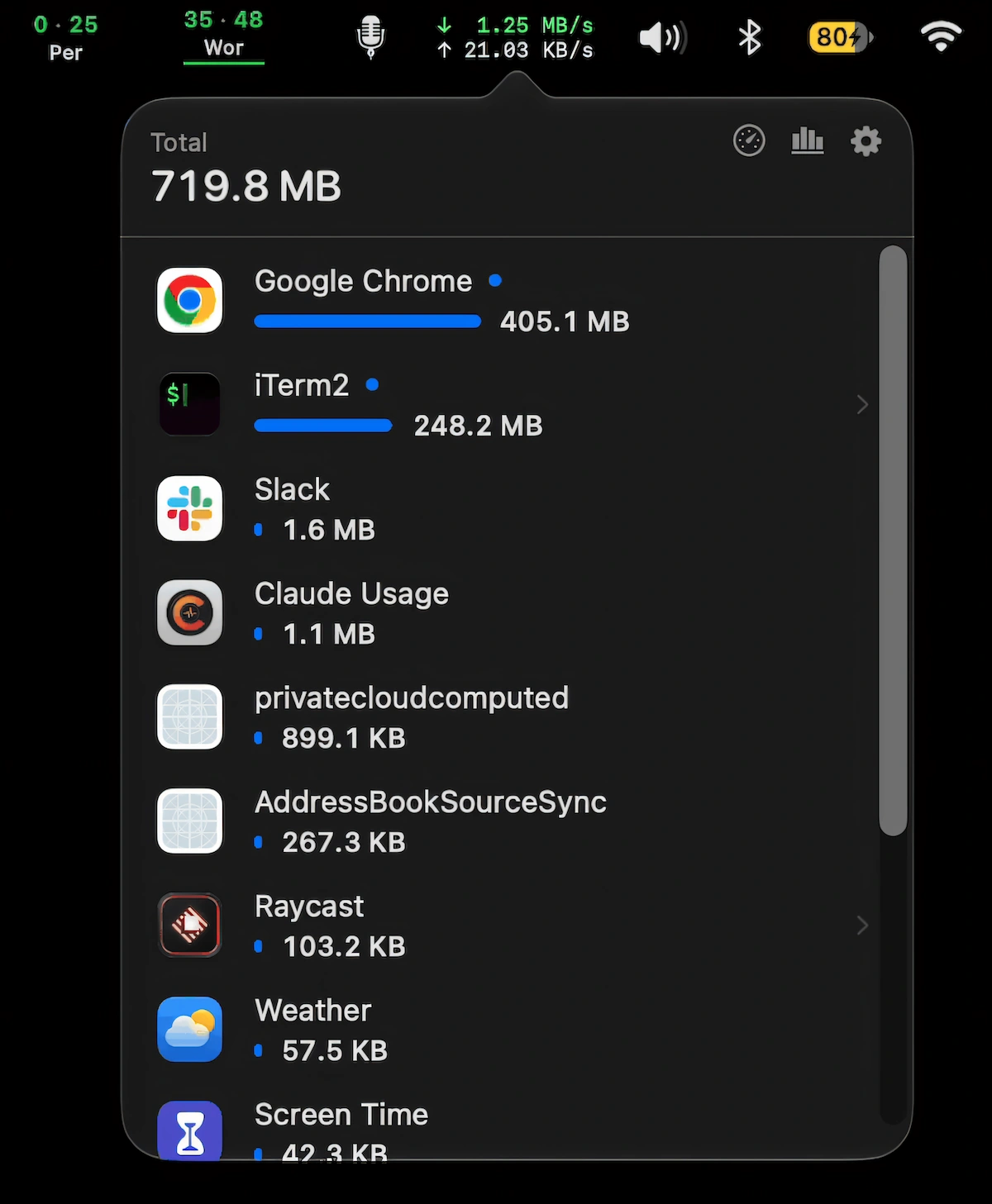
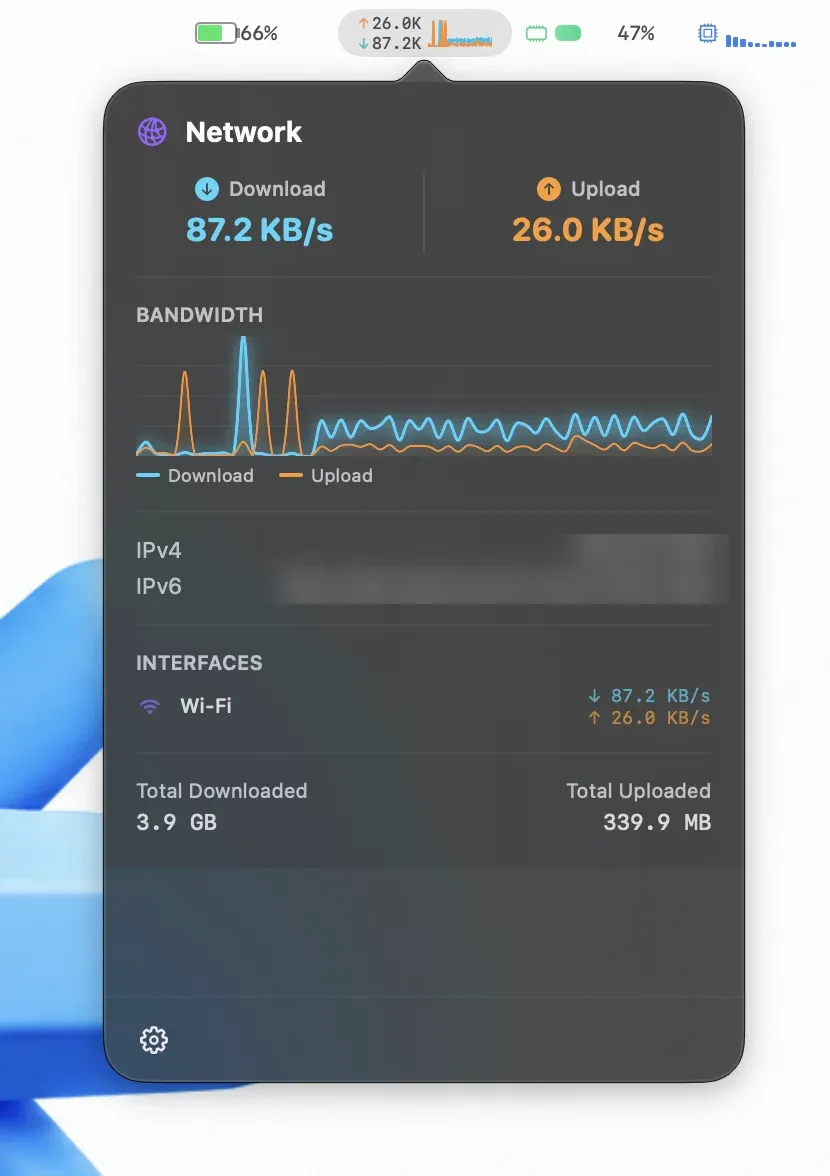
Monitor live network speeds and per-app data usage, see which apps consume the most data, pause automatic updates on hotspots, and run speed tests.
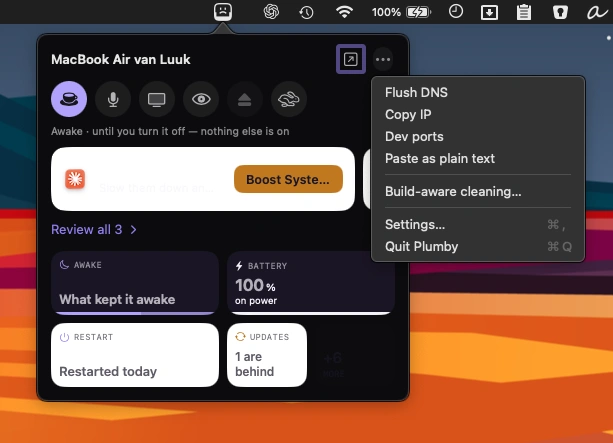
Keep an eye on your Mac’s health with system stats, storage cleanup, complete app removal, and 26 diagnostic checks. A friendly menu bar companion makes maintenance easier to understand.