Collection:
Cleaning Apps
Fresh finds for your menu bar. Most recently added apps on top – last updated: November 3, 2026
Collection:
Developer Apps
PullBar
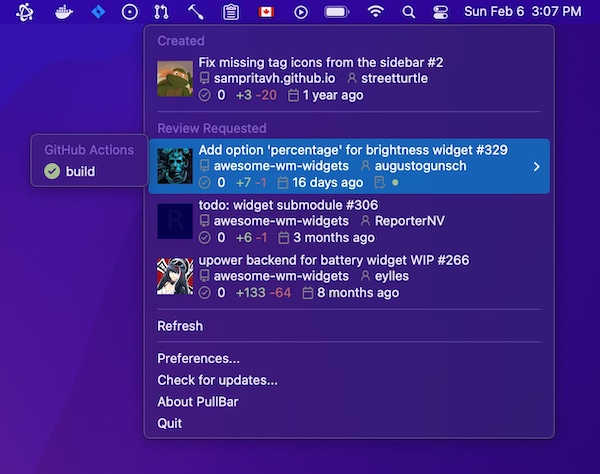
Access all your GitHub pull requests just in one click. You can also follow the review progress of pull requests created by you and check the build status of GitHub checks.
There’s also a pro version available.
Collection:
Security Apps
TrackerZapper
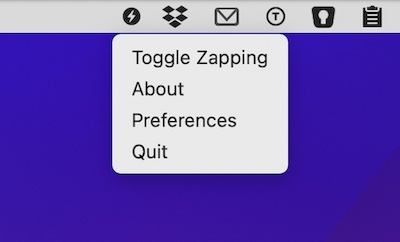
Strip tracking parameters from copied links to protect your privacy. This tool integrates seamlessly into your workflow without opening other applications or additional windows.
Collection:
Launcher Apps
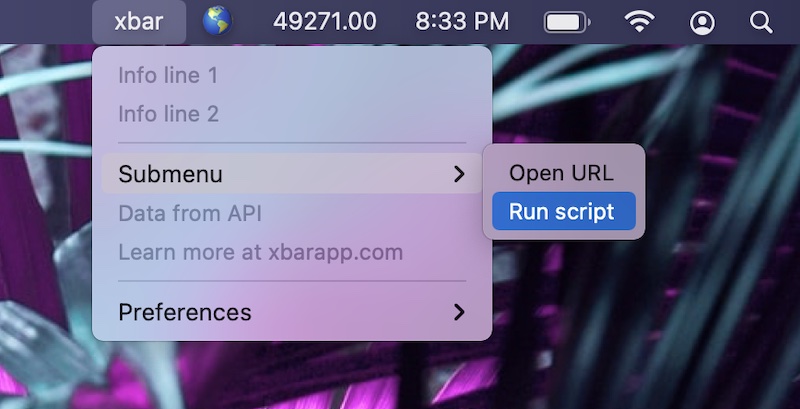
xbar
Collection:
Finance Apps
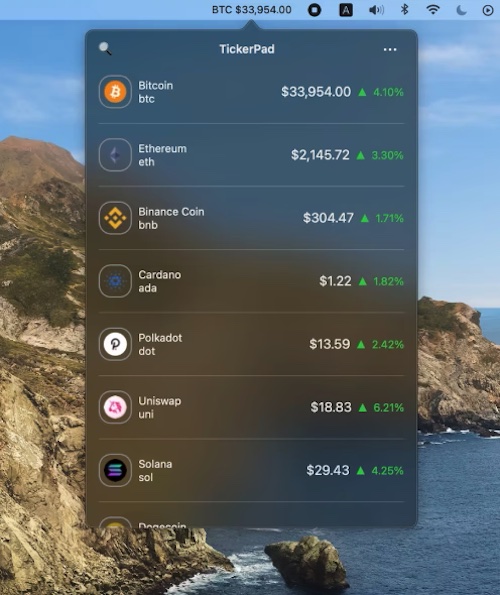
TickerPad
Collection:
Audio Apps
Tubist
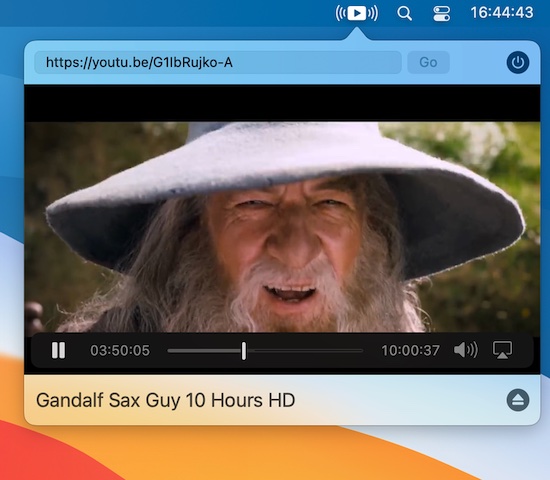
Ever used YouTube to listen to background music, only to accidently close your browser tab? With Tubist there is no more closing YouTube by accident, especially while you AirPlay.
Collection:
OCR Apps
TRex
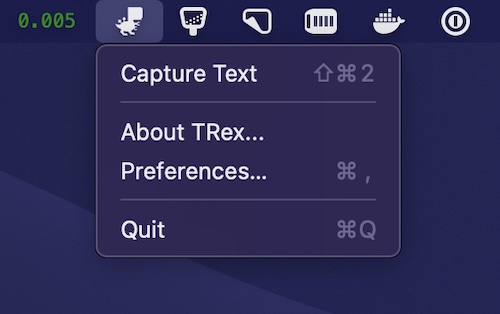
TRex lives in your menu bar and captures any text right into your Clipboard with magic of OCR. A free alternative for TextSniper.
Collection:
Note Taking Apps
One Thing
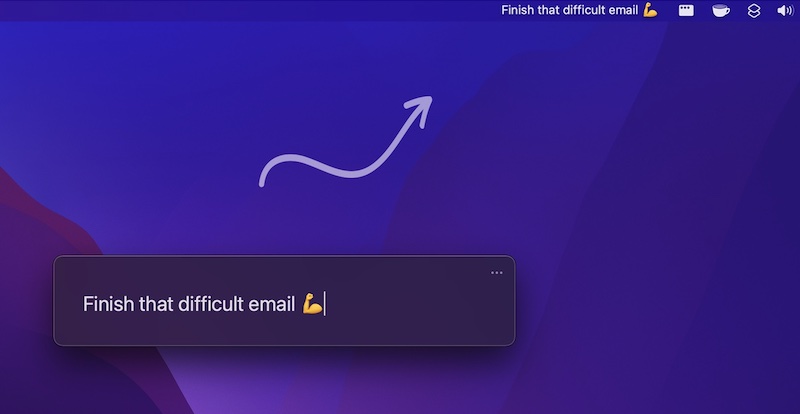
Always focus on one thing at a time. With One Thing you can put a single task or goal in your menu bar.
Collection:
System Tools
OnlySwitch
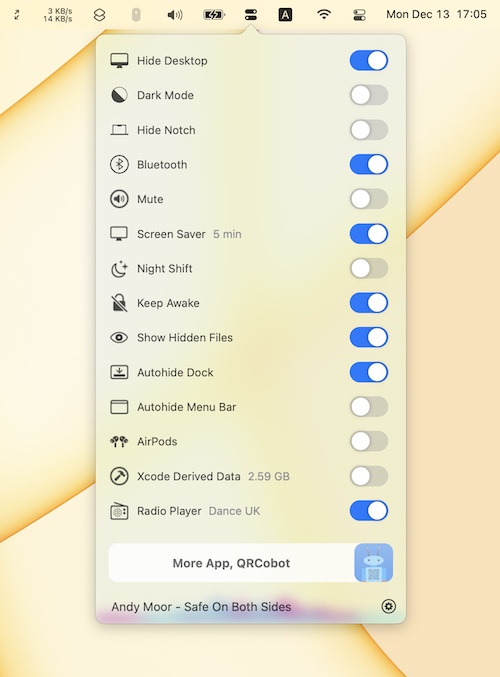
OnlySwitch gathers dozens of system toggles in one menu bar button, from dark mode and hidden files to keeping your Mac awake. On notched MacBooks it can also hide the notch.
Collection:
OCR Apps | Screen Capturing Apps