Collection:
Cleaning Apps
USBclean
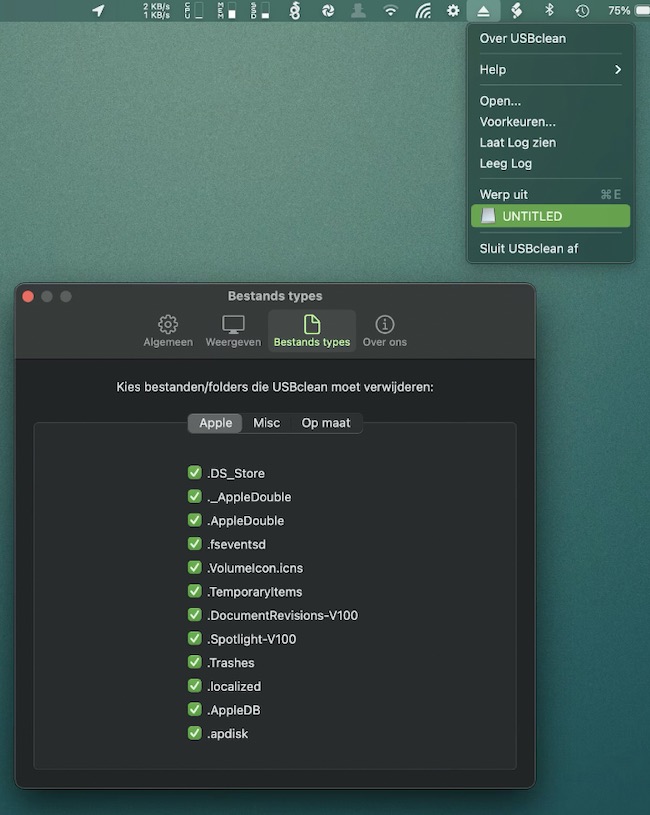
USBclean removes all those pesky junk and ghost files from your external Windows formatted USB drives, like DS_Store and Thumbs.db.
Remove files by simply dragging your drive into the menu bar’s drop zone.

USBclean removes all those pesky junk and ghost files from your external Windows formatted USB drives, like DS_Store and Thumbs.db.
Remove files by simply dragging your drive into the menu bar’s drop zone.
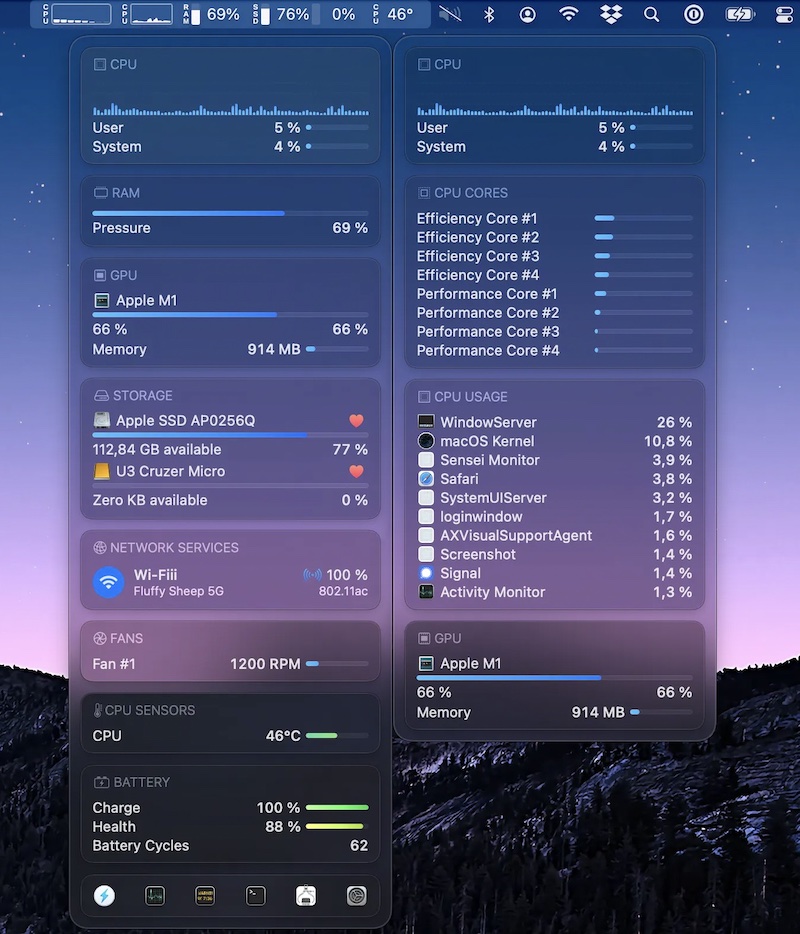
Sensei Monitor is a realtime statistics engine that monitors every aspect of your Mac performance, right from your menu bar. The app is built completely in SwiftUI. Sensei Monitor is included as part of the Sensei app.

Neat brings your GitHub and Linear notifications to the menu bar, so you can stay on top of pull requests and code reviews without living in your inbox. Full keyboard navigation, granular filters, and everything is stored locally. Free to use.
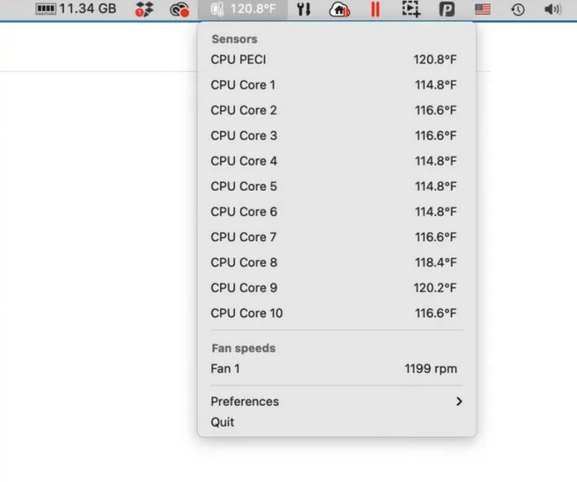
This menu bar app tells you the temperature of each of the CPU cores on your Mac, and also lists the fan speeds cooling off these cores.
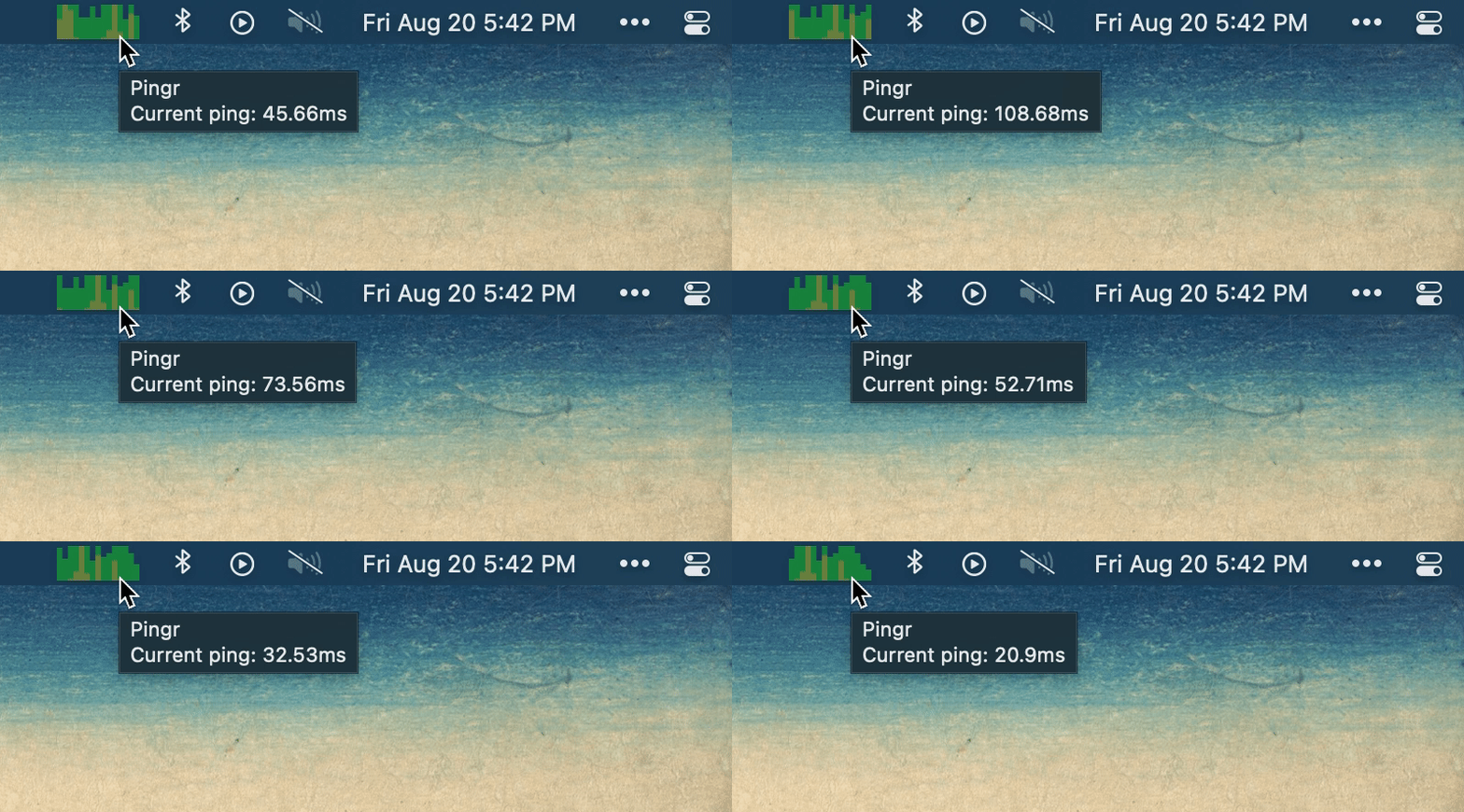
Pingr shows your current internet speed right in the menu bar with a clean, minimal widget — a quick at-a-glance check that tells you whether your connection is holding up without opening a speed test.
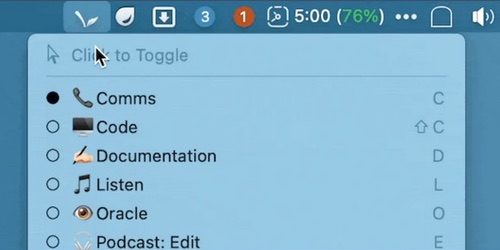
Bunch is a menu bar app that uses plain text scripts (‘Bunches’) to automate context switching. Bunches can open apps, specific files, web pages, and more.
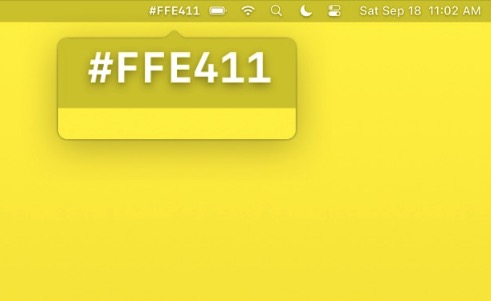
Color Peeker shows the hex code of the color under your mouse pointer, right in the menu bar. It can also name the color and show an enlarged view of the pixel. Turn on Copy on Right Click and the hex code lands on your clipboard with one click.