Fresh finds for your menu bar. Most recently added apps on top – last updated: November 3, 2026
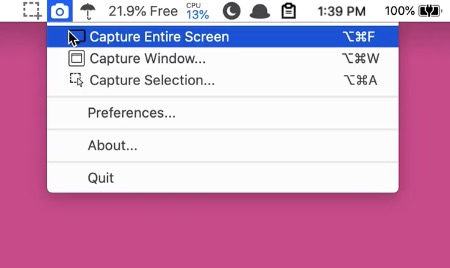
Menu Snappr II makes screen capturing feel effortless, whether you’re grabbing a full display, a single window, or a custom area across multiple monitors. With flexible formats, smart file naming, configurable shortcuts, and instant Preview access, it keeps screenshots fast, organized, and quietly out of your way.
Visit Watch
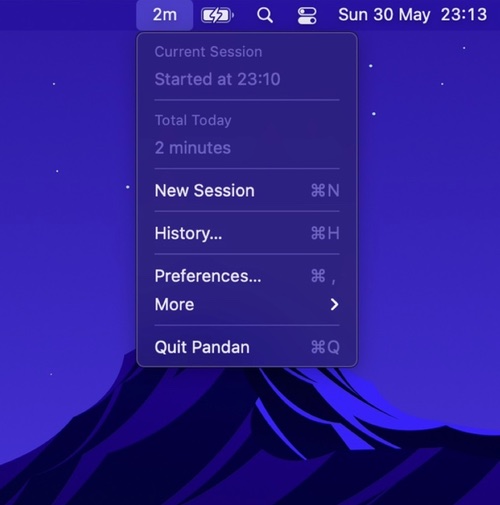
This menu bar app shows you how long you have been actively using your computer, to make you aware and let you decide when it’s time to take a break.
Pandan automatically detects computer activity through mouse movements, keyboard presses, etc.
Visit

HeadphoneConnect puts your Bose headphones in the menu bar. Check the battery level and connect or disconnect paired devices without reaching for your phone. Works with all current Bose headphones, on Mac and Windows.
Visit
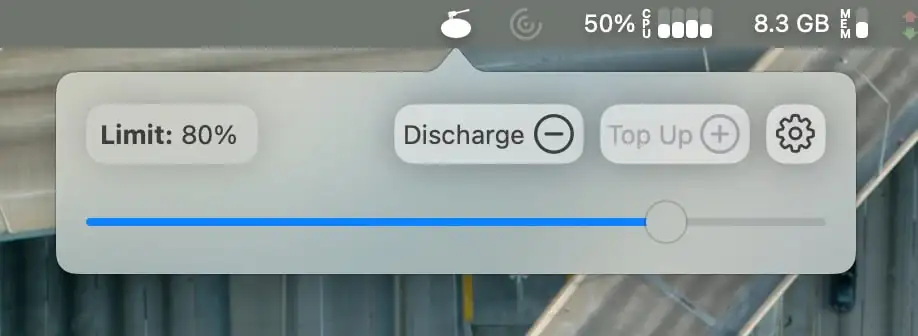
AlDente is an all-in-one charging manager for MacBooks that extends the life of your MacBooks battery.
Visit

Dropover sits in your menu bar. Once you drag files onto the icon, a square window pops open where you can drop them in.
When you have everything together, you can drag the files as one stack from the Dropover window to a new location.
Visit
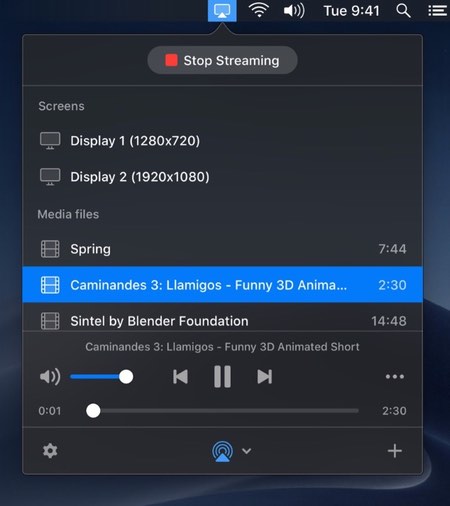
JustStream streams video and audio from your Mac to Apple TV, Chromecast, Roku and most smart TVs, in nearly any format and up to 4K, with subtitles and playlists. It can also mirror your entire Mac screen to the big screen.
Visit
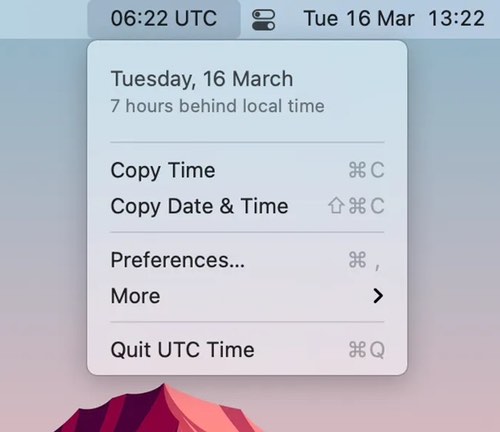
This menu bar app shows the UTC time, just as a quick reference. You can also copy the date & time in ISO8601 format.
Visit
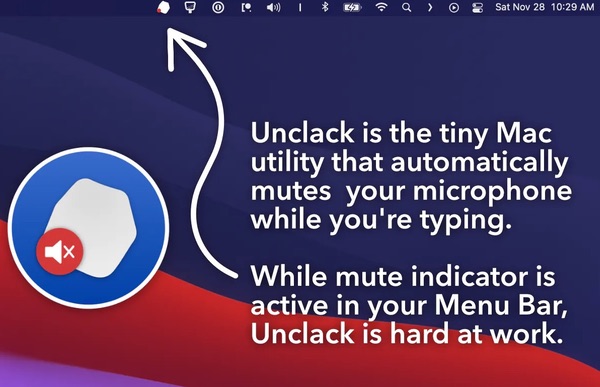
Unclack automatically mutes your microphone while you type and un-mutes when you stop. No interaction required.
Visit
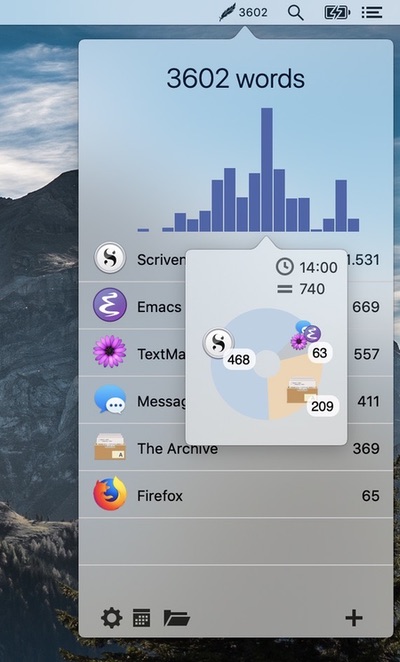
Track how many words you write daily across all your applications. This tool integrates seamlessly into your workflow without opening other applications or additional windows.
Visit
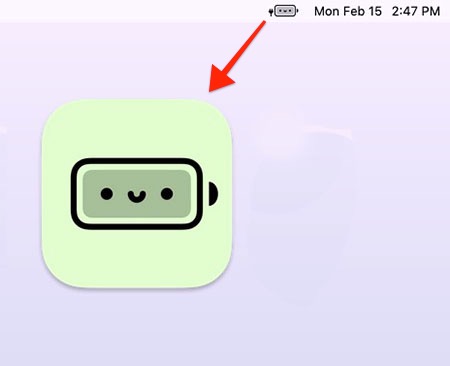
Just like the default battery indicator in your menu bar, but cute. When your battery goes to red or yellow, and you get a bit stressed, this emoji battery indicator takes the edge off.
Visit