Fresh finds for your menu bar. Most recently added apps on top – last updated: August 27, 2026
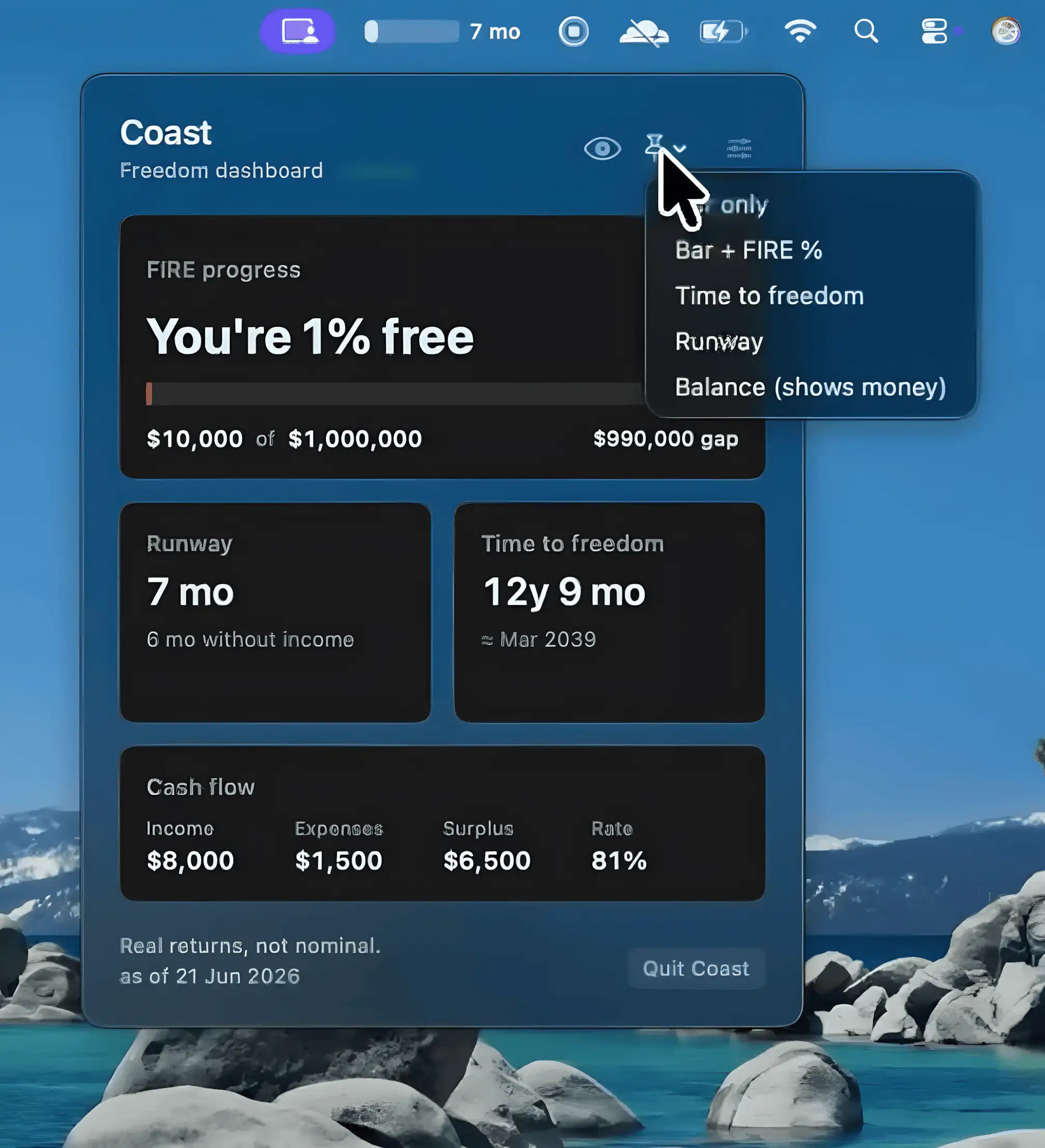
Coast keeps your FIRE (Financial Independence, Retire Early) journey visible from the menu bar. It tracks progress toward multiple financial independence targets, updates projections in real time, and keeps all data securely stored on your Mac.
Visit
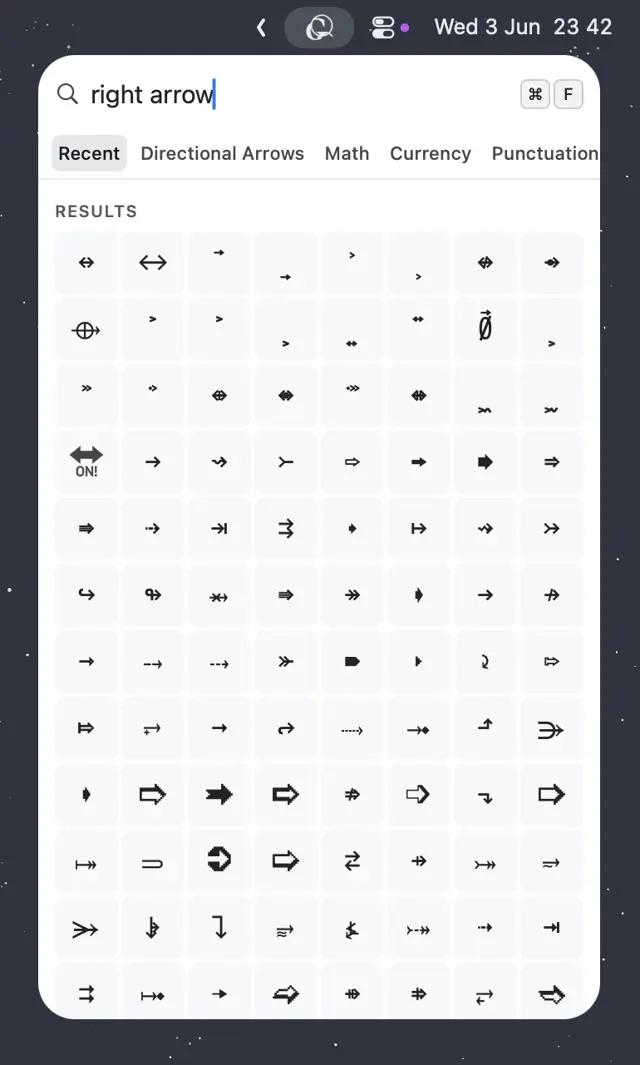
Glyf makes it easy to find and copy Unicode and NerdFont characters with a quick keyboard shortcut. Fast fuzzy search, recent character history, and a native Swift design keep everything within reach.
Visit
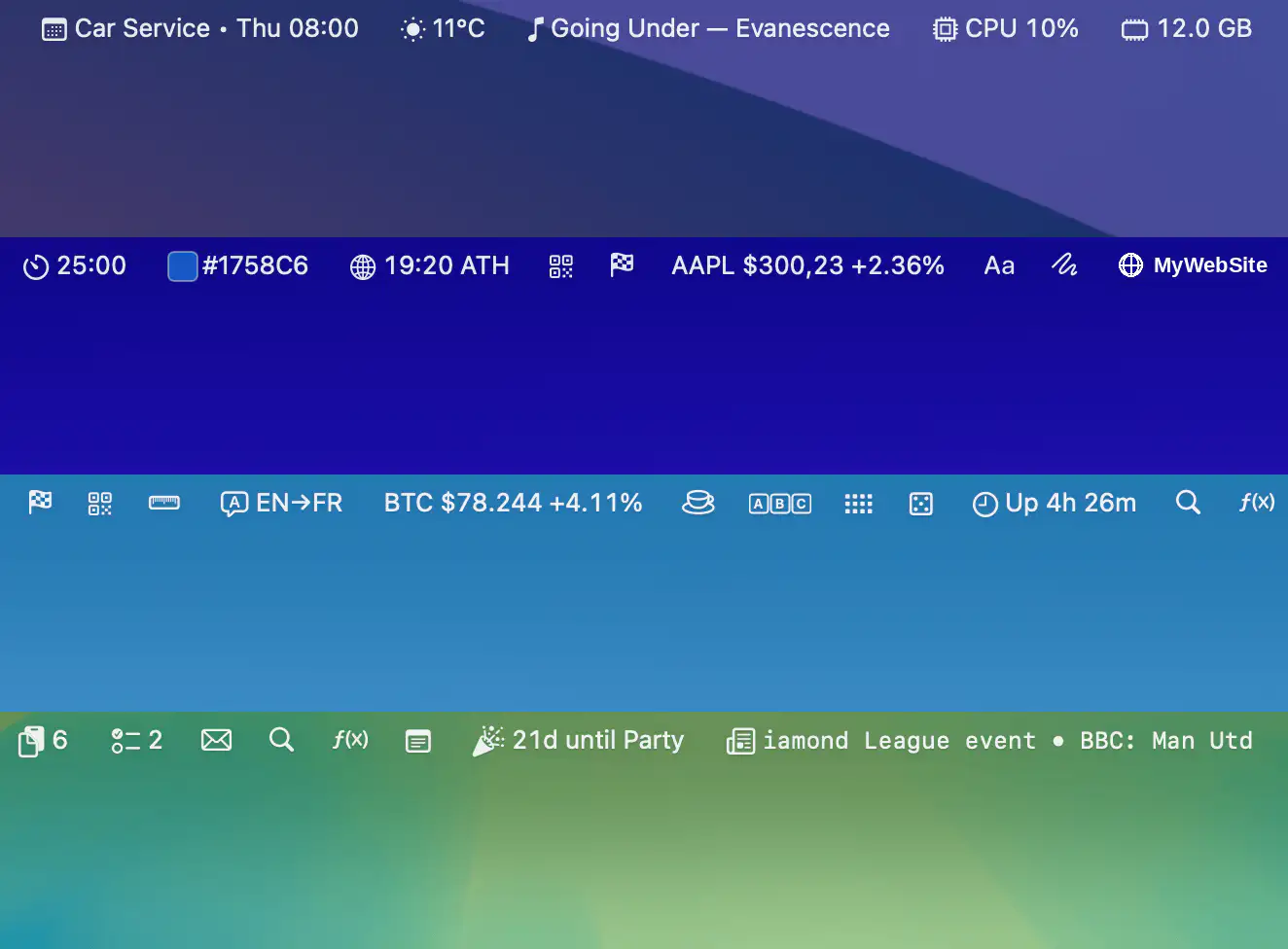
Barista brings more than 35 widgets together in a single workspace, making email, calendar, clipboard history, weather, system stats, stocks, news, and everyday utilities instantly accessible while helping reclaim precious menu bar space.
Visit
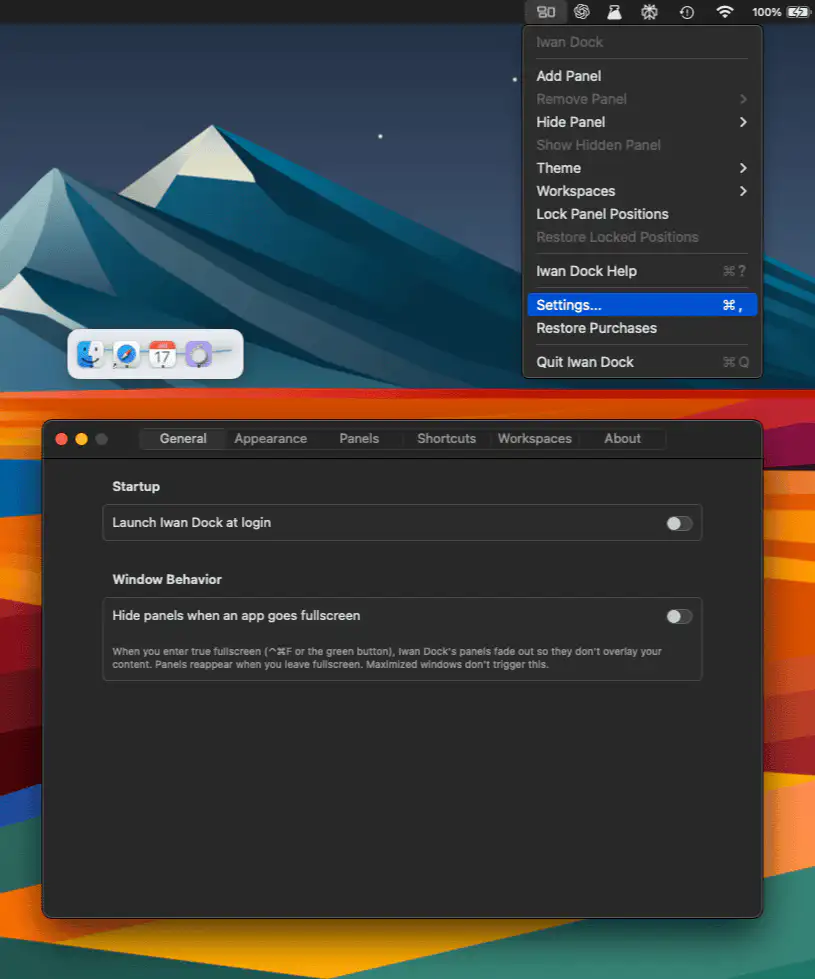
Iwan Dock keeps frequently used apps organized in customizable floating panels that stay exactly where you left them. With workspace support, flexible layouts, and a privacy-focused native design, it offers a calmer alternative to traditional app launchers.
Visit
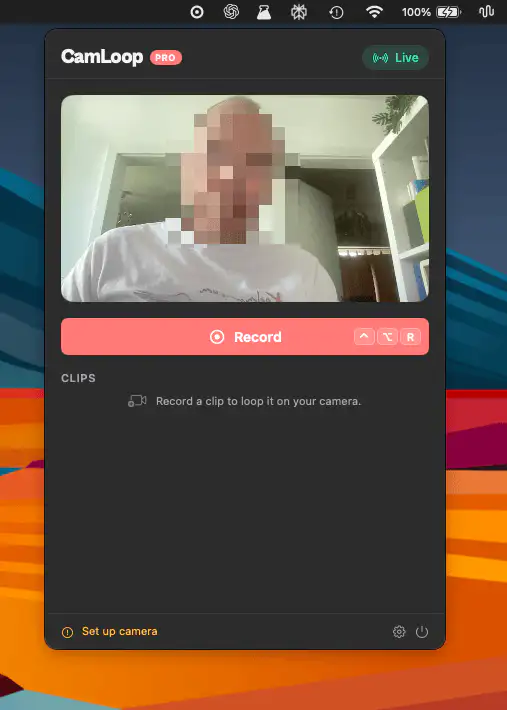
CamLoop lets you record a short video loop and switch to it during video calls, giving you a moment away from the camera while keeping your presence natural. Works across major meeting platforms and keeps everything on-device.
Visit
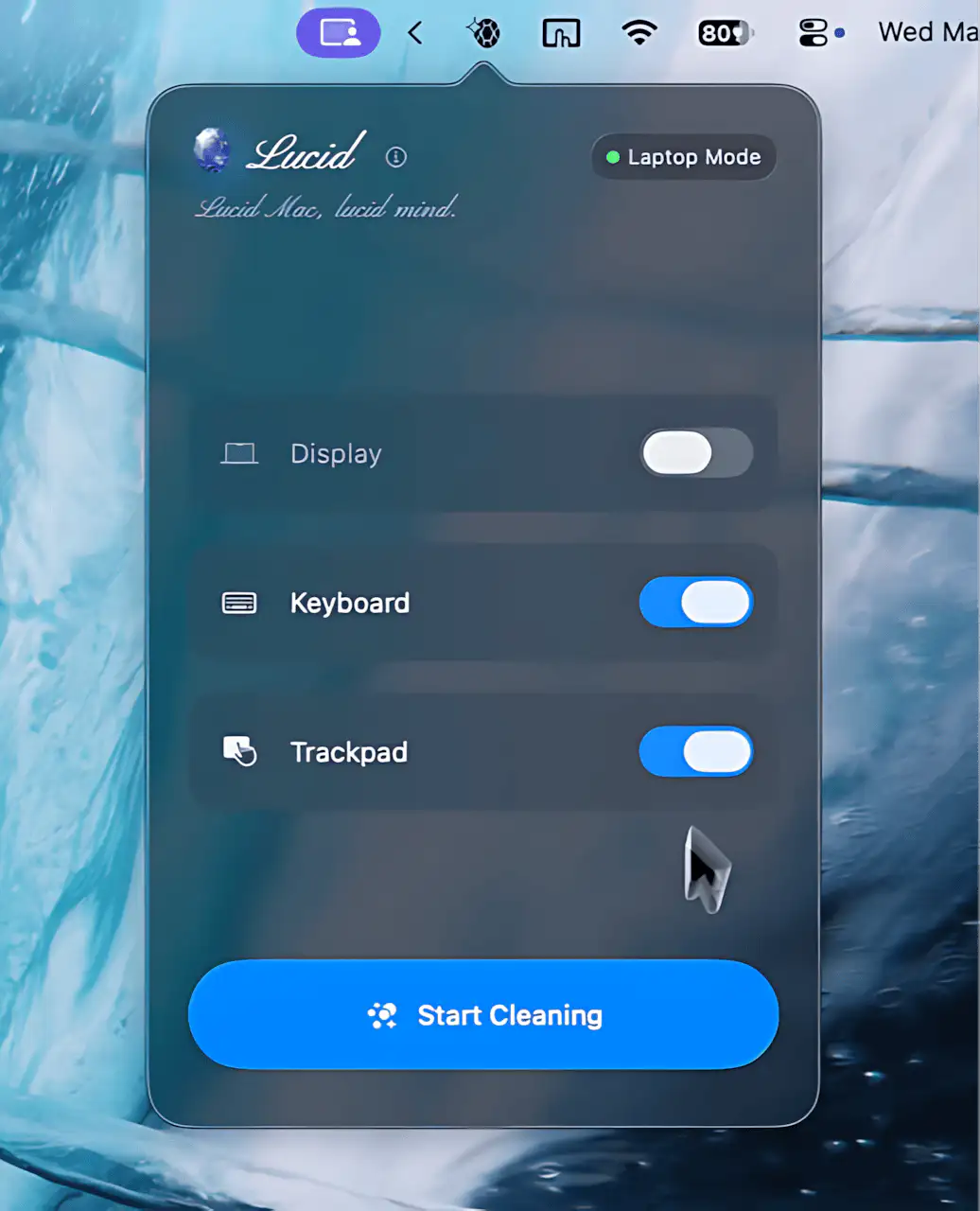
Lucid creates a dedicated cleaning mode for your Mac, darkening the screen and disabling input devices so you can safely remove dust, smudges, and fingerprints without triggering unwanted actions.
Visit
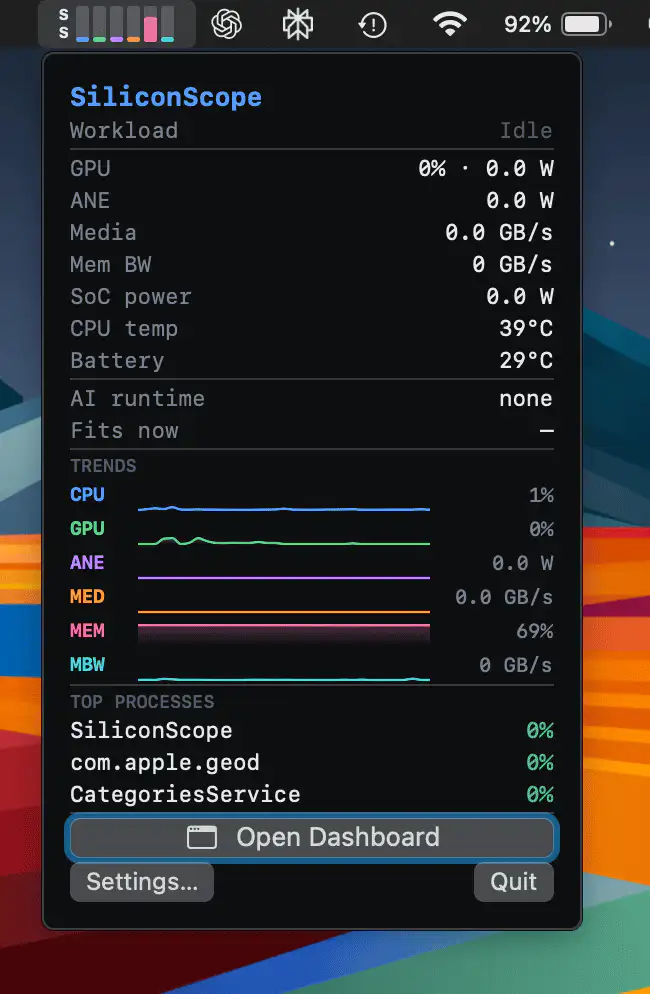
SiliconScope offers a detailed look inside Apple Silicon, tracking CPU, GPU, Neural Engine, Media Engine, memory bandwidth, and thermal behavior in real time, making demanding AI and media workloads far easier to understand.
Visit
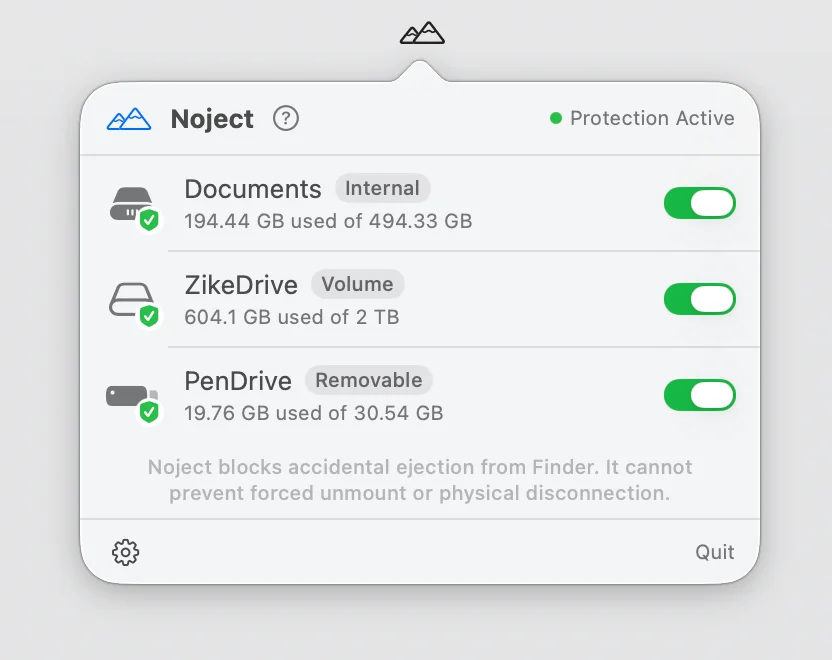
Noject helps prevent accidental drive ejections by protecting selected volumes and keeping them mounted across reboots, sleep cycles, and reconnects. It’s a simple but thoughtful safeguard for storage-heavy workflows.
Visit
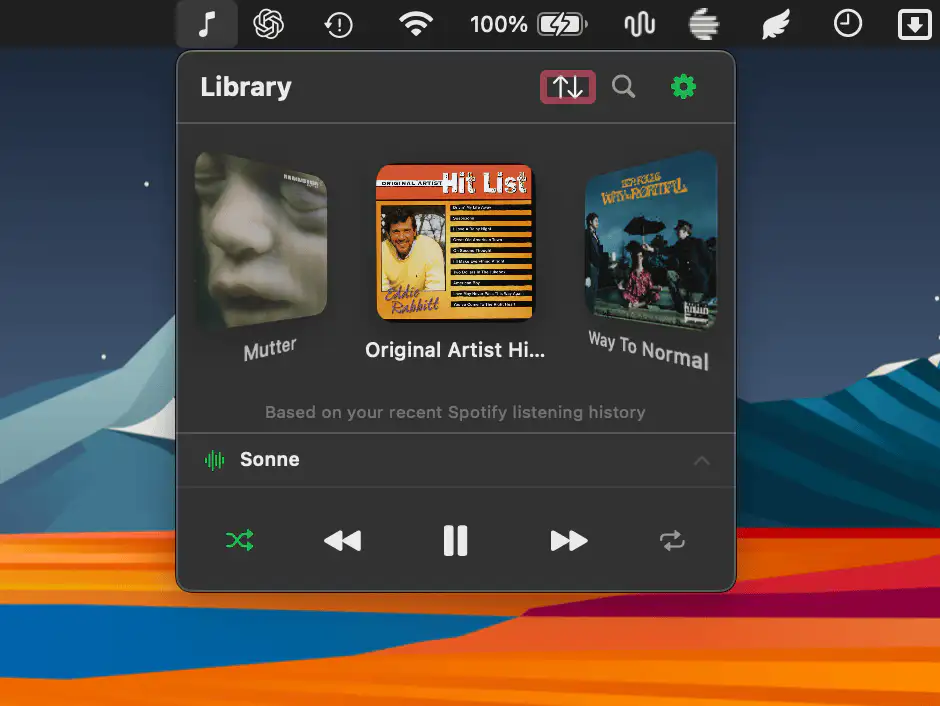
A compact music companion that brings Apple Music and Spotify together in a menu bar panel. Flip through albums in ‘cover flow’ or ‘grid view’ and search your library instantly.
Visit
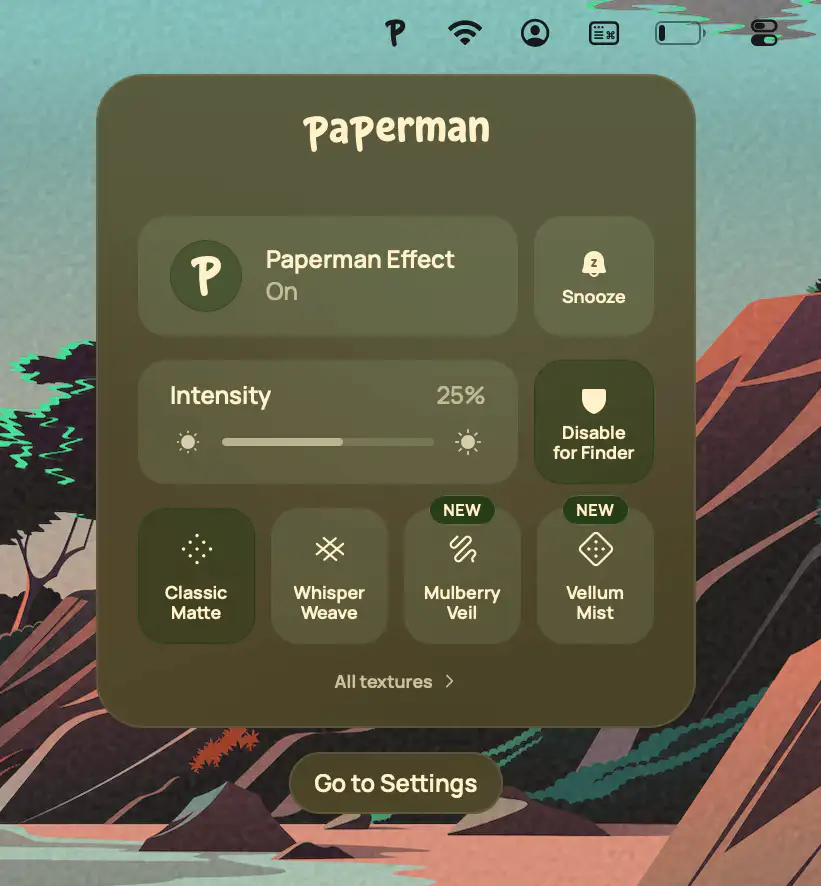
Paperman adds a subtle paper texture to your display, reducing visual fatigue while preserving color accuracy. With customizable textures, automatic switching, and per-app controls, it makes screens feel noticeably softer and more natural to read.
Visit