Collection:
AI Apps
CapMeter
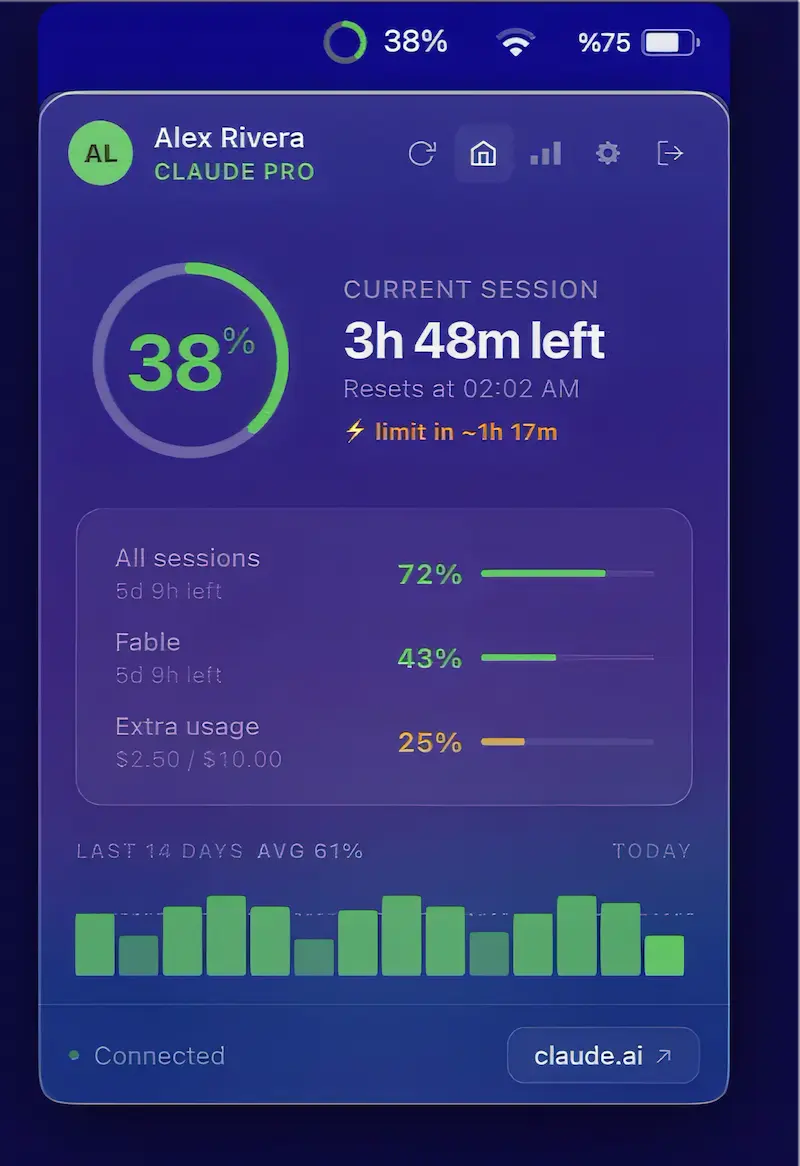
Know when you’ll hit your Claude limit, not just how much you’ve used. CapMeter tracks burn rate, countdowns, alerts, usage history, and multiple accounts, helping you plan ahead.

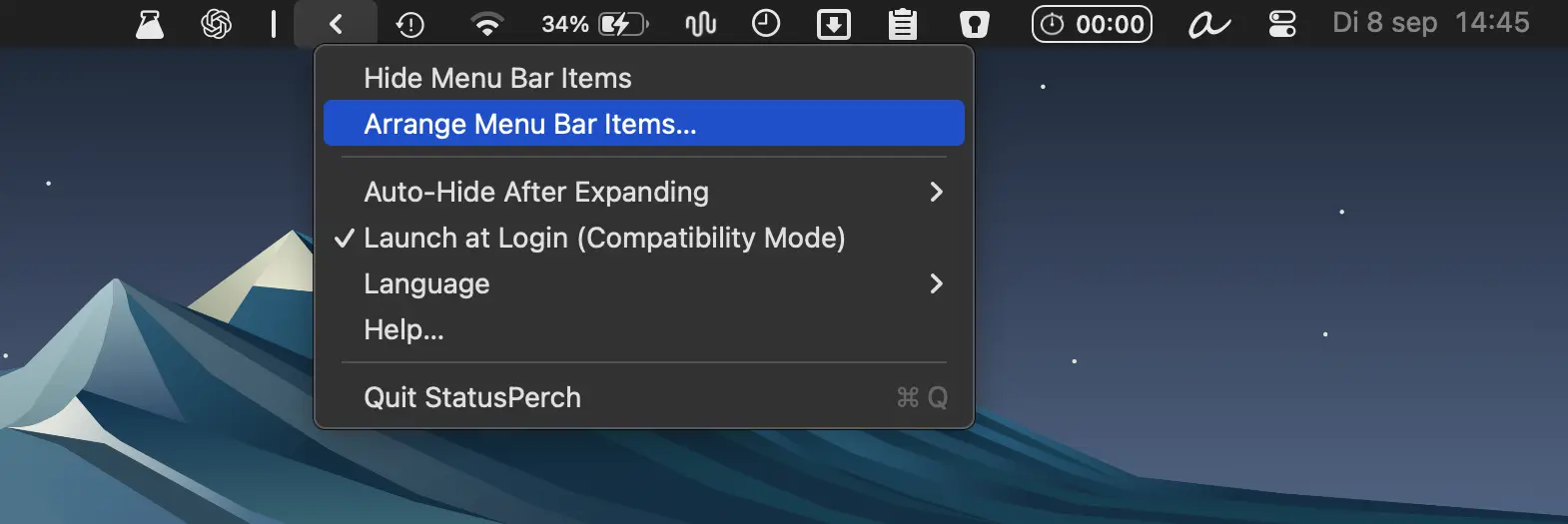
Organize cluttered macOS status icons with a movable boundary, one-click hiding, and automatic hiding options. Lightweight and privacy-friendly, with no account or permissions required.
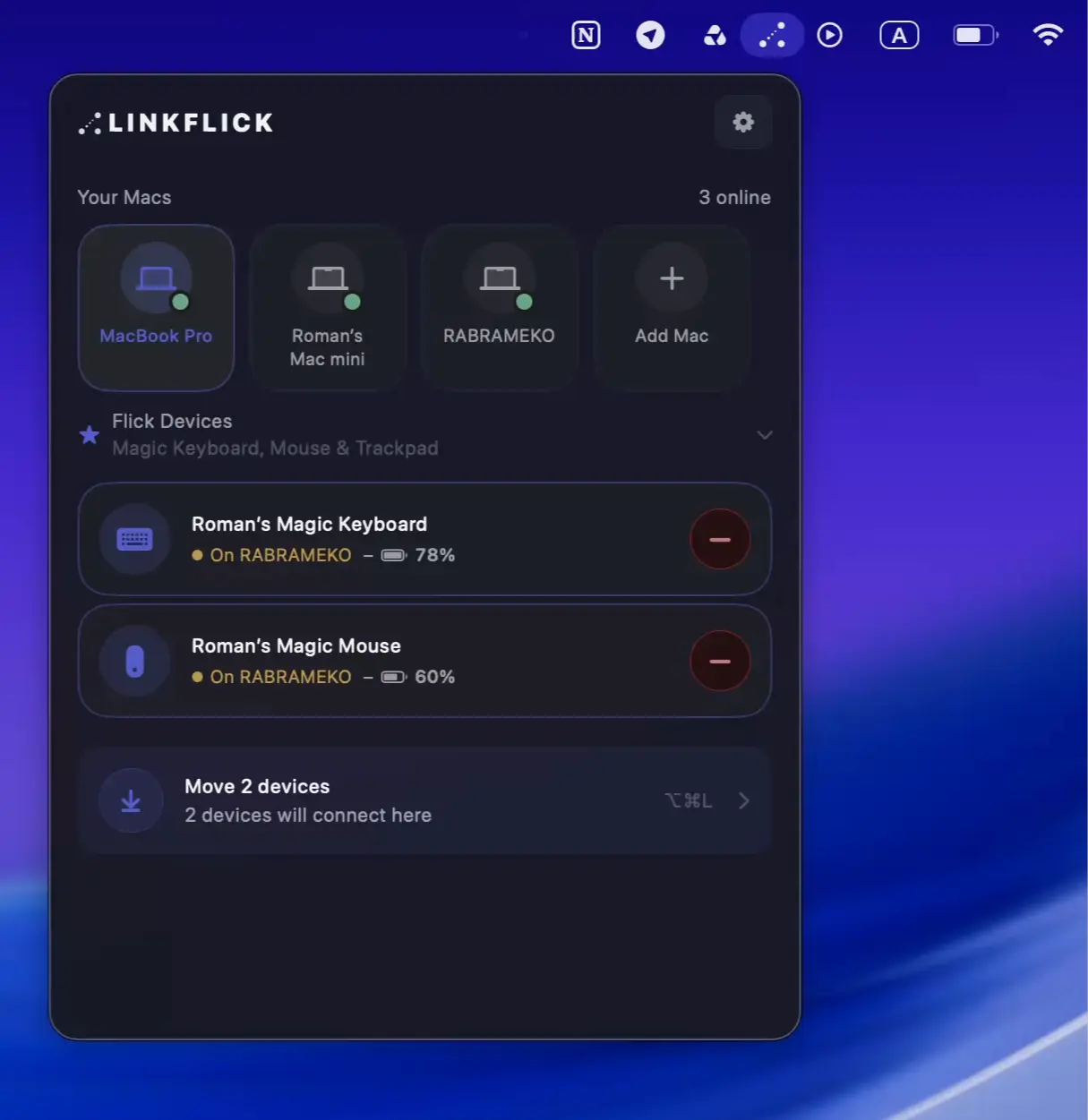
LinkFlick instantly switches your Magic Mouse, Keyboard, and Trackpad between Macs on the same network, re-pairing devices at the Bluetooth level without iCloud, accounts, or cloud services.

Real-time, word-synced lyrics for Apple Music, Spotify, QQ Music and more, with translation, romanization, customizable lyric displays, and Last.fm or ListenBrainz scrobbling.
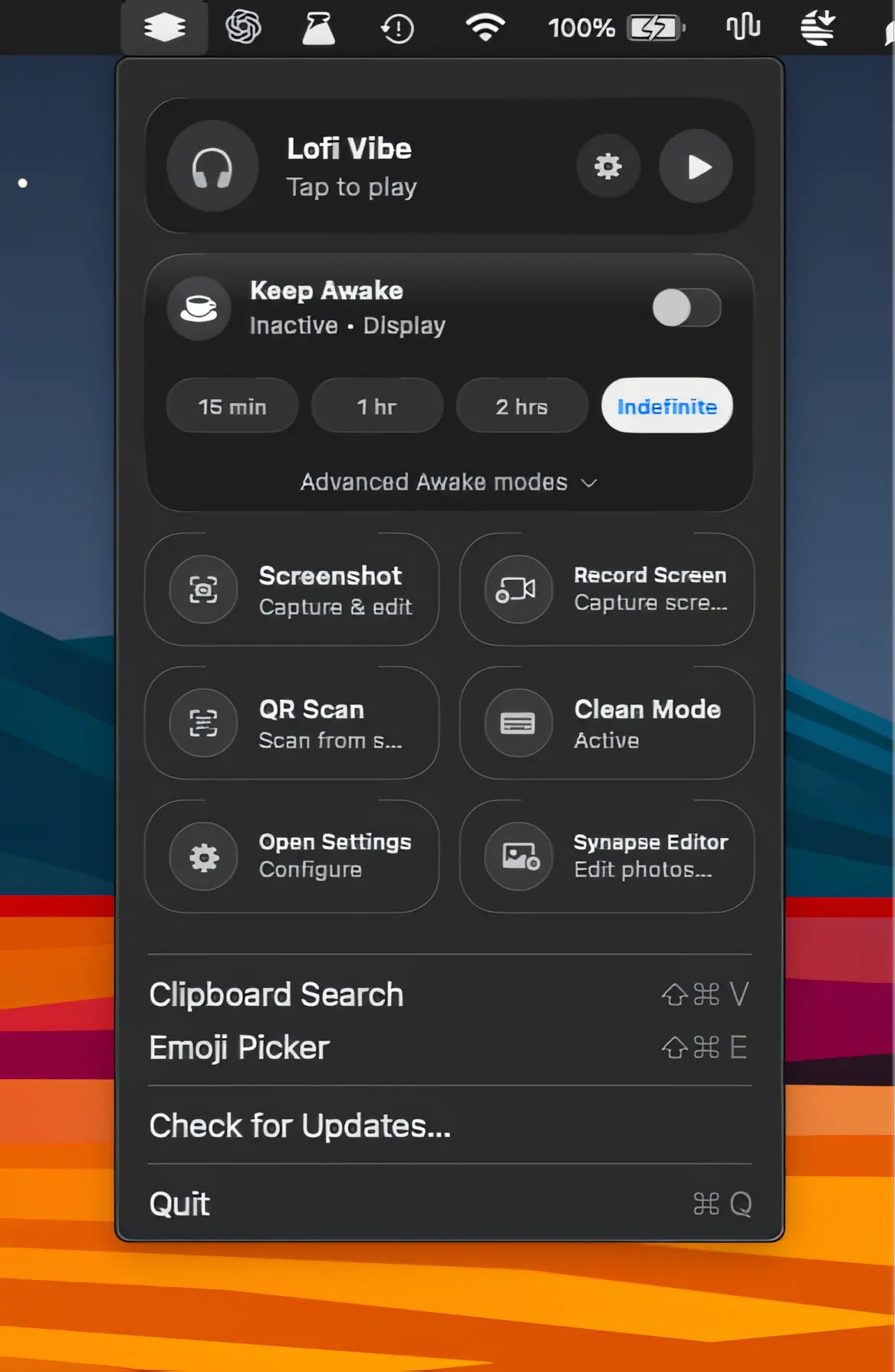
A lightweight collection of everyday Mac utilities for screen recording, screenshots, clipboard history, OCR, QR scanning, sleep prevention, and more, all packed into one streamlined app.
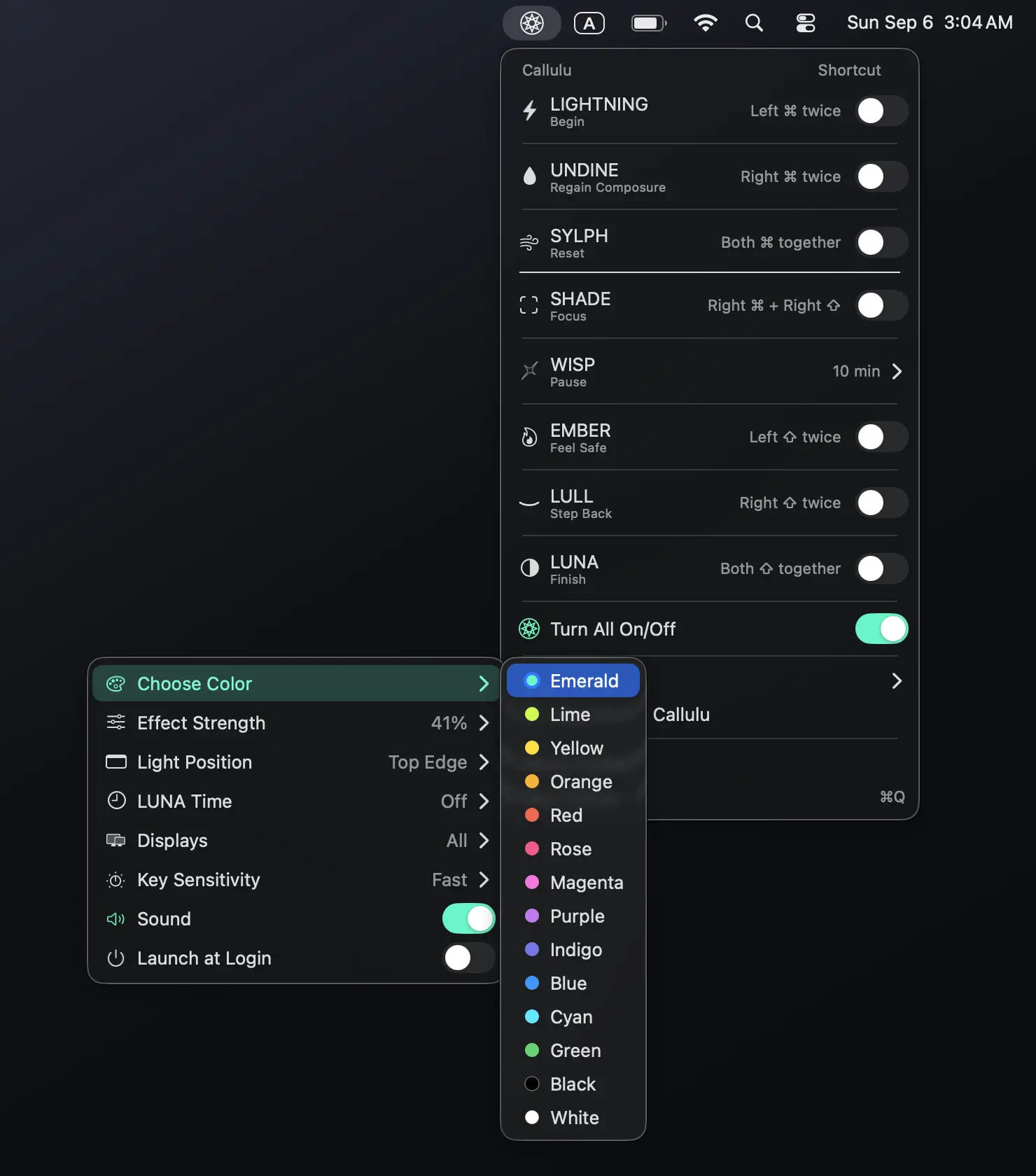
Callulu offers eight visual cues to help you start, focus, pause, reset and finish your workday. No timers, tracking or notifications, but just simple signals for a more mindful way of working.
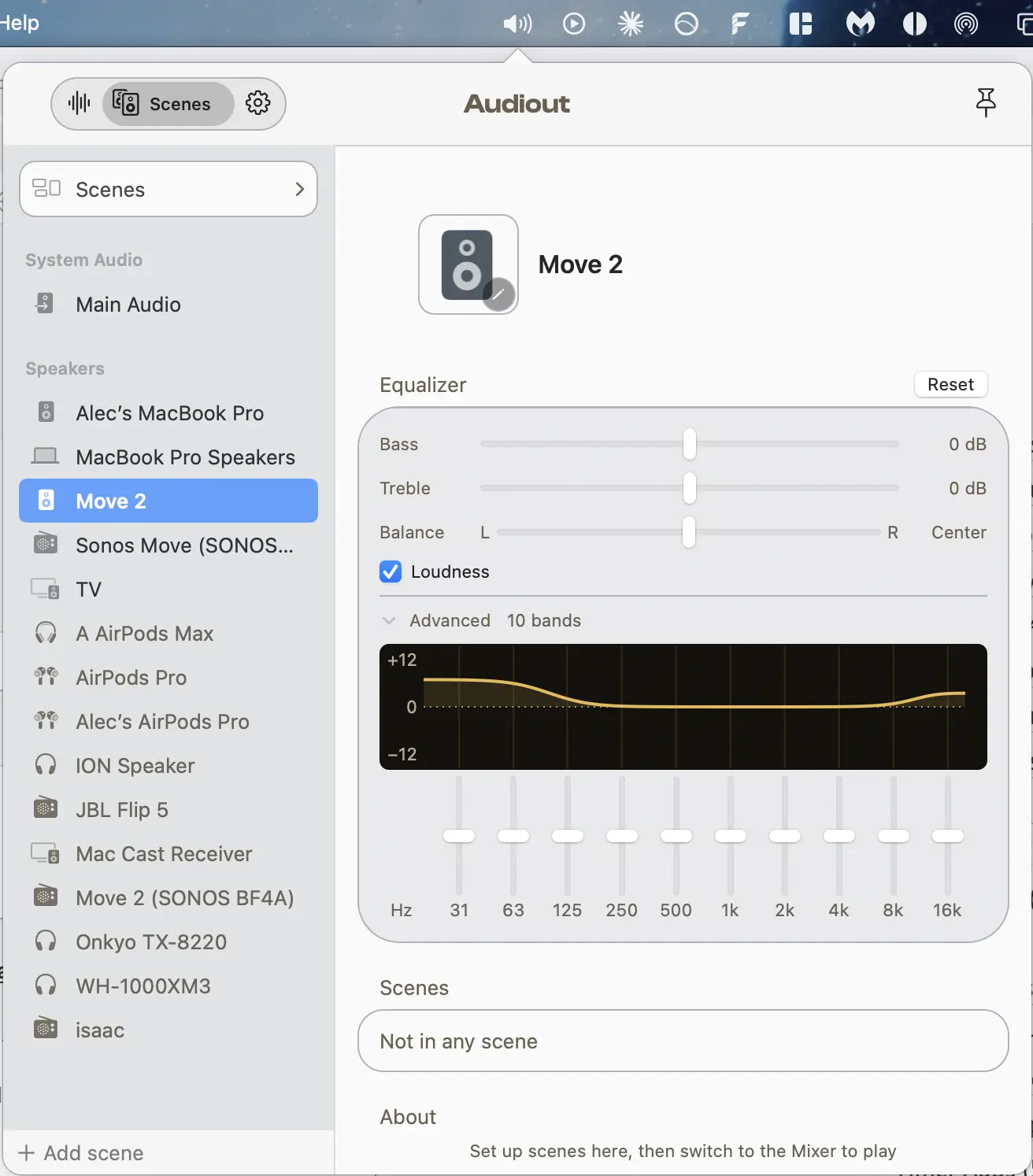
Audiout routes Mac audio to multiple AirPlay, Bluetooth, and Chromecast speakers, keeping rooms in sync with per-app volume, scenes, EQ, and reliable multi-room playback.
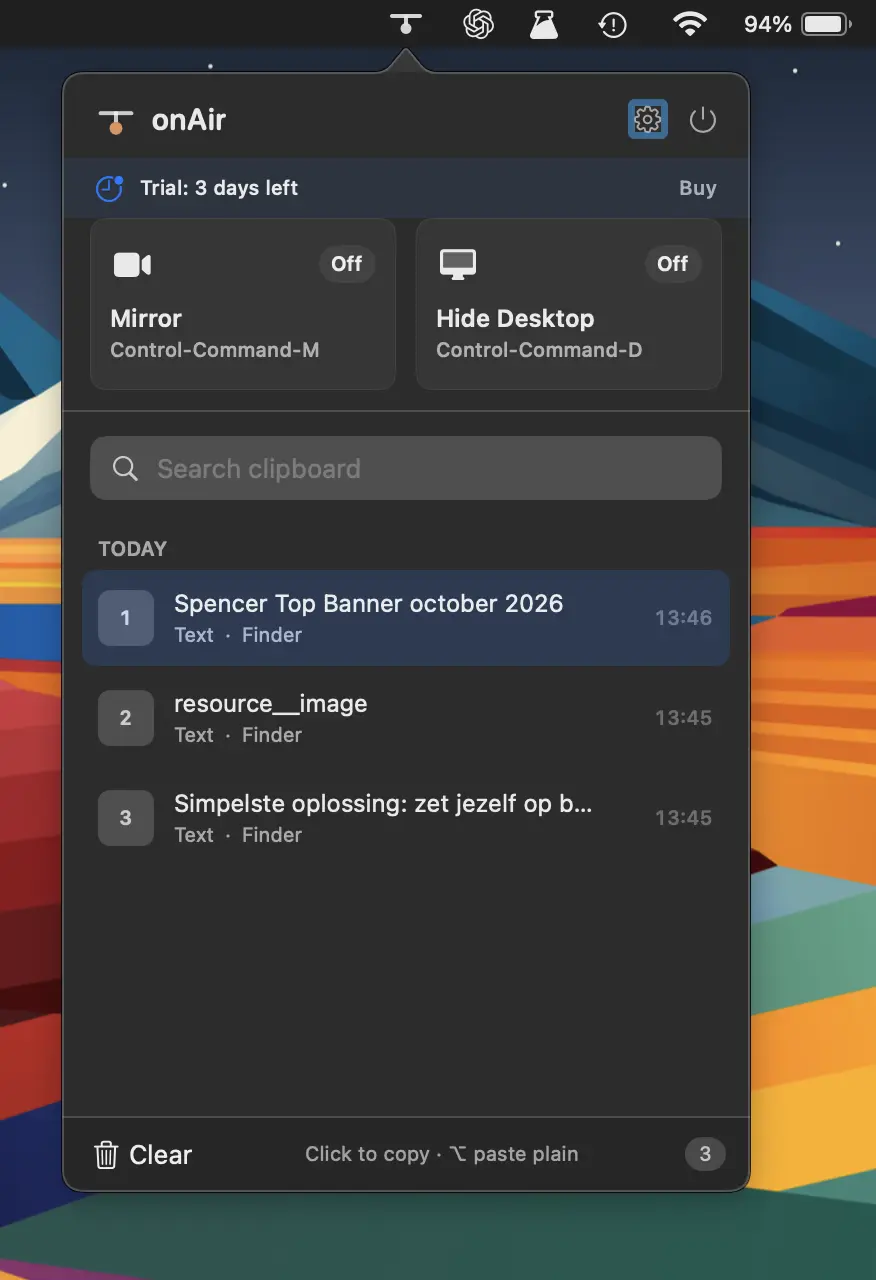
Streamline your on-air workflow with clipboard history, camera preview, desktop clutter hiding, global shortcuts, and privacy-focused tools, all built natively for macOS without bloat or tracking.
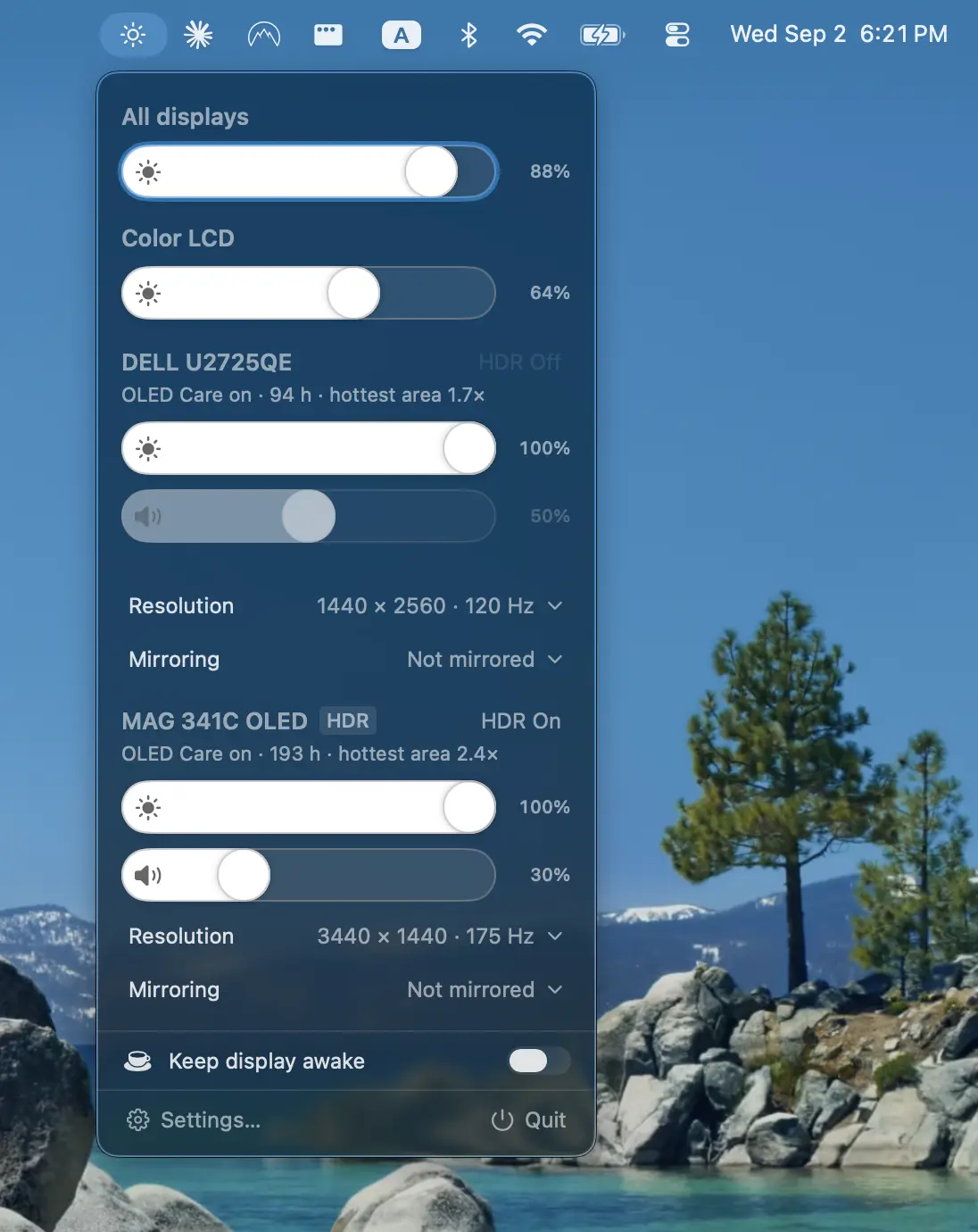
Protect your displays with adaptive burn-in prevention, panel health tracking, diagnostics, and advanced controls for brightness, volume, contrast, HDR, HiDPI scaling, resolution, and more.