Fresh finds for your menu bar. Most recently added apps on top – last updated: October 27, 2026
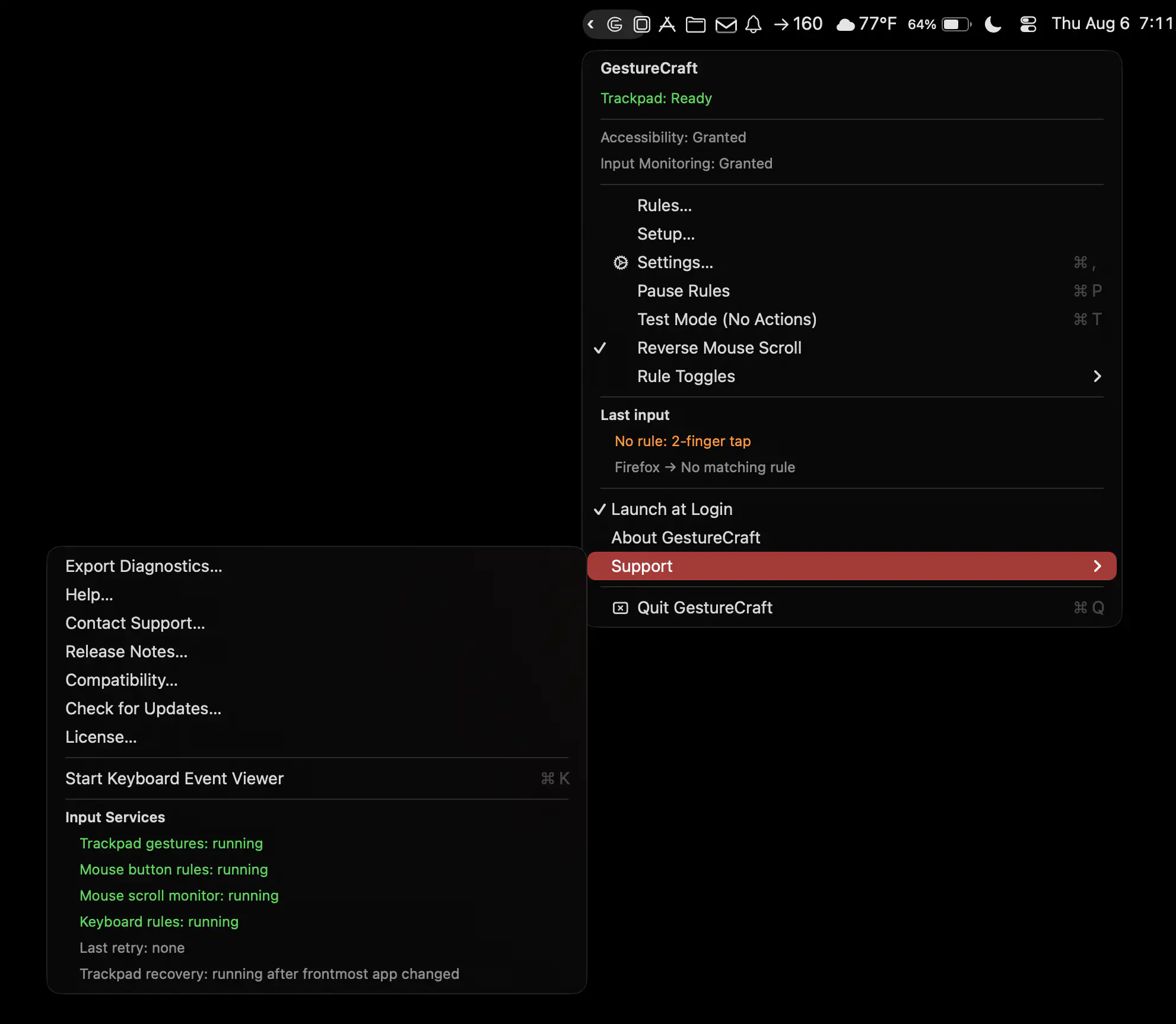
GestureCraft lets you customize your Mac’s trackpad, keyboard, and mouse with personalized gestures, shortcuts, and button actions. Launch apps, trigger commands, and turn everyday inputs into powerful controls.
Visit
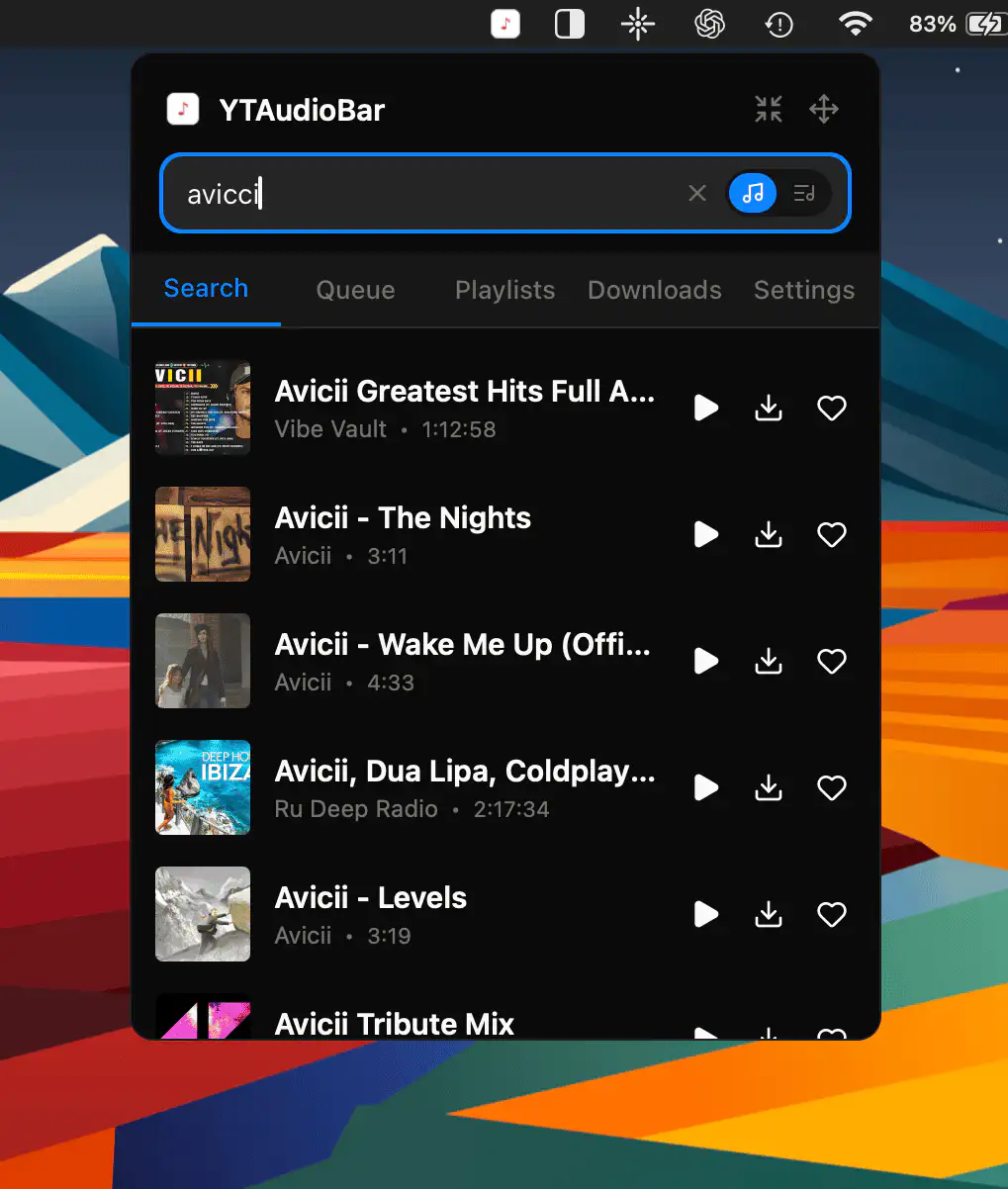
YTAudioBar transforms YouTube into a Spotify-style music and podcast player, with direct search, audio-only streaming, playlists, queue management, offline downloads, and full media key support.
Visit
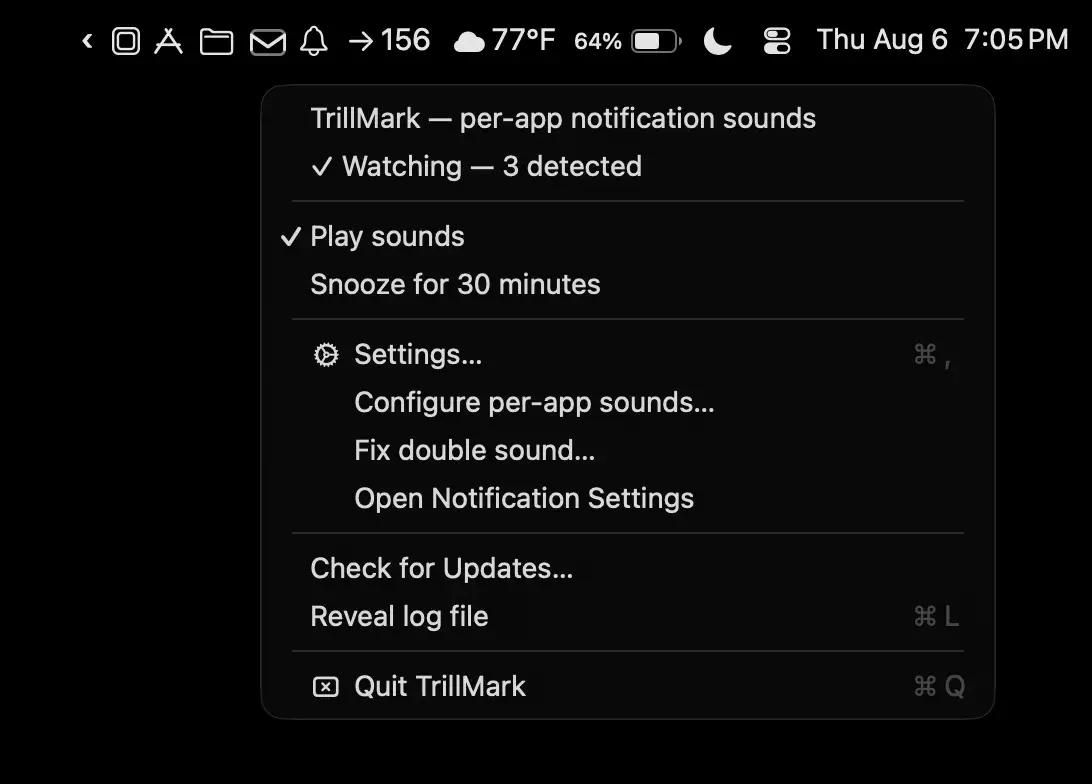
TrillMark makes notifications instantly recognizable with custom sounds and color-coded visual alerts for each app. Know exactly what needs your attention without checking every banner or playing the same default chime.
Visit
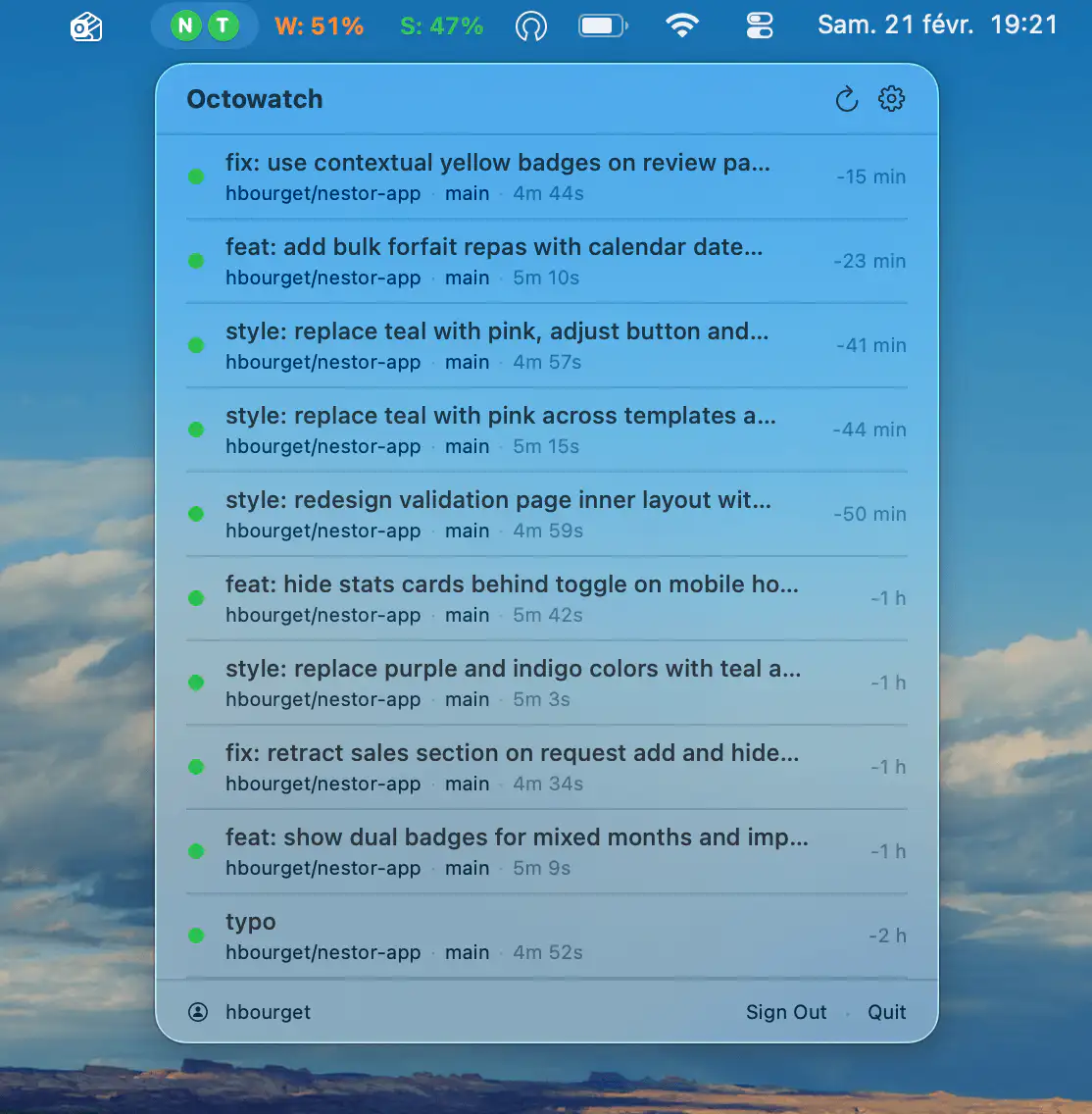
Monitor GitHub Actions workflows across multiple repositories in real time, with status indicators, configurable polling, native notifications, and secure GitHub token storage in the macOS Keychain.
Visit
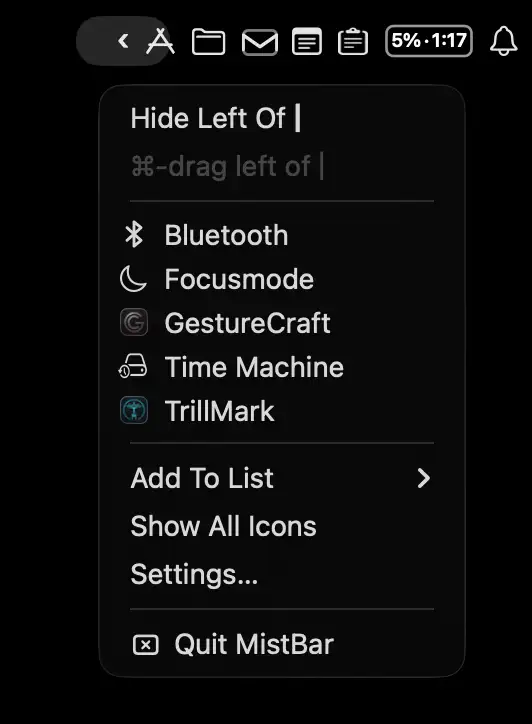
MistBar keeps your menu bar tidy by hiding unused icons while bringing everyday tools together in one place. Access clipboard history, email, notes, folders, app launching, and AI usage tracking from a single streamlined hub.
Visit
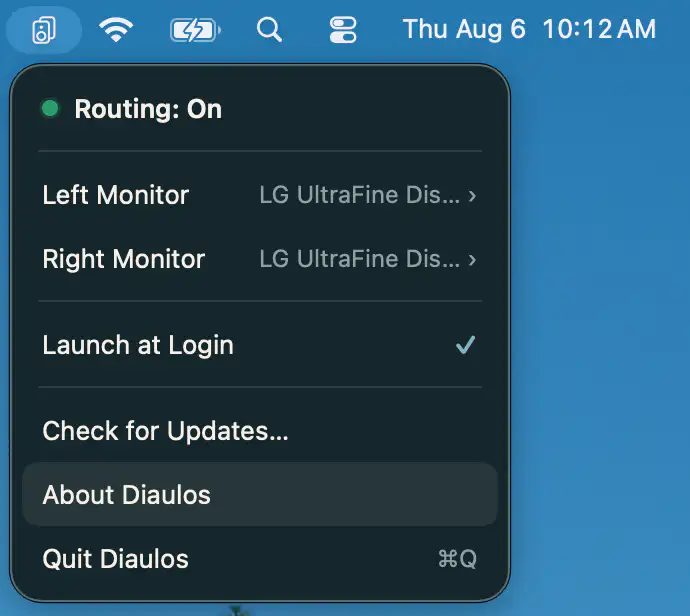
Diaulos turns two monitor speakers into a stereo pair by routing left and right audio channels separately. Enjoy wider sound, low latency, and seamless switching without drivers or complicated setup.
Visit
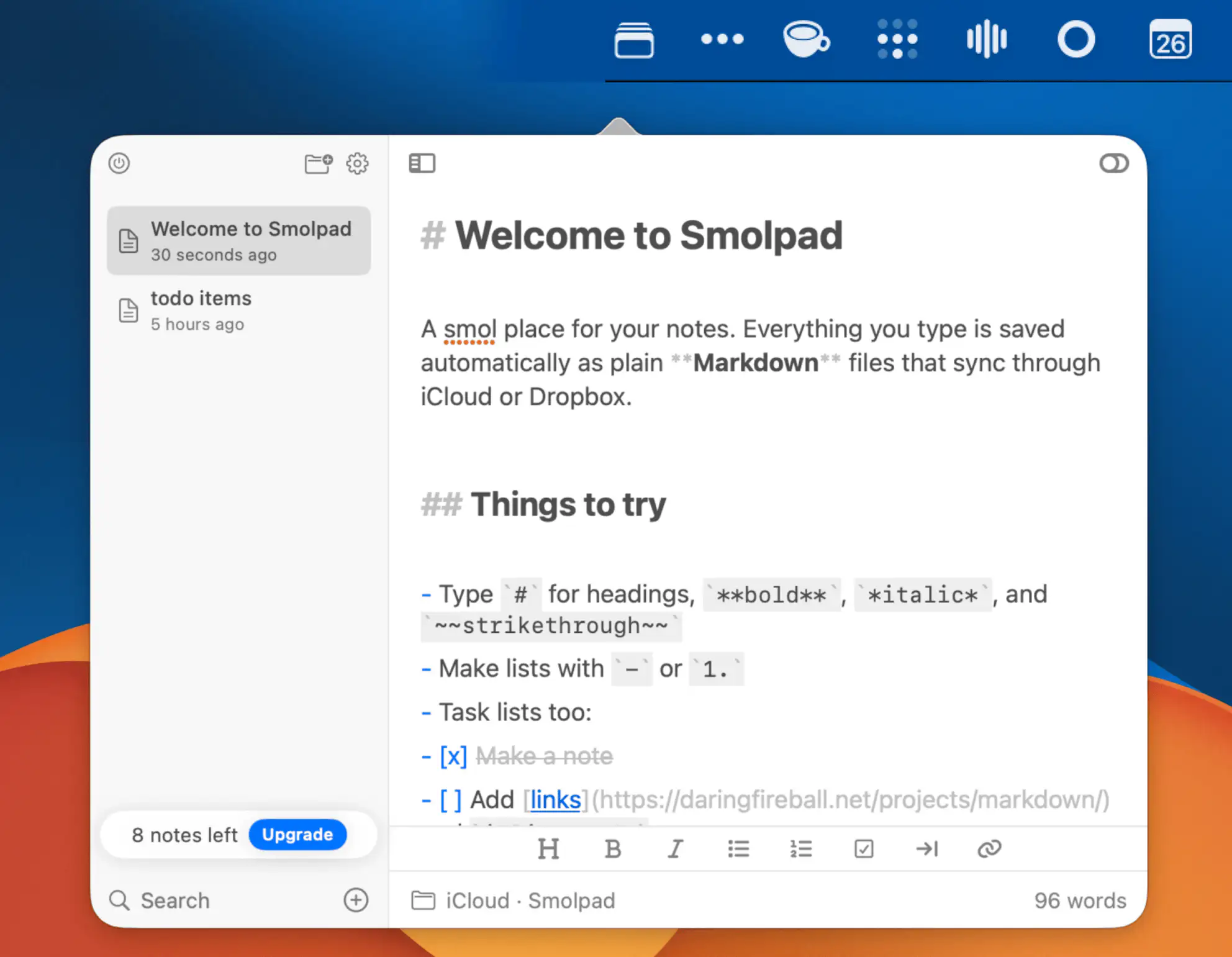
Smolpad is a lightweight Markdown notes app that keeps your writing portable. Create notes instantly, save them as plain files in iCloud Drive or Dropbox, and customize your workspace with themes, icons, and flexible editing tools.
Visit
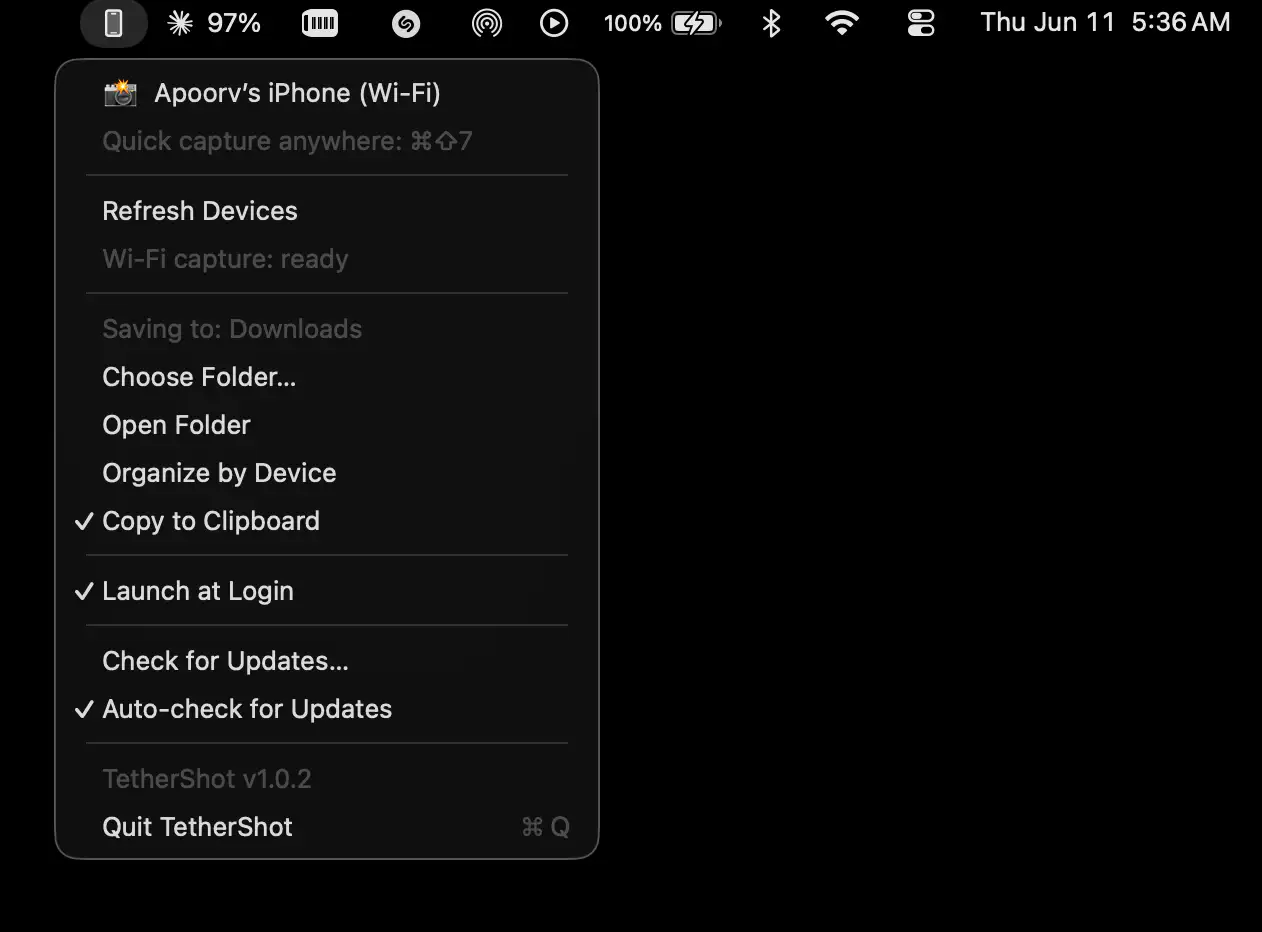
TetherShot makes capturing iPhone screenshots effortless by bringing USB and Wi-Fi capture directly to your Mac. Captures save directly to a chosen folder and your clipboard.
Visit

Breakdown helps diagnose frustrating connection issues by showing whether problems come from Wi-Fi, your ISP path, or an app. Track failures, uncover network bottlenecks, and troubleshoot with clear evidence instead of guesswork.
Visit
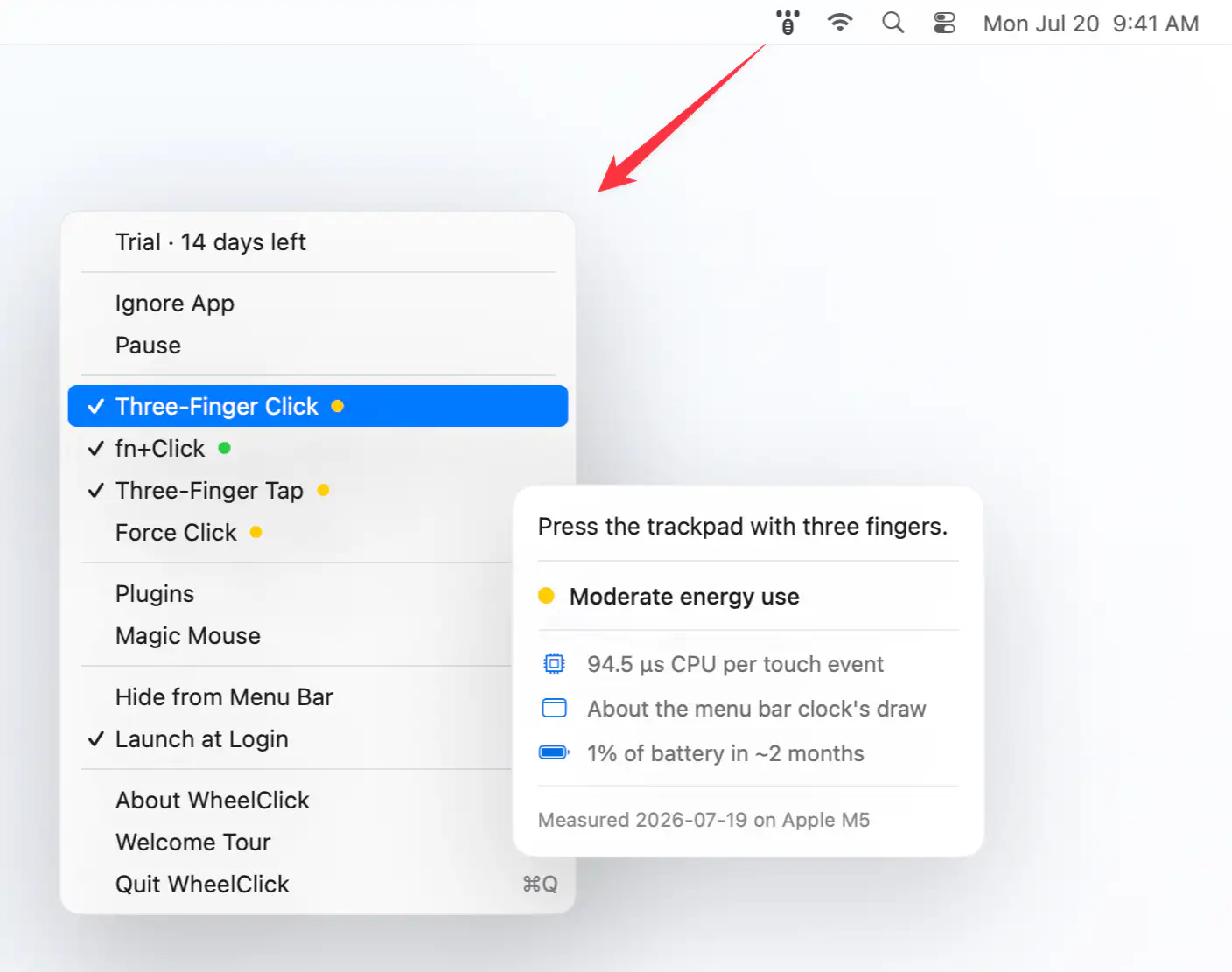
WheelClick brings middle-click support to macOS with customizable trackpad and Magic Mouse gestures, Windows-style autoscroll, CAD-friendly drag controls, and per-app rules. Built as the successor to MiddleClick.
Visit
