Collection:
Sleep Control Apps
Belay
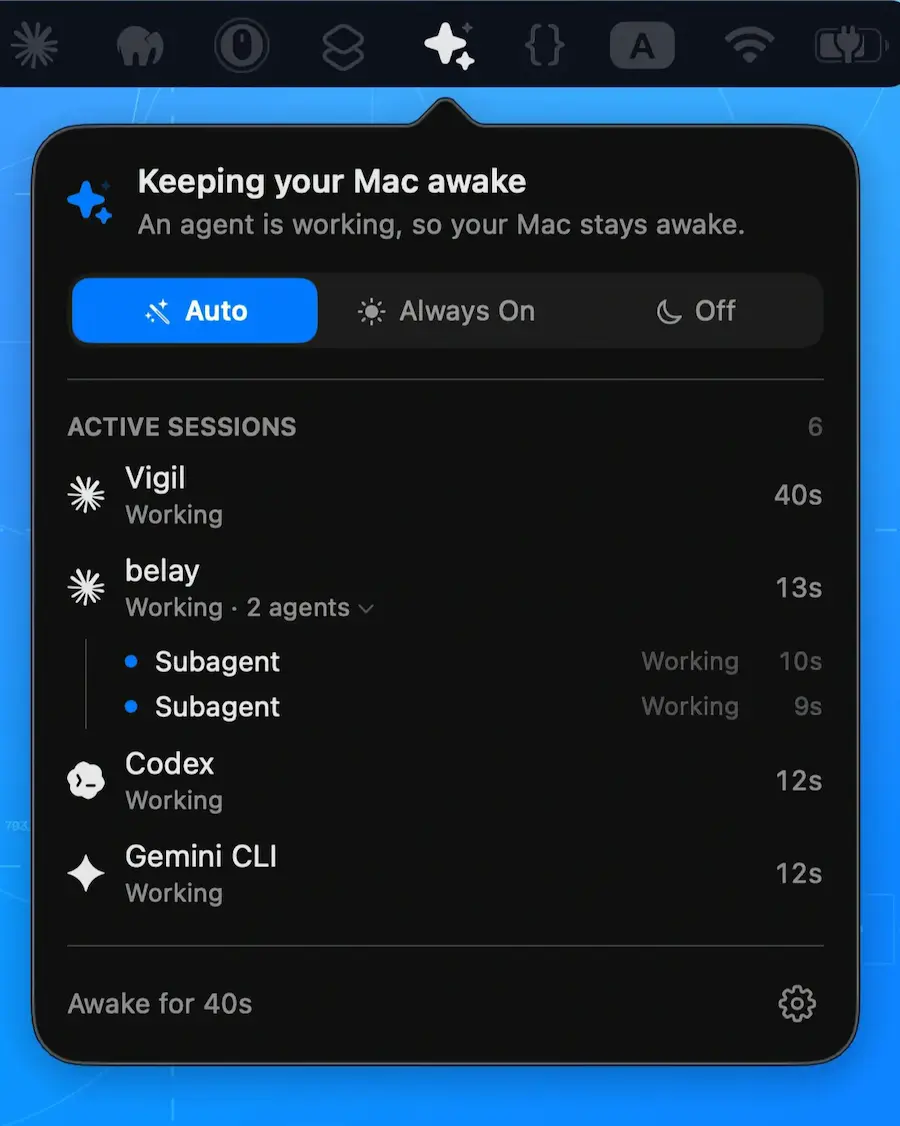
Belay keeps your Mac awake while coding agents work, then lets it sleep normally when they’re done. Supports Claude Code, Codex CLI, Gemini CLI, Cline, and custom tools.

Belay keeps your Mac awake while coding agents work, then lets it sleep normally when they’re done. Supports Claude Code, Codex CLI, Gemini CLI, Cline, and custom tools.
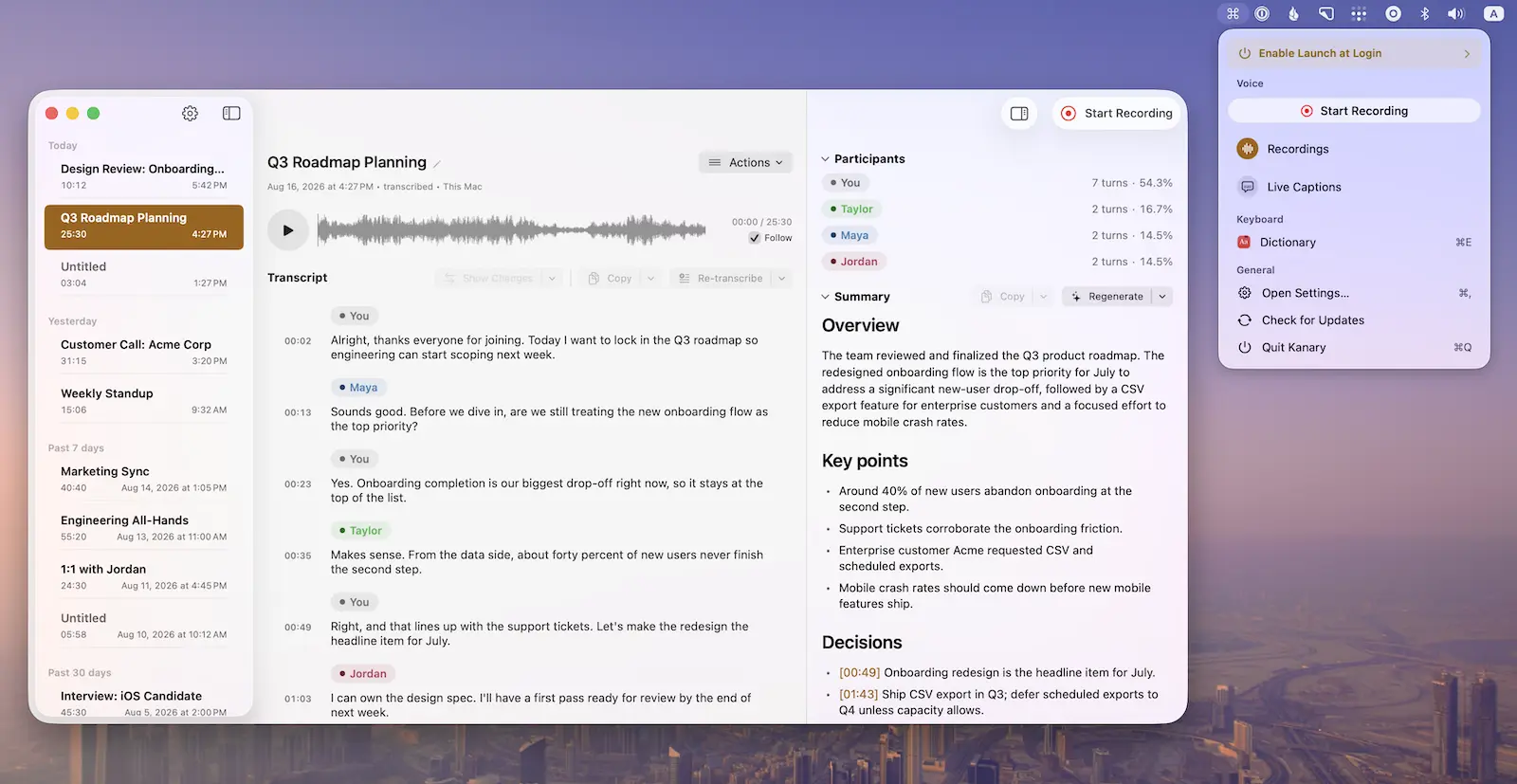
Record meetings, calls, podcasts, and voice memos with live captions, on-device transcription, and summaries, while powerful keyboard shortcuts and window controls keep everything efficient and private on your Mac.
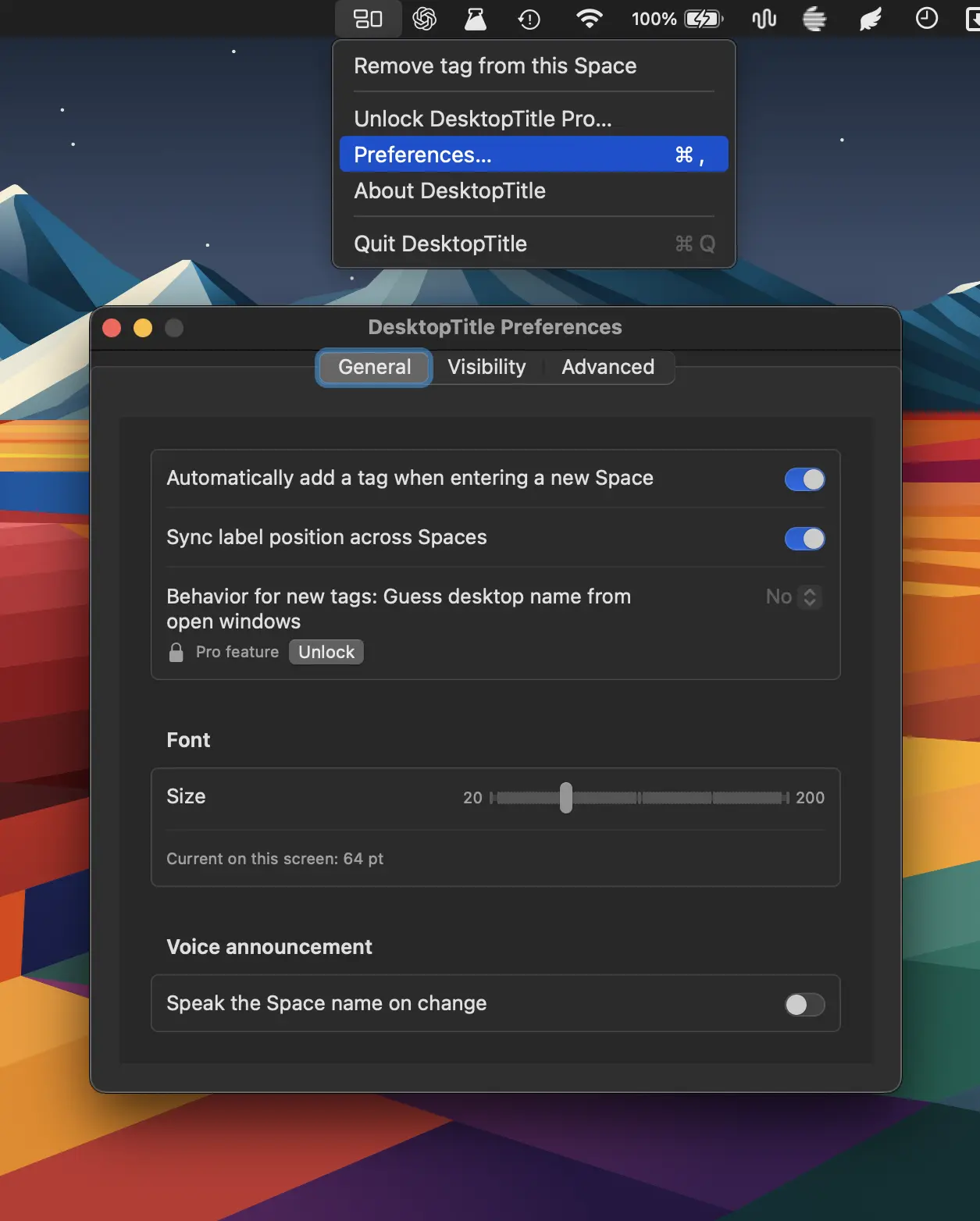
DesktopTitle keeps you oriented across multiple Spaces with always-visible, customizable desktop names. Rename each Space in one click and instantly know whether you’re in Work, Personal, Design, Code, or more.
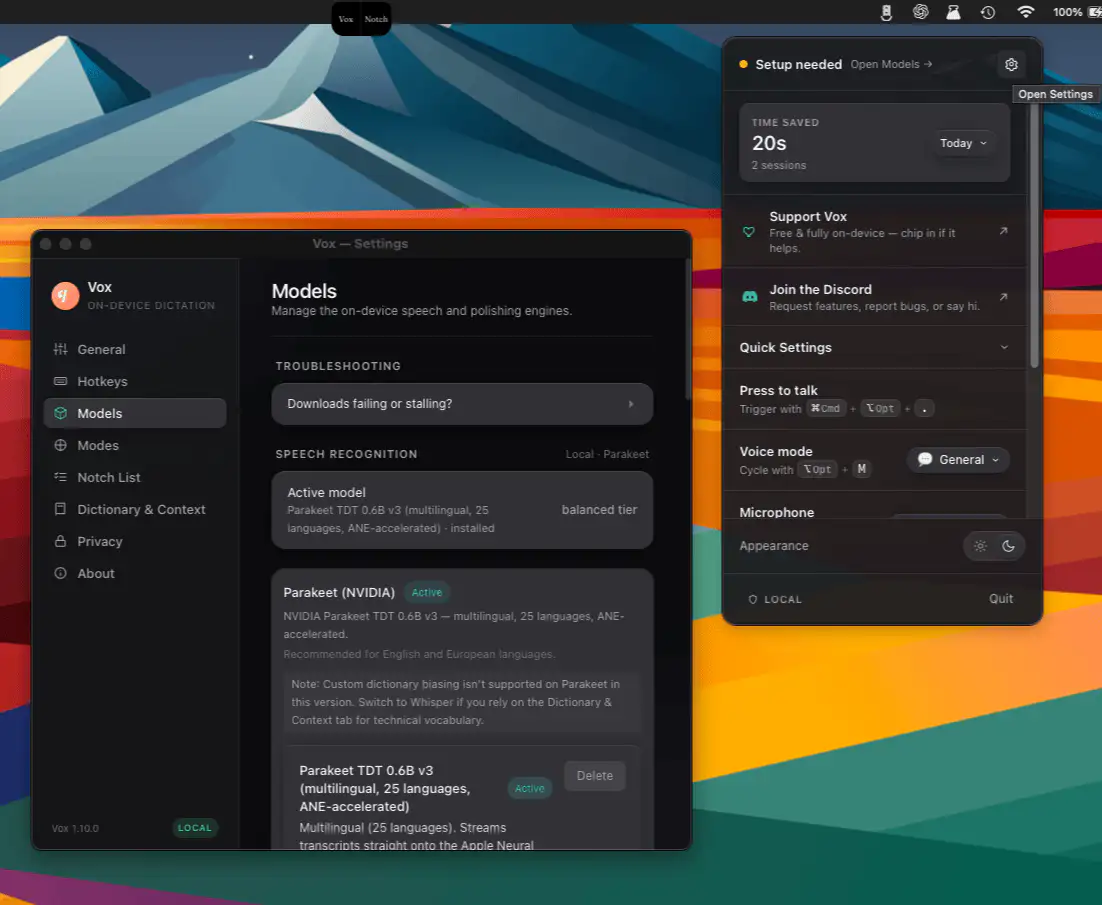
Vox provides private, on-device voice dictation that turns speech into polished text instantly. With AI-powered cleanup, custom modes, and no cloud processing, it makes writing faster and simpler — and keeps every word on your device.
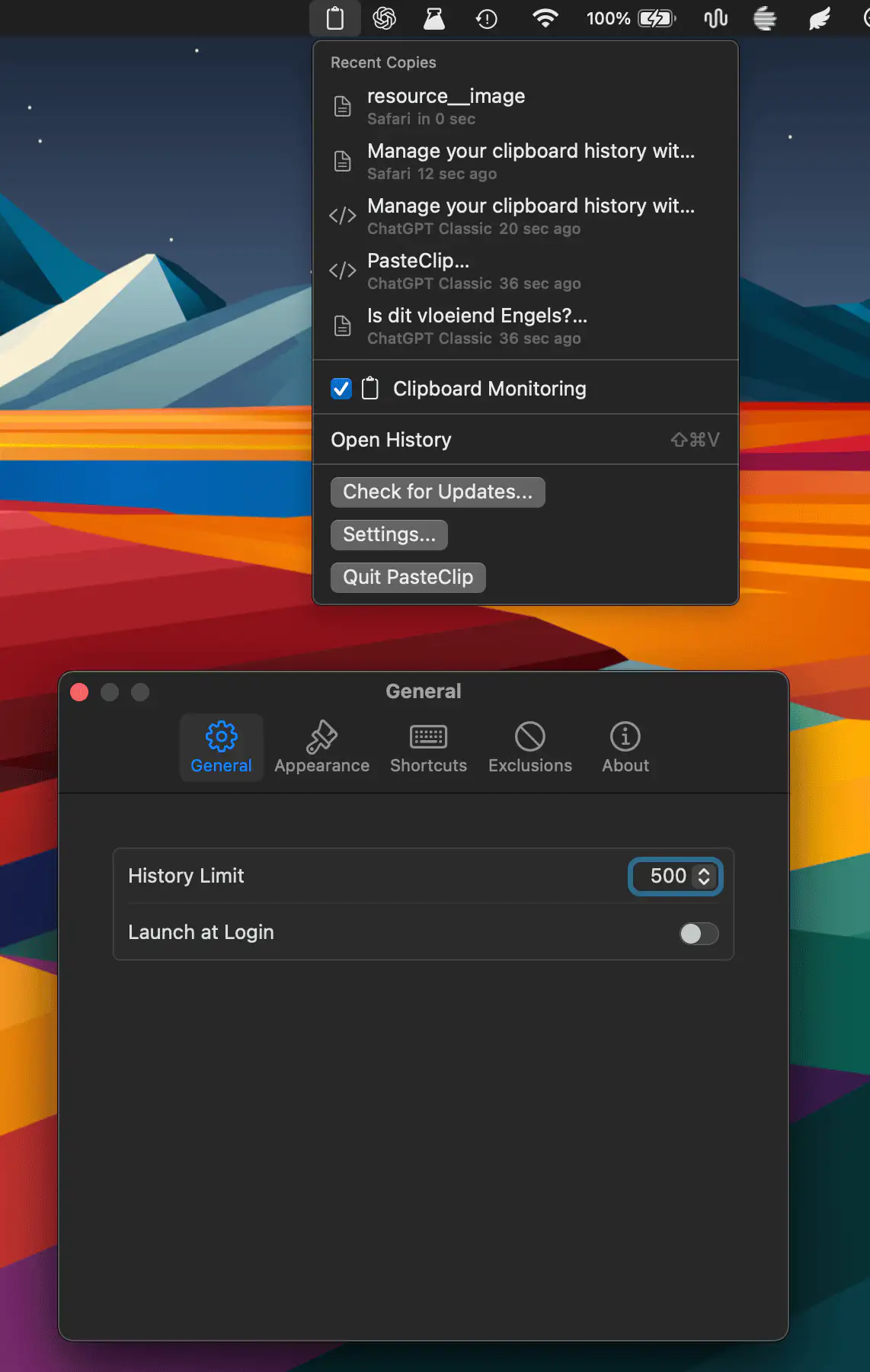
Manage your clipboard history with fast search, filters, pinboards, Quick Look, and one-click pasting. Clipbara supports text, images, files, links, and code while keeping everything private and on your Mac.
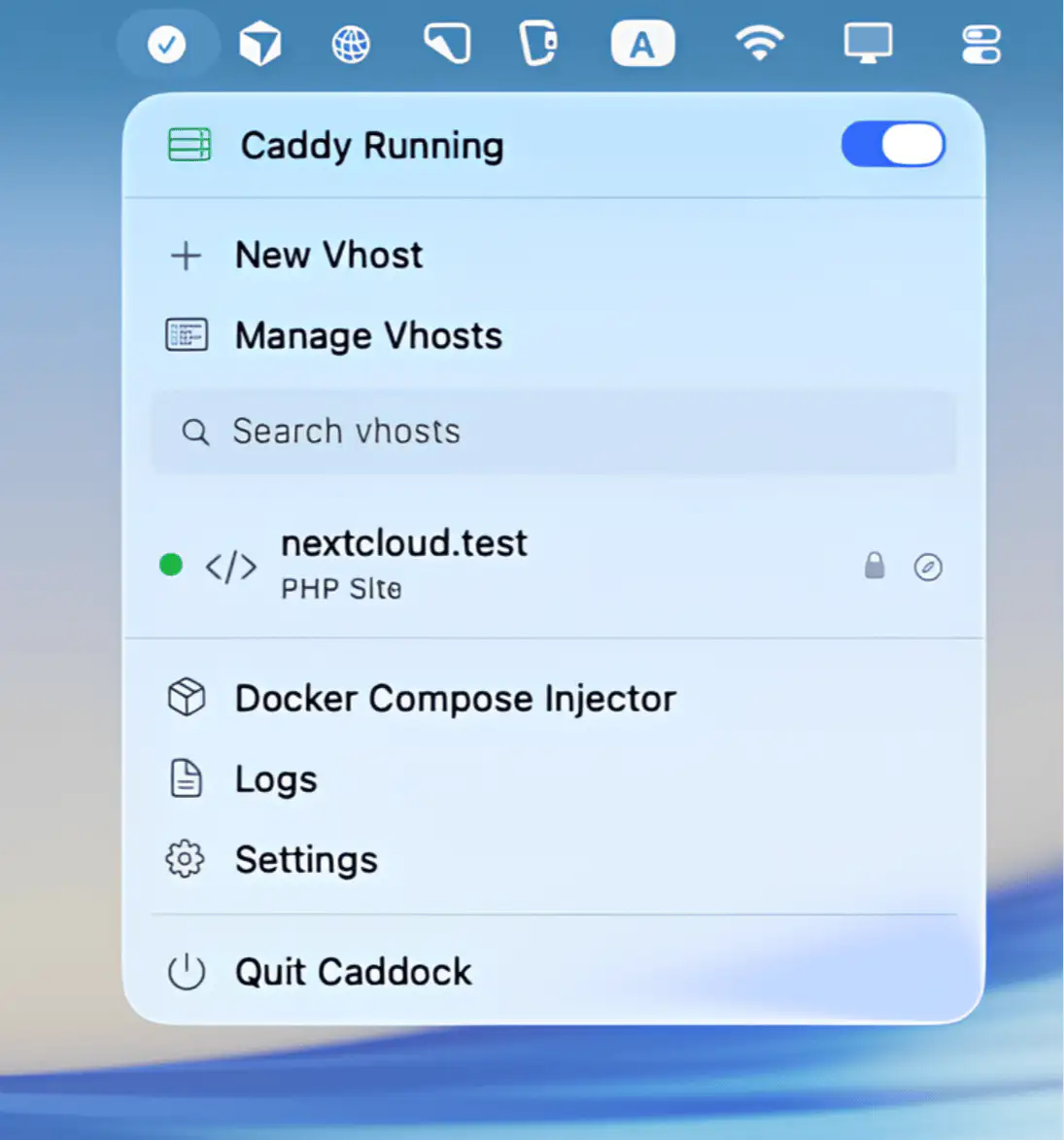
Manage local Caddy-based development hosts with static, PHP, and reverse proxy support, built-in HTTPS, wildcard domains, health checks, Docker integration, and quick host management from the menu bar.
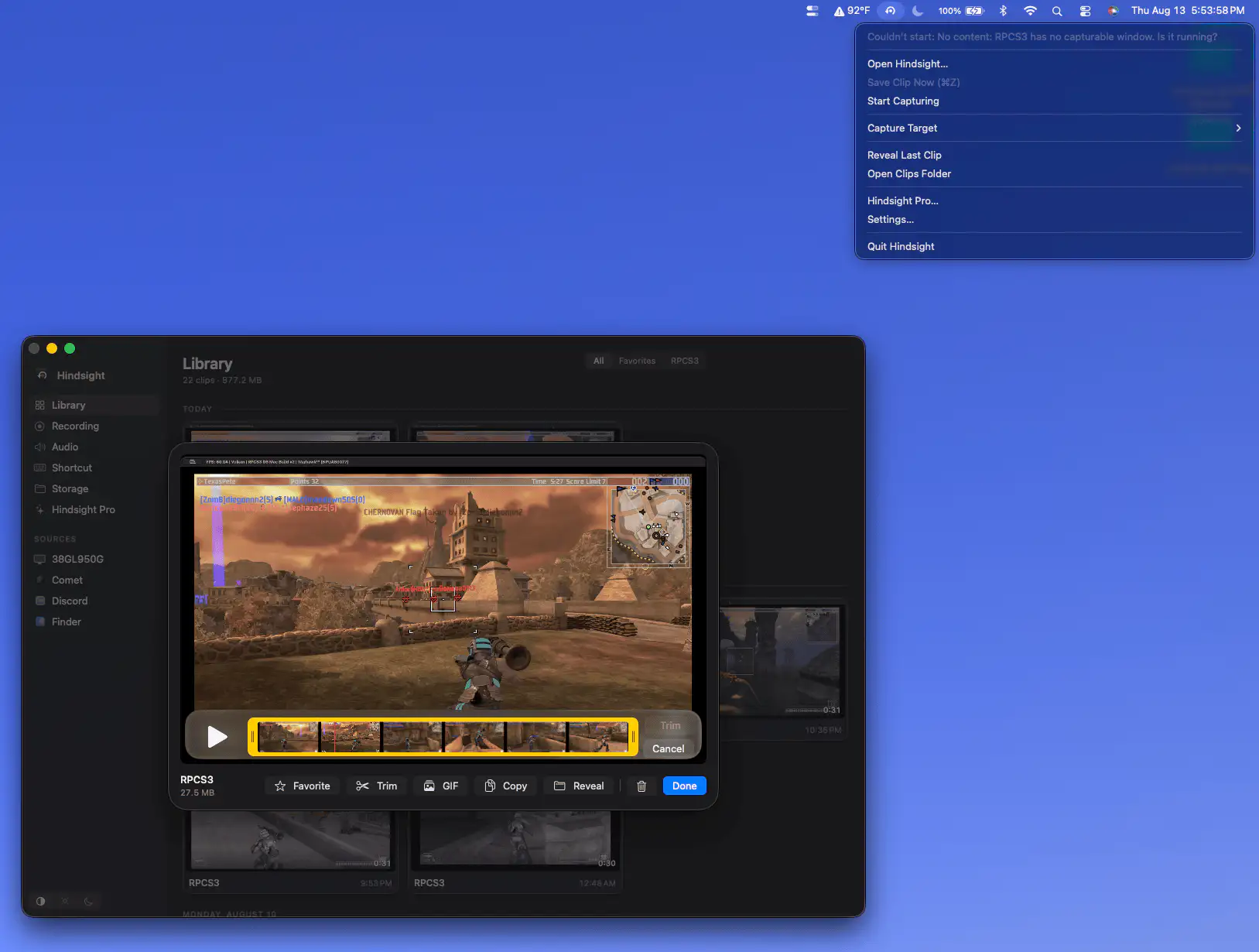
Hindsight continuously buffers your gameplay in memory, letting you save the last 15 seconds to five minutes with a shortcut. Capture clips instantly without recording your entire gaming session.
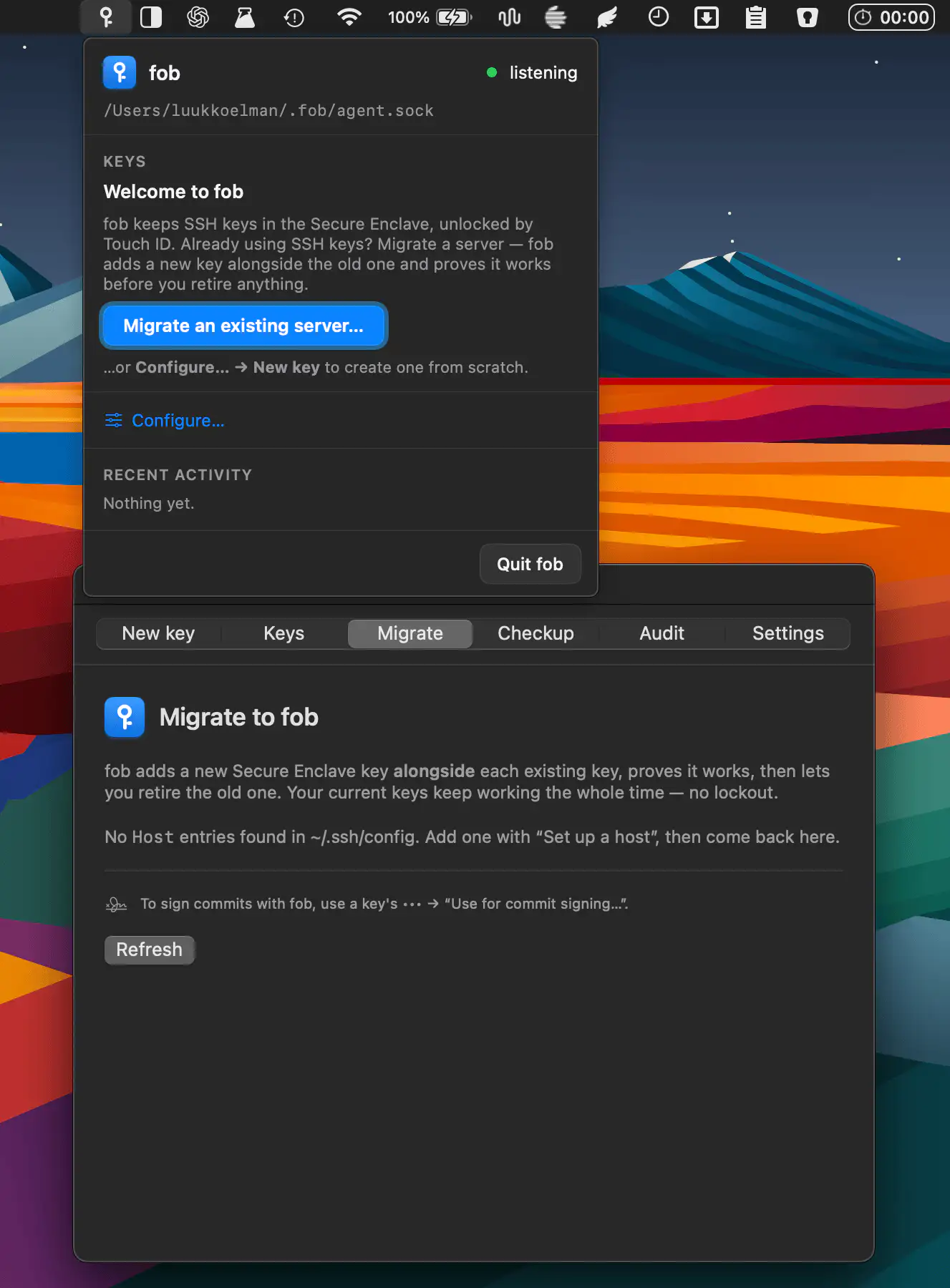
This menu bar app protects SSH keys with Apple’s Secure Enclave, requiring Touch ID to use them. Manage servers, GitHub authentication and commit signing with destination-aware prompts and tamper-evident logging.