Recently Added

Fresh finds for your menu bar. Most recently added apps on top – last updated: May 21, 2026.

TypeShift

TypeShift

TypeShift takes a clean, no-nonsense approach to text expansion, turning short abbreviations into emails, signatures, or dynamic snippets with macros, while staying fast, private, and seamlessly synced across your Macs.

Visit

Sonant

Sonant

Sonant keeps your music close without turning your screen into a control panel. With elegant glass-style controls, live visualizers, and seamless Spotify or Apple Music integration, it makes playback feel strangely calm and effortless on macOS.

Visit

Tsundoku

Tsundoku

Tsundoku lets you save bookmarks to your self-hosted bookmarking service with a global hotkey, supporting Safari, Chrome, Edge, Arc and Brave, with tag autocomplete, duplicate detection, and multiple services.

Visit

FilePop

FilePop

FilePop keeps file browsing close at hand with a fast, native interface that slides into your workflow effortlessly. Drag, preview, and organize files in seconds, without digging through Finder.

Visit Watch

Seeports

Seeports

Seeports scans your Mac for active TCP ports, grouping them by services like Docker, Kubernetes, and local dev servers, offering real-time visibility, quick actions, and clean developer-focused control, smooth experience.

Visit

Octopping

Octoping

Octoping surfaces your GitHub notifications, neatly grouped by repository and marked with familiar color-coded icons. It lets you browse, mark as read, and jump straight to GitHub, with a refresh rhythm you can tune to your workflow.

Visit

Localmost

Localmost

Run local HTTP servers on macOS by dragging any folder to instantly serve files with automatic port assignment, multiple server management, logs, and simple state restoration on launch, directory listings.

Visit

Codeburn

Codeburn

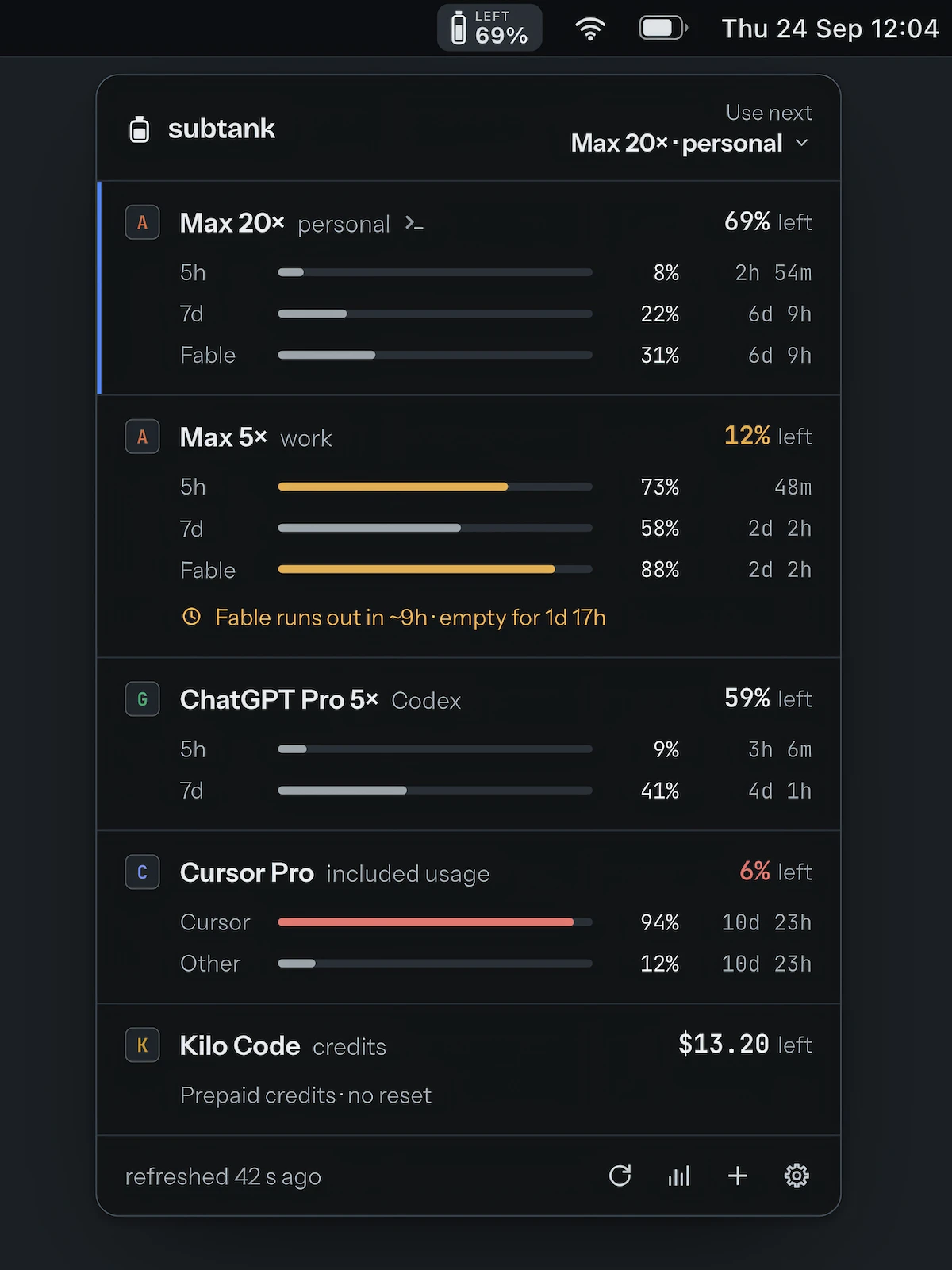
This menu bar app monitors your AI coding activity, offering real-time insights into costs and usage patterns. Gain instant visibility into trends and optimization hints to streamline your workflow across all providers.

Visit

Pegboard

Pegboard

Pegboard keeps small tasks within reach while you stay focused in full-screen mode. Instead of juggling windows to check a calendar, start a timer, or grab a snippet, everything appears instantly in a clean overlay. Humanity spent decades inventing computers just to spend half the day minimizing things.

Visit