Collection:
Security Apps
Unplug Alarm
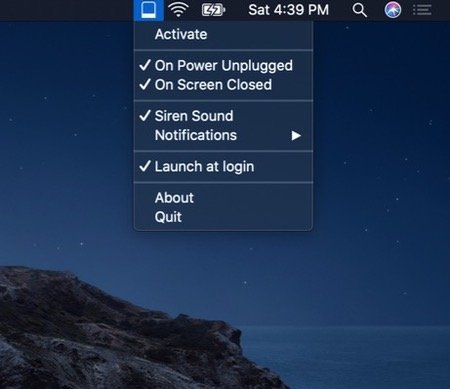
Protect your MacBook from theft when you’re working in remote spaces. Get notified when someone unplugs your MacBook from power or closes its screen.

Protect your Mac, your data and your privacy in real time. Monitor network activity, control outgoing connections, manage VPNs and DNS, secure apps with locks and 2FA, detect surveillance, prevent theft, automate backups and guard against malware directly from your menu bar.
Protect your Mac, your data and your privacy in real time. Monitor network activity, control outgoing connections, manage VPNs and DNS, secure apps with locks and 2FA, detect surveillance, prevent theft, automate backups and guard against malware directly from your menu bar.
Protect your MacBook from theft when you’re working in remote spaces. Get notified when someone unplugs your MacBook from power or closes its screen.
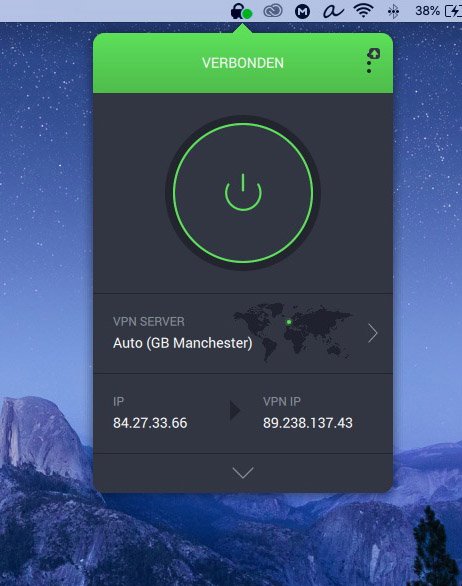
Private Internet Access is a popular VPN solution for protecting your privacy while browsing the web. Their app lives in your menu bar from where you can connect to your account and select the preferred server location.
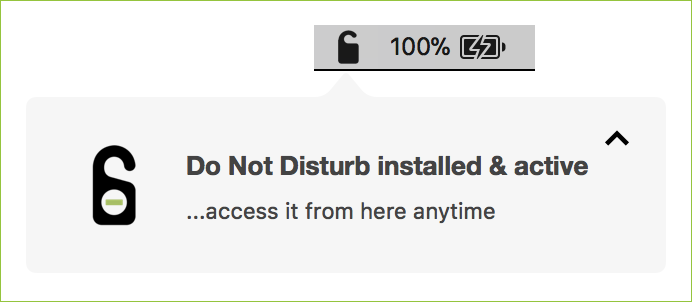
Do Not Disturb watches for the one moment most physical attacks on a laptop have in common: someone opening the lid. If that happens while you’re away, it alerts you, and it can send a message to your phone via Telegram, optionally with a webcam photo of whoever opened it.