
Collection:
Display Apps | Window Managers
Take control of every window on your screen. Snap, resize, tile, blur, pin, group, rename Spaces, restore layouts, automate hot corners, switch between windows and tabs, and design precise multi display setups that match your workflow instead of fighting it.
Collection:
Window Managers
Last Window Quits
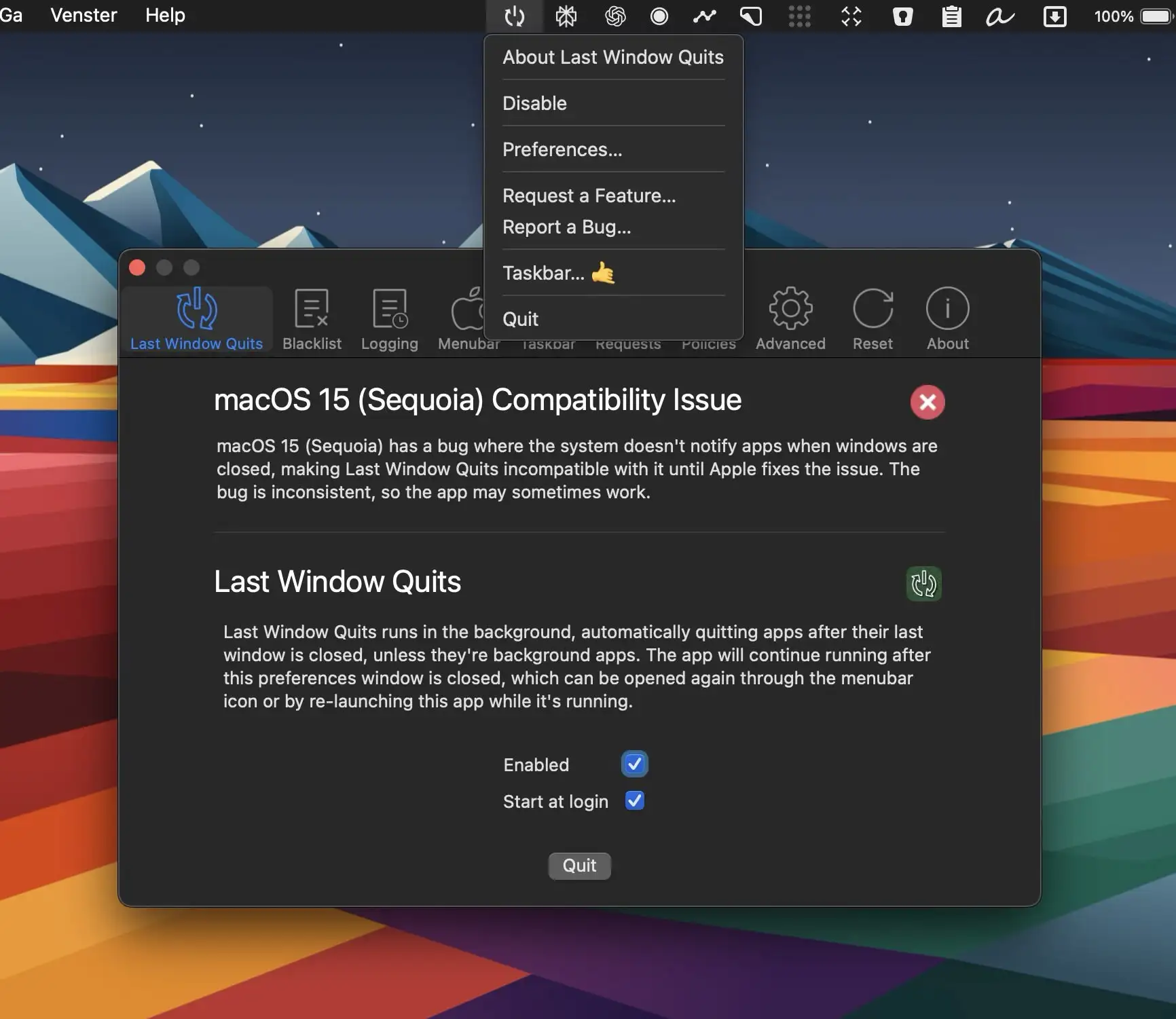
Last Window Quits is designed to automatically close apps when their last window is closed, saving system memory and preventing unnecessary background processes.
Collection:
Window Managers
Moves
Collection:
Window Managers
Tiles

Organize your windows by dragging them to one side of the screen, using keyboard shortcuts, or clicking on the Tiles icon in your menu bar.
Collection:
Files & Folders | Window Managers
PinFrame
Collection:
Window Managers
Hot Corners Toggler
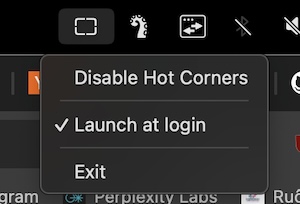
Toggle macOS hot corners on and off quickly from your menu bar without system preferences. Avoid accidental screen corner triggers while maintaining the option to enable them instantly when needed.
Collection:
Window Managers
Hyperfocused
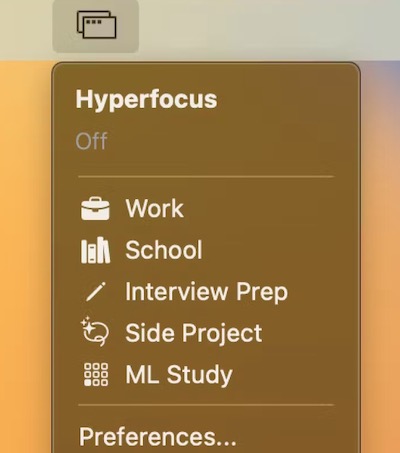
This menu bar app combines a window manager, app launcher and website blocker. You can for instance define specific screens/monitors to open your apps in and create a custom layout for their positions/sizes.
Collection:
Window Managers
Witch

With this menu bar app, you can switch everything. Not only apps and windows, but also tabs. You can have as many switchers as you like.
OneMenu
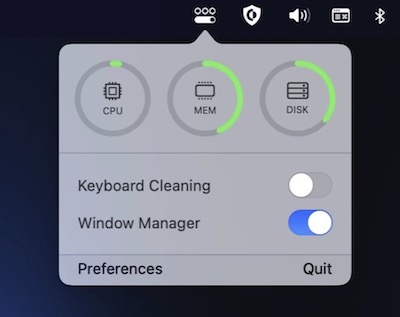
OneMenu is a menubar app featuring system monitoring, a window manager and a keyboard cleaning mode.
Collection:
Window Managers
Squares
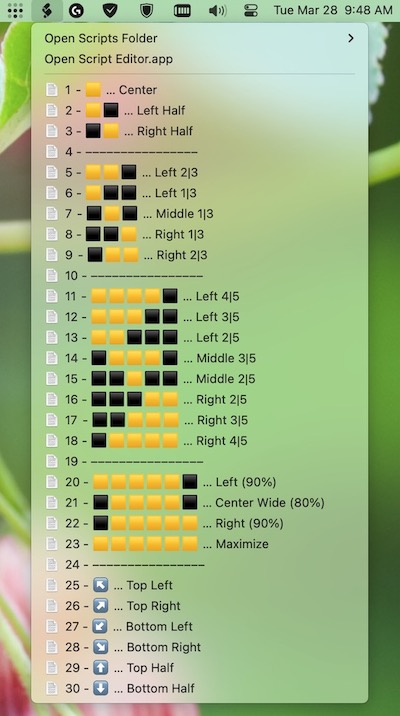
Squares is a bunch of very simple AppleScripts for window positioning and resizing. It is not a native app in itself but still acts as a menu bar app.