

Collection:
Window Managers
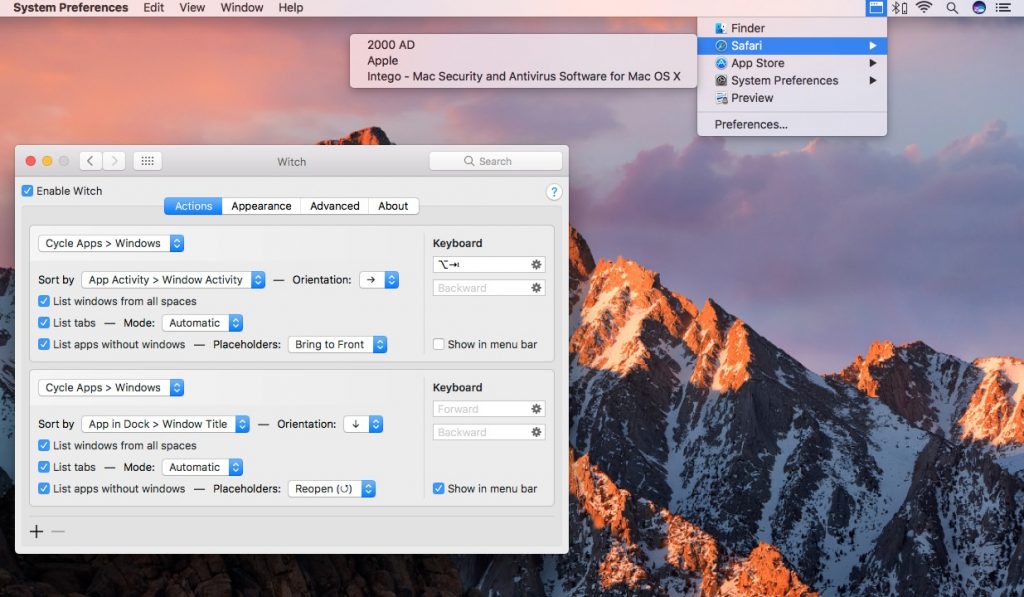
Take control of every window on your screen. Snap, resize, tile, blur, pin, group, rename Spaces, restore layouts, automate hot corners, switch between windows and tabs, and design precise multi display setups that match your workflow instead of fighting it.
Collection:
Window Managers
Magnet

Collection:
Window Managers
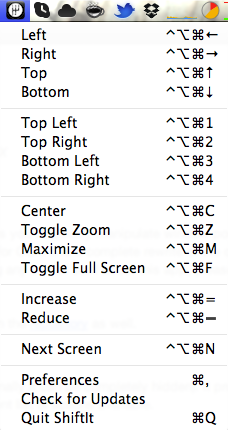
Shiftit
Collection:
Display Apps | Window Managers
Isolator
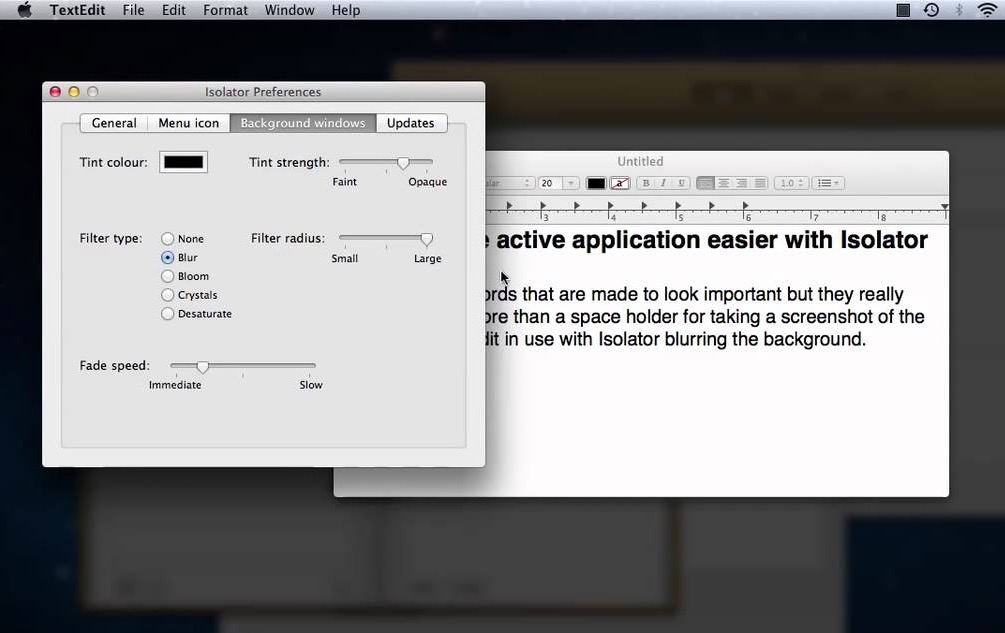
Isolator helps you focus by dimming your desktop, hiding distractions, and keeping the spotlight on the task in front of you. It stays lightweight and customizable, so you decide exactly how minimal your workspace becomes.
End of content
End of content