Write faster, cleaner and smarter across every app. Dictate text offline, translate instantly, refine grammar and tone with AI, expand snippets, clean formatting, extract text from images, manage emojis and symbols, automate text transformations, and keep everything flowing without breaking your focus.
Show me the free apps only
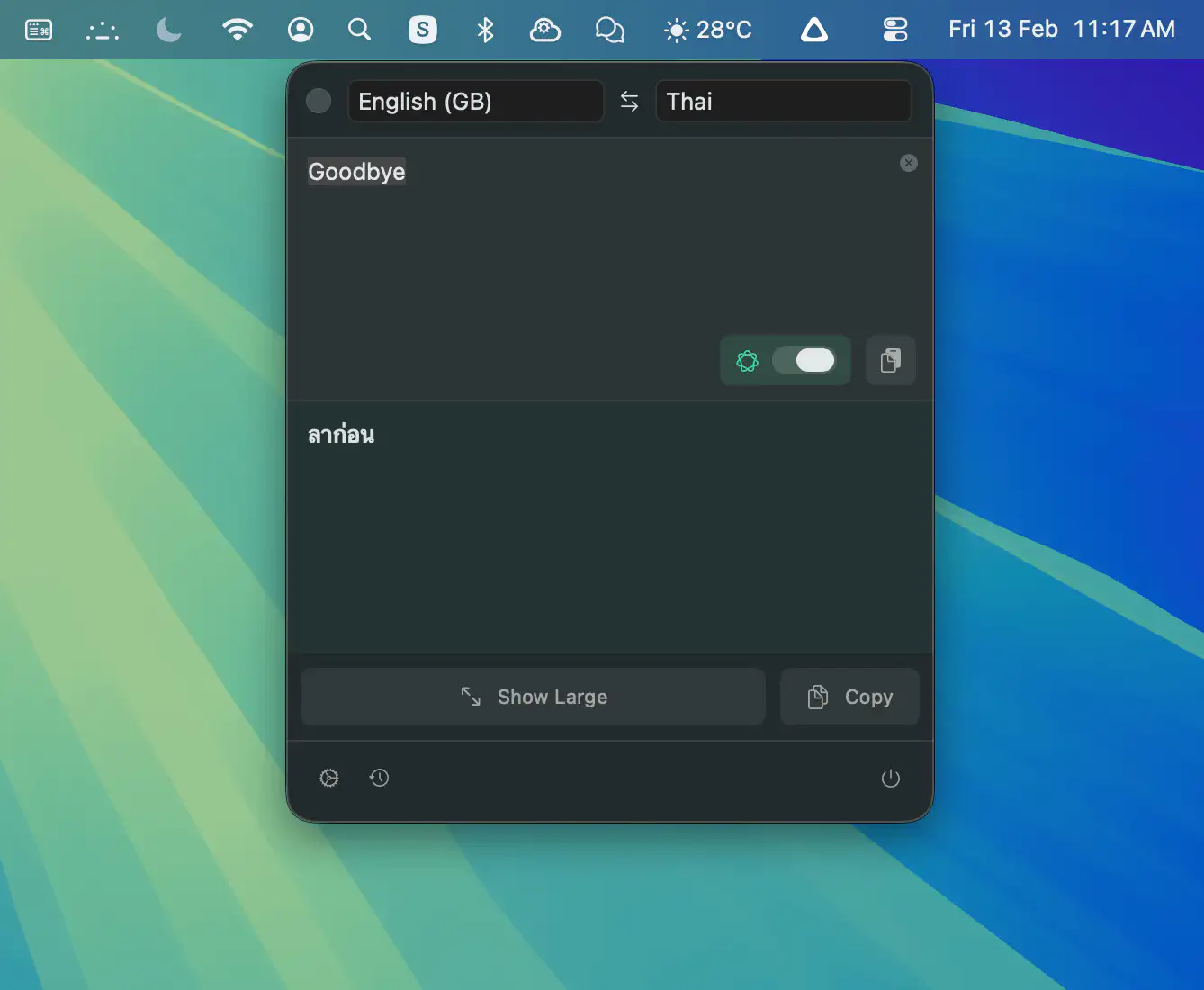
Plae lives in your macOS menu bar and lets you translate instantly with a simple shortcut. Everything runs on-device, so your text stays private, even offline, and results can be shown full-screen for easy sharing.
Visit
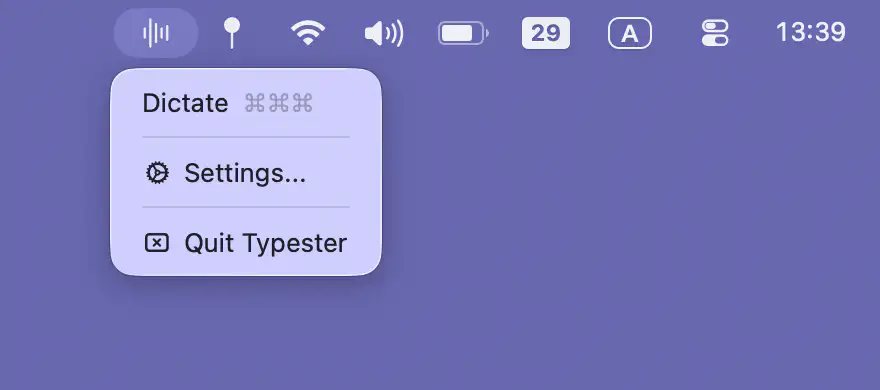
Typester turns speech into text in any app, using your own Soniox key for fast, private dictation with hotkeys, auto-paste, and dozens of languages.
Visit
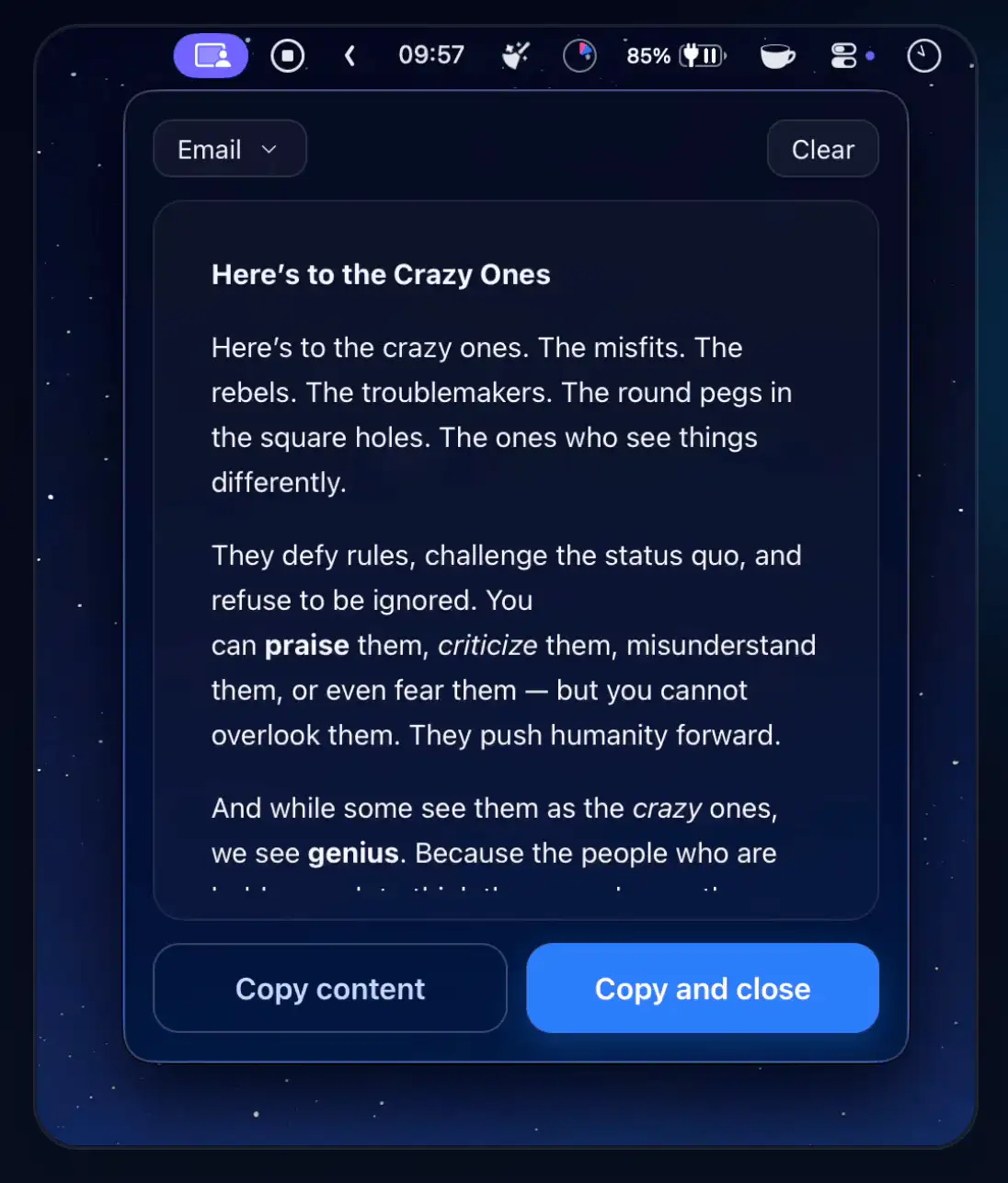
Purifai keeps pasted text readable by removing unsupported formatting while preserving structure. Destination-aware cleanup for Mail, Docs, Slack, and more, fully offline, instant, and distraction-free.
Visit
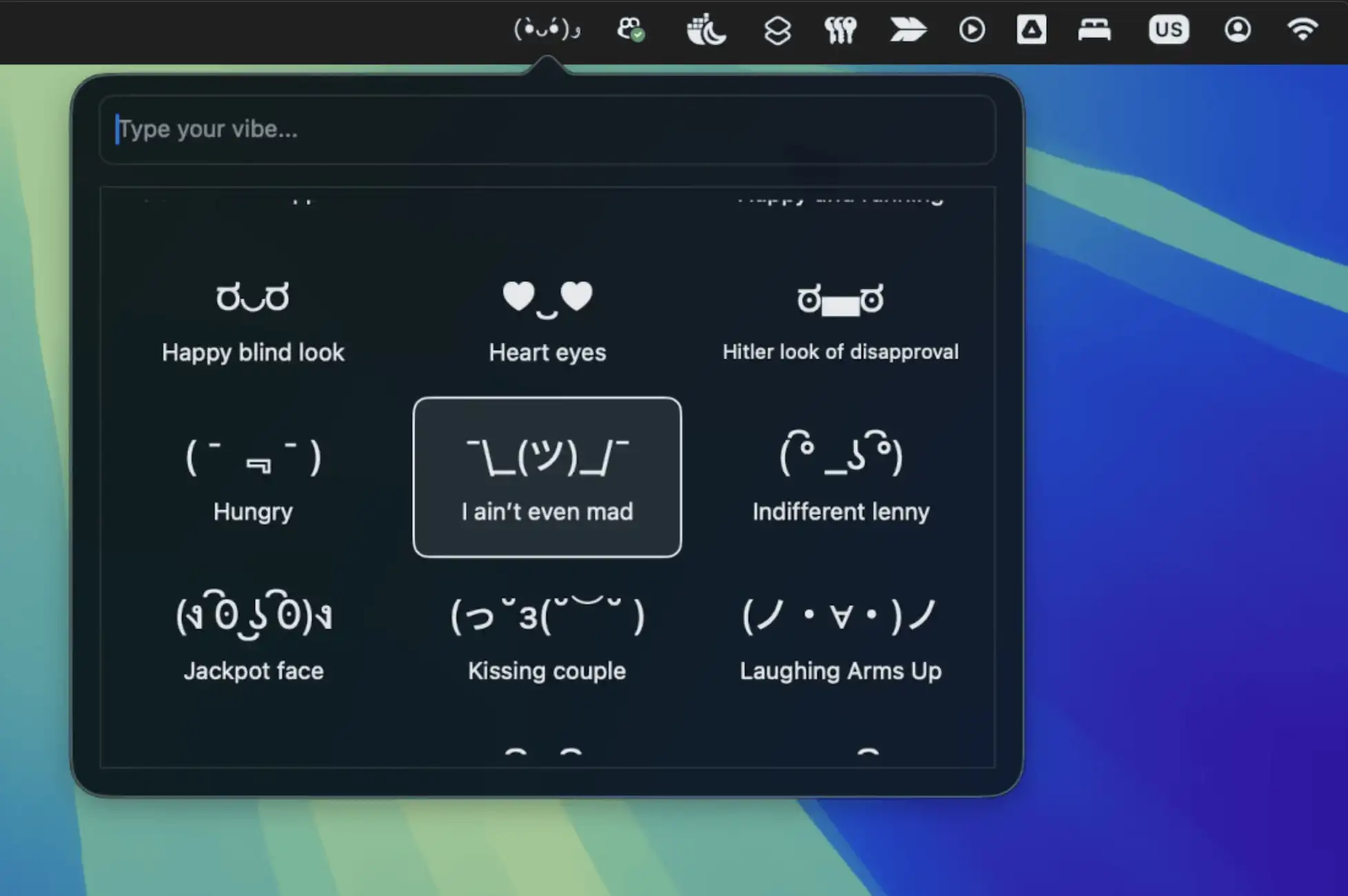
Emojo is a lightweight menu bar app that brings playful text-based emoticons to your chats, offering quick access to expressive ASCII art that works everywhere, without subscriptions or fuss.
Visit
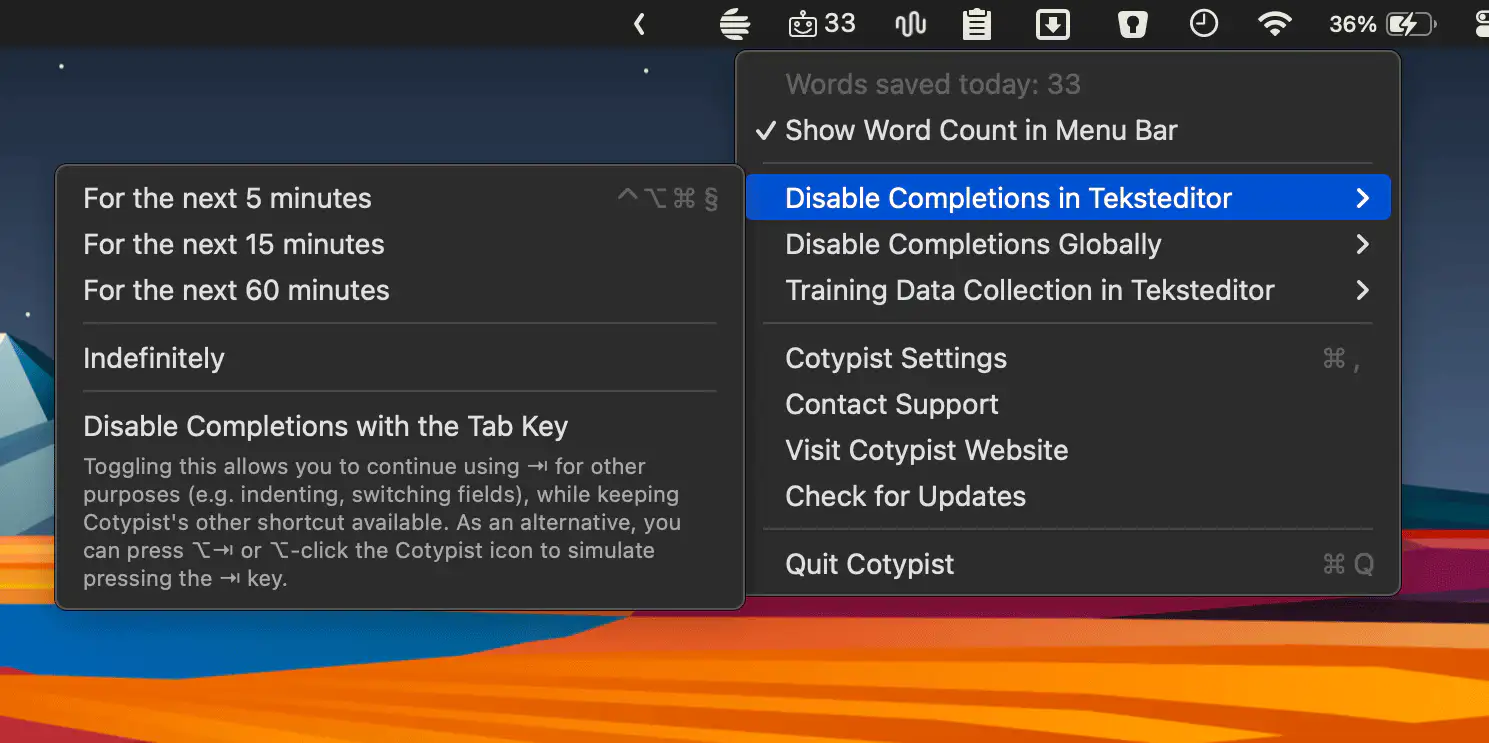
Cotypist predicts your next words as you type, working inline across your Mac to speed up writing, reduce errors, and keep you in control with fast, natural-feeling completions.
Visit Watch

Kerlig is a macOS menu bar assistant that brings fast, AI-powered writing help to any app, letting you draft, fix, summarize, translate, and refine text without breaking your workflow.
Visit Watch
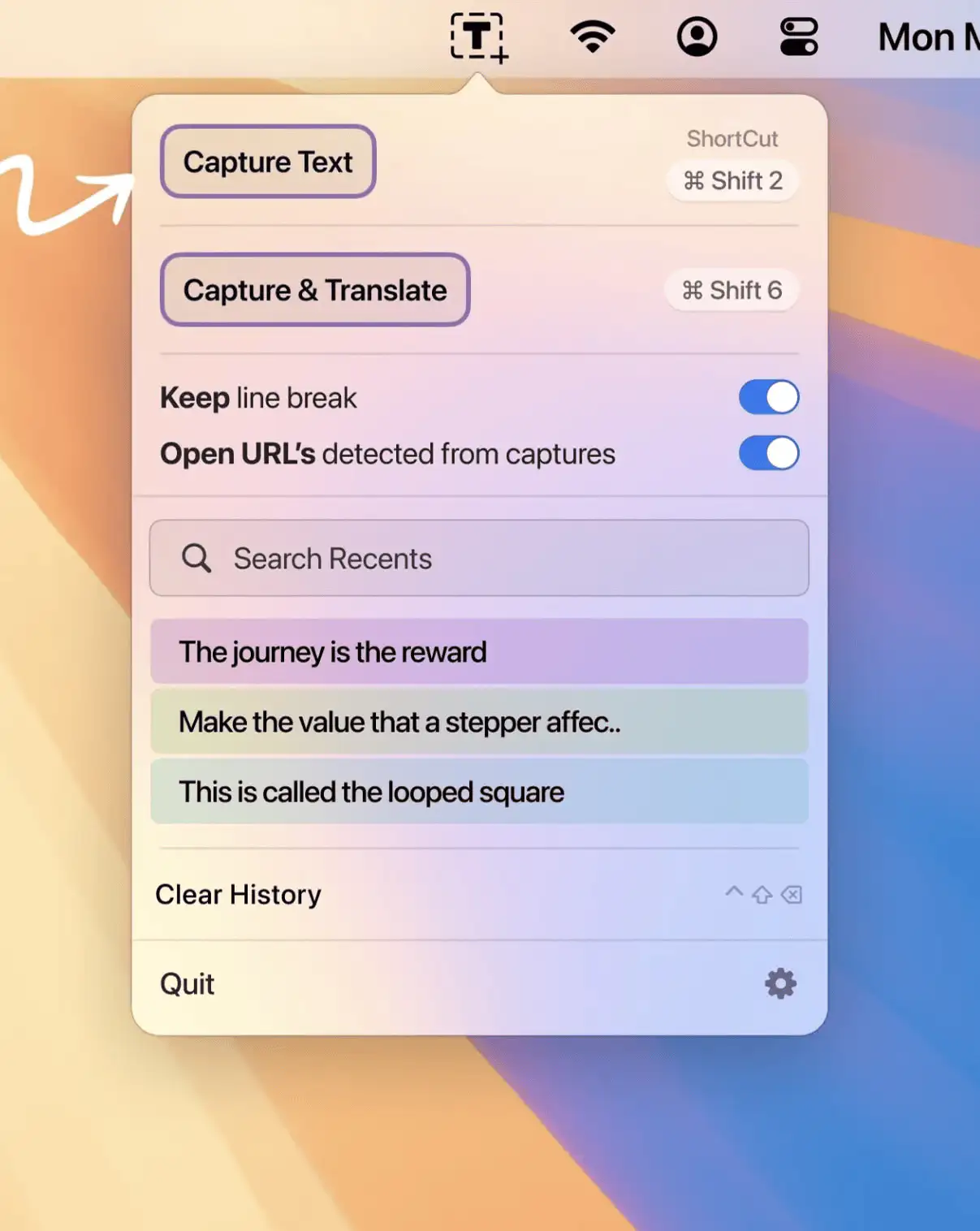
Textly helps you grab, translate, and manage screen text in a snap—private, fast, and fully offline.
Visit
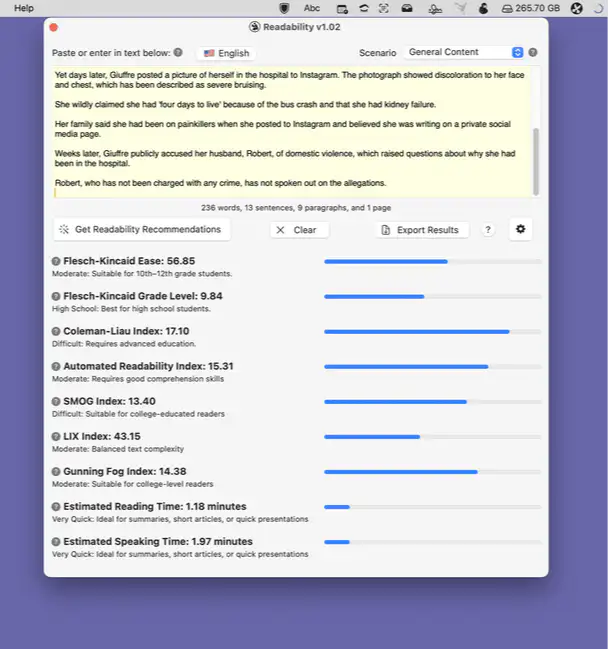
Readability is a lightweight menubar app that instantly helps you improve your writing’s clarity and accessibility with smart feedback, intuitive visuals, and broad support for US and British English.
Visit
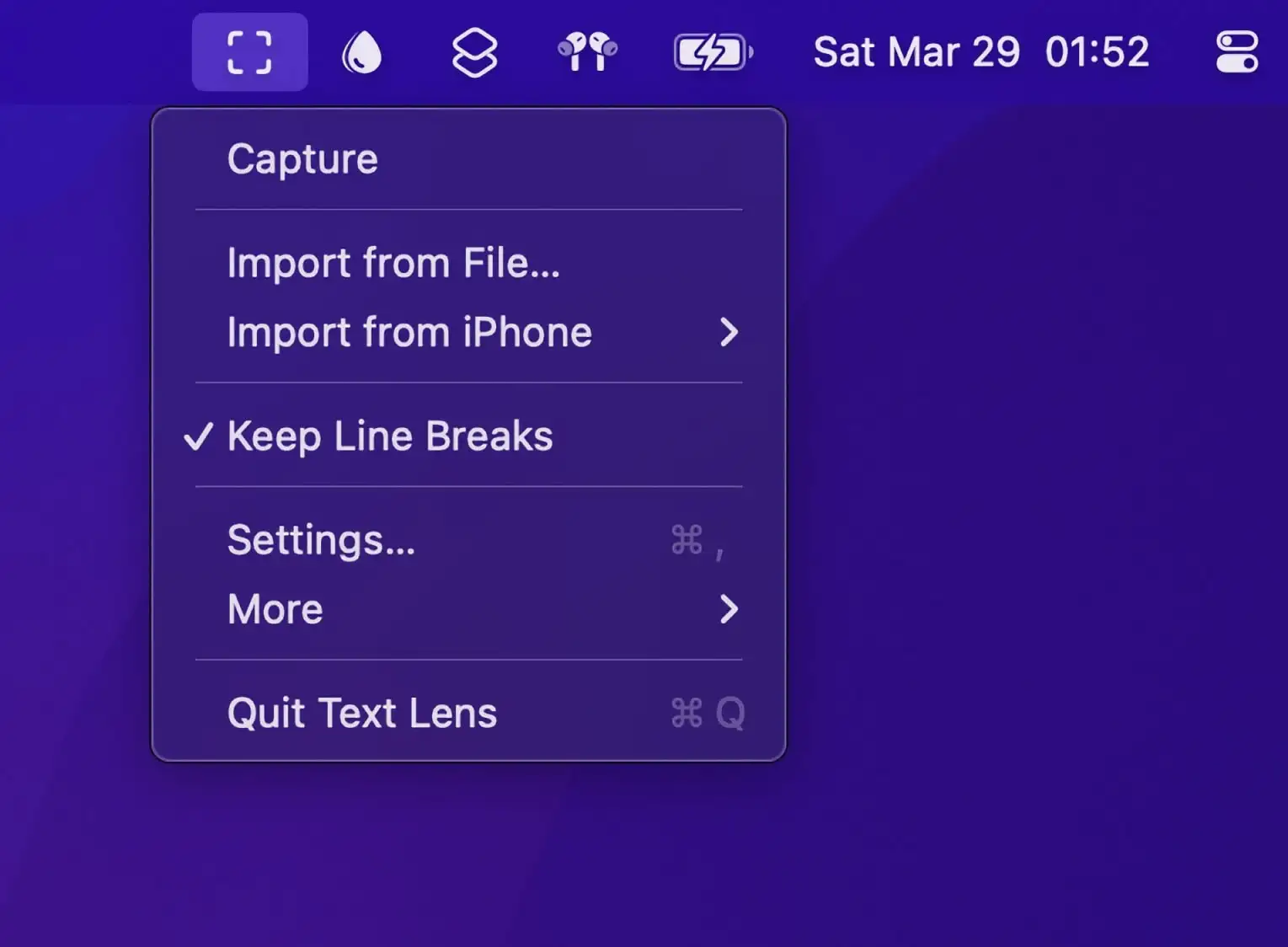
Extract text from anywhere on your screen. Select any area containing text – from images, videos, PDFs, or presentations – and instantly convert it to editable text. You can also drag and drop images onto the menu bar icon to extract text.
Visit Watch
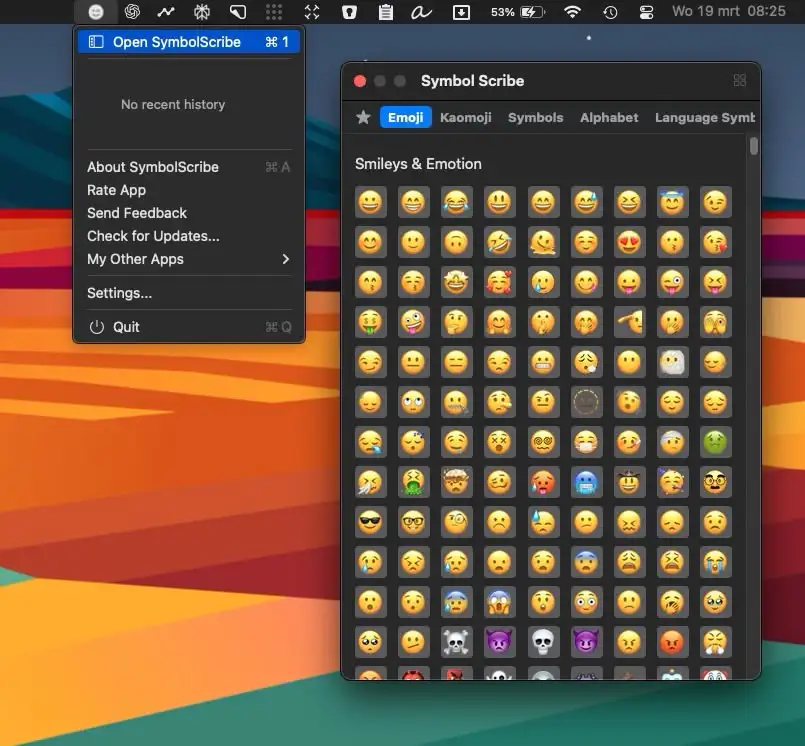
SymbolScribe lets you quickly find, manage, and organize your favorite emojis, kaomojis, and symbols—perfect for messaging, social media, and email!
Visit
