Collection:
Writing Apps
SymbolScribe
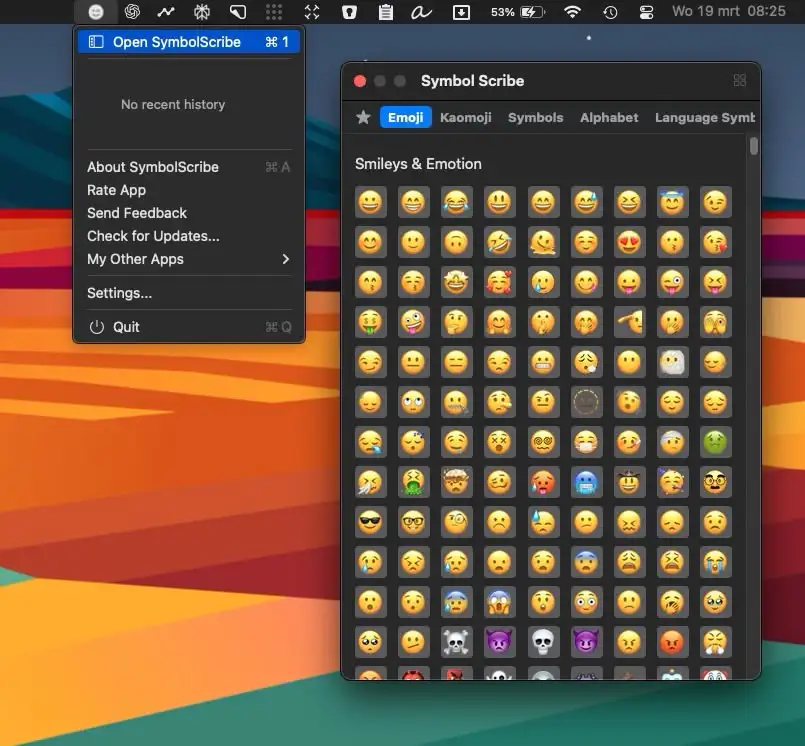
SymbolScribe lets you quickly find, manage, and organize your favorite emojis, kaomojis, and symbols—perfect for messaging, social media, and email!

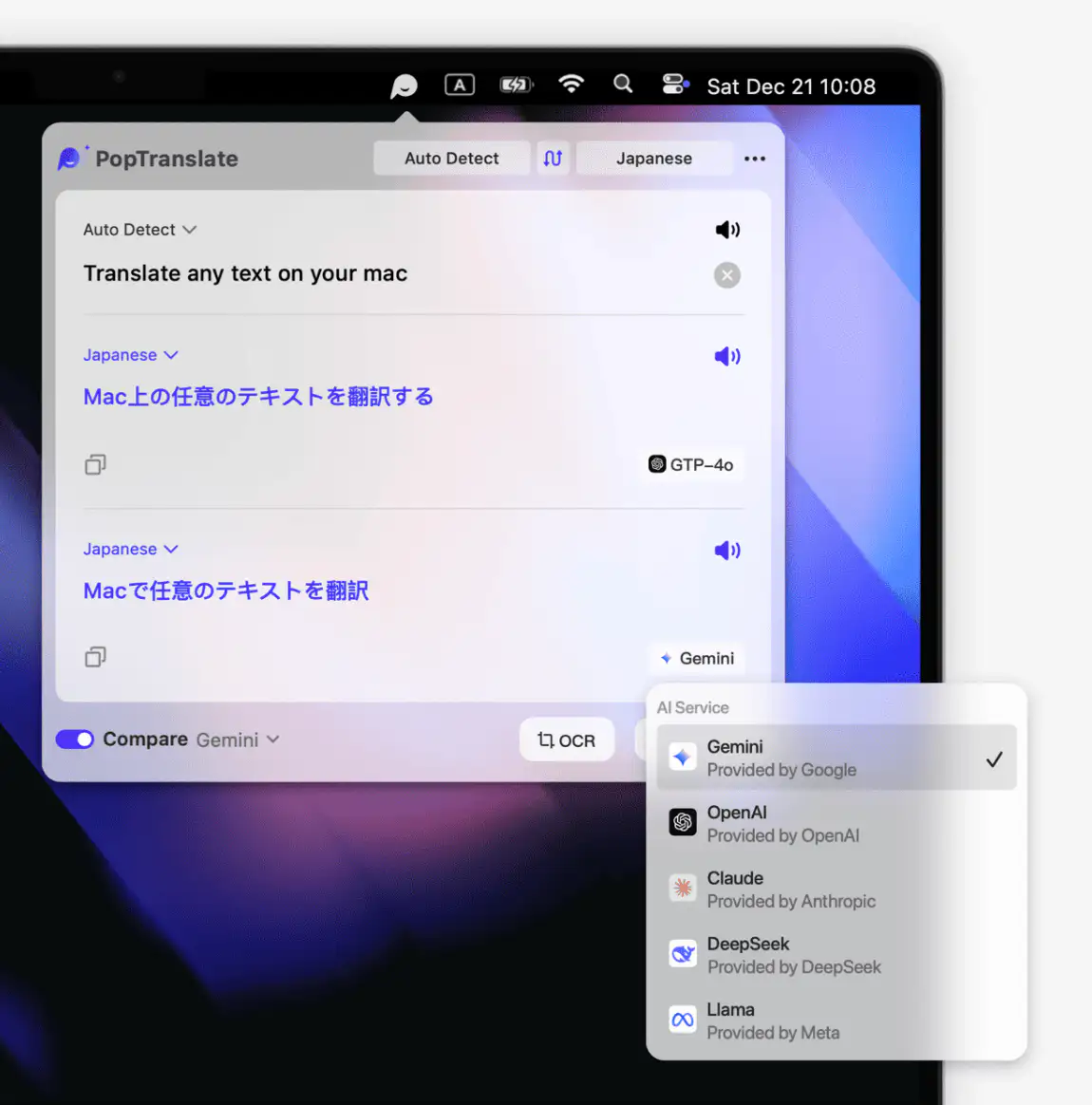
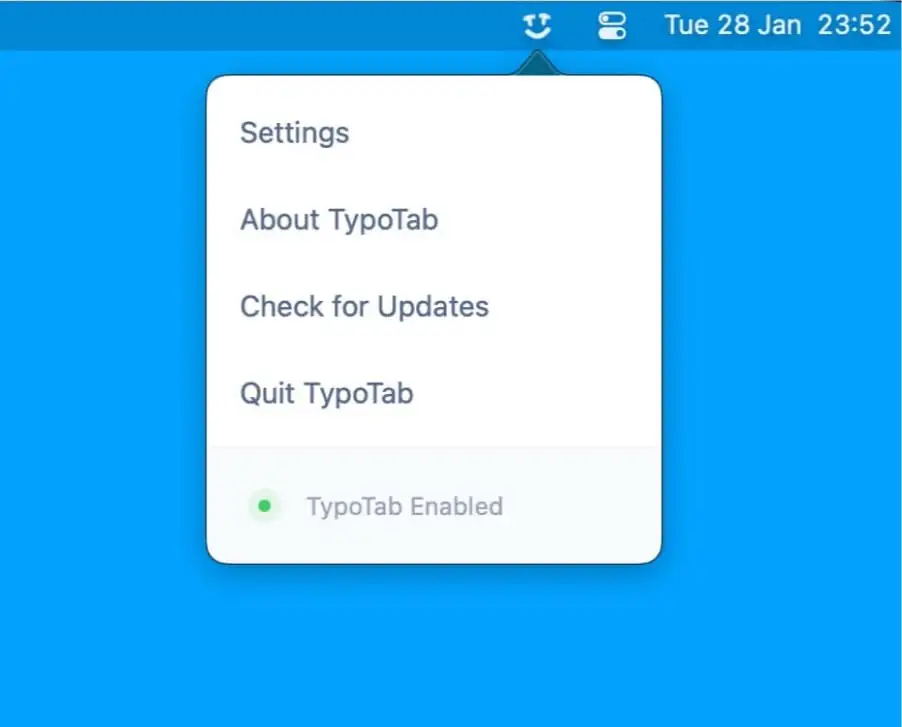
Write faster, cleaner and smarter across every app. Dictate text offline, translate instantly, refine grammar and tone with AI, expand snippets, clean formatting, extract text from images, manage emojis and symbols, automate text transformations, and keep everything flowing without breaking your focus.
Write faster, cleaner and smarter across every app. Dictate text offline, translate instantly, refine grammar and tone with AI, expand snippets, clean formatting, extract text from images, manage emojis and symbols, automate text transformations, and keep everything flowing without breaking your focus.
SymbolScribe lets you quickly find, manage, and organize your favorite emojis, kaomojis, and symbols—perfect for messaging, social media, and email!
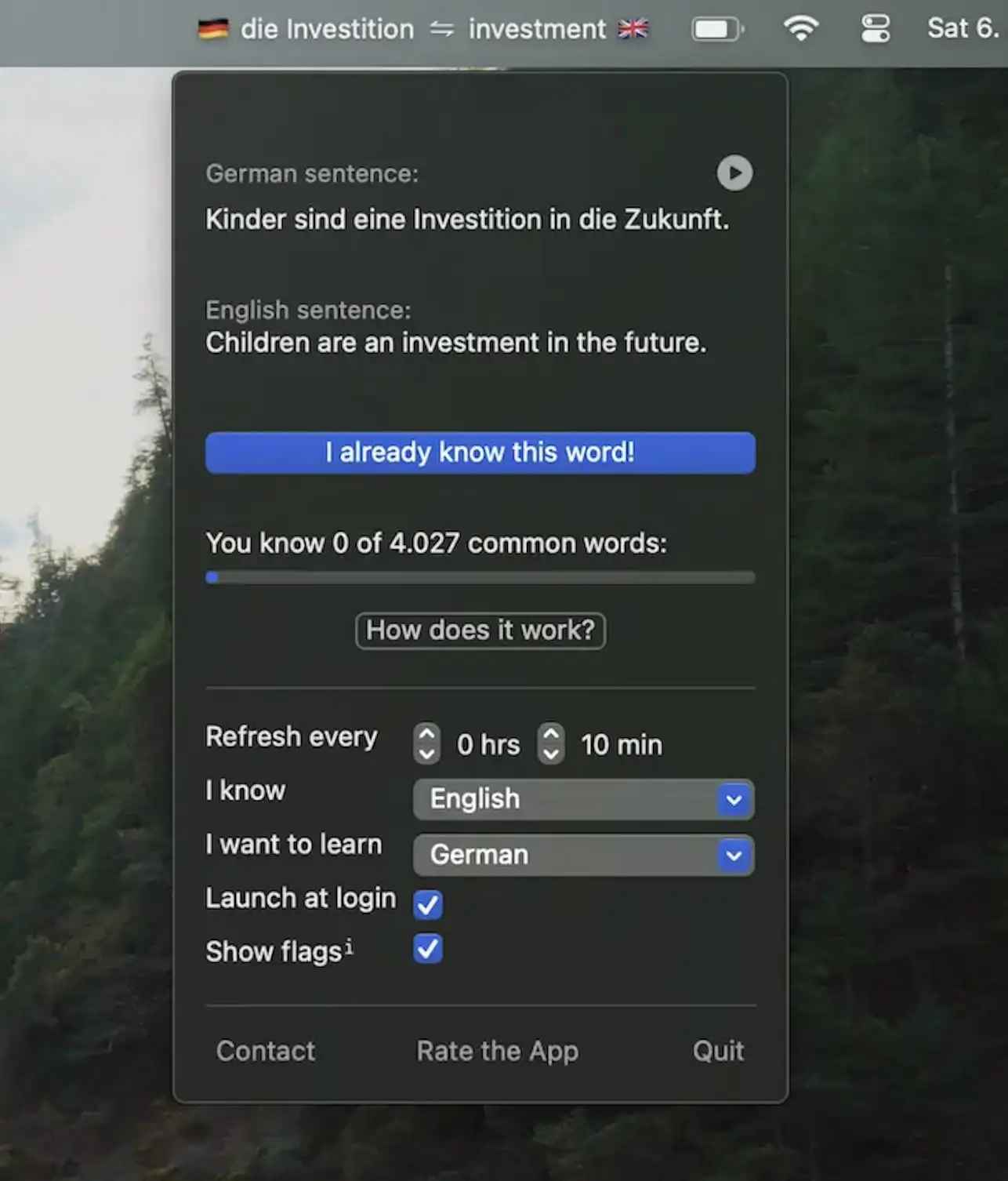
Wunderbar shows a new word in your menu bar every minute, with an example sentence and its pronunciation. Learn German, French, Spanish, Italian, Dutch, Swedish, Japanese, Polish or Portuguese, with spaced repetition and the option to import your own word lists.

This menu bar app captures text you can’t select, from apps, images, videos or PDFs, and copies it to your clipboard. It can also read QR codes and barcodes, and speak the captured text aloud.

This menu bar app translates text between 38 languages completely offline, so you don’t need an internet connection and your data never leaves your Mac.

This menu bar app lets you create and use Japanese-style emoticons right from your menu bar. Including a bunch of preloaded kaomojis.
Kaomoji is the Japanese version of an emoticon. ¯\_(ツ)_/¯

This menu bar app lets you extract text from images, videos, QR codes and barcodes with a simple snip mechanism.

This menu bar app is an iCloud-backed snippets and clipboard manager. Quickly paste your frequently-used snippets of text and access them, along with your clipboard history, from all your iCloud devices.

RewriteBar lets you polish, rewrite, or translate any selected text with a single shortcut, right where you’re working. Fix grammar, adjust tone, and chain custom AI actions, with optional local models for extra privacy.