Write faster, cleaner and smarter across every app. Dictate text offline, translate instantly, refine grammar and tone with AI, expand snippets, clean formatting, extract text from images, manage emojis and symbols, automate text transformations, and keep everything flowing without breaking your focus.
Show me the free apps only

TextCount instantly analyzes your text and displays word, character, and sentence counts directly on your menu bar. Customize display options, check readability, and get reading/speaking times, all without pasting your content anywhere.
Visit

This menu bar app lets you look up words or translate text. It can automatically detect the language of the input text, supports input translate, select translate, and OCR screenshot translate.
Visit

Text Workflow lets you automate text transformations. The program has a menu bar app that allows users to choose a workflow to convert the text from their clipboard.
Visit

Steecky puts notes, tasks, clipboard history, code snippets and quick links together in one menu bar app. Everything is stored locally on your Mac, and a global shortcut opens it from anywhere.
Visit
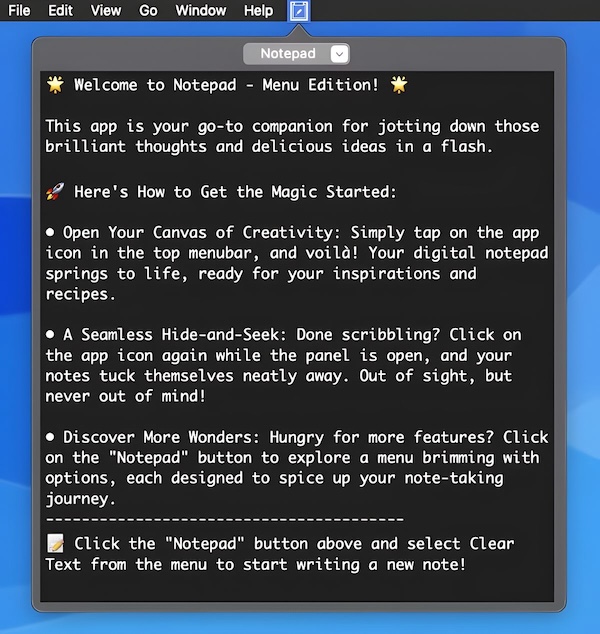
This menu bar app lets you jot down your text fast, without disturbing your window setup.
Visit
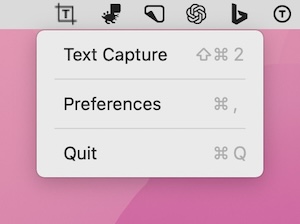
TextGrabber uses OCR to capture text from anywhere on your screen, so you can copy it right away.
Visit
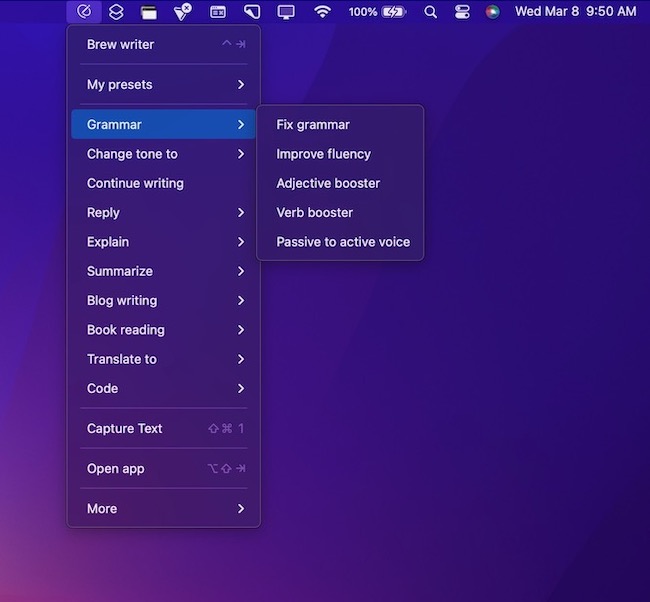
This menu bar app is an AI assistant that works across all browsers, native apps & electron apps. With inbuilt OCR that takes care of extracting text from image to transforming the text using AI.
Visit Watch
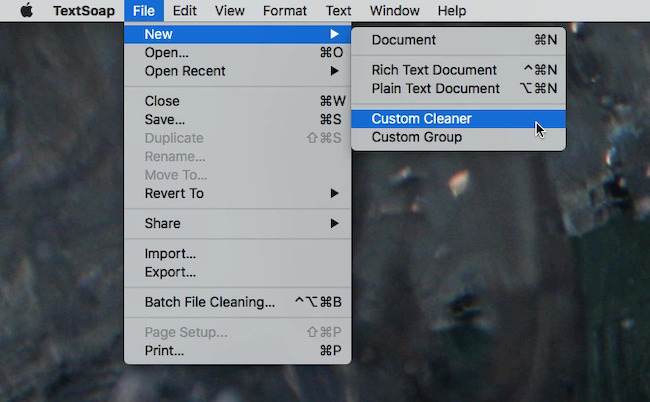
This menu bar app is a text transformation utility that offers hundreds of cleaners to address your text issues. For example, to remove extra spaces, rub out web HTML, fix quote marks, get rid of unexpected tabs, forwarding characters, extra returns, smart quotes, and more.
Visit Watch
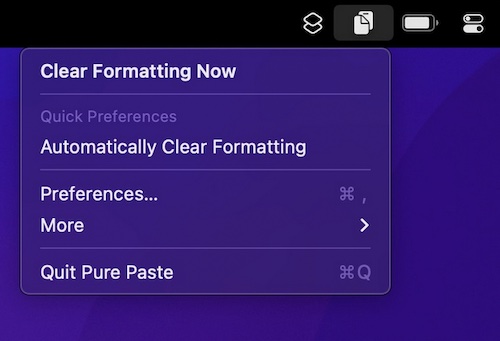
How many times have you pasted some text into an email, and ending up with a mess of different font sizes? Pure Paste clears all the formatting (fonts, colors, bold, links, tables, etc.) from text you copy.
Visit
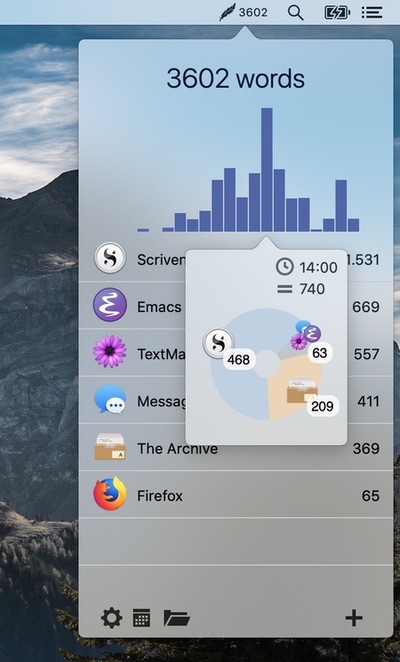
Track how many words you write daily across all your applications. This tool integrates seamlessly into your workflow without opening other applications or additional windows.
Visit
