Take full control of how your Mac looks and behaves. Adjust brightness, contrast, resolution, and color, manage multiple monitors, lock docks in place, blur distractions, fine-tune window focus, and switch display profiles instantly from your menu bar.
Show me the free apps only
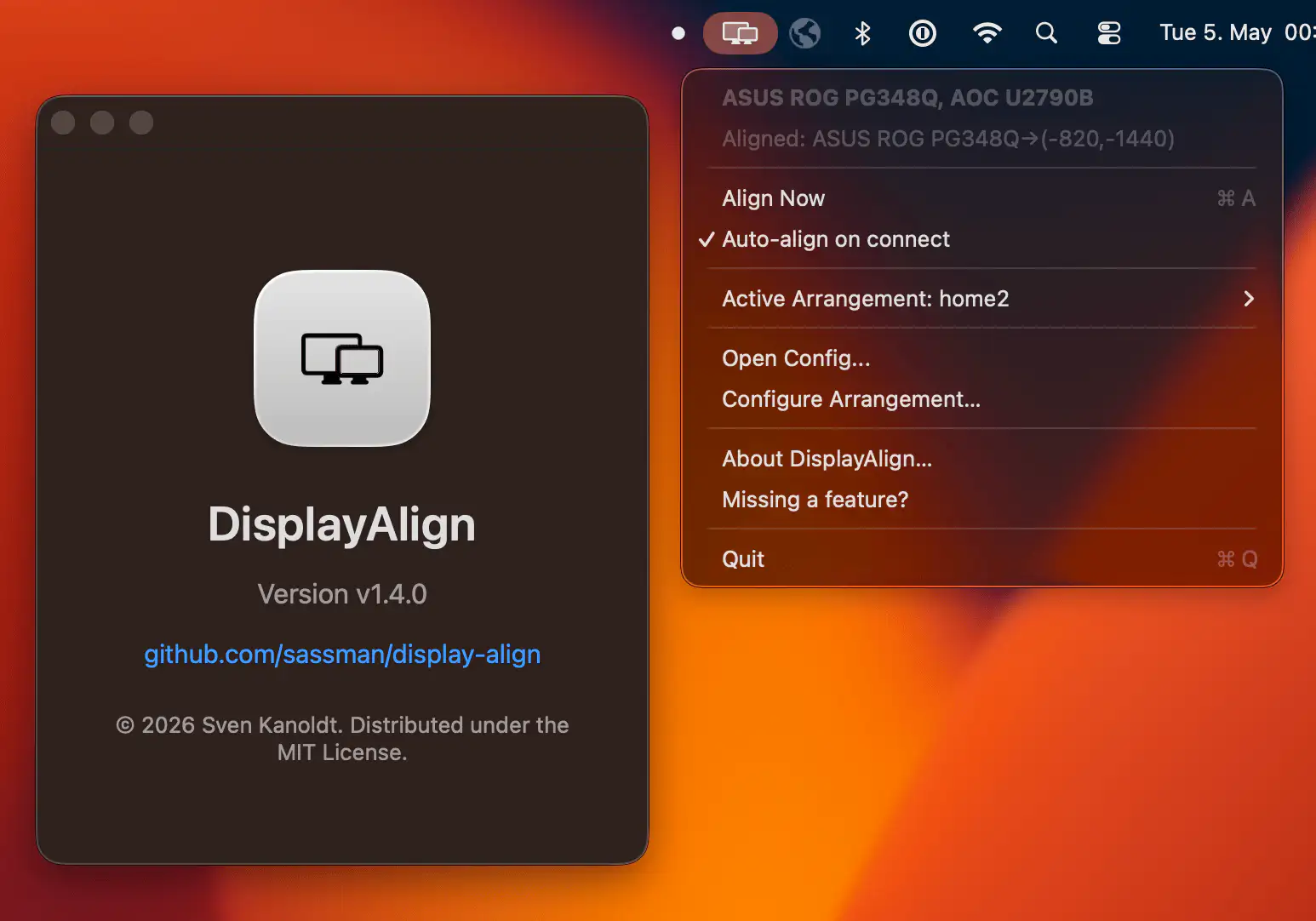
DisplayAlign brings some much-needed sanity to multi-monitor setups on macOS, letting you position displays with pixel-level precision, save custom layouts for different workspaces, and automatically restore everything the moment your screens reconnect.
Visit
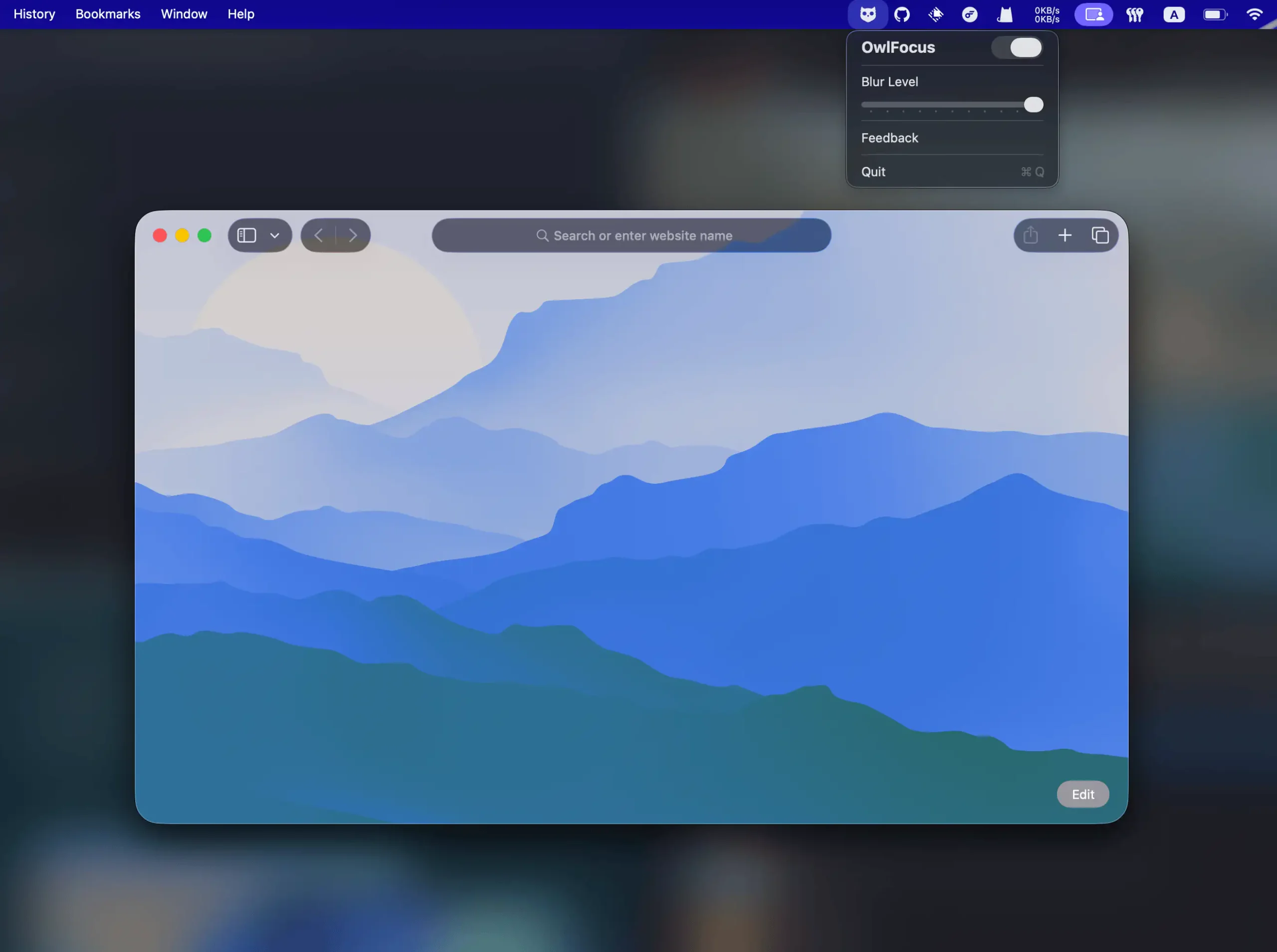
OwlFocus sharpens your attention by subtly blurring inactive windows, keeping your workspace clean and calm. It runs fast, respects your privacy, and integrates smoothly with OpenClaw for effortless automation.
Visit
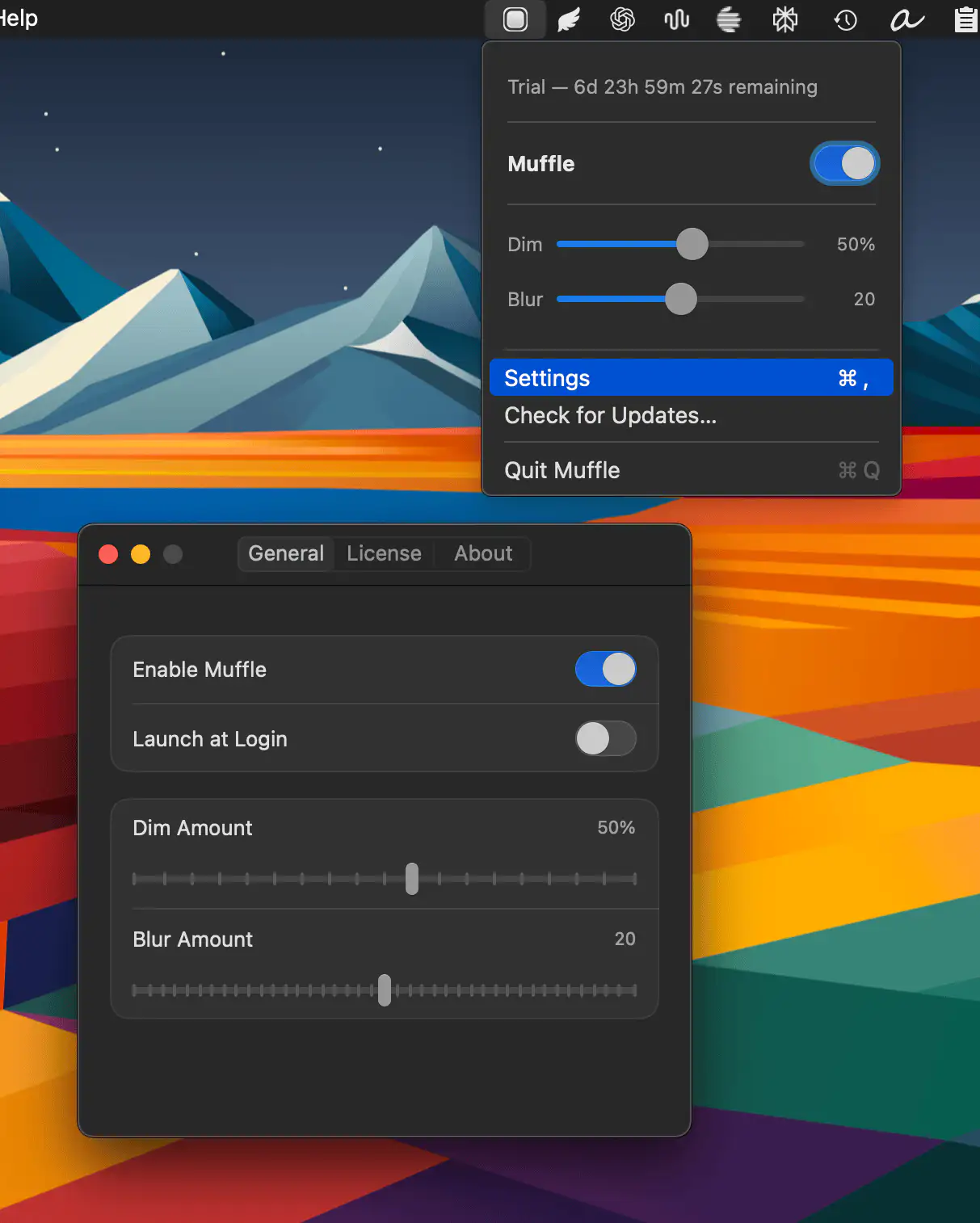
Muffle gently fades everything except your active window, helping you focus on what actually matters. A quick cursor shake toggles the effect, while adjustable blur and dim settings keep distractions quietly in the background.
Visit
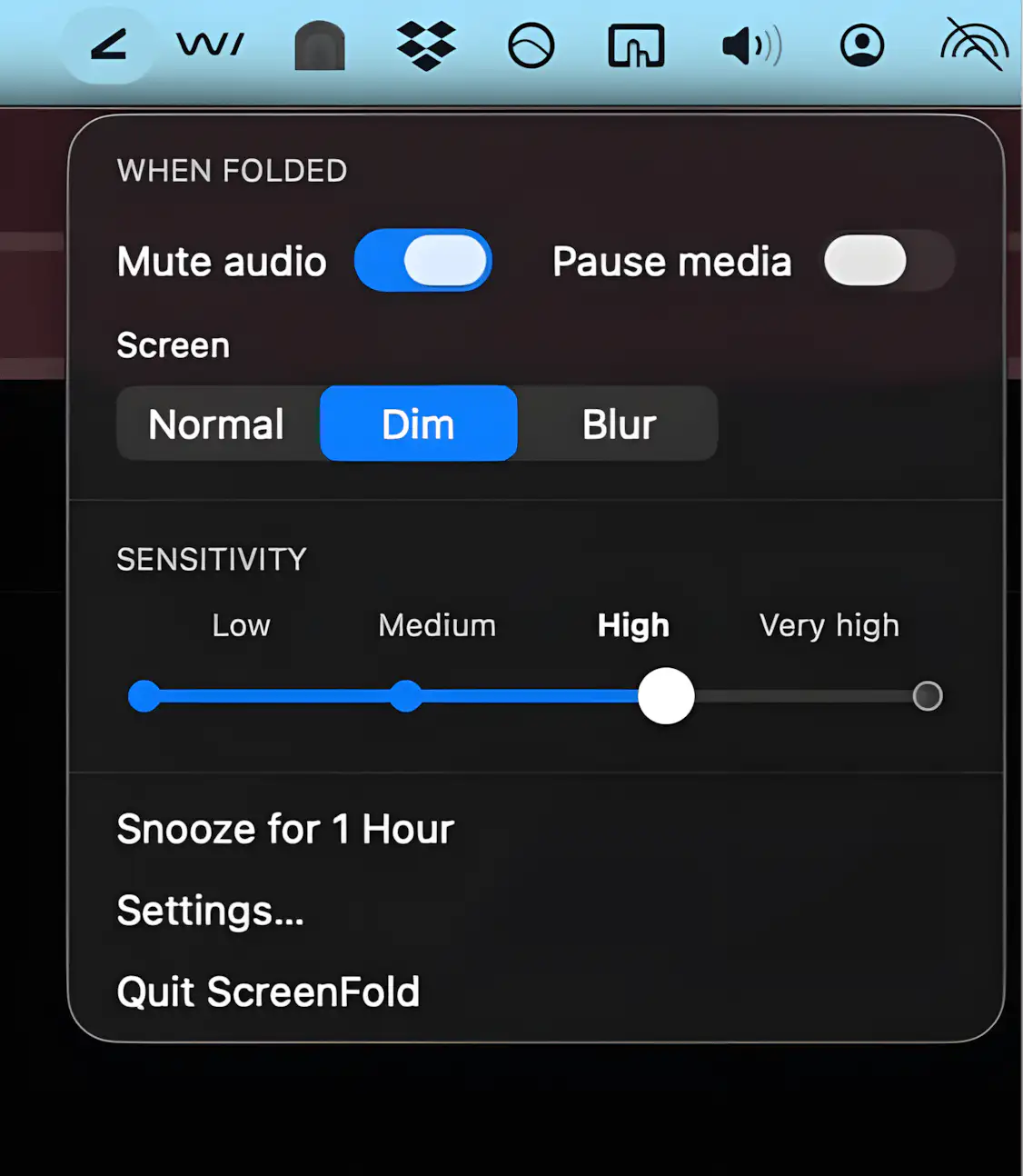
ScreenFold turns a subtle screen tilt into instant privacy by dimming your display and muting audio, while offering smart tweaks like selective blur and adjustable sensitivity for a seamless, distraction-free experience.
Visit
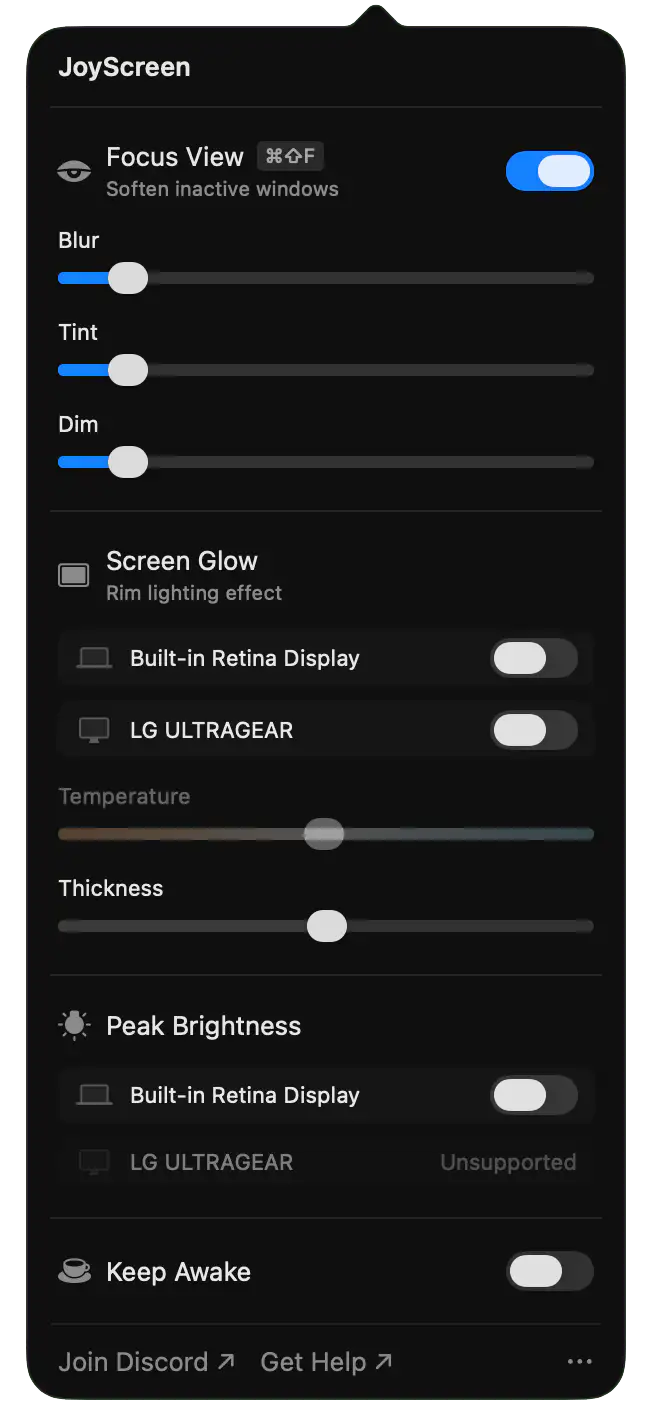
JoyScreen sharpens your Mac experience with distraction-blurring focus, extra brightness for sunny cafés, a subtle screen glow for late-night calls, and a reliable keep-awake toggle. Lightweight, native, and thoughtfully built, it simply makes daily work feel smoother.
Visit Watch
End of content
End of content