Collection:
Display Apps
Stealthly
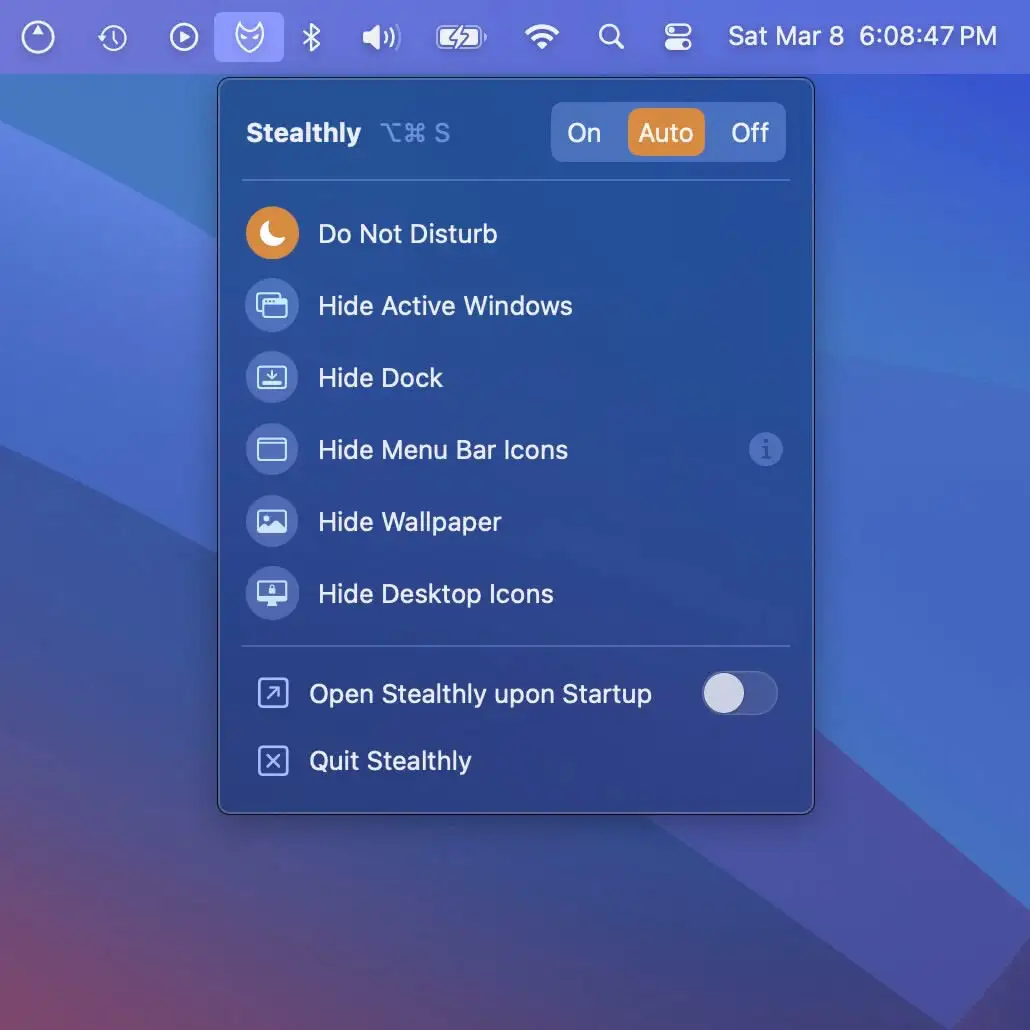
Stealthly keeps your Mac screen clean, private, and distraction-free when sharing or recording — automatically hiding clutter for a smooth, secure, and professional experience.
Bartender Pro
AirDrop Files, Join Meetings, Check Weather From Your Notch
10% off with code: MACMENUBAR
Bartender Pro
AirDrop Files, Join Meetings, Check Weather From Your Notch
10% off with code: MACMENUBAR

Take full control of how your Mac looks and behaves. Adjust brightness, contrast, resolution, and color, manage multiple monitors, lock docks in place, blur distractions, fine-tune window focus, and switch display profiles instantly from your menu bar.
Take full control of how your Mac looks and behaves. Adjust brightness, contrast, resolution, and color, manage multiple monitors, lock docks in place, blur distractions, fine-tune window focus, and switch display profiles instantly from your menu bar.
Stealthly keeps your Mac screen clean, private, and distraction-free when sharing or recording — automatically hiding clutter for a smooth, secure, and professional experience.
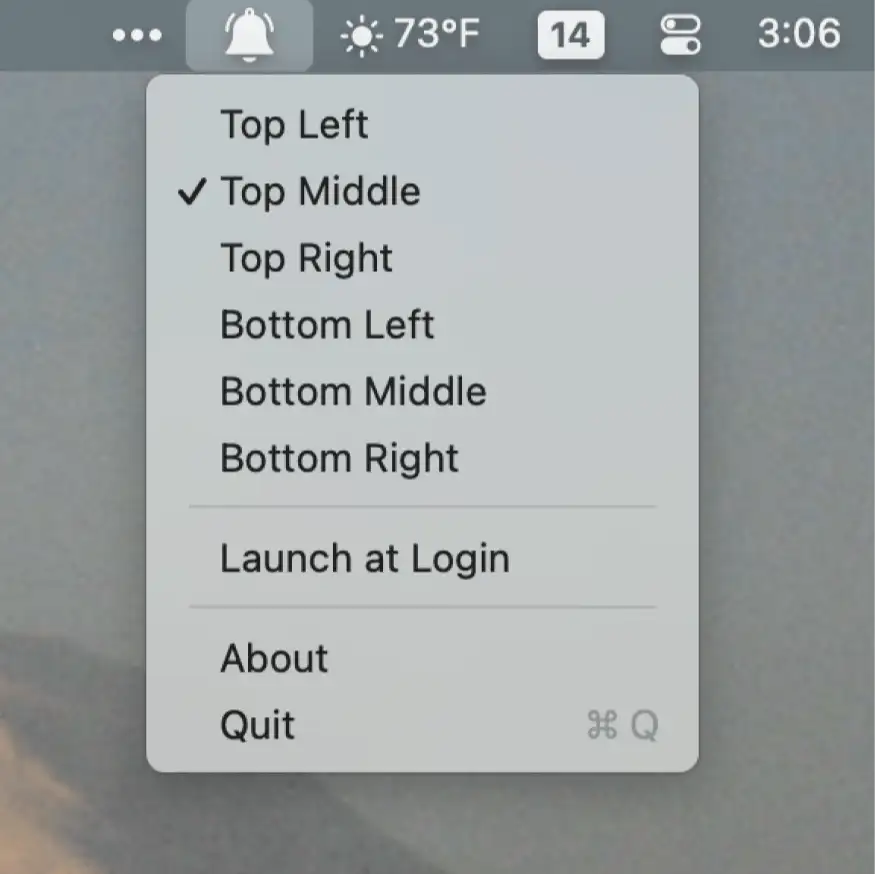
PingPlace lets you move notifications to more noticeable spots on your screen—ideal for large displays and focused workflows.
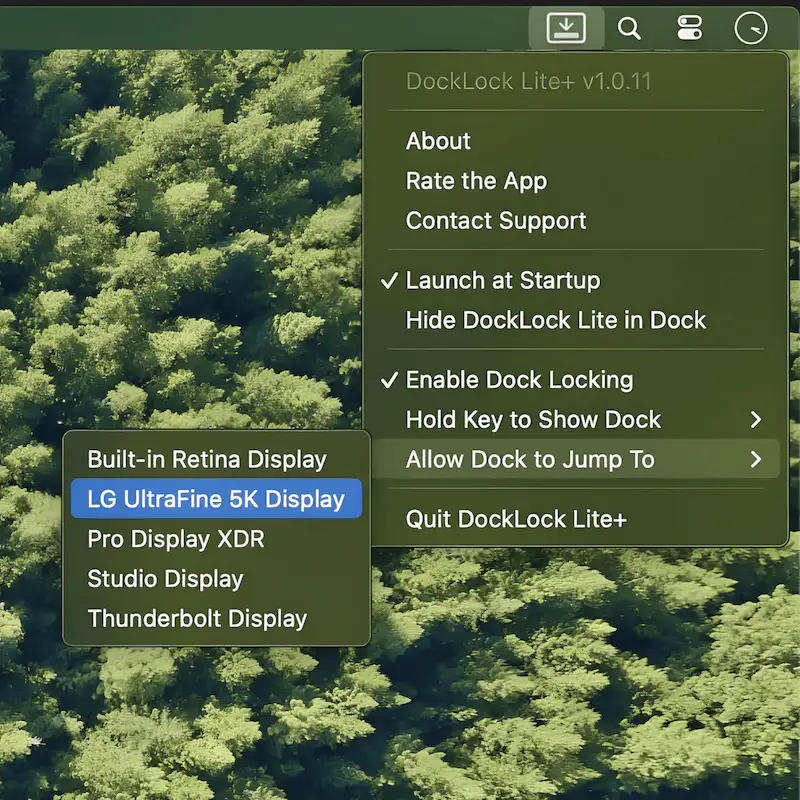
DockLock stops your Mac’s Dock from jumping between screens unexpectedly in multi-monitor setups, keeping it exactly where you put it. A small fix that makes a noticeable difference for anyone working across displays.
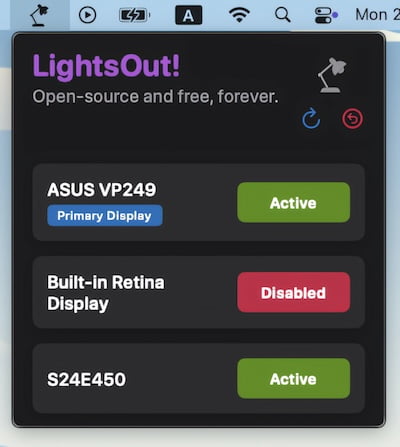
This menu bar app allows for disabling monitors with a simple button click – no more cable fidgeting.
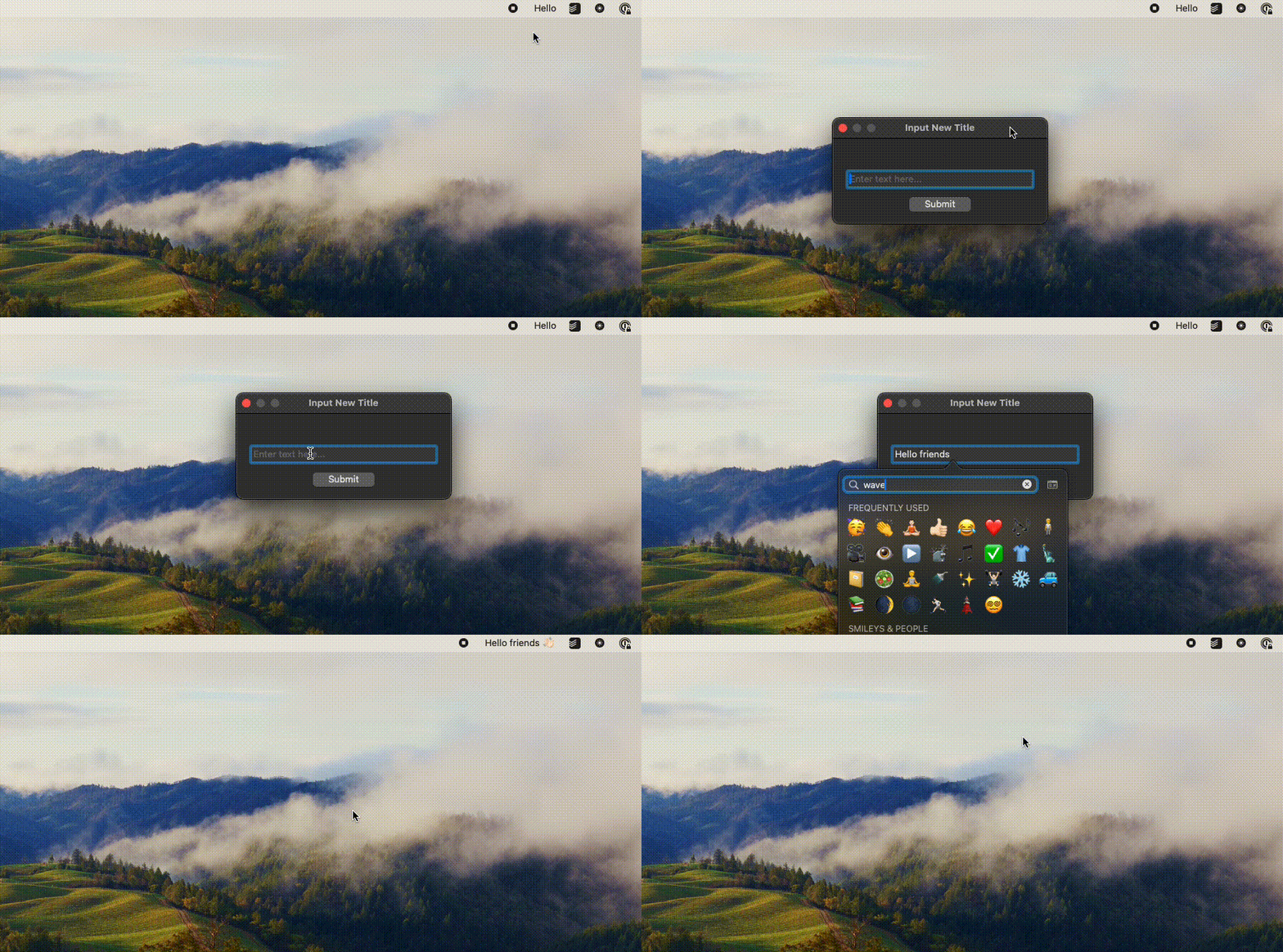
Add custom text to your menu bar and keep important information, reminders, or personal notes always visible and easily accessible on your screen at all times.

This menu bar app lets you dim the brightness of all your screens without compromising color accuracy.
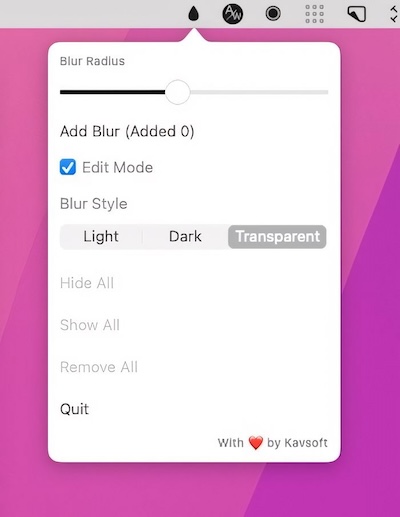
This menu bar app allows you to blur out sensitive information. You can resize each blurred part of your screen to meet your preferences.
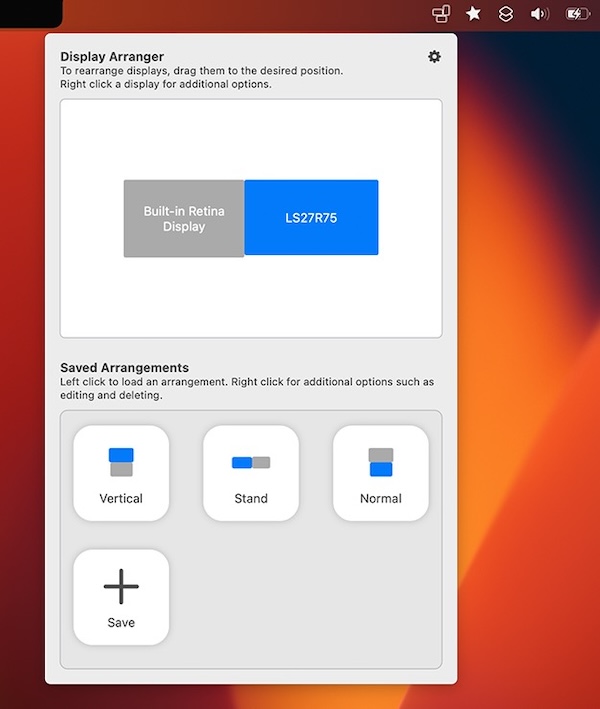
Tired of having to adjust your settings whenever you move your displays? This menu bar app allows you to quickly configure where your monitors are in only two clicks. Plus, you can save particular arrangements.
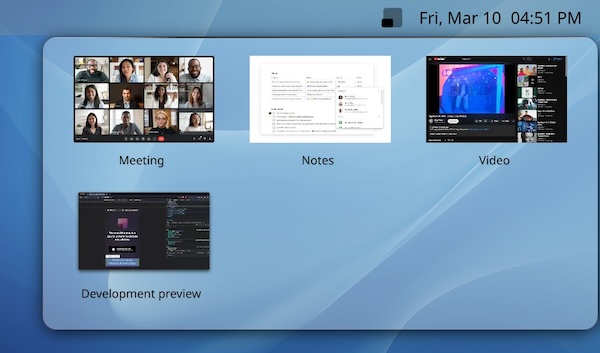
With the menu bar app PiPHero you can picture-in-picture any window, freeing the rest of your screen for other tasks. It works across all apps.